Project-2-Meshing of Door Inner Panel Challenge
Objective:
Mesh the component with the quality criteria, given below and assign thickness:
Target Element Length = 4 Units
| S.N | Quality Criteria | Value |
| 1 | Aspect Ratio | 5 |
| 2 | Skewness | 45 |
| 3 | Warping | 15 |
| 4 | Taper | 0.5 |
| 5 | Min. Length | 2 Units |
| 6 | Max. Length | 6 Units |
| 7 | Min angle Quad | 45 |
| 8 | Max angle Quad | 135 |
| 9 | Min angle Tria | 20 |
| 10 | Max angle Tria | 120 |
| 10 | Tria % | 10 |
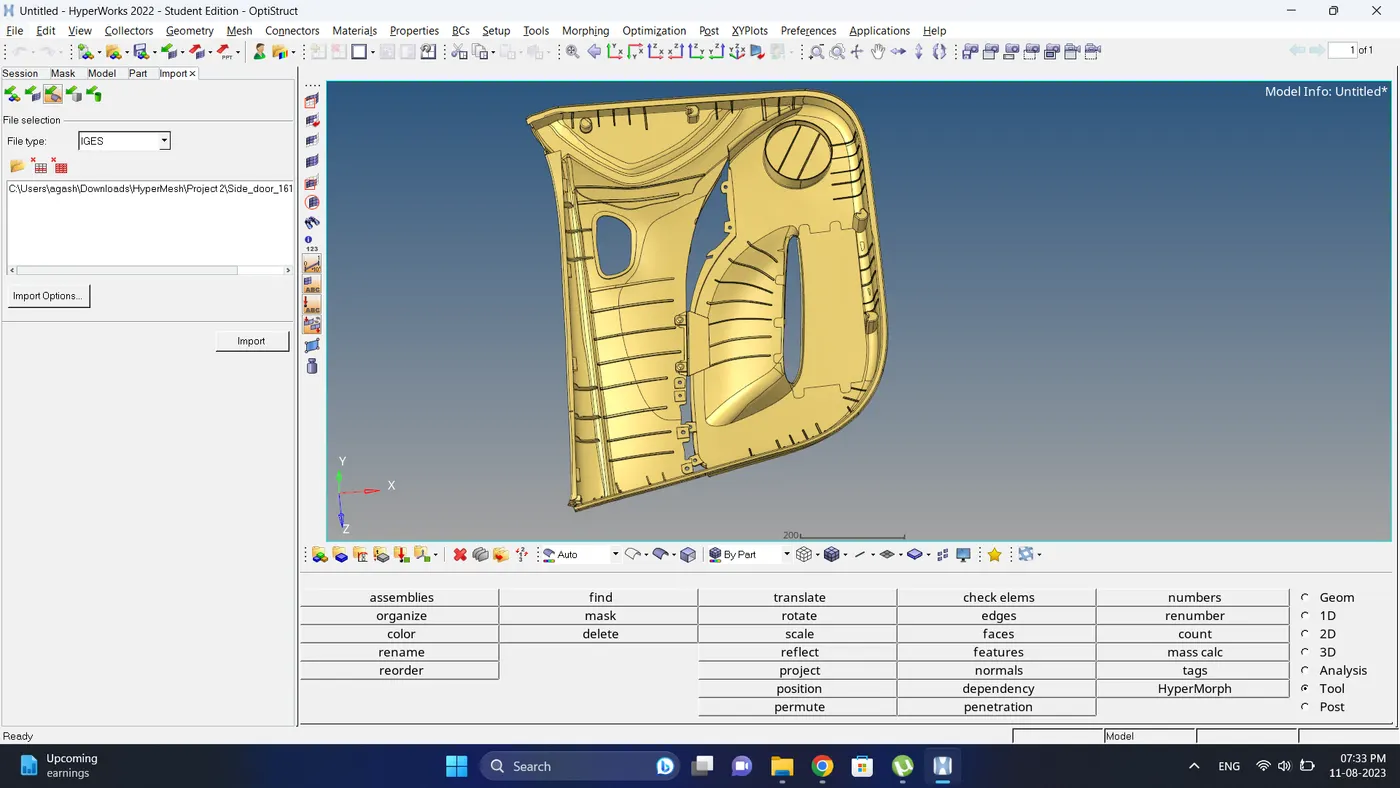
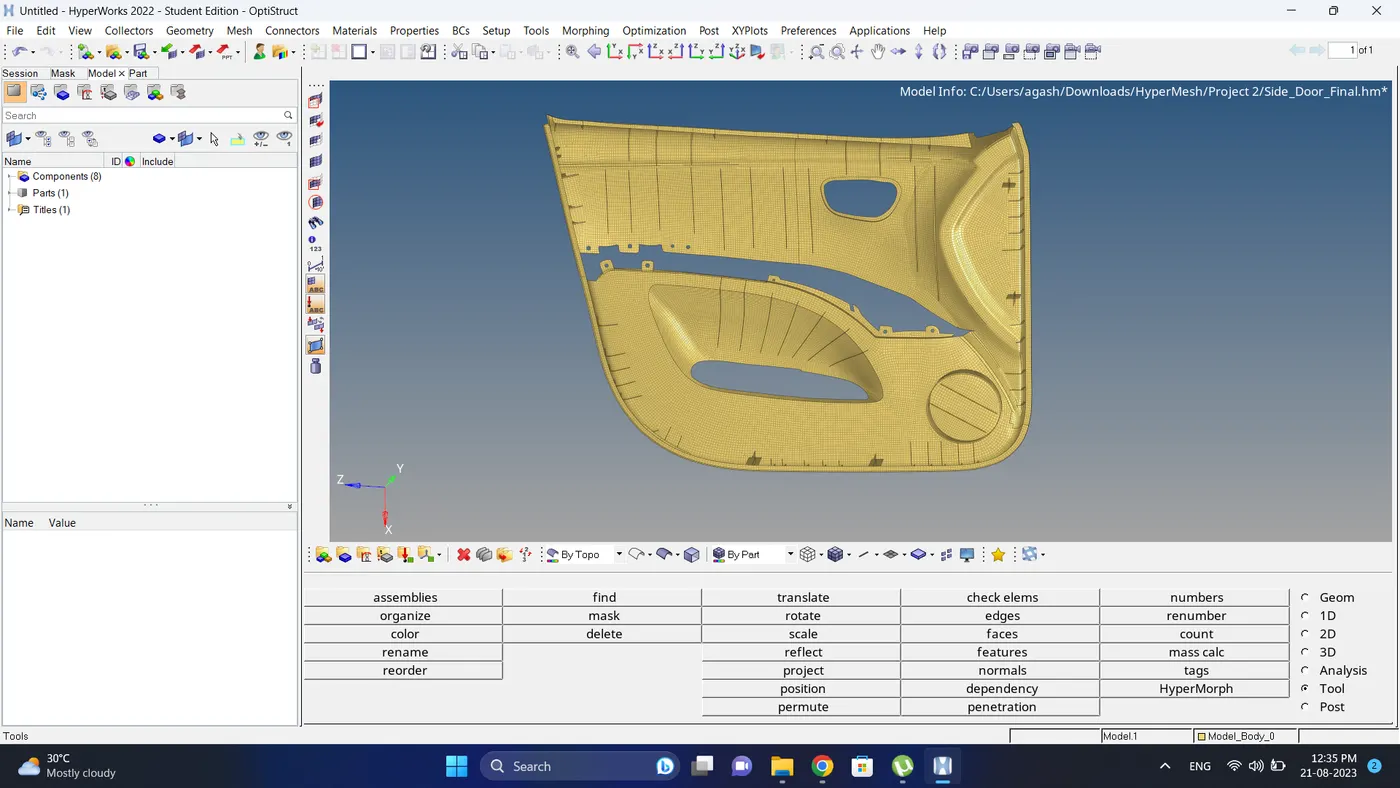
Initial Model Image:
Procedure:
1. Import the Model.
2. Split the model, create different component id and move them in it.
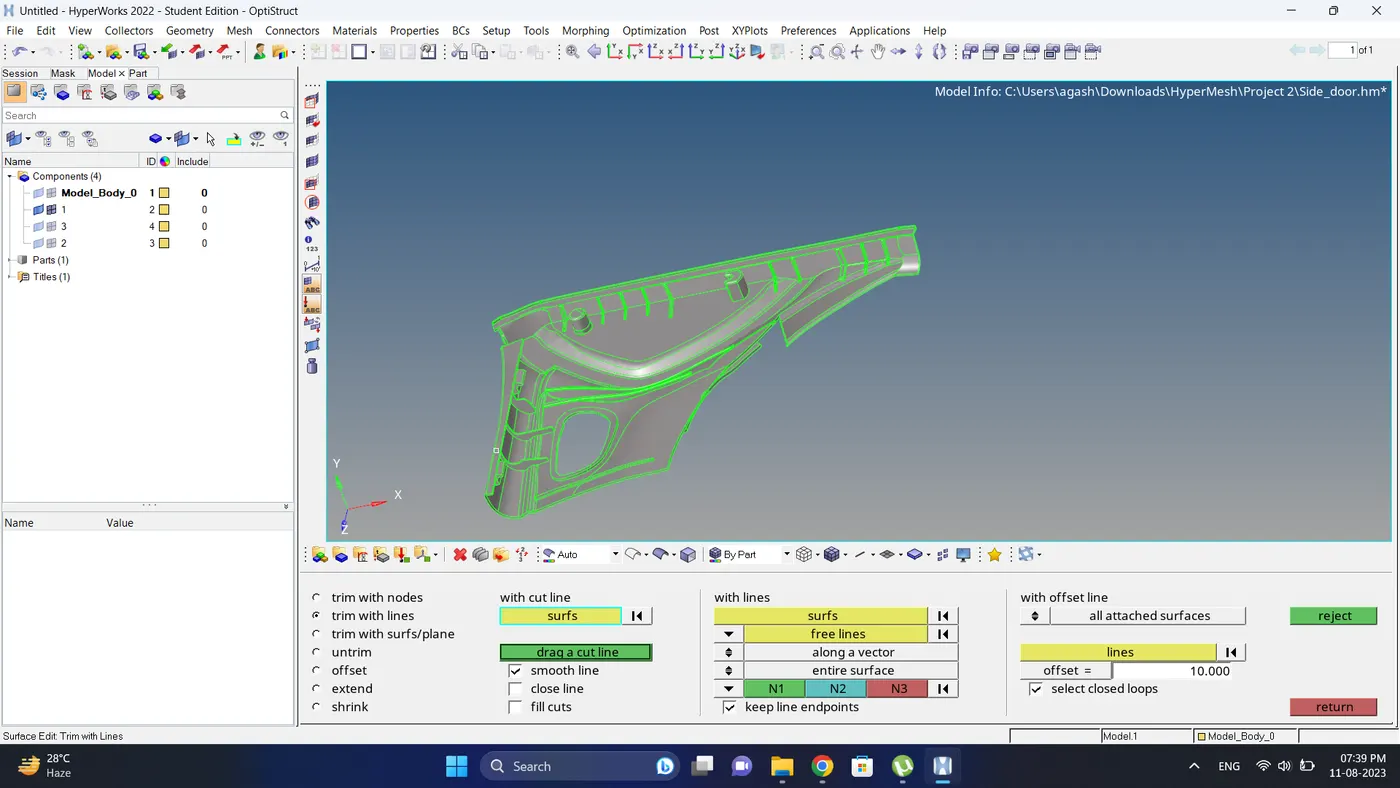
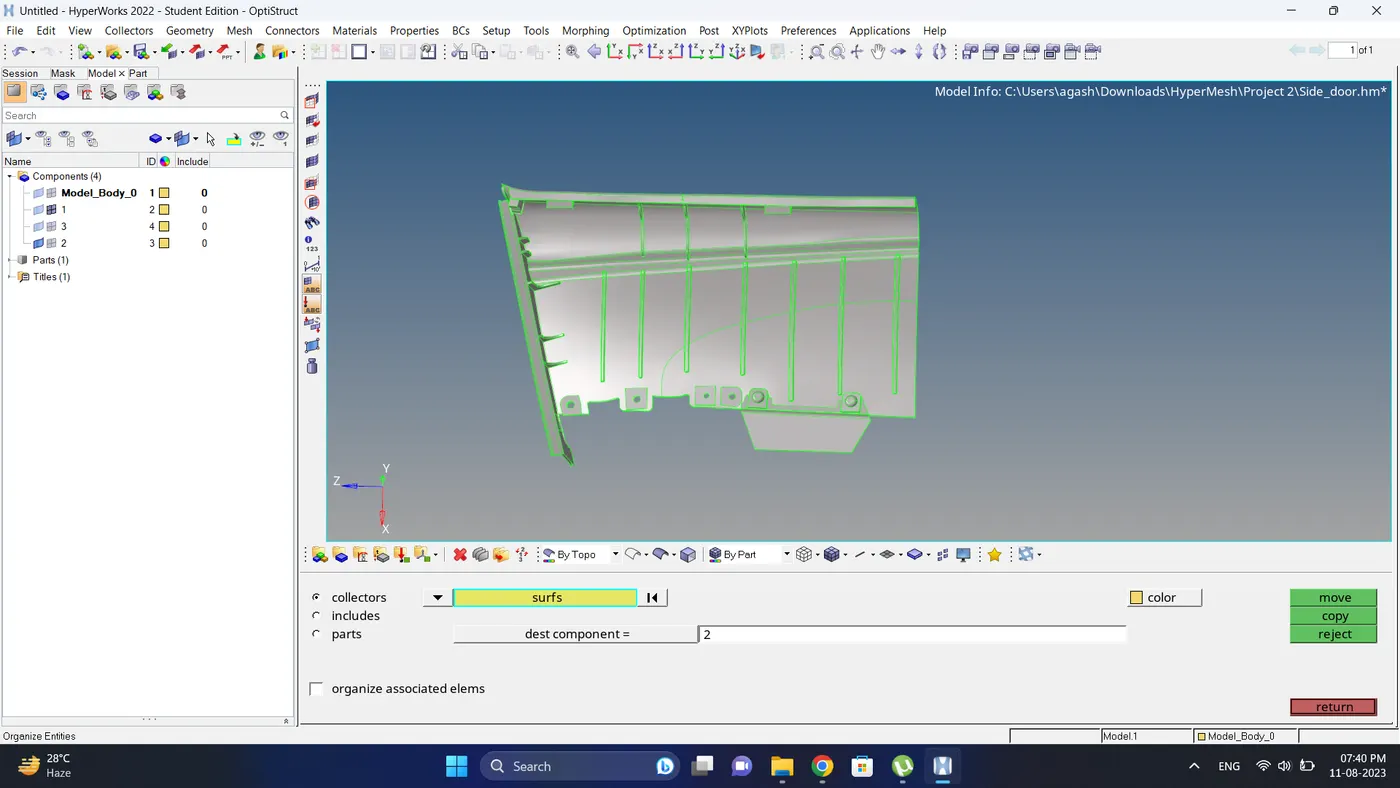
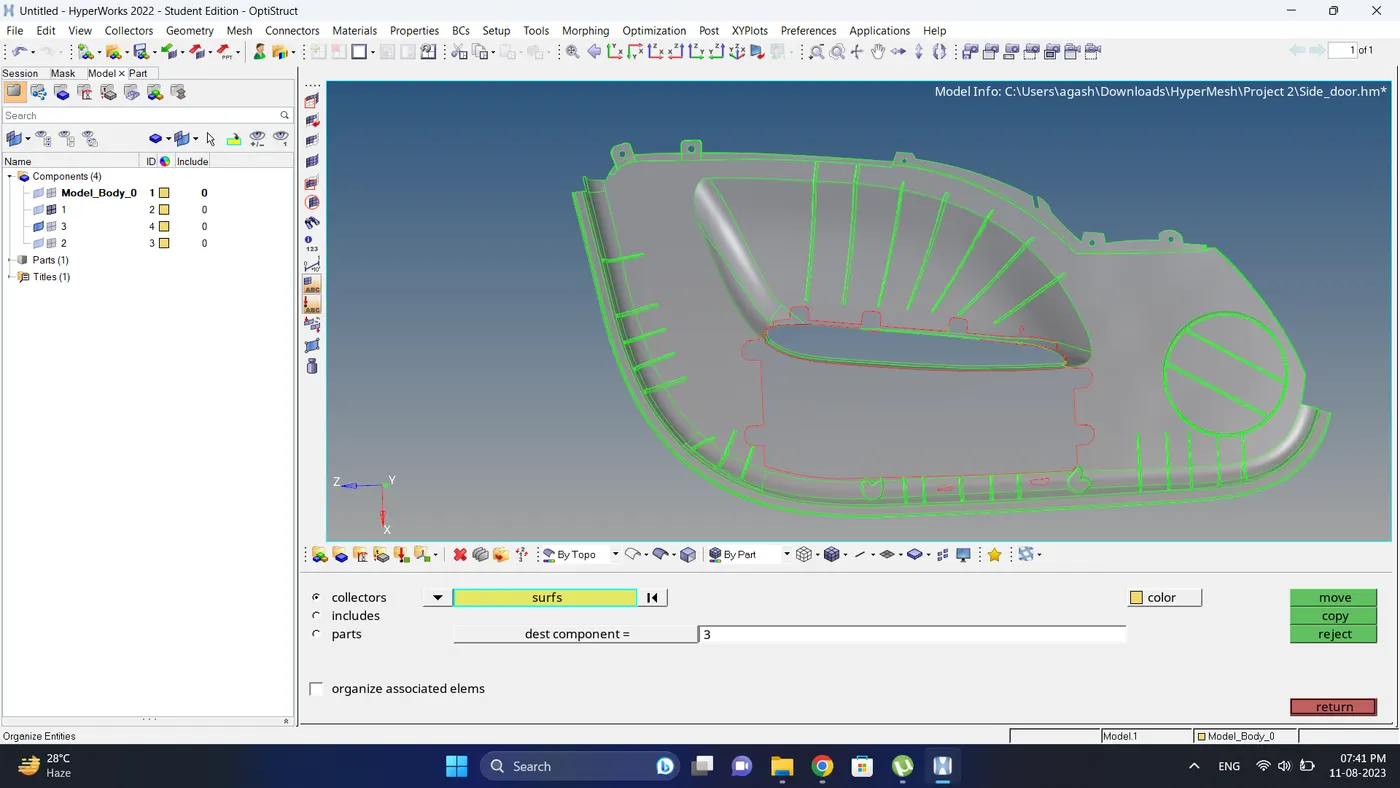
3. create a mid surface using Geometry - Mid surface. but since its a platic model this option will not work in all the region. so for that region use manual mid surfacing using surface edit - offset option.
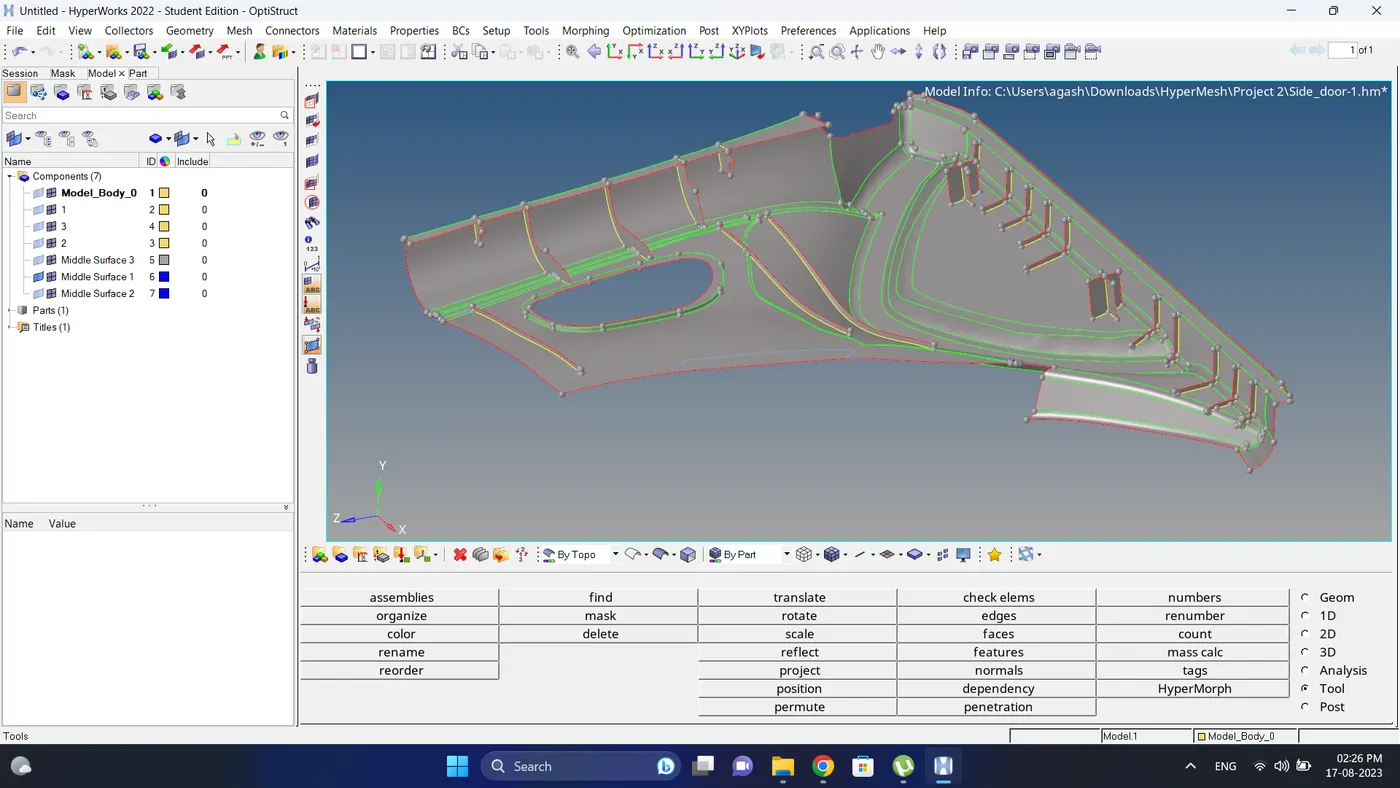
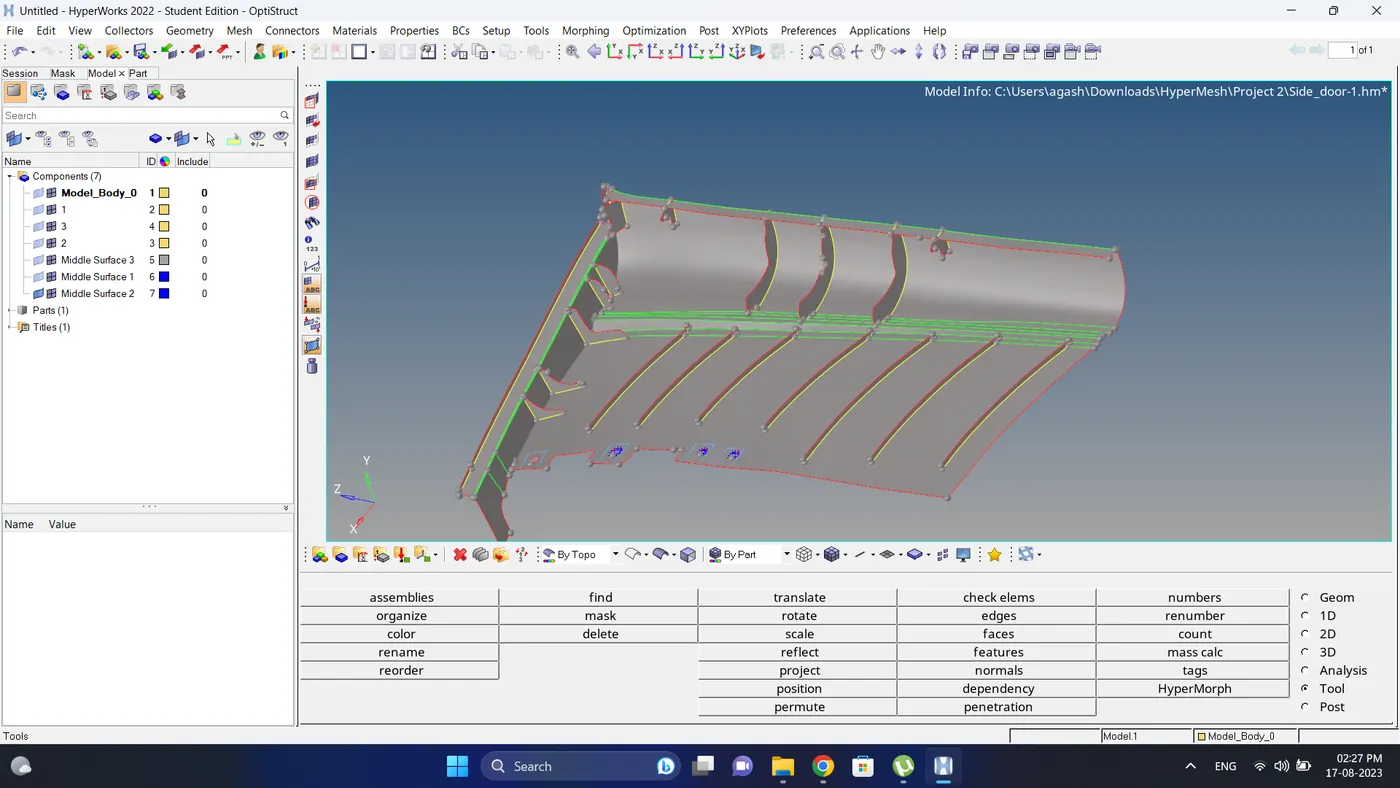
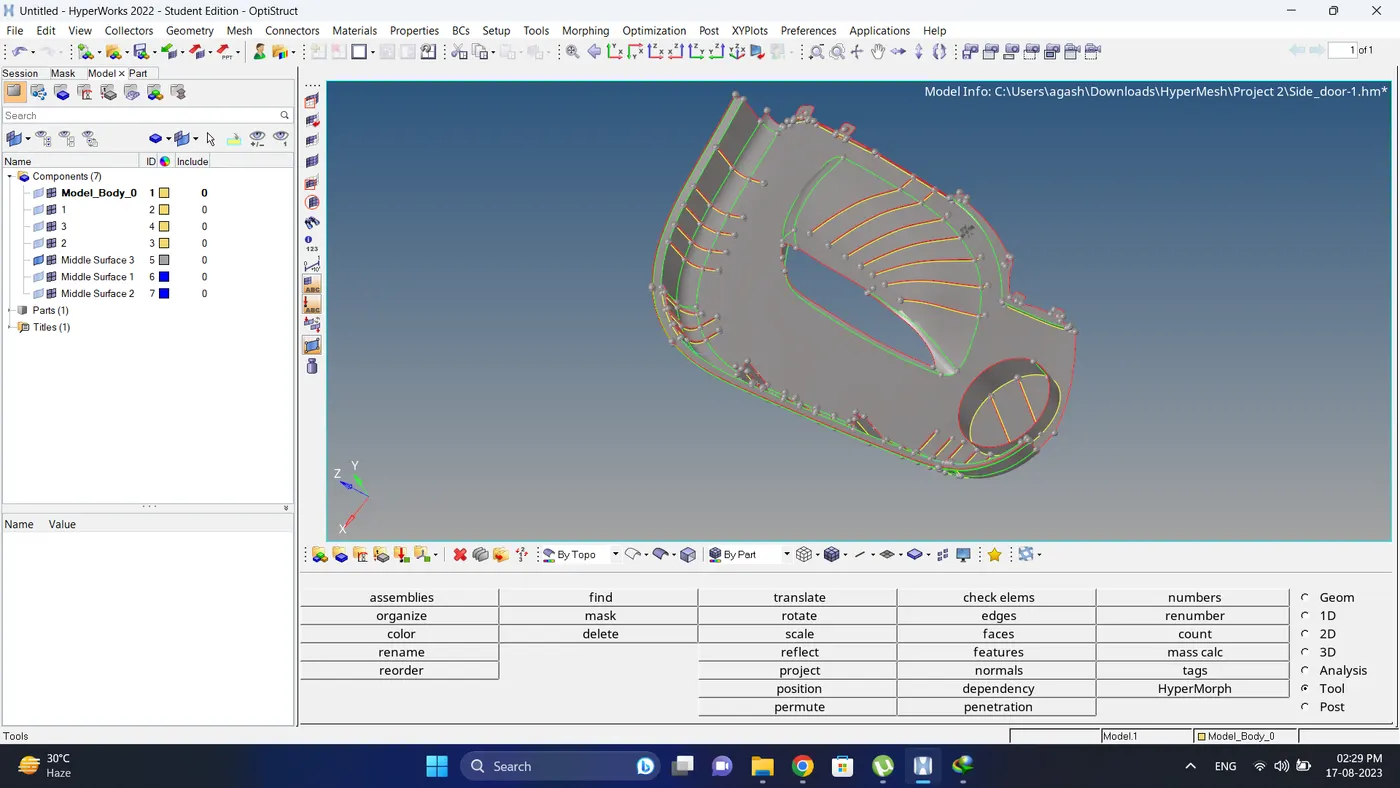
4. After that input the quality criteria.
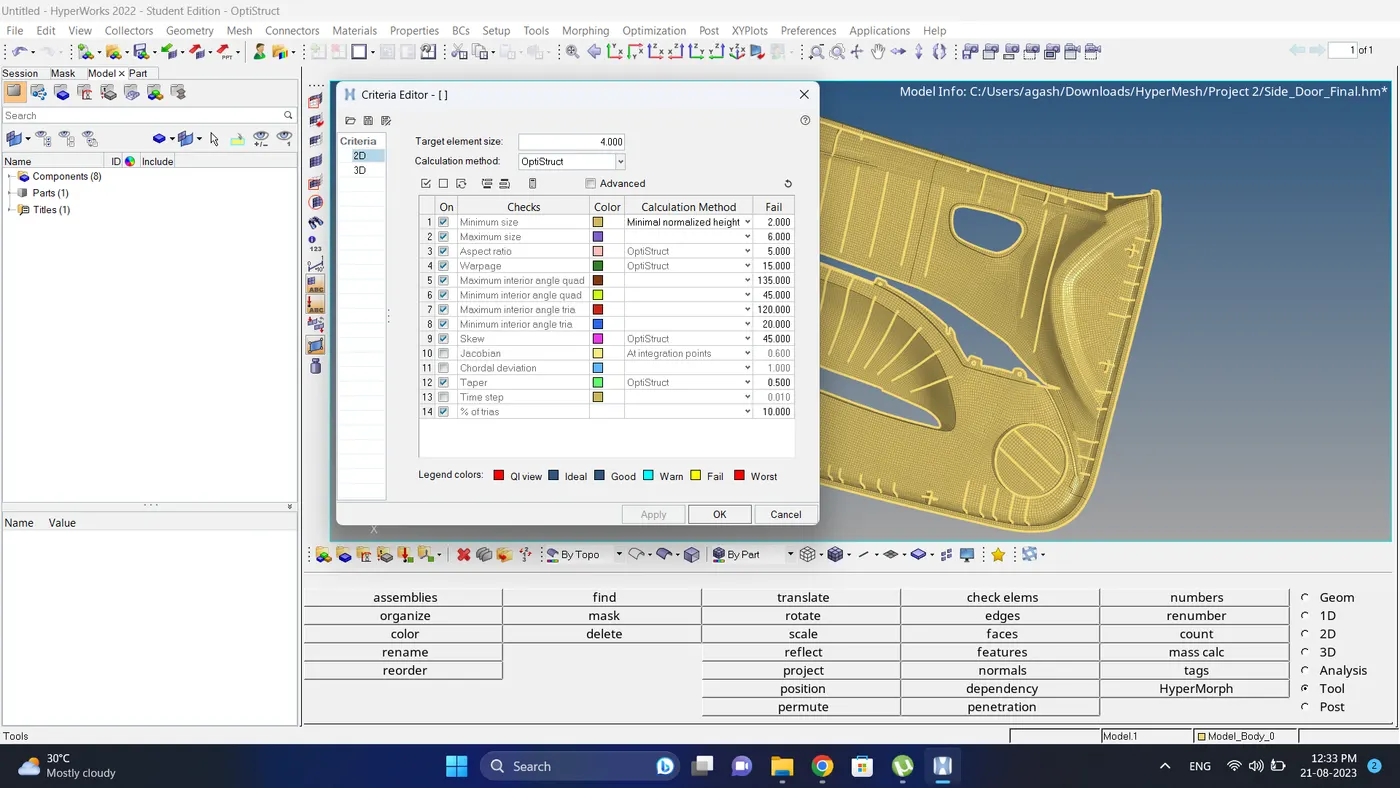
5. Mesh the component with the proper mesh flow.
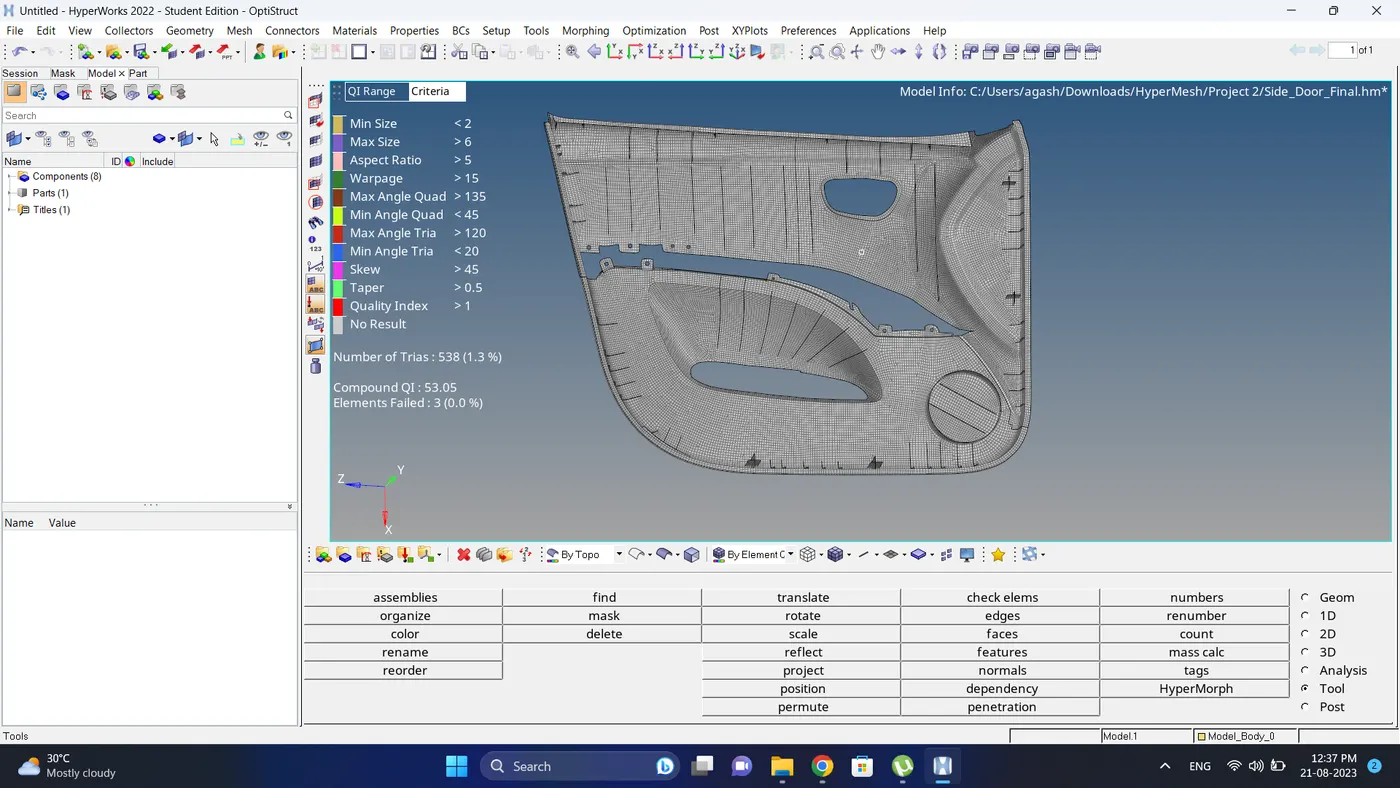
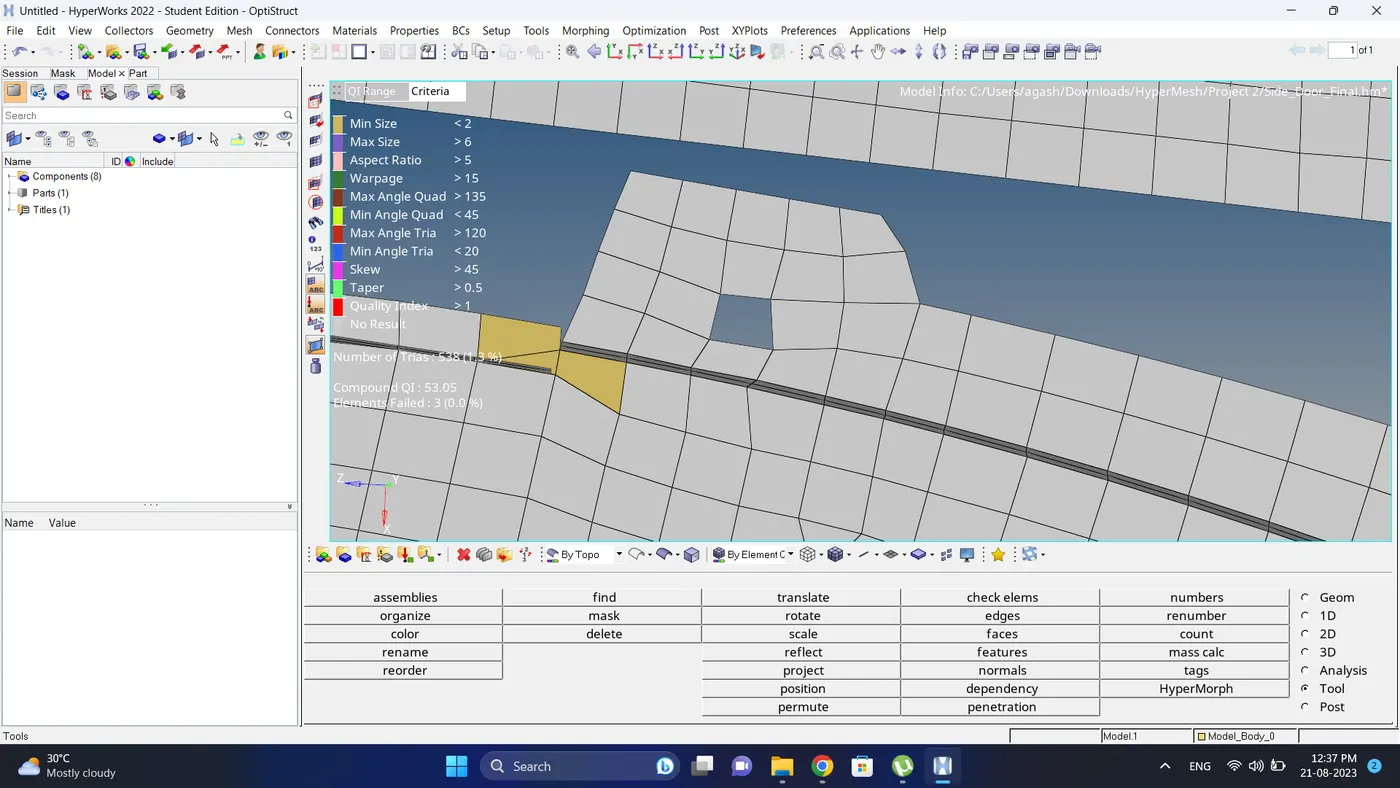
6. Check the mesh for the element failure.
note: If due to feature, given component size the elements are failing then leave it as it is.
7. Measure the thickness of component and create different component id for different thickness.
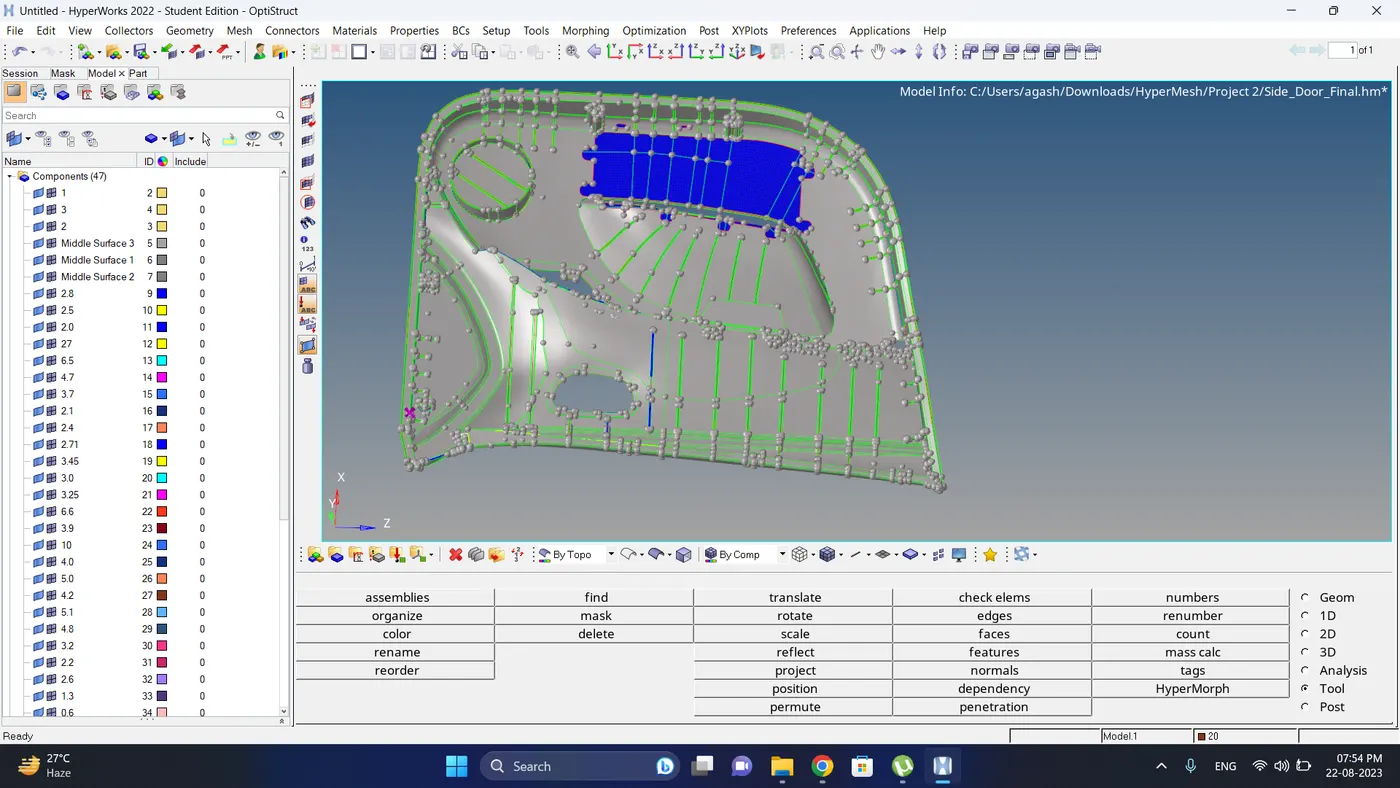
8. Same create different property id as per thickness and assign to the component.
Also create a material property and assign to the components.
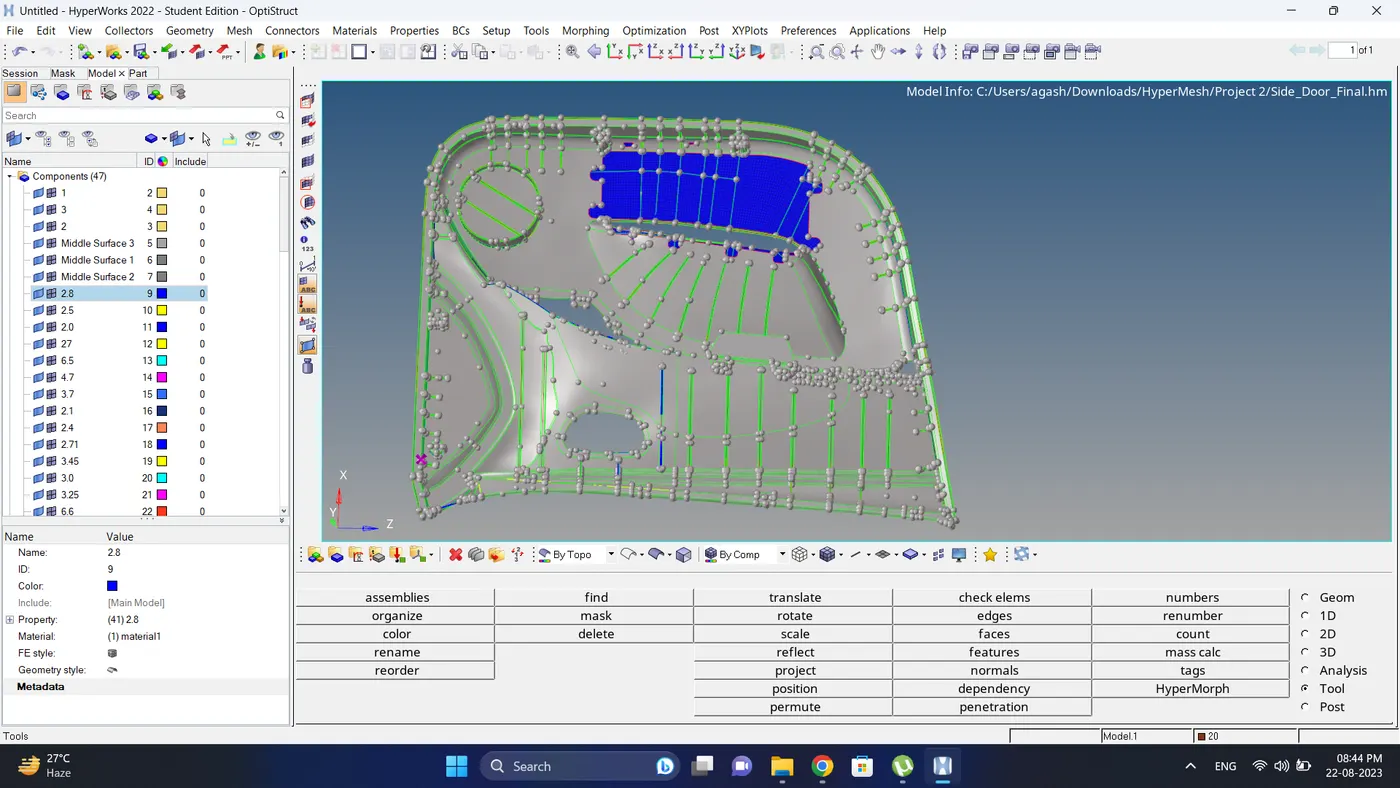
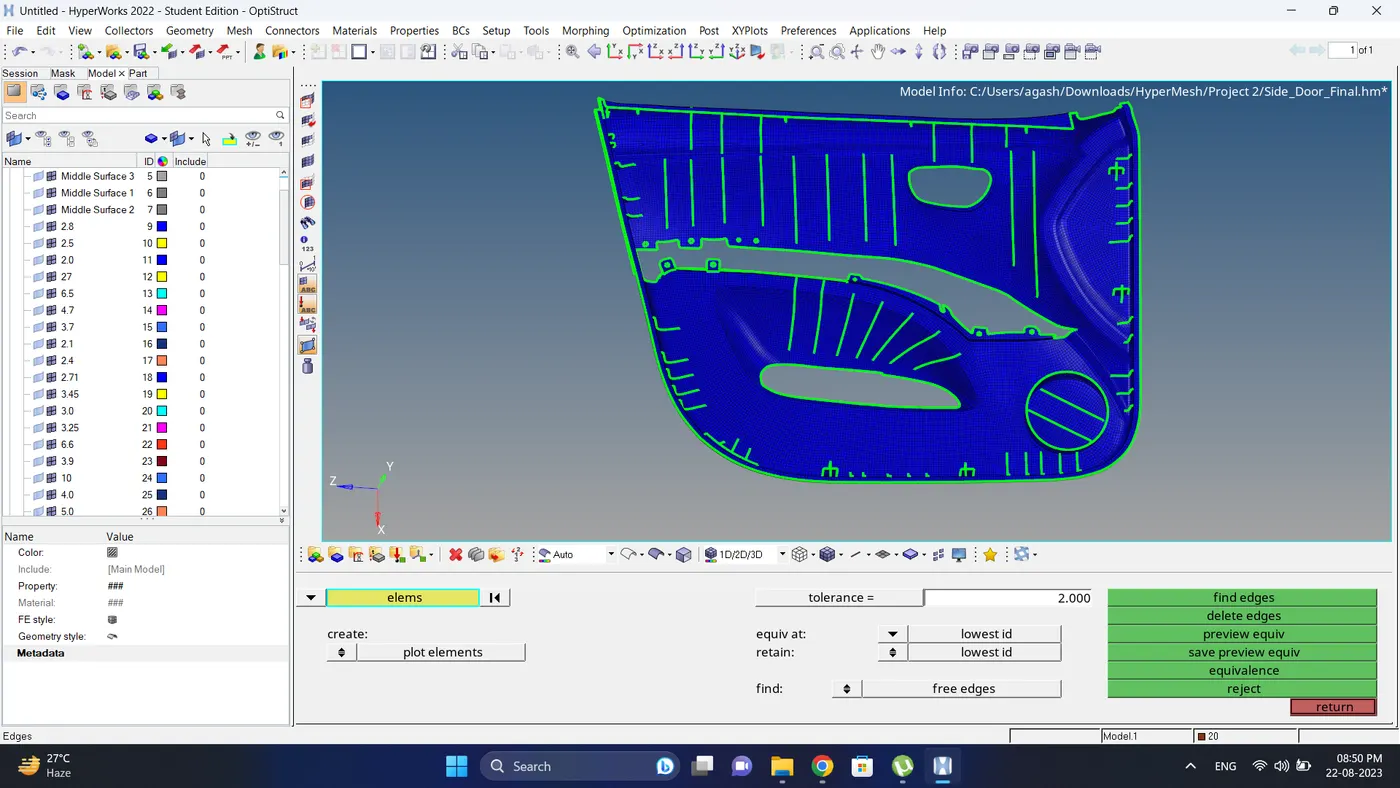
9. Check for the free edges and if there are present equivalance them.
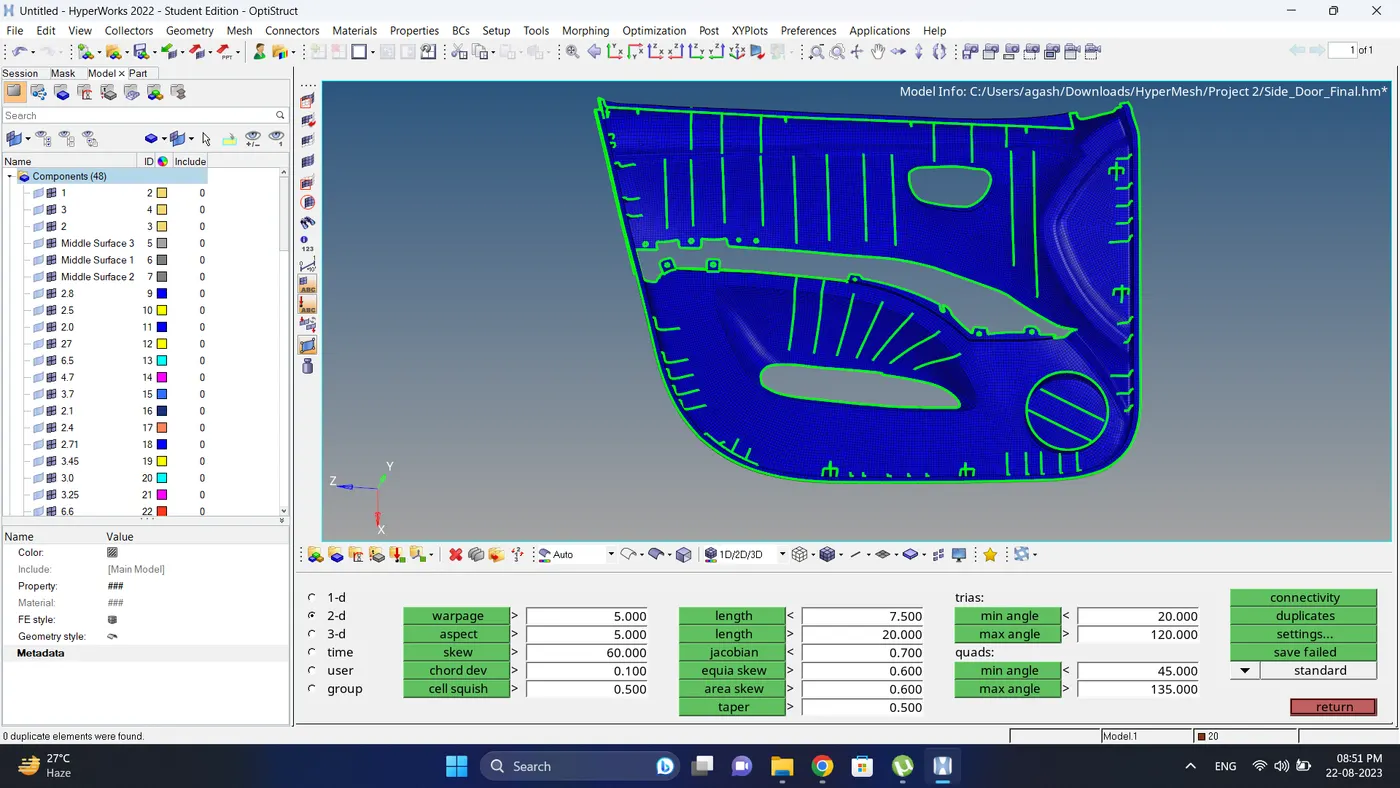
10. Check for the duplicate elements.
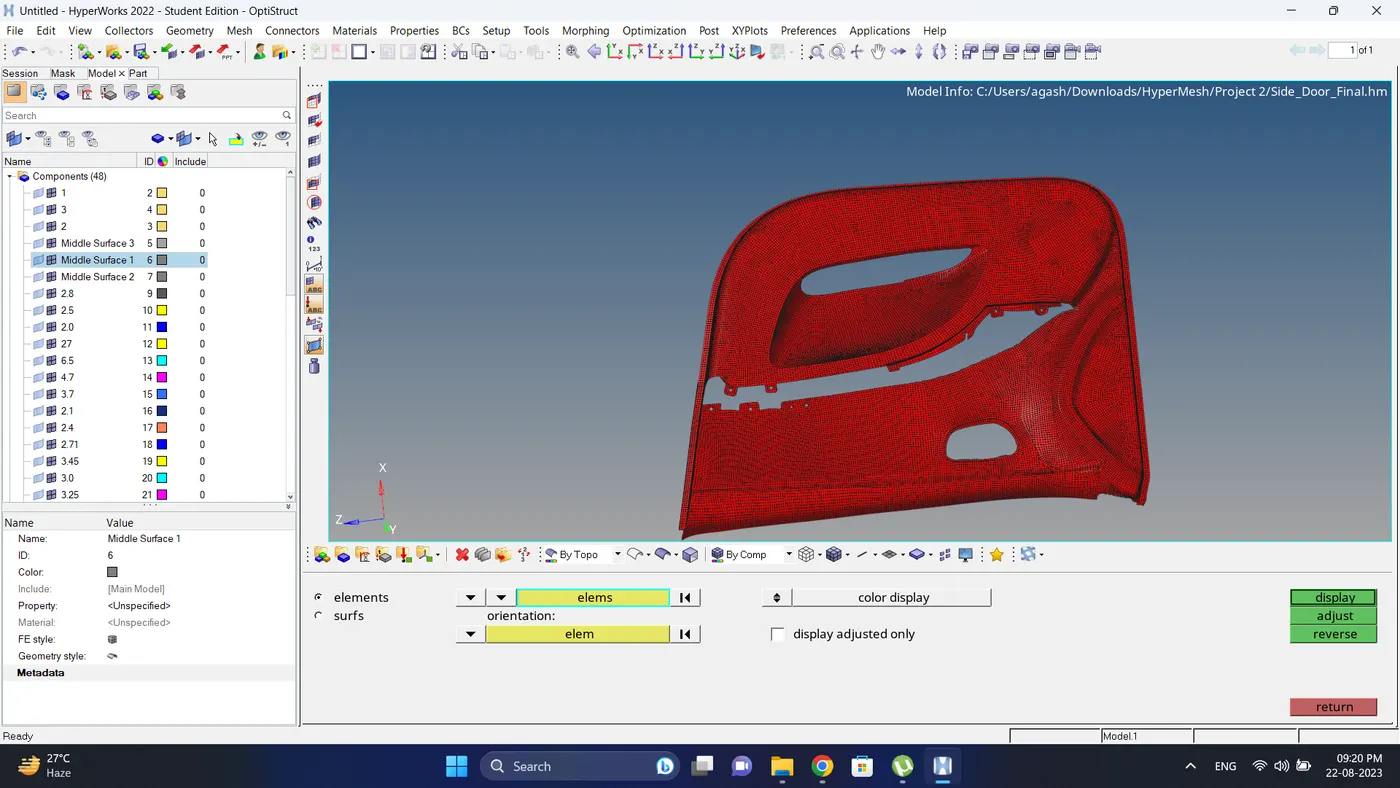
11. Check for the normals. If required adjust them.
12. Change the element view to the 2D Detailed Element Representation and do the final check.
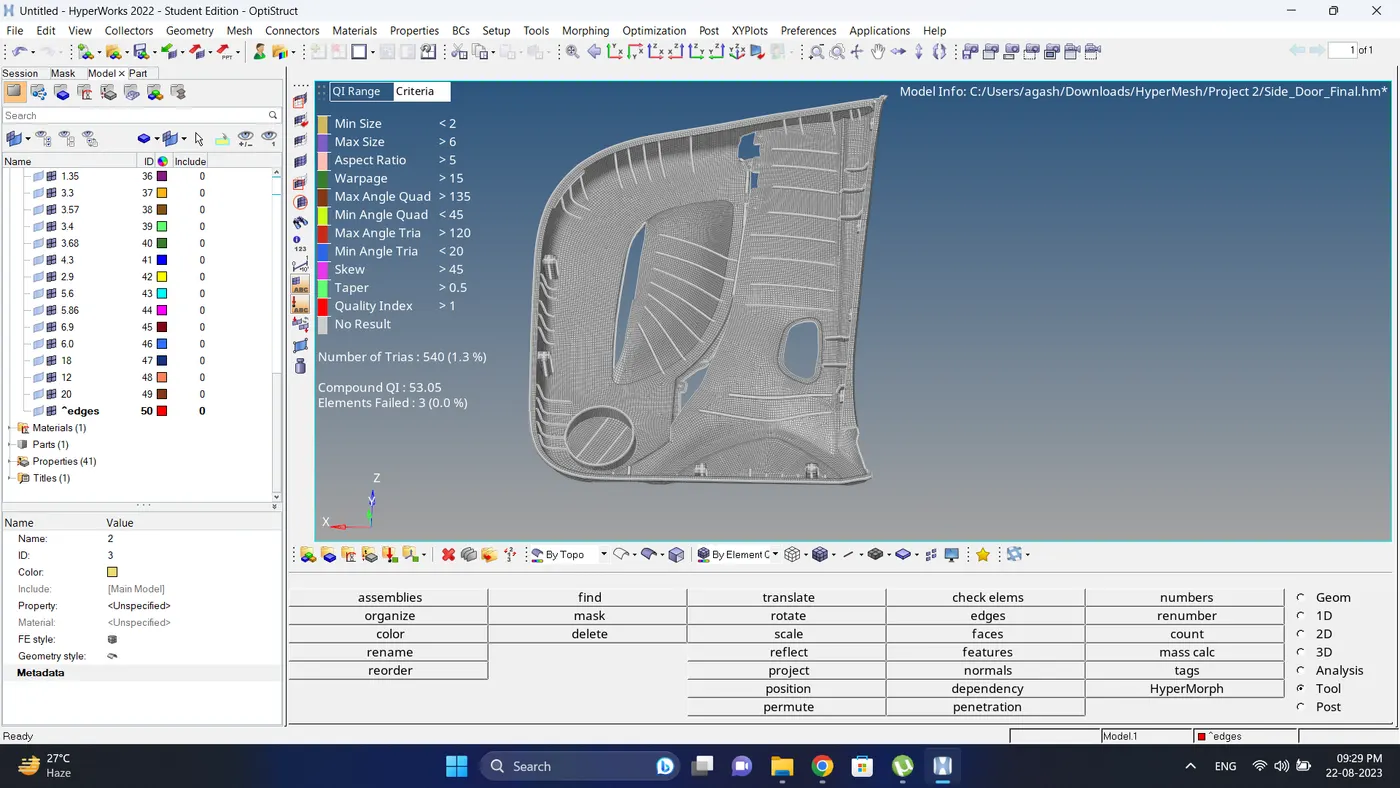
Final Model Image:
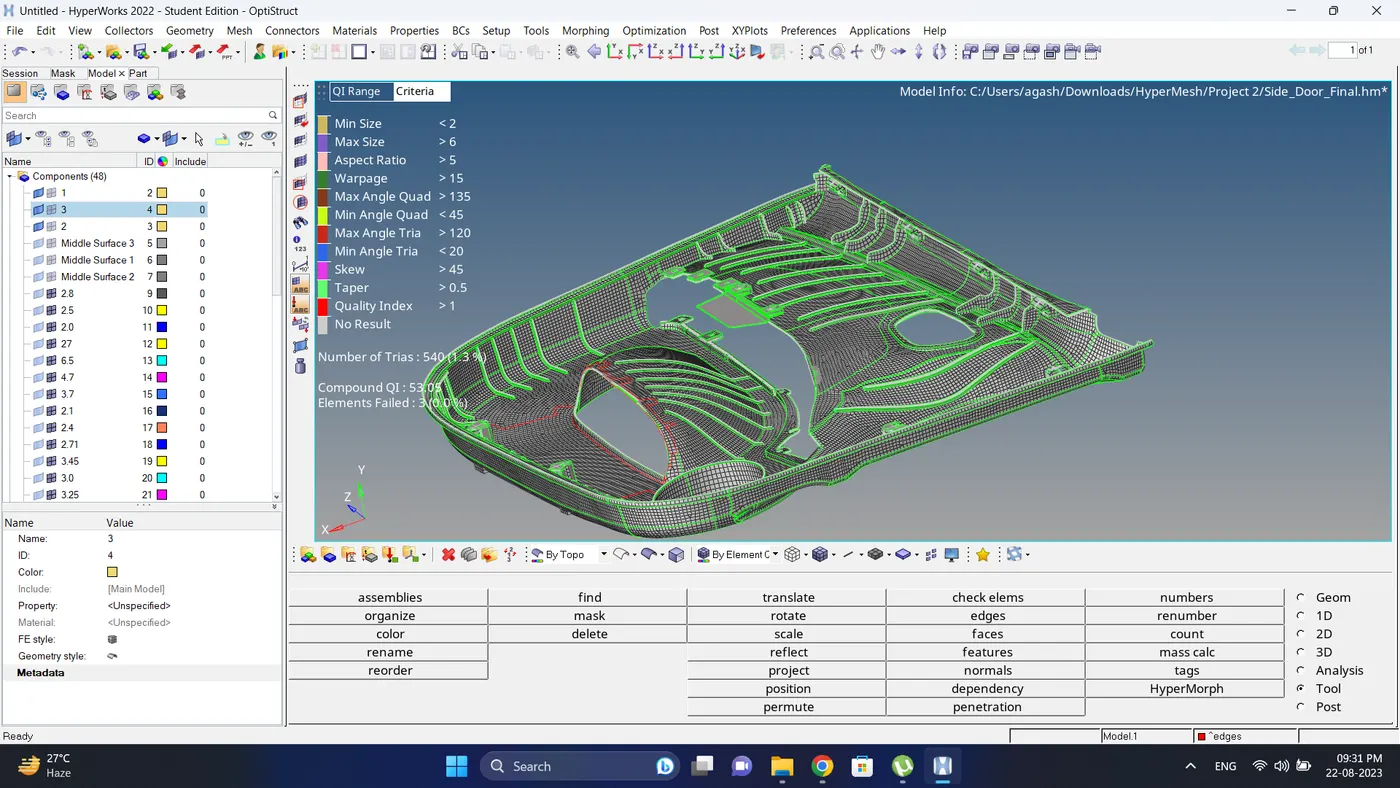
Result:
Meshing of the Plastic Model is done successfully as per given mesh parameters.
Note: Due to file size is more than 20 mb its not uploading directly. Instead I have shared a link in a Notepad file and also mention below
https://drive.google.com/file/d/1t-ujbpa69Ugy4W3BvuZYt9S-ApvNA4C-/view?usp=sharing