Project-2-Meshing of Door Inner Panel Challenge
Aim- Midsurfacing of the door panel and meshing.
Objective- For below quality criteria mesh the model,
|
S.N |
Quality Criteria |
Value |
|
1 |
Aspect Ratio |
5 |
|
2 |
Skewness |
45 |
|
3 |
Warping |
15 |
|
4 |
Taper |
0.5 |
|
5 |
Min. Length |
2 Units |
|
6 |
Max. Length |
6 Units |
|
7 |
Min angle Quad |
45 |
|
8 |
Max angle Quad |
135 |
|
9 |
Min angle Tria |
20 |
|
10 |
Max angle Tria |
120 |
|
10 |
Tria % |
10 |
Procedure-
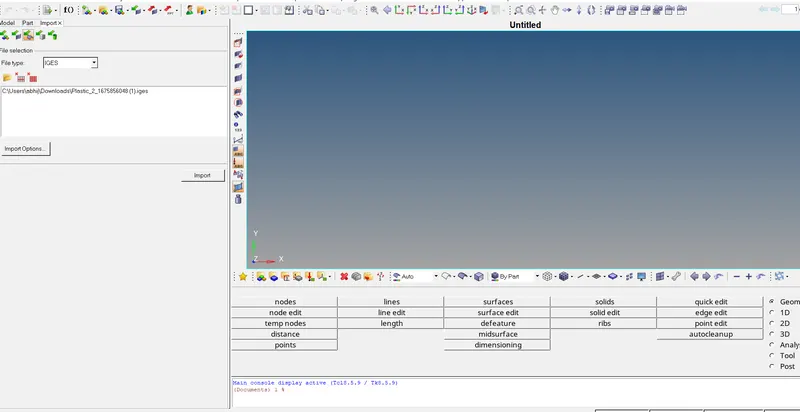
1.Import the model - First of all import the model by using option import solver deck which is in left corner.
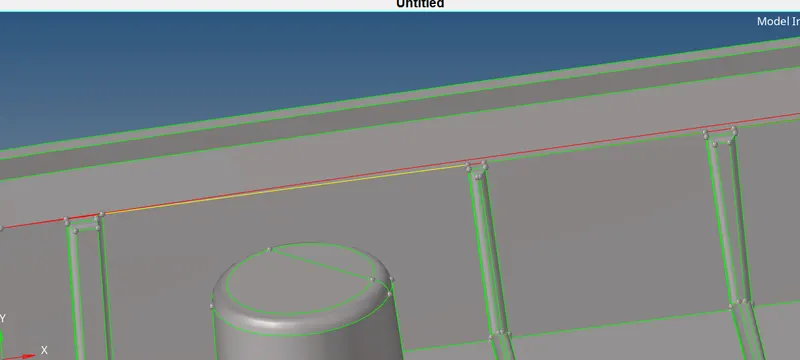
2.Geometry clean up- Do the geometry clean up because the mid-surface will not capture properly and because of that the mesh will not generate properly. For geometry clean-up we can use quick edit option in geometry panel.
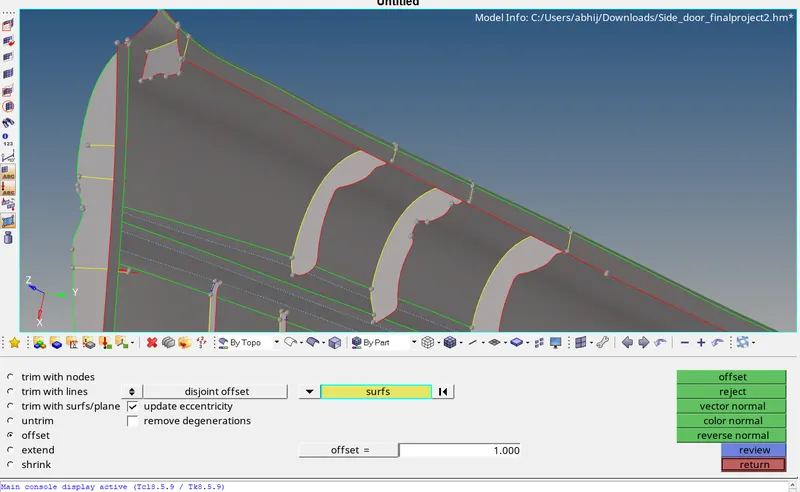
3.Mid-surfacing- Do the manual mid surfacing because the model have different different thickness so preferring the manual mid-surfacing.
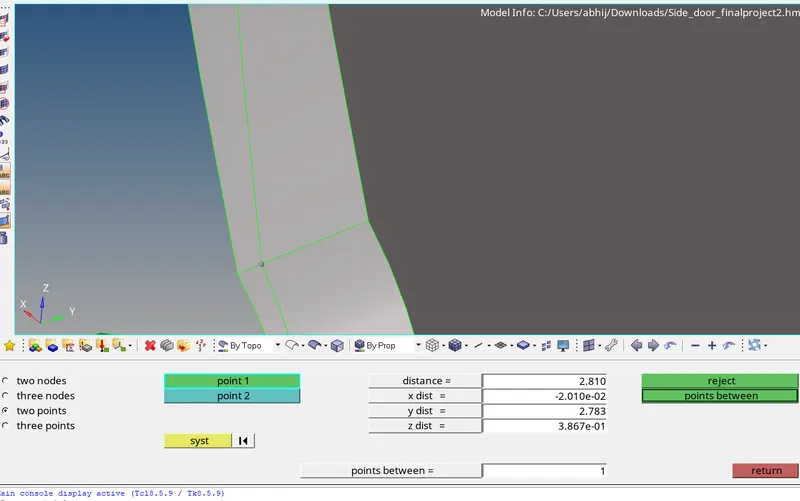
For manual mid-surfacing we should measure the thickness of that part by using distance option in geometry panel. After that geometry> surface edit> offset> put the half value of thickness>select surface create duplicate >then offset.
for manual mid-surfacing first we check the thickness-
another method of manual mid-surfacing is below-
in image for this type of surface first we generate midline by line module in geaometry panel-
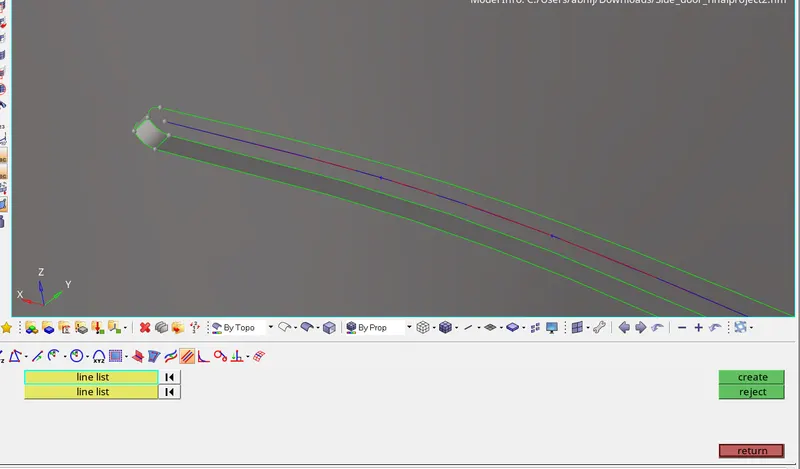
after that we need to project the line on surface by using project option in tool panel-
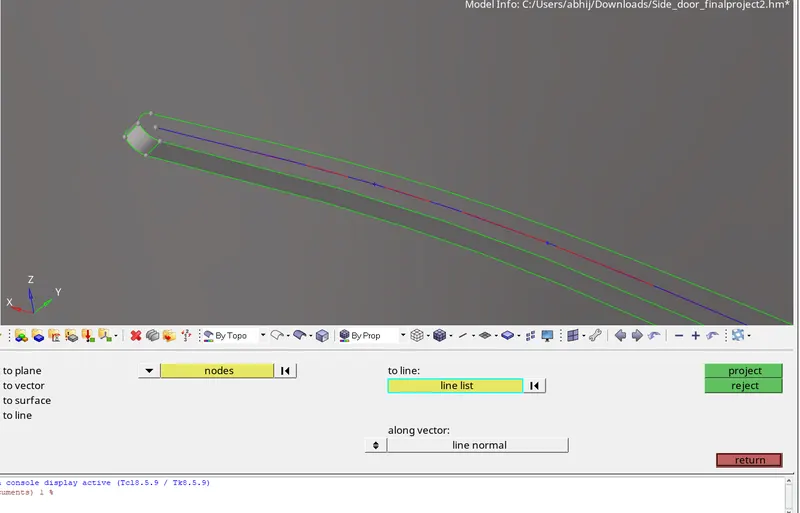
then we need to generate the surface by using surface>ruled >selecting line >create-
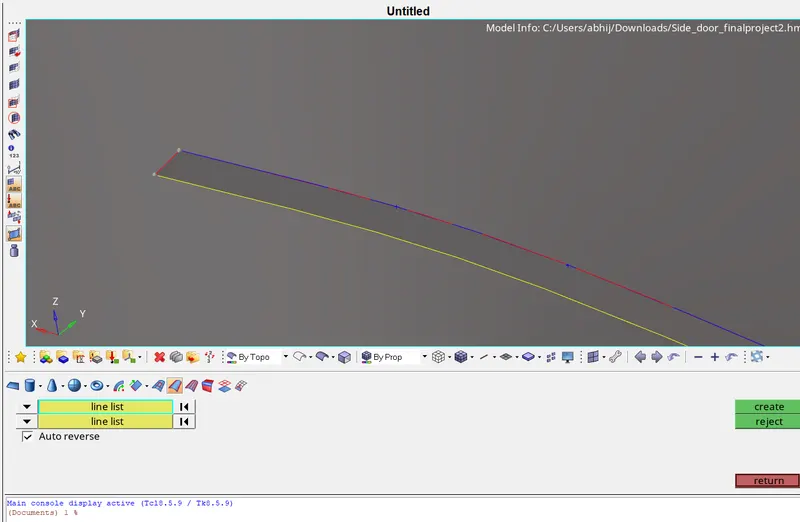
Completed mid-surface-
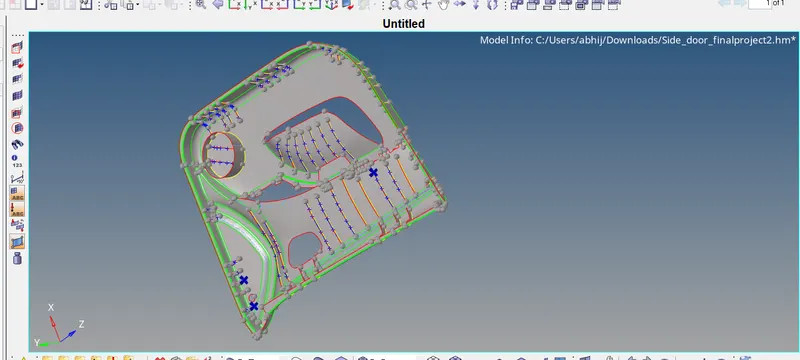
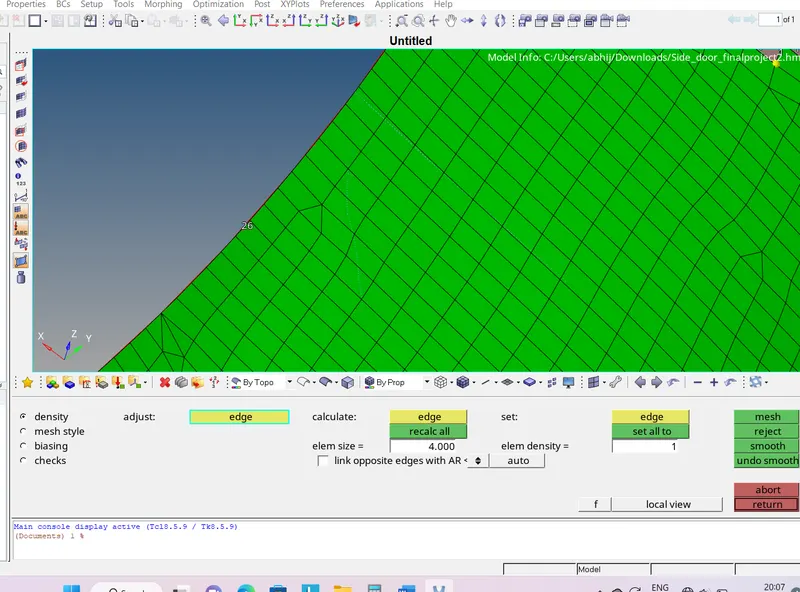
4.Mesh- For meshing we are using the auto-mesh. First we need to set the quality parameters. After that we are going for automesh. 2D>automesh>set quality parameter>hit the mesh.
adding quality criteria-
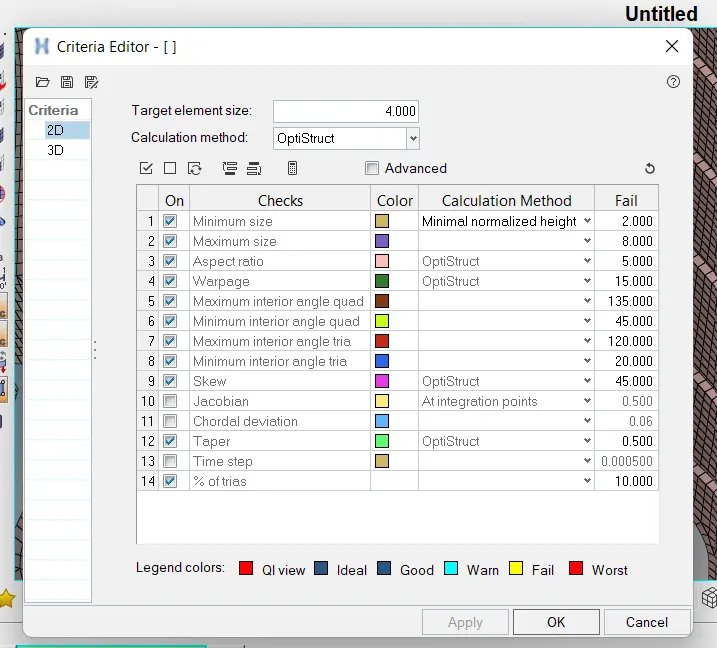
generating the mesh-
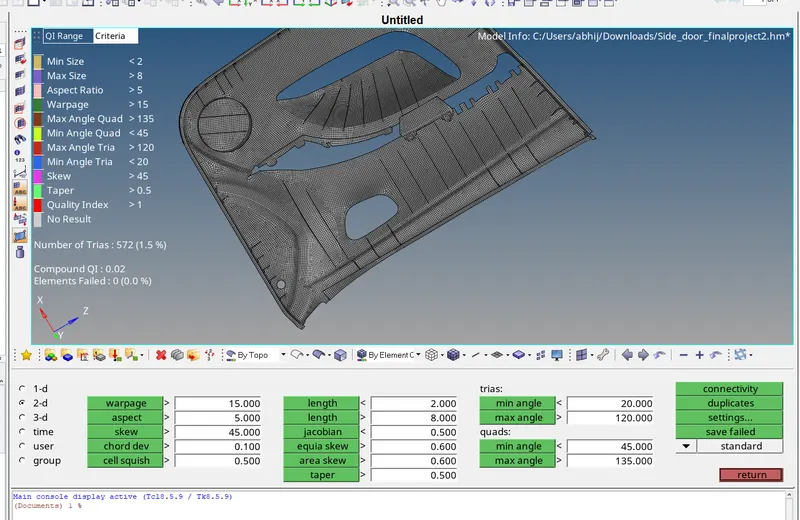
For failing quality criteria we should use the rebuild mesh, element clean-up and translate command in tool panel.
Completed mesh without any fail-
Outcomes-Learned about manual mid-surfacing method and meshing.