Project 2_Design & Analysis of a Hostel building at Guwahati, Assam
1. OPEN A NEW MODEL -
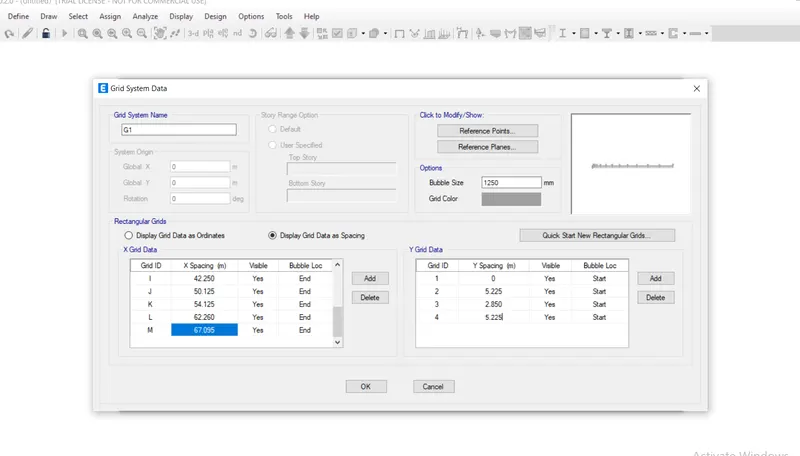
After that setting grid in the horizontal x- direction and vertical in the y-direction.
2. story data -
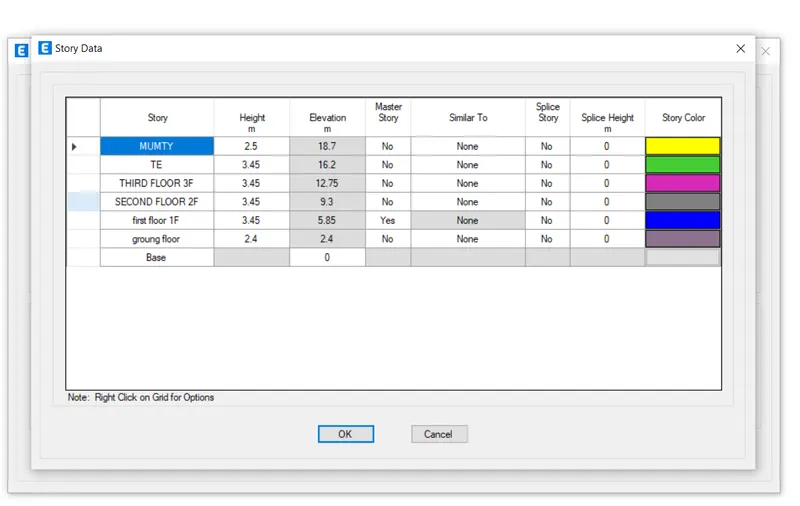
After completion of the grid, the setting moves forward to set a story. and set a story by the provided architectural drawing.
3. Define Material -
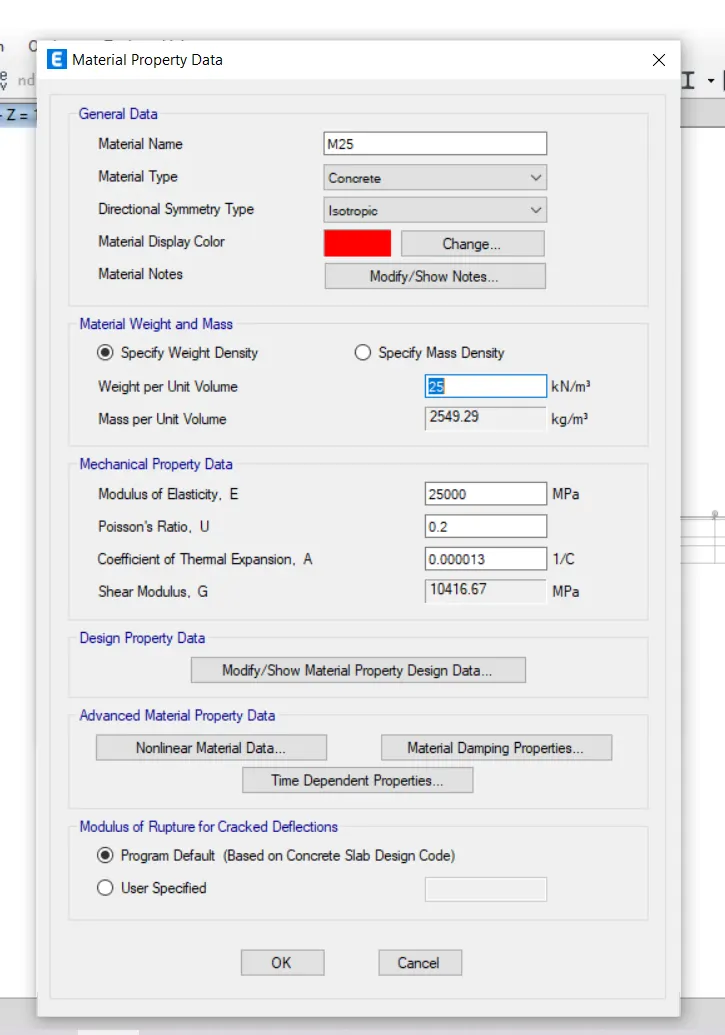
defining M25 grade of concrete as a material.
Rebar -
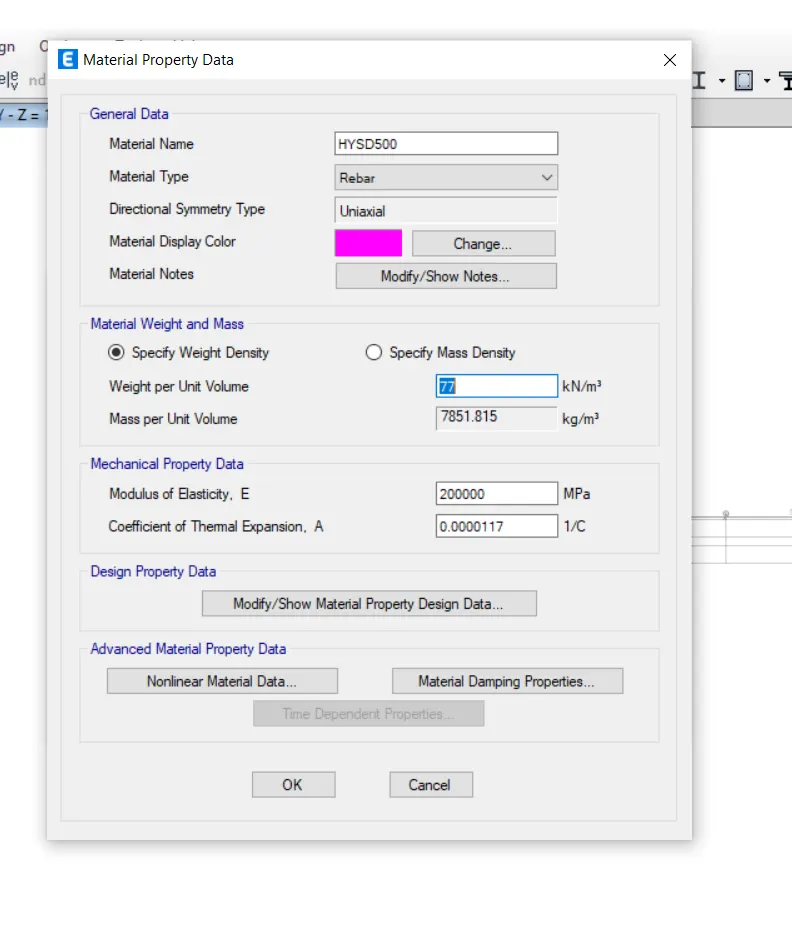
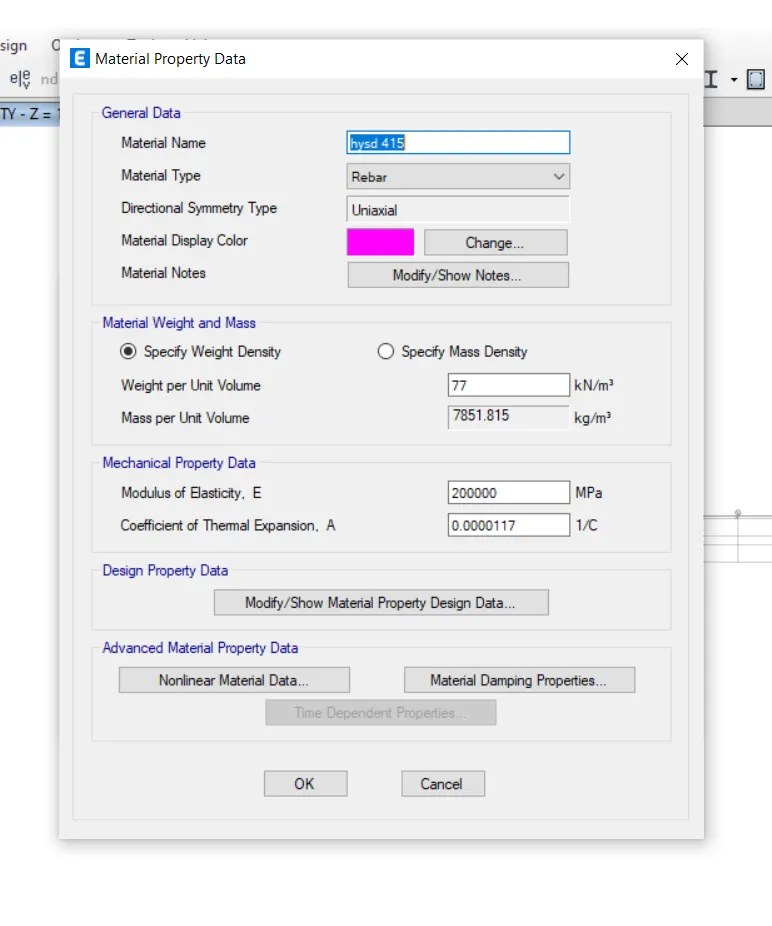
Define fe 500 rebar and fe 415 AND FE 500.
5. Define the material section --
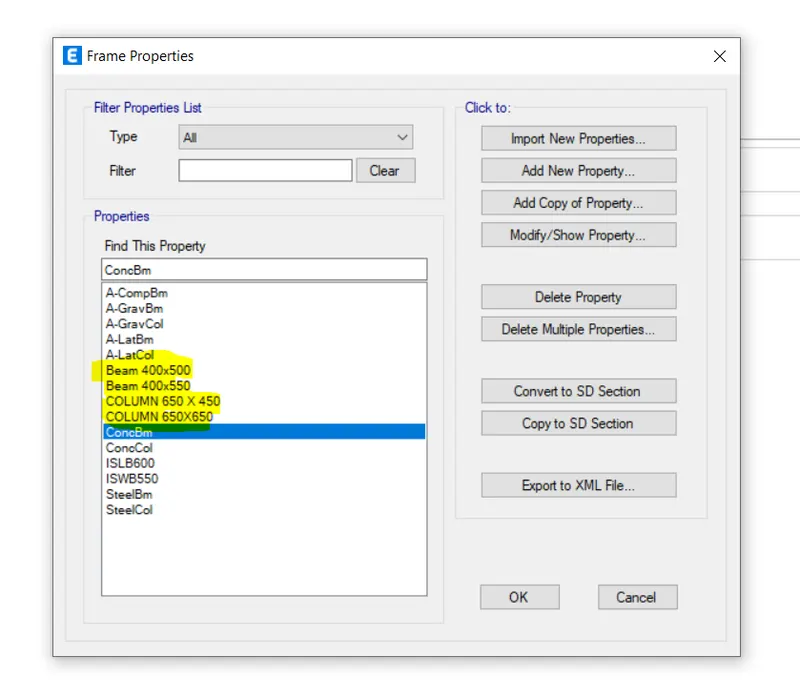
define the material section beam 400x500, 400x550, column 650x450, 650x650
5. Define frame section property -
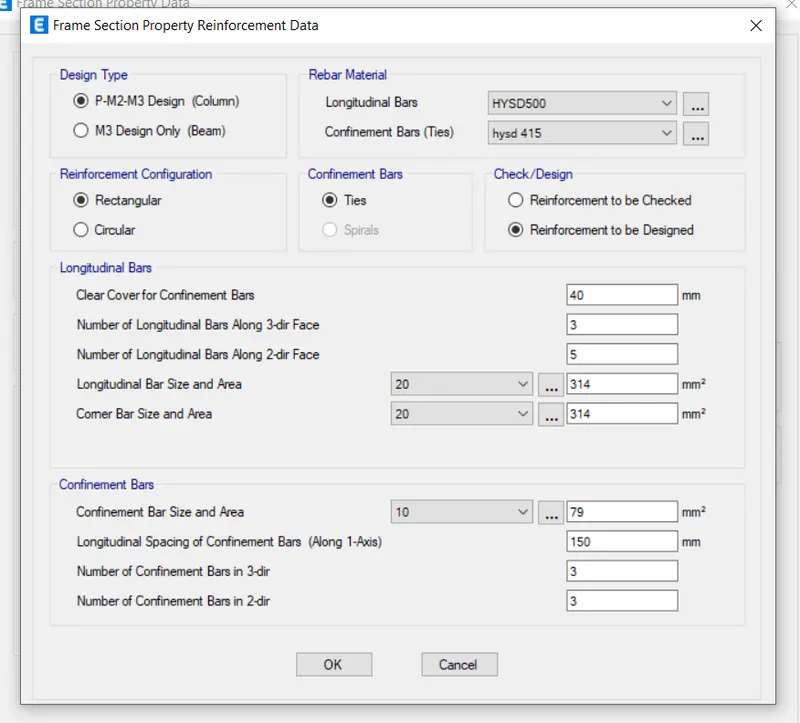
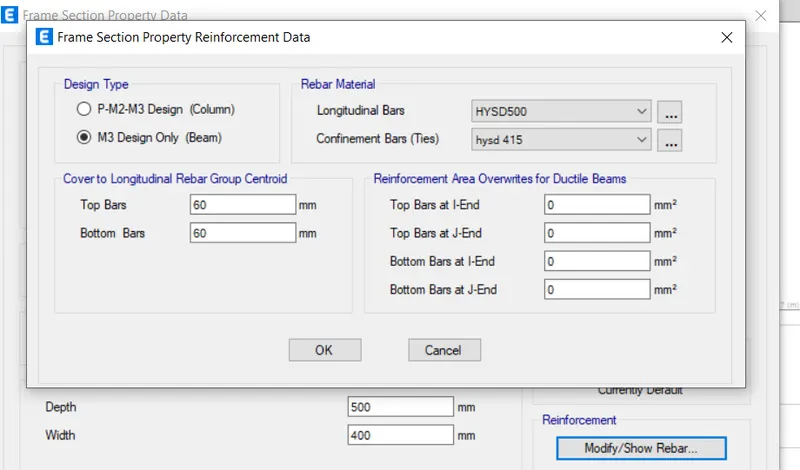
defining frame section property for longitudinal and shear reinforcement which is created in defined material. and also define for beam section.
For Beam -
for beam property also use rebar property. and use hysd 500 for longitudanal bars and hysd 415 for shear reinforcement.
6. Define slab section --
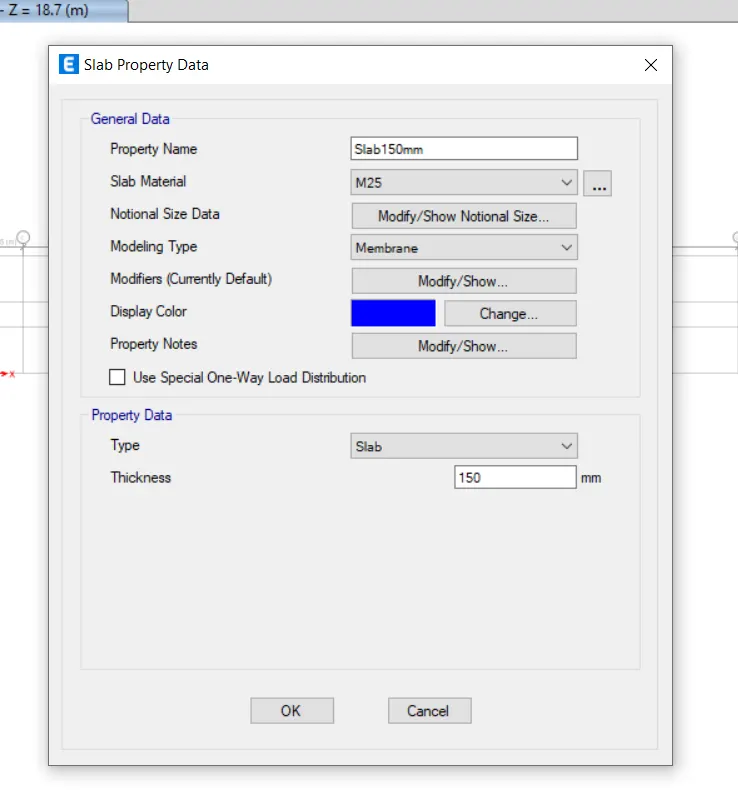
define the slab section from the material section property providing 150mm thickness.
7. Load Pattern -
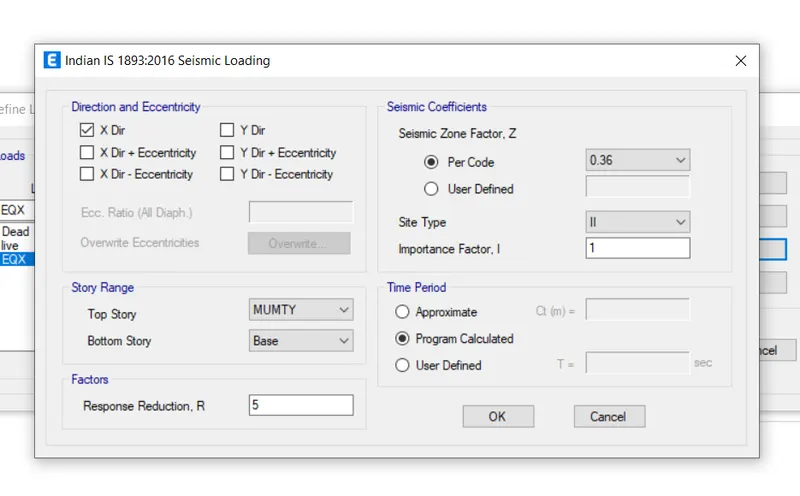
defining load pattern for dead load, live load, eqx, eqy, and brickwall, for eqx and eqy are loads considering from is 1893-2016
and define a seismic zone -5 it has a value is .36.
a. Load Combination -
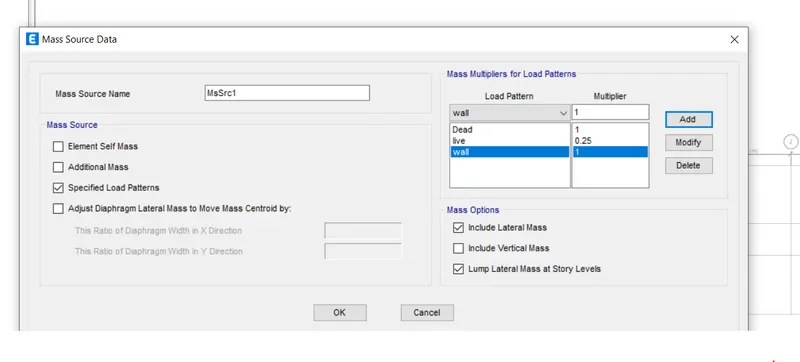
8. Mass Source -
in the mass source using full of dead load, 0.25 live load, and using full wall load.
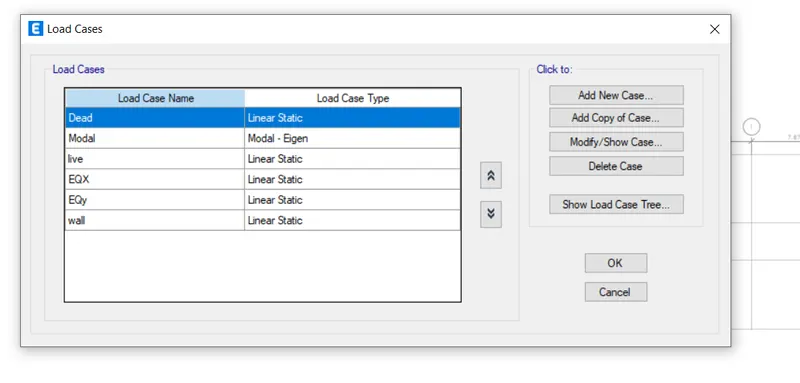
9. Load Cases -
checking load cases.
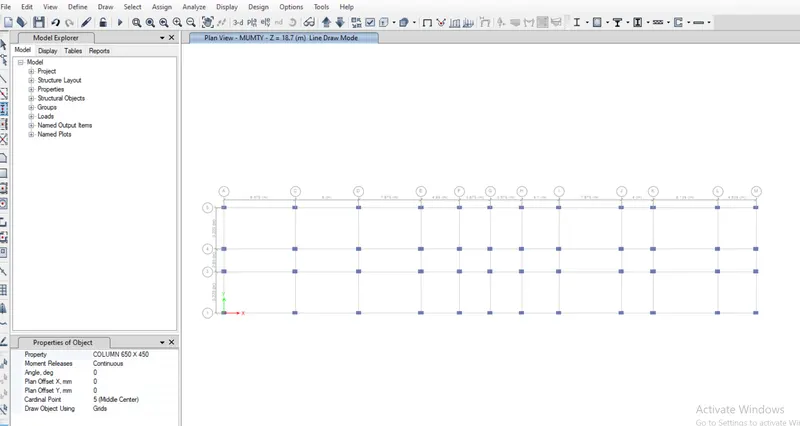
10. Quick draw column -
select Quick draw column option and after that select a column size and select all the column for creating column intersection point of the grid.
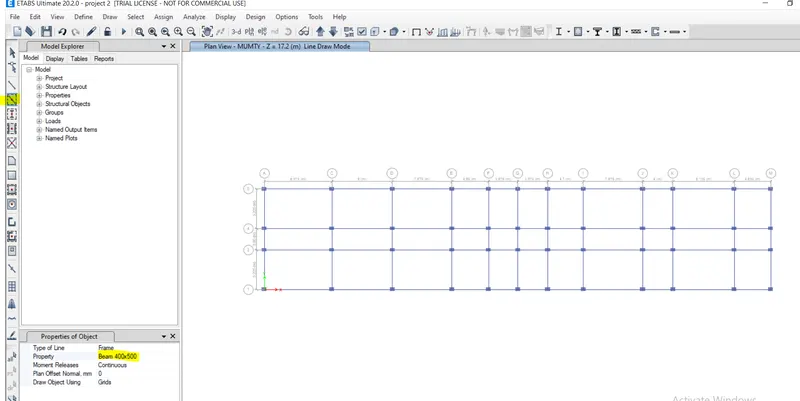
11. Quick draw beams -
before drawing the beams select a similar story. and after that select quick draw beam option and after that draw the beams.
12. quick draw slab -
select a similar story and after that draw a slab having 150mm thickness.
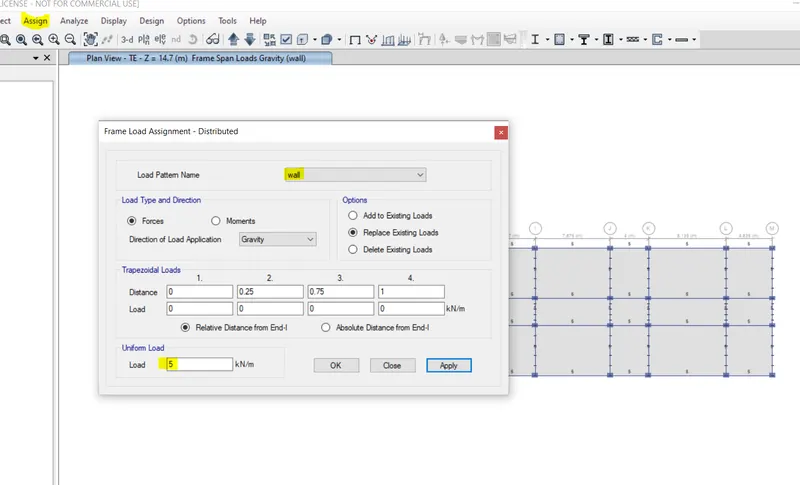
13. Assigning Loads -
For Assign the load select beams from the property and after that assign the wall load as 5kn/m.
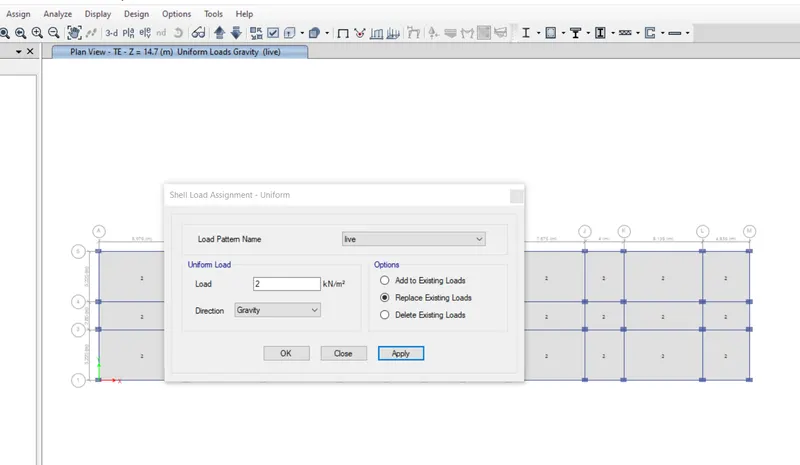
14. imposed Load -
Assign imposed load 2kn for the floor slab area.
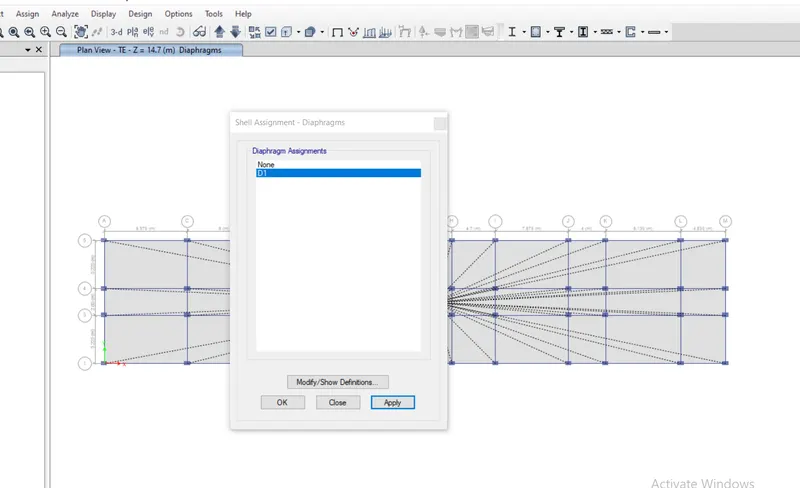
15. Diaphragm -
selecting all the slab and assign D1 Diaphragm to the slab from assign and after selecting the shell property.
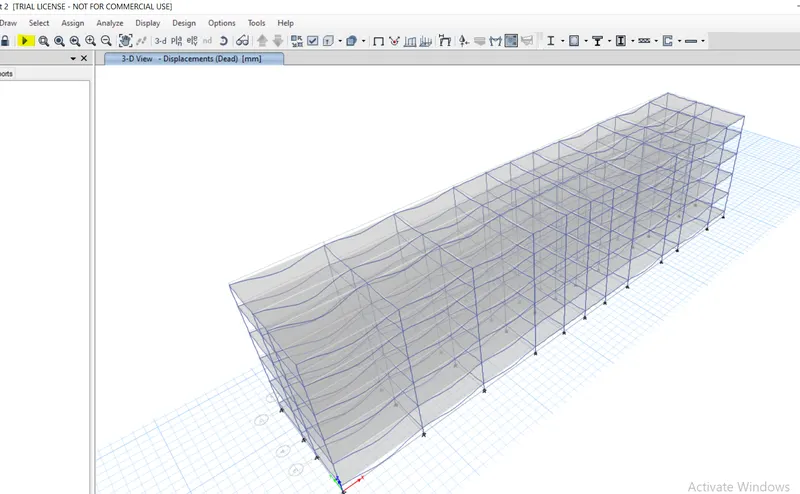
16. Analysis - After completing the modeling click on the start play button to run the analysis. for checking the deflrction.
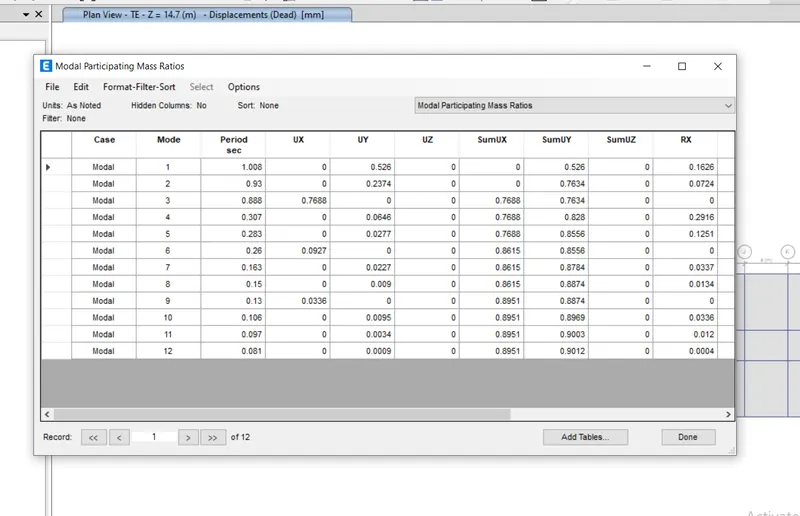
17. Modal Participating Mass Ratio -
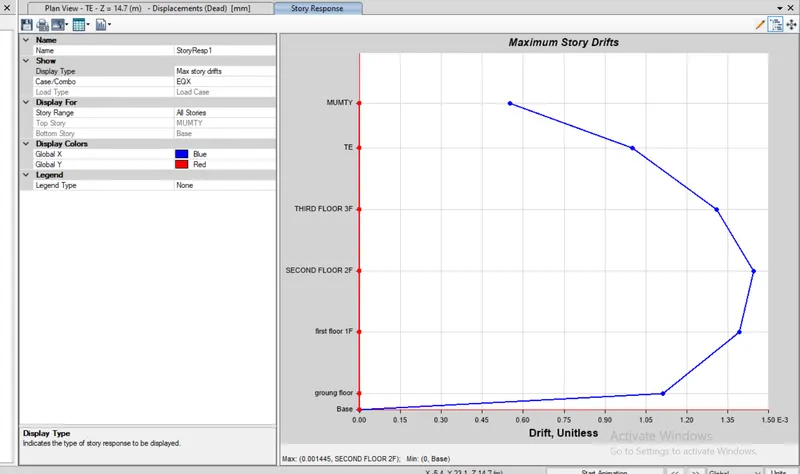
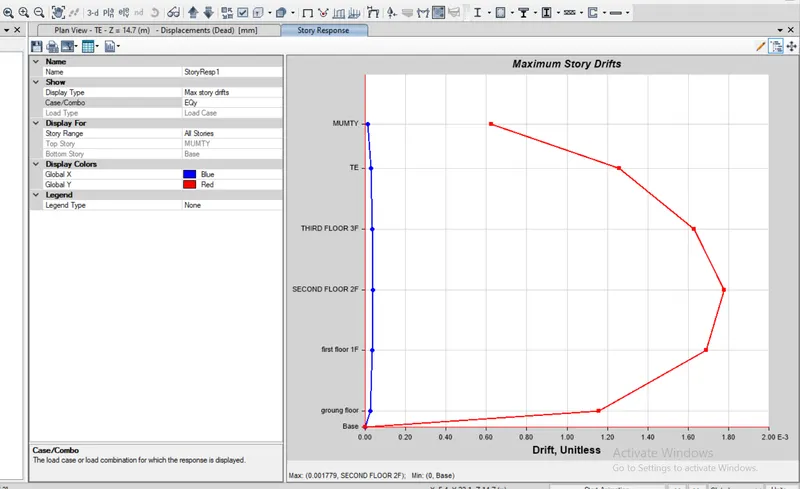
18. Response story plot -
Eqx
EQY
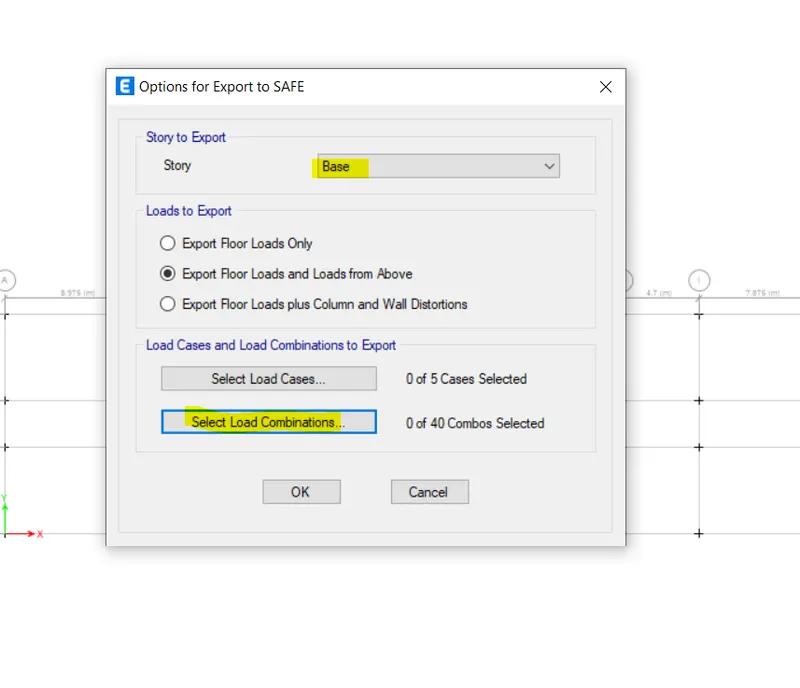
19. Exporting the file into a safe -
to Export the file into the safe click on the story as a safe v12k. after that select base and select exports floor loads and loads from above. select load cases and select load combinations. after that saving the file.
SAFE Analysis
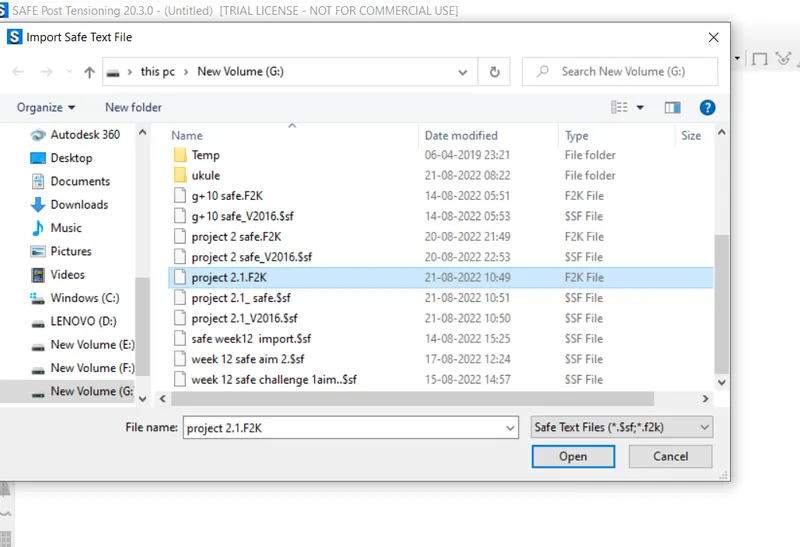
Importing project .2f2k 2.1 from etab saved files. and after that start the Analysis.
2. Define materials -
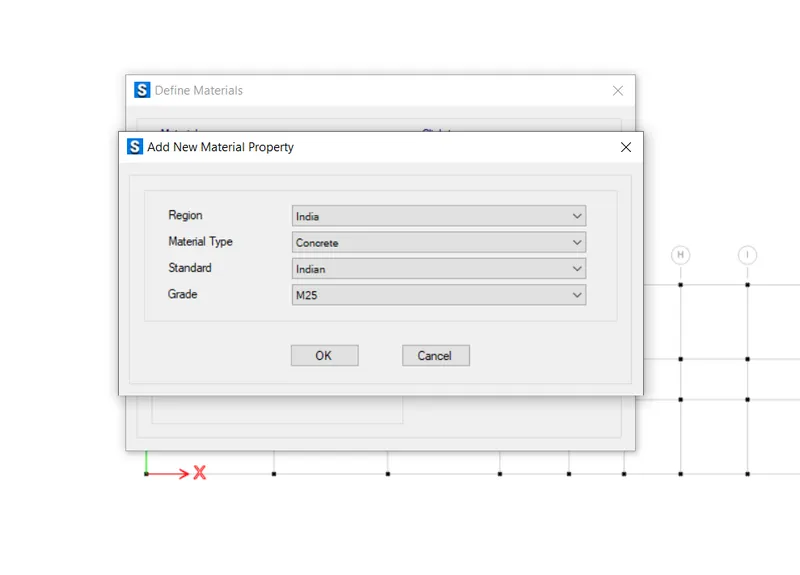
defining M25 Material for concrete.
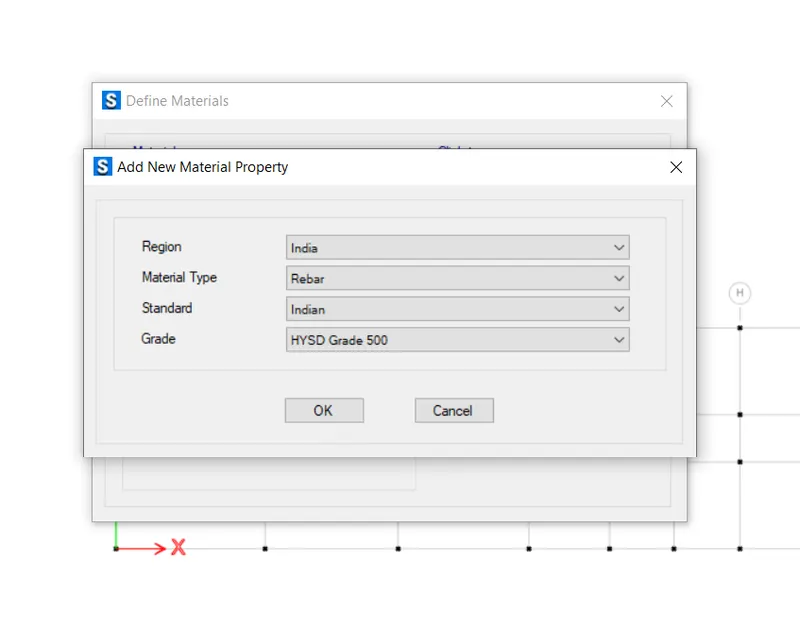
3. Define Rebar Material -
defining Rebar material fe 500.