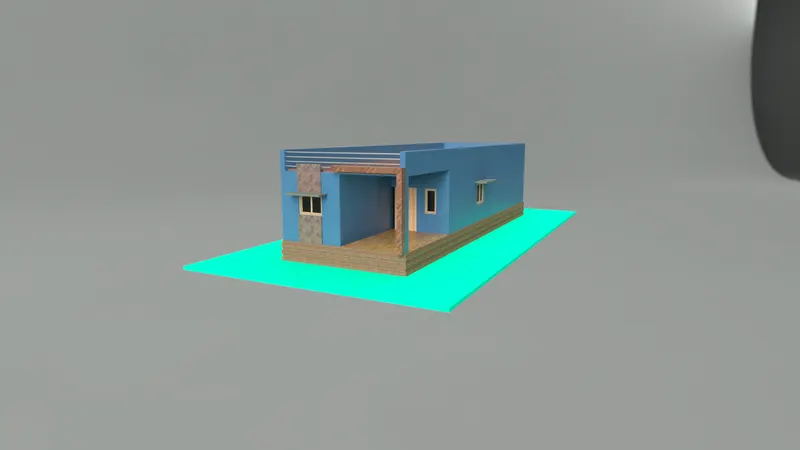
Project 2_Creating a 3D rendered model for a Residential Building in AutoCad
Aim: To create the 2d plan and make 3d elevation and assign the materials and render it.
Introduction: In this project AutoCAD 3d played a major role to make a 3d elevation and rendering the projects.
Getting in 3d mode open AutoCAD and in bottom ribbon there will be small setting symble like this click that there will be two option like 3d basic and 3d modelling by our convinence we can switch both while drawing.
Procedure:
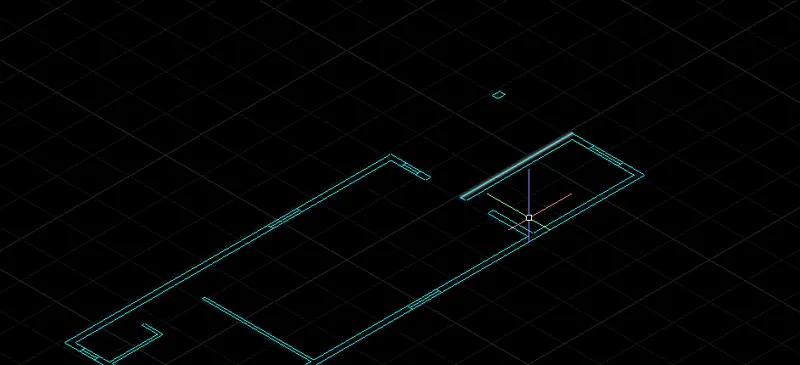
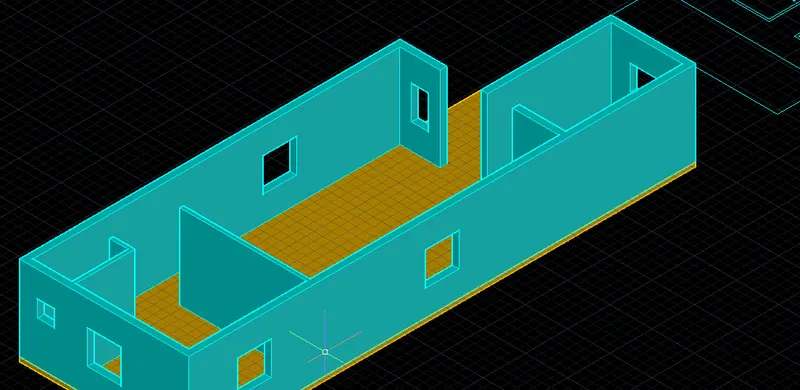
- Take a 2d floor plan 1st and make boundary for the walls.
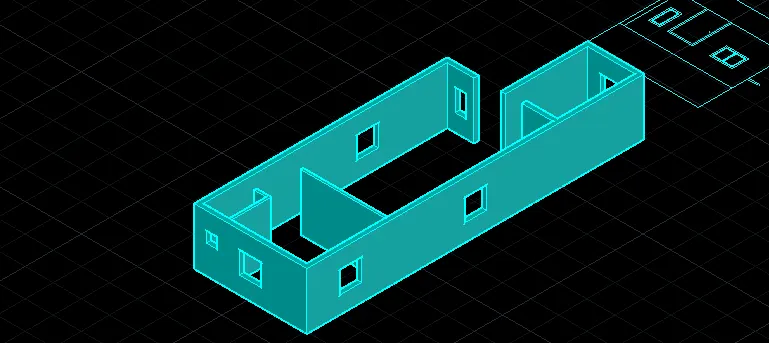
- For doors and windows leave the proper openigto make it real.
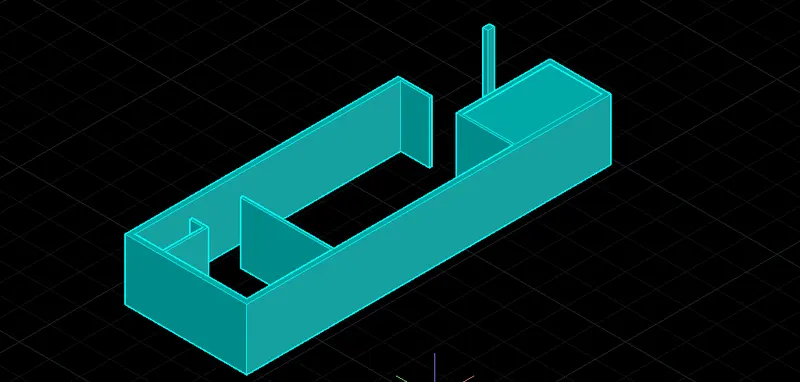
- After makeing it boundary or region using extrude command make it as solid by using layers
- Make different layers to the building so it make us to work very easy
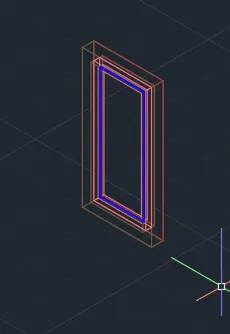
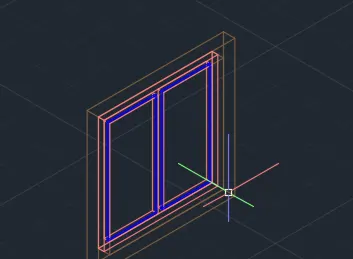
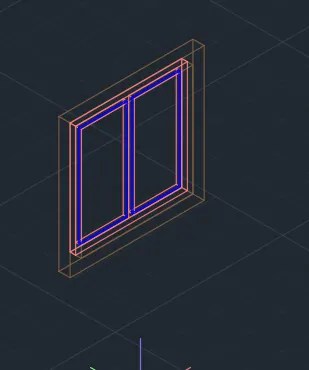
- After makeing walls and holes fo window we have to make window structure
- For that 2d elevation is most use full.
- Just Take off the window from the elevation using layer make it boundary by boundary command and extrude command
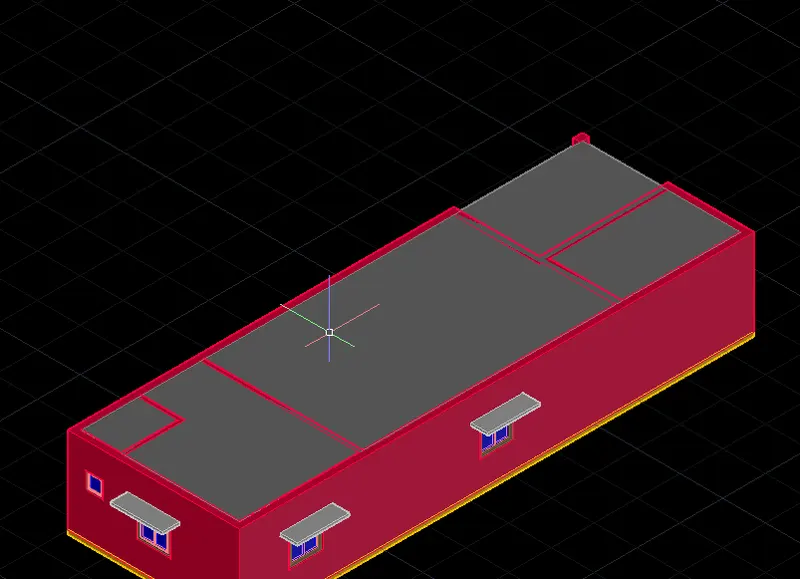
- By coping the windows now we can place it in 3d walls
- After windows give sun shade for windows by just create a rectangle with our window side make it boundary and exturde it and copy and place it above the windows
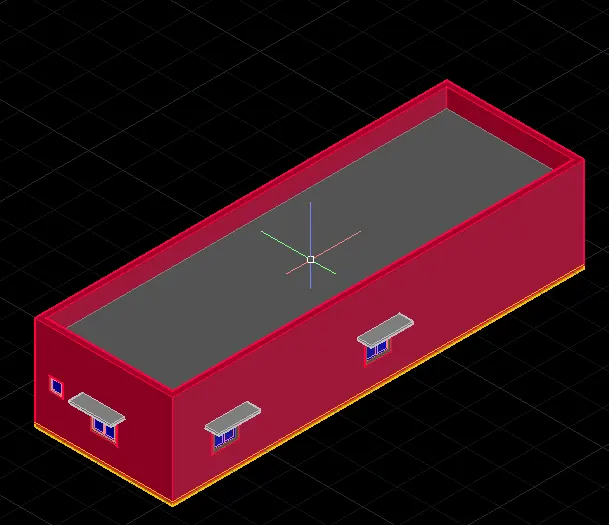
- Then make roof create a rectangle for inner dimension of building so that parapet wall may be continued, Make the rectangle boundary region and extrude it with roof thickness
- Then make parapet wall by Extrude face in edit and give some elevation design
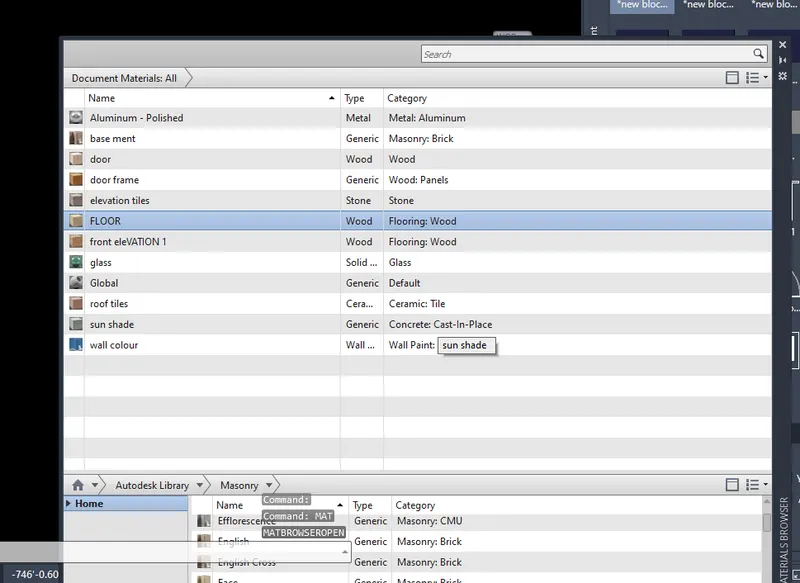
- Then using MAT command open the material list and assign each and every thing like wall, door, door panel, glass like that.
- Then give sun light and distant light to clear the out side
- To get veiw create a caera view
Conclusion: By these Procedure i have created the structure i have attached below
Floor plan
Wall Exturde
Windows opening
Floor making
Roof and window placing
Parapet wall
Windows
Materials:
Rendering