Project 2
Aim
Route the wiring harness on the given car back door component and prepare to flatten the view drawing in CATIA V5.
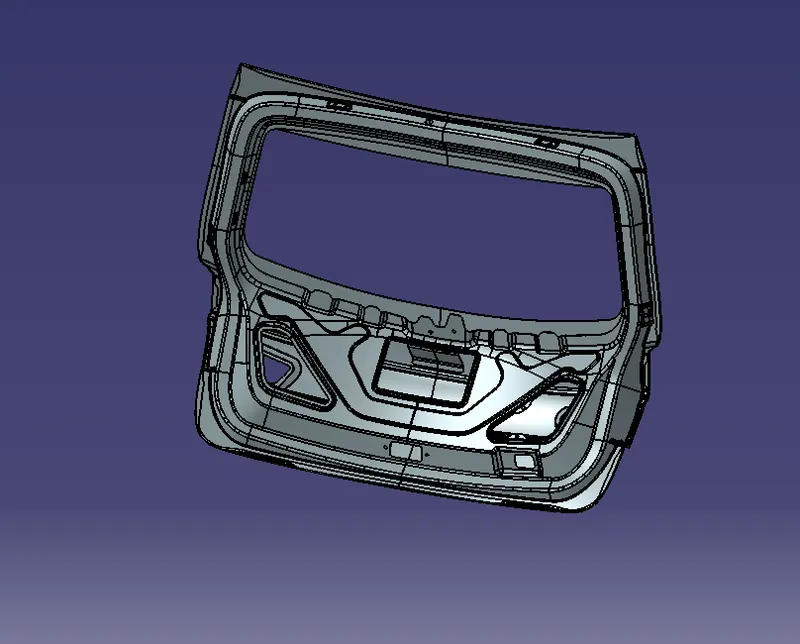
Step 1: To create the context assembly
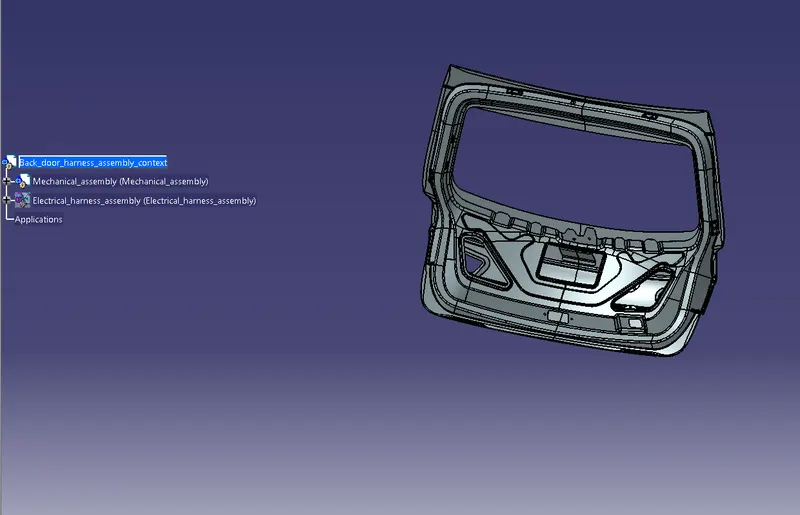
Step 2: To Define the required connectors electrically.
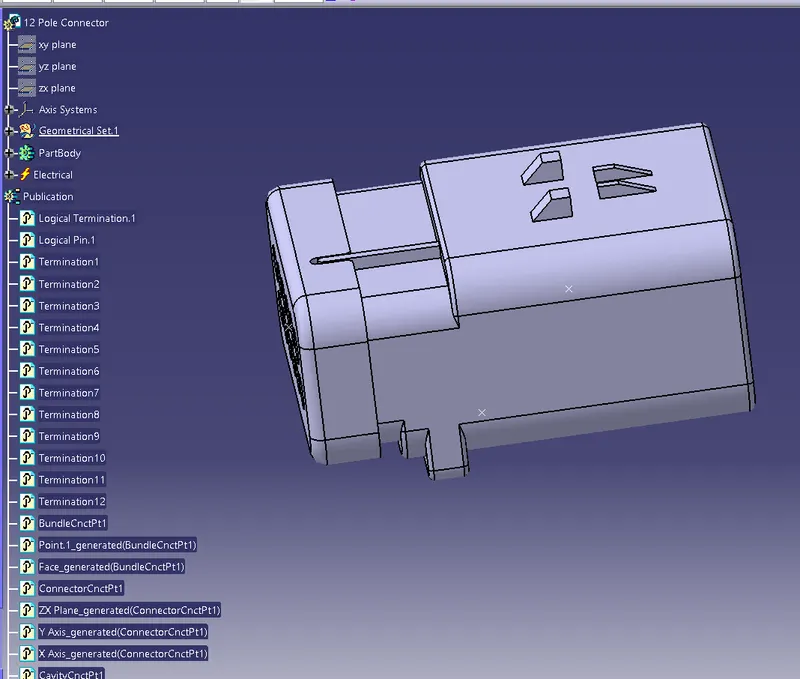
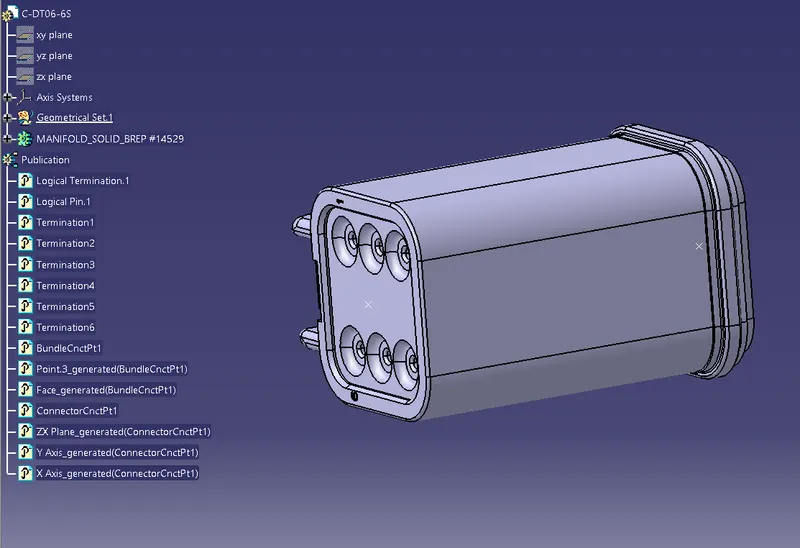
Step 3: To assemble the connectors and supports and grommets at the desired places.
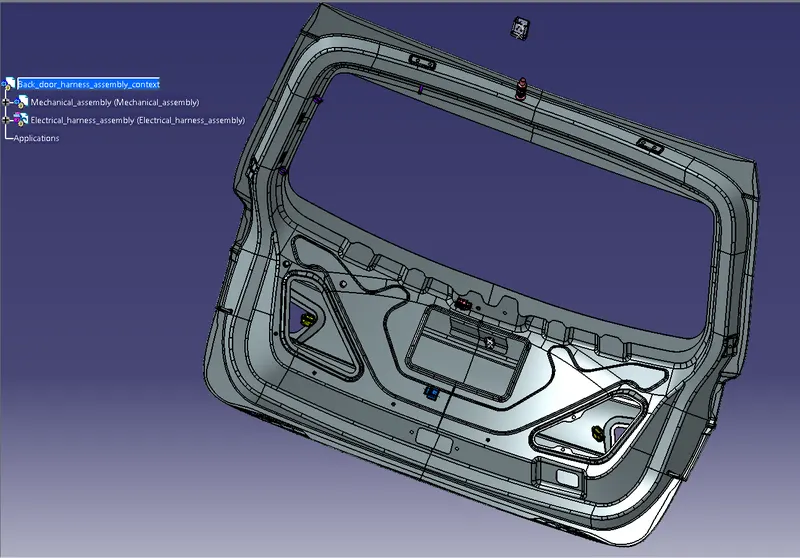
Step 4: Follow the industry's standards like the one support to another support distance is a minimum of 150 to 300mm. These kinds of rules will be followed.
Step 5: Go to the Electrical harness assembly workbench and define the geometrical bundle segment and create the routing of the wiring harness of the given back door component.
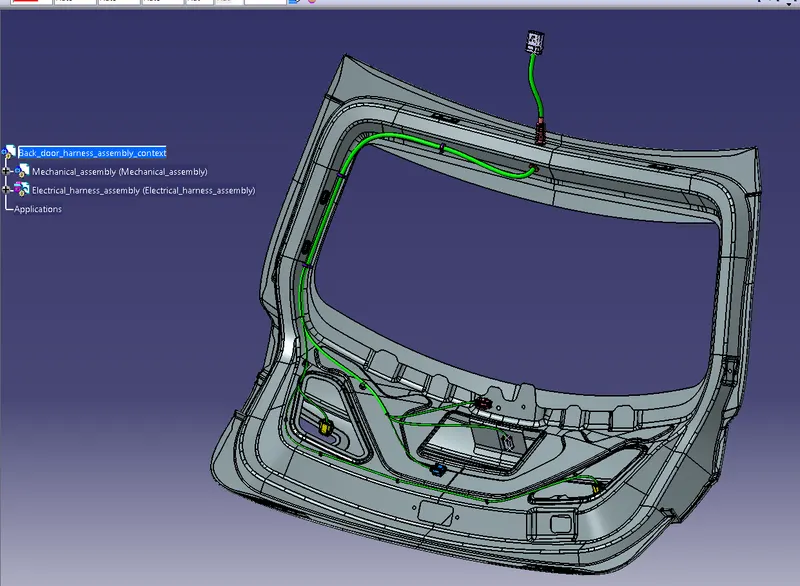
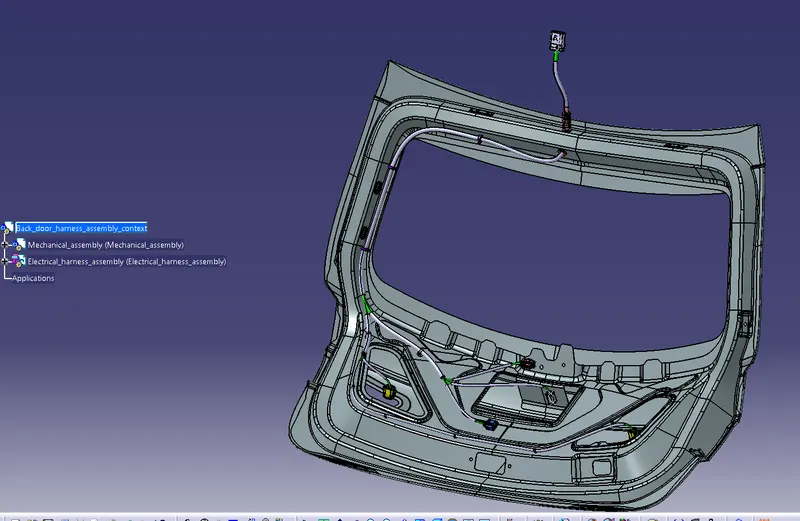
Step 6: Applying the protective covering to protect the bundles from external damages.
Step 7: To check the bundle connection by using the search option.
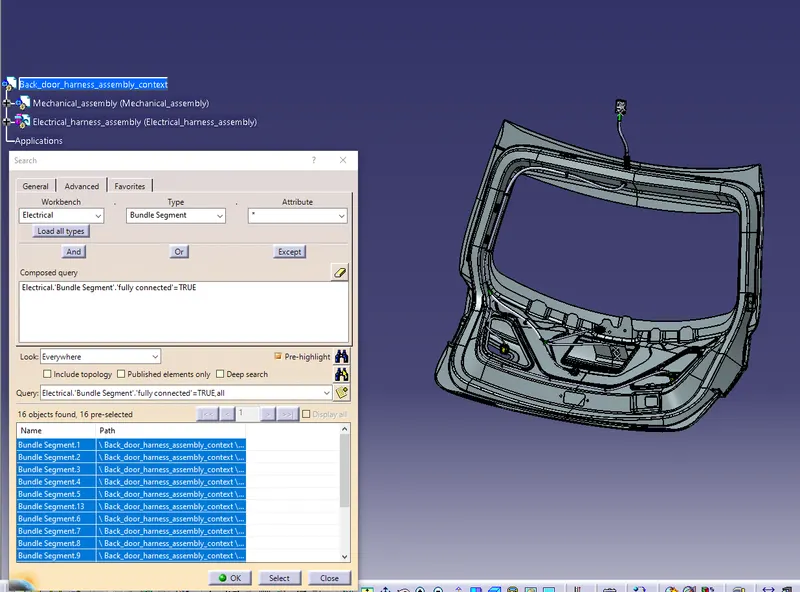
The bundles are fully connected then go to the flattening step.
Step 8: To create the new product and set the flattening parameters and extract the geometrical bundles by using the extract option and the strat to flatten the geometrical bundle by using the flatten command.
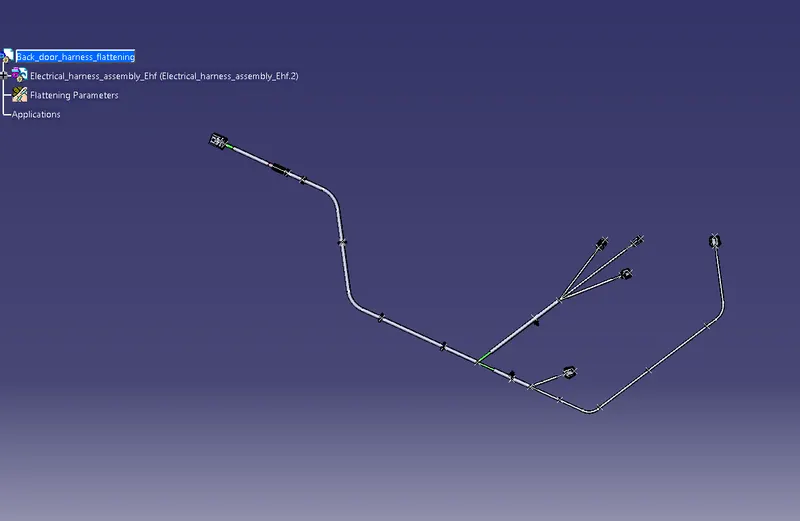
Step 9: Next go to create the drawing sheets.
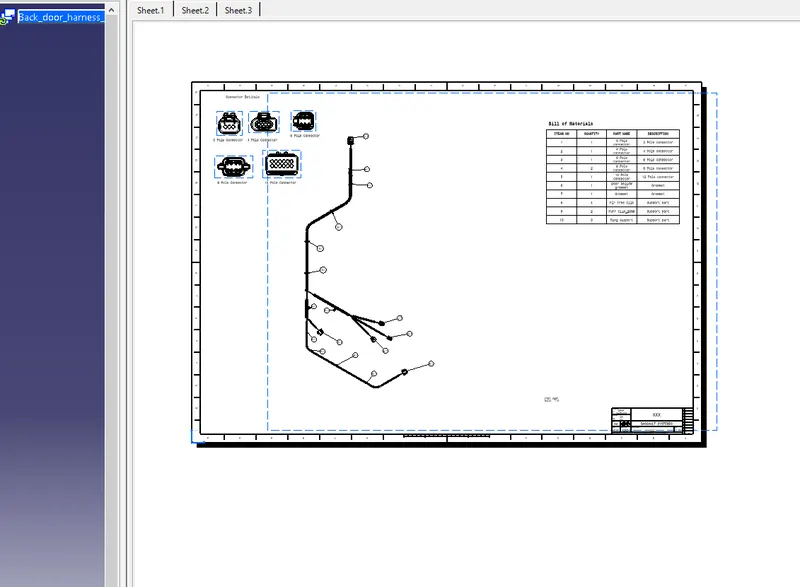
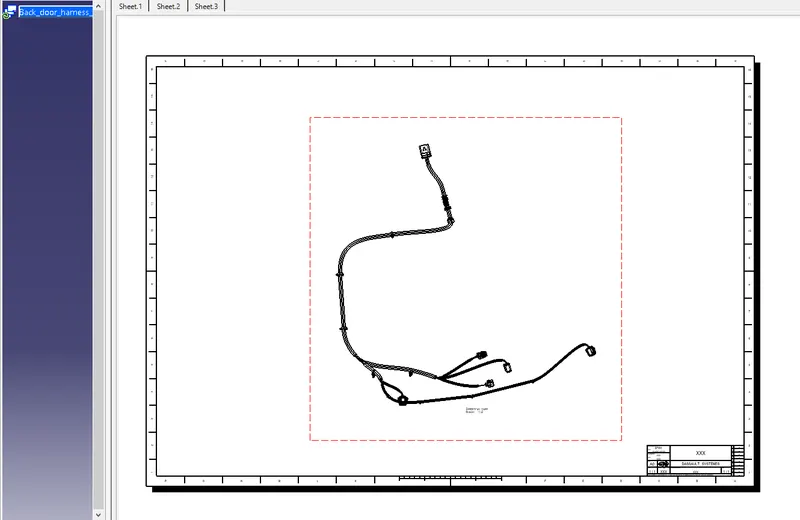
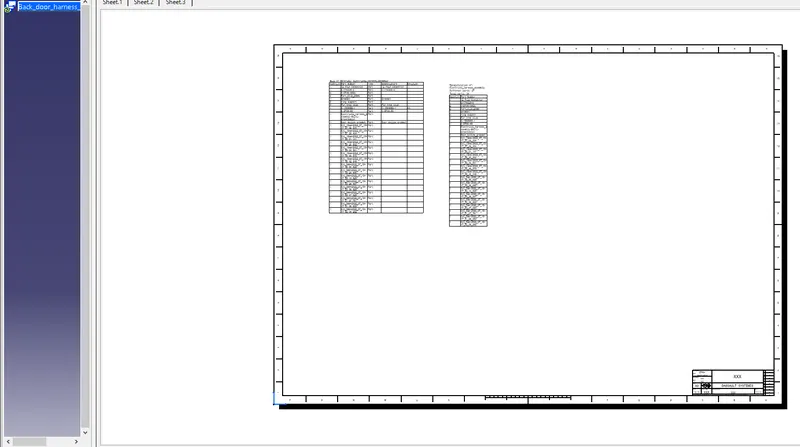
Conclusion
The Back door harness assembly is created successfully and flattening and the drawing sheets are all created successfully.