Project 2
Mayur Vispute
Project 2 - Wire Harness Routing on Back Door
Abstract - In this project we are going to bundle route on Back Door and for this we have to follow some steps,
- All Electrical component we have to defined electrically for eg., Connectors, Clips.
- Study of Back Door CAD file.
- Position all connectors on their position.
- Also position clip for routing.
- Now routing start.
- Check Connectivity.
- After routing create flattening product for that.
- And last Create drawing for that.
Step 1- Electrical Component defined Electrically.
In this project we used three types of connector.
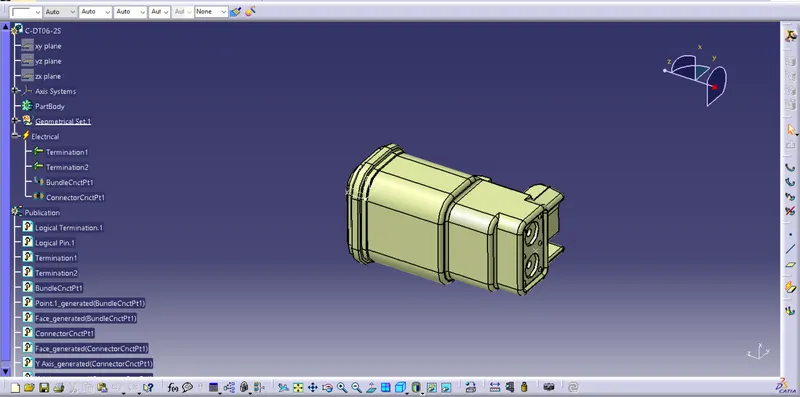
1) Connector-1- C-DT06-2s
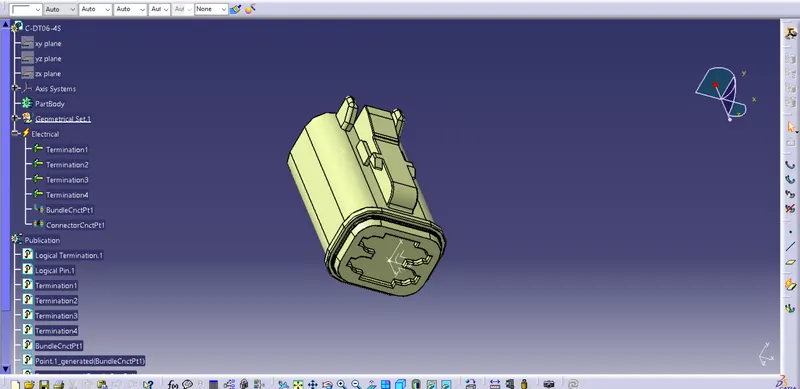
2) Connector-2- C-DT06-4s
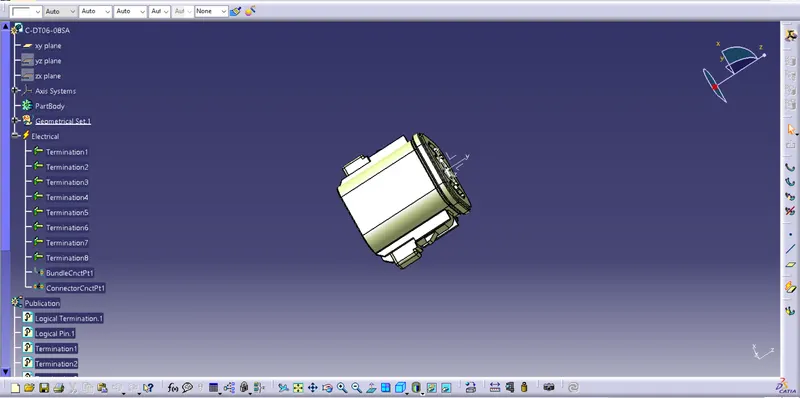
3) Connector-3- C-DT06-08SA
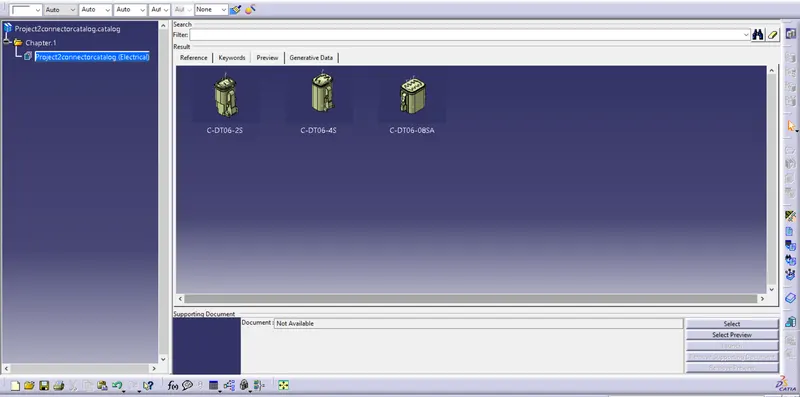
Connector Catalog-
Clip & Clamps-
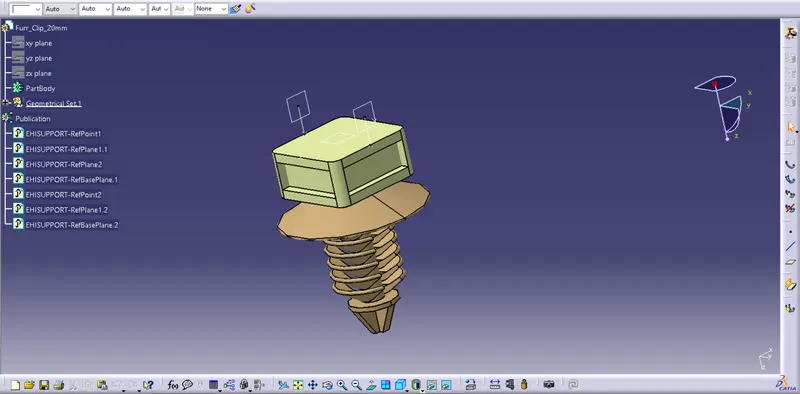
In this project we used only one type of Clip.
1) Furr Tree Clip-
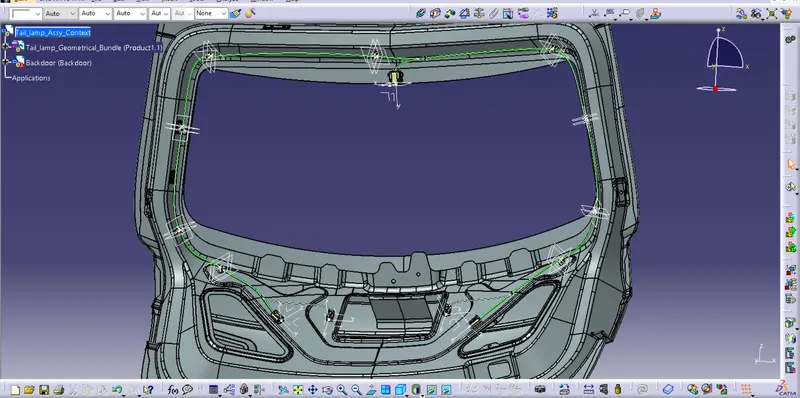
Step 2- Possition the Connectors and clips on back Door & Bundle Routing on Back Door.
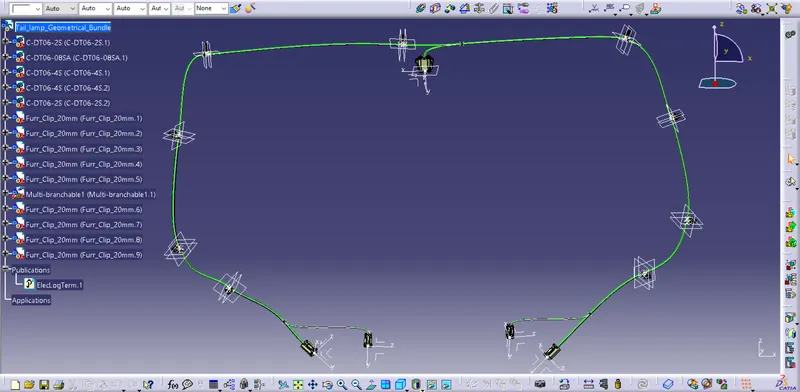
Assembly Geometrical Bundle-
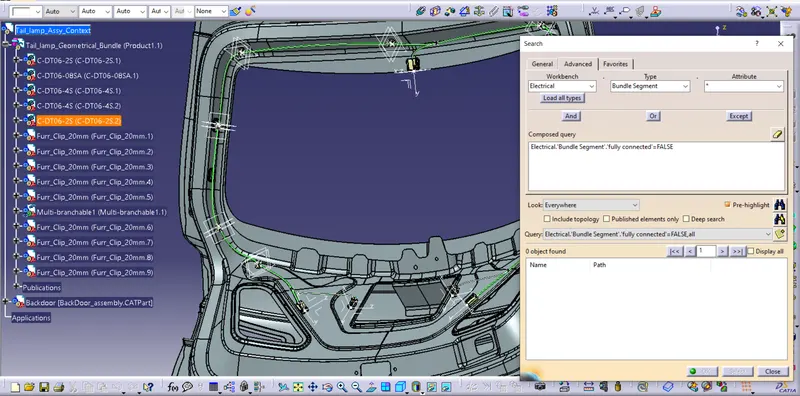
Step 3- Check Bundle Connectivity.
Before flattening Checking the bundle connectivity is necessary. From the below image we can easily say, all bundle are fully connected to each other.
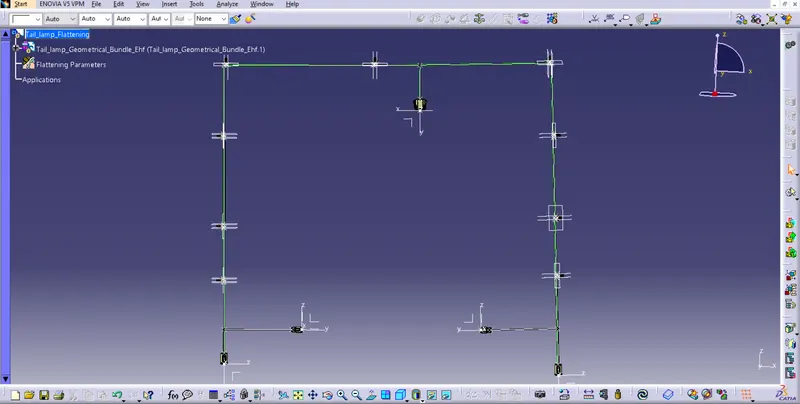
Step 4- Flattening the Geometrical Bundle.
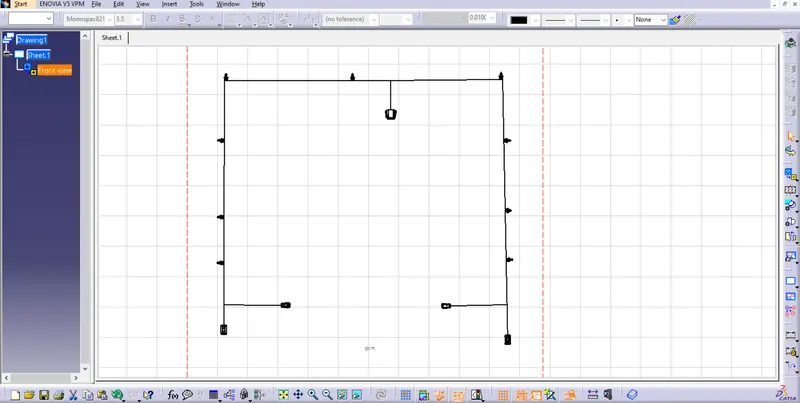
Step 5- Create Drawing.
Thank You.