Project 2 - 2D meshing on the instrumental Panel
2D Meshing on the instrumental panel
Aim: To check for geometrical errors and to extract the midsurface and meshing the component for the given quality criteria
Procedure:
To import the model to ANSA
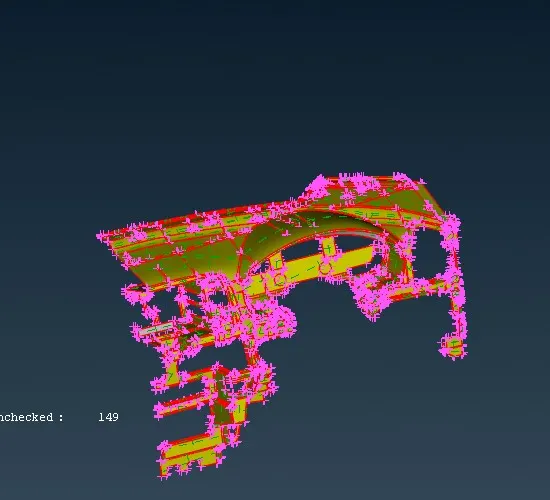
-
Set the Length of model as one initially
Faces---- Length----Perimeter & Macros as one
-
Need to perform Topology and clean up the surface
Check manager------ Geometry
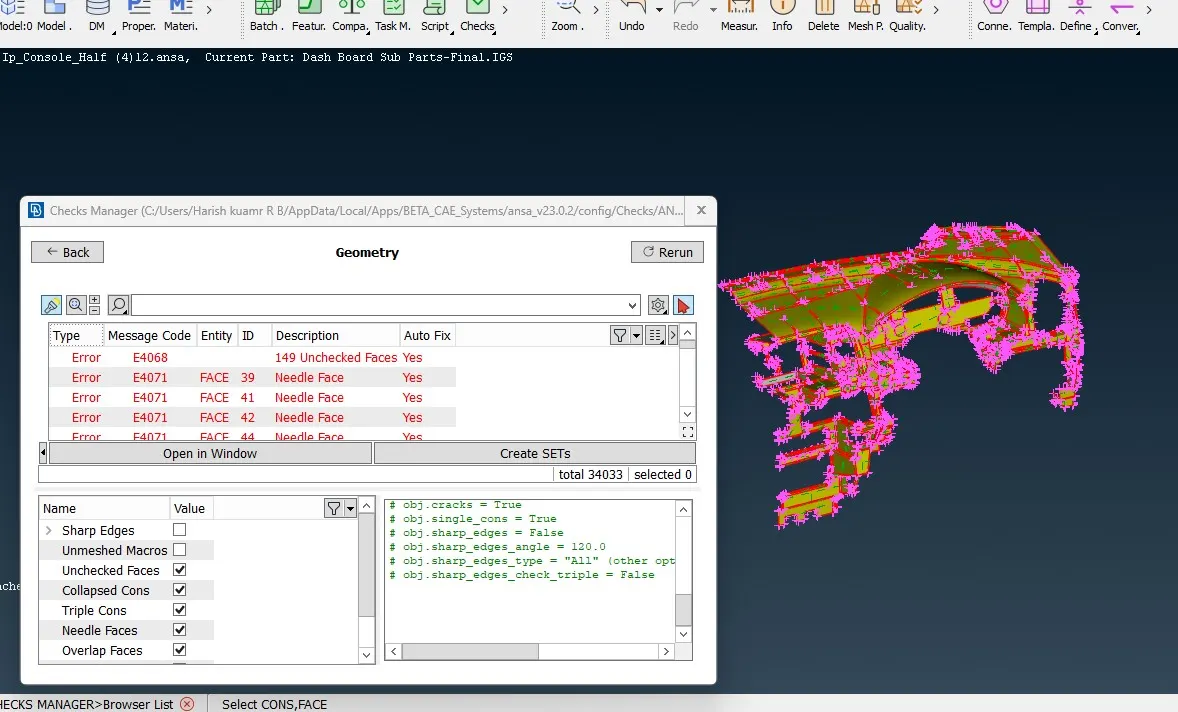
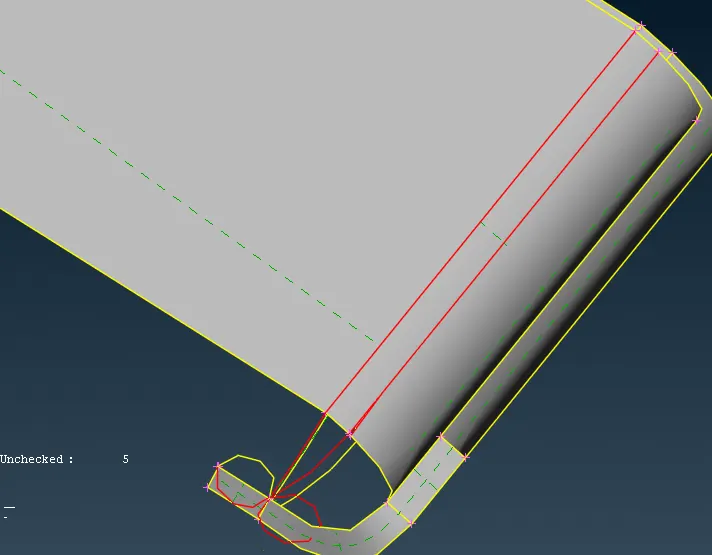
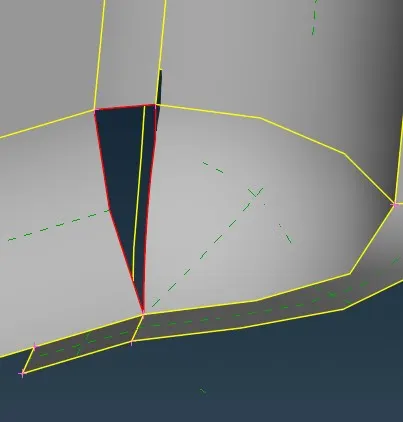
-
Fix the error by deleting Topo>> Faces>> Delete and create a new surface Topo>>Faces>>New
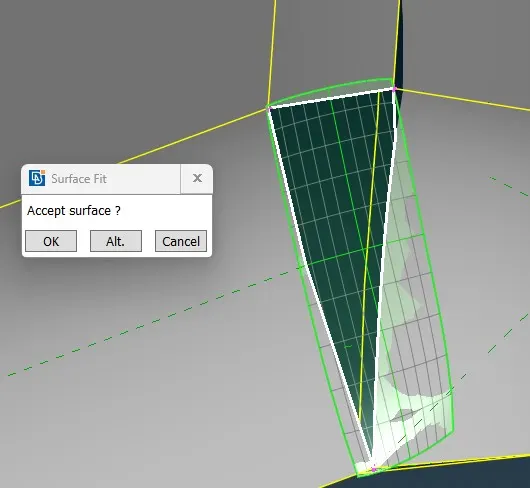
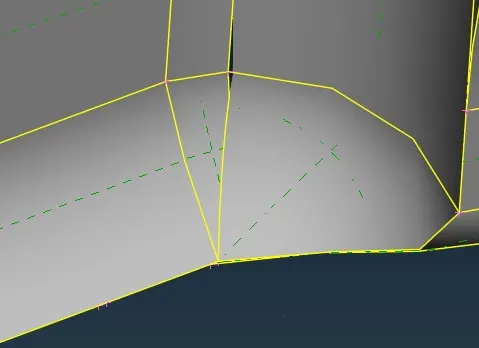
- Clear all the unchecked surfaces, collapsed cons, triple cons, single cons and cracks, we can clear the errors automatically by fixing it ,if not possible manual intervention is required to clear the errors
-
Fix the target length
Mesh---- Perimeters ---- Length
-
Assign mesh parameters and Quality criteria values for the given model
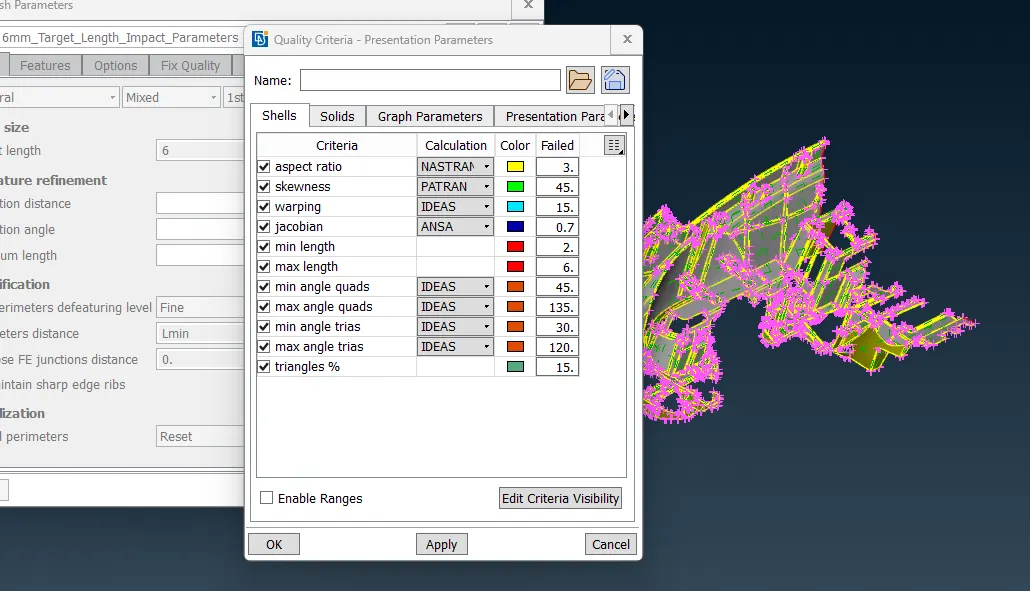
-
The instrumental panel has variable thickness so manual mid surfacing is difficult, so we can use the Casting Method.
-
In this challenge I have used casting method to extract the midsurface, because it takes less time compare to other methods
-
Topo>>Faces>>Mid surface>>Casting/Extrusion
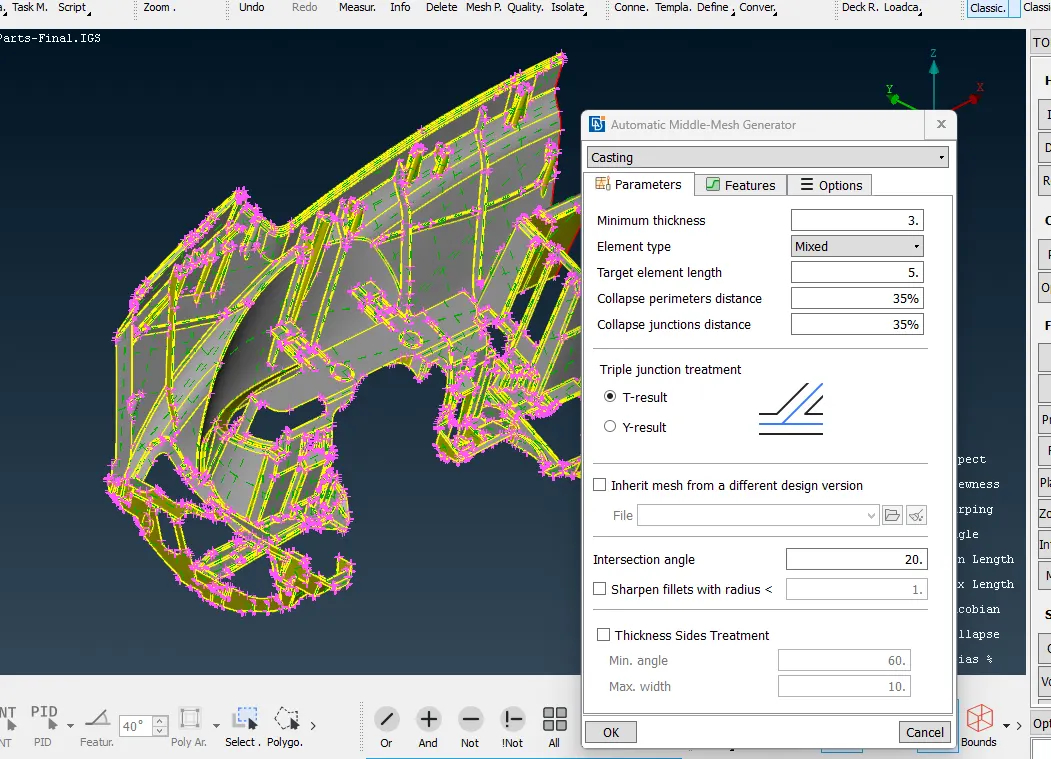
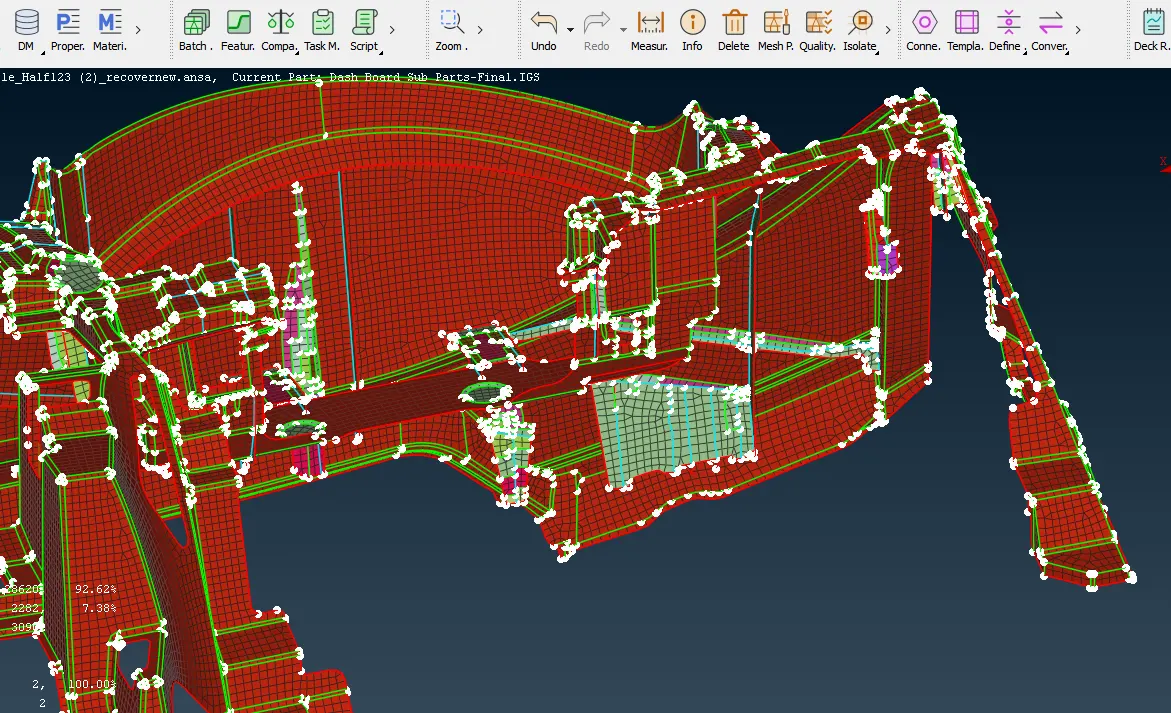
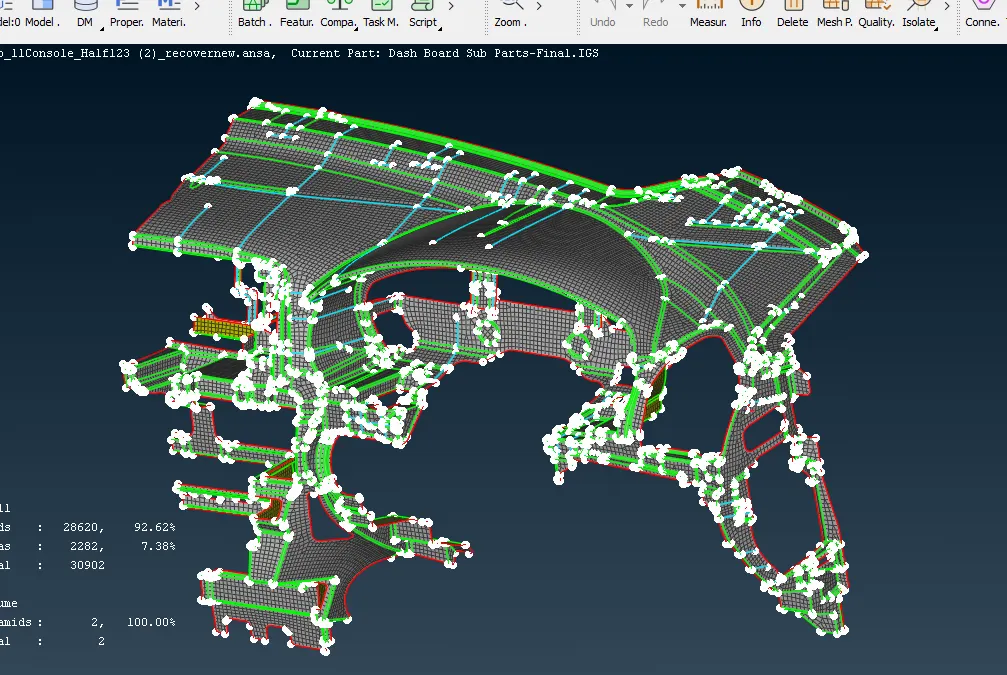
- Below image shows the FE is generated automatically by using casting method
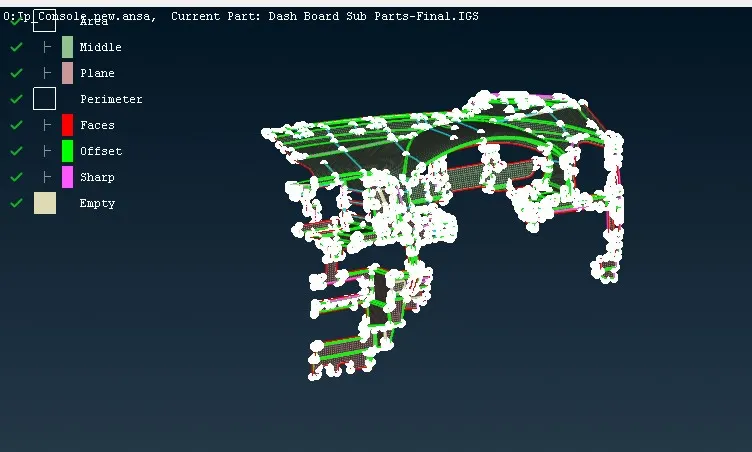
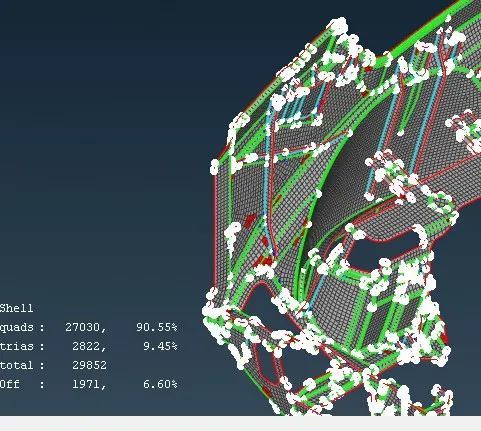
- After casting it can be observed that off elements are 1971 that are failing for quality criteria
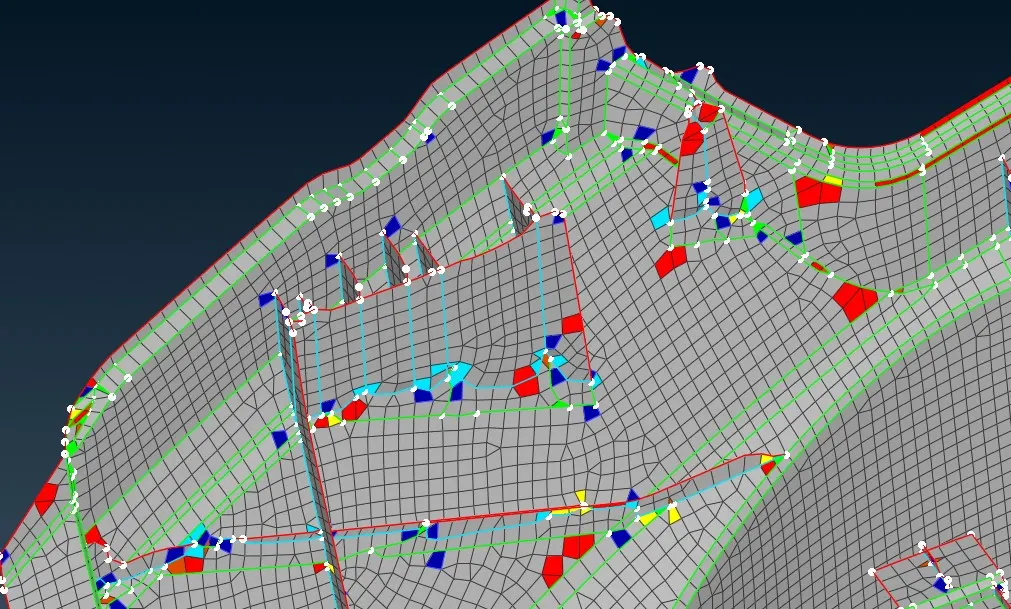
- Off elements can be reduced using classic Mesh>>Shell Mesh>> Reconstruct/Improve/smooth/Fix quality
- Opposite trias and Rotating quads are eliminated by using Topo>>elements >>Split/Swap/join
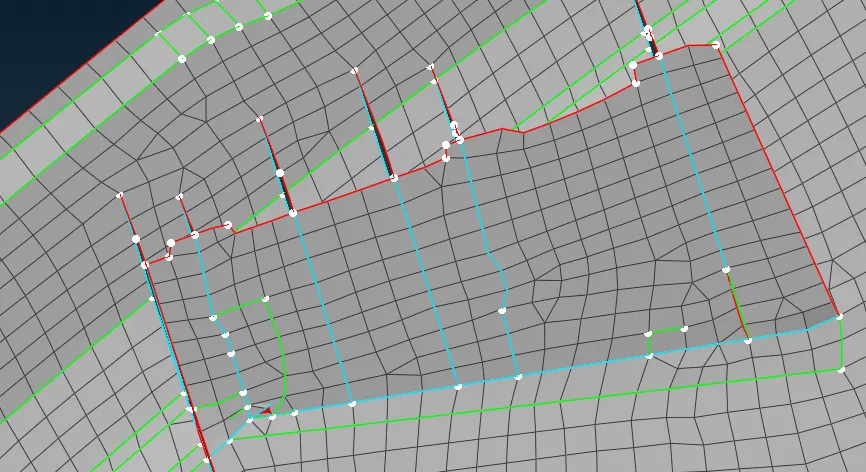
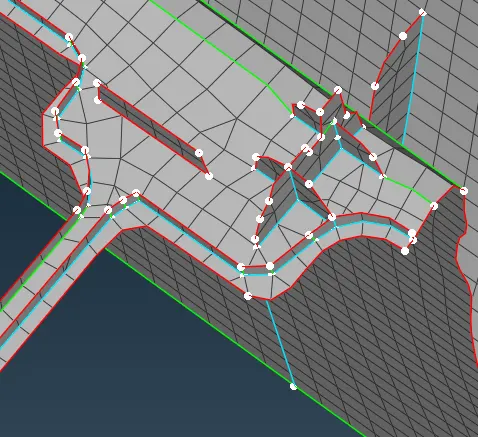
- It can be observed that some features at the dog houses are not captured properly it has to be reworked manually at those areas by using Align manager
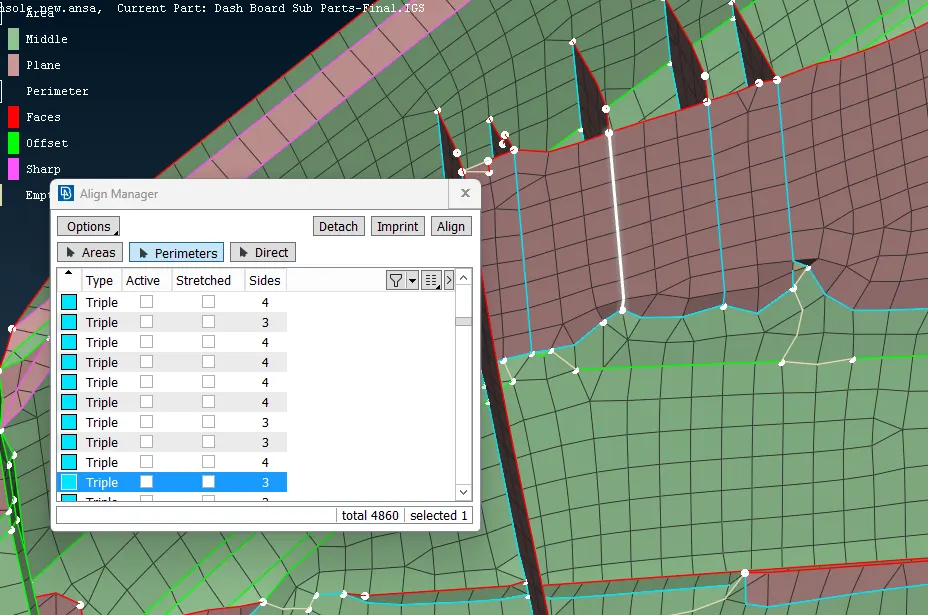
- Topo>>Faces>>Mid surface>>Align Manager
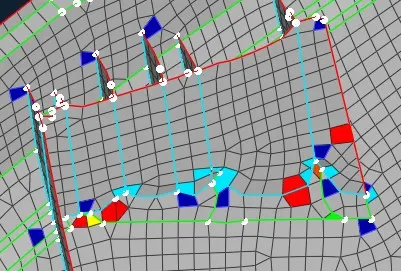
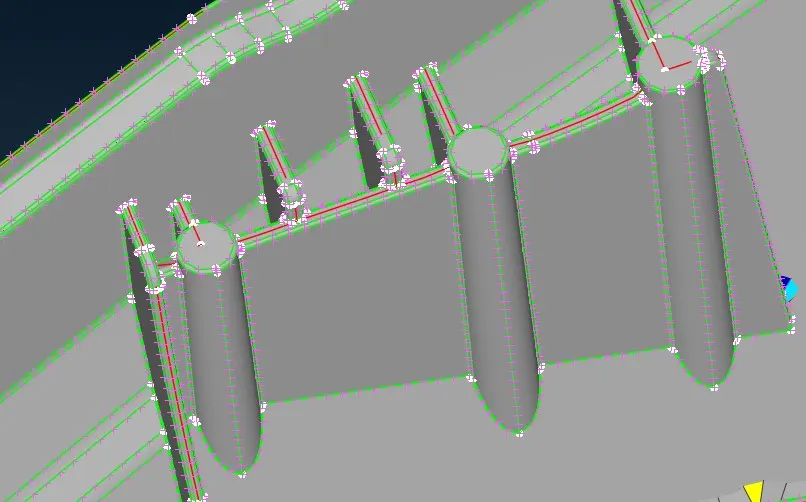
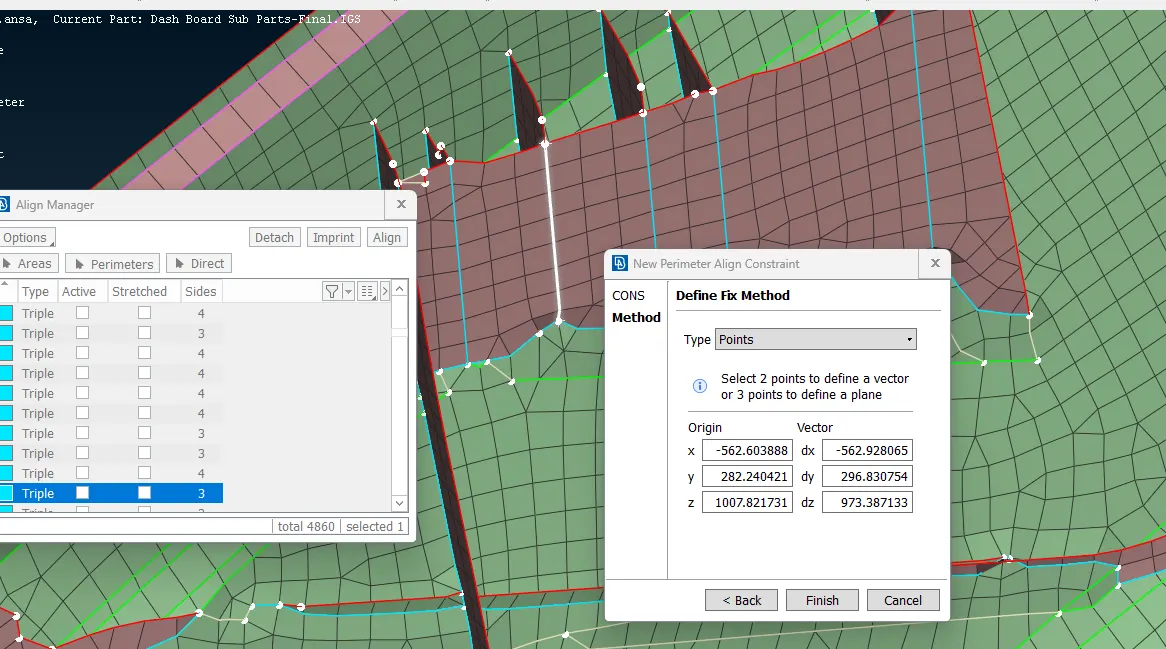
- The features as to be captured properly as per the parent geometry by using align manger,we can align Areas,Perimeter,imprint and align as shown in fig above
- In the below image the doghouse has not been created properly by casting method it has to reworked manually, frist delete the improper surface and reconstruct by using parent geometry with the help of topo>>Faces>>cut>>cons2curves
- Next create the doghouse or Ribs by using classic mesh>>Shell Mesh>>Fill , so that the surface will be created and next align the surface using Align Manager
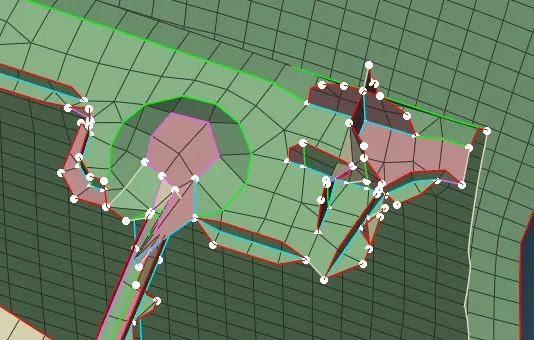
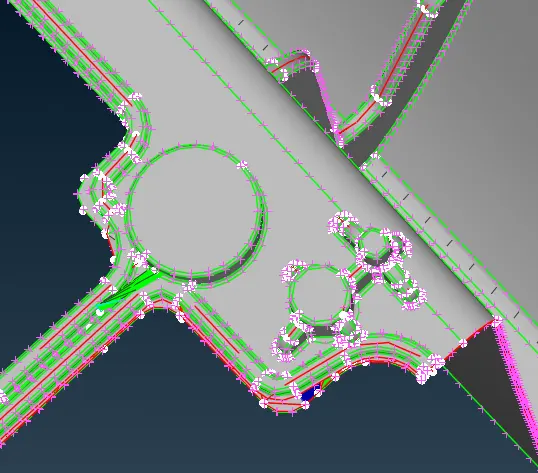
- It is the new surface created manually with the help of classic Mesh and Align Manager
Assigning the thickness:
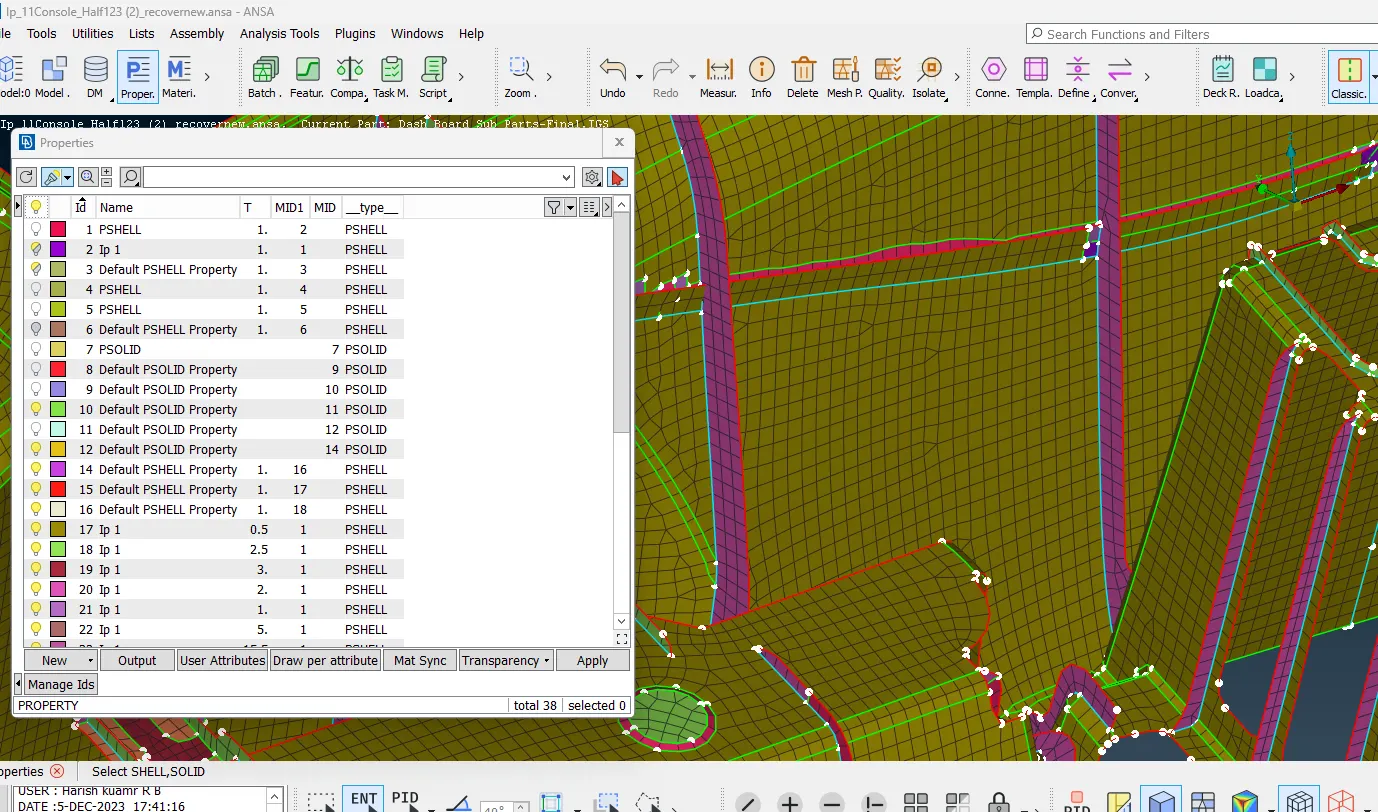
- Next assign the thickness by using classic Mesh>>Macros>>Set PID
Learning Outcome:
-
To perform geometry cleanup for complicated model
-
Learn to extract mid surface/FE using Casting Method
-
Learn to use Align Manager
-
To assign thickness for the PID’s
-
To maintain a proper mesh flow
Conclusion:
Checked for the geometrical errors and extracted midsurface and FE by using casting method for instrument Panel model as per the given Quality criteria and the thickness has been assigned.
link
https://drive.google.com/file/d/1S6LnpWfp9EEoS1Hupqo1WuYZEo5cs3an/view?usp=drive_link
https://drive.google.com/file/d/1t-jDnOOBAuCQ1Lqx1NAPRNEH7rzt6T1T/view?usp=drive_link