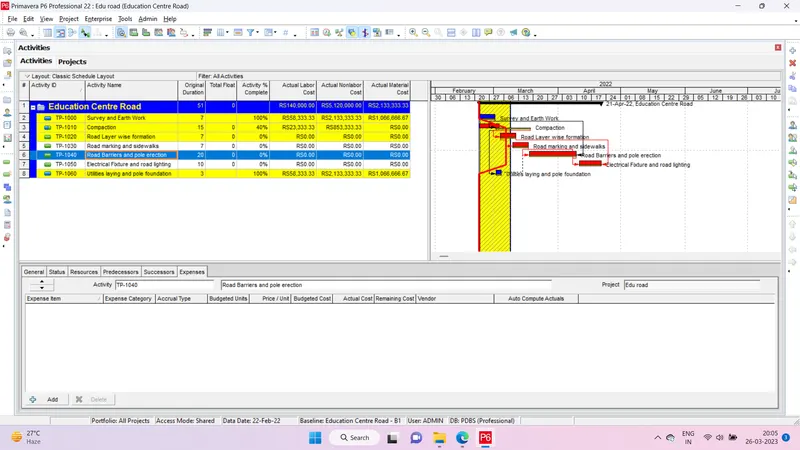
Project 2
Question- A 100 m WBM road needs to be constructed inside the Skill Lync Education center premises to allow access to the centre for students and faculties.
Create the following Project (under same EPS/OBS as project-1) and Resource :
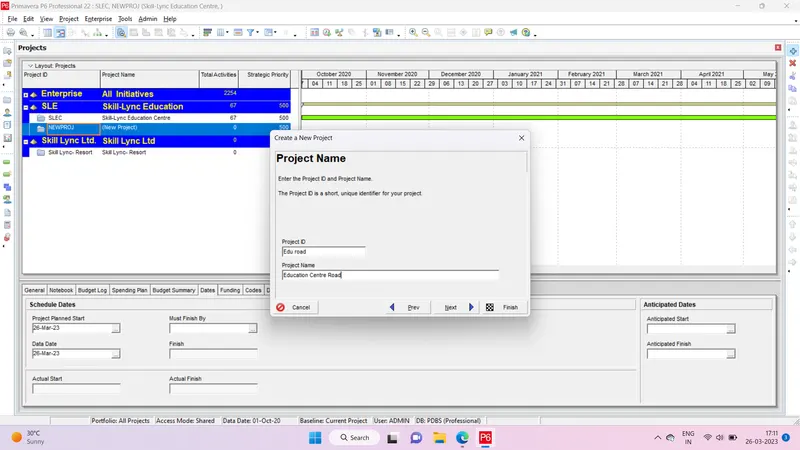
Project Name - Education Centre Road
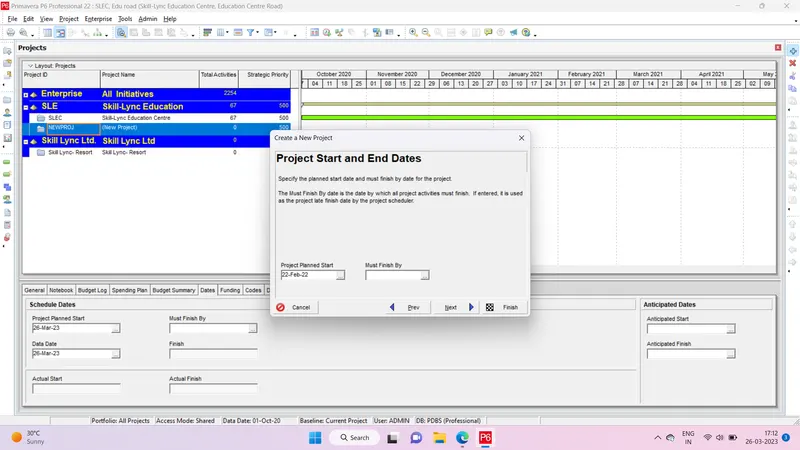
Assume - Calendar as 6 x 24 and start date on 22nd feb 2021
Answer-
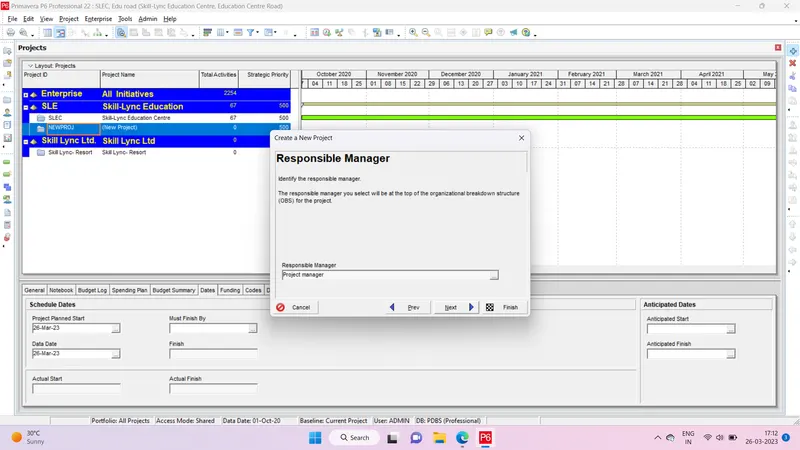
Step 1 Open New Project
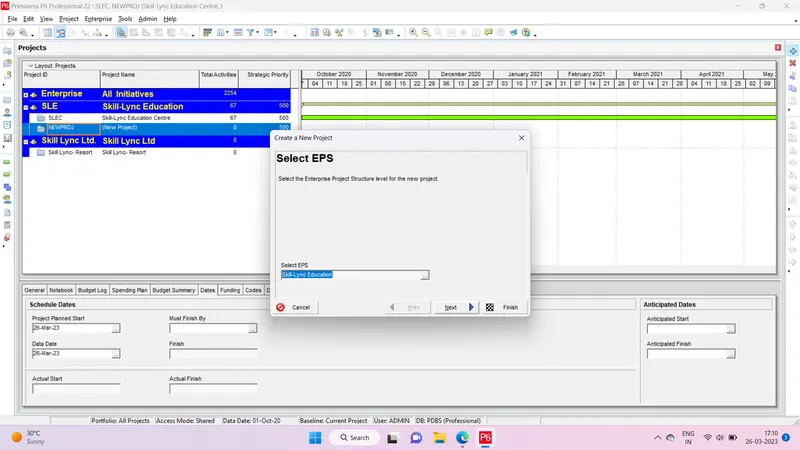
Step 2- Add name as per requirement
Step 3- Set start dates
Step 4- Assign responsible manager
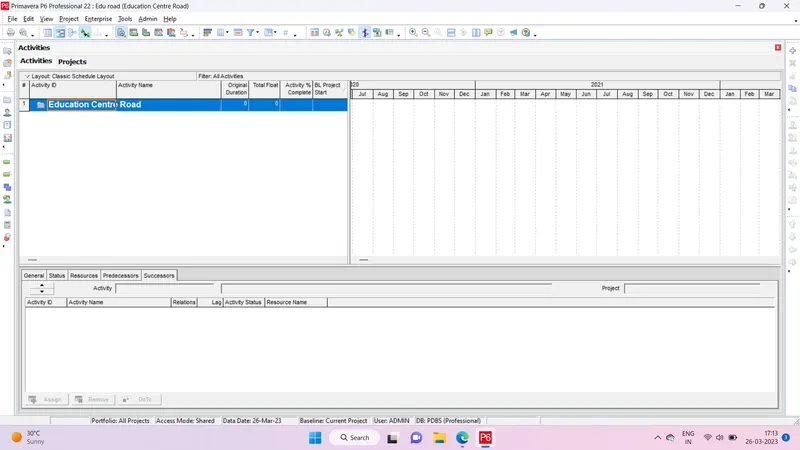
Step 5- Open Project of Education Centre Road
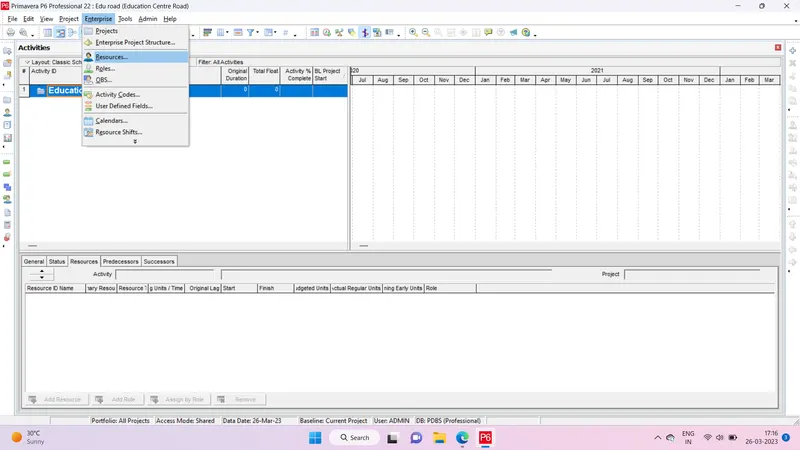
Step 6- Go to enterprise option and select resource option
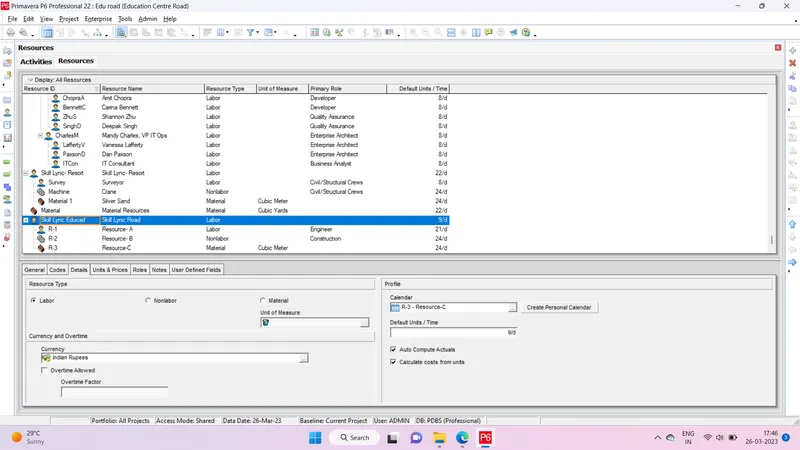
Step 7- Click on the add option and add an name, resources type, unit, calenders.
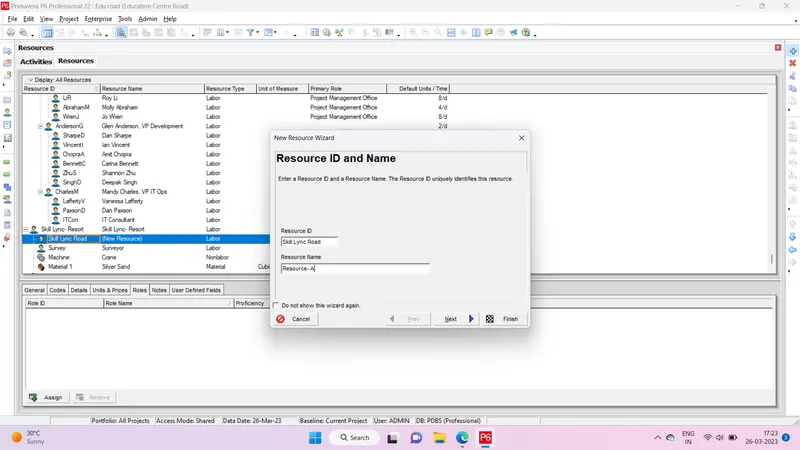
Step 8- Adding Labour resource
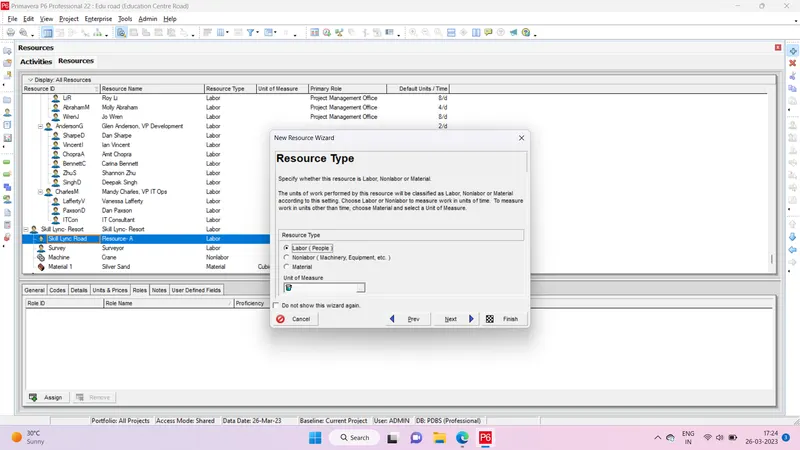
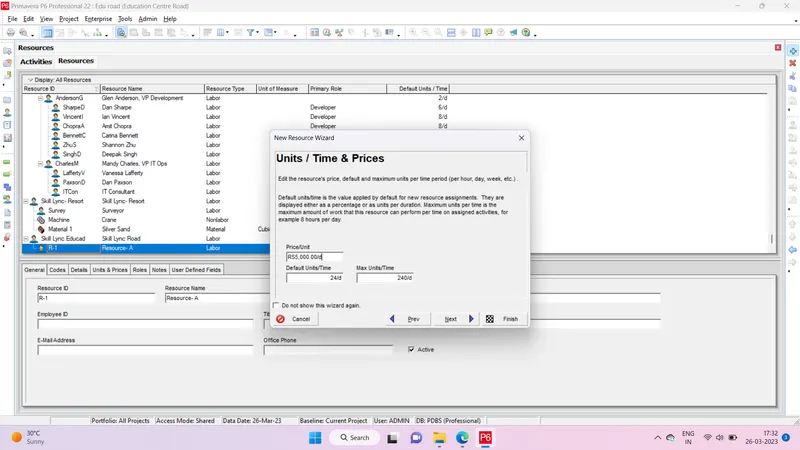
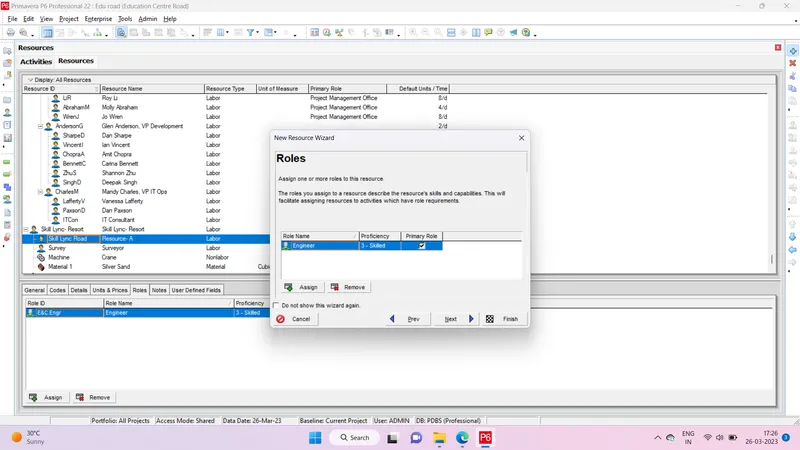
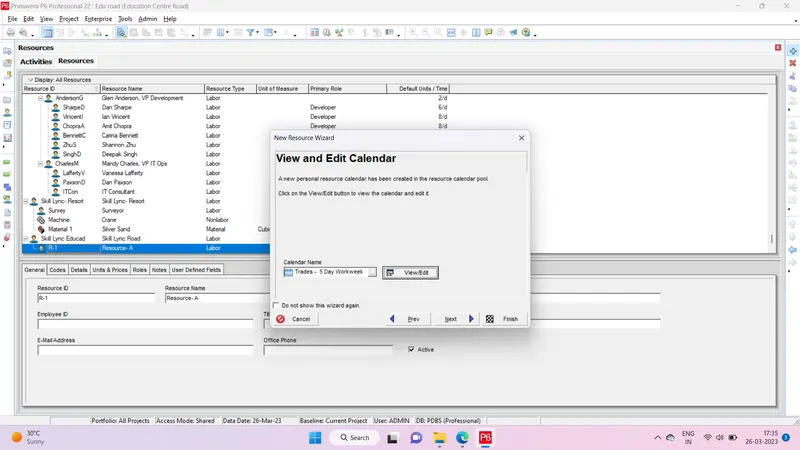
Step 9- For resource B
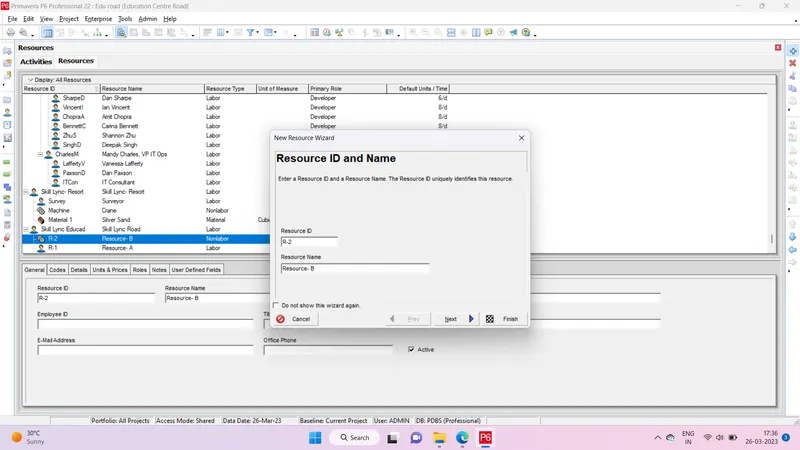
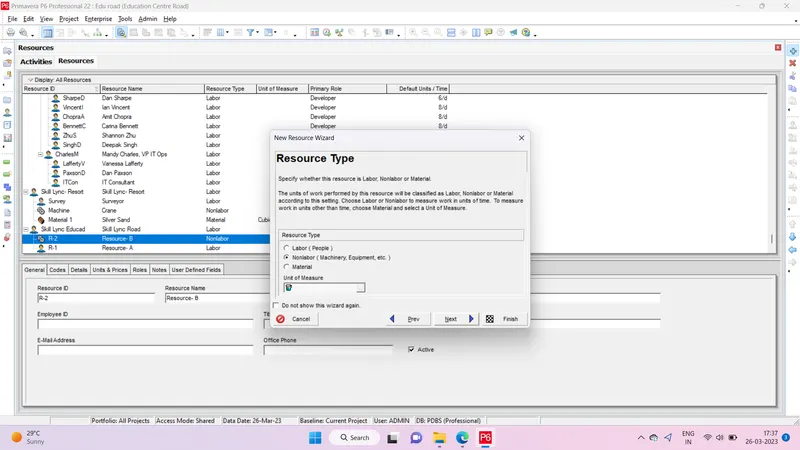
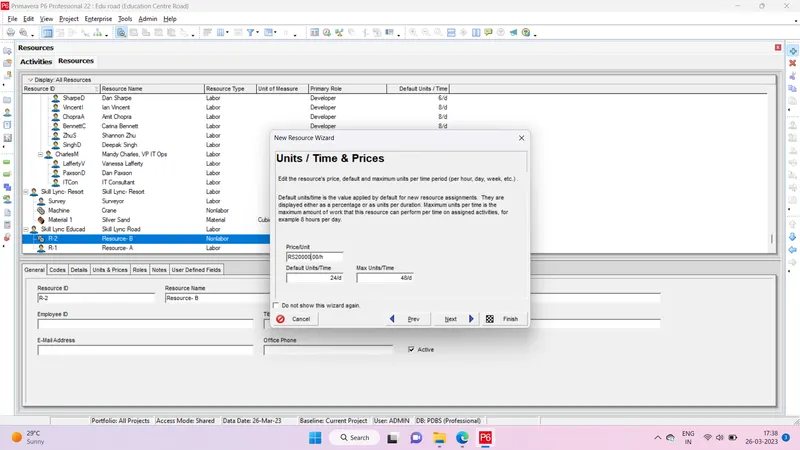
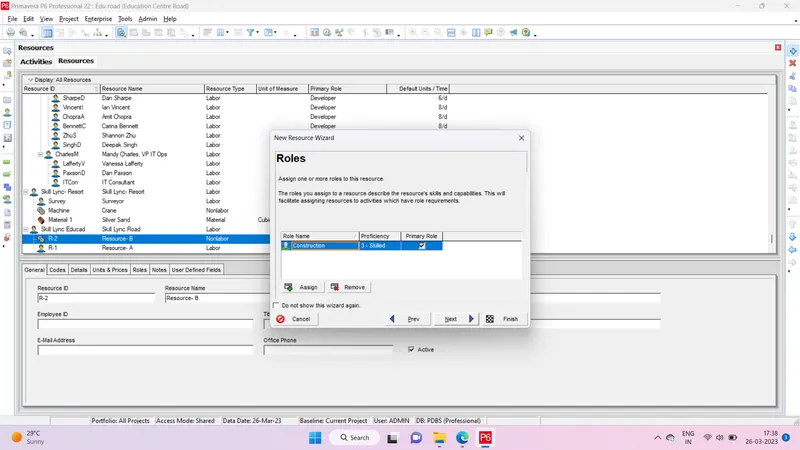
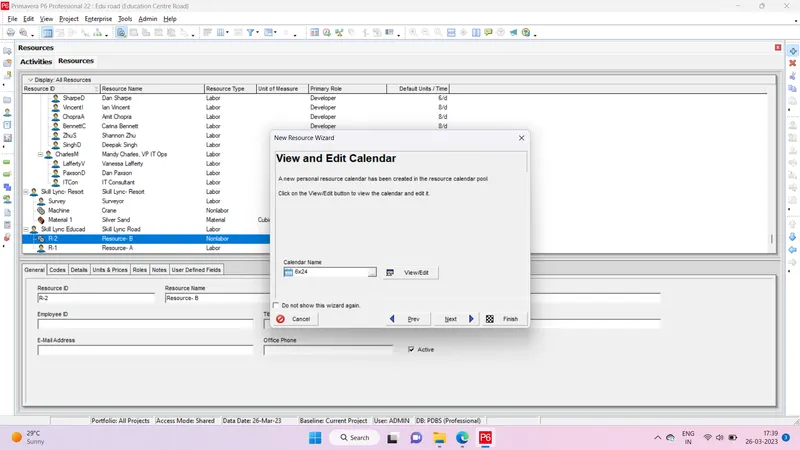
Step 10- Resource C
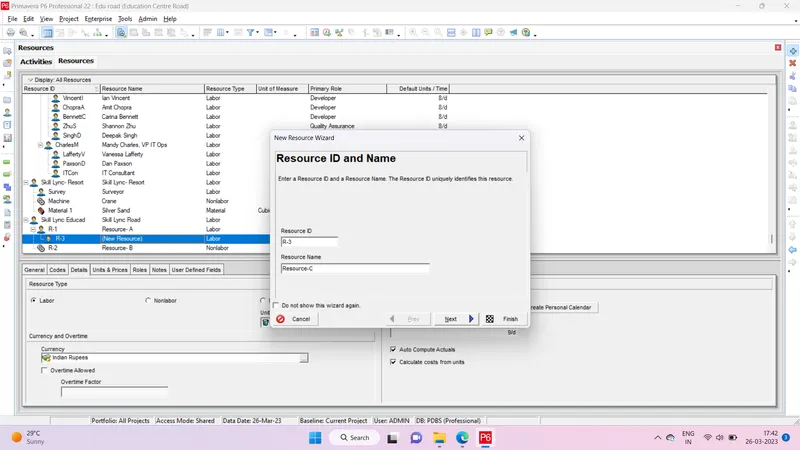
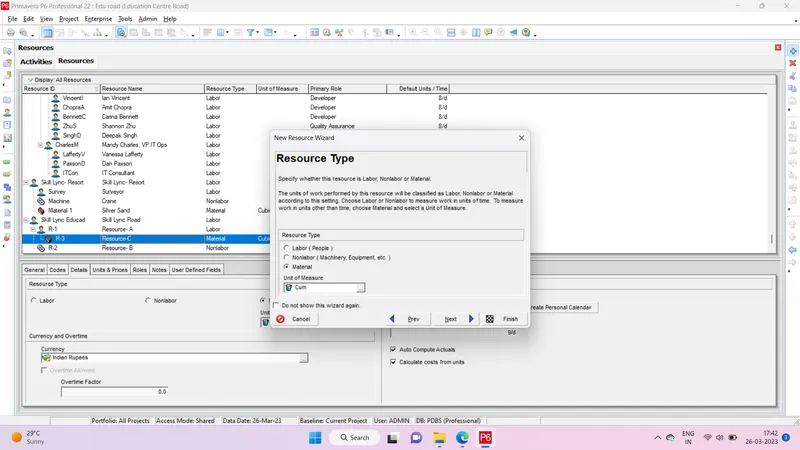
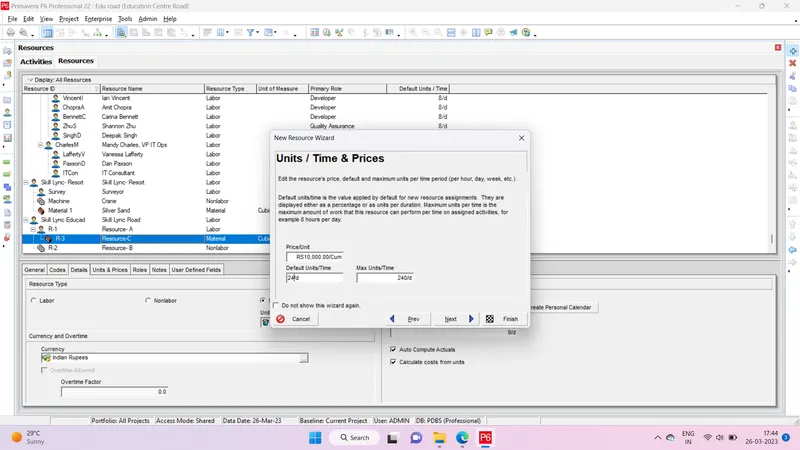
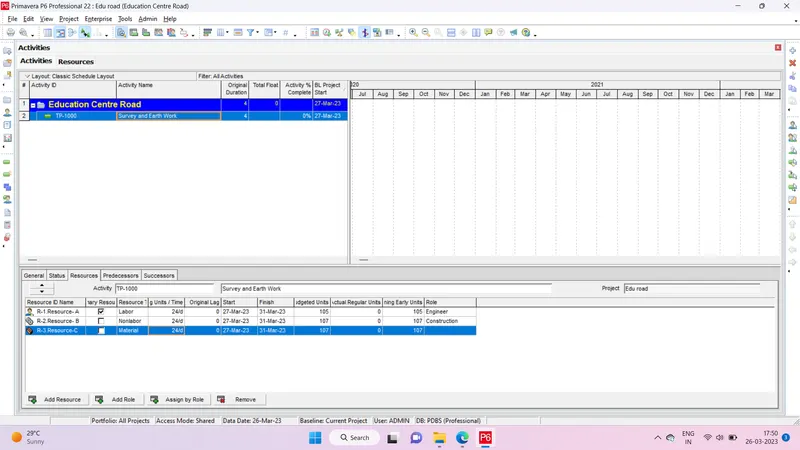
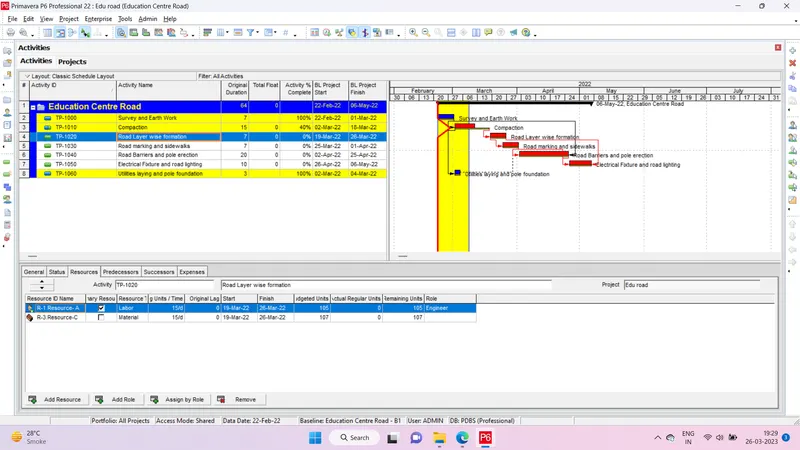
Step 11- Creating activity and assigning Resources as per given
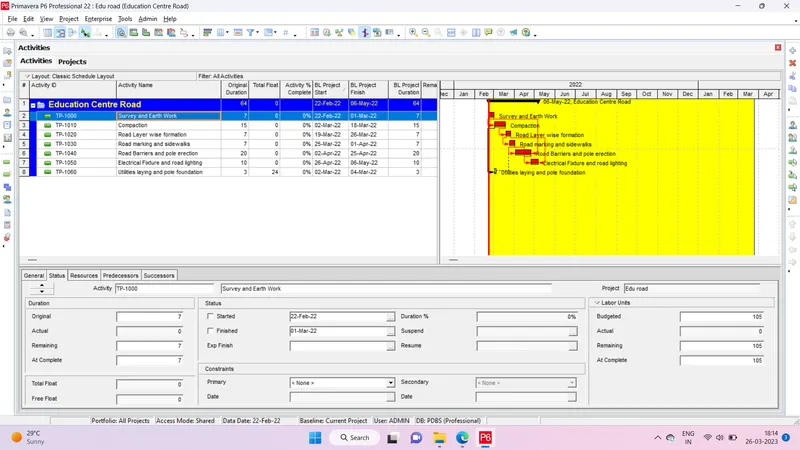
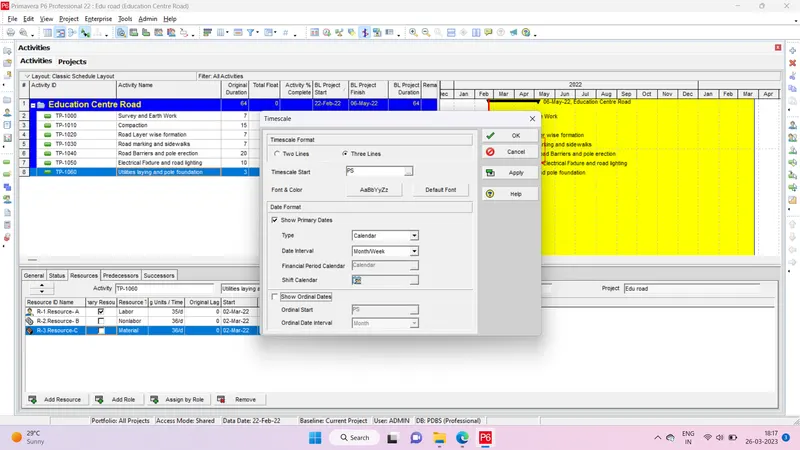
Step 12- Using 3-Tier timescale with Year / Month / Weeks
Step 13- Go to Projects and select the Project and from below detail window adding a budget to your project - INR 6 cr.
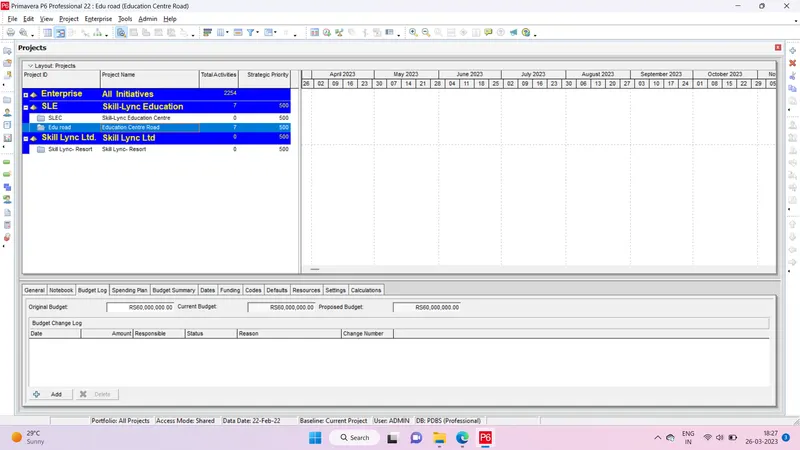
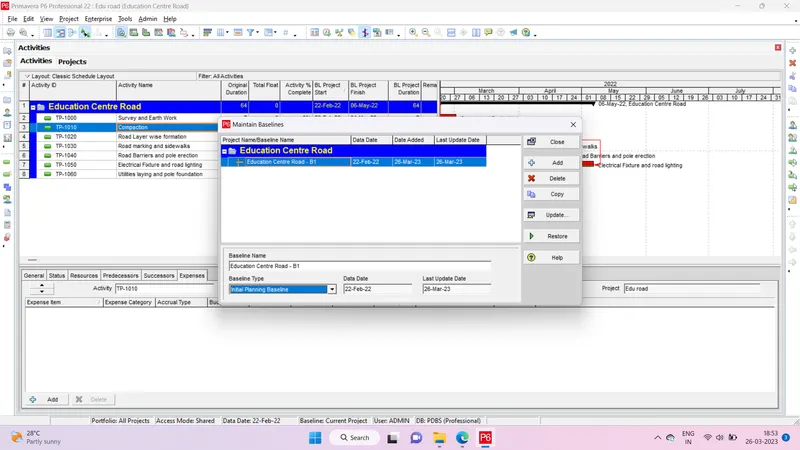
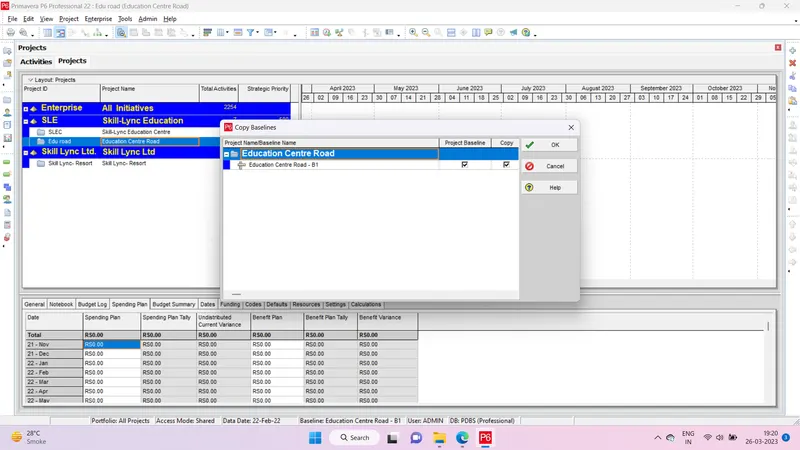
Step 14- Creating a baseline
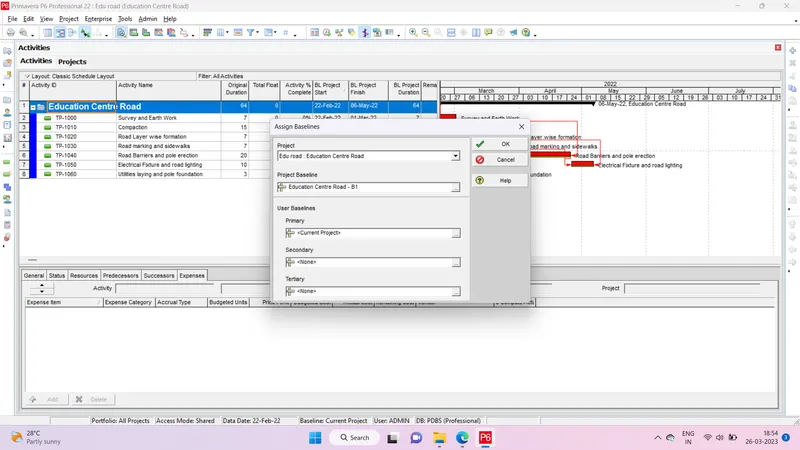
Assigning Baseline
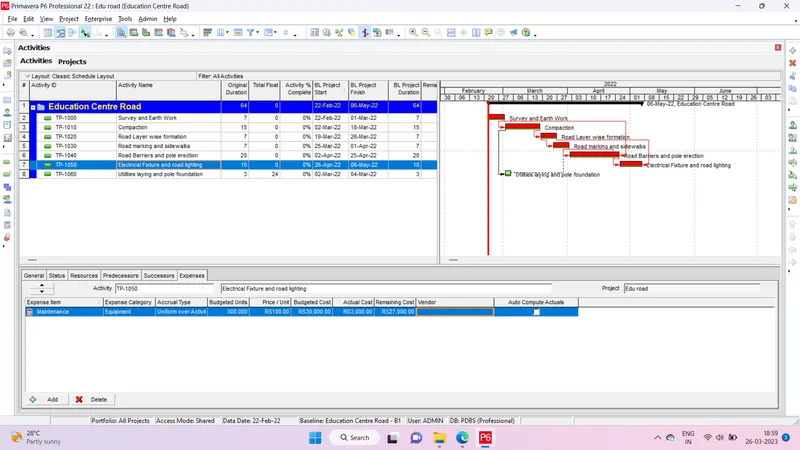
Step 15- Adding expenses
Step 16- Generating material resource cost curve
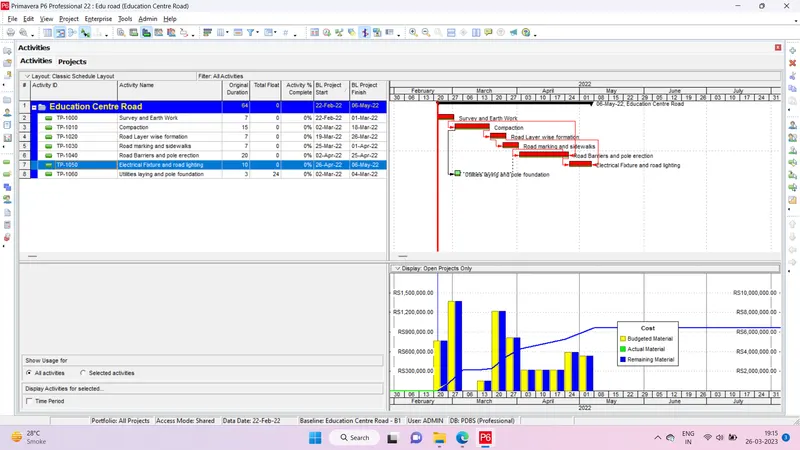
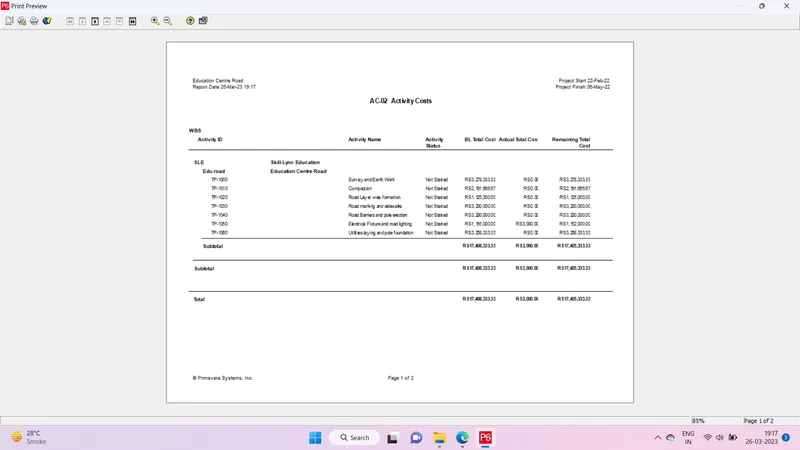
Step 17- Generating an activity wise cost report
Tools > Reports > Activity Cost
Step 18- Creating Reflections
Step 19- Updating the reflection by 15 days from start and merge into the source project
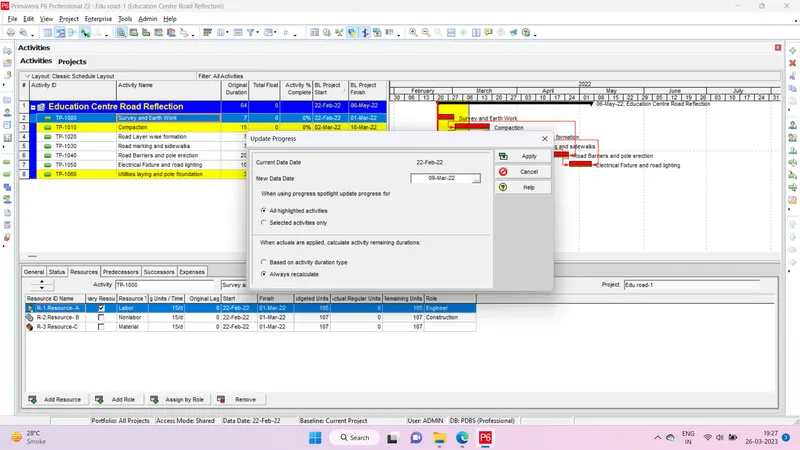
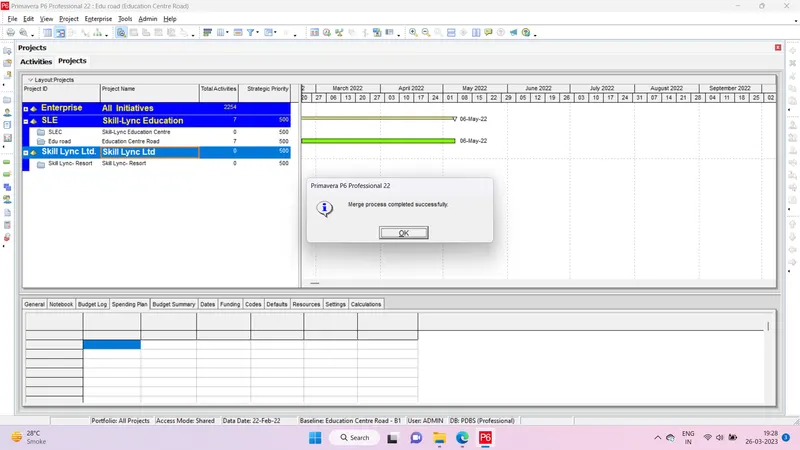
Observe the changes
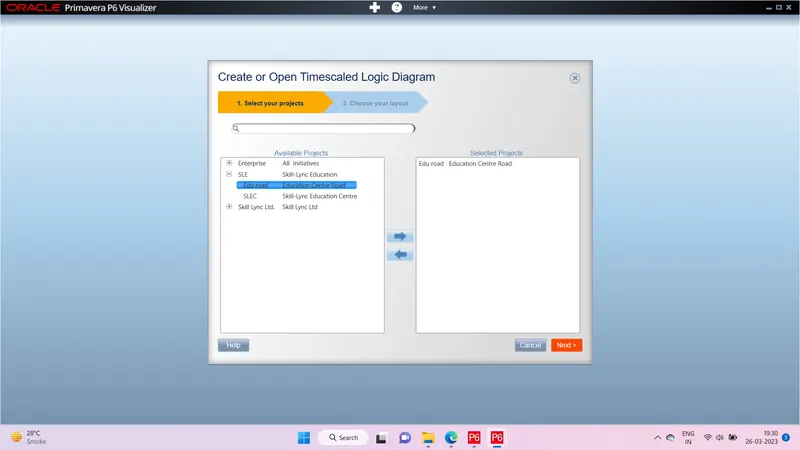
Step 20- Open a TSLD view of the project in Visualizer
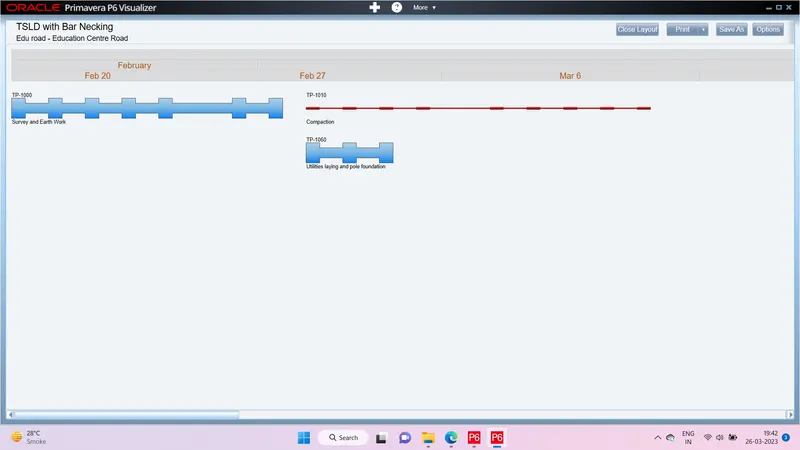
Step 21- Adding curtains up-to first 15 days of the project.
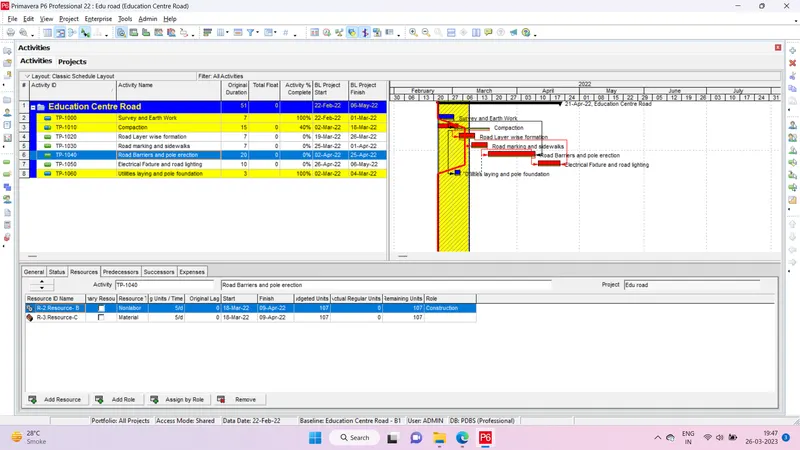
Step 22- actual cost for labour, non-labour and material cost of the updated schedule