Project
Project 1
Objective:
Creating a 3d Model in spaceclaim and slice it using a slidero software and make it ready for 3d print.
Introduction:
This project aims at creating a 3d model in the Spaceclaim software and then convert it into an stl model.This stl file is then sliced using a slicer software.3D printing is an additive manufacturing process instead of other material cutting processed.Here material is added incrementally to create the whole model.The machine used for 3D printing is called a 3D printer.There are different technologies in 3D printing.
The first try at 3D printing is done around 1980s in Japan.The term coined at that time for the technology is Rapid prototyping.At first a photosensitive resin was used and was polymerised using a UV Light.Later comes other techniques such as FDM(Fused Deposition Modelling).
Other 3D printing technologies include Selective Laser Sintering(SLS),Laminated Object manufacturing etc.
3D printing can be used for creating objects and designs that otherwise are not possible by conventional methods.
Methodology
The first step in 3D Printing is 3D modelling.Here we create a CAD Data of the part that we need.
Then the CAD model is cut into several layers using a slicer software.
Then This sliced model is saved as a .gcode.Gcode is a coding used for CNC machined and 3D printing machines.This code include the x and y position of the tool tip and the velocity of the movement of the tooltip etc.We can modify the ,gcode to make the tool travel more efficient.
The orientation of the model can be adjusted in different ways to get optimum 3D print.The main concerns such as brim for better holding on the printer surface for parts with point contact on the base,Support structures for overhang and on air portions of the model.
In the slicer software we can control the percentage of infill(percentage of material to be added for support structures),wire diameter,etc.
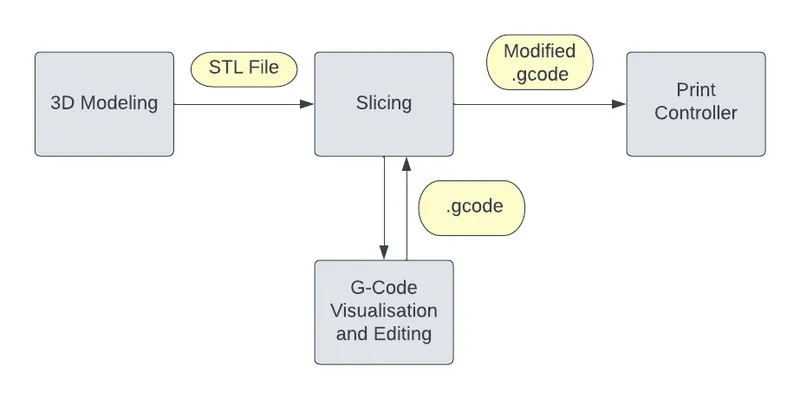
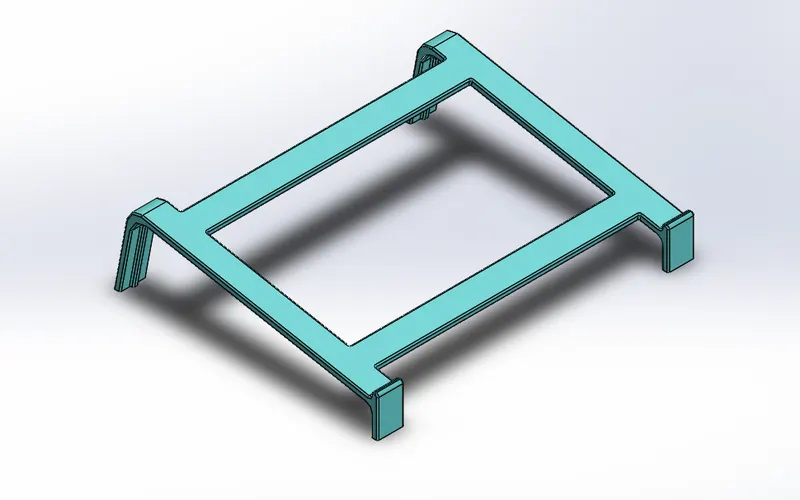
In this project modelling and slicing of a Laptop stand is done.
The 3d model modeled in spaceclaim is shown in the below image.
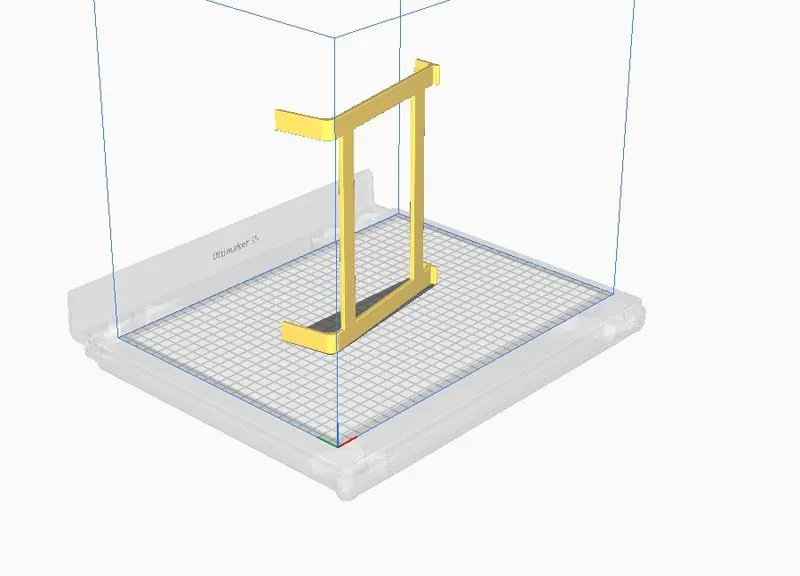
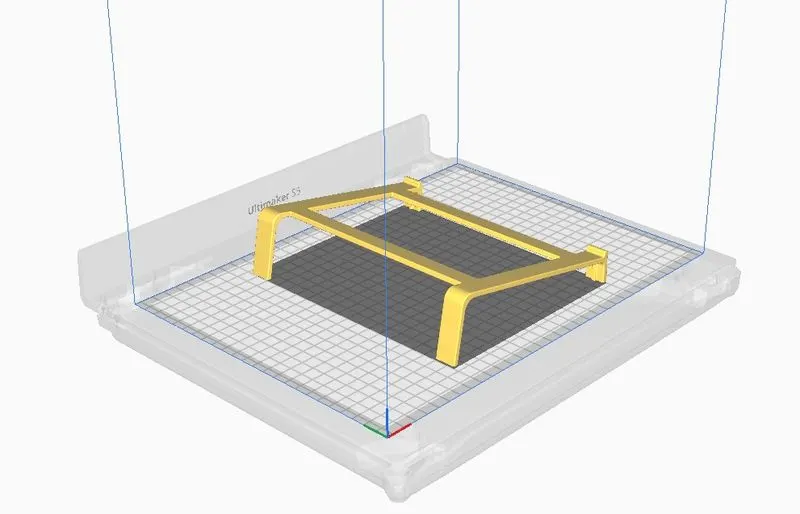
Now this Cad Model is exported into an stl file.This stl file is added into a slicer software.The mode orientation can be adjusted in the slicer software.Default arrange ment is shown in the image below.
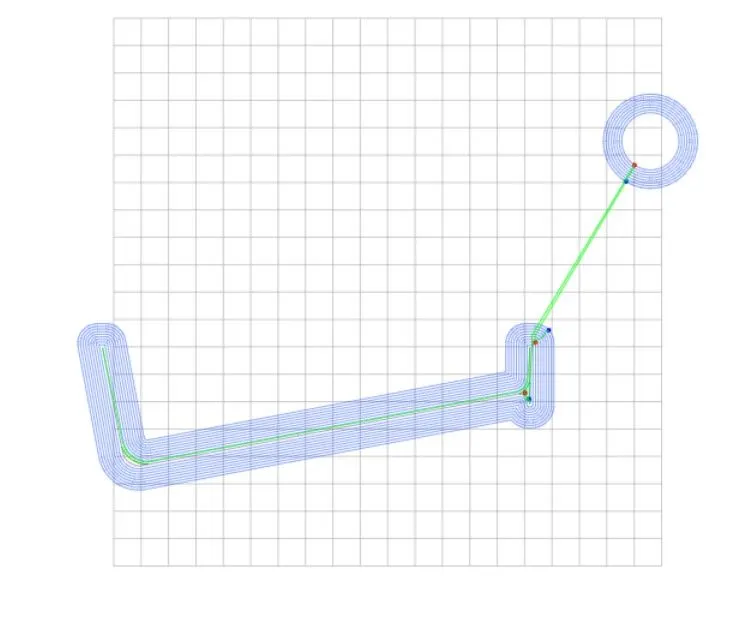
This model is sliced and gcode is exported into a gcode visualizer.Below images shows the gcode in different views such as 2D and 3D.
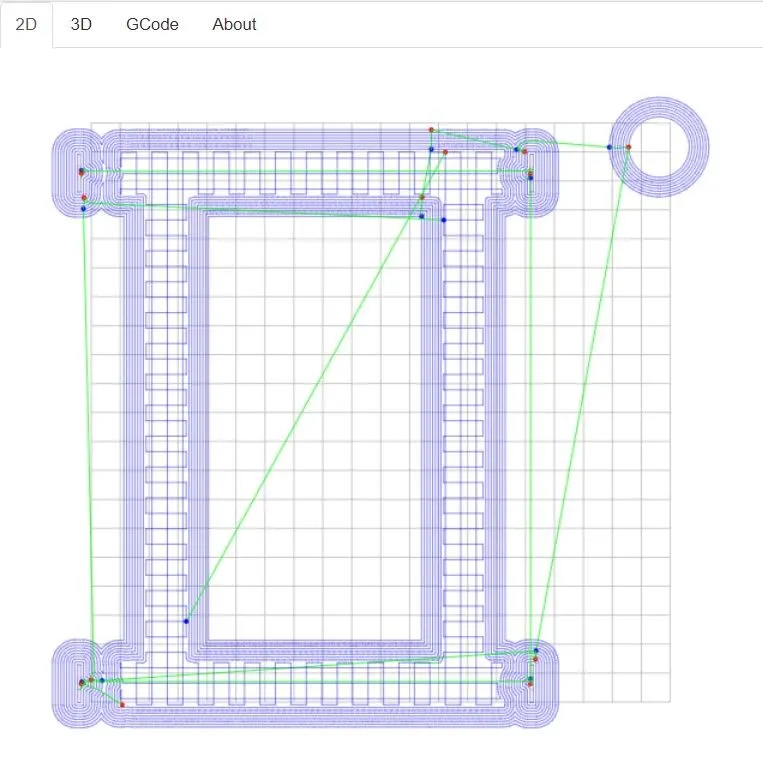
2D image of the sliced model.
3D image of the sliced model.
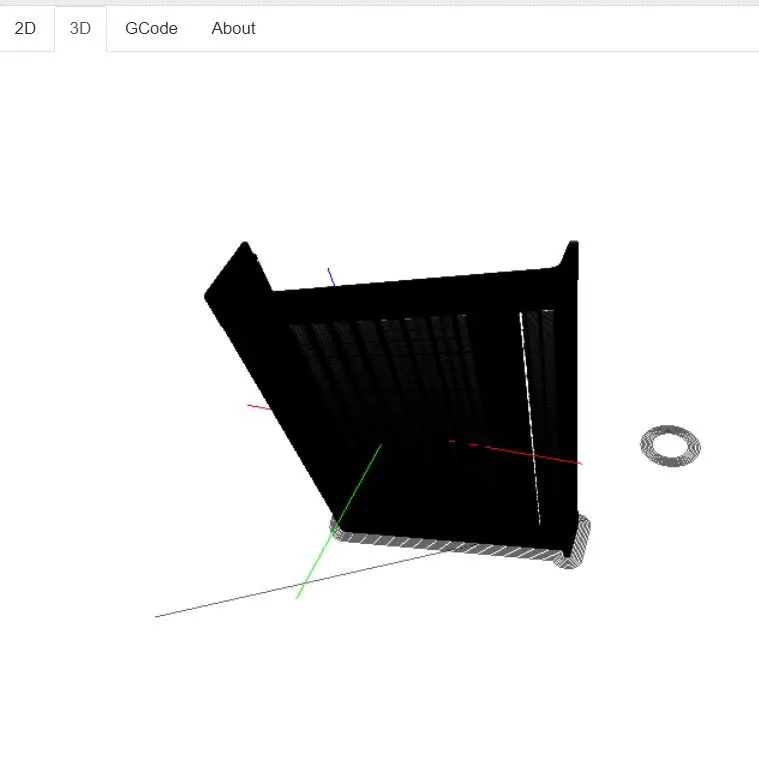
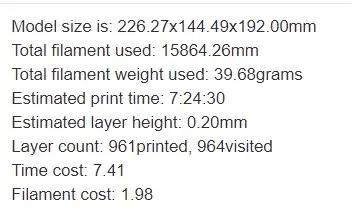
This Arrangement will result in a print time of 7 hours and 24 mins and use a filament weight of 39.68 grams
The second arrangement is shown in both 2d and 3D modes.
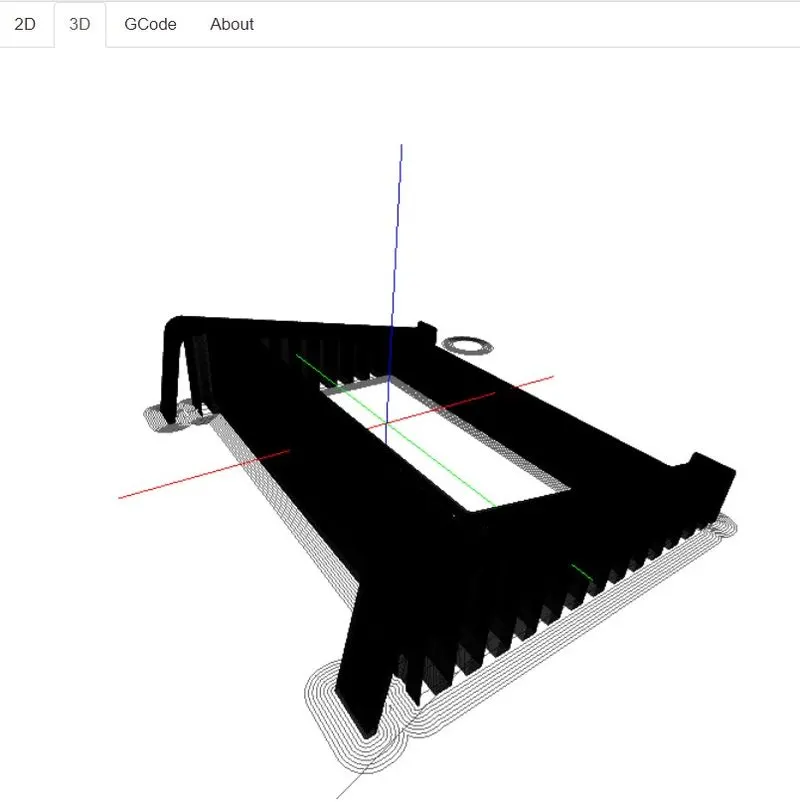
This arrangement will result in a print time of 6 hours and 34 mintes and use 43 grams of filament.
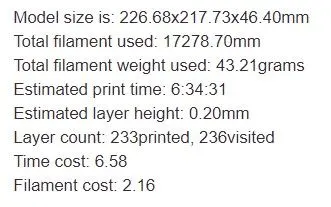
In the second model large amounts of support structures are required to hold everything in place.
The third orientation is shown below.
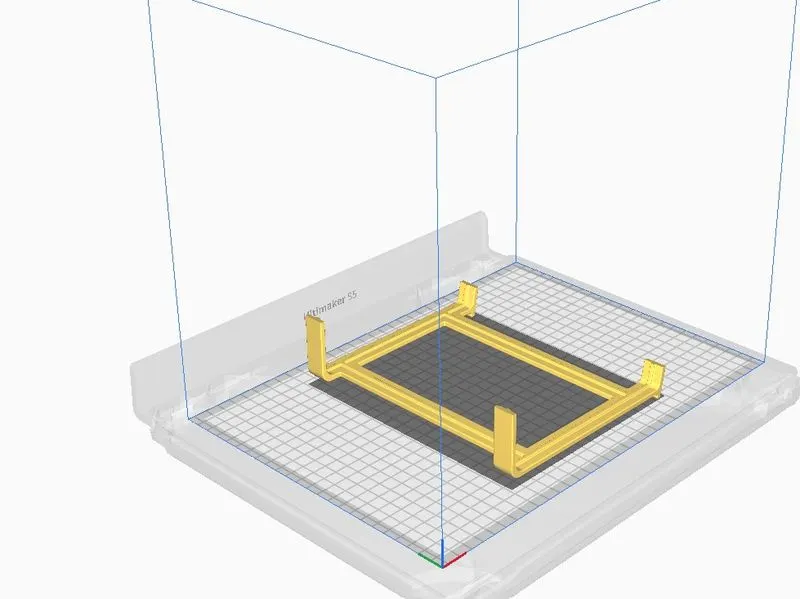
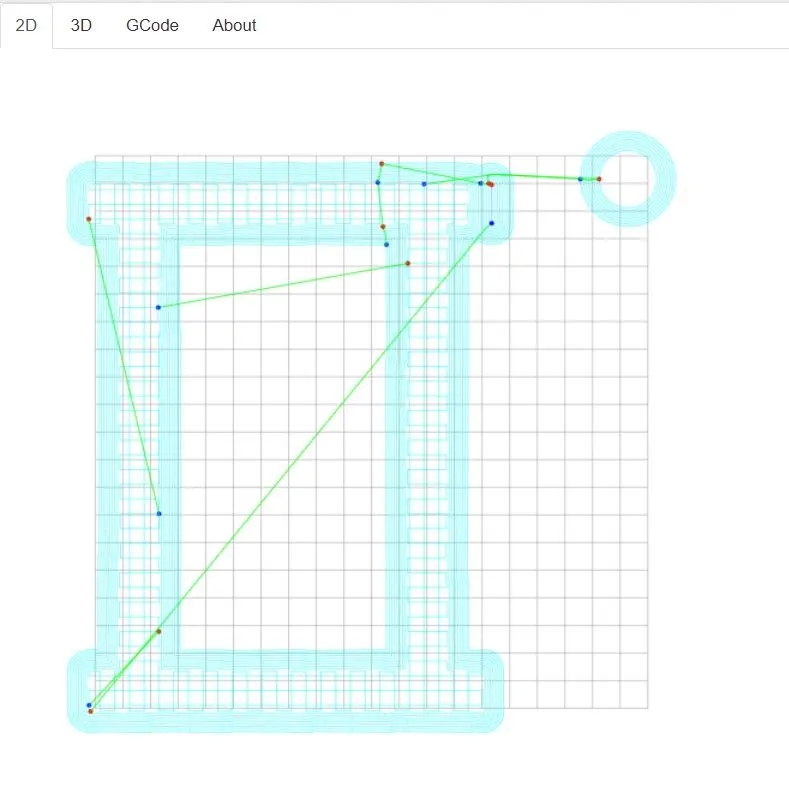
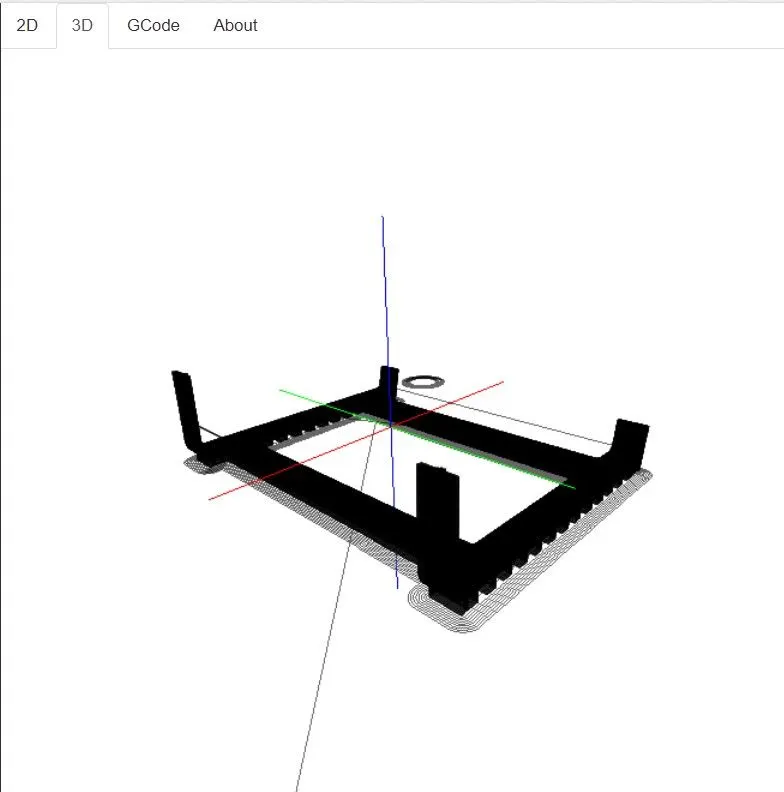
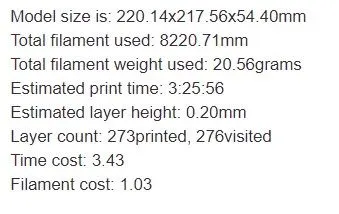
The Third orientation has the least time to print at 3 hours and 25 mins and the least filament usage at 20.56 grams.This is the most optimized orientation for cost effetiveness,Time saving and also for strength as the filaments arrange in tension and compression only.
Conclusion
Creation of 3d model using spaveclaim is done and the 3d model is sliced to create the gcodes for the 3d printing machined and orientation of model is optimezed for time saving,cost effectiveness etc.