Project 1-Meshing of Rear Wheel Holder challenge
Objective:
Mesh the component with the quality criteria, given below and assign thickness:
Target Element Length = 5 Units
| S.N | Quality Criteria | Value |
| 1 | Aspect Ratio | 5 |
| 2 | Skewness | 45 |
| 3 | Warping | 15 |
| 4 | Taper | 0.5 |
| 5 | Min. Length | 2 Units |
| 6 | Max. Length | 8 Units |
| 7 | Min angle Quad | 45 |
| 8 | Max angle Quad | 135 |
| 9 | Min angle Tria | 20 |
| 10 | Max angle Tria | 120 |
| 11 | Tria % | 10 |
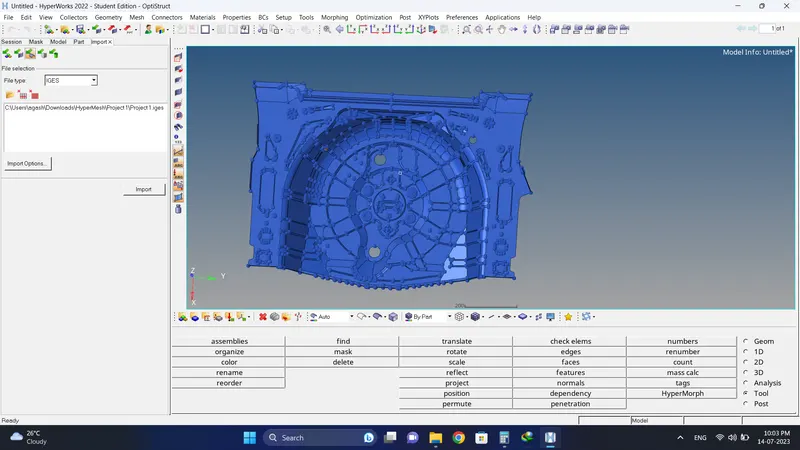
Initial Model Image:
Procedure:
1. Import the Model.
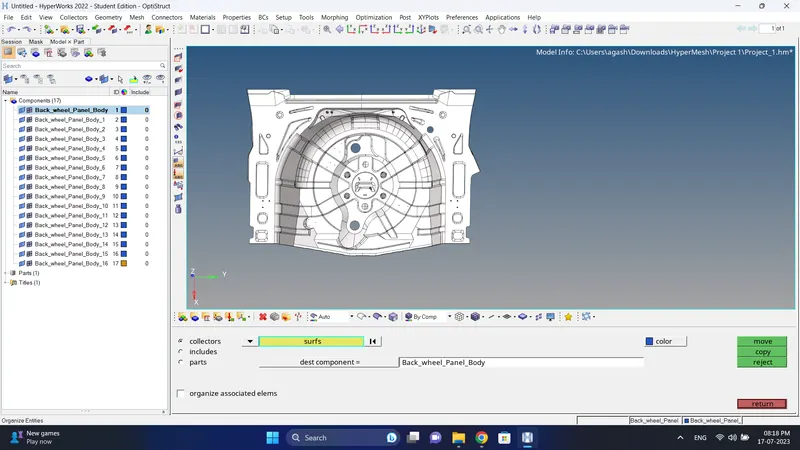
2. Since in Component there are 17 component id. Move the other surfaces to the single component id using Tool-Organize option.
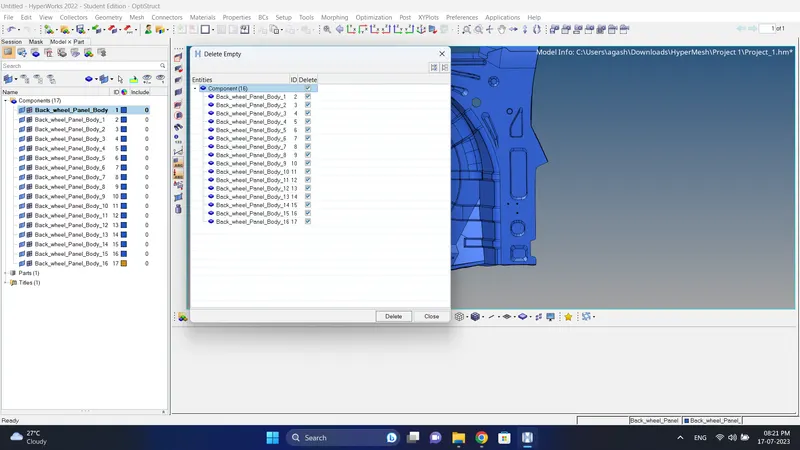
3. After that delete the empty Component id by going to Tool-Empty, select all id and delete them.
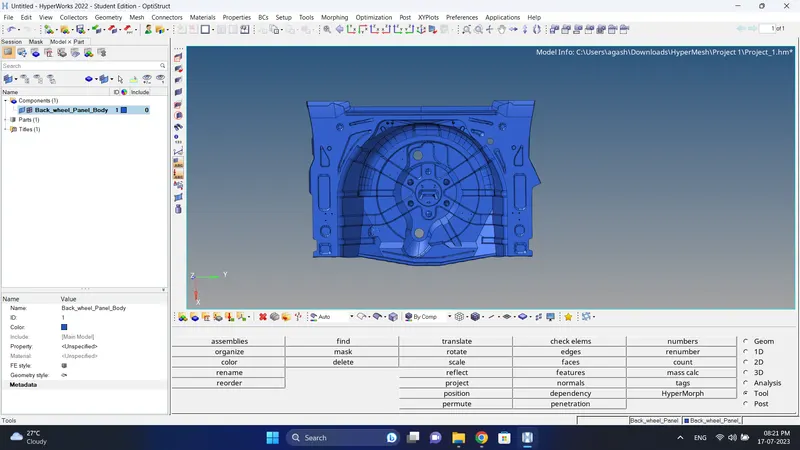
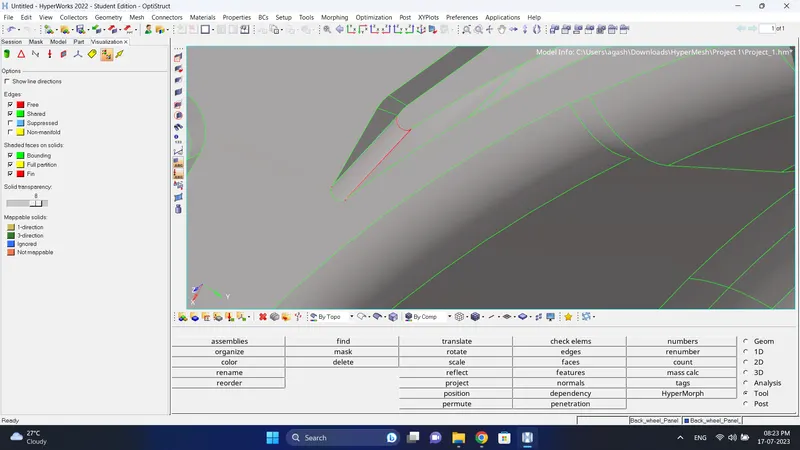
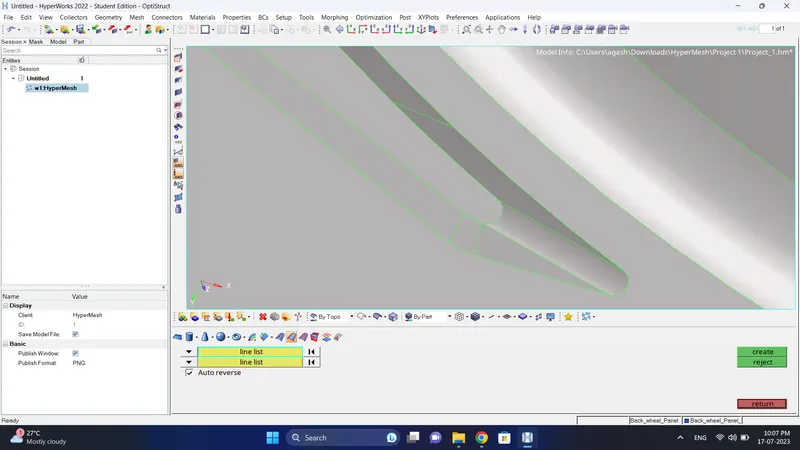
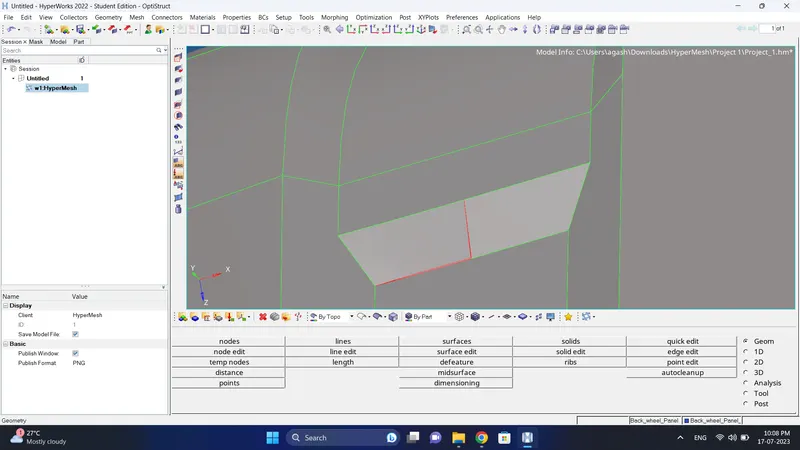
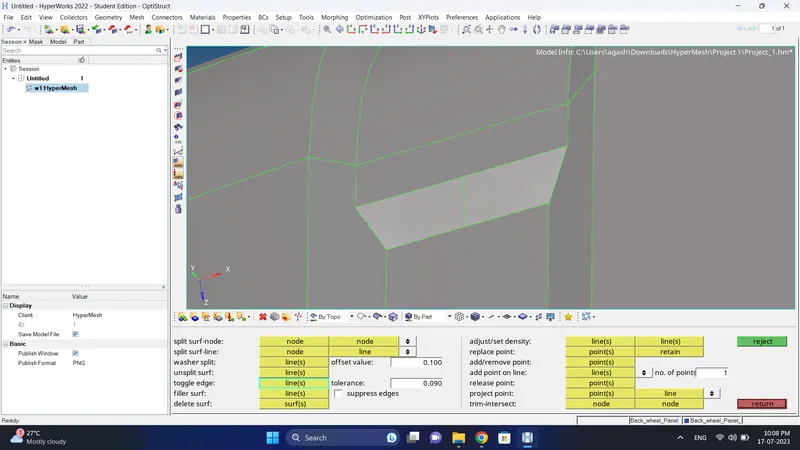
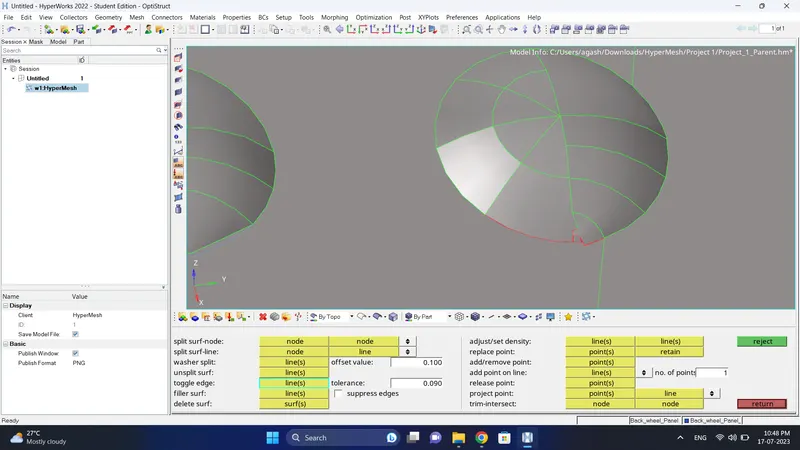
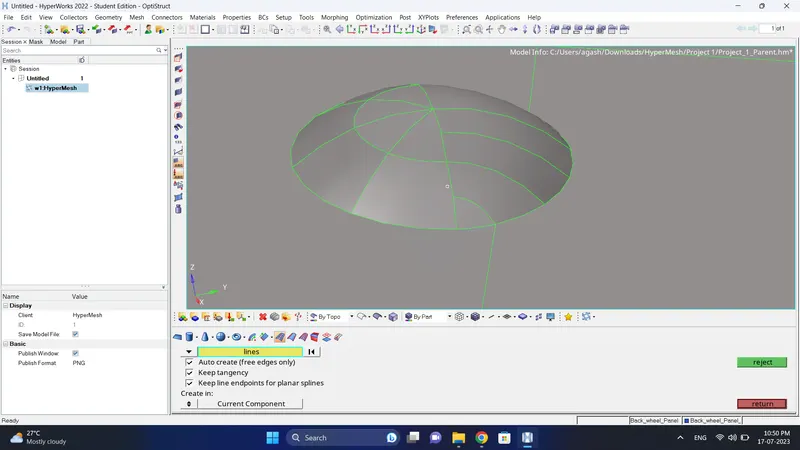
4. Do visual inspection and geometry cleanup for parent geometry.
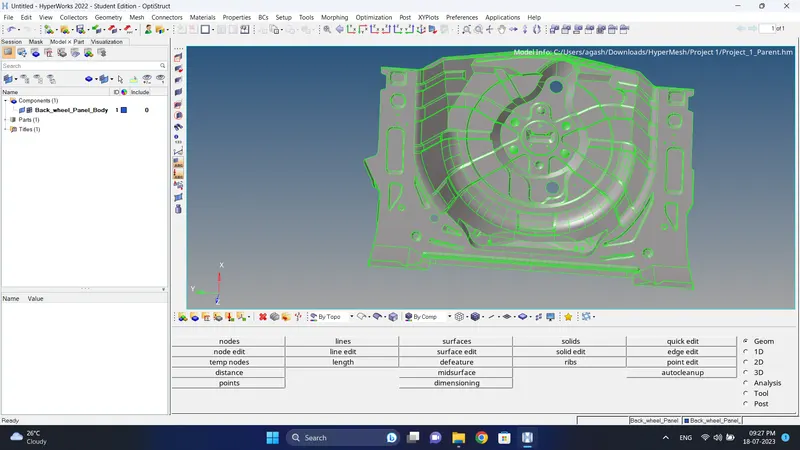
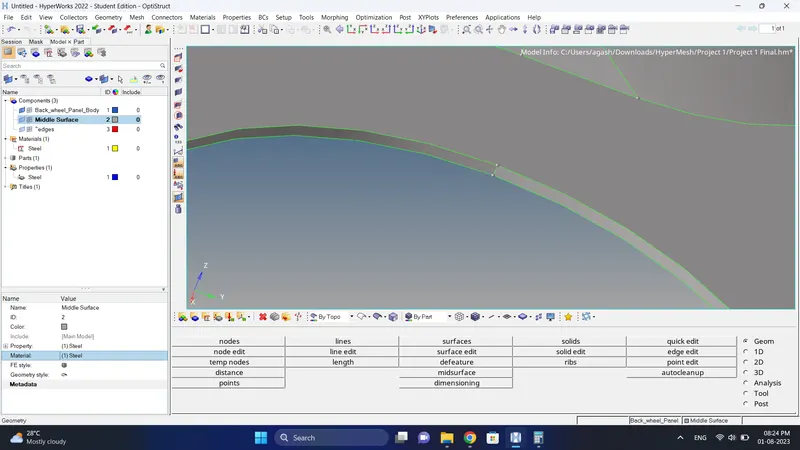
5. Create a mid surface using Geometry- Mid surface.
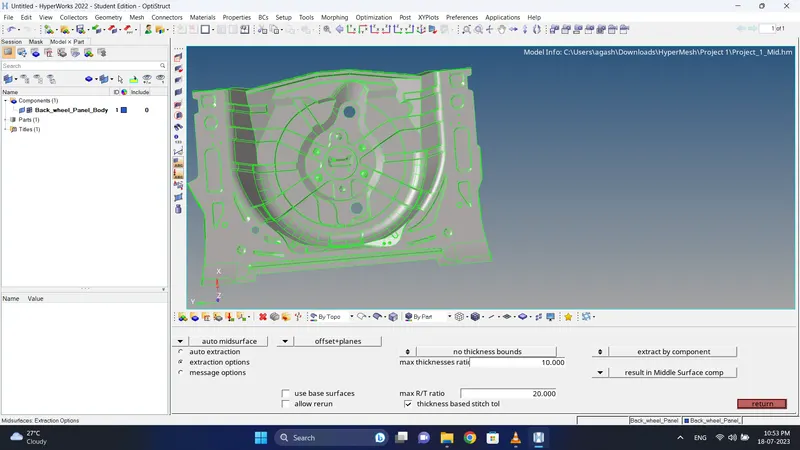
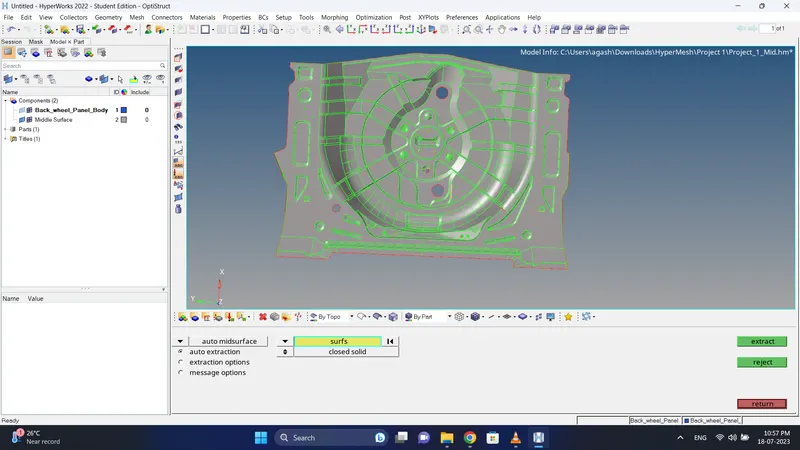
6. Do the geometry cleanup for mid surface.
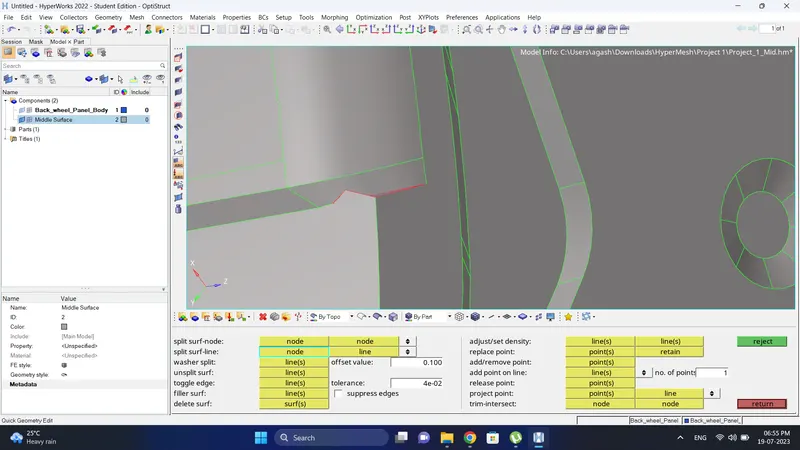
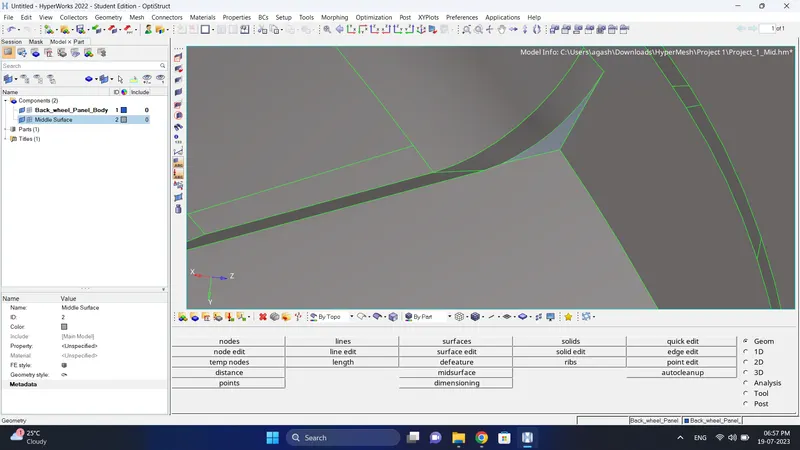
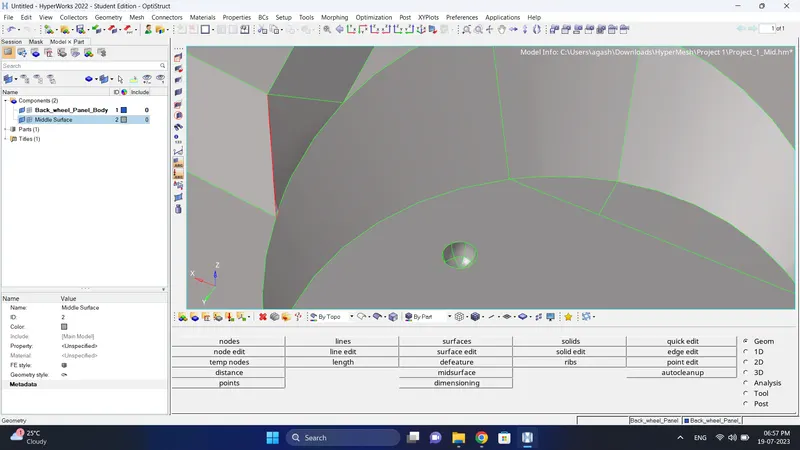
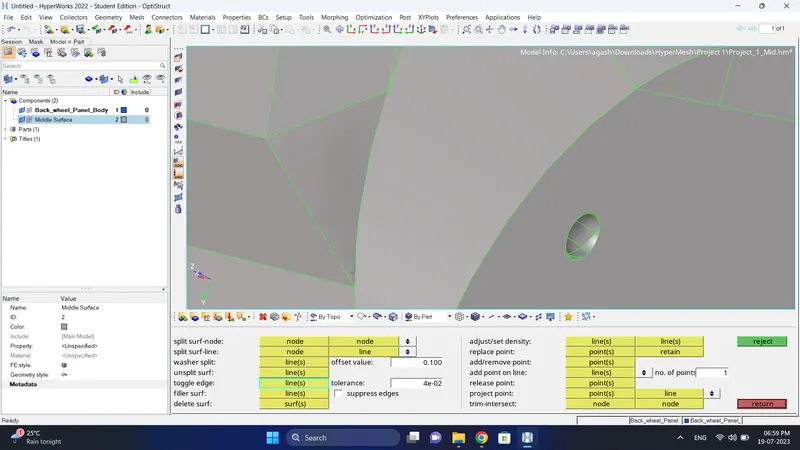
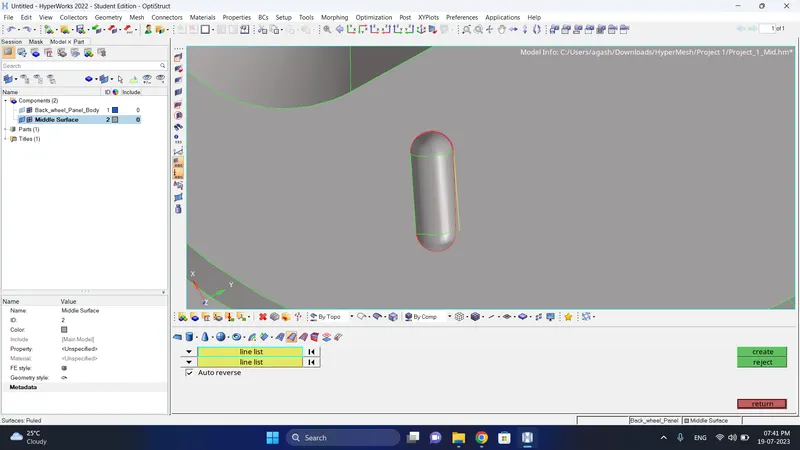
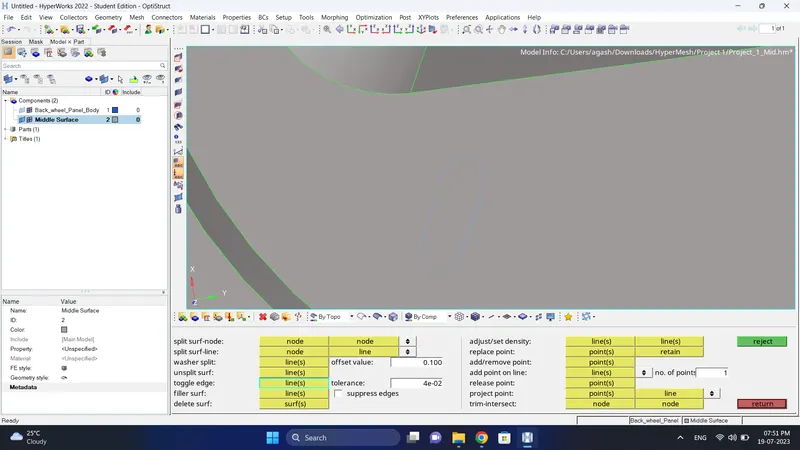
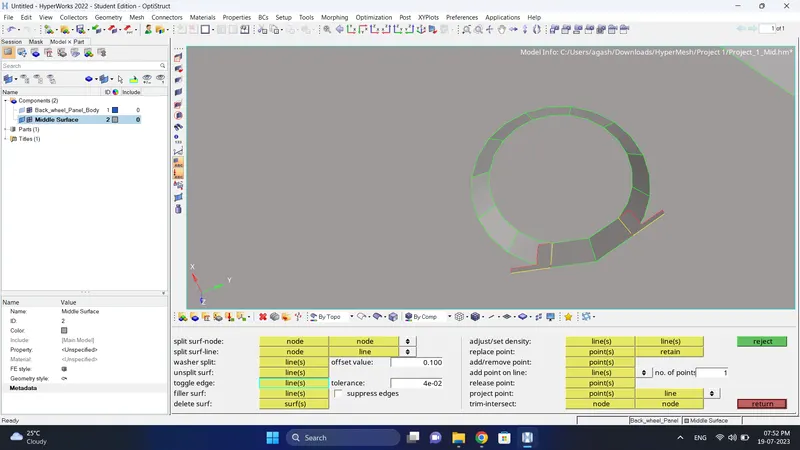
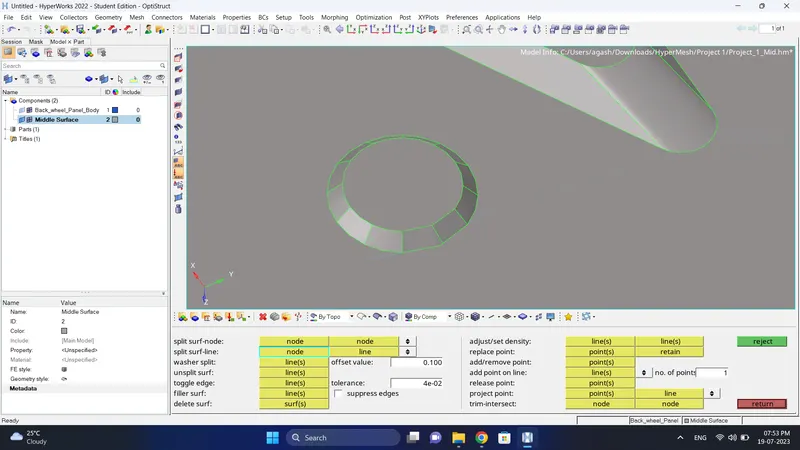
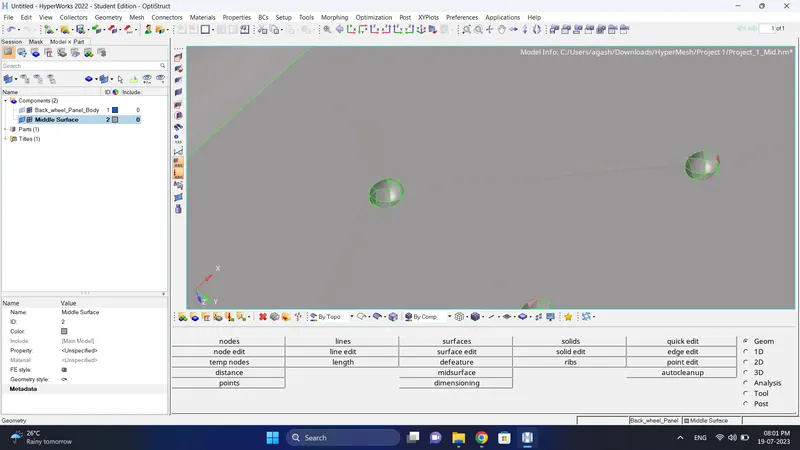
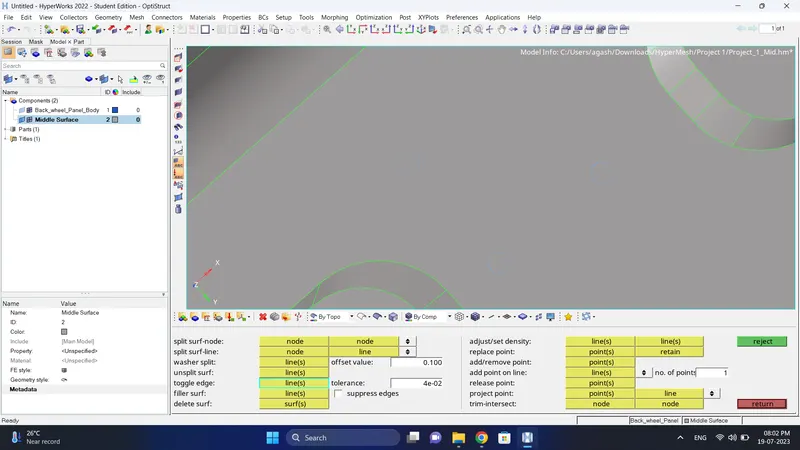
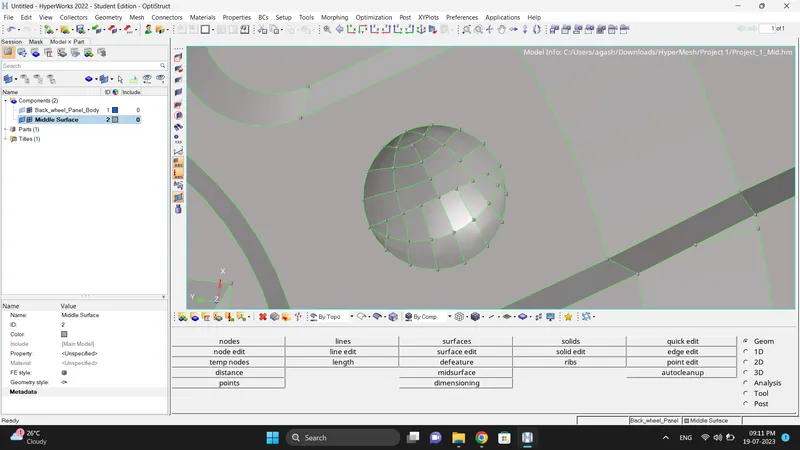
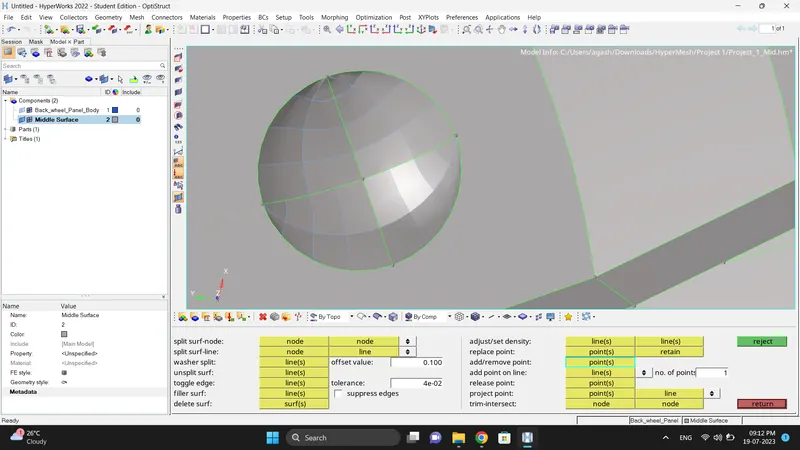
7. Input the quality criteria.
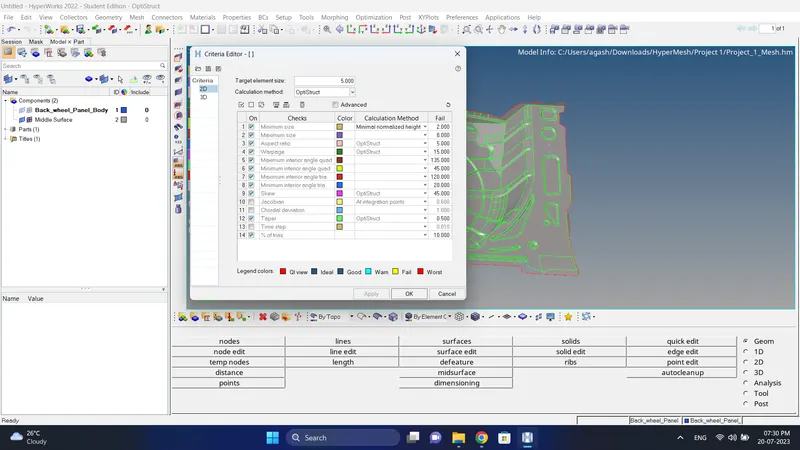
8. Mesh the model while fixing mesh flow and quality criteria.
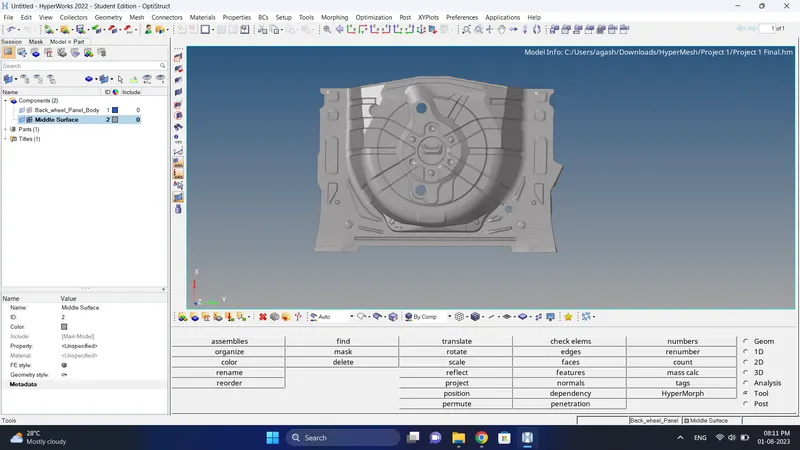
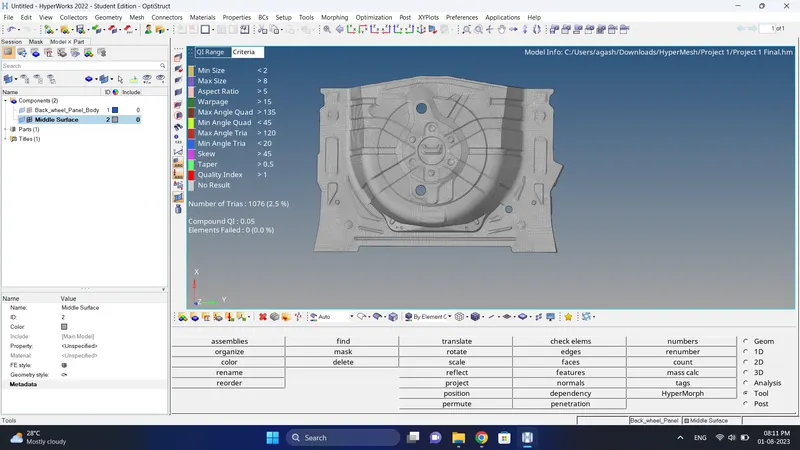
9. Check for free edges if necessary equivalance it using Tool-Edges option.
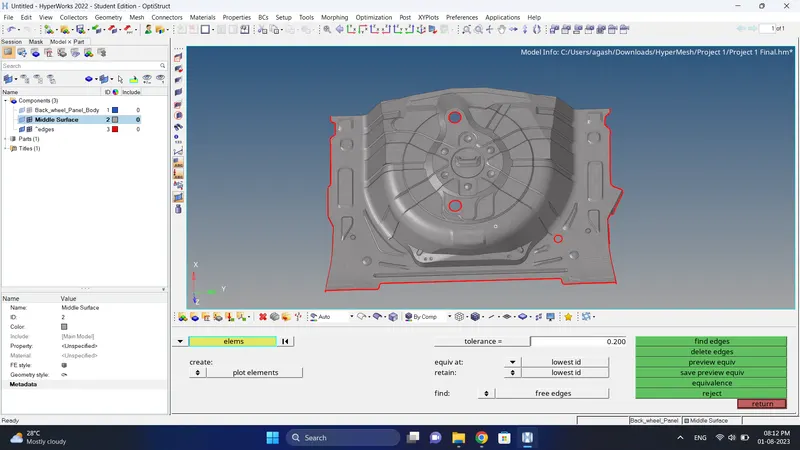
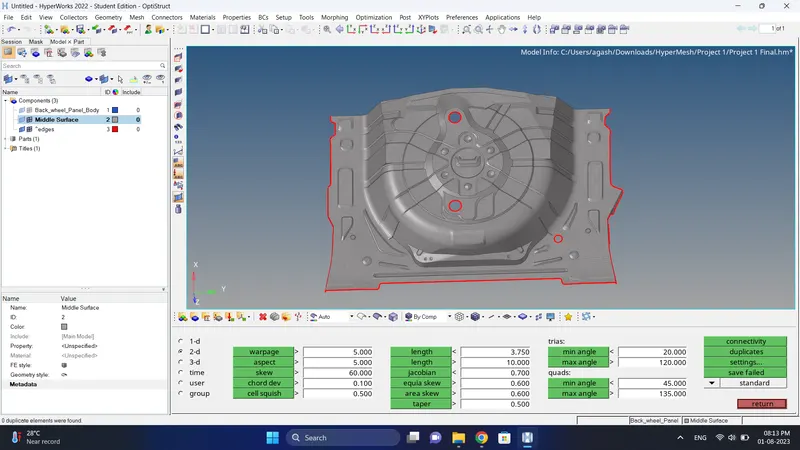
10.Check for the duplicate elements and if there are duplicate delete them.
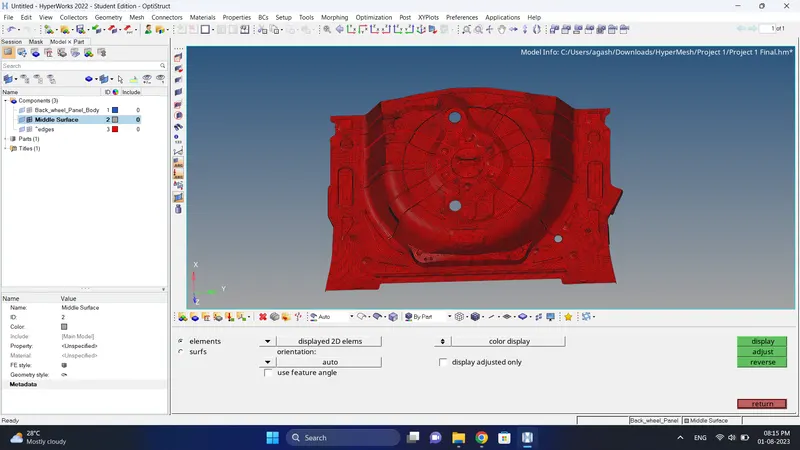
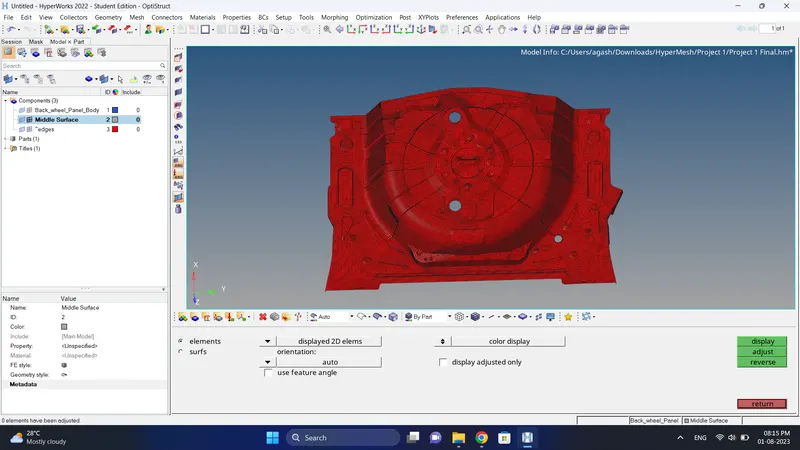
11. Check normals for mid surface, if needed adjust them.
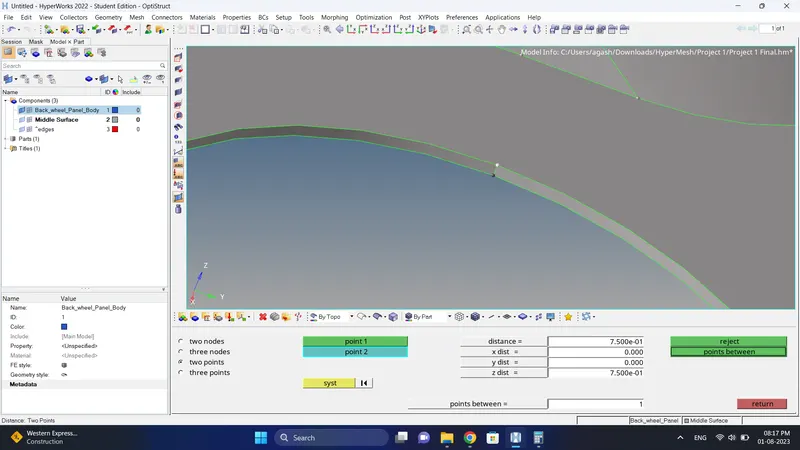
12. Check thickness of component and create property, give thickness and assign to mid surface.
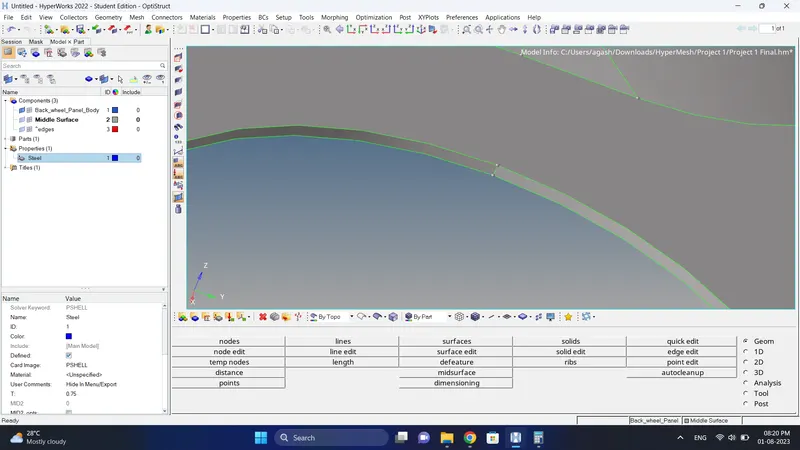
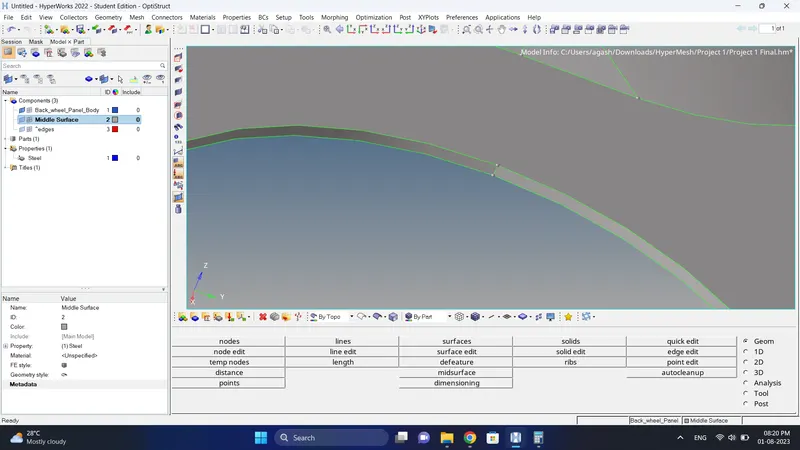
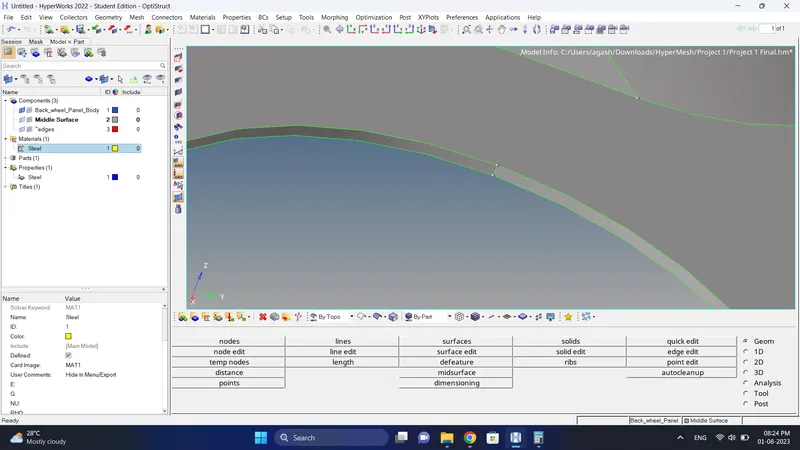
13. Create a material card and assign to the property.
14. Do the final check.
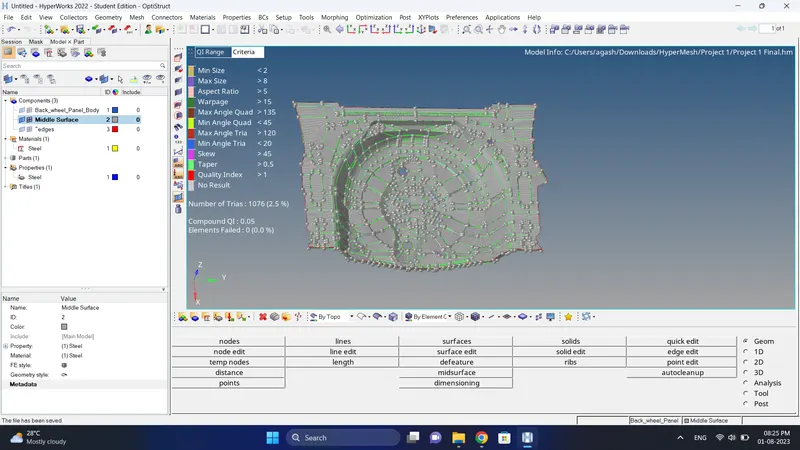
Final Model Image:
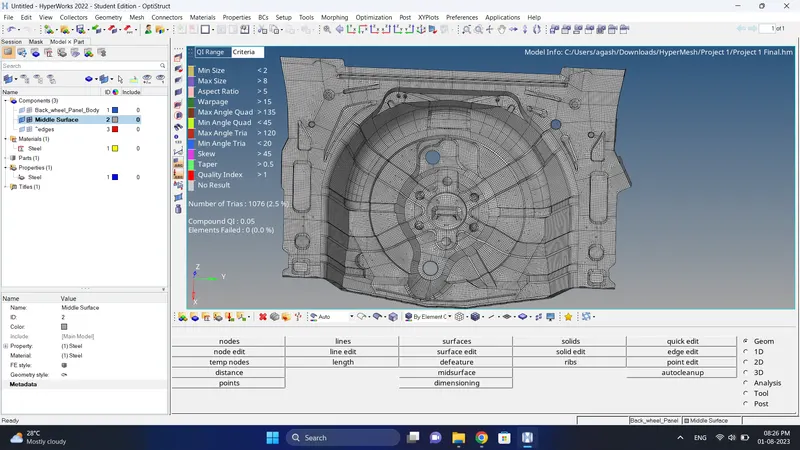
Result:
Mesh of the Rear Wheel Holder is done successfully as per given mesh parameters.