Project 1-Meshing of Rear Wheel Holder challenge
Aim : Mesh the model given in the question with given element size and mentioned quality criteria and assign thicknes to it.
Procedure :
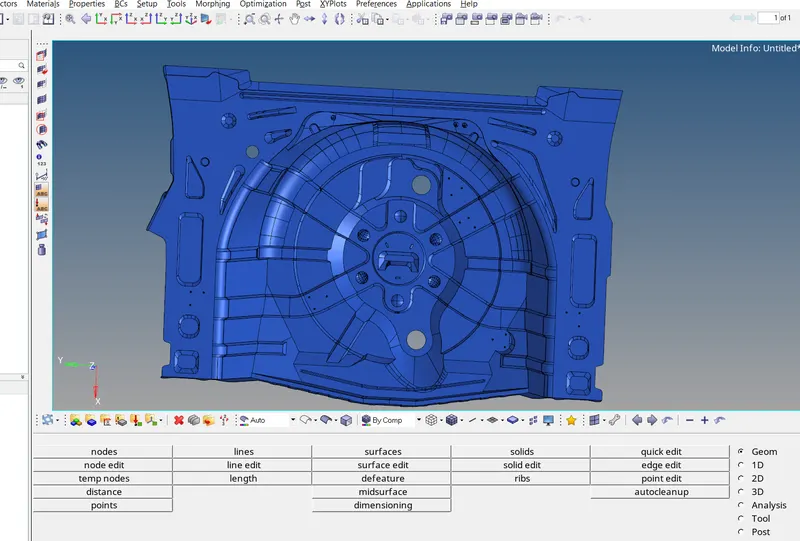
- This is the screeshot of cad model of given part.
- The given part is rear wheel holder of car.
- So, we will start with cad cleanup and mid surface extraction.
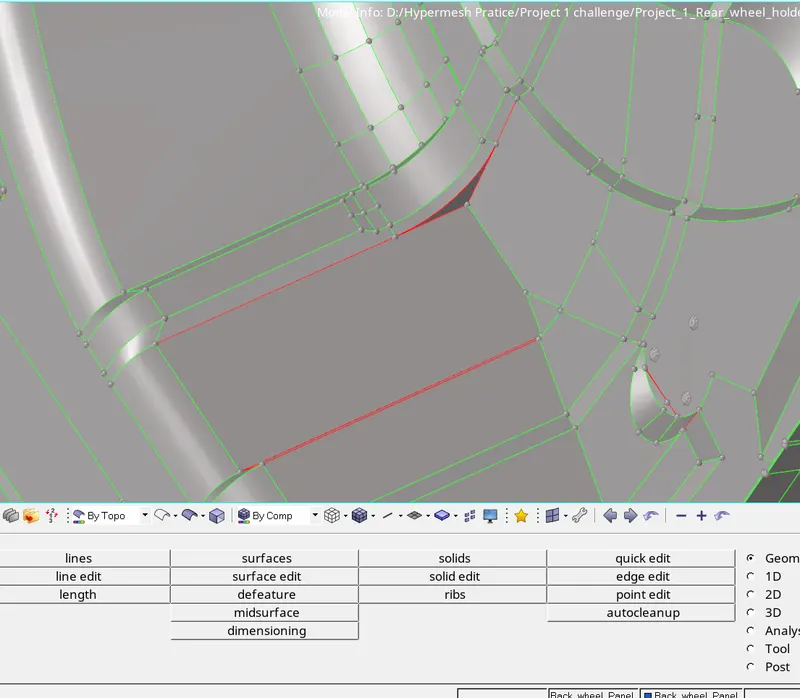
- When we extract the model, some surfaces of the geometry gets distorted as we can see in the image provided above.
- Fix those surfaces using geom command by toggling the lines and filling the gaps between surfaces.
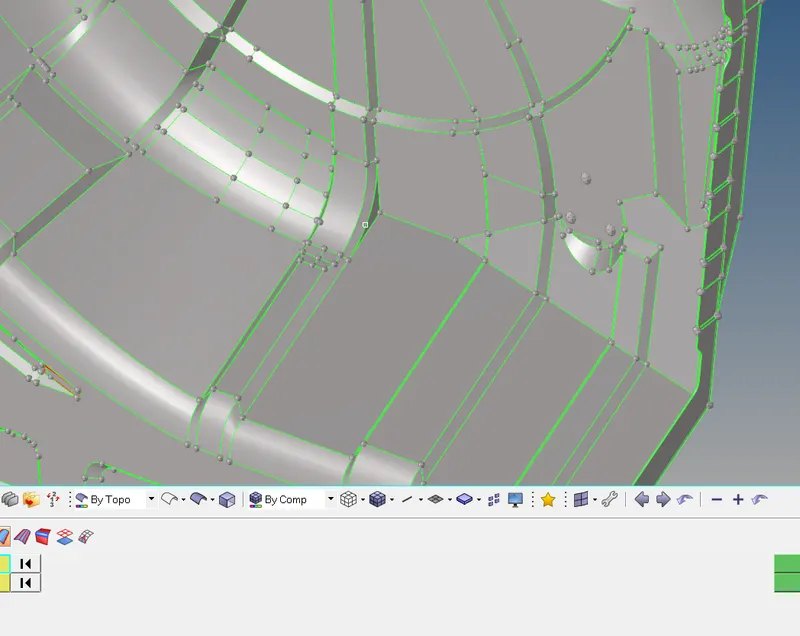
- The distorted surface has been corrected here.
- In this way, correct all the surfaces which are distorted.
- Once the geometry is clear, extract mid surface from it.
- In some cases mid surface is also distroted, clear such areas.
- Then, start meshing the surfaces one by one.
- As geometry is big and there are intricate surfaces mesh them by dividing the surfaces in small regions.
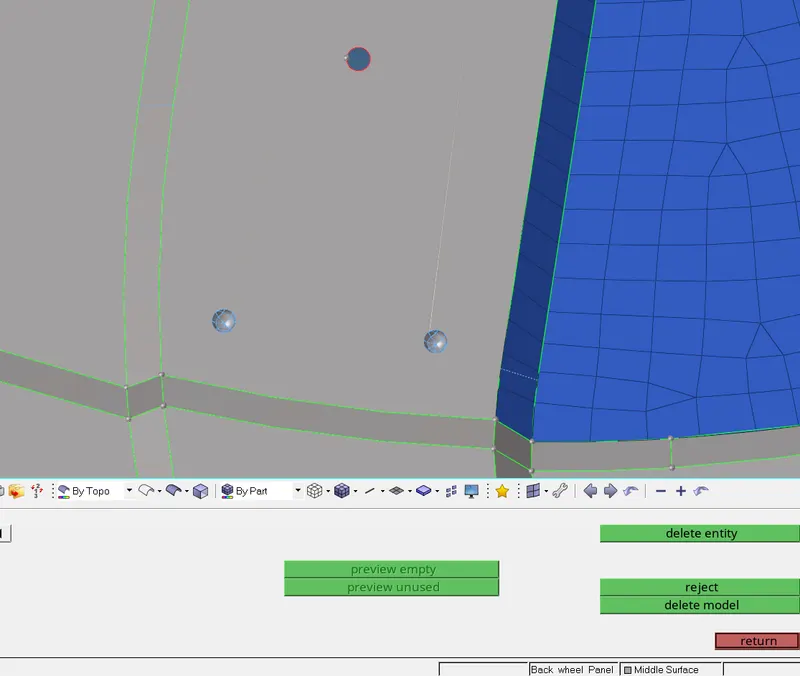
- There are some features in the geometry which are hard to mesh, because of small size of geometry and even if we try to mesh it, this will fail for quality criteria. Thus, it is better to remove such features.
- After meshing is finished, check the mesh for quality parameters, verify it.
- Due to the intricate features and sharp conical shapes, we need to accept the elements which are failing for quality.
- At last, check the mesh for any free edges. Check the mesh by altering the tolerance value.
- Perform all the checks one by one.
Results :
- We learnt to correct the distorted geometry, mesh the model as per the quality criteria.