Project 1-Meshing of Rear Wheel Holder challenge
Aim-Midsurfacing and meshing of rear wheel holder.
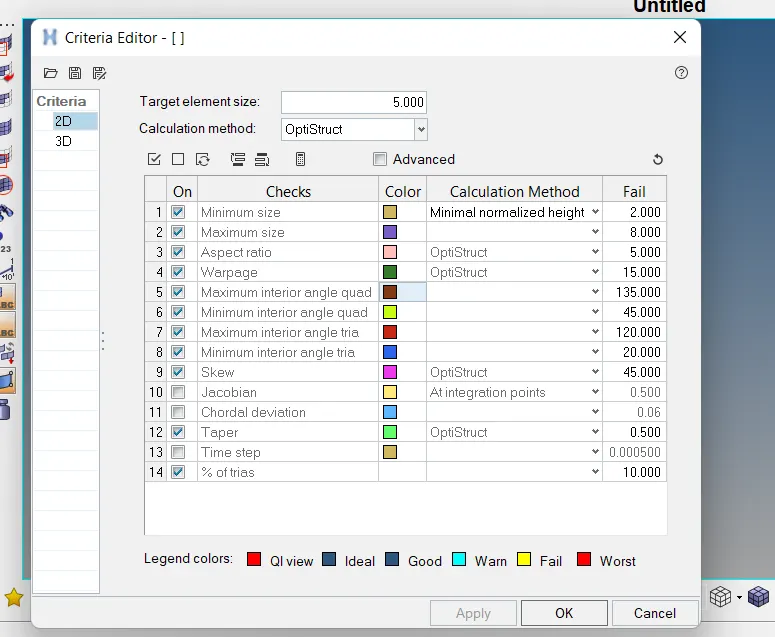
Objective- For below quality criteria mesh the model,
|
S.N |
Quality Criteria |
Value |
|
1 |
Aspect Ratio |
5 |
|
2 |
Skewness |
45 |
|
3 |
Warping |
15 |
|
4 |
Taper |
0.5 |
|
5 |
Min. Length |
2 Units |
|
6 |
Max. Length |
8 Units |
|
7 |
Min angle Quad |
45 |
|
8 |
Max angle Quad |
135 |
|
9 |
Min angle Tria |
20 |
|
10 |
Max angle Tria |
120 |
|
10 |
Tria % |
10 |
Procedure-
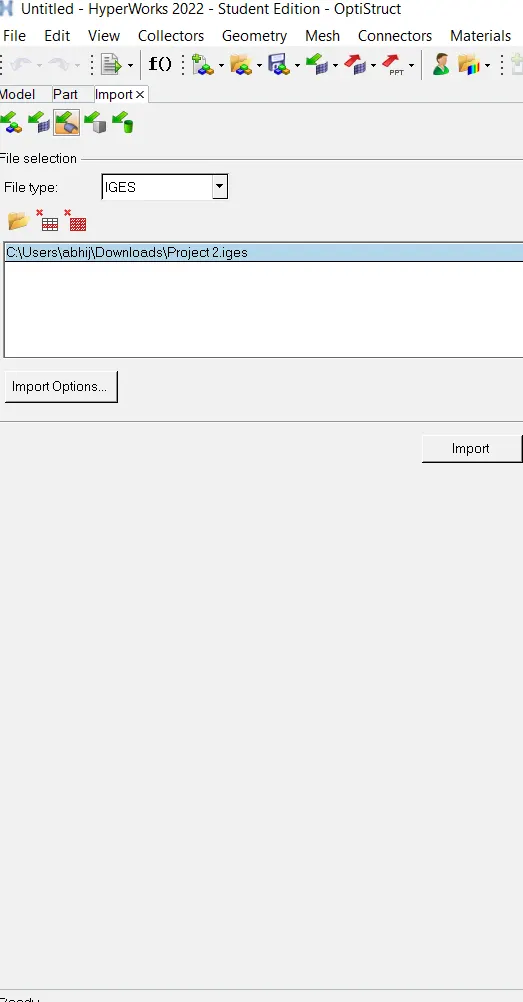
1.Import the model - First of all import the model by using option import solver deck which is in left corner select iges because our file in iges format.
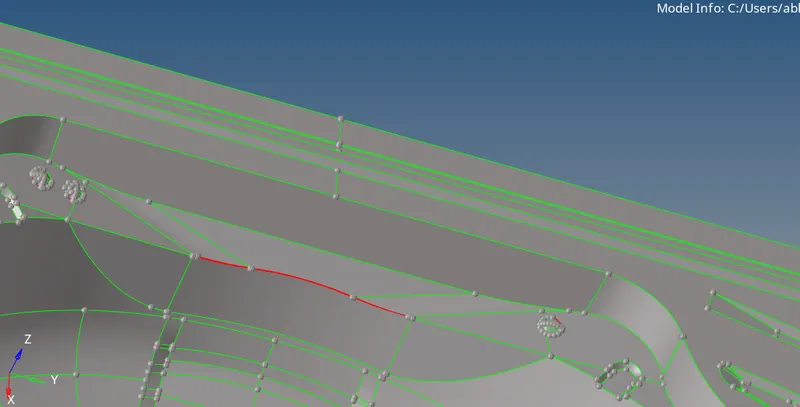
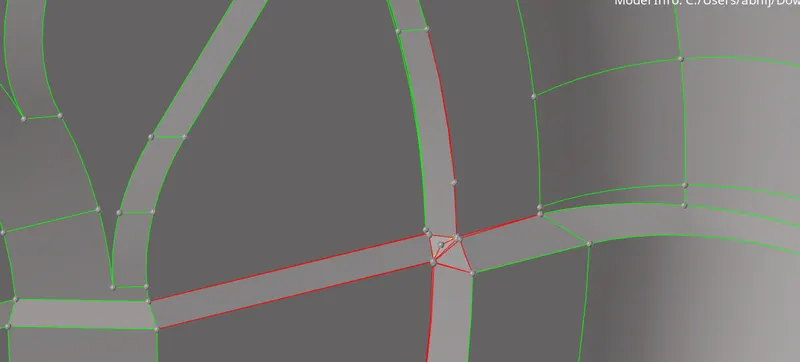
2.Geometry clean-up- Do the geometry clean up because the mid-surface will not capture properly and because of that the mesh will not generate properly. For geometry clean-up we can use quick edit option in geometry panel.
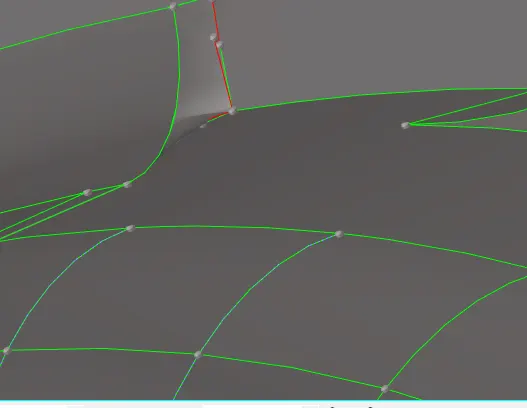
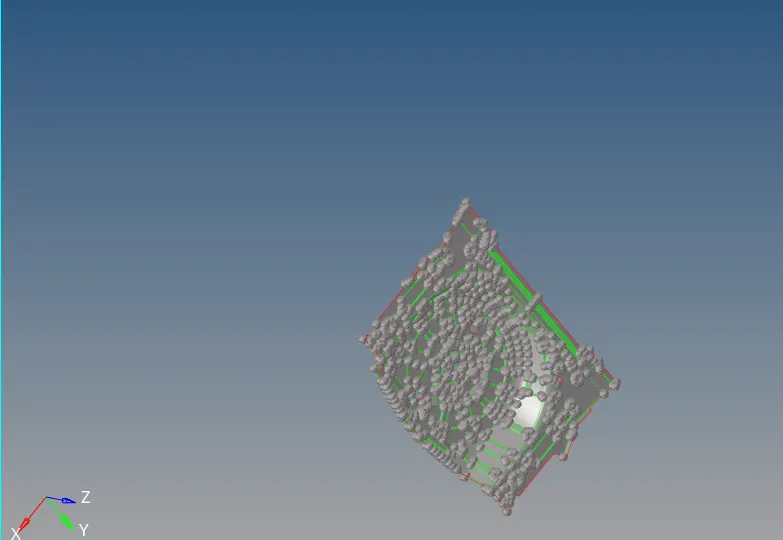
3.Mid-surfacing- Because of uniform thickness of component we are going to use auto-mid-surfacing option in geometry>mid-surface>select surface>extract. Some of the midsurface will not capture properly so for that we are using manual midsurfacing in geometry>surface edit>offset>put the half value of thickness>offset.
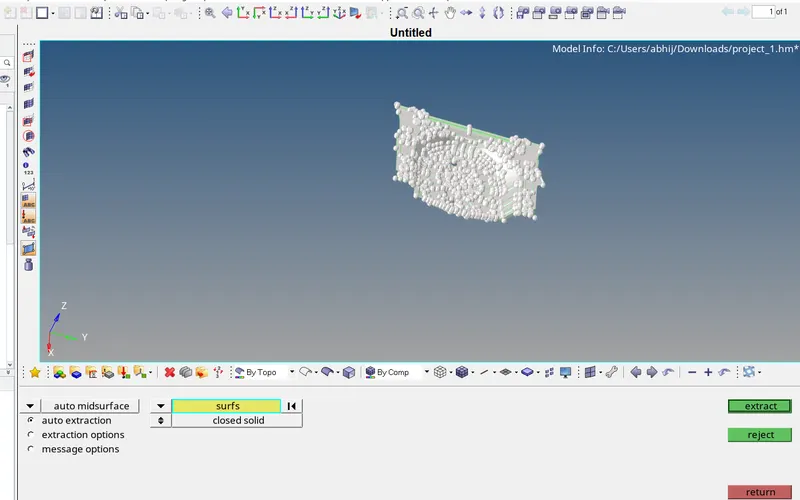
distructed mid-surface-
Completed mid-surface-
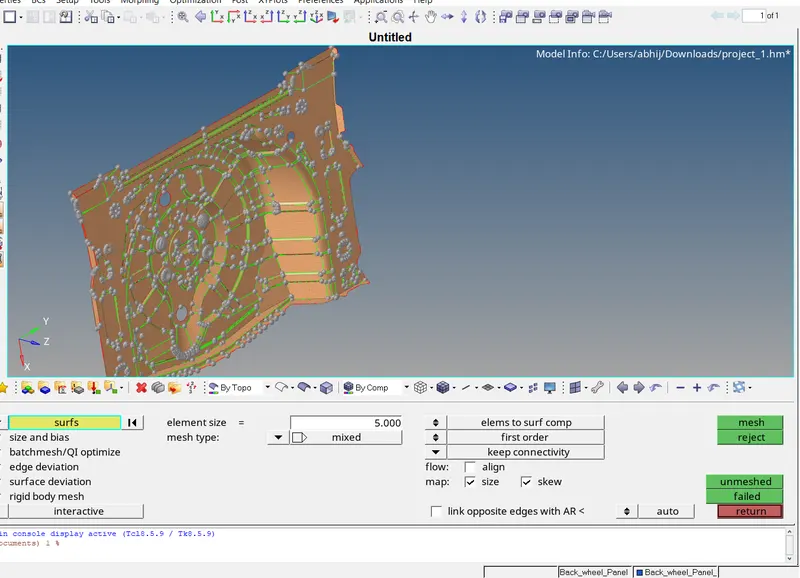
4.Mesh- For meshing we are using the auto-mesh. First we need to set the quality parameters. After that we are going for automesh. 2D>automesh>set quality parameter>hit the mesh.
adding quality criteria-
meshing-
quality failed elements-
For failing quality criteria we should use the rebuild mesh, element clean-up and translate command in tool panel.
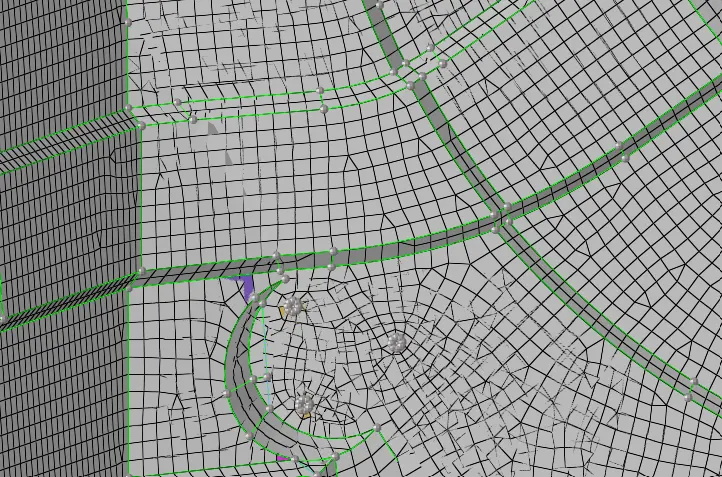
Completed mesh-
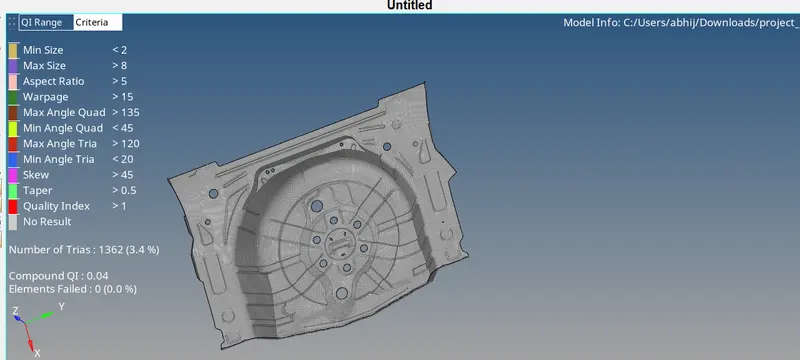
Outcomes- Learned about mid-surfacing and meshing.