Project 1-Meshing of Rear Wheel Holder challenge
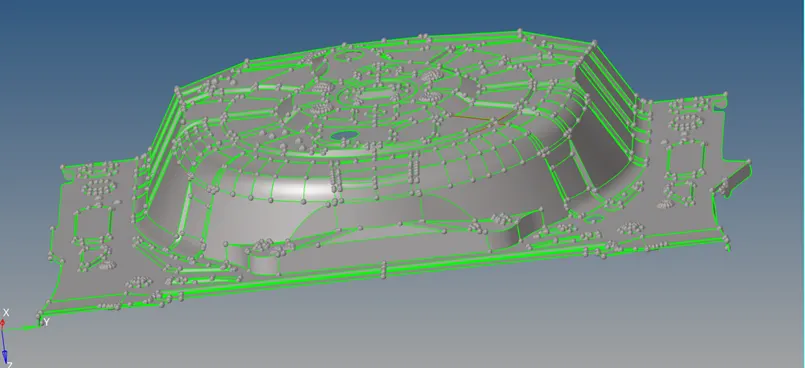
Objective: Extract the mid surface and mesh the surface
Modal Image:
Procedure
1. Import the model. Go to Insert geometry >> select file >> click on import.
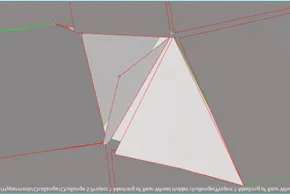
2. Do the Geometry cleanup. Remove the unnecessary red lines. As it is a closed surface there should be no red lines. Few of the geometric correction in this model is as follows:
a. Here, by pasting the nodes at proper places we can make the surface good.
 à
à 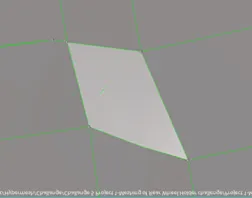
b. Delete this disturbed curved surface and create a new surface here by offsetting the inner curved surface.
à 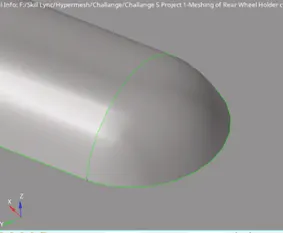
c. It can be done by toggling also.
d. At these places toggling is required.
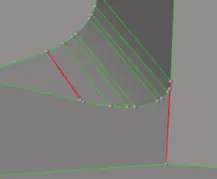 à
à
e. Here yellow line is present which means three surfaces are connected, but for this model there should be no three-surface attached. After turning on the wireframe mode we can see that a small, disturbed surface is there. Delete this surface to solve the problem.
à à
f. Remove these buttons because it will be difficvult to capture that area as well mesh flow will not proper.
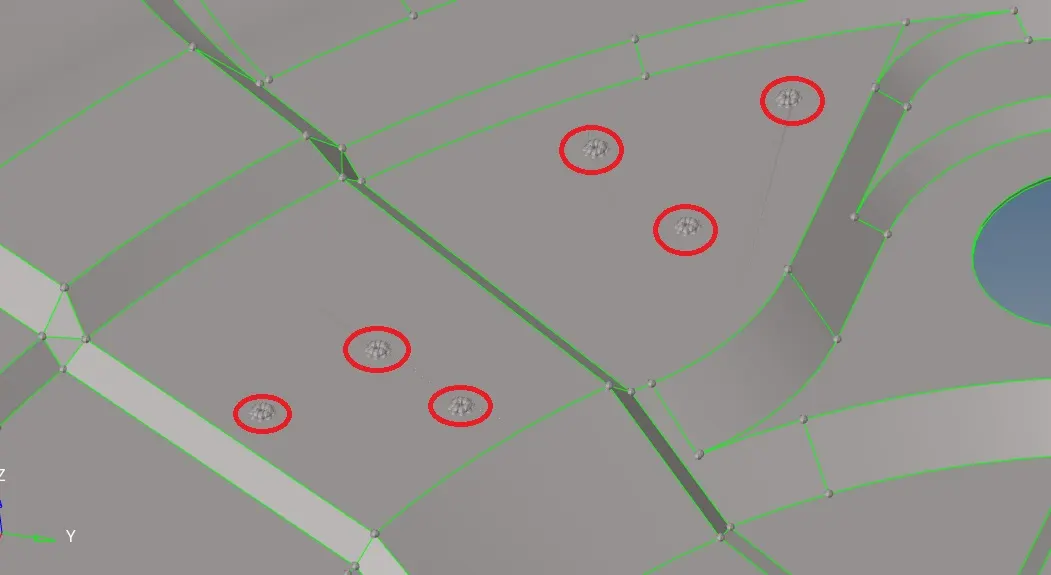
For this delete the button surface and fill the hole area.
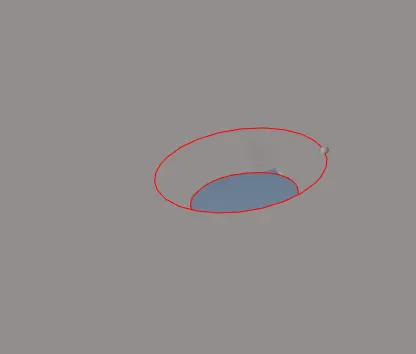
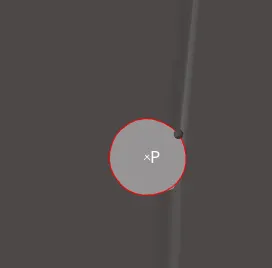
Go to Geometry >> Defeature >> pinholes >> select surface >> click on find >> it will find the hole >> delete the hole
 -->
--> 
Thus we can remove the buttons.
2. Extract Mid Surface:
a. Go to geometry >> midsurface >> automidsurface >> select the surface >> closed solid >> click on extract >> thus mid surface will be extract in a different component >> click on return.
b. Now clean up the geometry error of mid surface and supress the unnecessary lines. Dont't supress the feature line as they are important to keep the geometry.
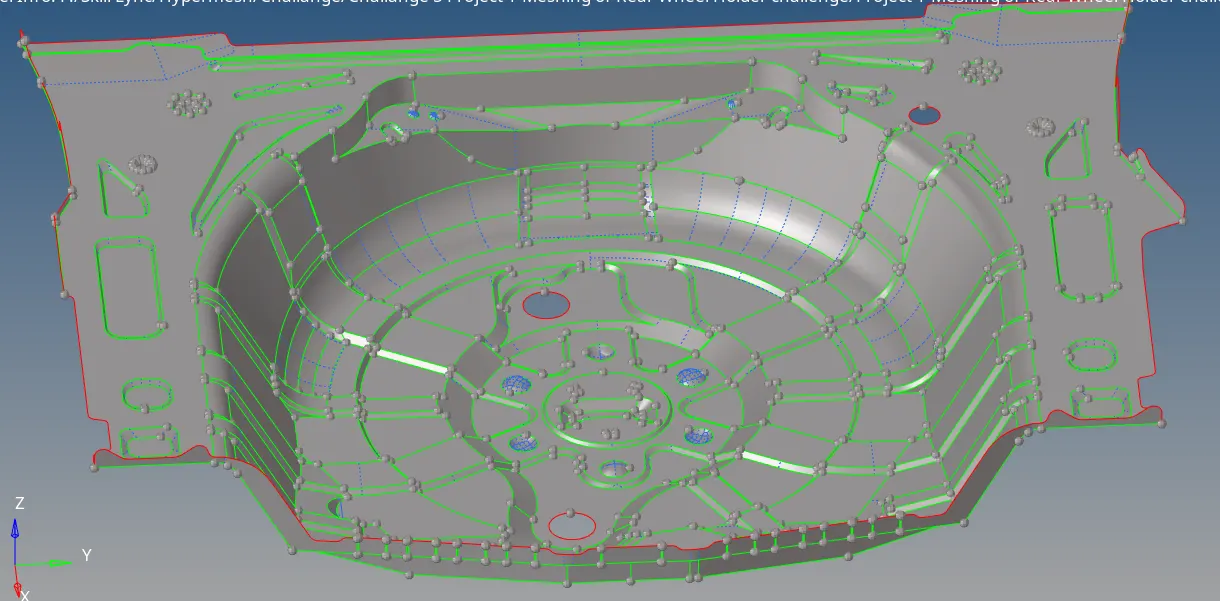
3. Create washer at holes.
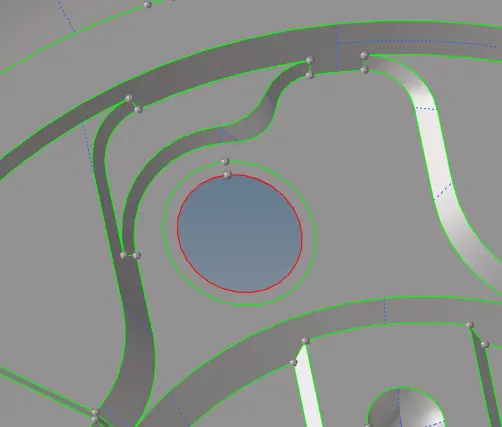
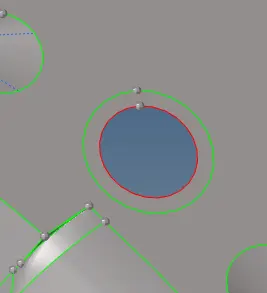
3. Now start the meshing processs.
a. Goto 2D >> Automesh >> Select Surface >> click on mesh >> Mesh will be created
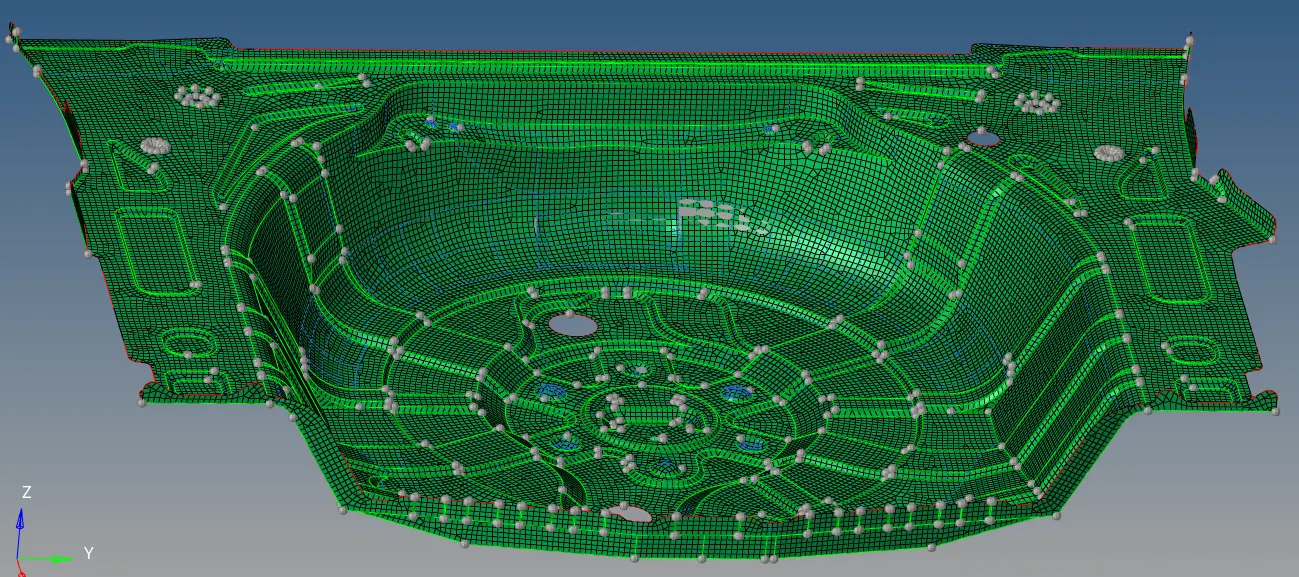
b. Now correct the mesh flow, remove opposite tria, remove two tria touches each other.
4. Final Image
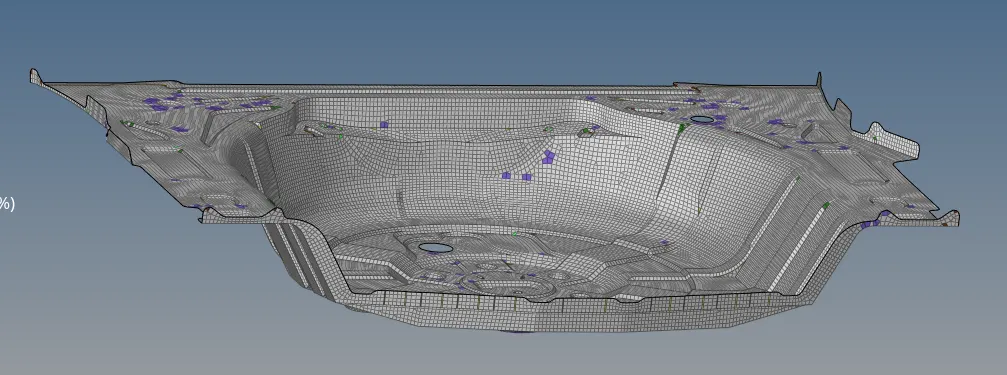
Conslusion: Thus we have extracted the mid surface and meshed the surface.