Week - 4 - 2D meshing for Plastic components
Aim: 2D Meshing for Plastic Component
Procedure:
- We use the ANSA software for meshing. In first step we give the appropriate quality parameter to the model and then extract mid surface of plastic component manually. In this process Middle, Extend, Offset, Cut, Intersect etc commands are very helpful.
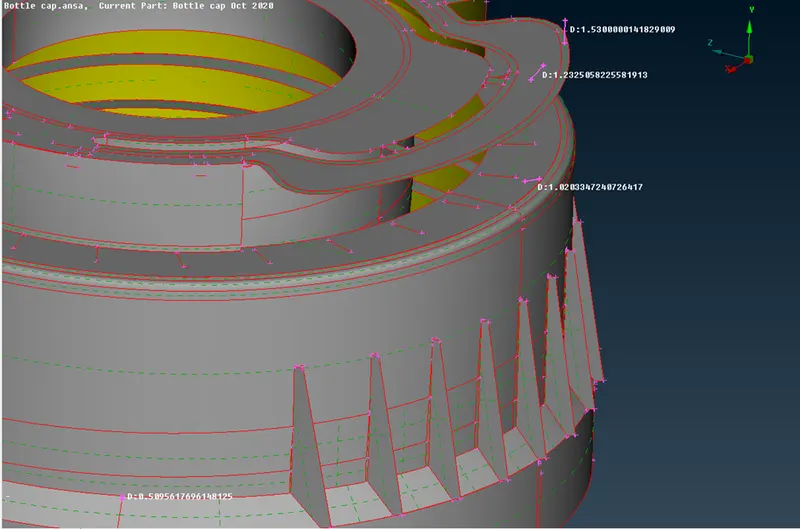
Fig. 1: Mid- Surface for the Plastic Component (Bottle Cap)
- In second step we perform Topo operation on the mid surface to join the cons. There are some blue lines which are joints of threads and surface or the intersected surface which is comman. Then we use Orient command to get proper orientation.
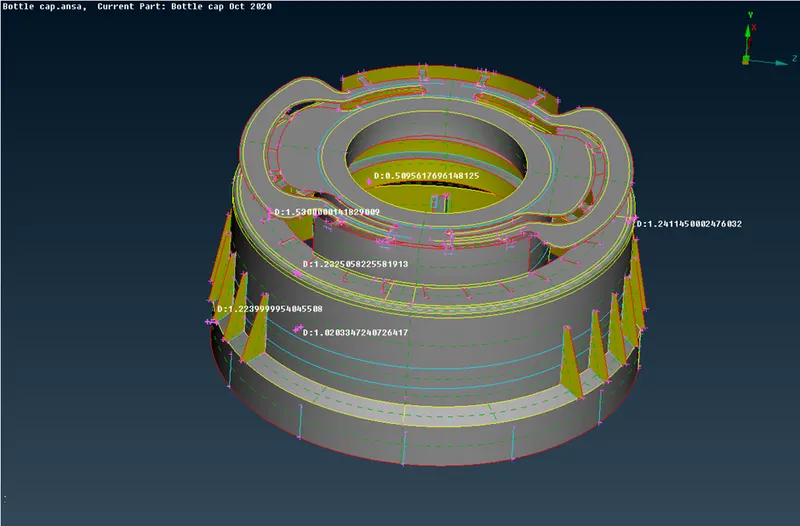
Fig. 2: Mid Surface After Topo Operation
- Now in third step go to the 2D meshing section and first give the length of 5 using length parameter. Then use best meshing algorithm to mesh the surface. Wherever there is need of correcting mesh , we use reconstruct or another meshing option to correct the mesh flow.
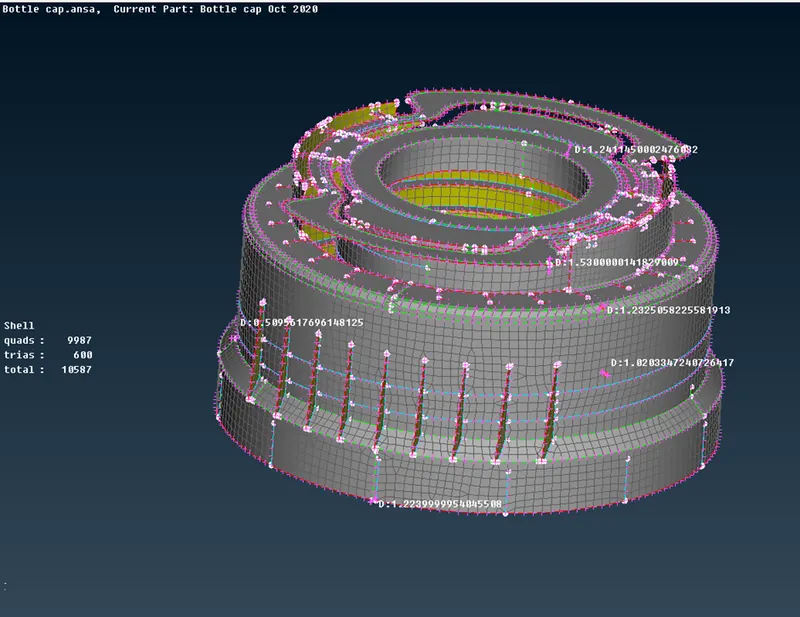
Fig. 3: After meshing the model
- In the last step we enable ‘Draw shell as solid’ and model will look like as following:
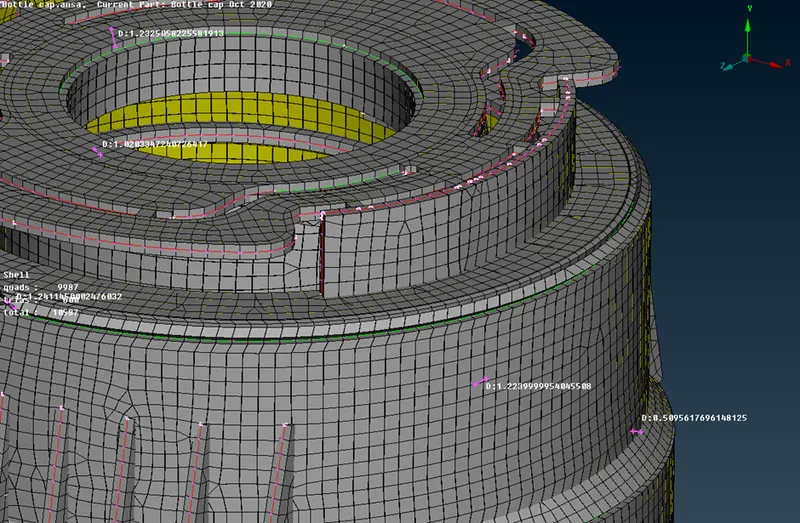
Fig. 4: After enabling ‘Draw Shell as Solid’
Conclusion: Finally, we mesh the mid surface of a plastic component in ANSA.