Week 3 - 2D meshing for sheet metal
Report on Assignment Work
Assignment: For the given Hood model, Take the mid surface for all the components after checking the geometrical errors and mesh the mid surface with the given element Quality criteria
|
S.No |
Quality Criteria |
Value |
|
1 |
Target/Average length |
5 |
|
2 |
Minimum Length |
2 |
|
3 |
Maximum Length |
7 |
|
4 |
Aspect |
3 |
|
5 |
Warpage |
15 |
|
6 |
Skewness |
45 |
|
7 |
Jacobian |
0.7 |
|
8 |
Minimum Quad Angle |
45 |
|
9 |
Maximum Quad Angle |
135 |
|
10 |
Minimum Tria Angle |
30 |
|
11 |
Maximum Tria Angle |
120 |
|
10 |
Tria Percentage |
15 |
Steps:
1. First import the model in ANSA.
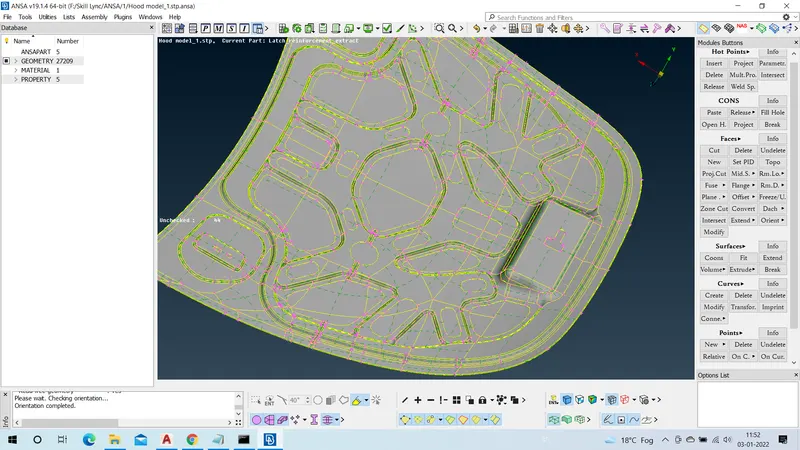
2. Go to propoerties menu and clenup the geometry error of each properties individualy.
3. Using 'Check Geometry' Check if there is any geometry and then fix the error.
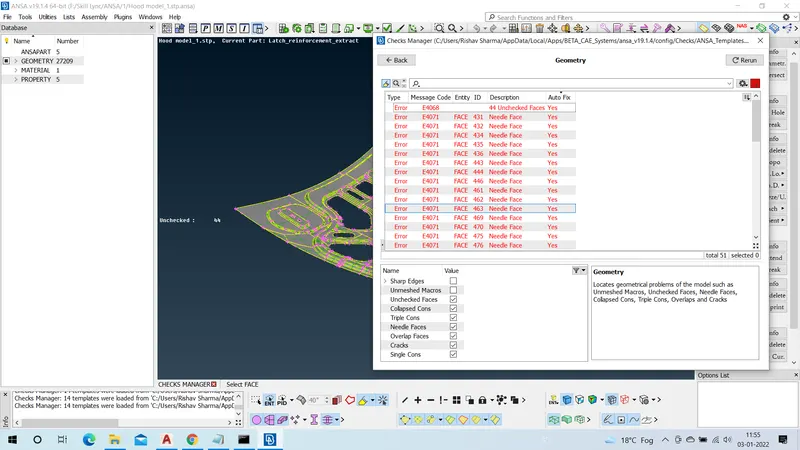
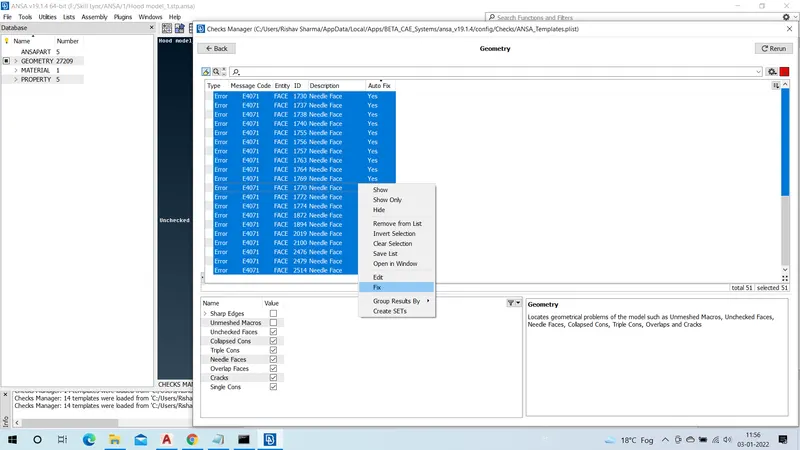
4. Now using midsurface- skin option generate the mid surface of each element.
5. Now Using Best option under Mesh section generate the meshed surface of model.
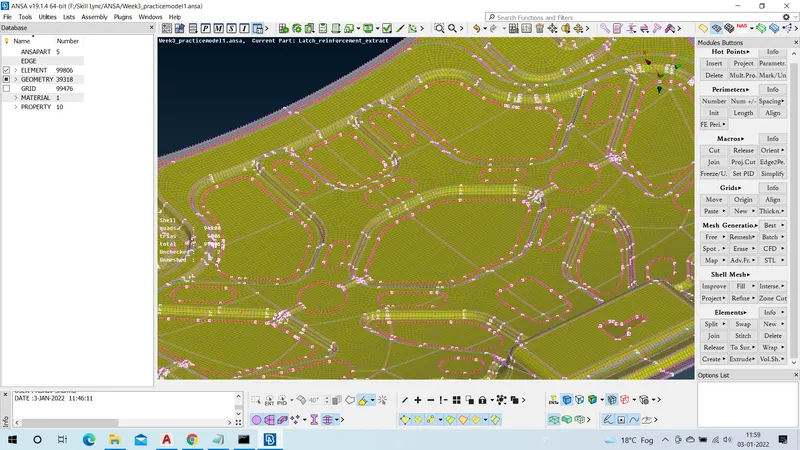
Thus, Assignment is completed.