Project 1 - Meshing of Floor Panel
Report On Meshing of Floor Panel
Aim:
- To extract the mid surface from the given CAD model of Floor Panel and mesh the extracted mid surface.
Software Used: ANSA
Given CAD model of Hood: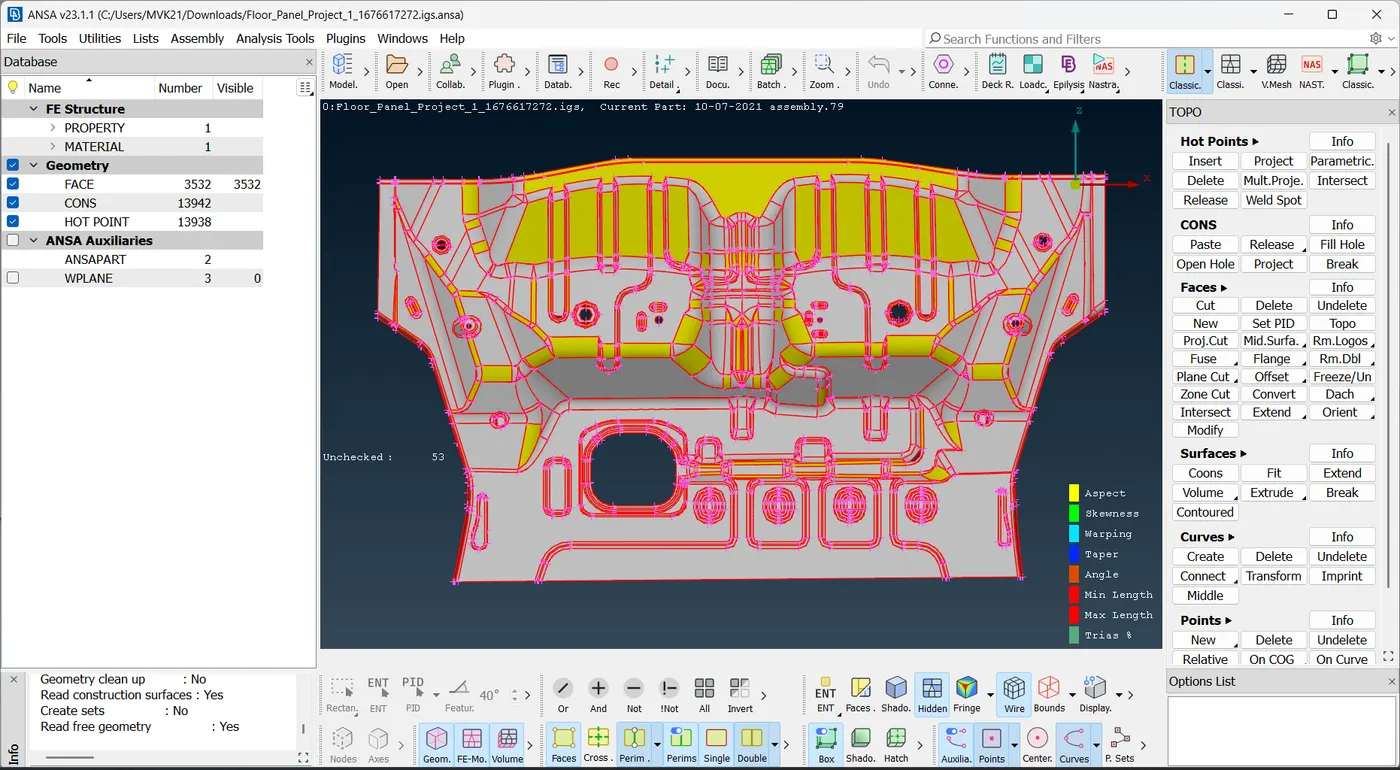
Pre-processing:
Pre-processing involves steps .They are:
- Import the CAD
- Geometry clean up
- Skin/Mid Surface Generation
- Shell/Solid Meshing
- Element Quality Check
- Mesh Improvement
- Boundary Conditions
- Apply load
- Export Input File
Step - 1:
- Cad file is imported in ANSA software.
Step - 2:
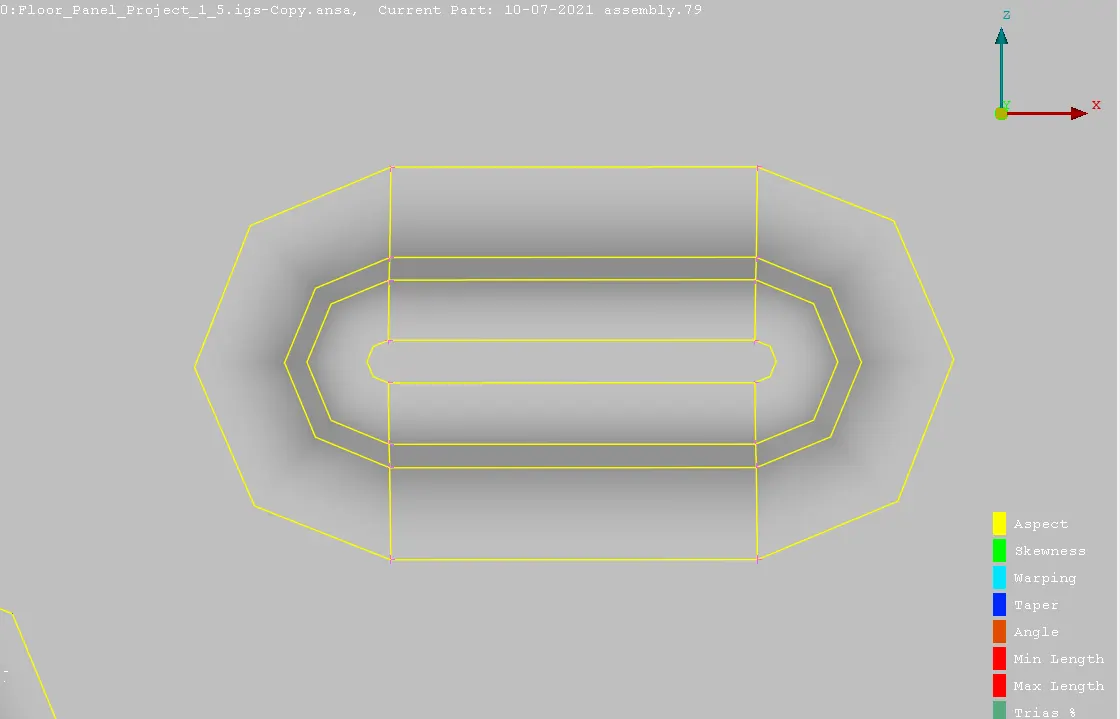
- The imported CAD geometry has few errors due to transfer of the CAD model into ANSA.
- Perform geometry check, so that we can find errors such as unchecked faces,needle faces and cracked faces.
- Switch to Classic Topo module.
- we can fix these issues using Topo commands such as insert,delete,paste,release topo,cut,new...
- Following are the errors in the geometry.
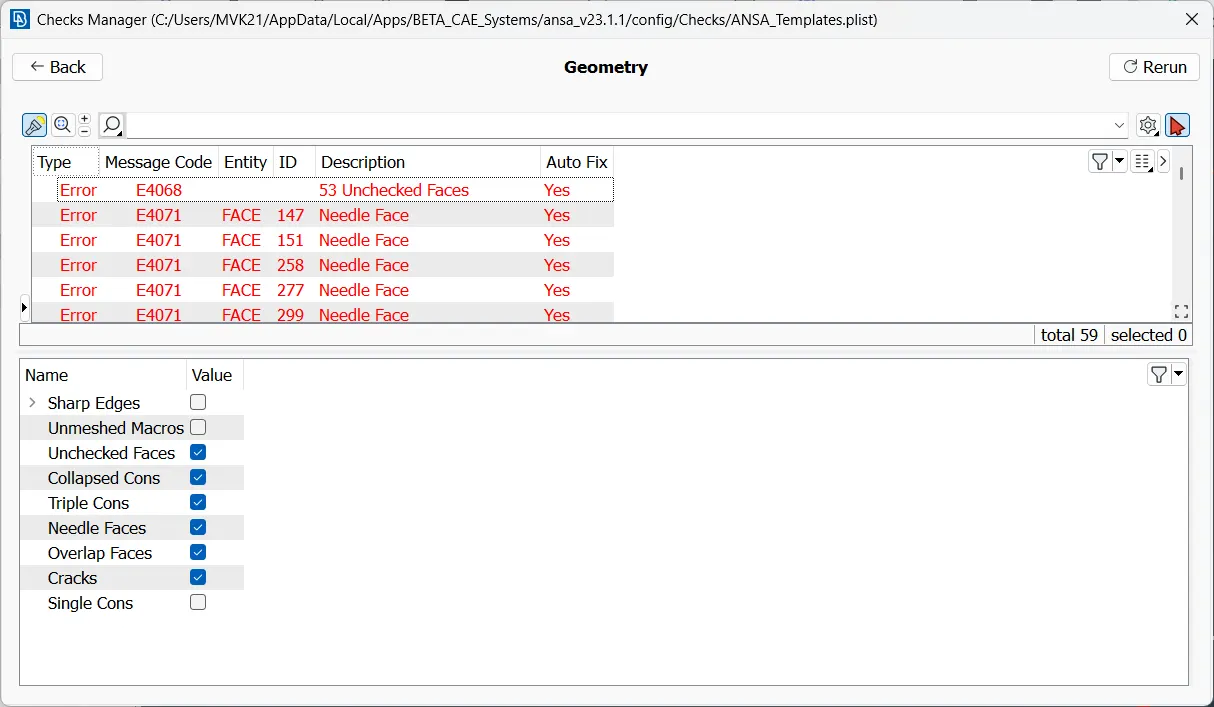
Before Fixing:
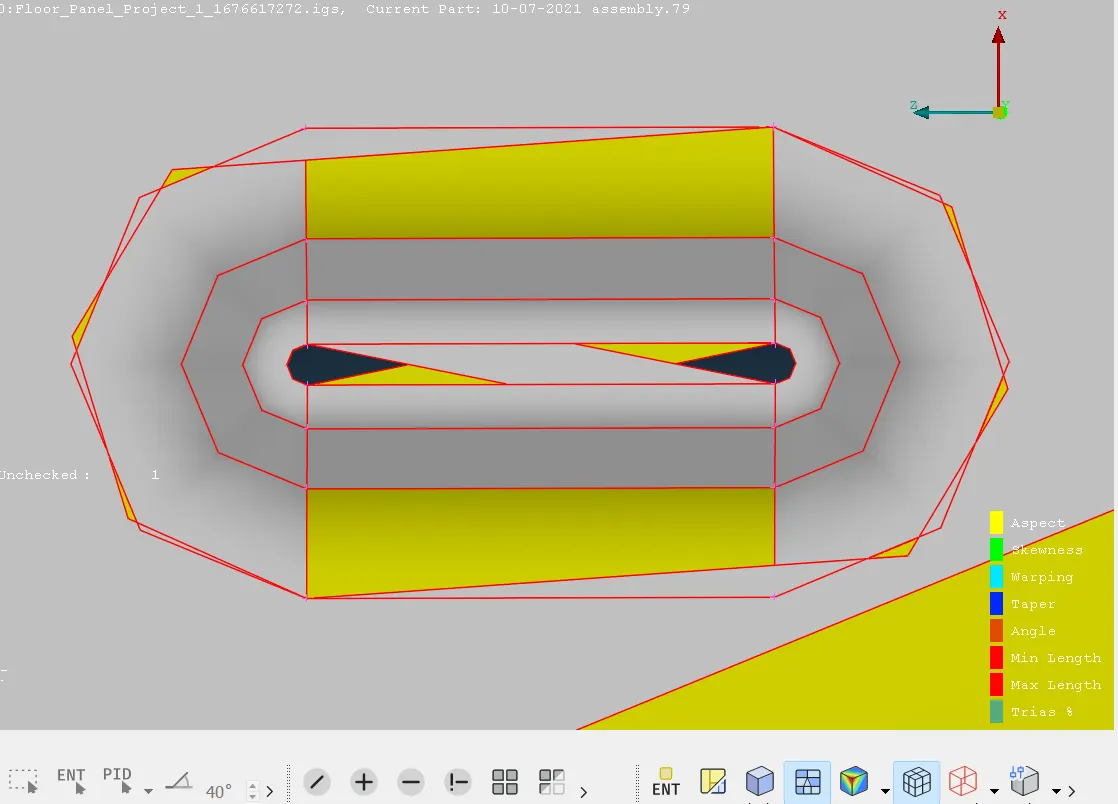
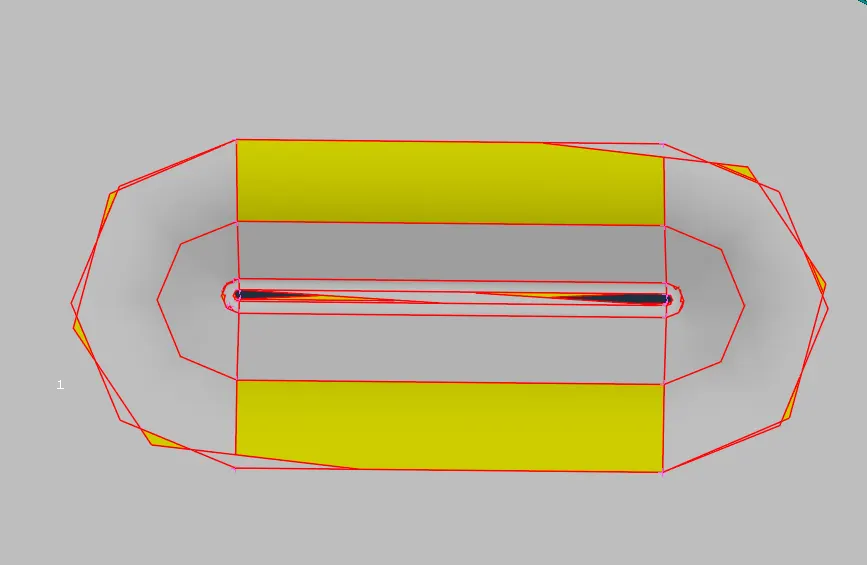
After Fixing
Step - 3: Mid-Surface Extraction
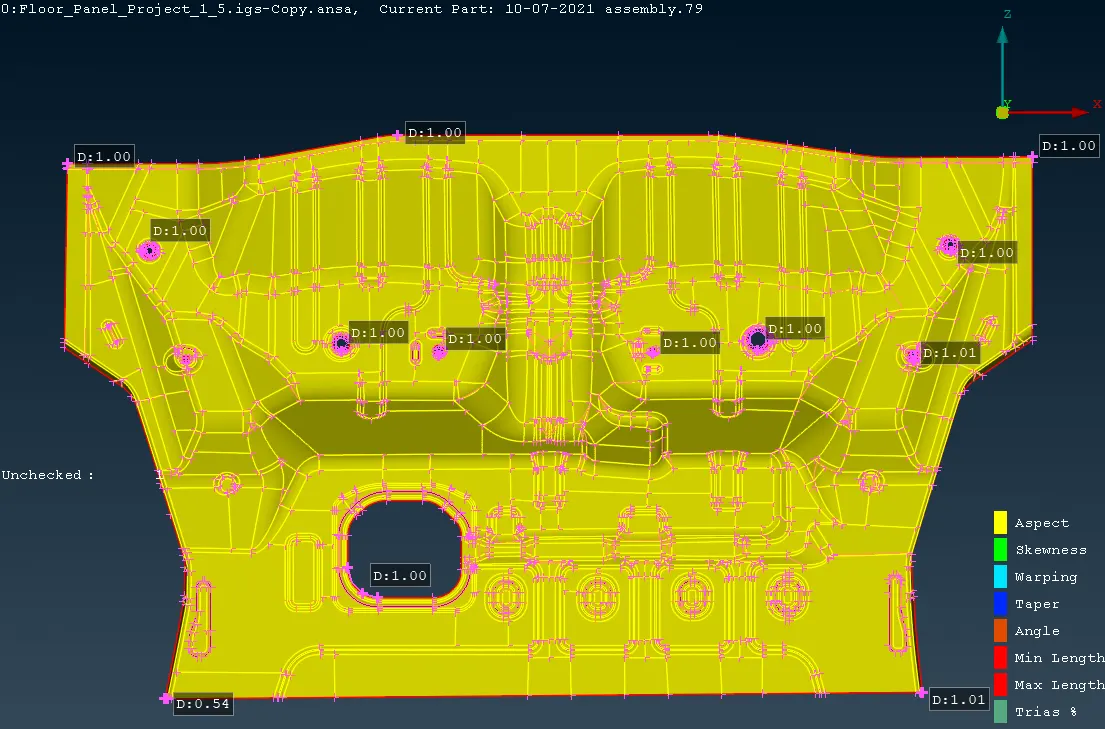
- After cleaning the geometry of floor panel, a mid surface is extracted.
- Now extract the mid surface from splitted model, so that it is easy to mesh. After meshing we can symmetry it.
- Mid - Surface is extracted for meshing the model.
- Mid - surface is extracted from the floor panel using offset command.
- Thickness of the floor panel is 1mm.
- Offset value is 0.5mm.
Step - 4: Meshing
- Now switch to classic mesh module.
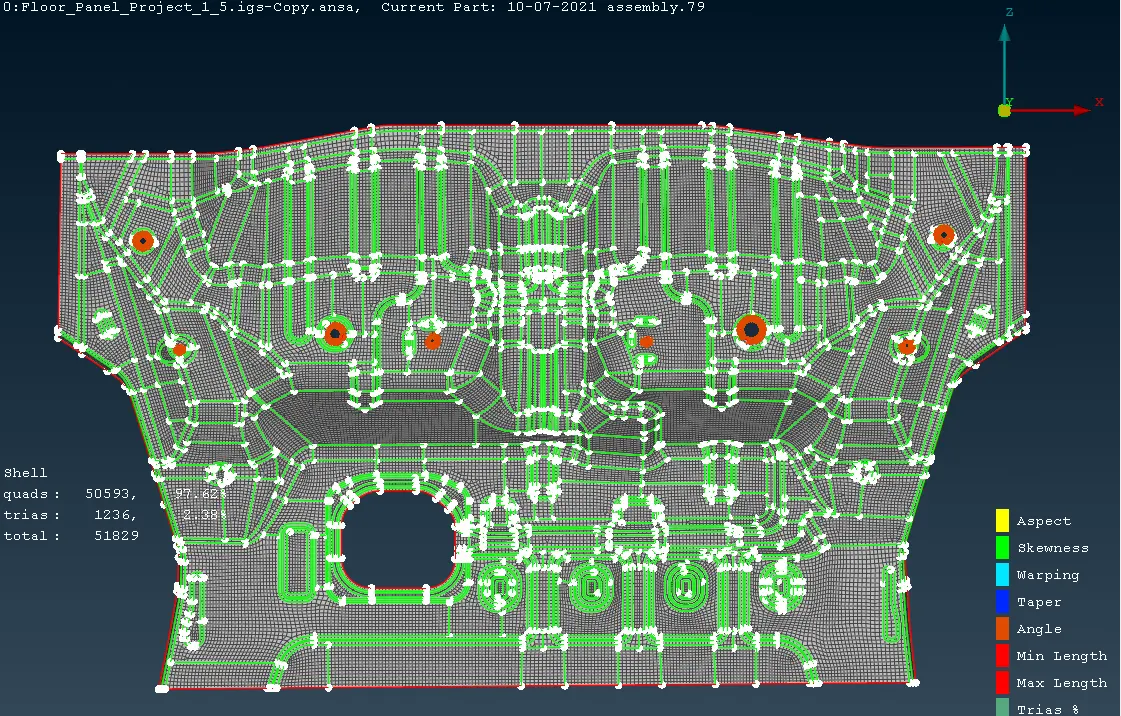
- Meshing of the model is generated using Best command in mesh generation group.
- As floor panel is the complex model mesh should be generated layer-by-layer.
- At complex areas , do not directly mesh as it makes the mesh clumsy. Instead make some cuts on the mid-surface then mesh.
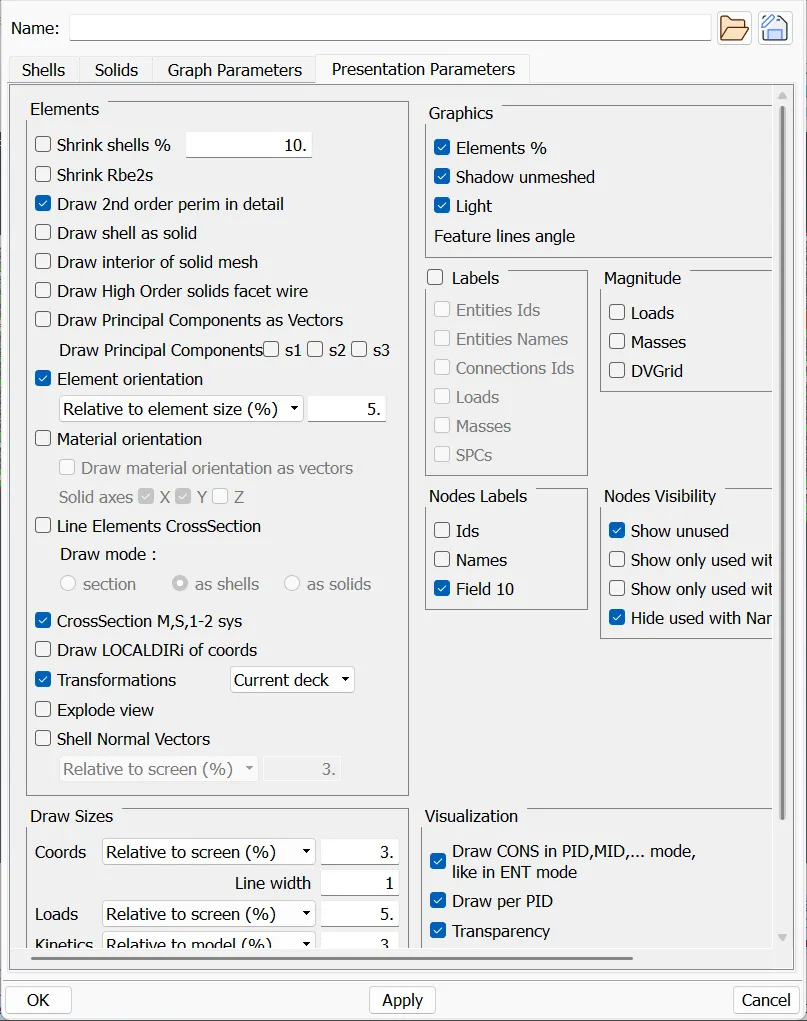
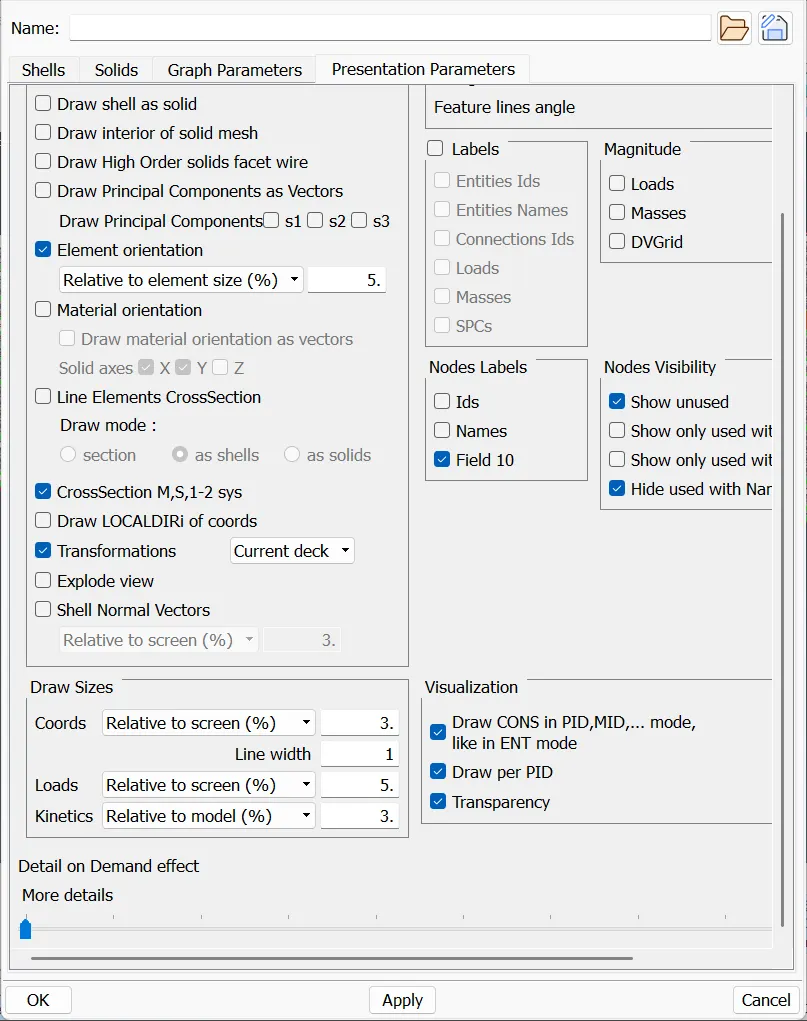
Step - 5: Element Quality Criteria
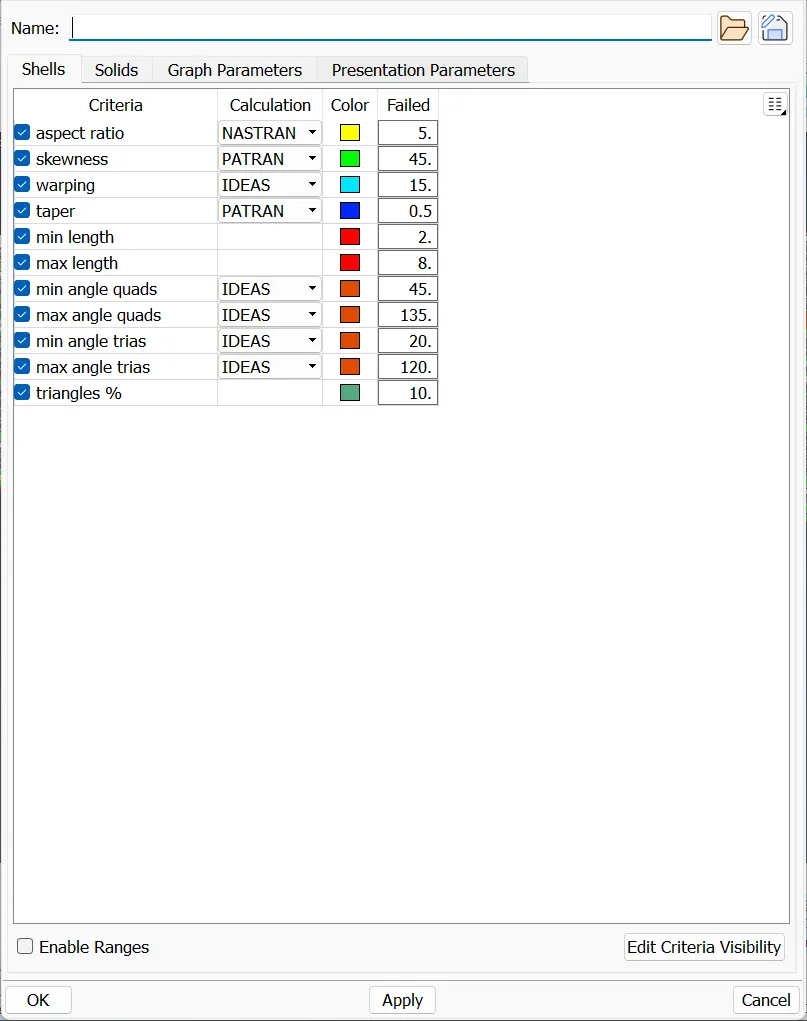
- After Meshing , Set the element quality criteria values.
- If the element fails the quality criteria parameters, the elements are indicated with different colour codings.
- Where the quality criteria is failed, there is a possibility of deformation
In Software :
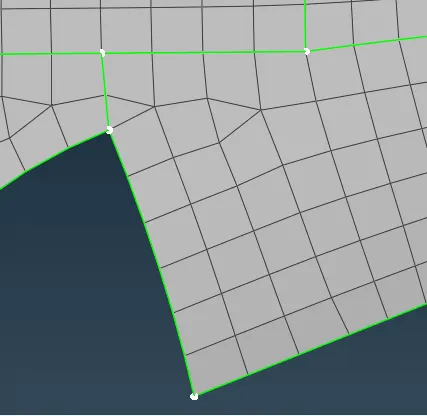
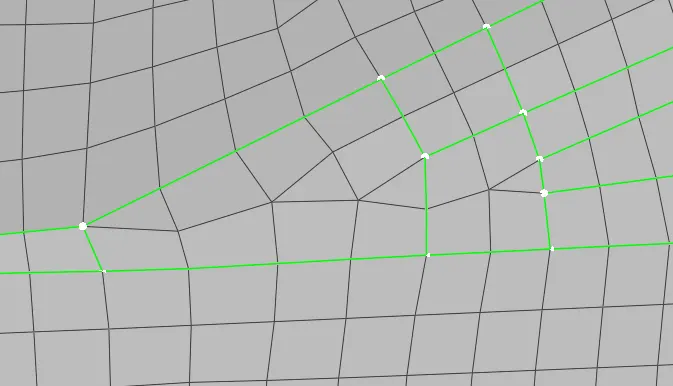
Step - 6: Mesh Improvement
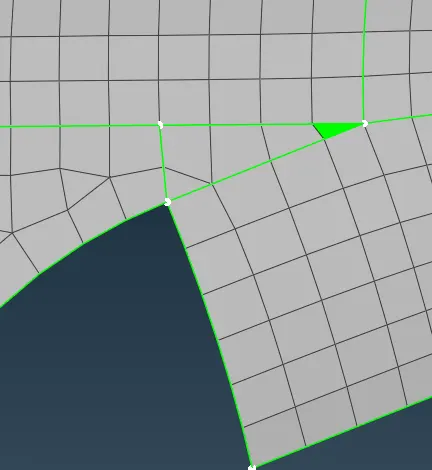
- After meshing the surface, the mesh has only two types of elements. They are Quad, Tria.
- The mesh should be a smooth flow.
- Mesh can be improved by smooth, reconstruct, improve, Transform...
- There are few Tria rules to be followed for good mesh. They are:
- Opposite trias should be avoided.
- No trias should be perpendicular to each other.
- No trias should be back to back.
- No trias should be on the edge of the geometry.
- No trias should be near to the holes.
- No trias should be on the features(Fillets)
- Less tria concentration
Before Fixing:
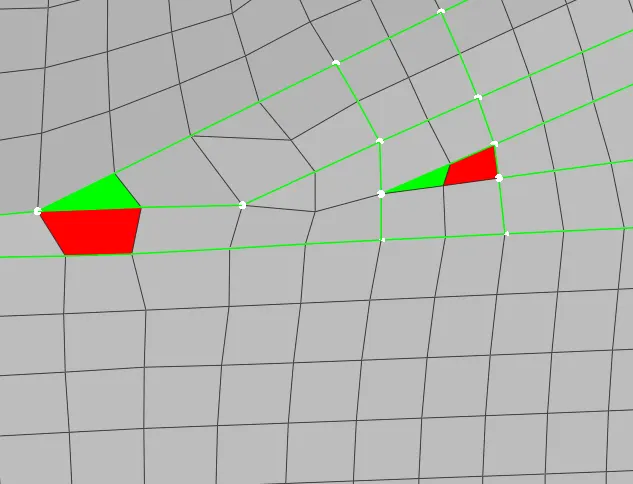
After Fixing:
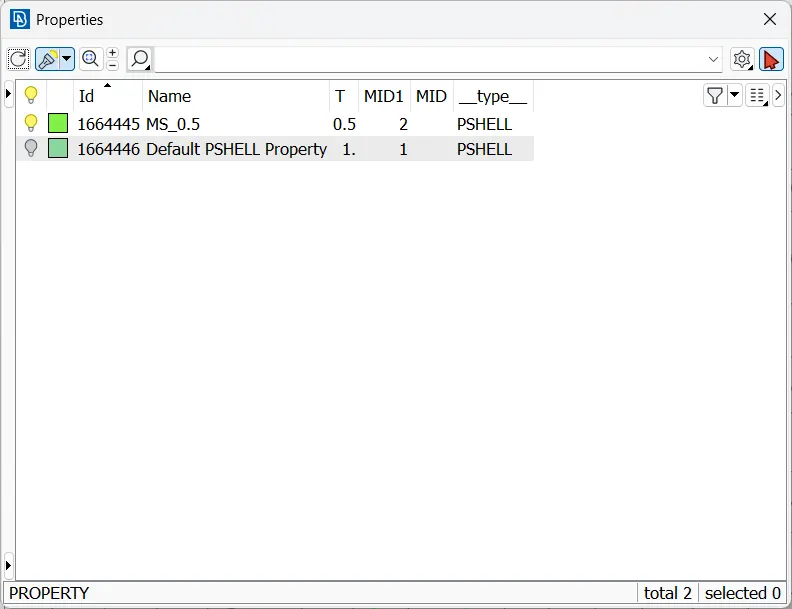
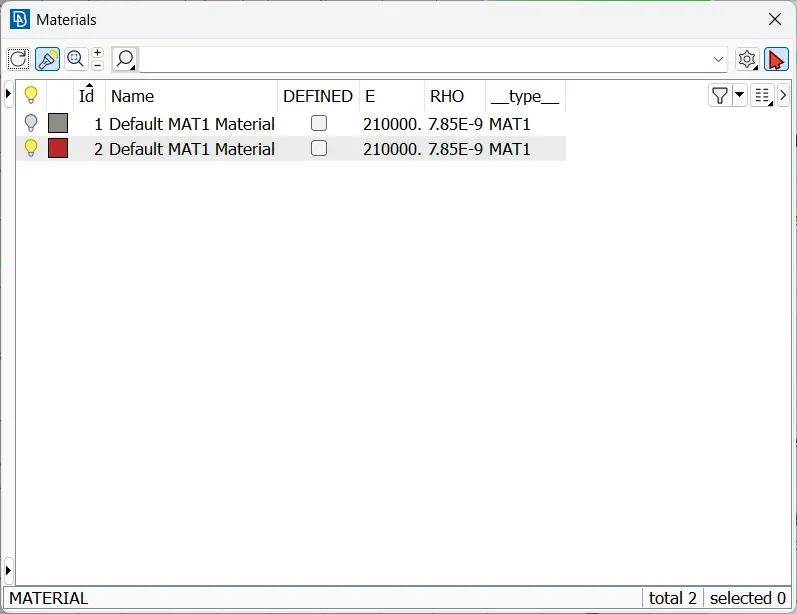
- And assign property and material for it.
Conclusion:
- The geometry is cleaned and mid-surface is extracted from the geometry.
- Thickness and material of the model is assigned to the parent geometry.
- The mid-surface is meshed with the required quality criteria.
NOTE:
- As the size zip file is more than 20MB, The file is unable to upload.
- The google drive link for Zip file of Meshing of Floor Panel is :
https://drive.google.com/file/d/180gPMmynQATX9MsK8_CggBwsZxHHg8AV/view?usp=sharing