Project 1 : CFD Meshing for Tesla Cyber Truck
Aim: To check and solve all geometrical errors and assign appropriate PID's. and perform meshing with suitable quality criteria and mesh parameter.
import geometry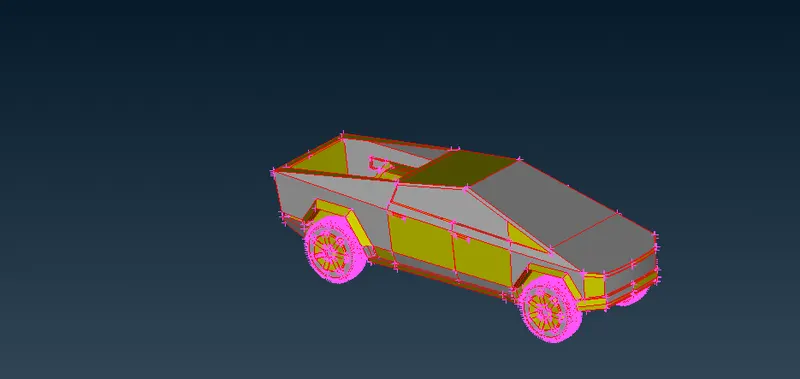
Apply topo on the whole model
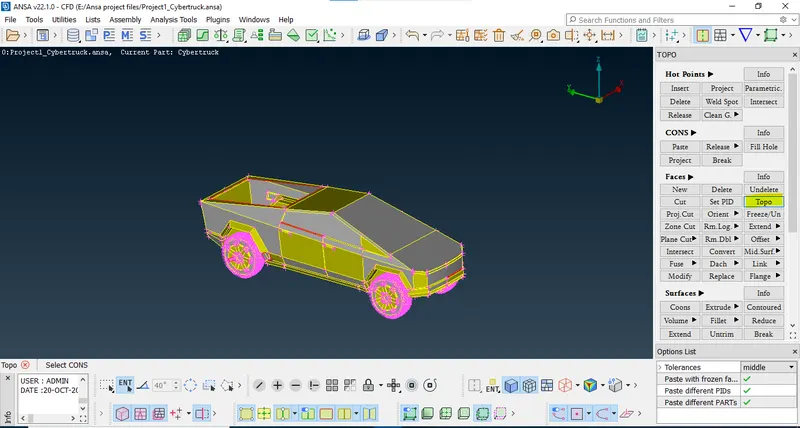
Now most of the single coons will become Double coons.
Now try using fill hole option where single coons are present.
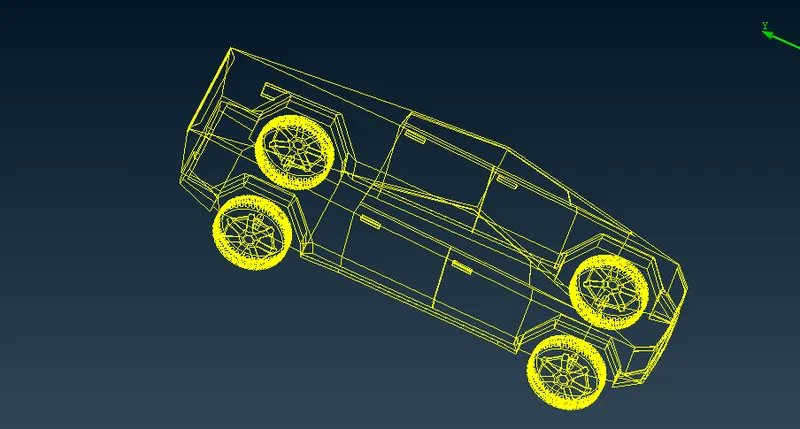
After filling all the holes/single cons. no triple con or single con is present.
Now check geometry.
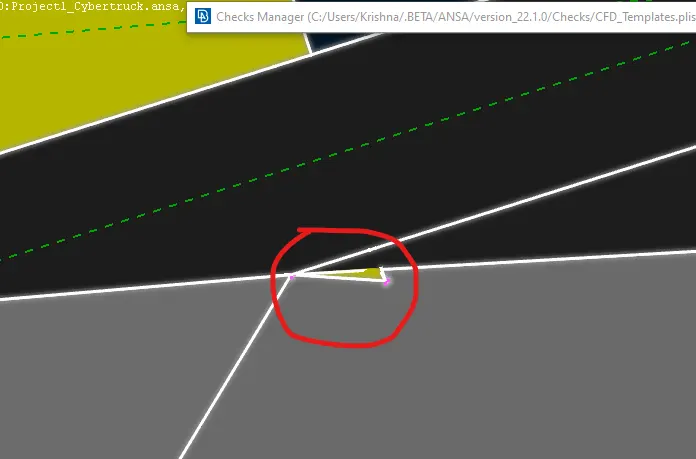
We have found 5 intersection error.
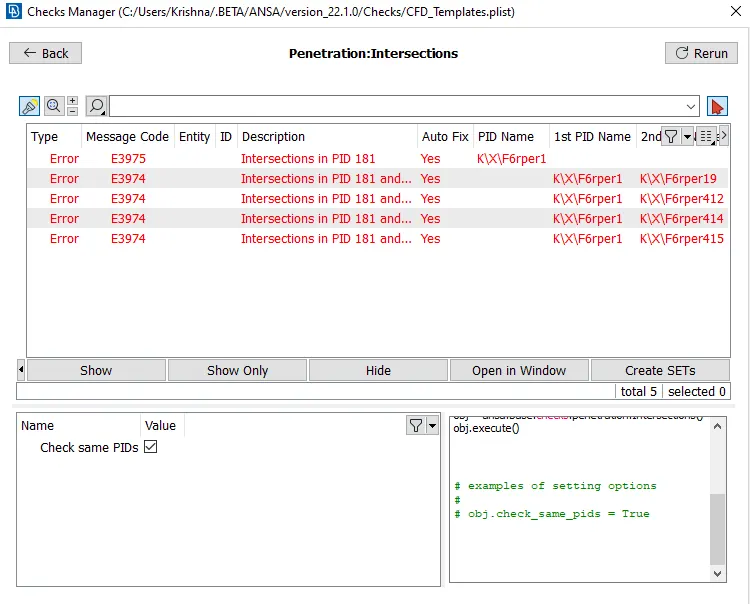
We can see here yellow surface is interacting with the gray surface. where i have encircled with red color.
The other intersection is shown below.
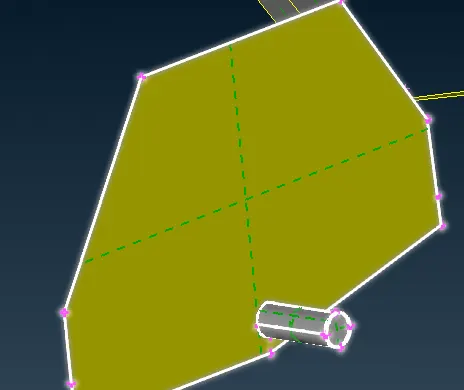
The rest of the intersection errors are the same as the above. but other side.
Before Fixing all these errors we will try to cut the model in half.
for that we will have to insert hot points in the middle. using parametric option.
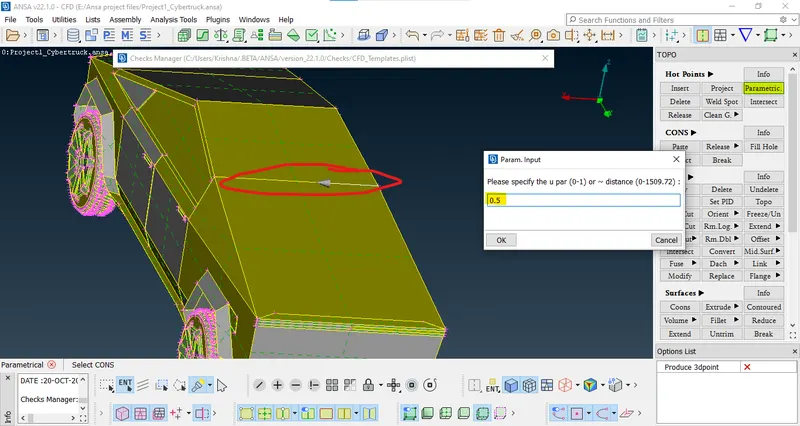
select parametric option (highlighted in yellow)`->` insert 0.5 as input`->`select coon where you have to insert hot point(encircled in red color), press middle click.
inserted point is encircled red.
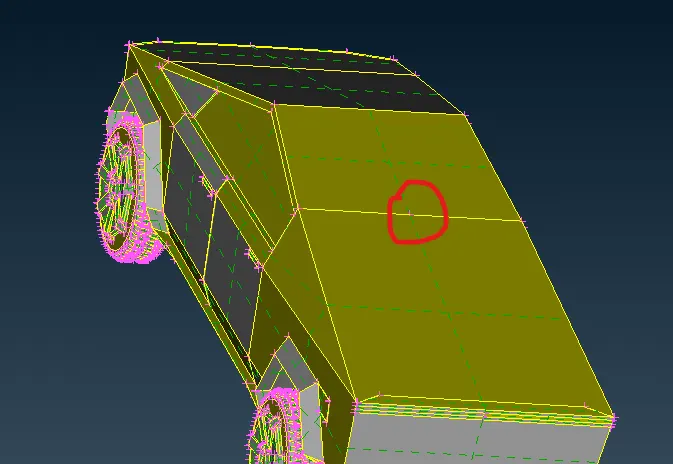
Now try inserting hot point on every lines. which are there in the middle.
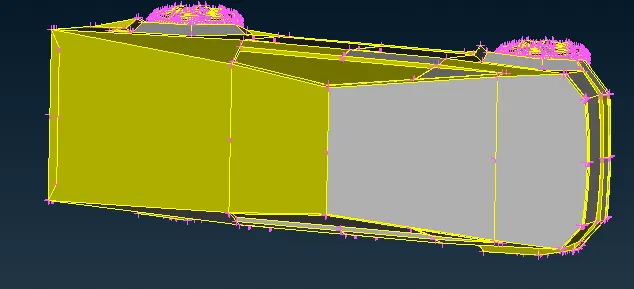
We have inserted hot points at every line.
Now try cutting those hot points.
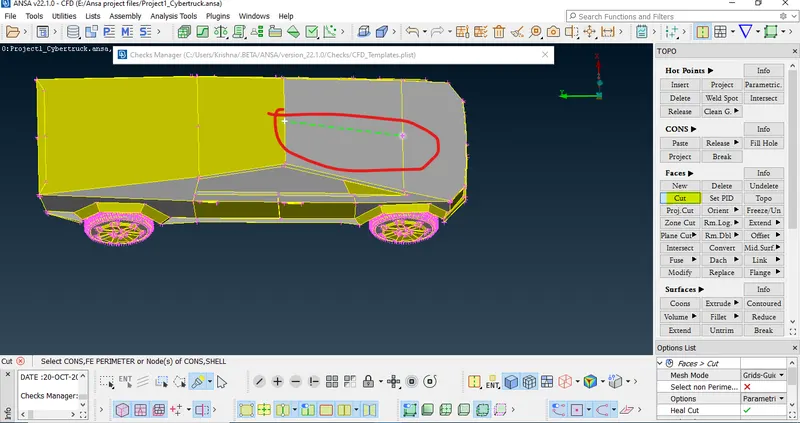
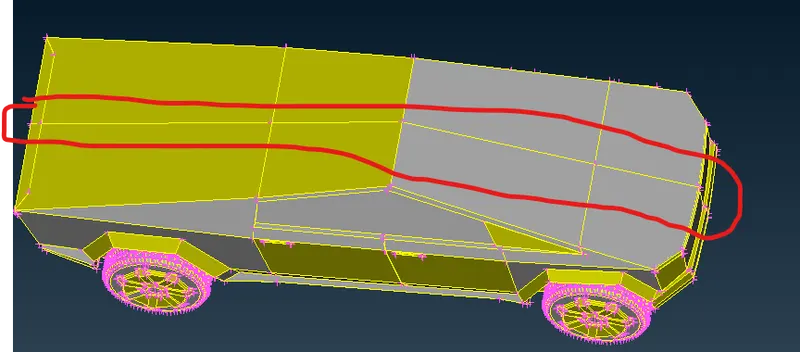
Now try deleting half portion of the model.
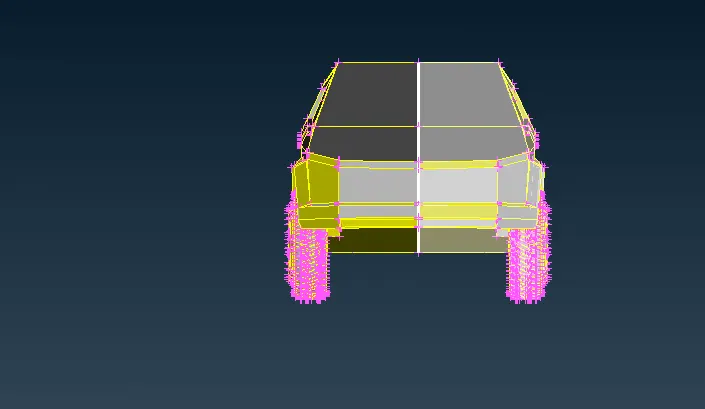
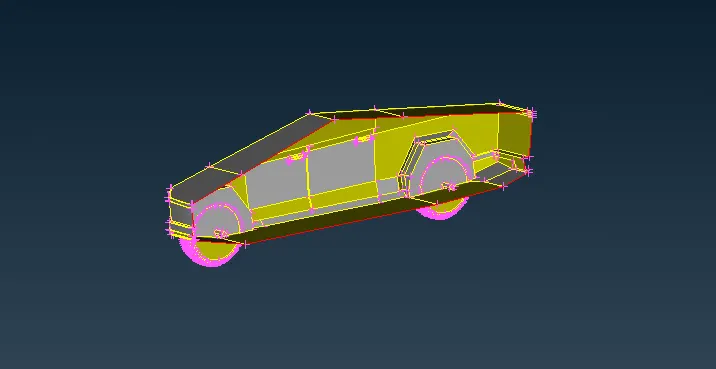
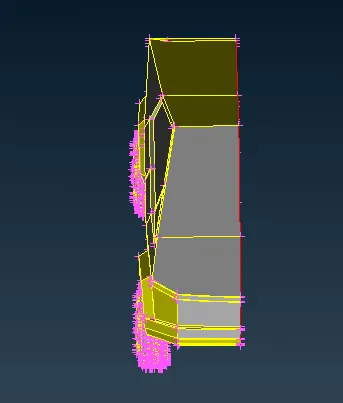
Now we will try fixing all the errors.
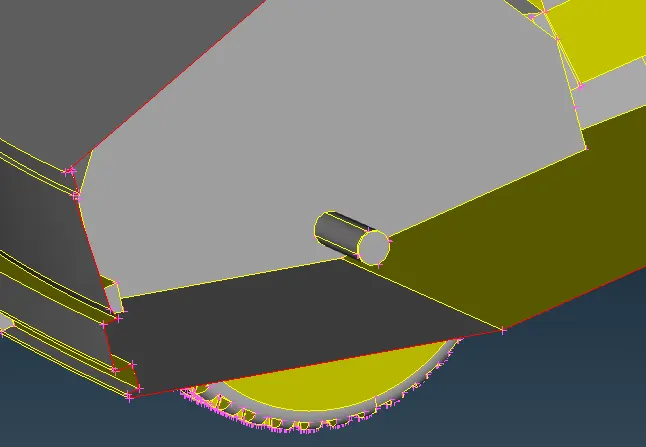
First, we will try deleting this extra part from the Model. which is inside the car. If we leave it as it is then it will create another volume.
after deleting that part, we have got few single cons we will have to fix taht.
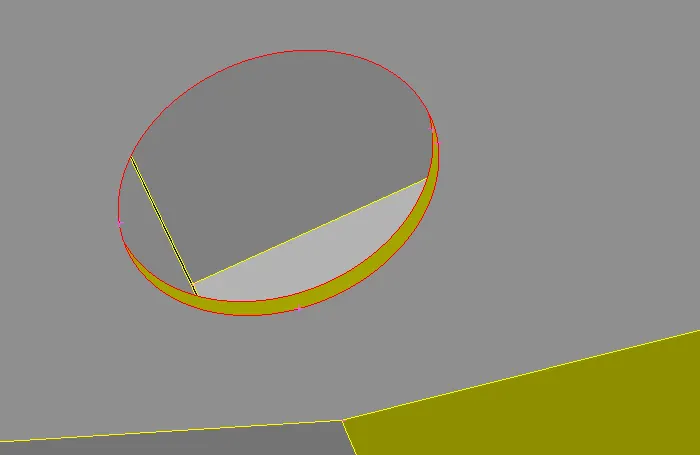
i created a surface to fill that hole.
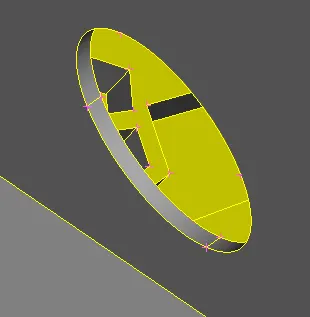
We will do the same operation on the other wheel.
After fixing all the errors check for geometry.
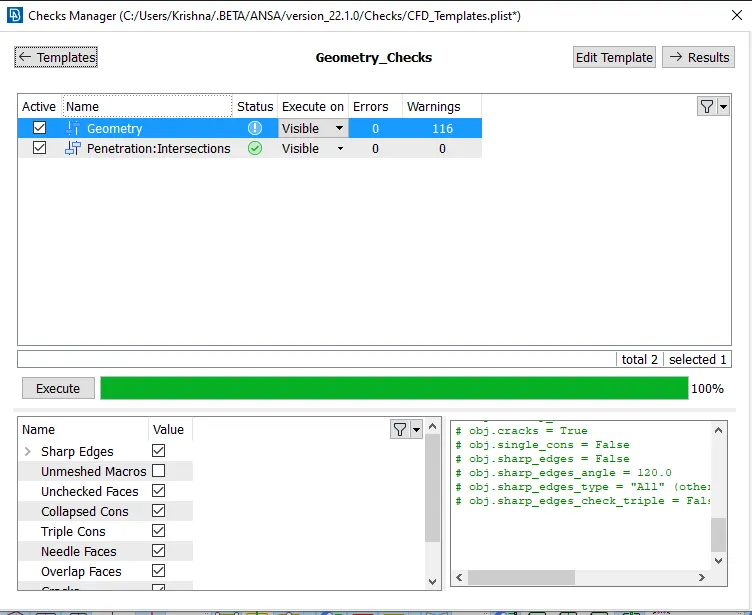
As we can see above, we have no errors, only warnings.
concave cons, convex cons, single cons, mixed cons.
Now we will assign PID's
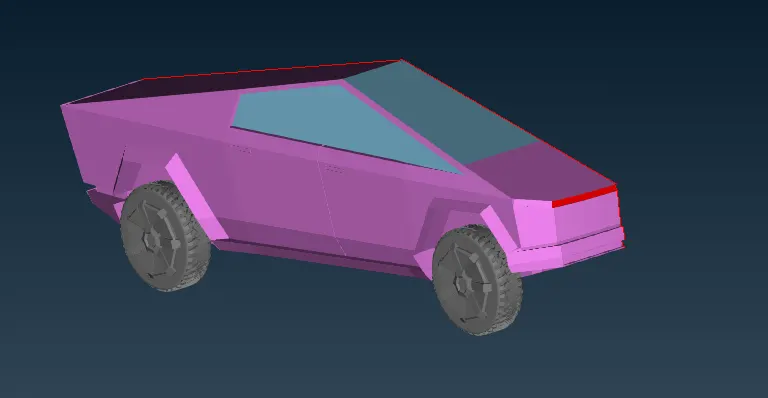
We have been assigned 4 PID's.
Tyres and Rims`->` gray color.
Lights `->` Red color.
Windows `->` Sky blue color.
Body `->` Violet color.
Meshing
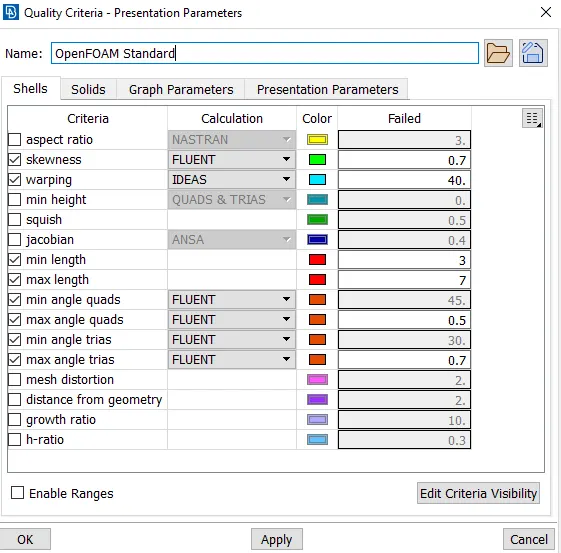
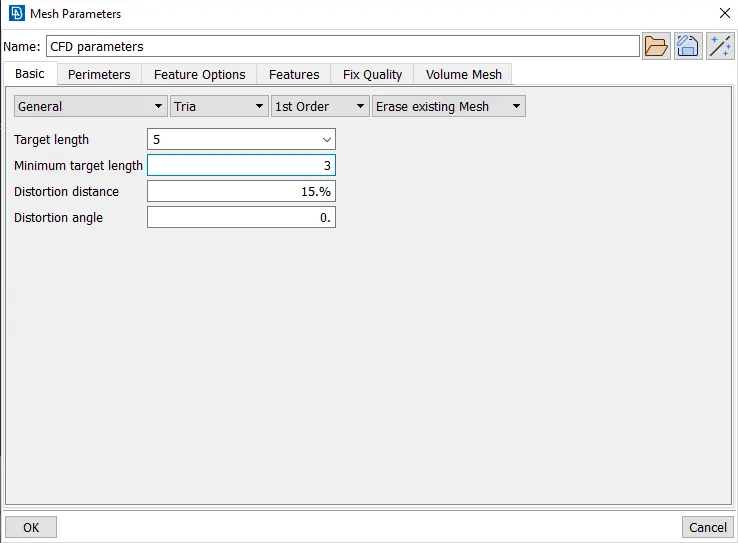
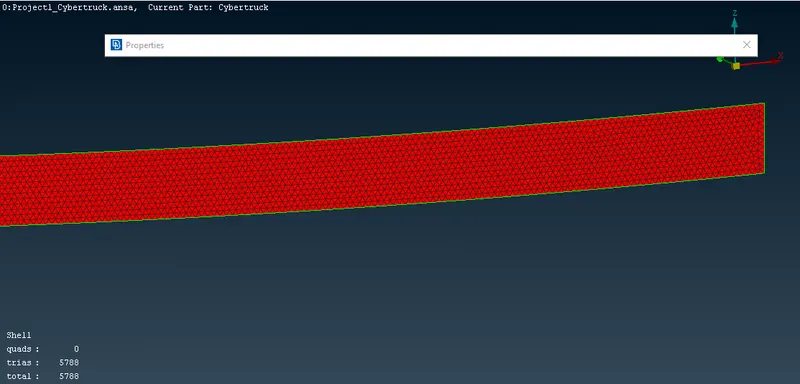
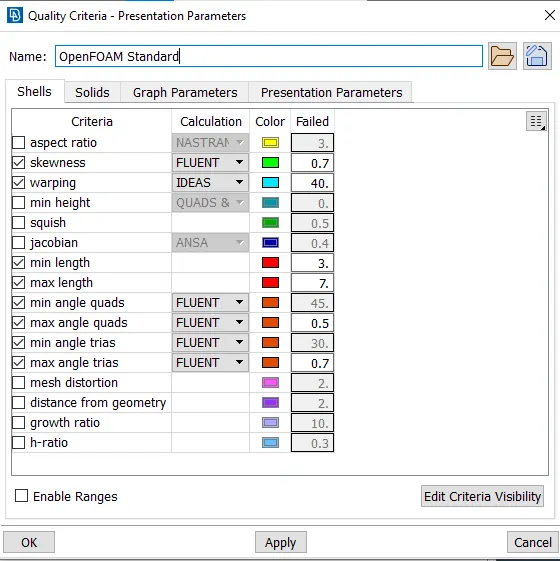
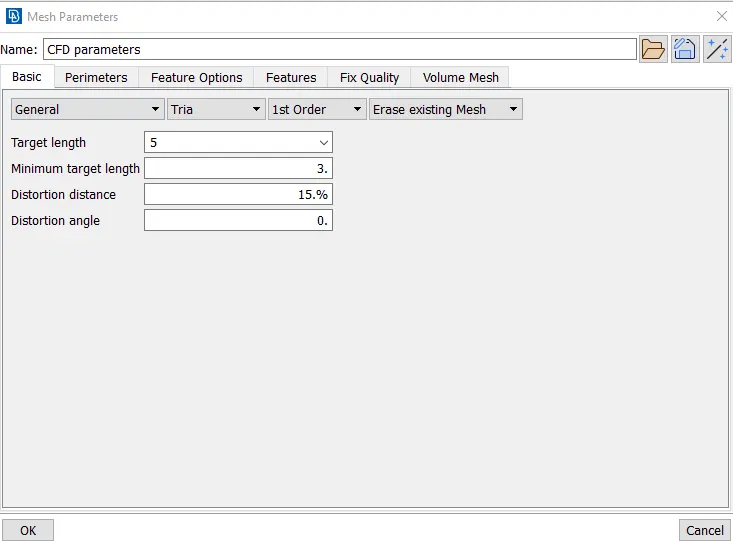
Note: I tried to mesh with the same quality criteria and target length as BMW but was creating around more than 5 million cells. which was very difficult to handle for my laptop so, I'm going to mesh with some more target length.
Lights
Windows
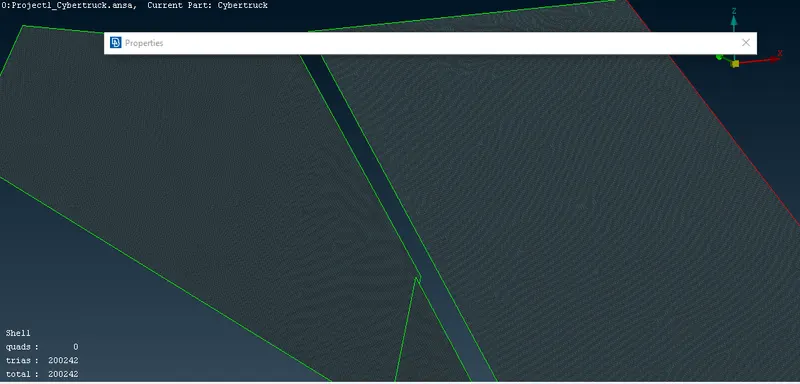
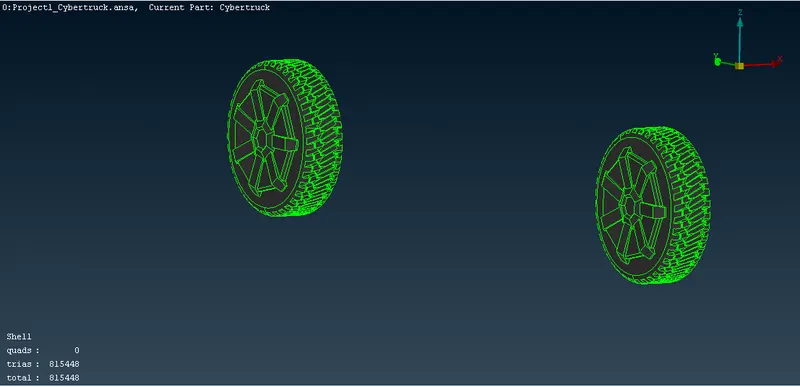
Rims and Tyres
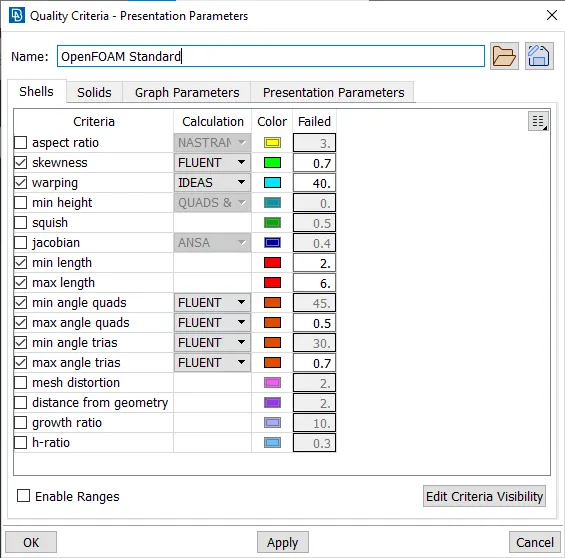
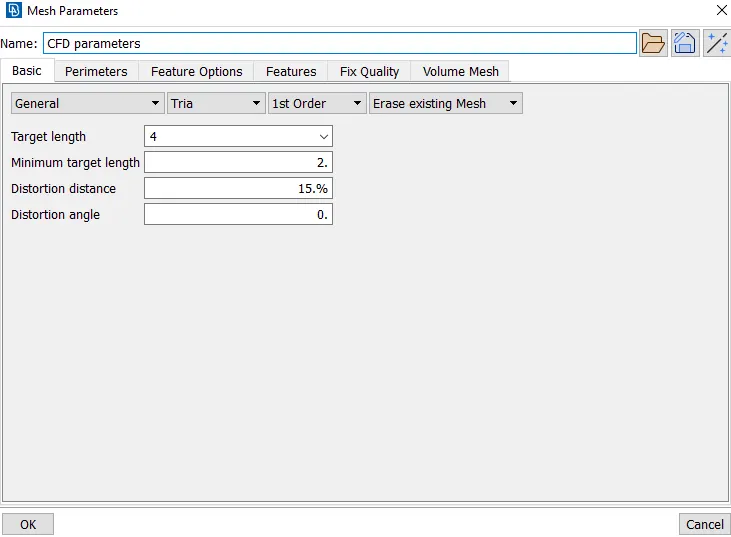
Body
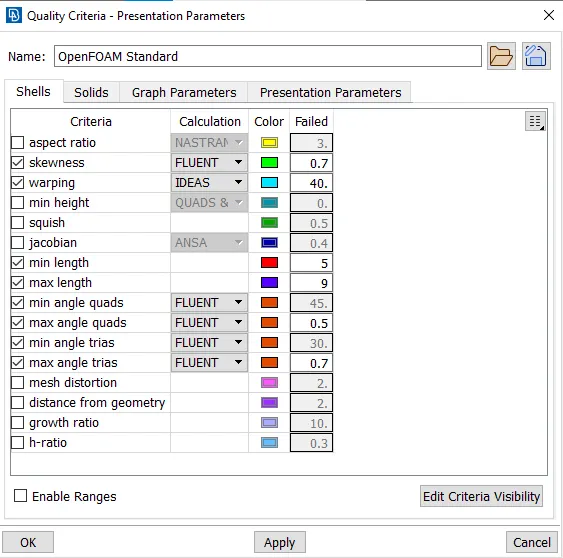
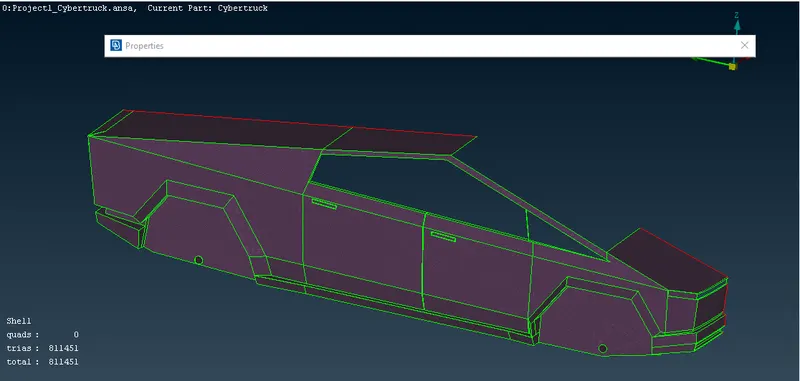
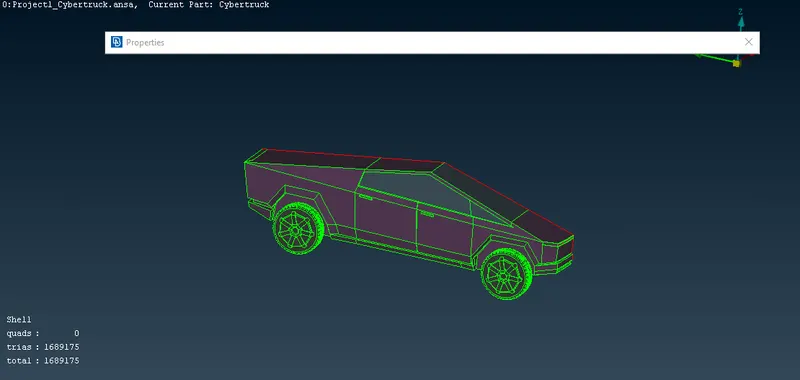
We don't have any off elements.
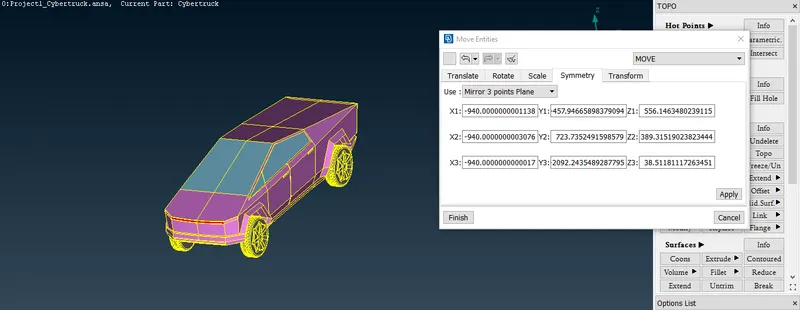
Now, we can make a copy of it(symmetry).
transform`->` entity `->` select whole body and press middle button `->` go for symmetry option (Mirror 3-point plane). `->` select 3 points from Single cons and press ok. `->` Now confirm preview and finish.
Creating wind tunnel
Insert the Points as per the calculation.
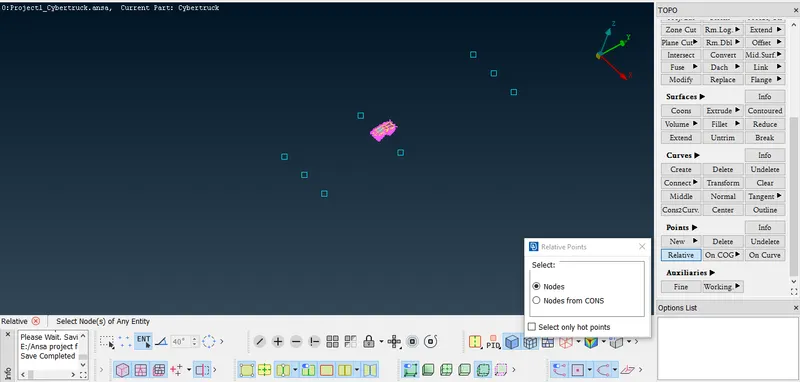
Now create curve using those points.
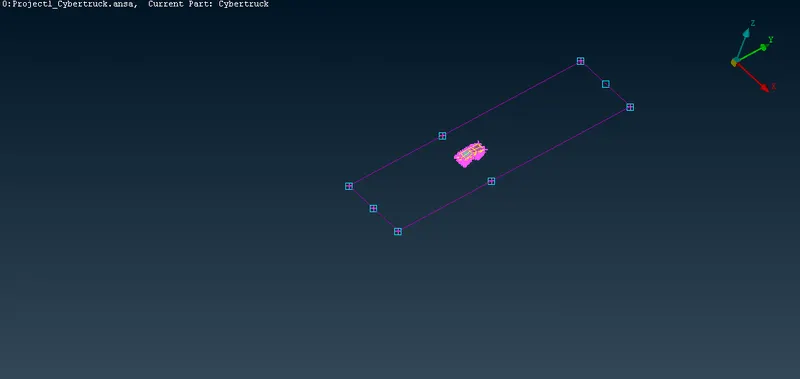
Create a new face using those curves.
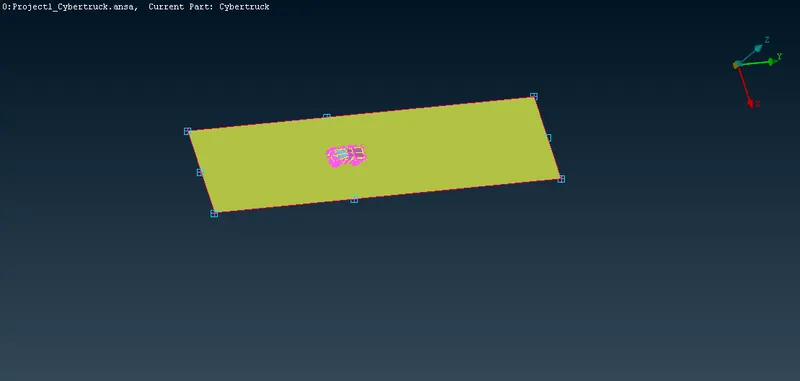
Using offset option try creating upper surface.
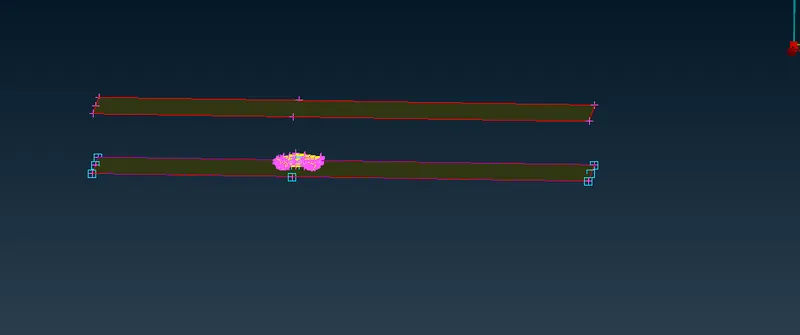
Now try closing the Wind tunnel. and assign PID for each face.
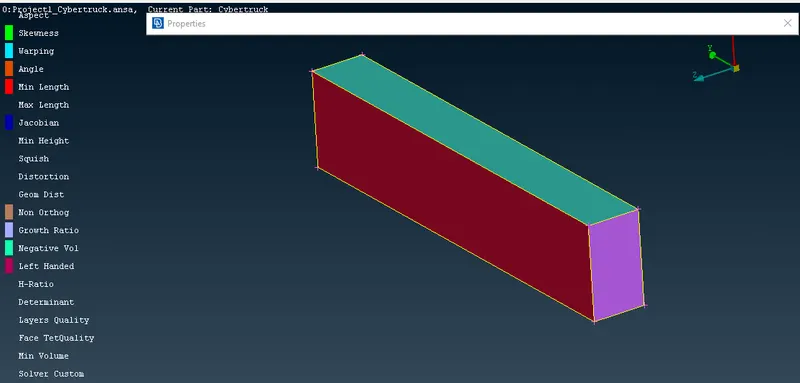
Bottom surface mesh
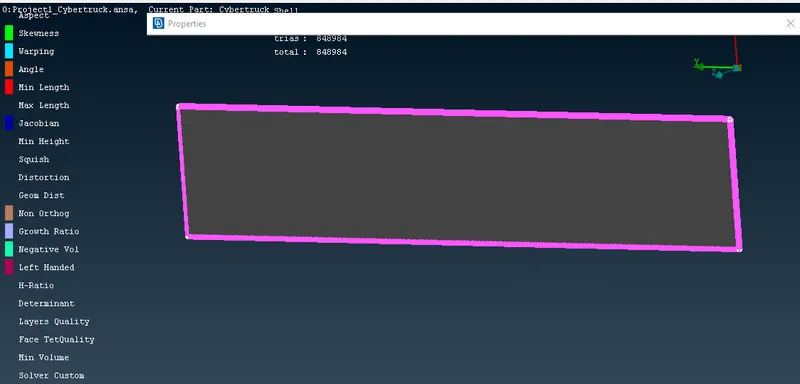
similarly try meshing other faces.
we will give spacing for side faces and front and back faces.
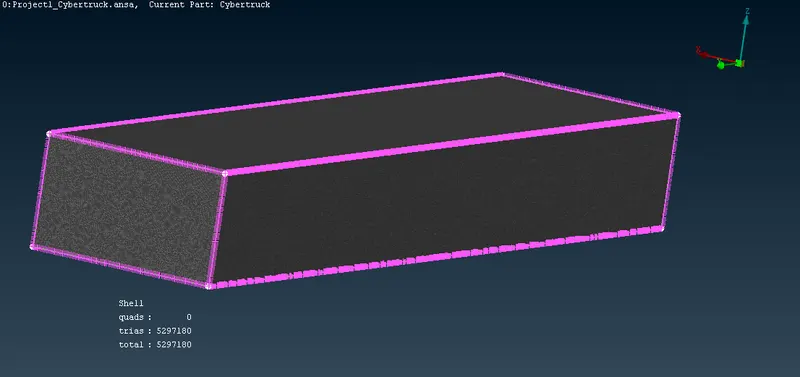
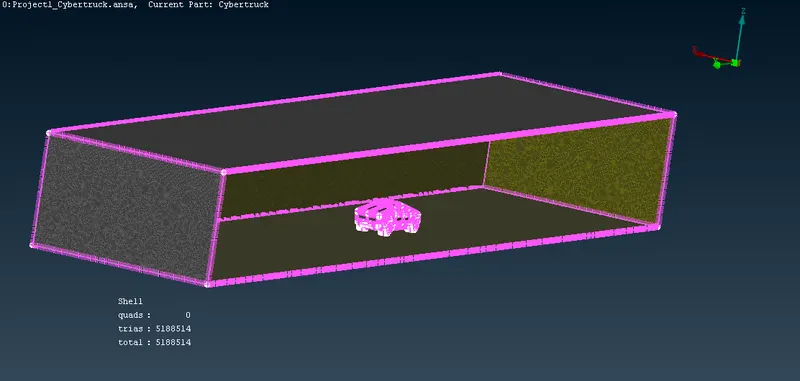
Model link
https://drive.google.com/file/d/1toNM5ZHhgKTFcnxhrsTKyA-N0mLjYyBi/view?usp=sharing