Project 1 : CFD Meshing for Tesla Cyber Truck
Aim:- check for the geometrical errors and eliminate themfor the given model of cybertruck. After topological cleanup assign pids and perform mesh with appropiate mesh length. After creating mesh create the enclosure and perfrom mesh on that to.
Objectve:-
1. Remove all the topological pentration & intersection error
2. assign pids
3. perform mesh, meshing parameter
1. tyre = 2mm
2. lights = 4mm
3. windows = 2mm
4. body = 3 mm
4. create a enclosure.
5. perform a mesh
Procedure:-
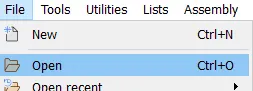
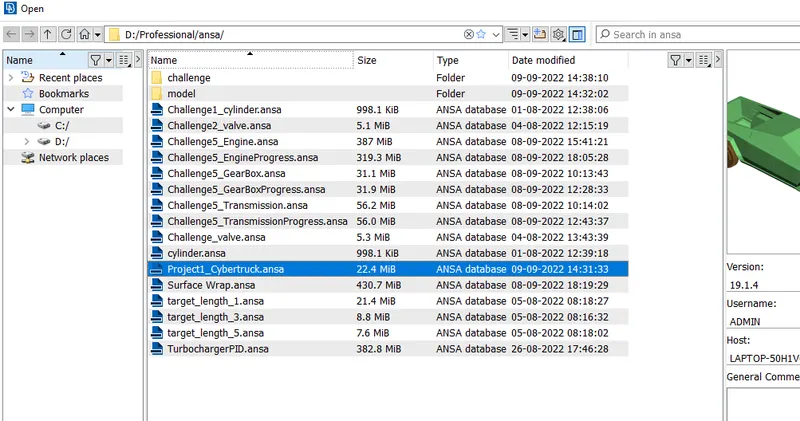
1. Load the file
file>open>go to the appropiate folder>choose the file>press ok
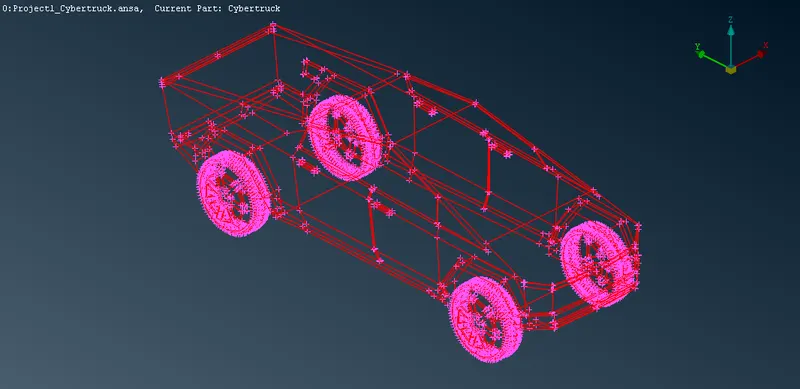
Now switch to shadow mode.
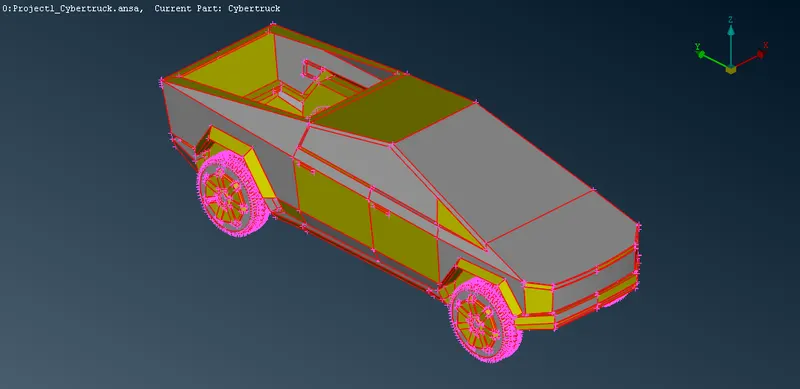
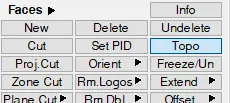
2. we can use topo to convert single coons in double coons which sharing two surfaces.
topo>select the whole model with box selection>press enter
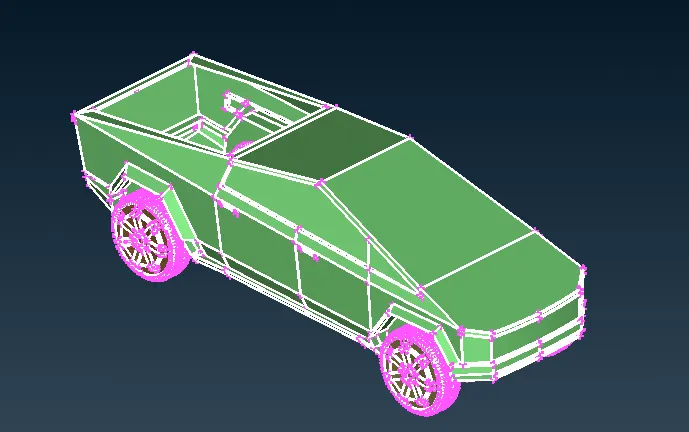
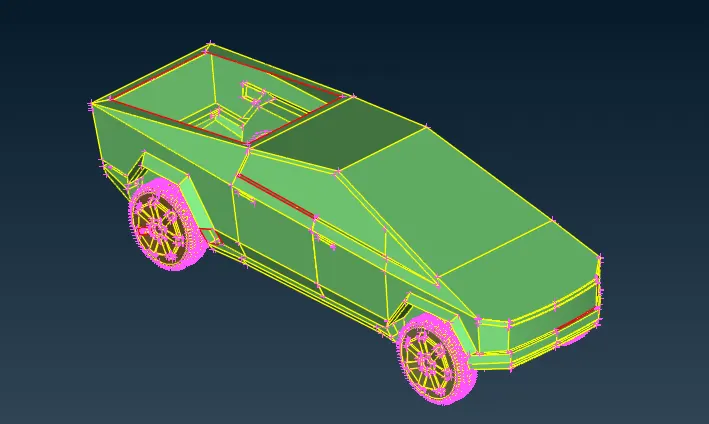
3. Try to identify the error.
by switch the shadow mode to wire frame mode we can see single coons doubles coons and triple coons.
by switching to pid mode we can see overlappin
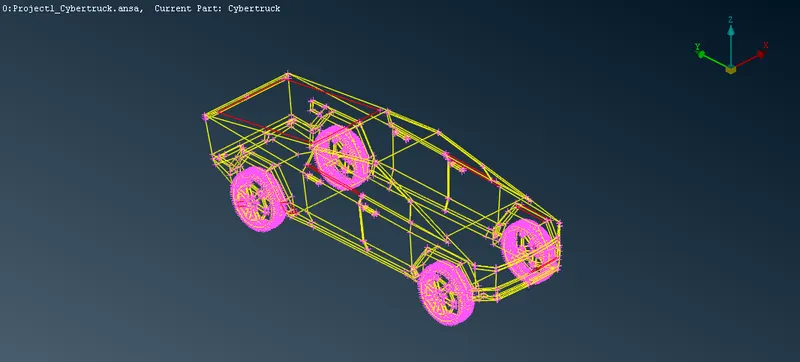
Here we can see singles soons we need to eliminate them.
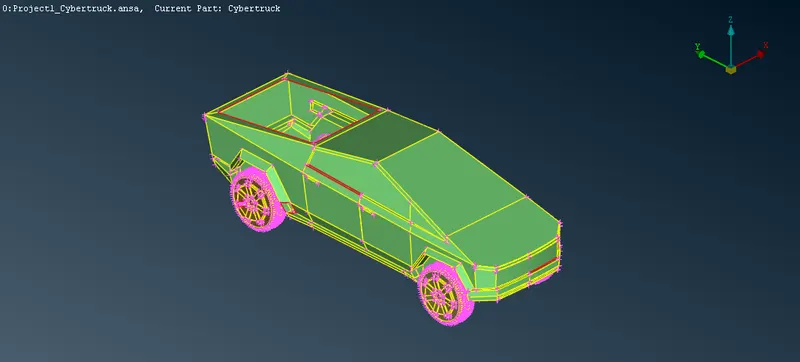
4. removing single coons error
1. eliminating this.
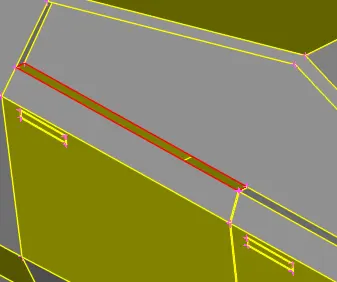
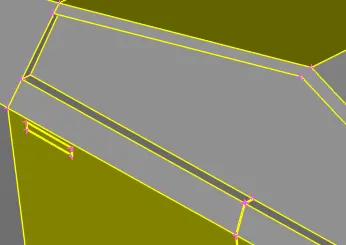
2. eliminating this
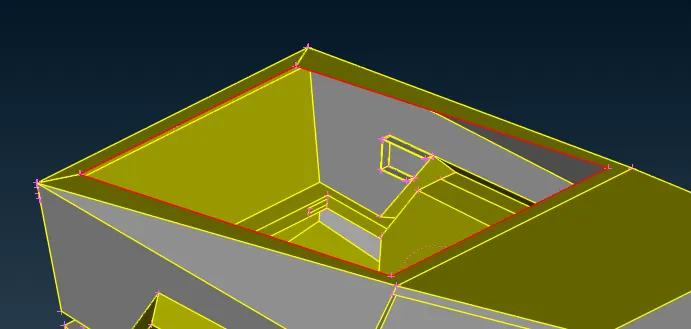
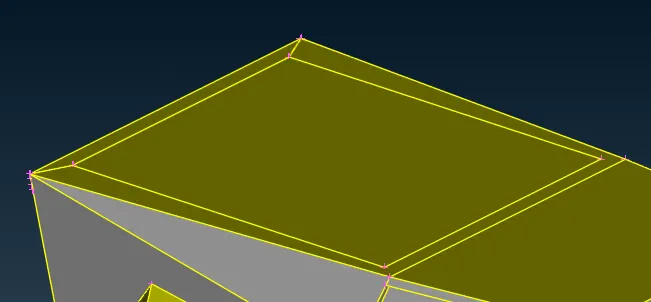
3.eliminating this
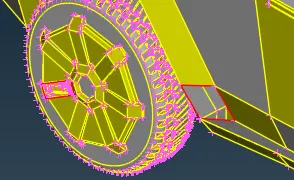
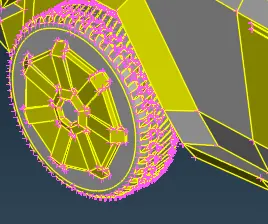
4. eliminating this
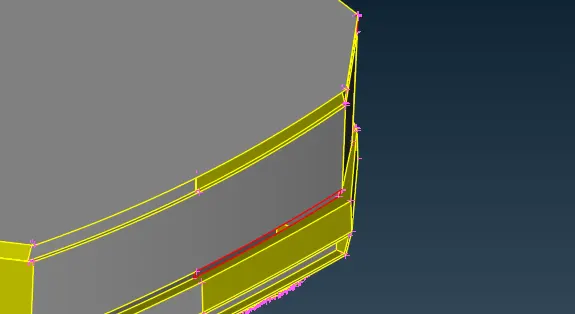
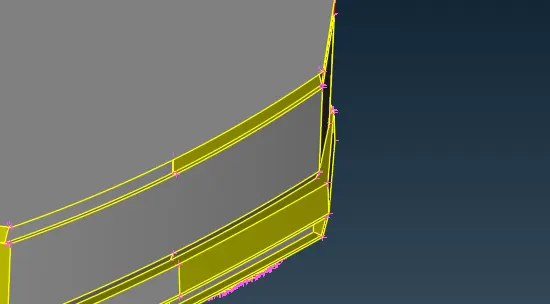
5. eliminating this
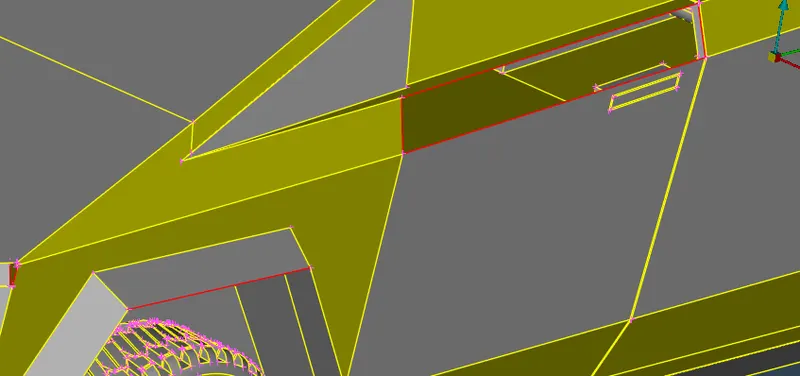
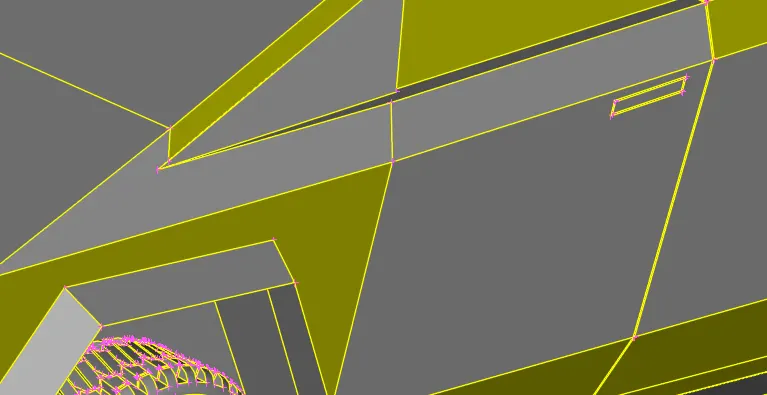
6. eliminating this
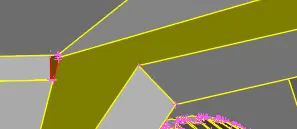
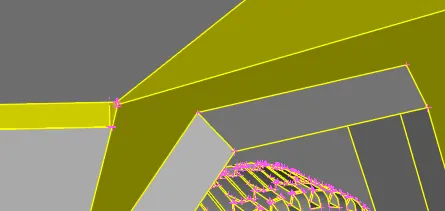
5. shift to wire frame mode to check any single coon error is present or not.
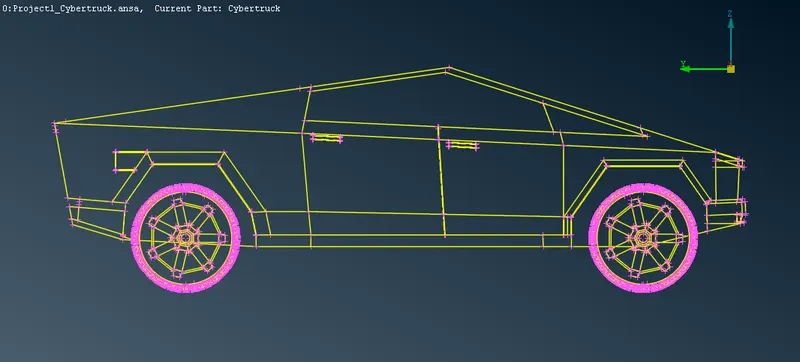
there is no red coon present just to double we can check for single coons using geometry check.
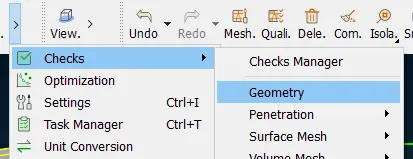
6. go to check manager geometry
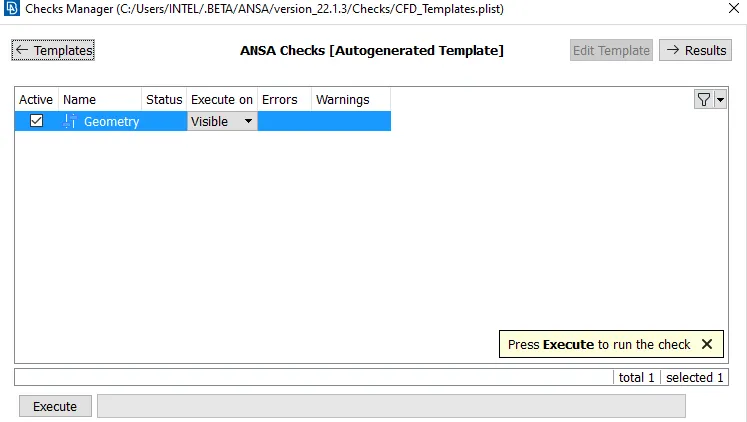
press execute.
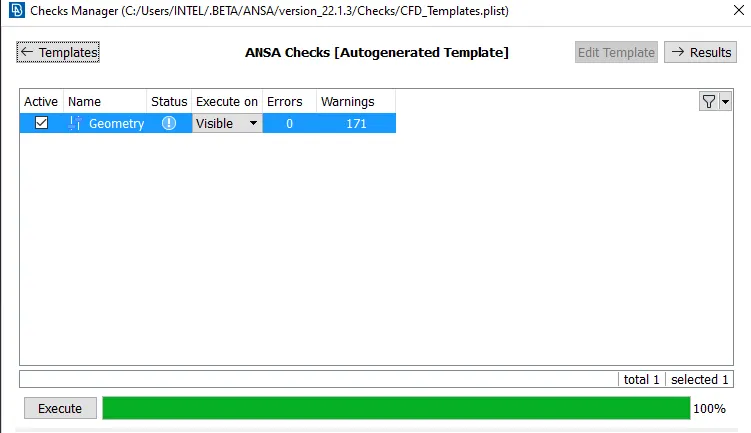
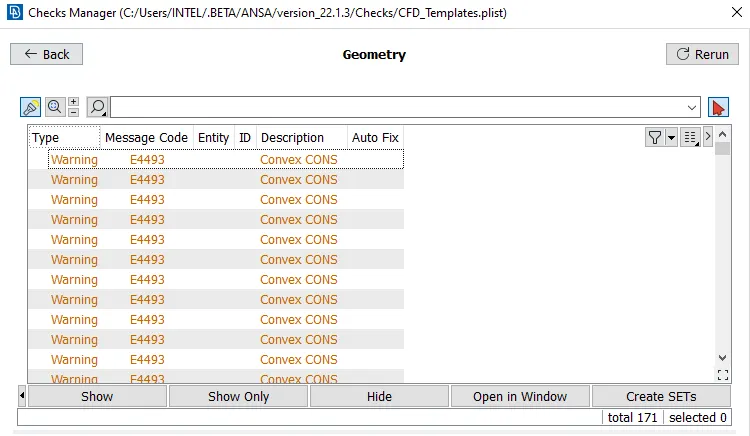
there is no single coons present, the convex coons are because of sharp edges present at tyre section, we can ignore this.
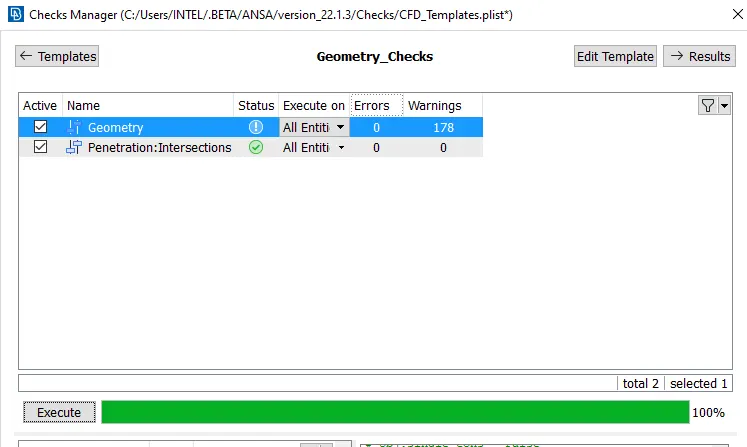
7. now we need to check for penetration and intersection error.
go to check manager>
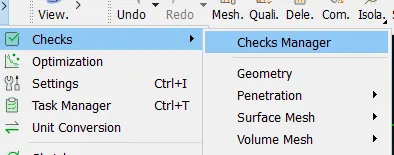
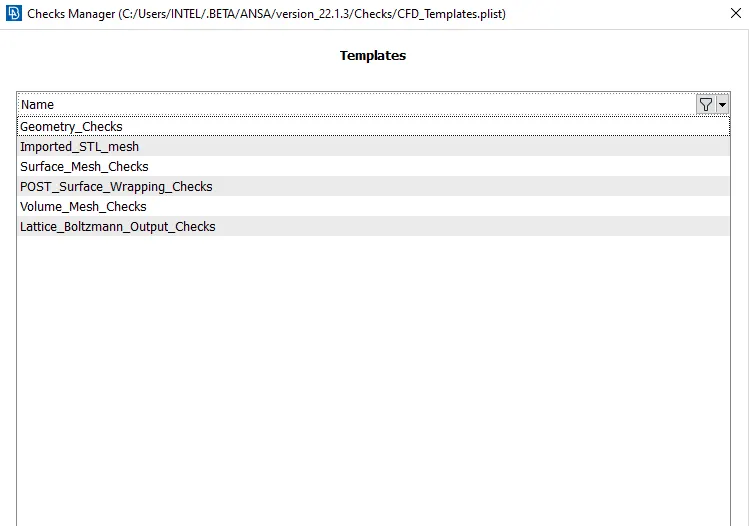
select geometric check here.
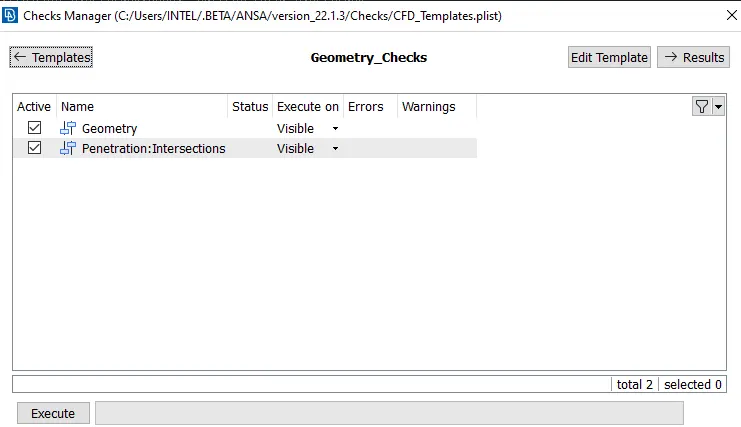
Press execute.
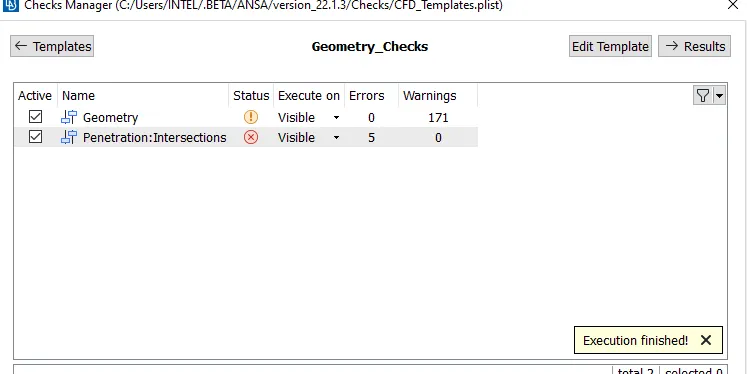
there are five penetration and intersection error present we need to resolve that.
8. Eliminating Penetration error*4
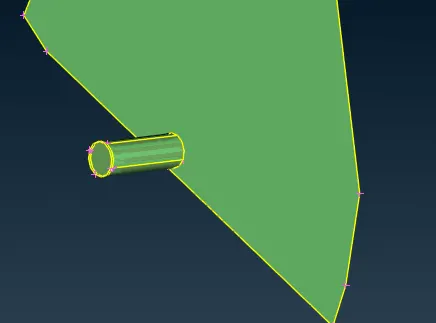
use universal delete option to delete the unwanted pid
use project option to project the red coon on shaft
delete the unwanted shaft.
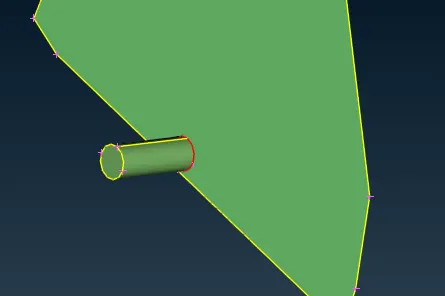
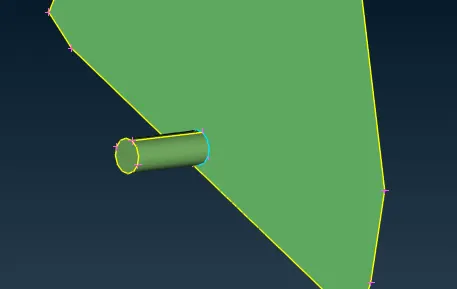
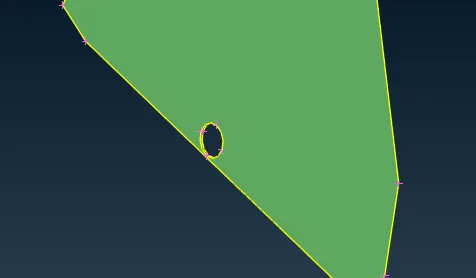
Eliminating the final penetration.
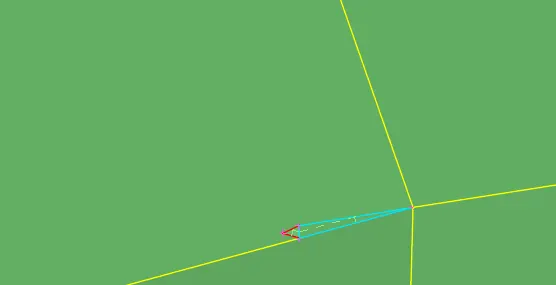
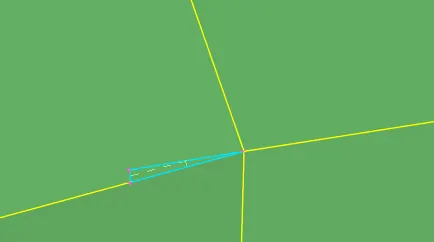
2. to eliminate the final penetration at the front side we use intersection option three time, then delete the unwanted surface and after deleting this just close the opening with new face coons option it will create a triple there.
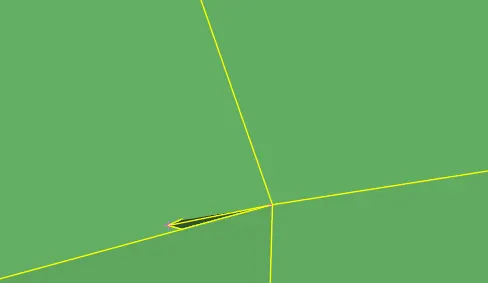
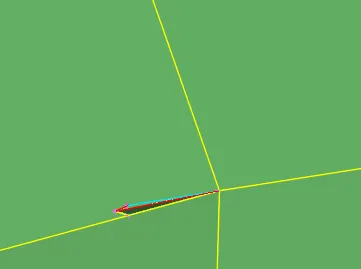
9. Now check for error again.
10. Now we can assign the pids.
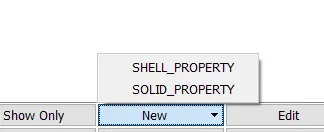
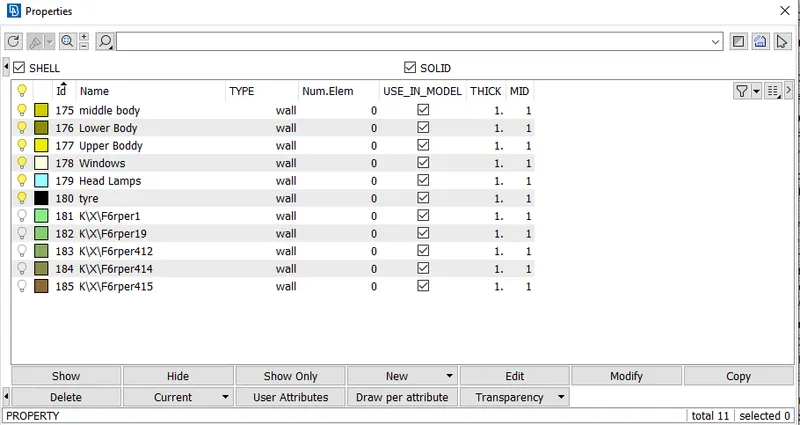
Now delete the unwanted pids using compress tool.
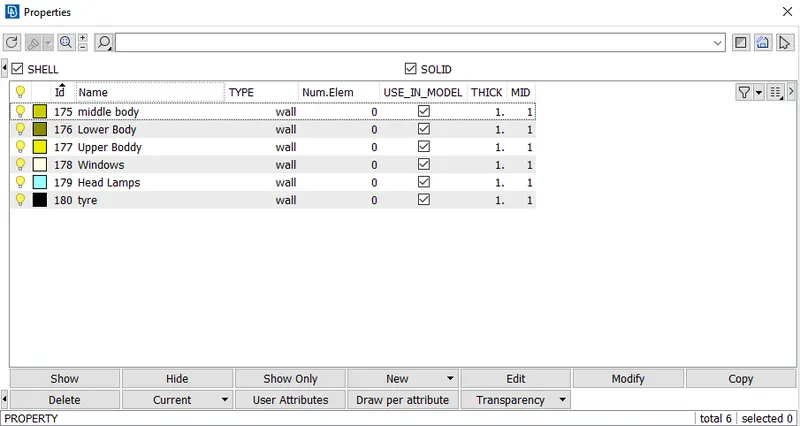
11. Now we can start meshing.
meshing parameter
1. tyre = 2mm
2. windows = 2mm
3. body(upper, middle, lower) = 3 mm
4. lights = 4mm
Go to mesh module.
12. meshing of lower body.
hide the unwanted pids.
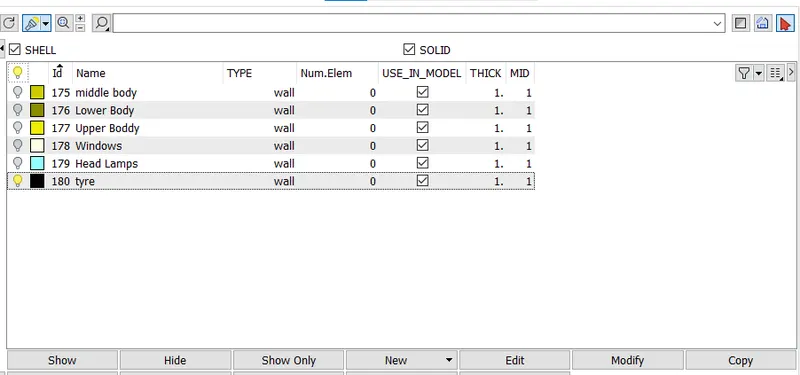
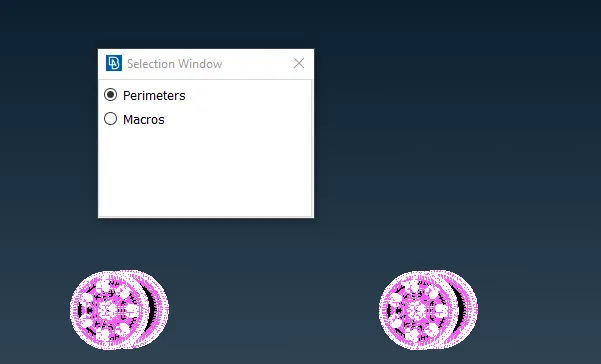
select the module by box selection enter target as 2mm
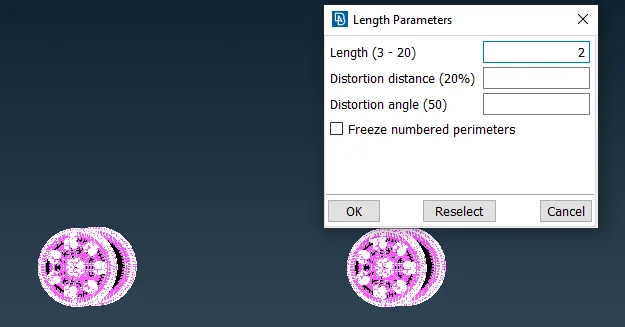
repeat the same with macros.
go to mesh parameters.
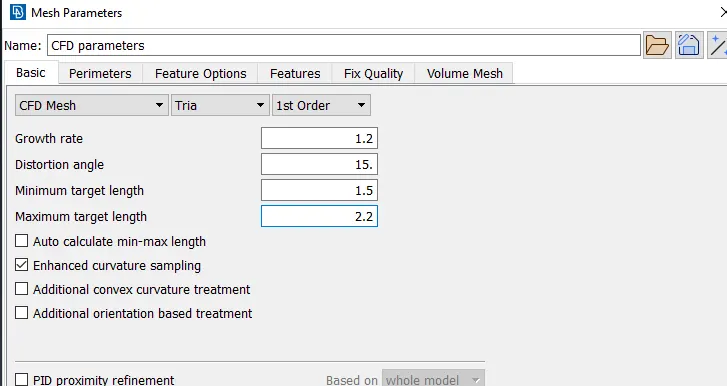
Put minimum as 1.5 mm and maximum length as 2.2mm press enter
go to quality creterion.
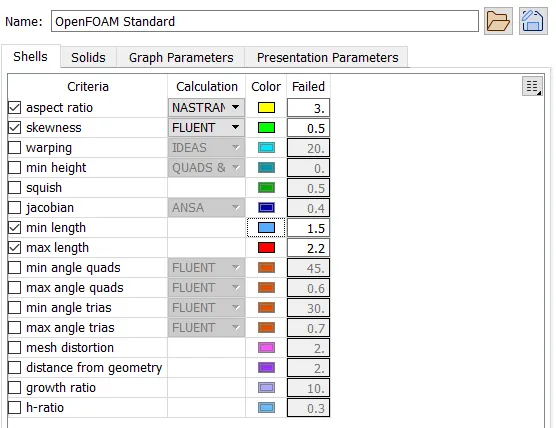
untick all the unwanted creterion and select the required ones
put min length as 1.5 and max length as 2.2 press enter.
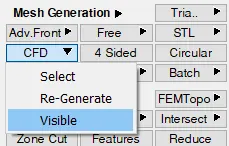
CFD>select visible.
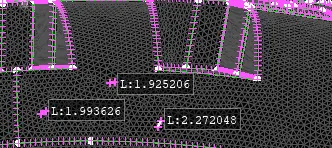
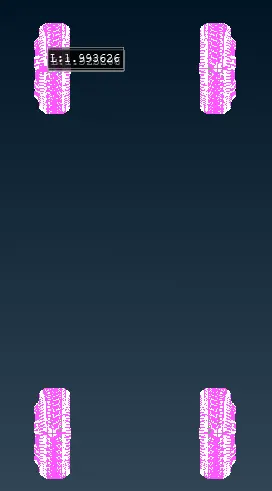
repeat the same process for all pids.
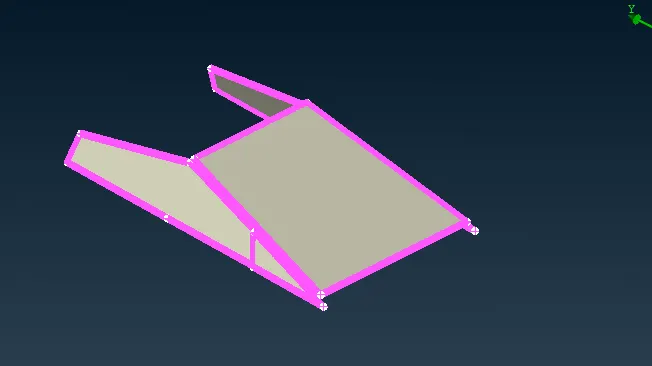
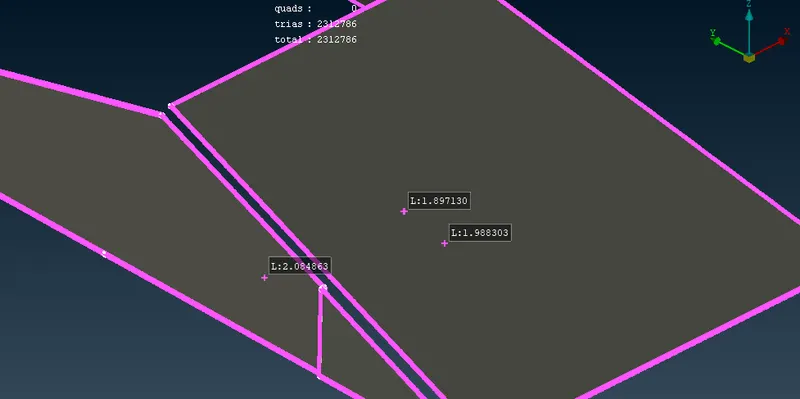
for Upper body 3mm
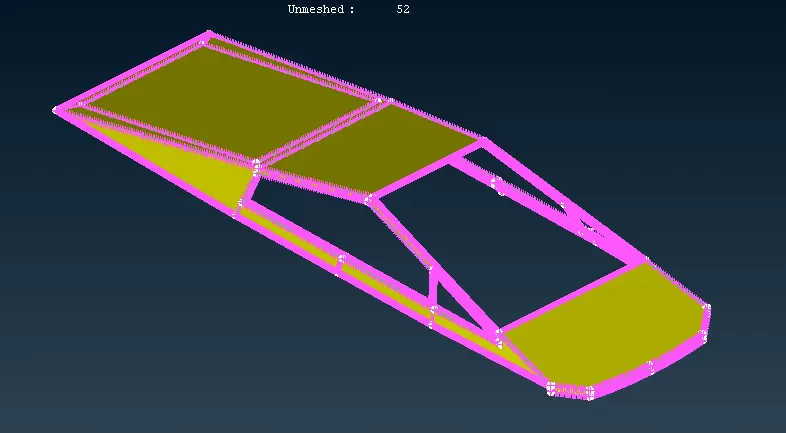
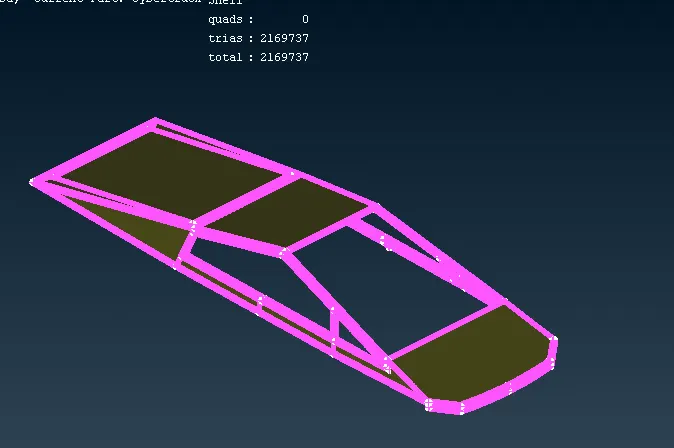
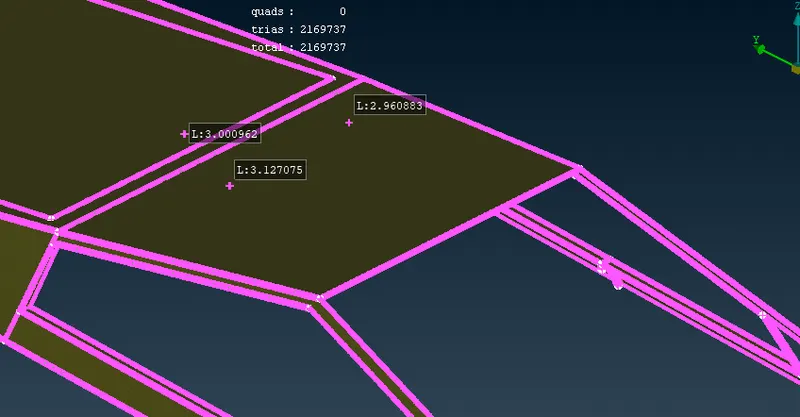
for middle body.
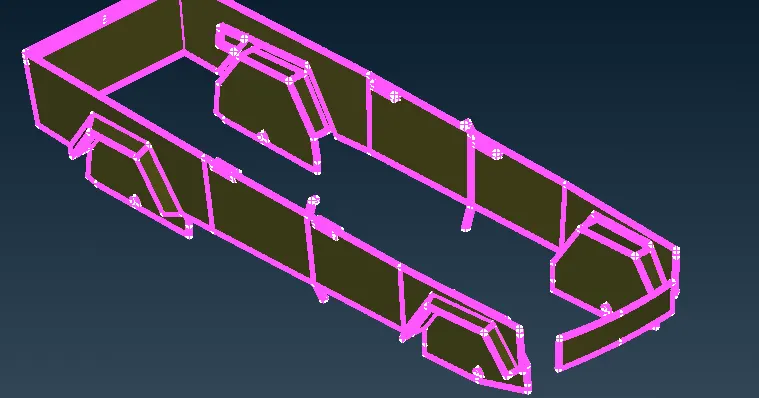
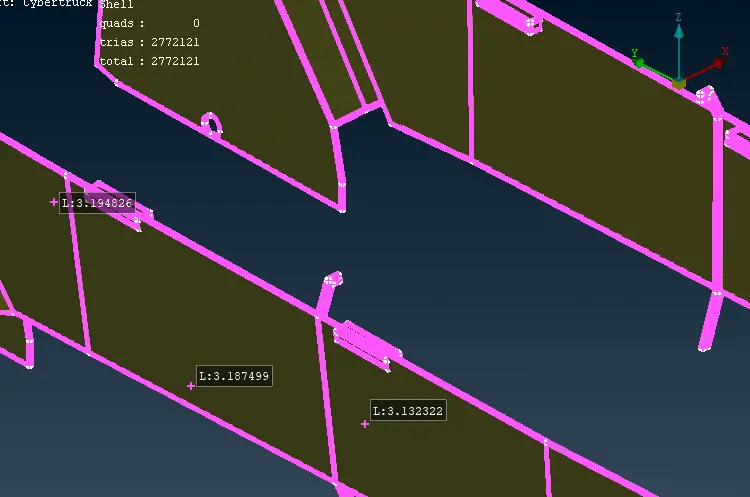
for lower body
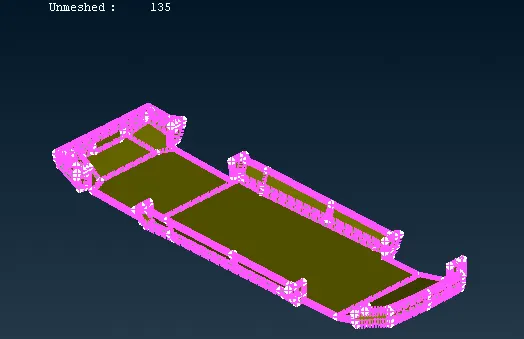
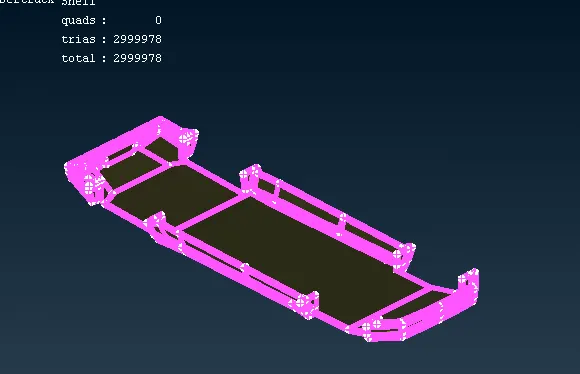
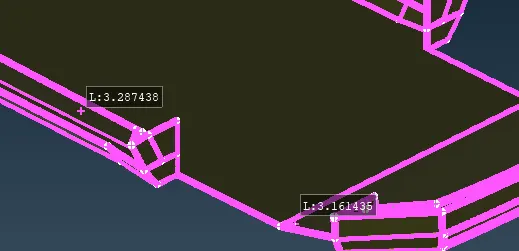
Forhead lamps
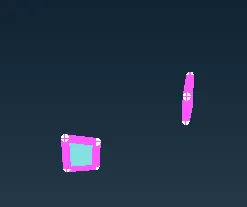
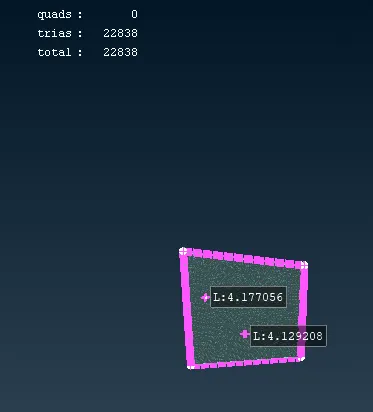
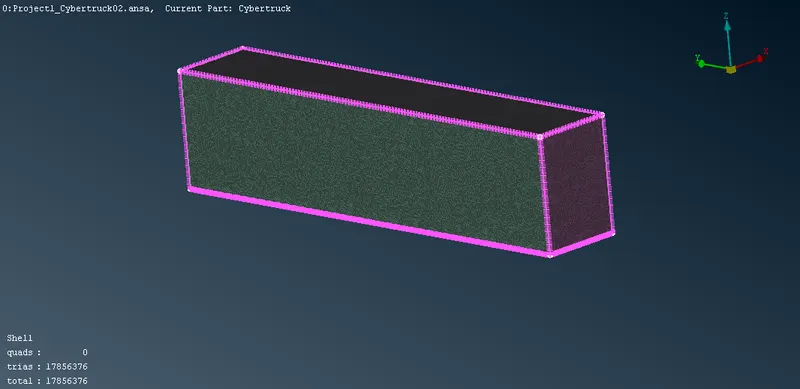
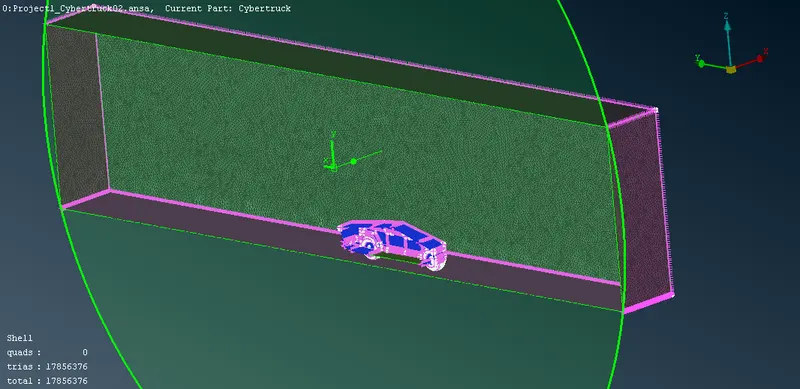
13. now we need to make a enclosure.
we need to measeure basic distance using measure tool.
length = 5955(length of the car)
height = 2000(height of the car)
width = 2100(width of the car)11910
enclosure should be a cuboid
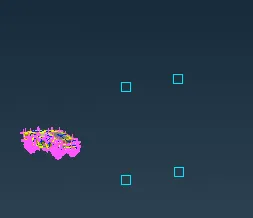
we can make this using 3d point.
create a 3d point from the front part using point>relative
select the node>press middle click.
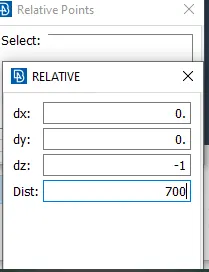
Similary we can create the 3d points on required places.
front distance 3*length/2, back distance 6*length/2
left distance width ,right distance width
upper distance 3*height, bottom distance 700
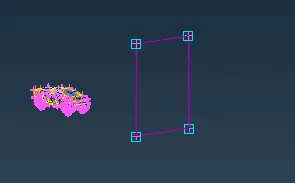
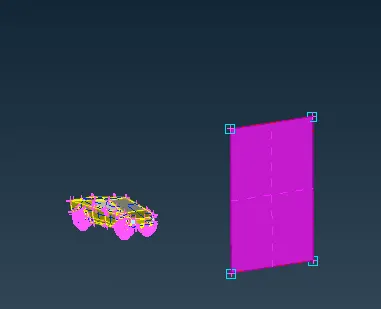
delete the unwanted curves and 3d points using universal delete option.
use offset command to offset the face.
offset>select face>select appropiate direction
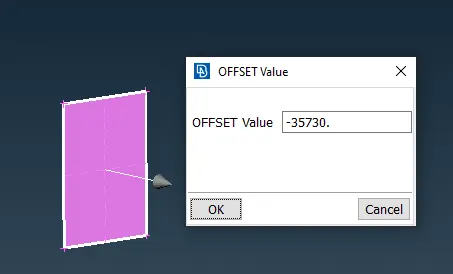
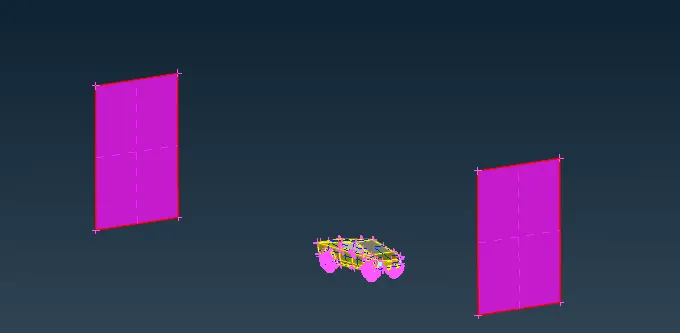
After creating all the surfaces.
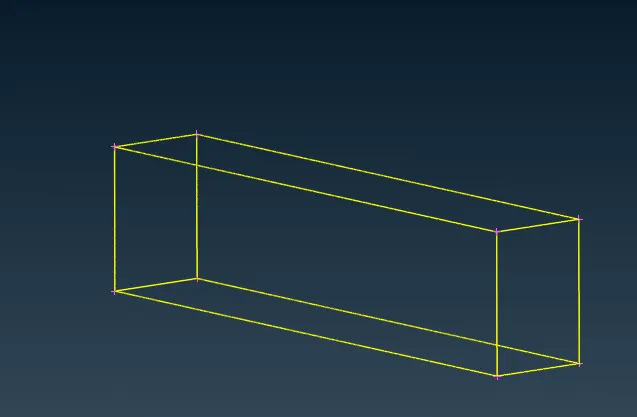
14. assign the pids to the enclosure.

15. Perform the mesh for remaining pids one by one
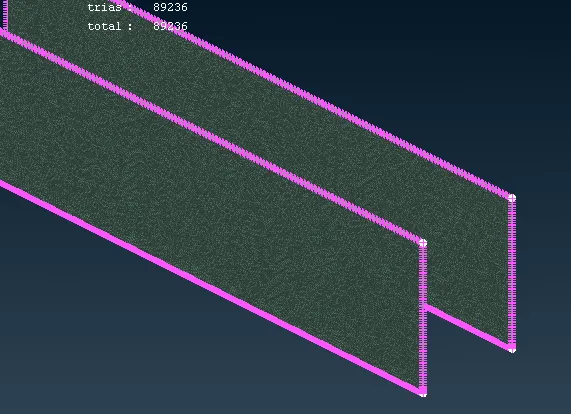
1. lower domain . target length as 20 mm
2. Upper domian
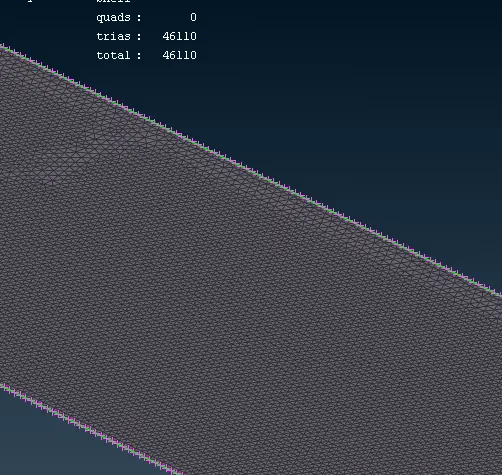
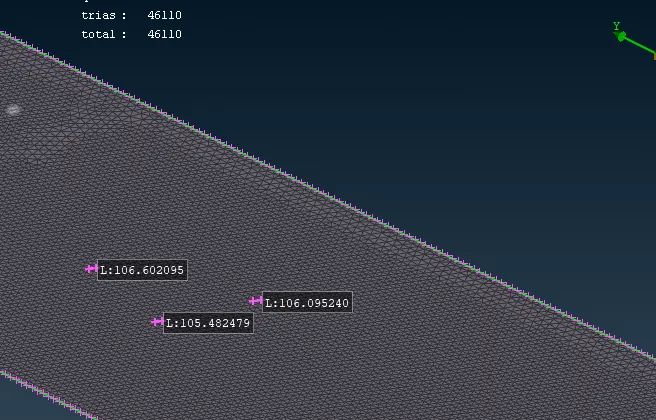
3. Side domian
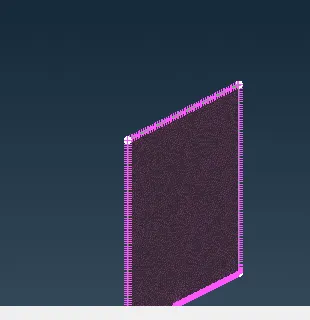
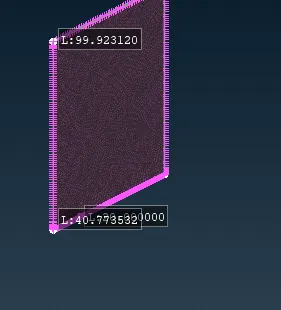
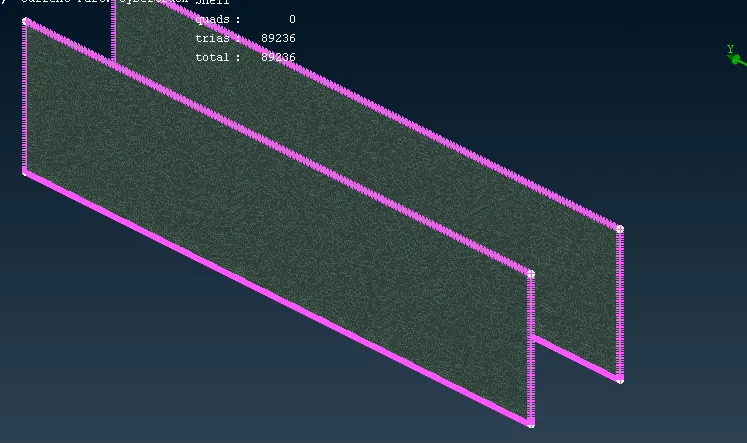
4. for side domains
Result:-
Link:- https://drive.google.com/file/d/1IgUeEKtynqbO9XI5zQaqI-_0An7Z1bMA/view?usp=sharing