Project 1 : CFD Meshing for Tesla Cyber Truck
PROJECT REPORT
Aim:
To perform the surface meshing on the model of tesla cyber truck and checking for any errors in the mesh. Creating the wind tunnel around the model
INTRODUCTION:
For the given model we need to identify the problems in the geometry and perform topo clean up, also we need to check for the sharp edges and thin surfaces which can create problem while meshing
After checking for all of this we need to assign PIDs to the different parts of the truck
Then, we need to perform the surface meshing so that we can ensure all the mesh is good as per the provided quality criteria. All them have different target length so we need to take care while providing length in parameter option
After completing the mesh and checking for all the defects in mesh we can go with making wind tunnel in which we can use point option and with standard calculations we can create a tunnel around the truck. We can use surface grading option to make the mesh denser in the bottom of the tunnel and finer at the top as it is needed for simulation
The target length for different PIDs
|
Sr. No. |
Name of the Component |
Target length |
Min length |
Max Length |
|
1 |
Windows |
5 |
3 |
7 |
|
2 |
lights |
3 |
1 |
5 |
|
3 |
Rims and Tyres |
3 |
1 |
5 |
|
4 |
Body |
5 |
1 |
7 |
MODEL:
Given Model:
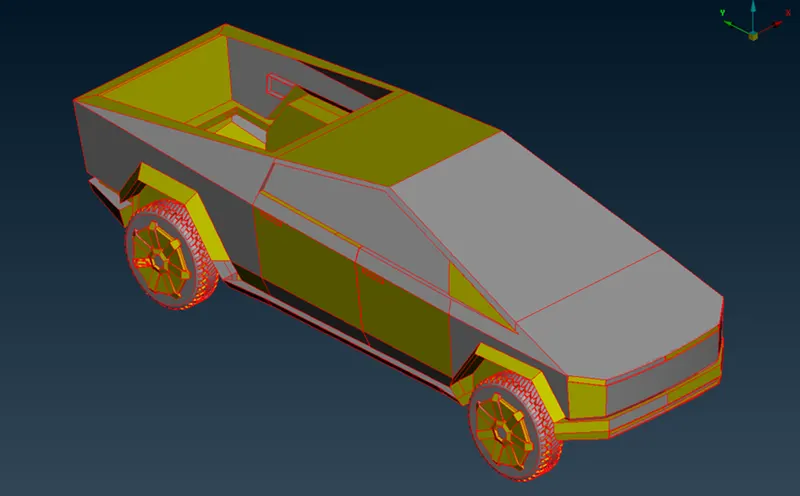
To clear all the single cons, we need to do topo to get a clear view
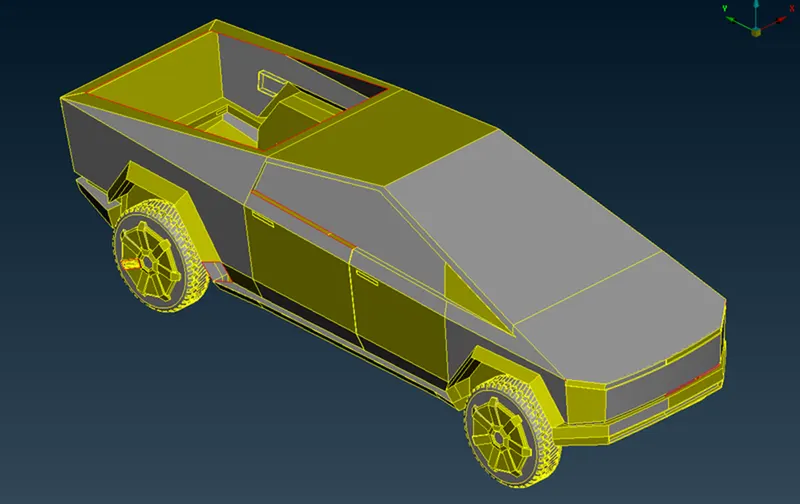
There are still some single cons present lets check one by one
We need to create new surfaces wherever the surfaces are missing so we can get rid of all the single cons
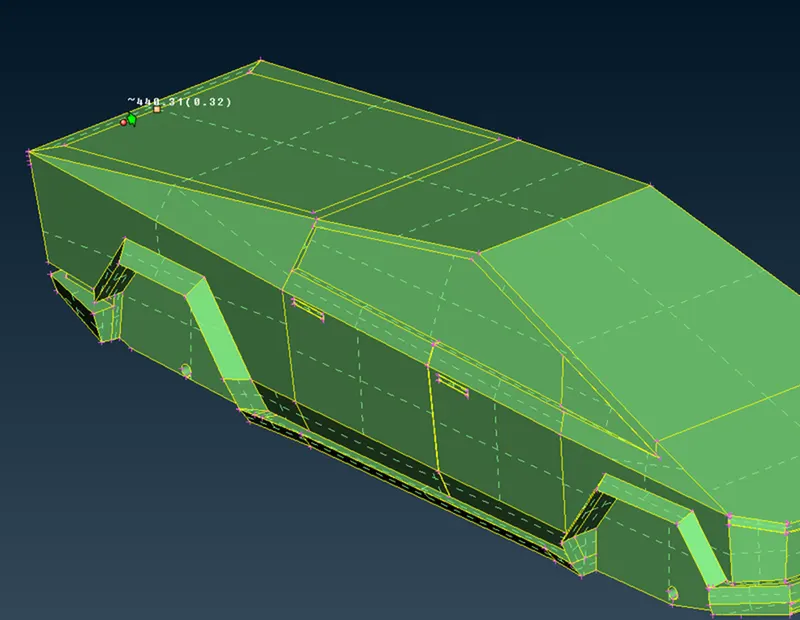
We can also see some holes in the tyre region which is not necessary in our simulation so we can fill those holes as well also the same holes can be seen in the tyres so we can fill them as well
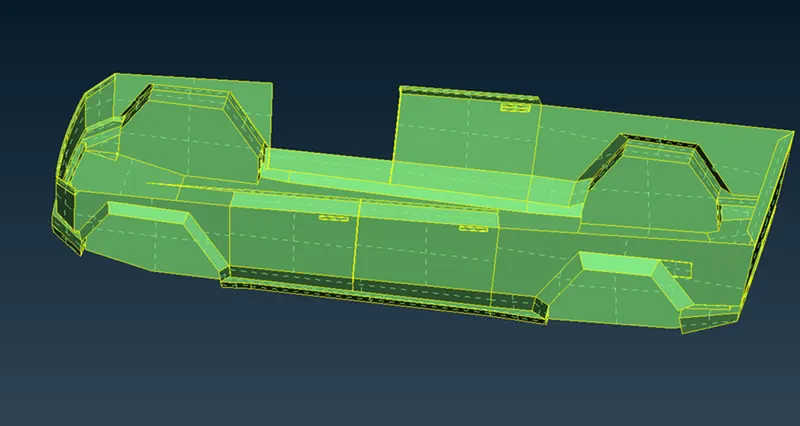
We need to check if there are any more volumes created in the model so we need to check every part accordingly
For. Examples This handle
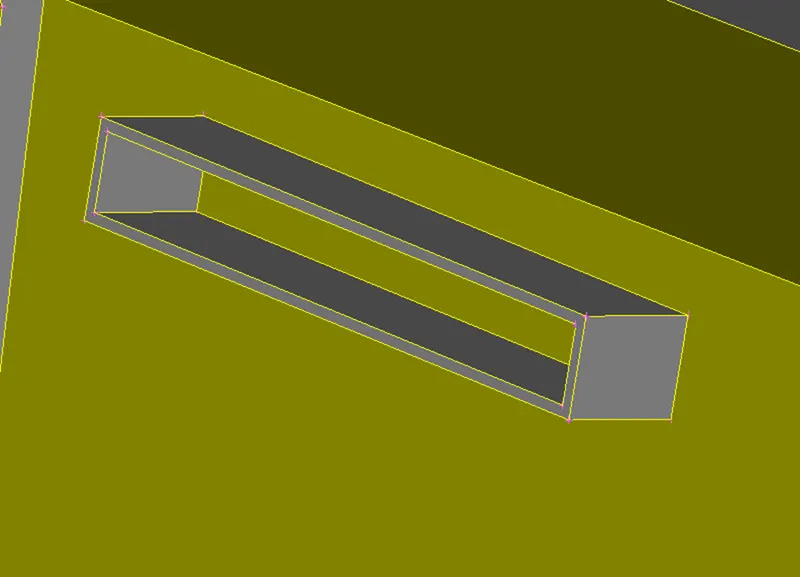
We can see there are no volumes here ant face which is closed from the front is open from the rare side avoiding any type of volume creation
After checking we may also find some thin shapes in the geometry and intersecting faces which needs to be fixed before meshing
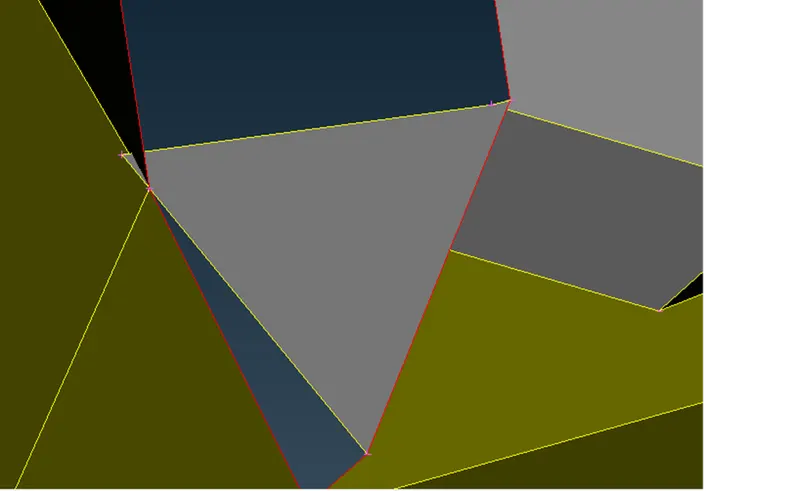
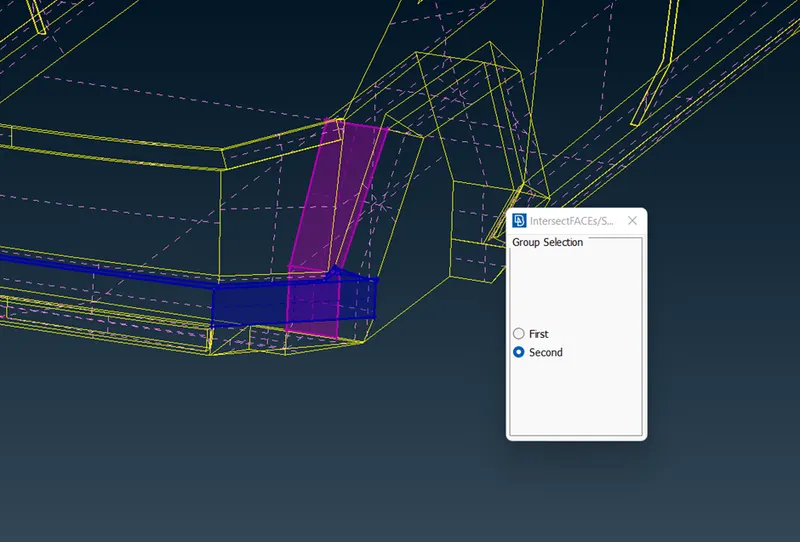
We can use intersection tool to do so
After checking everything we can perform a geometry check to be sure about the geometry
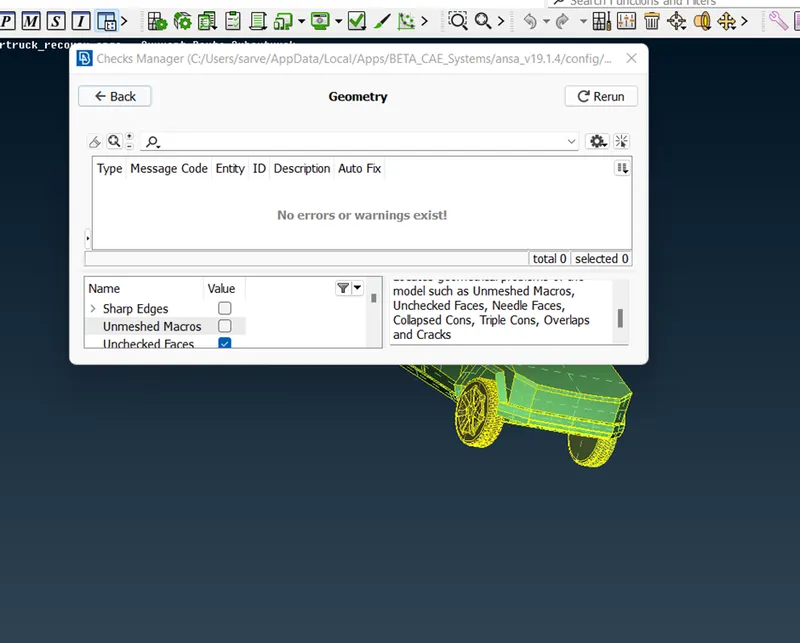
After clearing all this we can start assigning PIDs
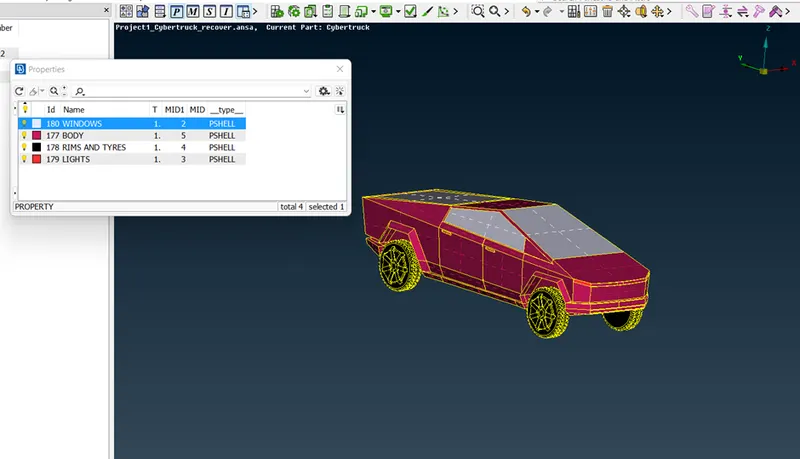
Now, we can start meshing them one by one and check for any error we need to put in mesh parameter, Quality criteria and if there are any errors, we can use move or paste tools to solve those
Put in quality criteria as per target length and check for errors or off elements
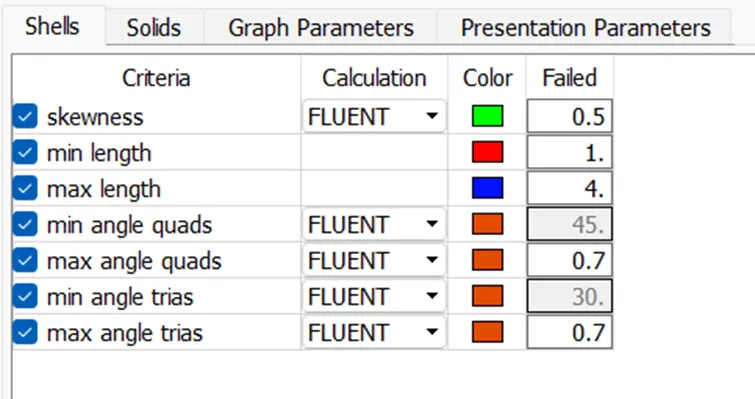
- LIGTS
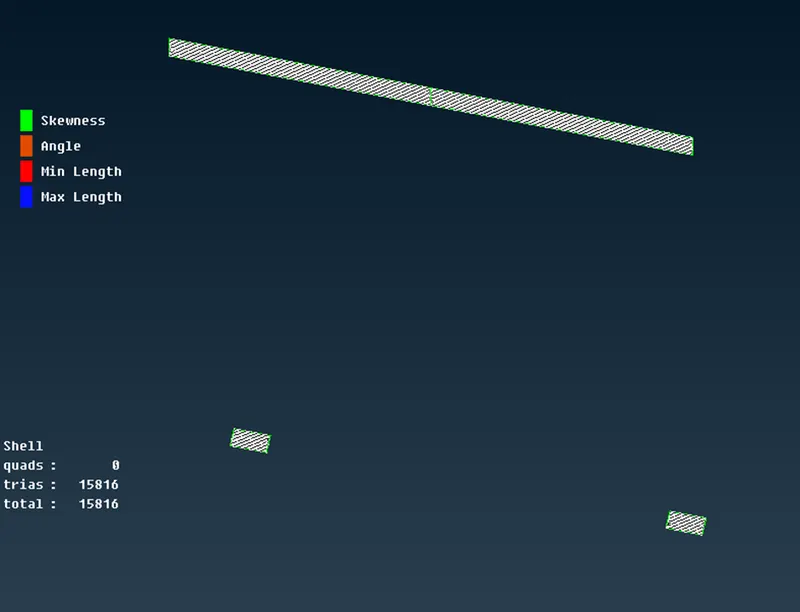
- WINDOWS
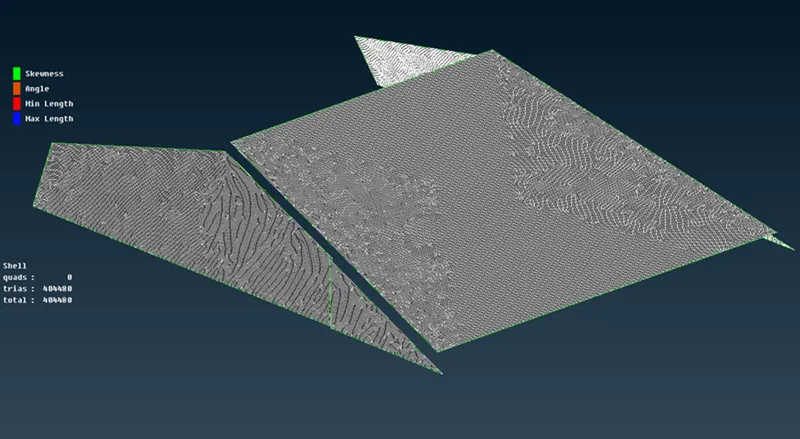
- TYRES AND RIMS
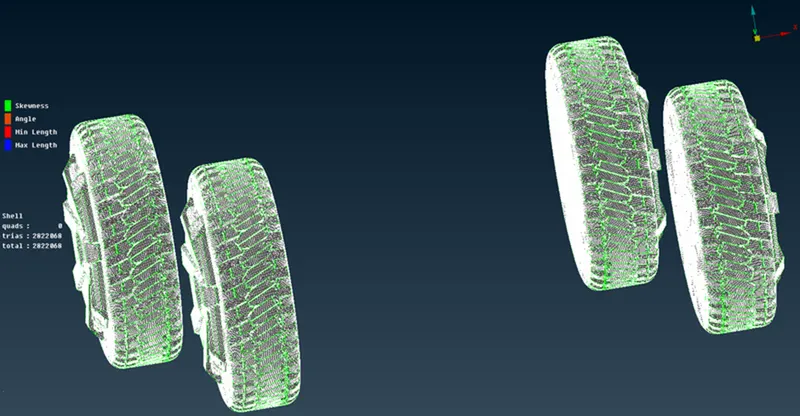
- BODY
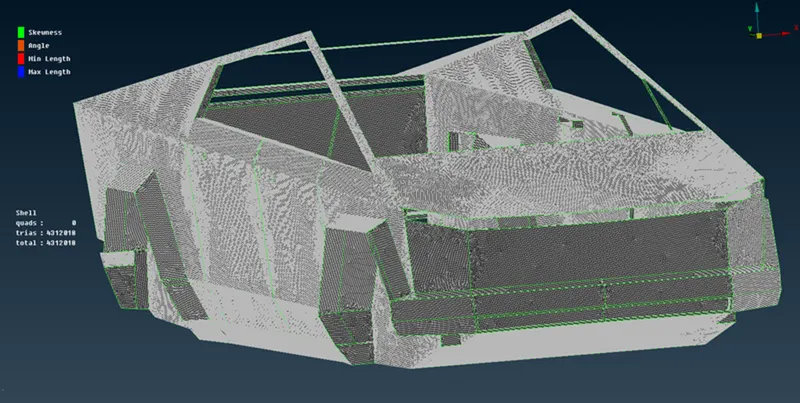
After completing the surface meshing, we can start with creating wind tunnel
WIND TUNNEL DIMENSION
- SIDE – 1* length of the car
- BOTTOM – close to wheels
- FRONT – 4* Length of car
- BACK – 6* Length of car
- TOP – 3* Length of car
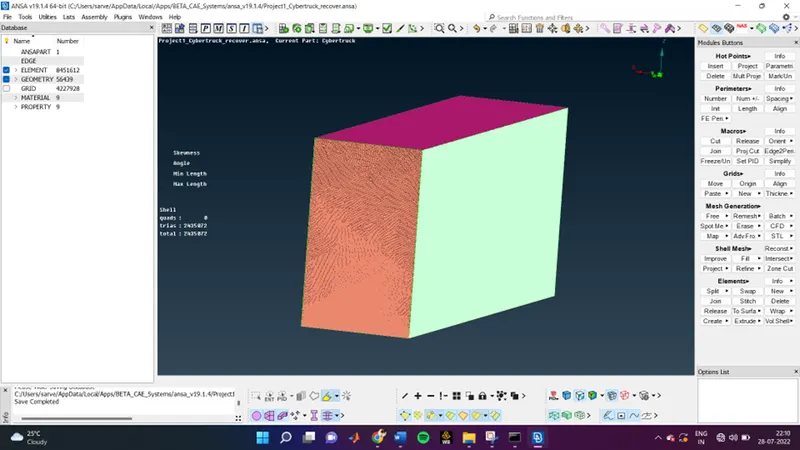
As my computer is not capable I was not able to make volumetric mesh but the volume can be detected
CONCLUSION:
Done topological clean-up of the model removed all the sharp edges
Done surface meshing successfully cleared all the errors in mesh and made the wind tunnel around the model