Project 1 : CFD Meshing for Tesla Cyber Truck
CFD Meshing for Tesla Cyber Truck
Aim:
To do the CFD meshing on the given Tesla cyber truck’s model.
Objective:
CFD Mesh and removing the geometrical error in the given Tesla cyber truck’s model.
Procedure:
- Topo Clean up:
- Open the file from the location where we have saved on our Computer by using the “Ctrl+O” Command.
- Go to the Tool in the ansa
- Select the check
- Left click on geometry check
- Select the following check-in geometry check
- Single cons
- Cracks,
- Overlap faces
- Needle faces
- Trible cons
- Collapsed cons
- Unchecked faces
- Note the error in your notebook.
- Identify the error location.
- Delete the single con error by creating a new surface with help of coon option.
- Perform topo opting in single con in the way to remove the single cons.
- Release the unwanted Triple con by using the release option in the Topo deck.
- Remove the overlapped surface by Delete the Surface which is overlapped.
- Remove the extended surface by deleting the extended entities and creating a new surface.
- Eliminate void surface by creating the new surface in ansa.
- Check the single Cons by using wireframe mode in ansa by using the combination of the Ctrl+Shift key.
- Creating PID
- Go to the PID manager
- Create a new PID.
- Give the name to the PID.
- Assign the color for each surface according to the PID we created.
- Apply the PID to the Surface.
- Edit the PID according to the given name.
- Compress the unwanted PID.
- Creating tunnel:
- Create a point at mid of the model.
- Crate Four corner points for creating the bottom plane.
- Make a curve to join the four points.
- Generating bottom plane. By creating new surfaces.
- Create a top plane 3900 unit height from the bottom plane.
- Make a surface around the model with help of the bottom plane and top plane edge.
4.2D mesh:
- Go to the mesh deck and give the perimeter value, and macro value as a target length.
- Assign the mesh parameter value
- Go to the quality Criteria and give the minimum and maximum values.
- Go to the mesh deck,
- Pick the spot mesh.
- Generate the mesh for the given component.
- Do the same procedure for various target lengths that they are given.
- Check the unmeshed surface
- Regenerate the mesh.
- Reconstruct the mesh to eliminate the node which has a minimum mesh target length.
4.3D mesh:
- Go to the 3D mesh deck.
- Select the volume and click on Auto Detect. The 3D volume will appear.
- Delete the unwanted Volume Where the flow won't be.
- Right-click on the volume which is we want.
- Generate 3D mesh
- Check the 3D model
Tunnel calculation:
The model Lenght is 1300mm
Front plane = 1300X4=5200
Rear Plane= 1300X 6=7800
Top plane=1300X3=3900
Side plane=1300X1=1300
Learning Outcomes:
- Geometry clean up
- PID creation for a part
- 2D mesh
- 3D mesh
- Creating tunnel.
Result:
The CFD meshing for the model is Done.
PID manager
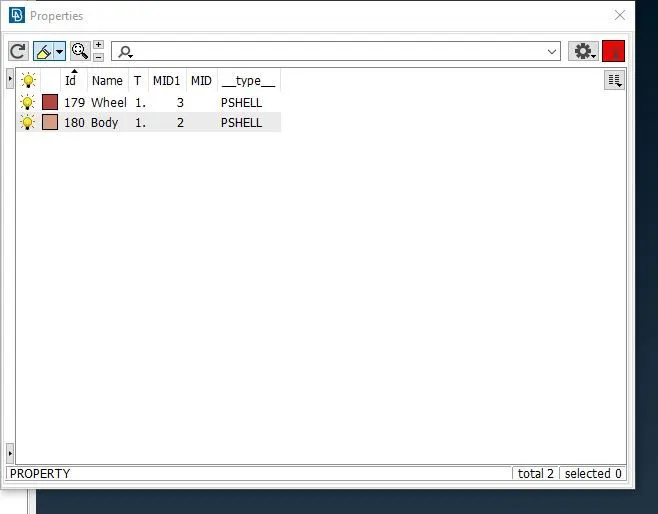
Fig: PID manager
Topo Clean up:
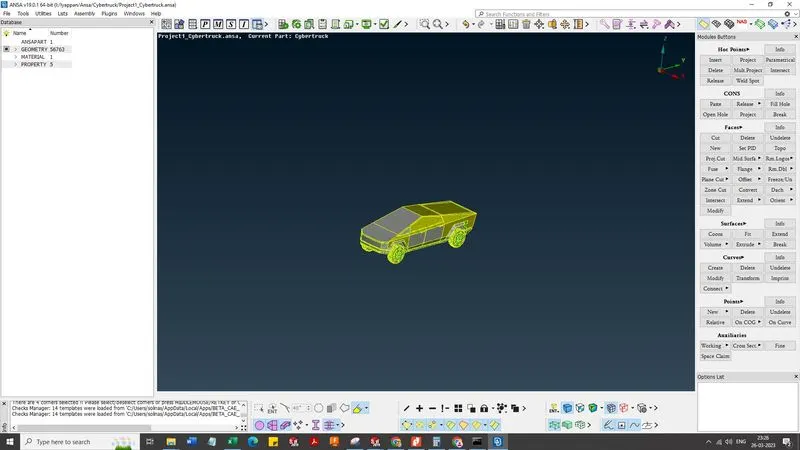
Fig: Topo Clean up
2D mesh generation:
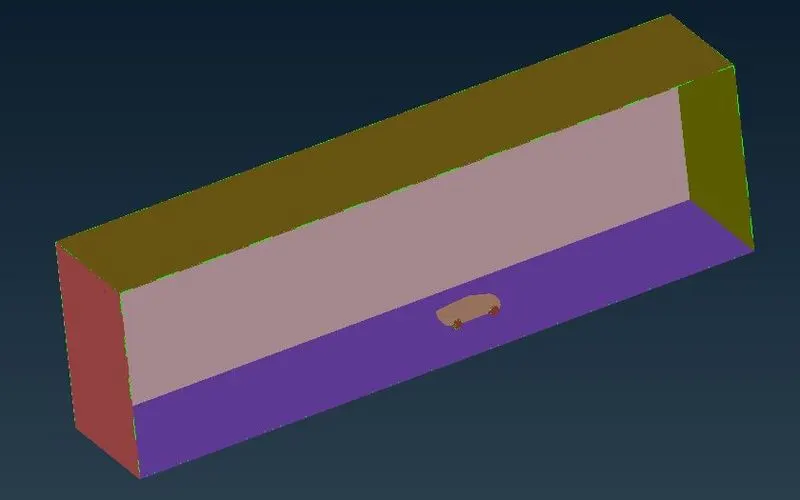
Fig: 2D mesh.
Conclusion:
Thus, the CFD mesh for the tesla cyber truck is achieved by topo cleaning up and assigning PID creating a tunnel, making 2D mesh, and Creating a 3D surface.
File link:
https://drive.google.com/file/d/13n4AmaIu8iww0wmp5cgnrYUzJ0KyJVeh/view?usp=sharing
*Note: the file size is big. so i cant upload that file. I gave that google drive link in the report. kindly check the link.