Project 1 : CFD Meshing for Tesla Cyber Truck
Aim:
to check and solve all geometrical errors and Assign appropriate PIDs and also to Perform meshing with the suitable Target length and element Quality criteria.
Given:
they intended to take the quality criteria of week four and target lengths as our own ,thus i'm intended to take target lengths and quality criteria same as week four.
the target lengths taken are
-
body : target length=5mm
-
window target length =2 mm
-
tyres target length= 3mm
Also as per video skewness limit will be 0.5.
procedure:
The following were the stages to perform
initial setup
Topological cleanup
check for errors
assigning PID's
component wise surface mesh
creating wind tunnel
surface meshing wind tunnel
Volumetric meshing the whole components
Initial setup:
we need to import file in ANSA interface
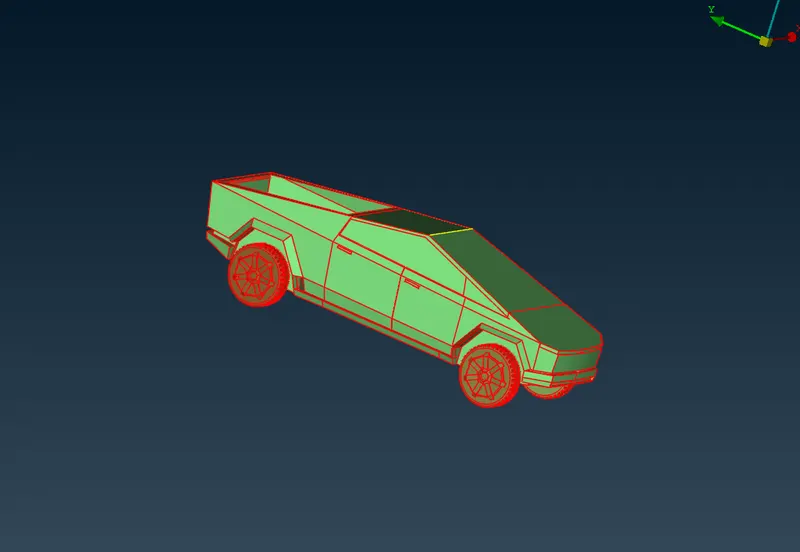
we need to perform topo for full model in order it only seems to have only single cons
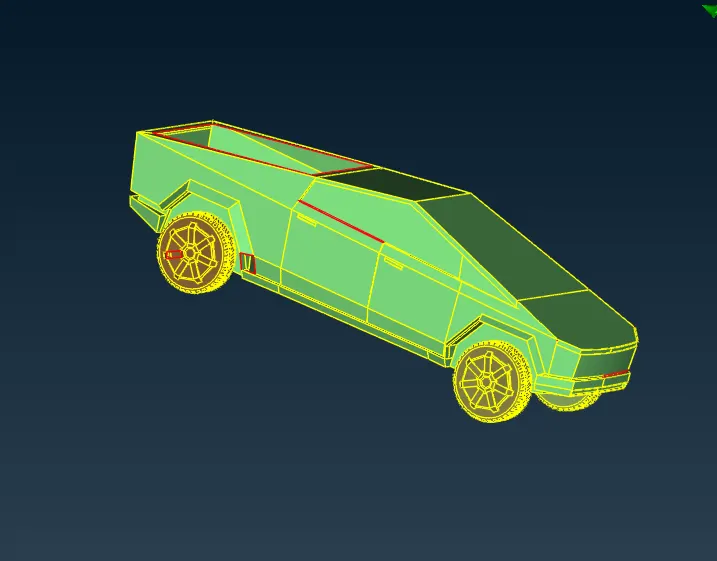
close all the openings in surfaces by creating new faces
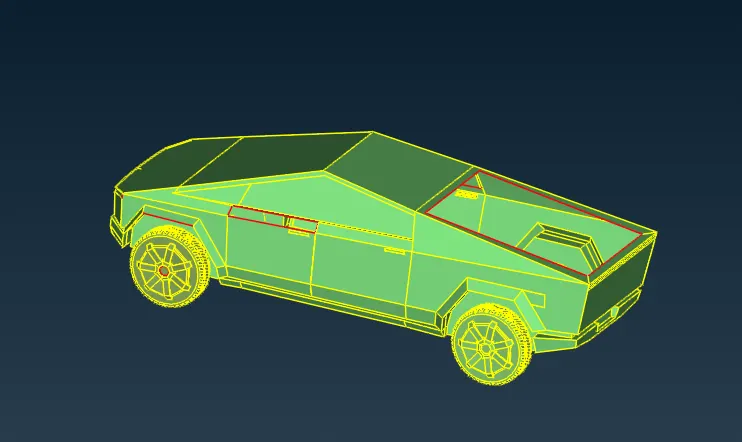
then our model will be completed
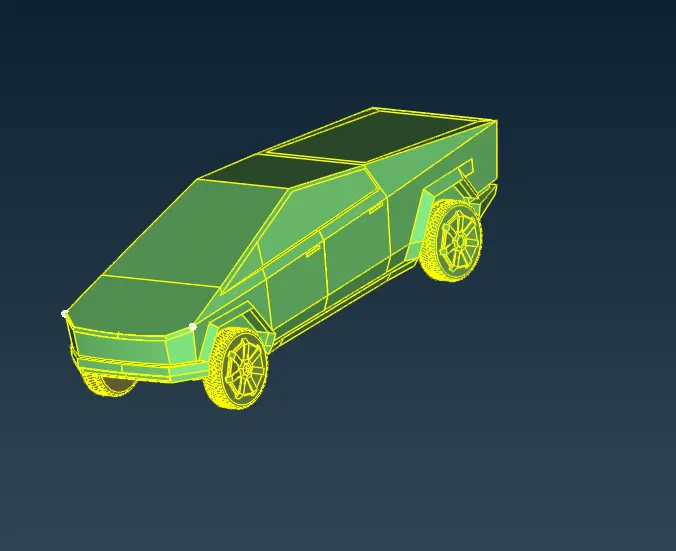
initially we are going to work on concept there should be a common volume inside car so we going to delete all the extra volumes or partition inside car
inorder to do that we are tend to divide our car into two halves by using cut option on faces
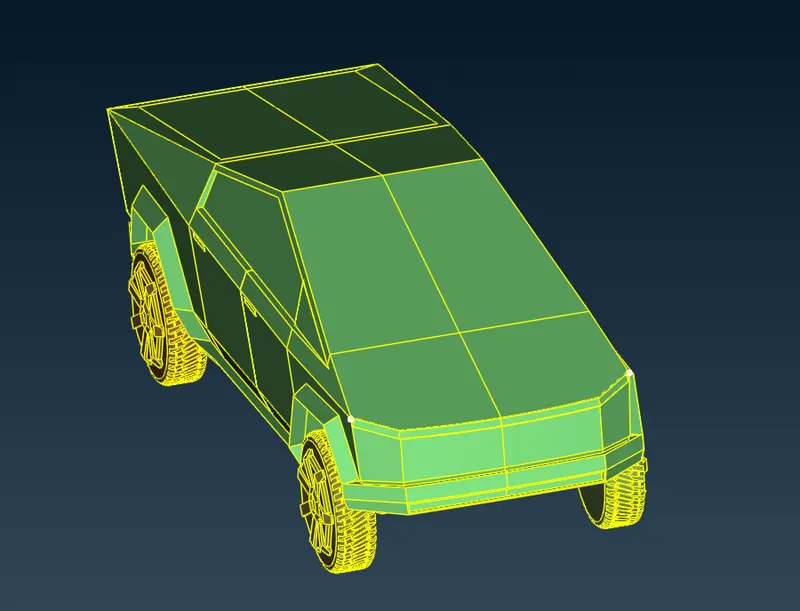
then we are about to delete one half of the part by using delete option for half of entities by box selection on left view
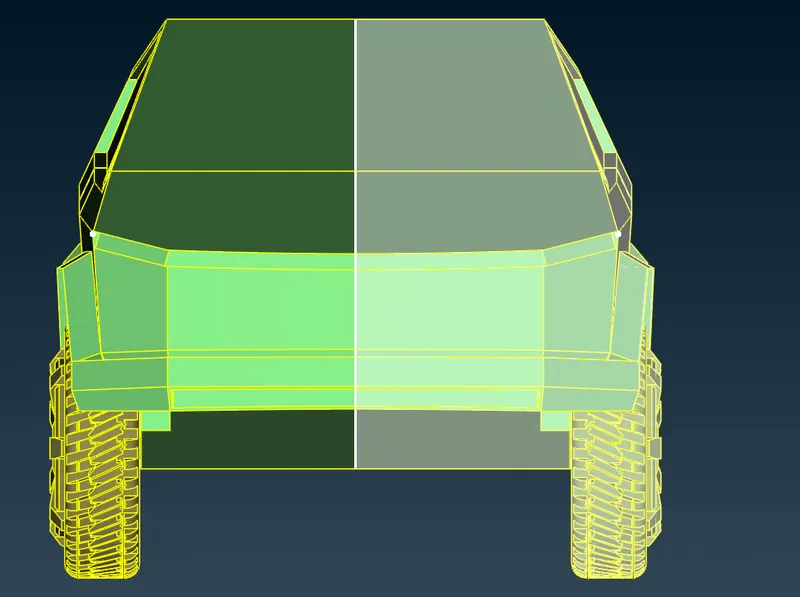
then we get like
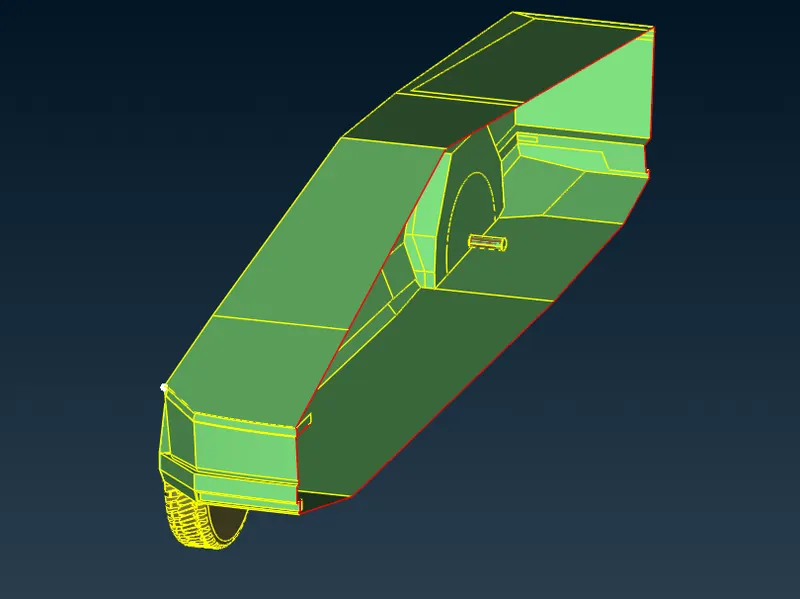
now we are about to solve all the unwanted volumes inside car like shown
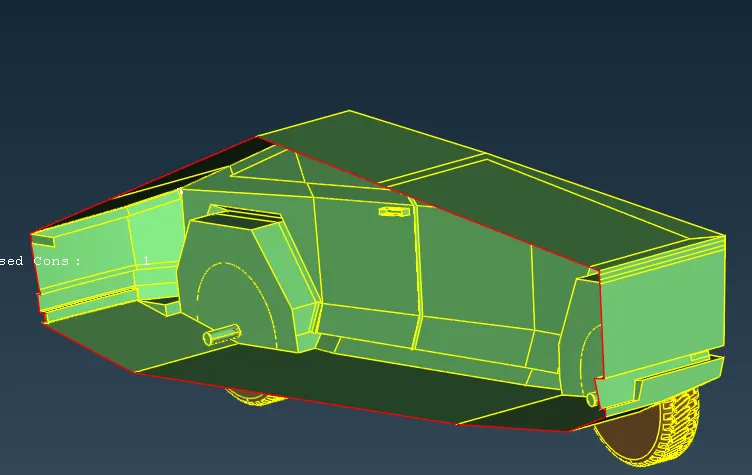
initally we take alone the body
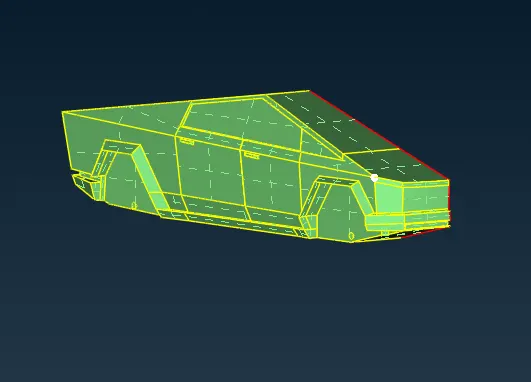
then we tend to solve it
after solving please be sure that no triple and single cons are present
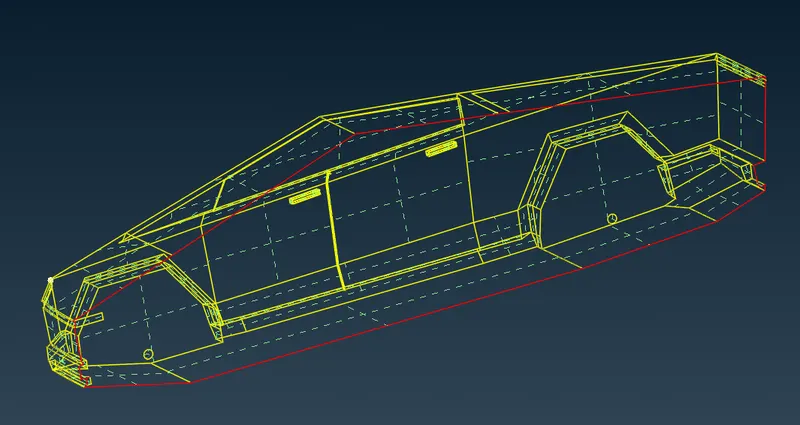
middle single cons will be solved while performing symentry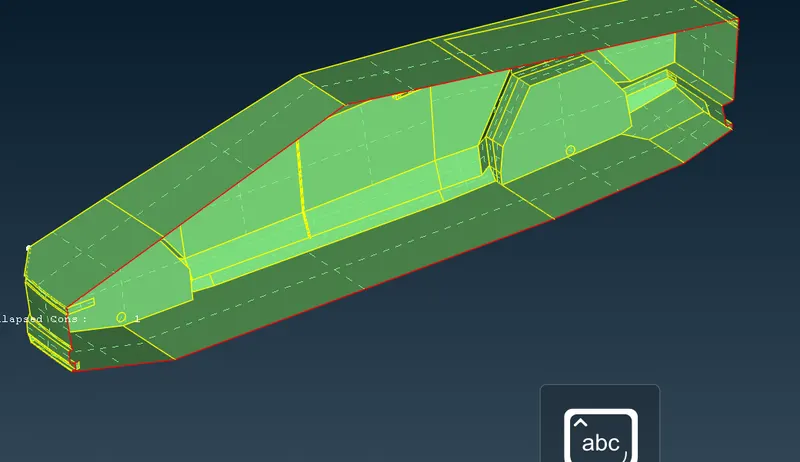
as we observe that there is no extra components or partition . hence we proceed with other parts
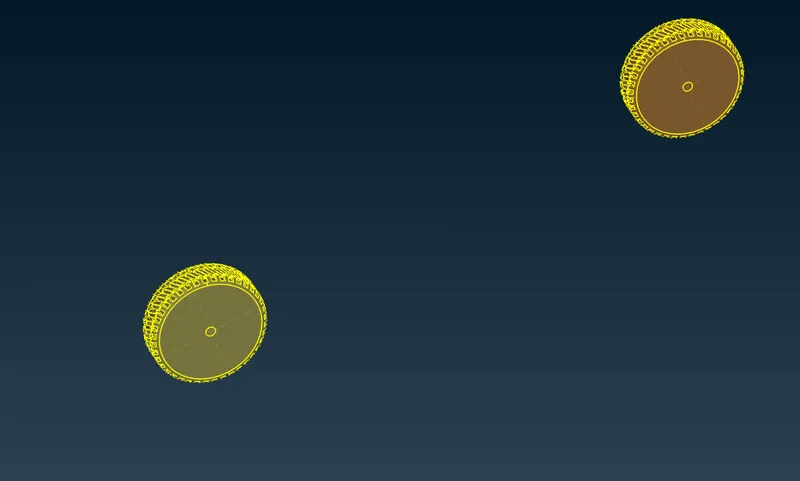
before doing that go to checks>>checks manager>>pre mesh check>>execute to see if there is any issue in model
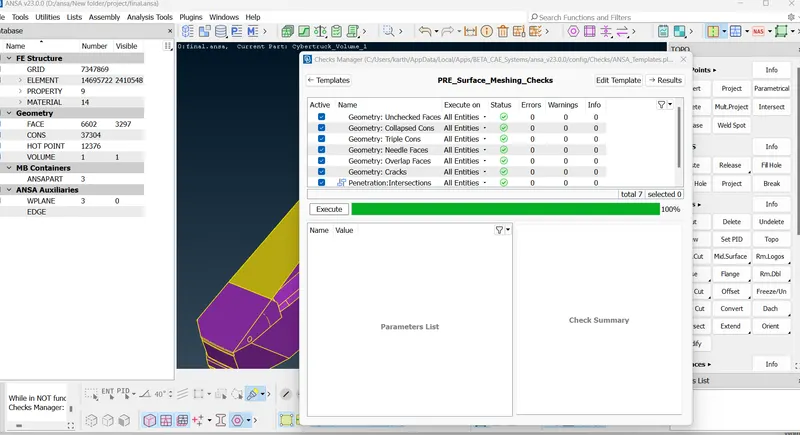
now we are done with topo clean up and we further need to proceed with assigning PID's
the list as follows
body : target length=5mm
window target length =2 mm
tyre target length= 3mm
assign the different PID's

window:
initially click on window PID and click show only
go to mesh parameters give type as tria and length as 2mm and save as window PID
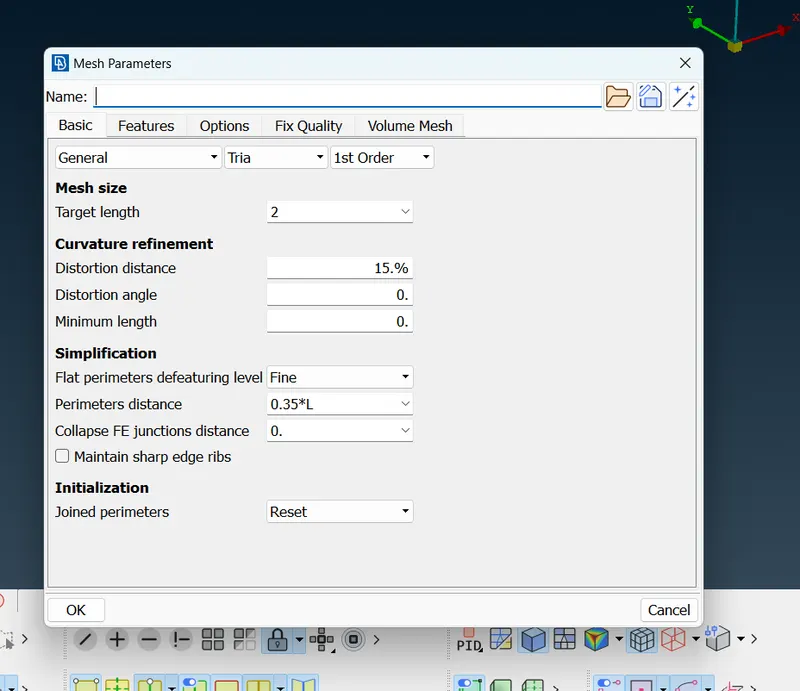
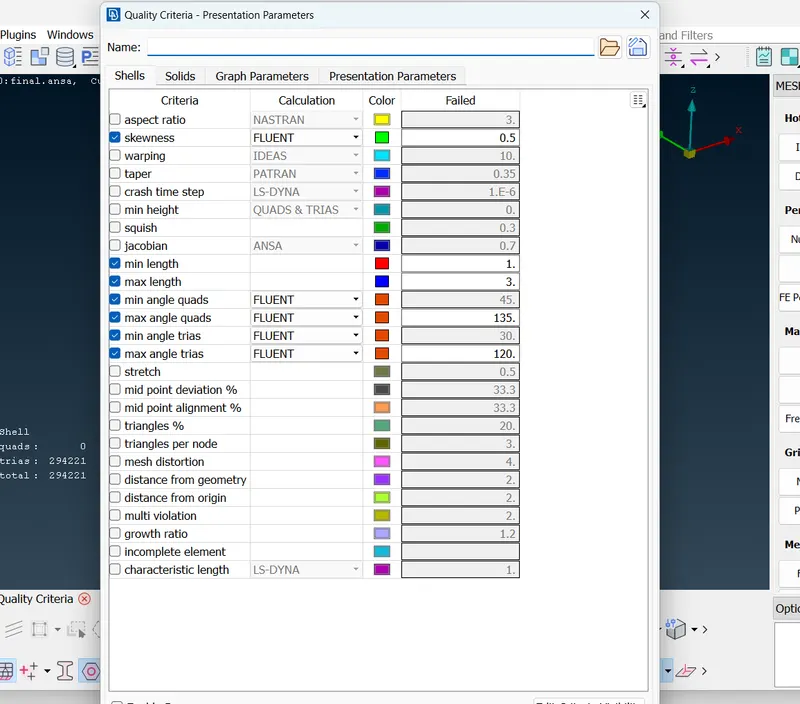
go to quality criteria
enable skewness; min and max lengths and angles and thier type as fluent
give min length as 1mm and max length as 3mm
and skewness value as 0.5 and save as quality criteria
go to mesh deck click on perimeters>>length select all >>2mm>>ok
and also macros>>select all>> 2mm>>ok
go to mesh generation>>free mesh>> visible
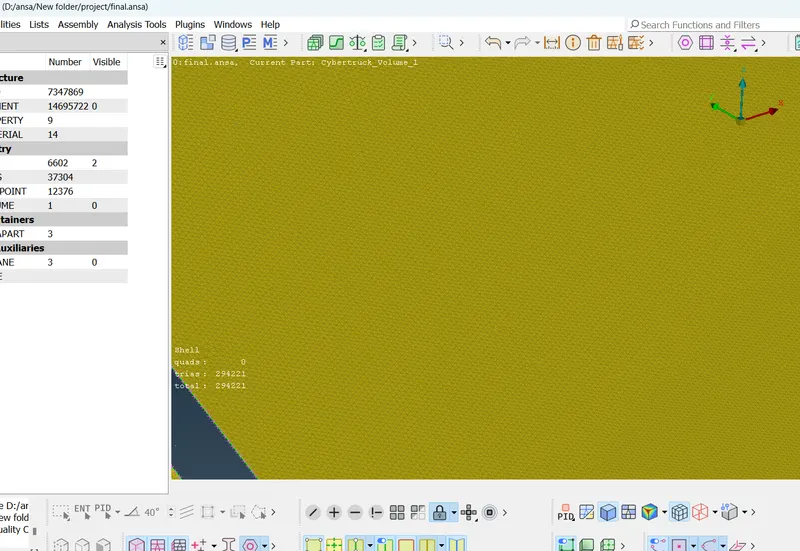
click on hidden mode to see if there is any off values present
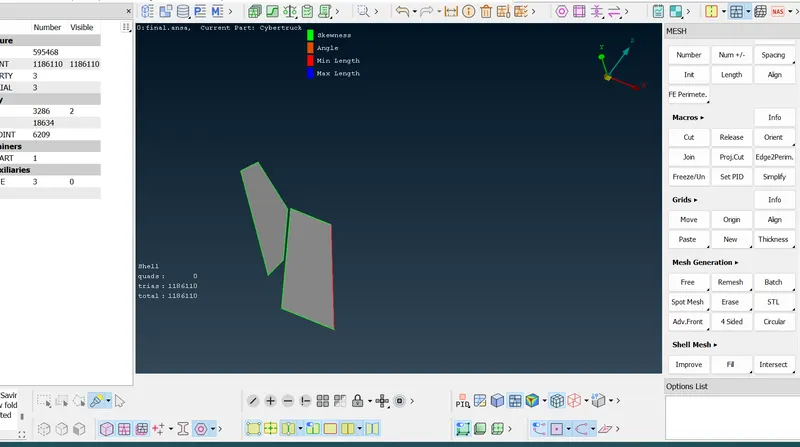
if there is any use grid>move option to solve it by trial and error method
tyre
initially click on tyre PID and click show only
go to mesh parameters give type as tria and length as 3mm and save as tyre PID
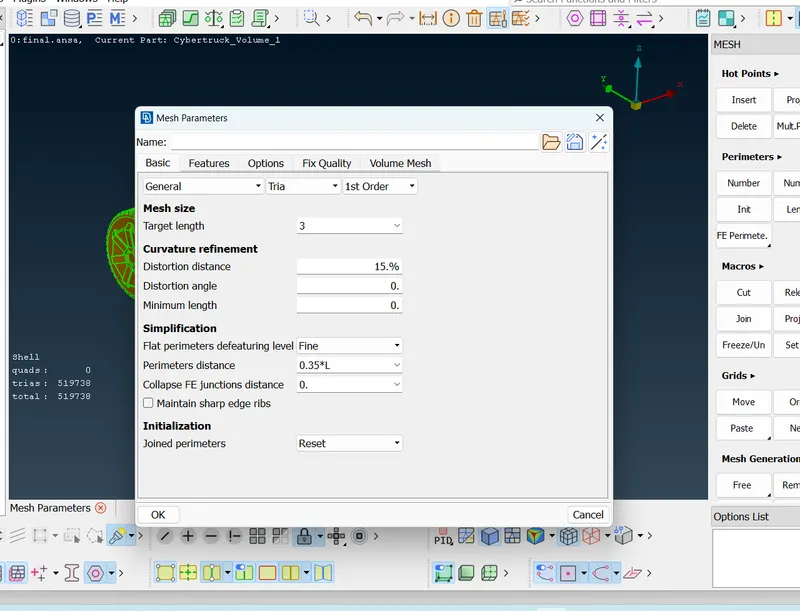
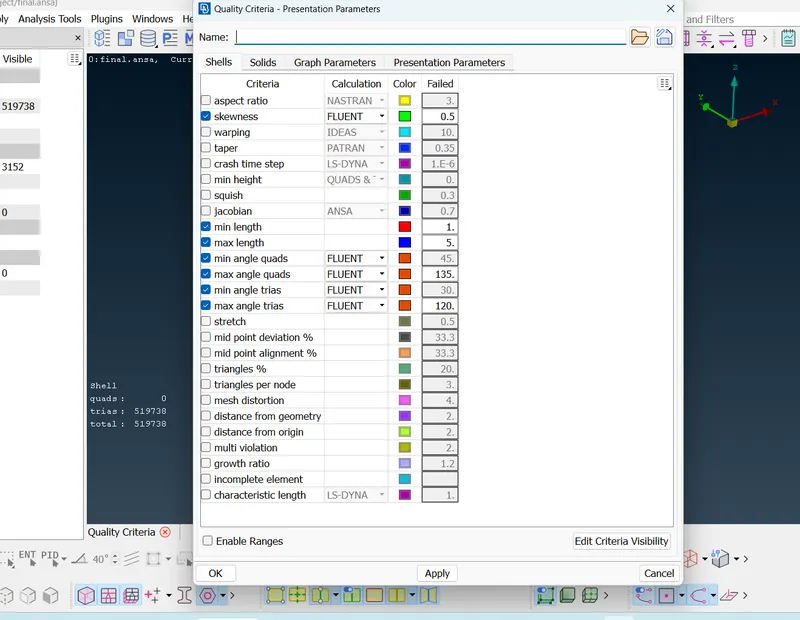
go to quality criteria
enable skewness; min and max lengths and angles and thier type as fluent
give min length as 1mm and max length as 5mm
and skewness value as 0.5 and save as quality criteria
go to mesh deck click on perimeters>>length select all >>3mm>>ok
and also macros>>select all>> 3mm>>ok
go to mesh generation>>free mesh>> visible
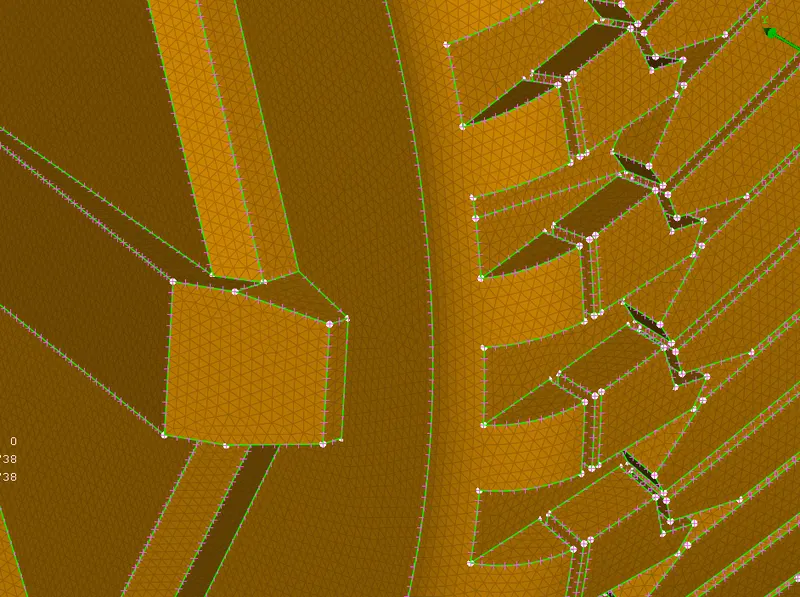
click on hidden mode to see if there is any off values present
if there are many offset like thousands go to shell mesh >> reconstruct >>select all>>select arrow mark on dialog box>>it will perform possible combination to reduce off values
if there is any use grid>move option to solve it by trial and error method
body:
initially click on body PID and click show only
go to mesh parameters give type as tria and length as 5mm and save as window PID
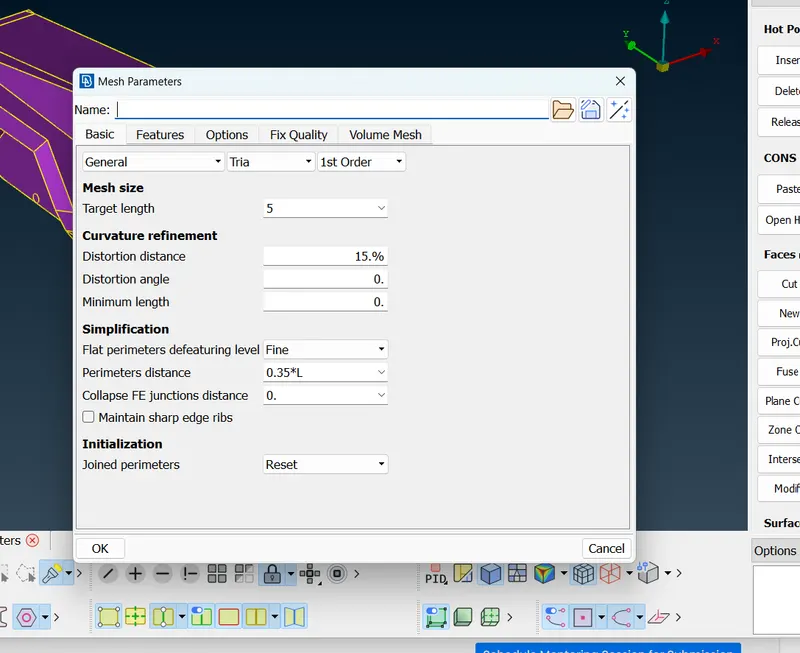
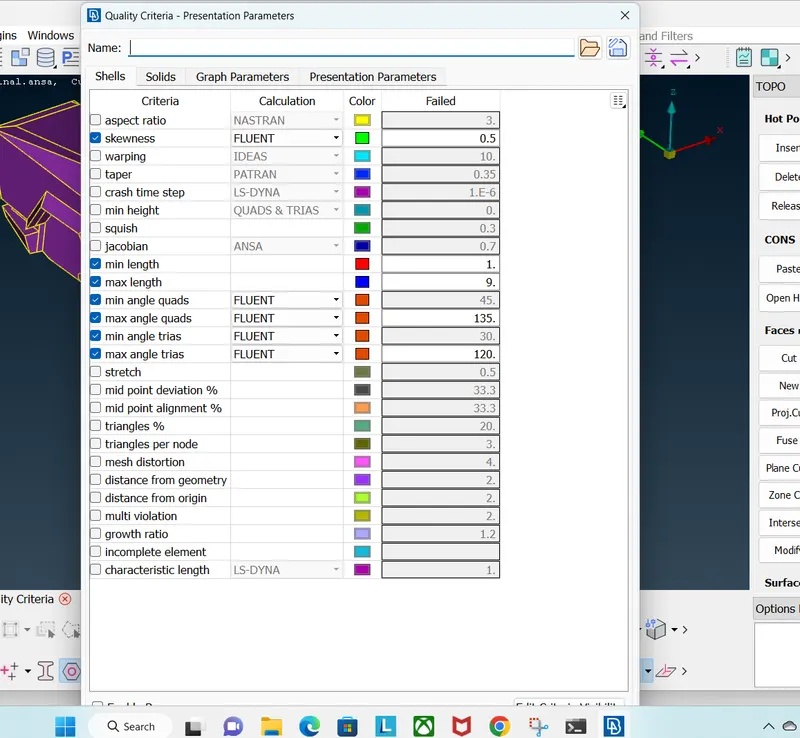
go to quality criteria
enable skewness; min and max lengths and angles and thier type as fluent
give min length as 3mm and max length as 8mm
and skewness value as 0.5 and save as quality criteria
go to mesh deck click on perimeters>>length >>macros >>select all >>5mm>>ok
and also perimeters>> select all but deselect the nodes which are in contact with window pid's >>5mm>>ok
go to mesh generation>>free mesh>> visible
click on hidden mode to see if there is any off values present
if there is any use grid>move option to solve it by trial and error method
symentry:
then go to transform>>copy>>select entities>>symentry>>3 point mirror plane>>select three points>> ok >>finish
to get full model of car
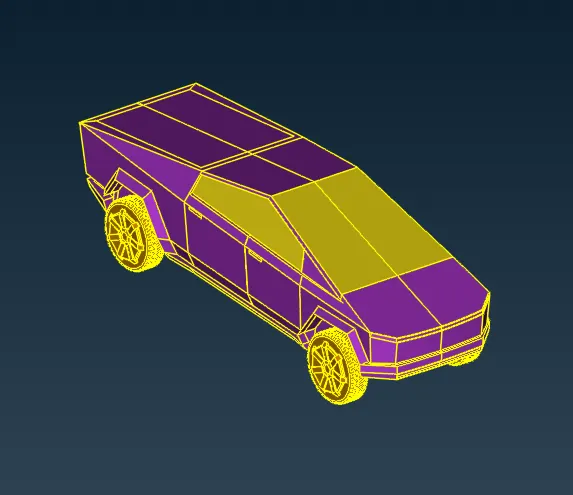
check for any unmeshed surfaces amd mesh them as well
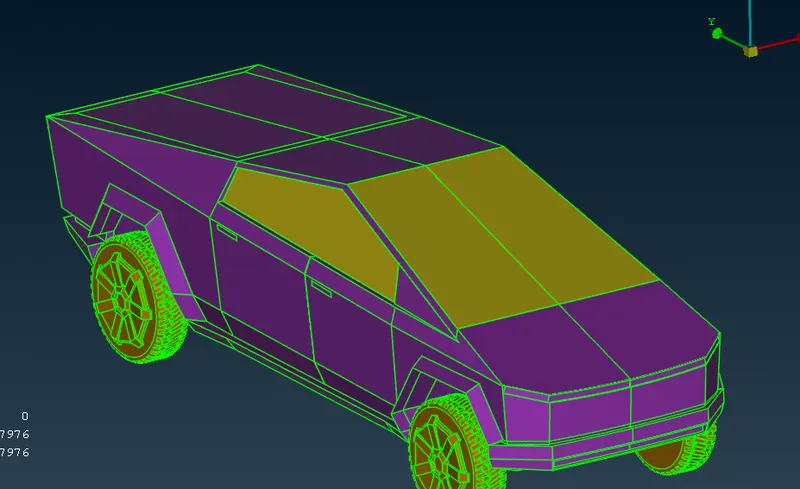
wind tunnel:
now in topo deck got to points>>relative >>select bottom middle point of car>>give length as -400 in dz
which creates point on surface of tyre
for creating wind tunnel take length of car as x
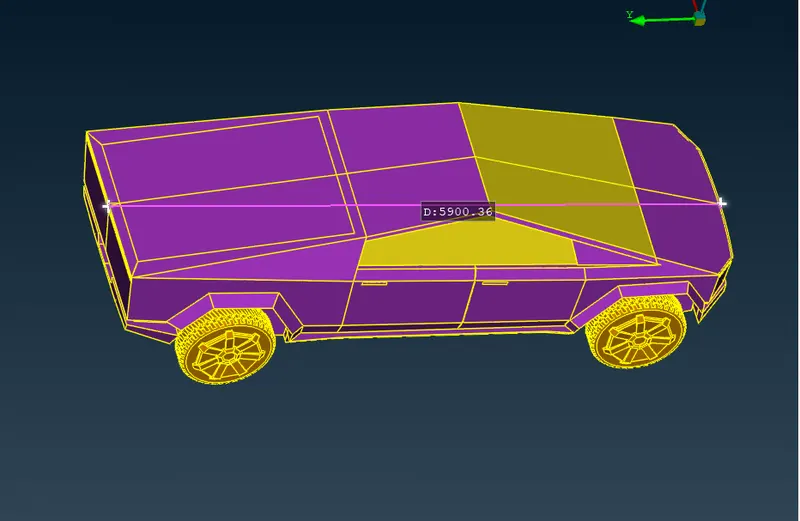
there should be 4x distance on front of car and 6x distance on rear and height should be 3x from car top and also x distance side ways
here length of car is 6000 approx
hence x=6000
select points>>relative >>select created point and give dy value as 27000>>ok
repeat the steps and give dy value as -39000
repeat the steps and select the two points and give value as dx= 3900
repeat by dx=-3900
now we can see that there is points forms plane
then click on curve>>select from point to point to create a box
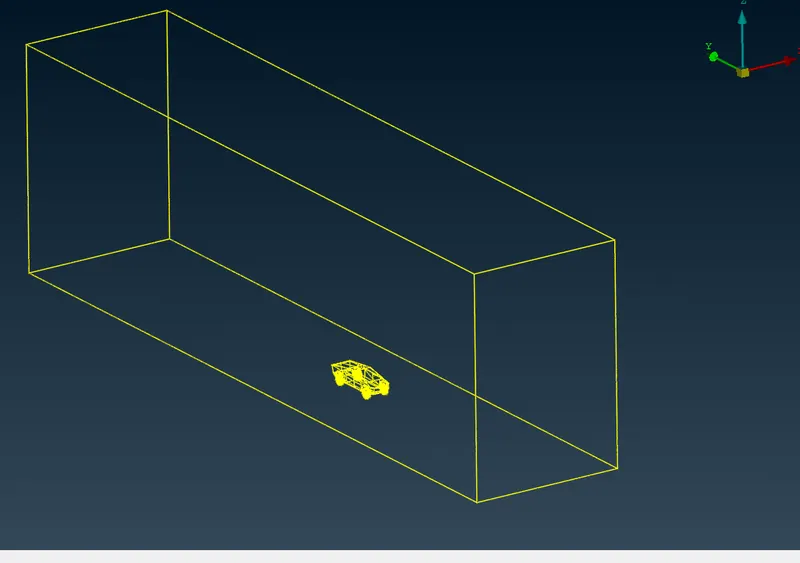
then select points>>relative>>select top point of car >>give distance dz=6000
create faces>>new>> select curves>>which creates faces
click faces>> offset>>click on face>>give value thhat ismeasured between point and faces
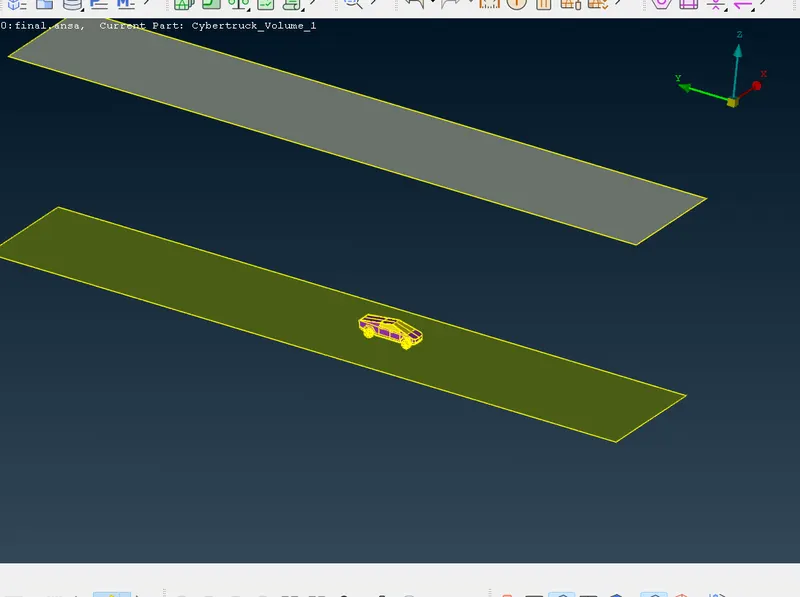
which shows like having car in between two faces
close other fourcorners of faces by creating new faces
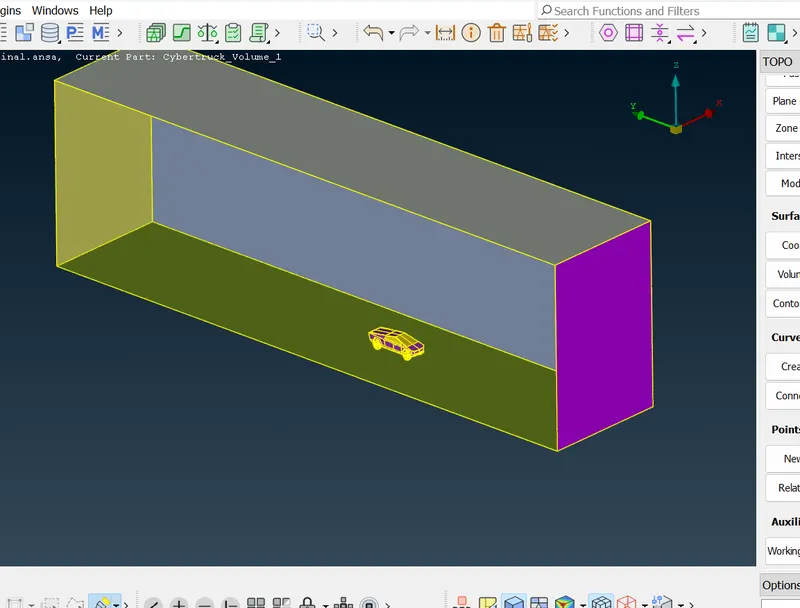
create PID's like base;top;side;front and rear
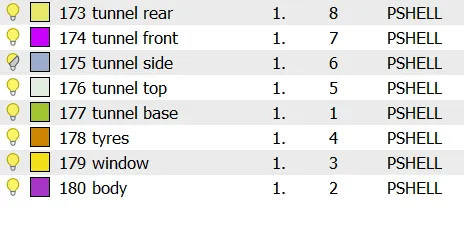
assign it particularly
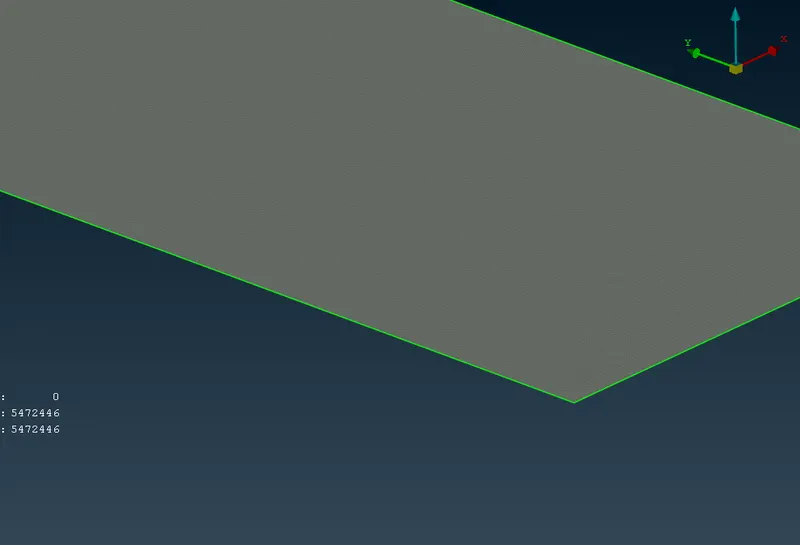
mesh top face as 100 target length
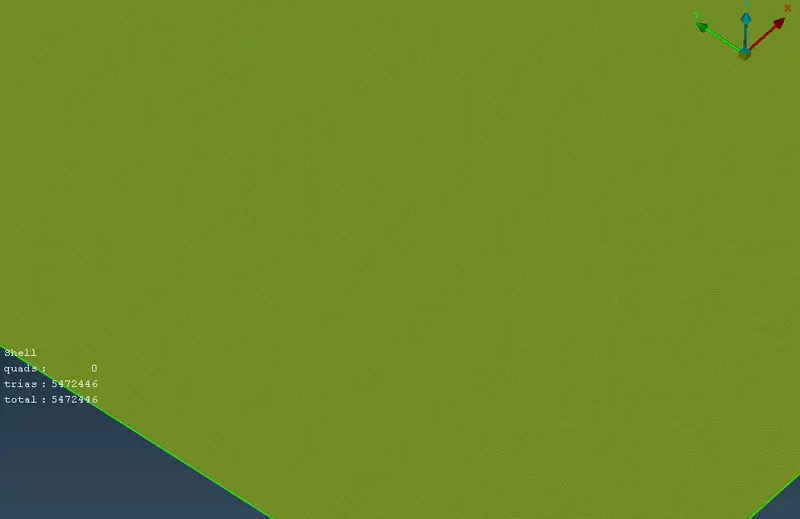
and bottom face as 20 target length
now we are left with four faces
here concept is there is a change in target lengths so we cannot mesh by same mesh length
so perimeters>>spacing>>geomentry >>dstart is 20; factors as 1.1 and dend is 20 >>select four nodes>>which create perimeters in variable spacing
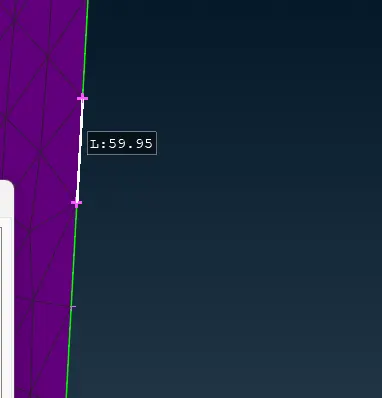
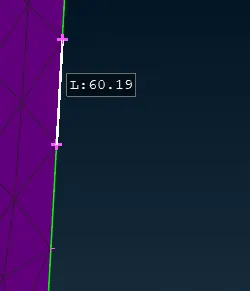
like we can observe there is change in length for continous nodes
then mesh other faces generally
now we have completed all surface meshing
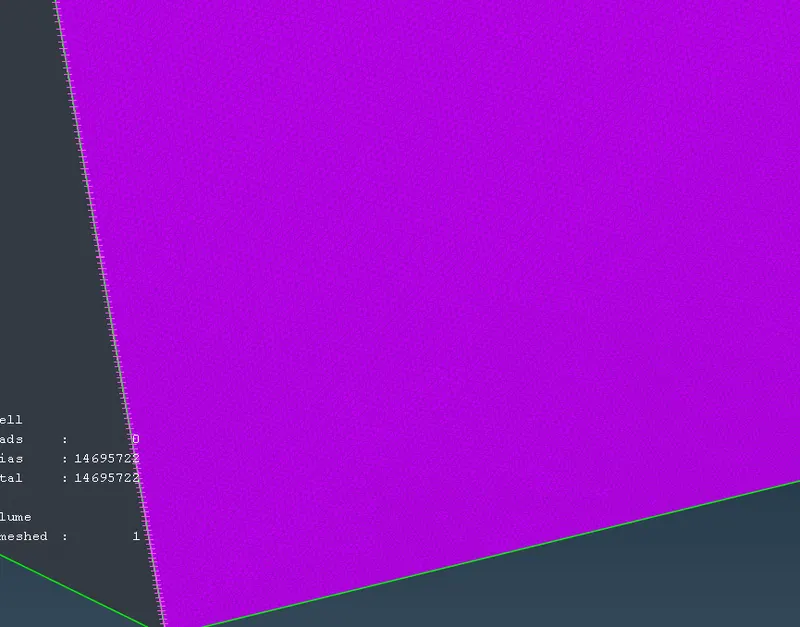
here we can observe that mesh on bottom is dense like land and mesh on top will like larger due to represents air
now go to volume mesh deck>>define >>whole db
see the list and select all the unwanted volumes and delete them
here we need only volume between tunnel and car
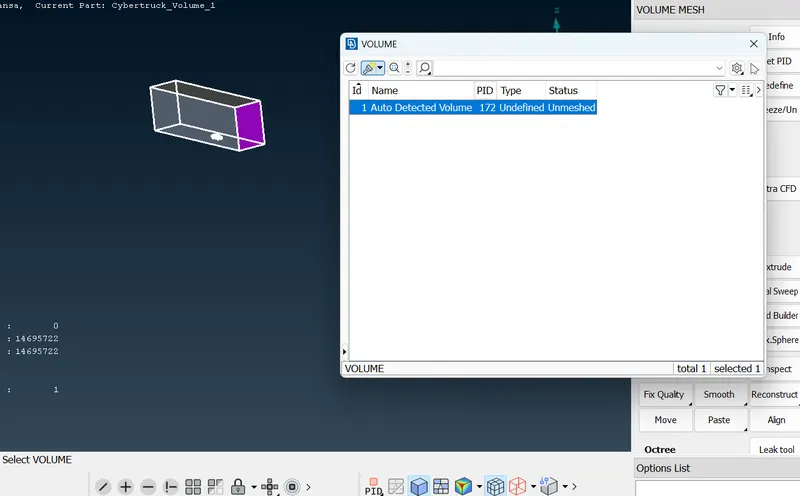
now go select all entities >> tetra cfd mesh >>ok
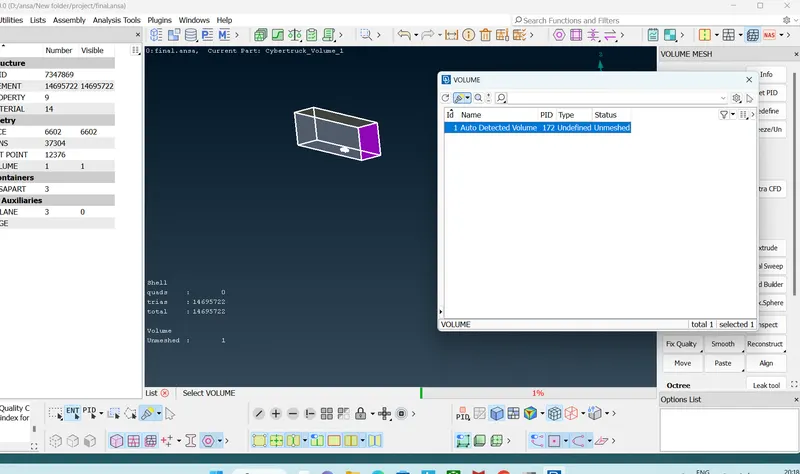
it will take some time for 2 days
after that we are done with project
result:
thus we performed volumetric mesh in tesla cyber truck
for model refer to google drive link
https://drive.google.com/file/d/1fqZQm0fwJ8zm6Az8U1UzLKtvm2OcVIfr/view?usp=sharing