Project 1 : CFD Meshing for Tesla Cyber Truck
Aim: CFD meshing for Tesla cyber truck
Procedure:
- Importing the geometry
- Checking the error like intersection and single cons
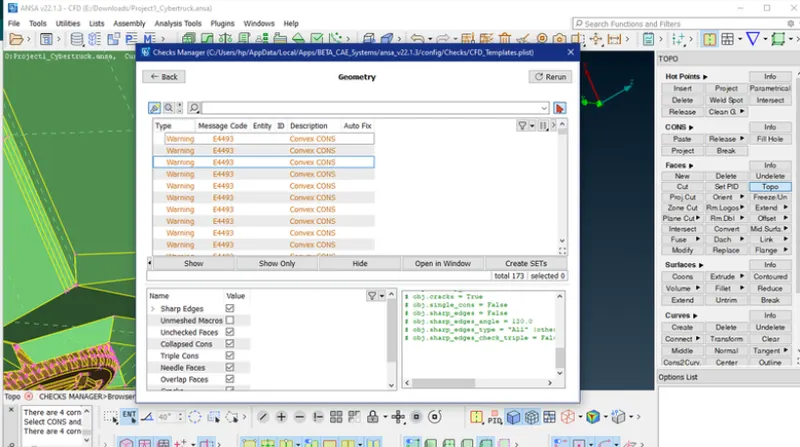
- Cleanup the geometry using topo,projectand paste option.
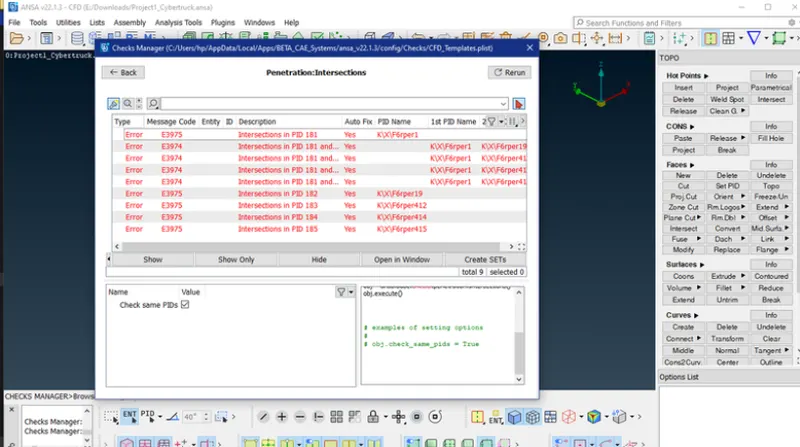
- Deleting the intersection with the help of given PIDs.
- Delete the wheel shaft and create the new with the help of New>Fitted and double click.
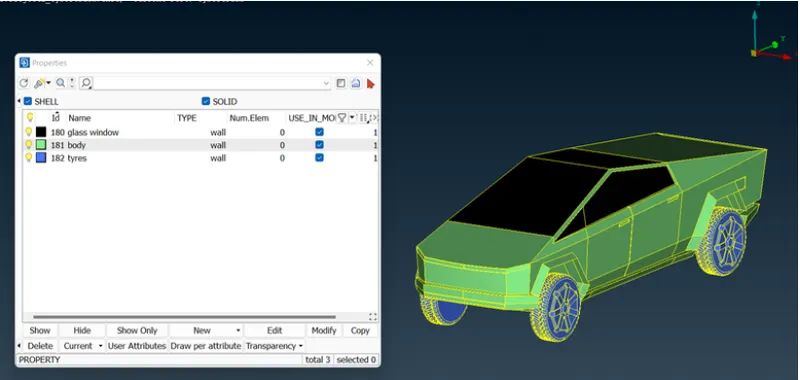
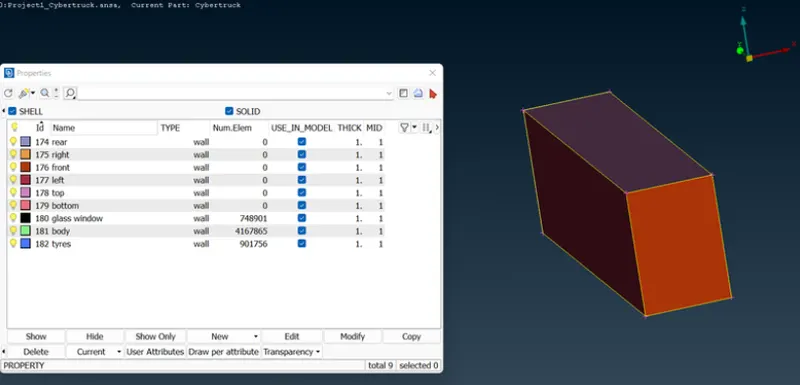
- Assign the PIDs.
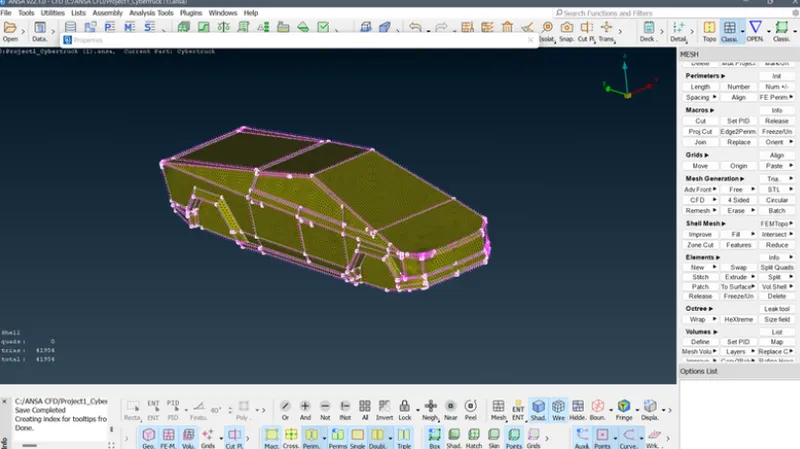
- Meshing the the geometry with target length 3mm.
- Meshing the body,glass window with 4mm and tyre 5mm using CFD mesh tool.
- Check the hidden geometry with the help of hidden tool and then reconstruct the mesh by clicking of off element text.
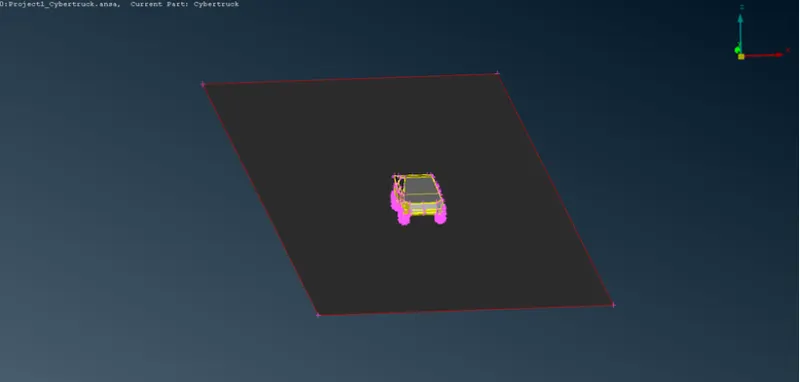
- And create the wind tunnel by creating 4 pont arround it
Geomery
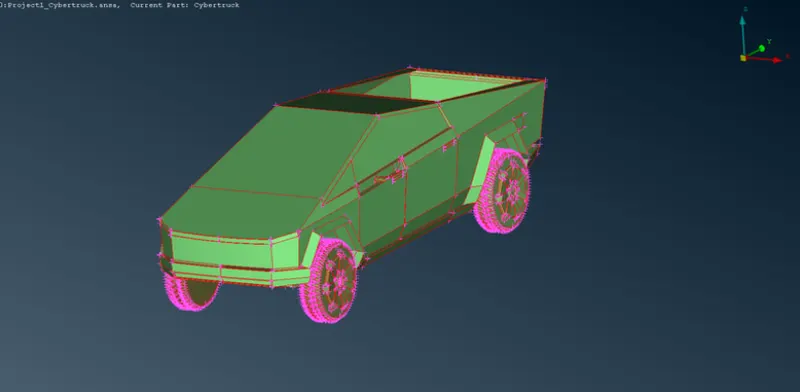
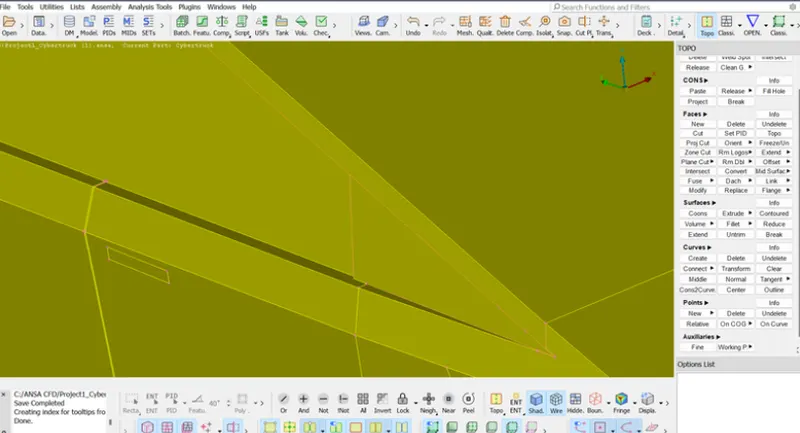
Performing geometry checks
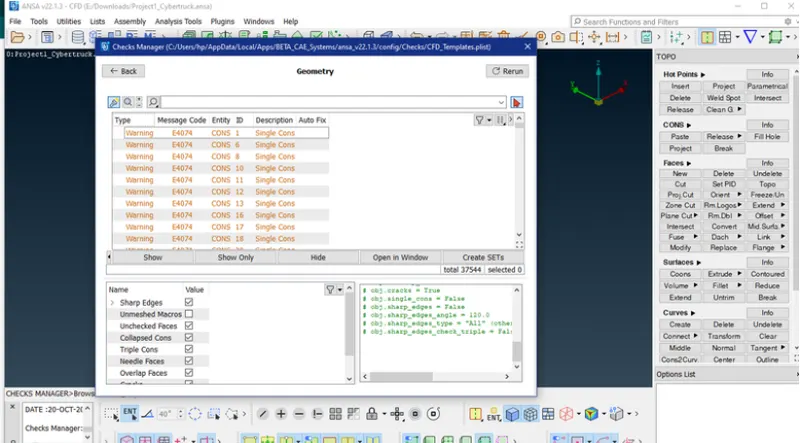
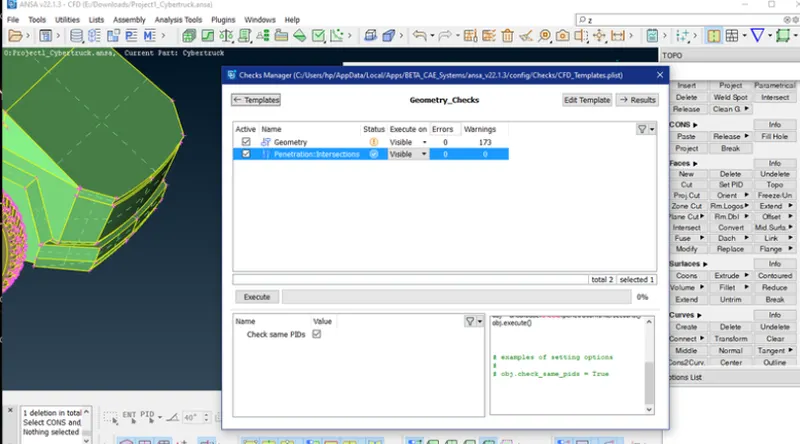
Checking for intersection
topo cleanup to ensure no single cons
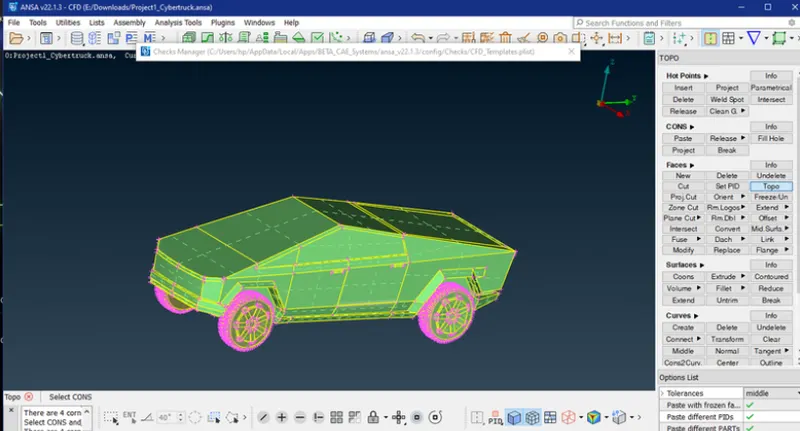
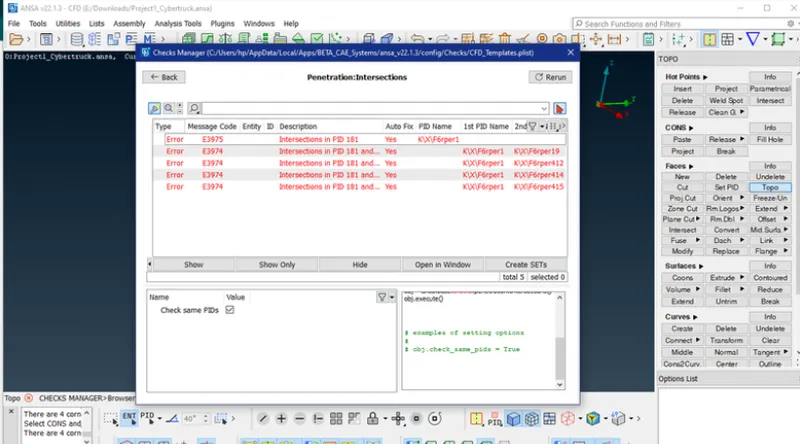
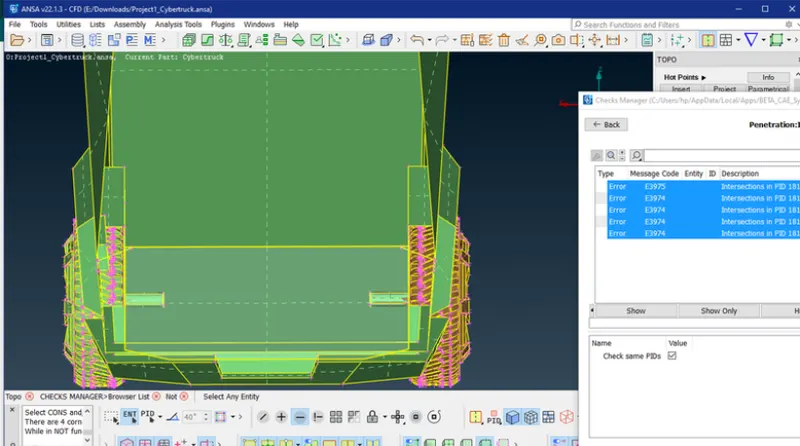
Using PIDs ,identify and delete the intersection
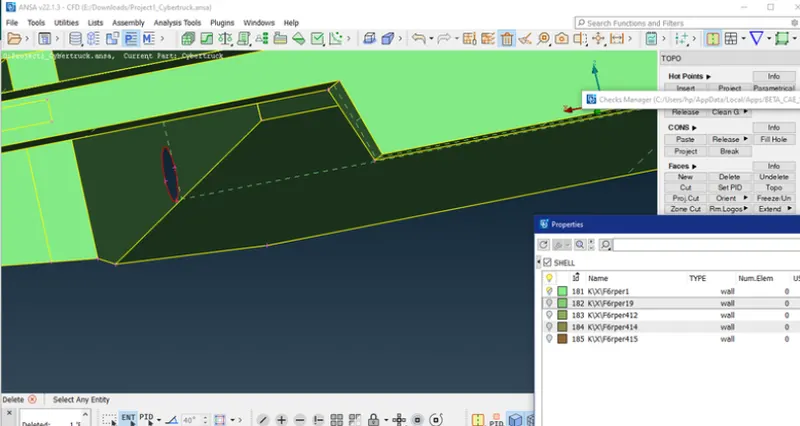
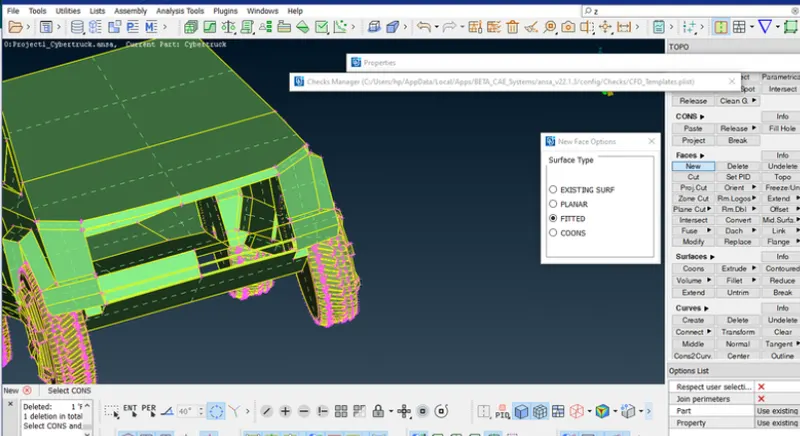
After deleting the intersection a single CONS is visible which must be fixed using TOPO or project or any other option. Since the single CONS could not be fixed the wheel shaft was deleted as it is not required and the two surfaces were patched. The same step has to be repeated for the other two wheels.
Assigning PIDs
Meshing
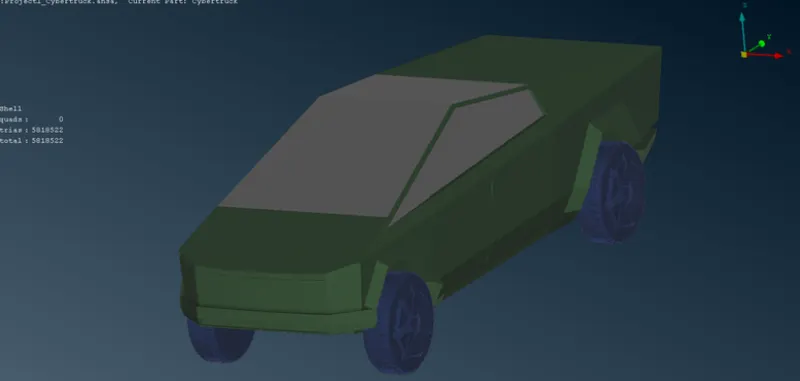
First, a surface mesh is generated on the geometry with a mesh length of 4mm for the body, glass window(tolerance=1mm), and mesh length of 5mm given to the tires using the CFD mesh tool.
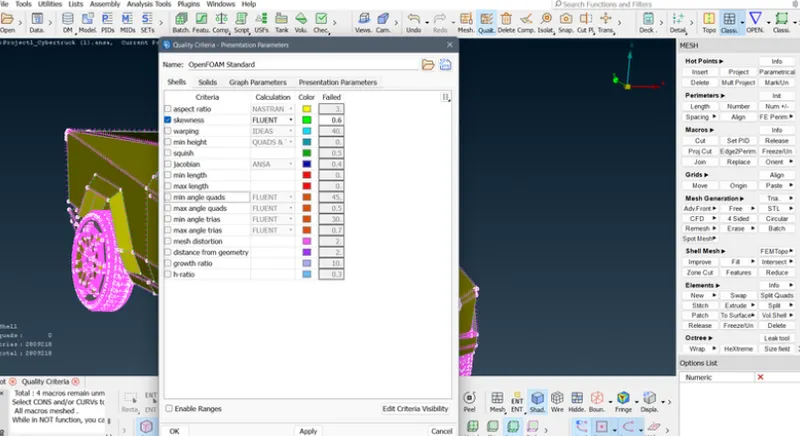
Quality criteria
Meshing the body with 3mm target length
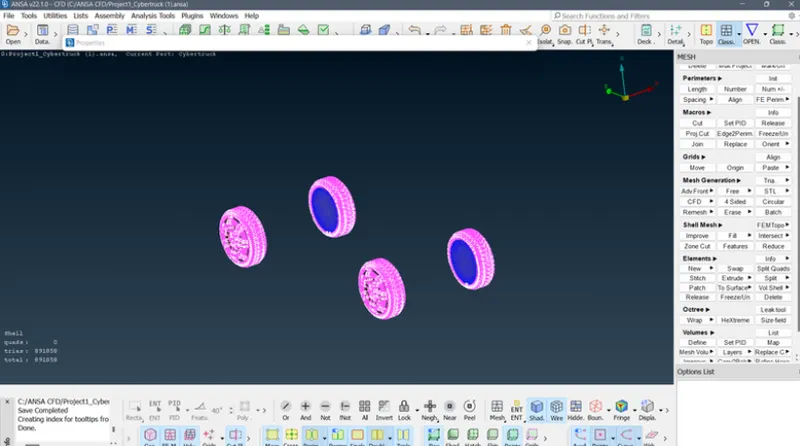
Checking off element in hidden model
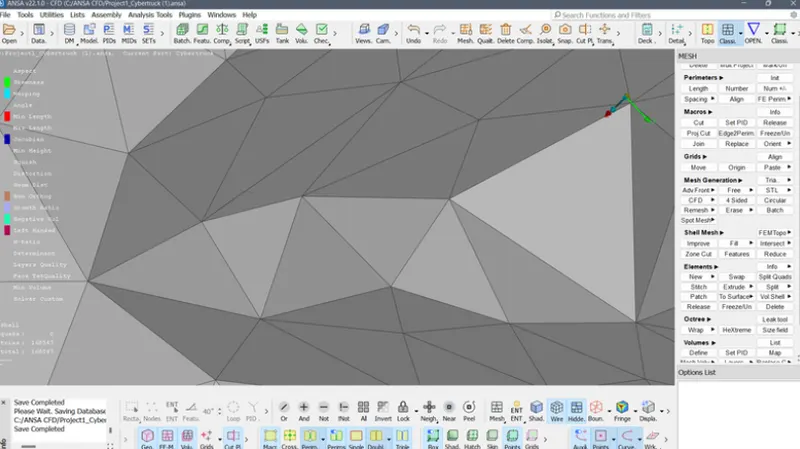
Reconstuct tool will decrese the off element
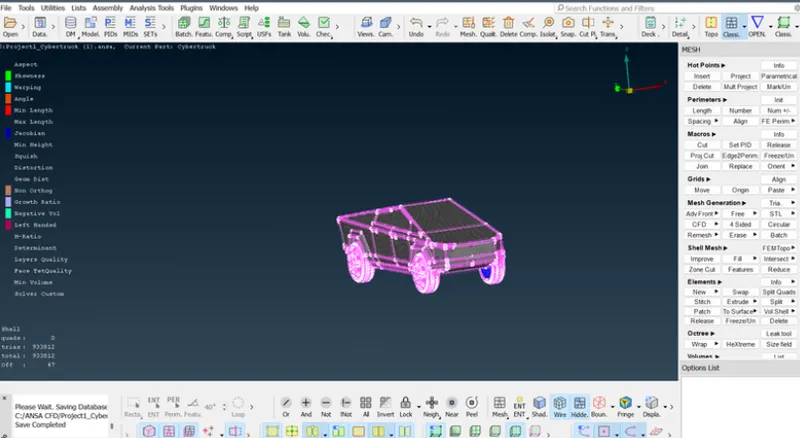
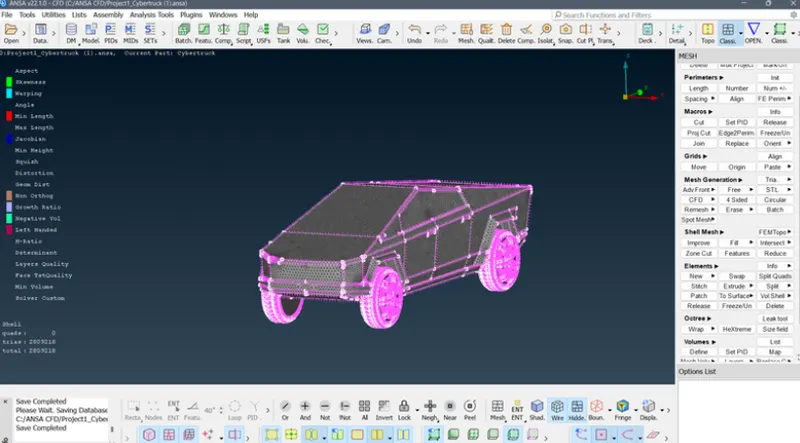
Then, the wind tunnel is created by creating points and then creating surfaces using the points.
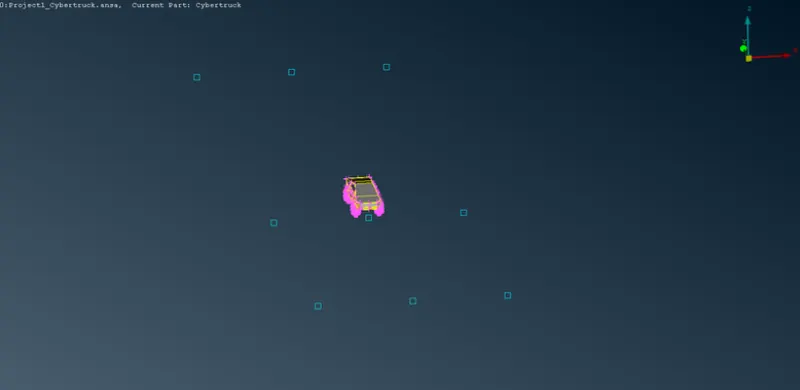
The top face of the domain is given a mesh length of 200mm while the bottom face is given 50mm. And the remaining faces mesh length should vary by a factor of 1.1 from bottom to top using the spacing tool in the mesh deck.
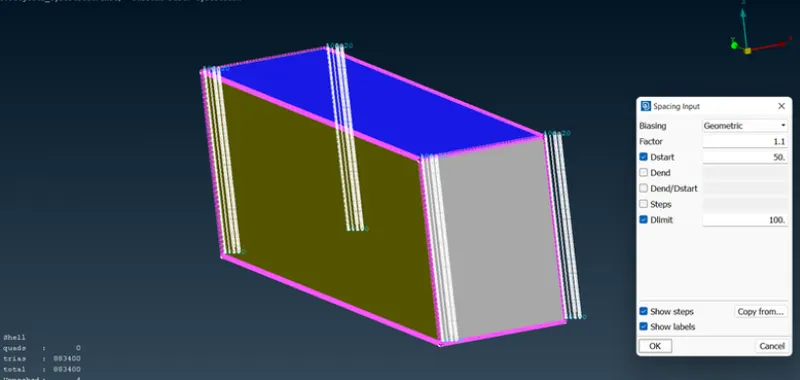
Surface mesh on the wind tunnel faces
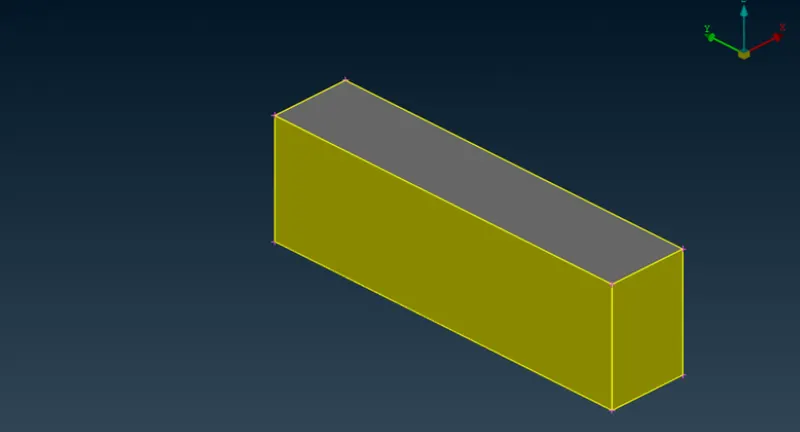
Result
https://drive.google.com/file/d/1i-ooHrfcFB9VYBVqYifVw3nuRjcc7p3Z/view?usp=share_link