Project 1 : CFD Meshing for Tesla Cyber Truck
Aim:
To perform CFD Meshing on Tesla Cyber Truck geometry.
OBJECTIVE:
- To clean up the geometry properly.
- To carry out triangular meshing on the surface of geometry with different target lengths as mentioned.
- To create a wind tunnel with the appropriate geometry and do surface meshing of the same.
PROCEDURE:
- Import the CYBER TRUCK geometry in ANSA platform and increase the resolution of the geometry by providing Length and Macros from Meshing session.
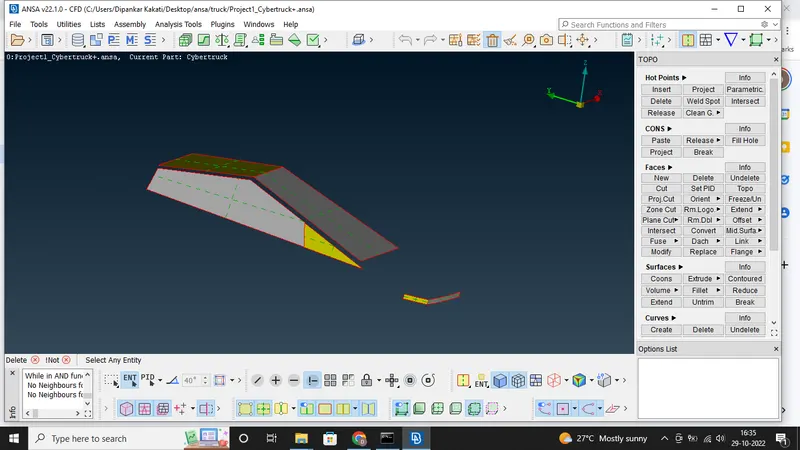
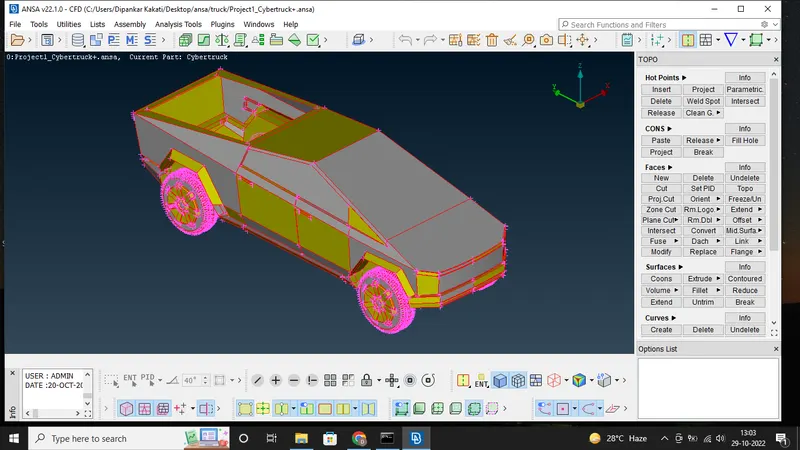 2. As the geometry being symmetric with centre it can be deleted half the geometry and work on the remaining part as shown below and finally do symmetric approach.
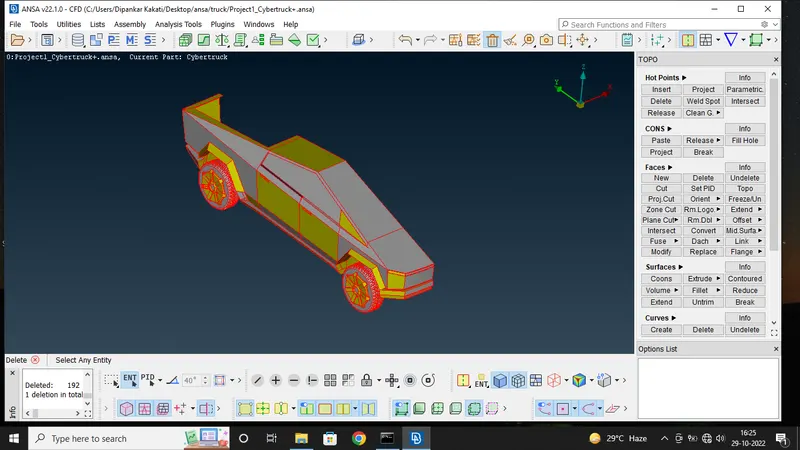
3. Isolate each and every part of the car. Then perform geometry clean-up of each parts by deleting overlapped, unwanted surfaces and penetrated surfaces by using universal delete option, fill the gaps present by creating new surface. After clean-up check whether any triple cone or single cone exists if any single or double cones are there so necessary step to eliminate those. Single cone will be present on the central axis as the remaining surface is deleted as per symmetry.
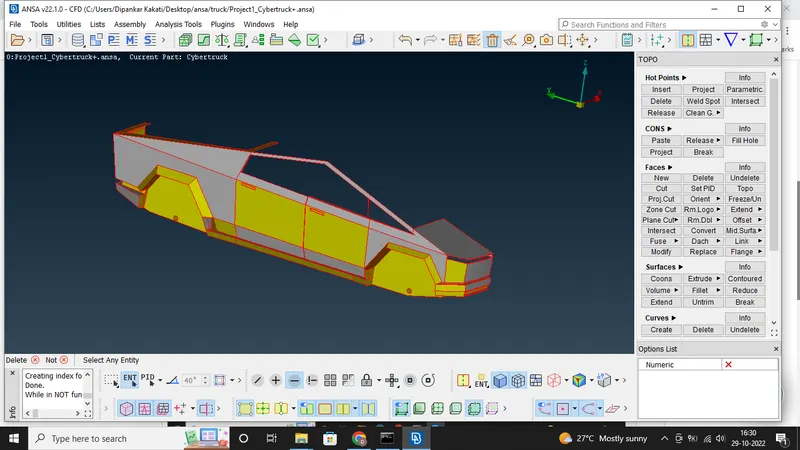
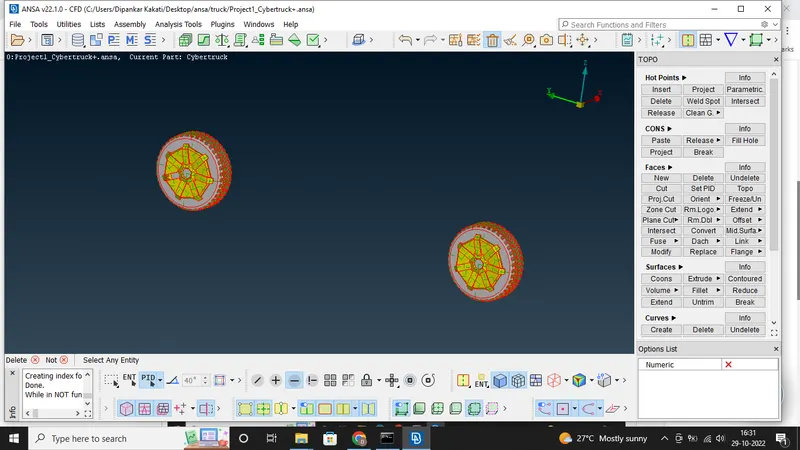
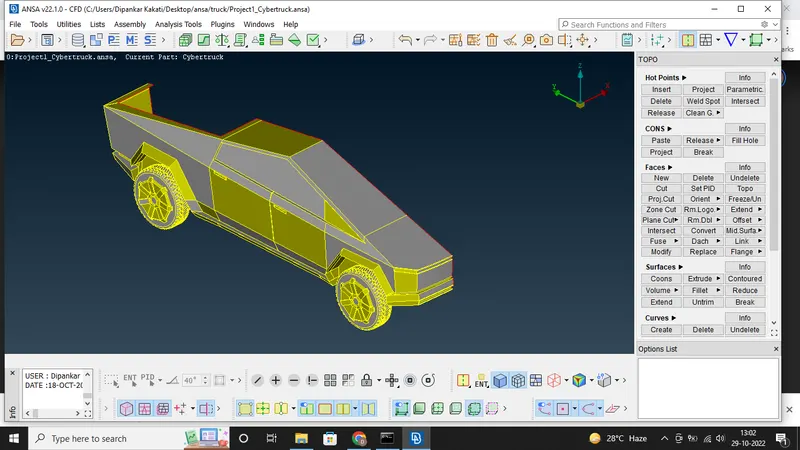 4. After completing the clean-ups provide each part with suitable PID name by selecting the Property from top tabular column and creating new PIDs.
5. After the geometry clean-up check the geometry for any crack, single cone, overlap faces, penetration etc.. by using check manager.
6. Now move to the meshing tab. On the meshing tab set the perimeter and macro length for each PIDs. Target lengths for the different parts of a model are as follow:
i) Body-3mm
ii) Lights-4mm
iii)Rims and Tyres-2mm
iv) Windows-2mm
7. From the Mesh parameter drop down set meshing type as triangular and target length, Minimum and Maximum Target length. Set overall minimum and maximum target length in quality criteria also. In quality criteria, skewness and minimum length and maximum length is checked. Then the off elements must be eliminated. 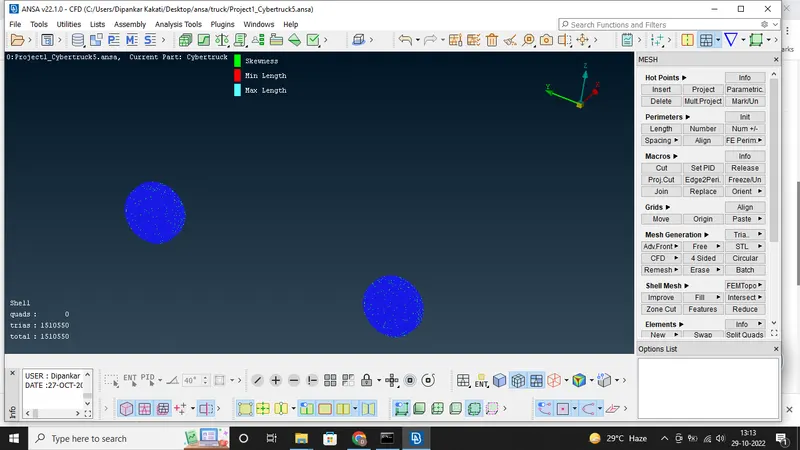
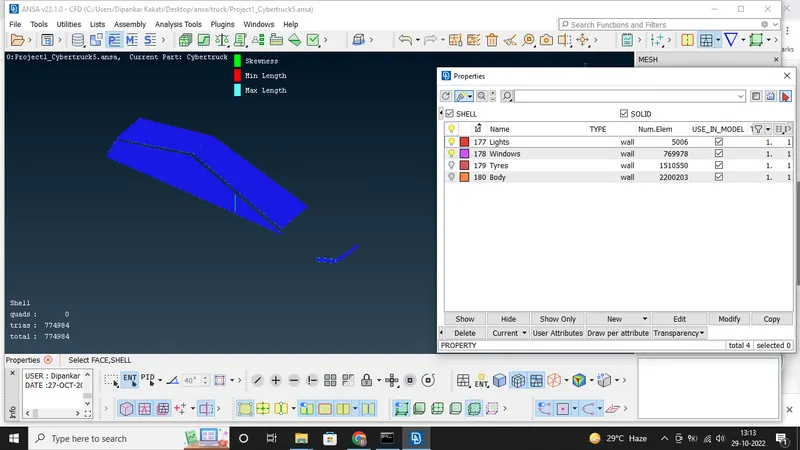
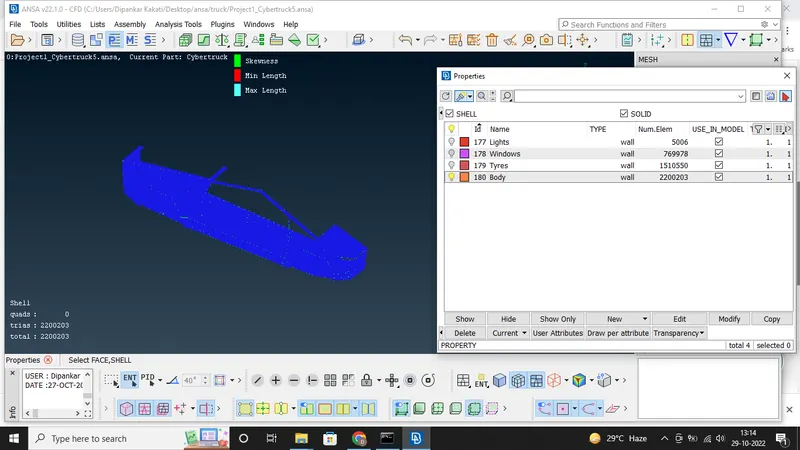 8. Repeat step 6 and 7 with appropriate minimum and maximum target length size for every PIDs.
9. After completing the surface meshing of one half, copy as mirror image for other half so that we get a complete geometry. Click Tranform > Copy > Select the entities > Symmetry > Mirror 3 Point Plane > Select 3 points check the preview and click Finish. Remove if any single cons present and do geometry check. The figure shown below is the final meshed car geometry.
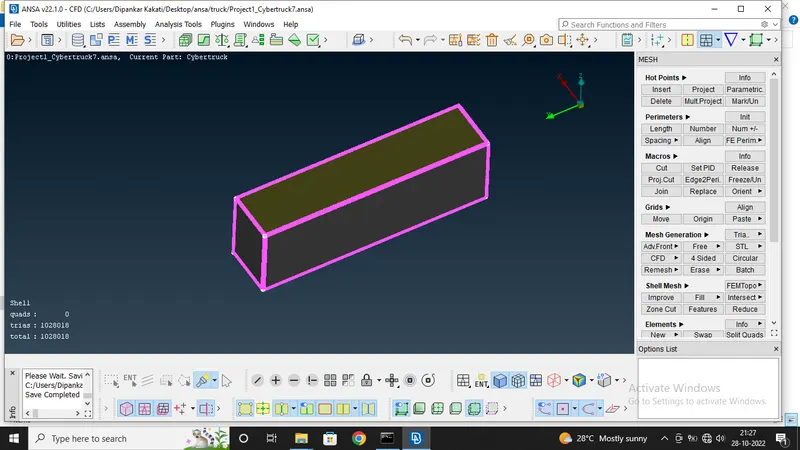
10. Now create the wind tunnel by using creating points, curves and by creating different faces of wind tunnel using those curves in such a way that front face of the tunnel should be at a distance of 4X, rear face of the tunnel should be at a distance of 6X, top face of the tunnel should be at a distance of 3X, bottom face of the tunnel should be approximately at a distance of X/2, Side face of the tunnel should be at X distance from the car geometry, Where X represents the total length of the car.
11. Mesh all the faces of wind tunnel. Create fine mesh at bottom and course mesh at top by using CFD>Spacing >manual.
CONCLUSION:
The given Cyber Truck geometry is studied and a topological clean-up and surface meshing of the given geometry is carried out. A wind tunnel is constructed and meshing of surfaces is also performed on it. By doing this project, it helps to gain more knowledge about topological clean-up, constructing new surfaces, surface meshing by using different sets of tools in ANSA software.
The google drive link for CFD meshing of Tesla Cyber Truck is given below-
https://drive.google.com/drive/folders/12UIvCr85BTl7J2BpiawxxWlCR0PbuZjK?usp=sharing