Project 1 : CFD Meshing for Tesla Cyber Truck
AIM :
For the given model, to check and solve all geometrical errors and Assign appropriate PIDs. Perform meshing with the suitable Target length and element Quality criteria
PROCEDURE :
- Import the given tesla cyber truck into the ANSA software
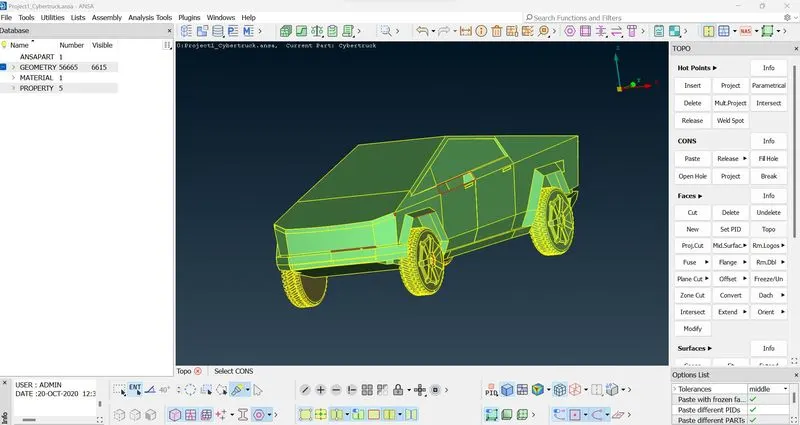
- Fill the missing surfaces and delete the unwamted and overlapping surfaces
- Get rid of single and triple cons
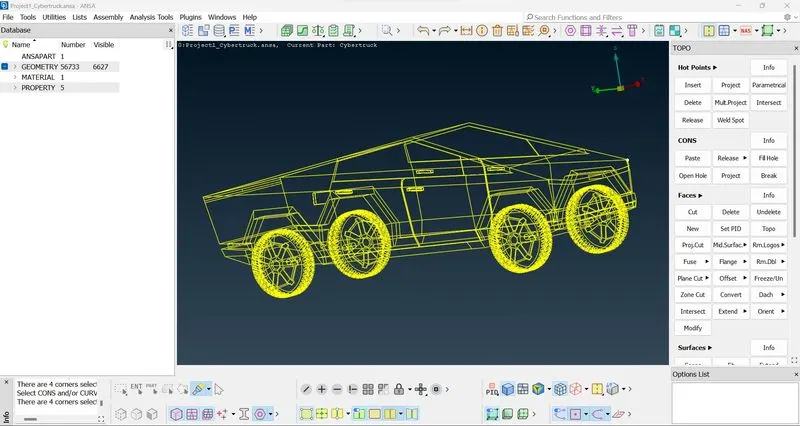
- Delete the unwanted surfaces in order to mesh the model
- Create new surfaces if required
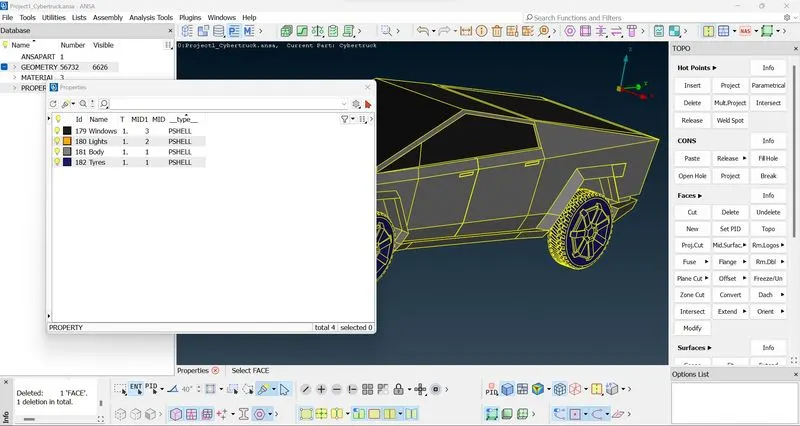
- Assign PIDs according to the parts of the model
PIDs:
- Windows
- Body
- Lights
- Tyres
- MESH PARAMETERS -> QUALITY CRITERIA -> LENGTH
- Go to quality criteria and give appropiate minimum and maximum length as per the parts and make sure that the mesh type is in tri
- Give the mesh macros and perimeters
- After that mesh the part by using the spot mesh tool
Windows :
- Give the mesh parameter as 2mm and check the quality criteria.
- Give the length of parameters and macros as 2mm
- Select the mirrors
- Now with the help of spot mesh tool apply 2mm mesh for mirrors
- The created mesh is shown below
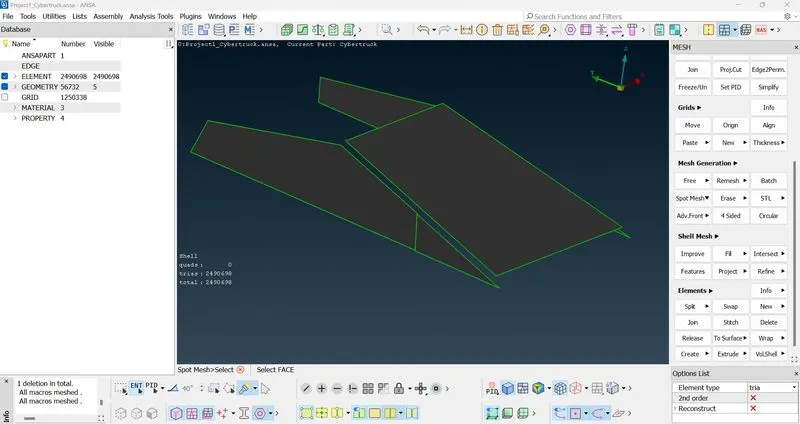
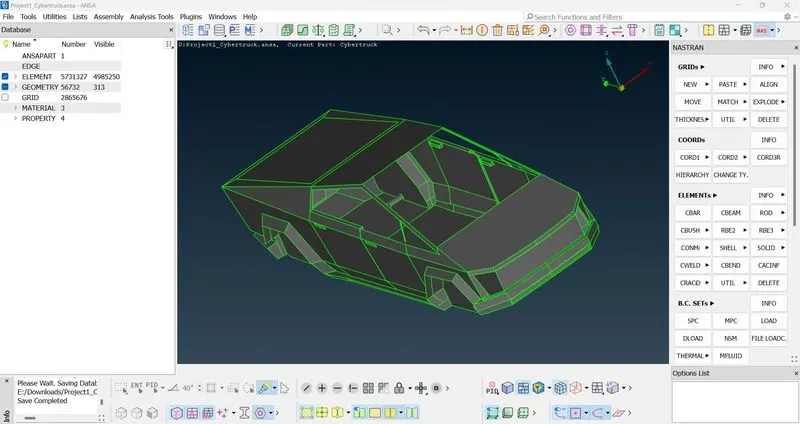
Body :
- Repeat the above process for the body with the target length of 4mm
- The created surface mesh is shown below
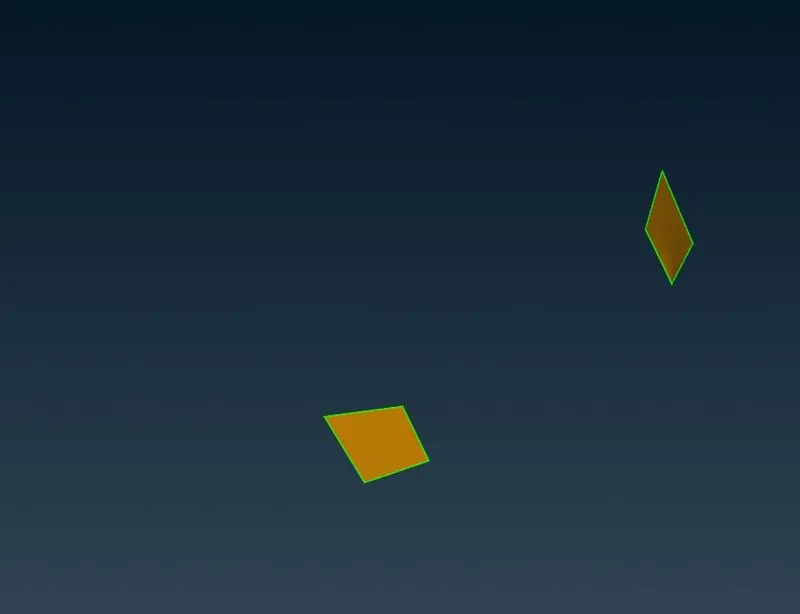
Lights :
- Repeat the above process for the lights with the target length of 4mm
- The created surface mesh is shown below
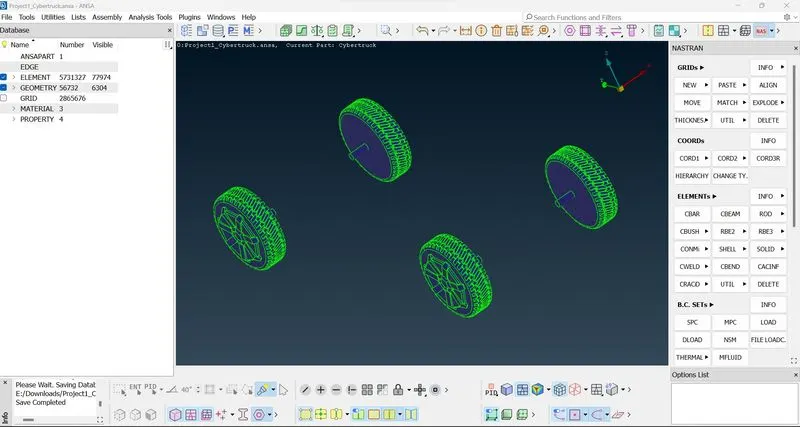
Tyres :
- Repeat the above process for the tyres with the target length of 4mm
- The created surface mesh is shown below
After meshing if there are some off elements, solve by using the reconstruct option and the remaining off elements should be solved manually with the help of move grids option
Tunnel :
- By using the relative points option create the points to create a tunnel to the truck
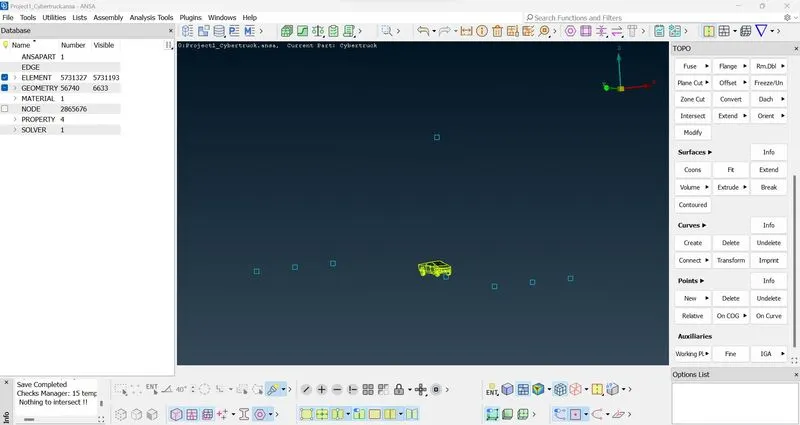
- With the help of the curves tool create cons to build a face
- Off set the faces and with the help of new face option create the tunnel
Surface mesh the tunnel :
-
Too start meshing follow the sequence before giving the lenght ( Parameters and Macros )
-
MESH PARAMETERS -> QUALITY CRITERIA -> LENGTH
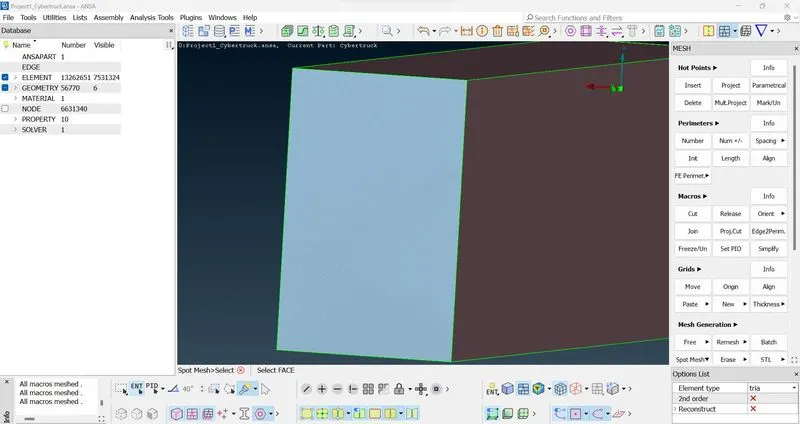
- Do the surface mesh for the both sides of the tunnel by reference of top and bottom surfaces
- The mesh size will increase from top to bottom by using spacing option
VOLUMETRIC MESH :
- After surface mesh switch to the volumetric option
- Auto define the volumes
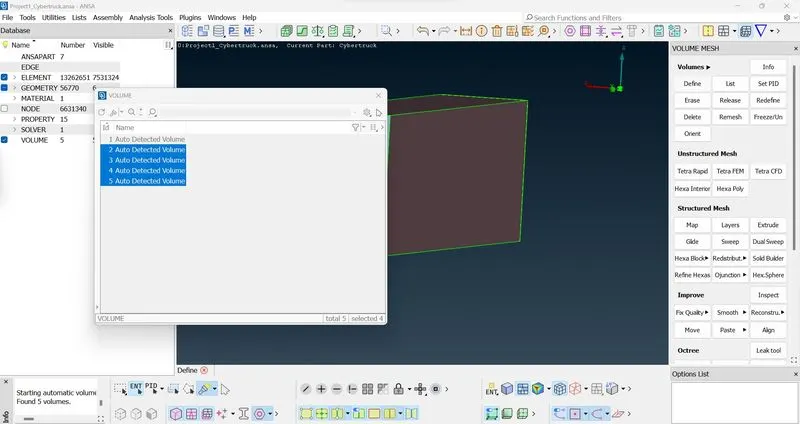
- Delete the unwanted volumes
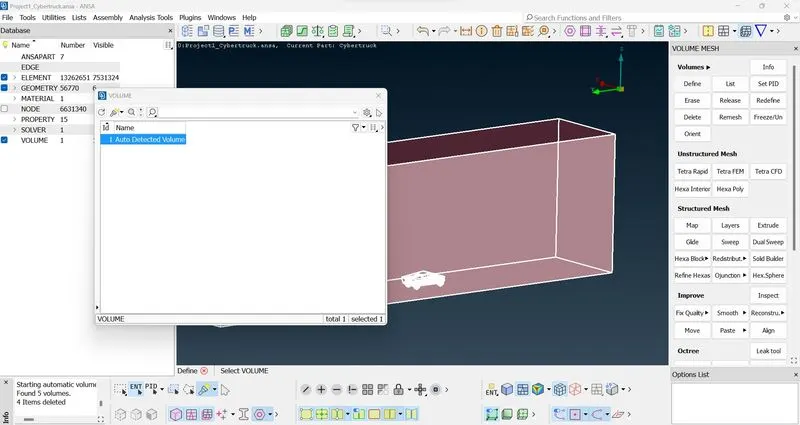
- Remesh with Tetra elements
Link to file : https://drive.google.com/file/d/1QQDEvDKoVZJe3VXoAF9dDU9cVwgX-Bs3/view?usp=sharing