Project 1 : CFD Meshing for Tesla Cyber Truck
AIM
CFD Meshing for Tesla Cyber Truck perform check and solve all geometrical errors and Assign appropriate PIDs. Perform meshing with the suitable Target length and element Quality criteria.
Procedure
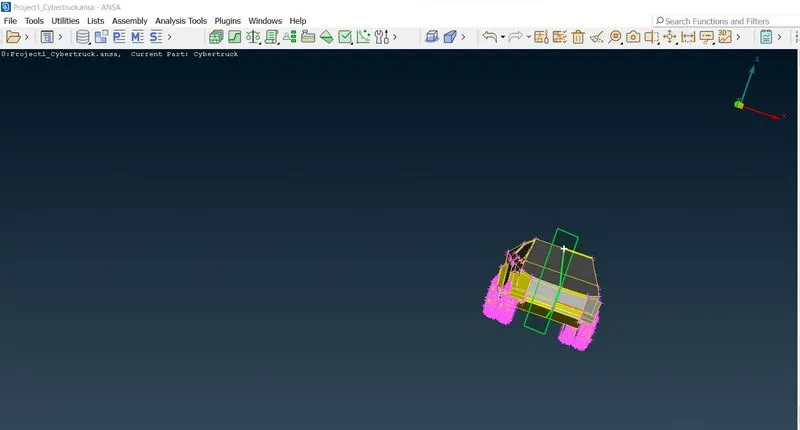
upload the geometry file in ansa
Create cut on geometry so that geometry could be divided in half
Delete half geometry, Always delete the side where you see less work had to be done in order to fix geometry.
Check for the geometry errors
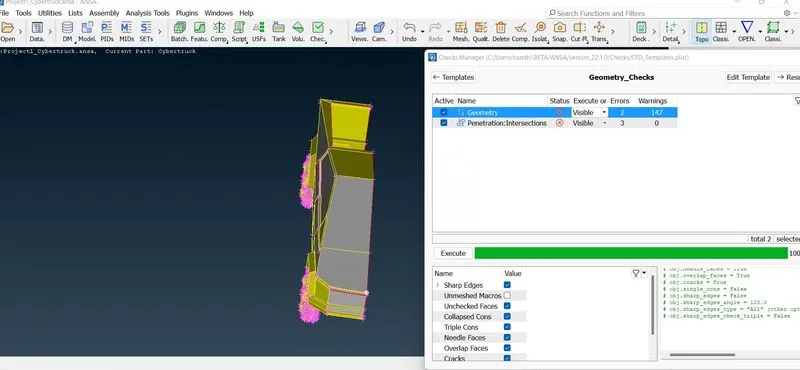
Perform the Geometry clean up by creating face where face missing
and Remove unwanted faces using face cut
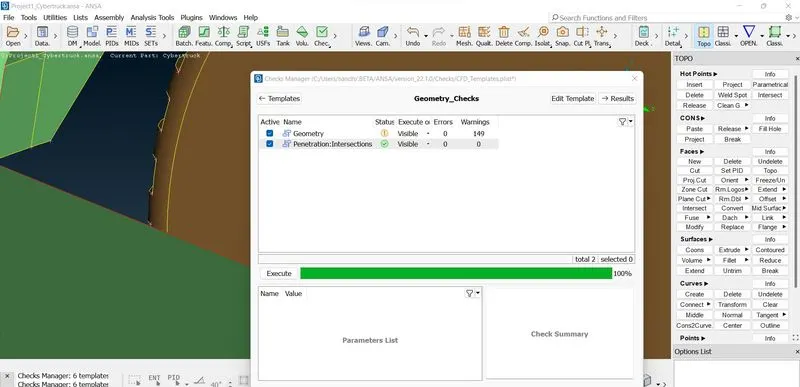
Then check the intersection error and deleted the overlaping surfaces and create the faces where needed
And check for the intersection deleted the interfacing faces and done the geometry clean up
Finally done the top and check for geometry clean up
Then assign the PIDS
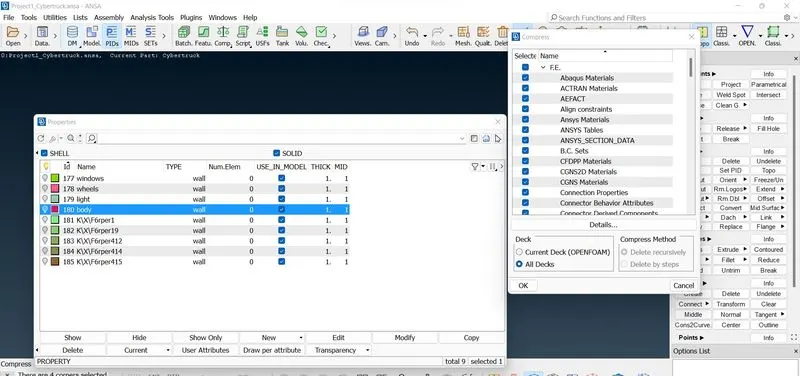
Clear the unwanted PIDS
Then apply the quality criterias
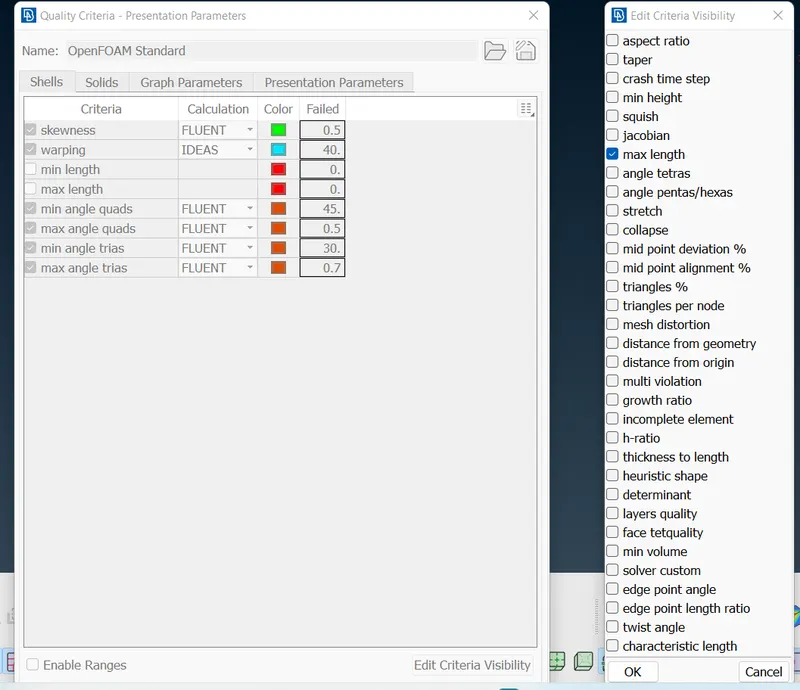
Perform the Meshing by the given target lengths
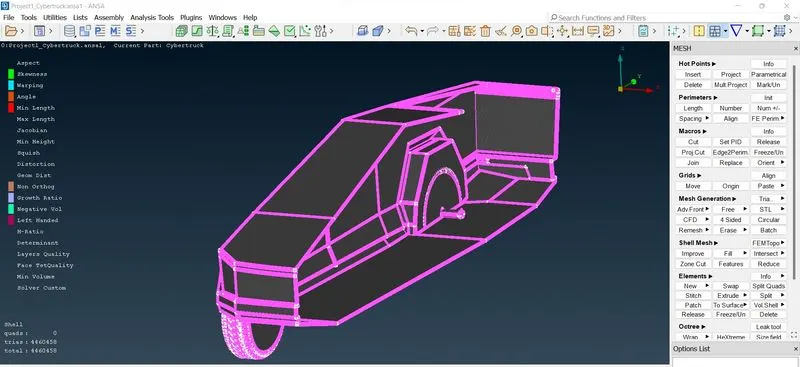
Check the offset and improve the offset or move the grid points
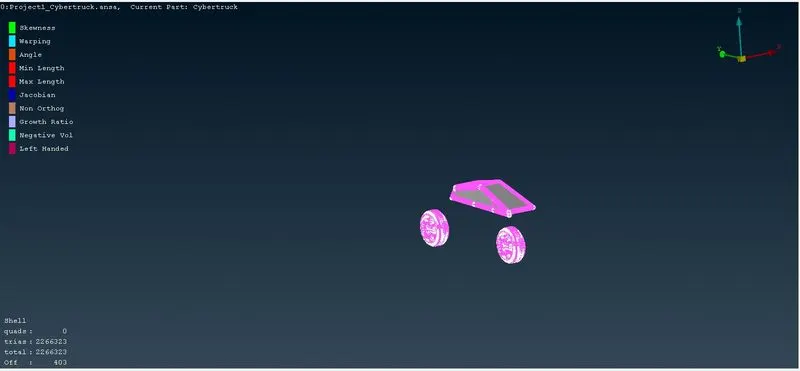
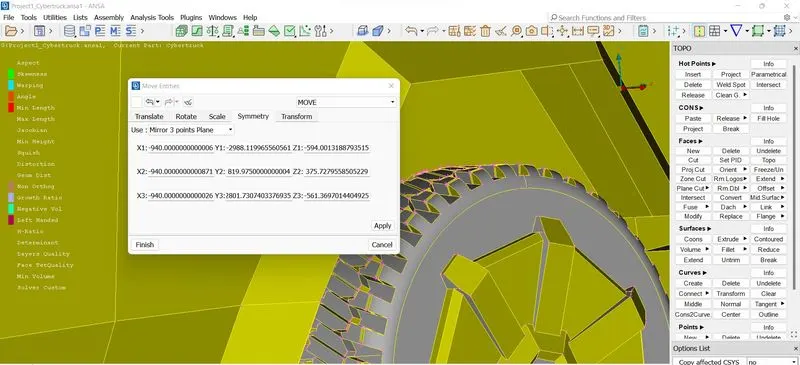
Then using the transform option symmetry the model
Check for geometry error in Geometry manager once
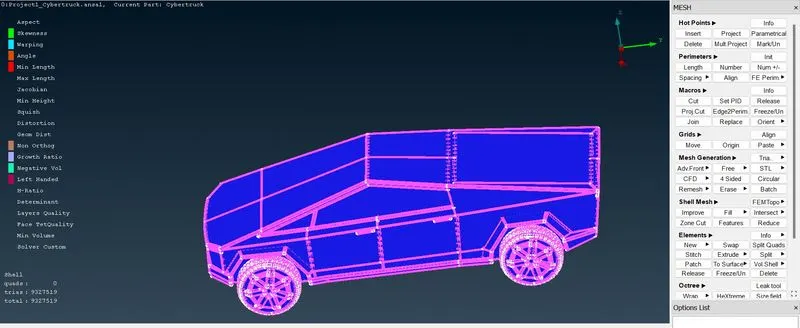
Then create a point for creating a plane for wind tunnel
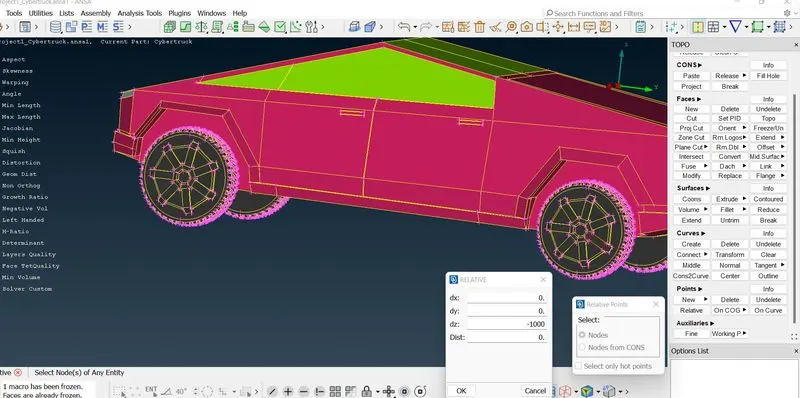
Creating all points by preffered length
Then draw the curve using the points and create a face
Then offset the face using offset options and create the side faces also
Assign the PIDs for all face planes
Then mesh the bottom faces and top faces using auto cfd
Where here bottom meshed for 150mm and top meshed for 400 (due to i3)
Then finaly grow the mesh using manual spacing and done the meshing
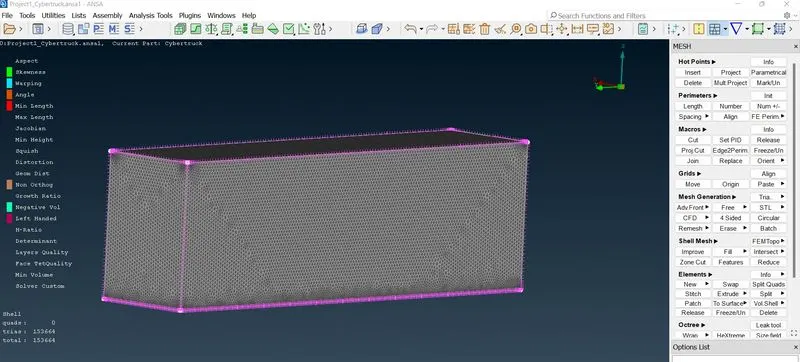
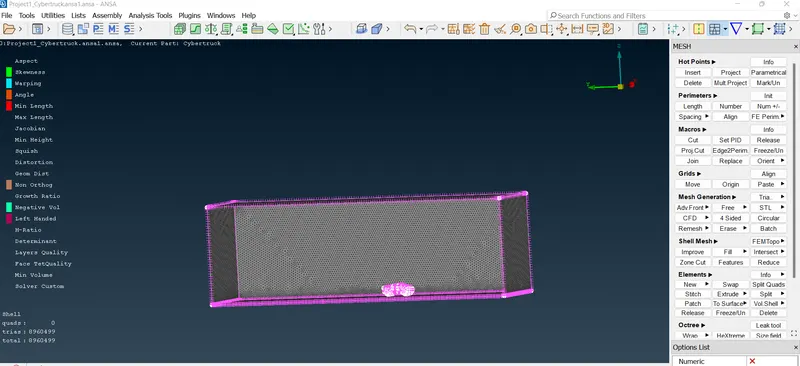
drive link: https://drive.google.com/file/d/1VhN3teJQFWI3gAXkguPwAWlhQmZh-HPg/view?usp=sharing
Conclusion
For the given model, checked and solved all geometrical errors and Assigned the appropriate PIDs. Performed meshing with the suitable Target length and created the wind tunnel and meshed the wind tunnel.