Project 1 : CFD Meshing for Tesla Cyber Truck
AIM : For the given model, check and solve all geometrical errors and Assign appropriate PIDs. Perform meshing with the suitable Target length and element Quality criteria.
PROCESS FOR THE GIVEN MODEL :
- FIRST WE HAVE TO CLEAR ALL THE GEOMETRY ERRORS OF THE MODEL.
- THEN ASSIGNING THE DIFFERENT PID'S TO THE MODEL
- AFTER ASSIGNING THE PID'S ,THEY WILL BE MESHED WITH DIFFERENT TARGET LENGTHS.
- FINALLY A WIND TUNNEL MUST BE CREATED.
Procedure:
Geometry clean up:
- First we have to upload the geometry model into the ansa and do topo clean up over the whole model.
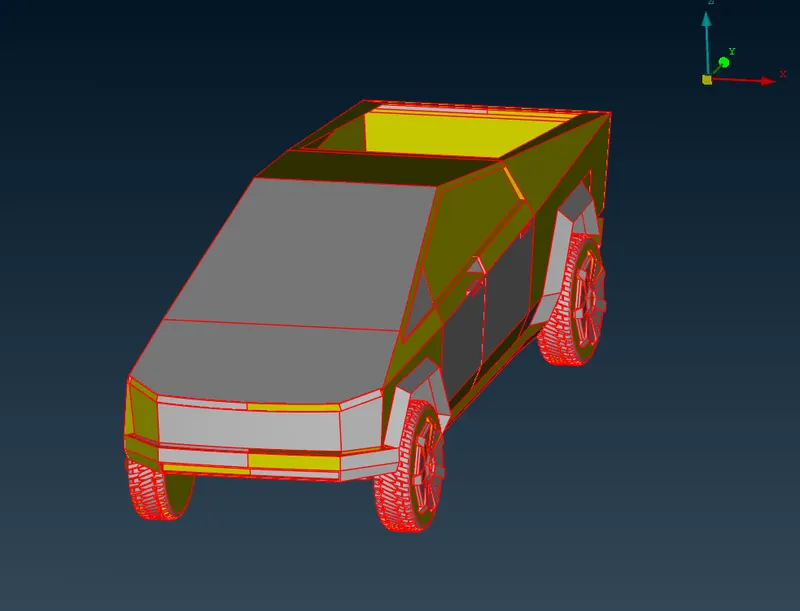
- After topo checkup all single con's will be deleted and double may get.
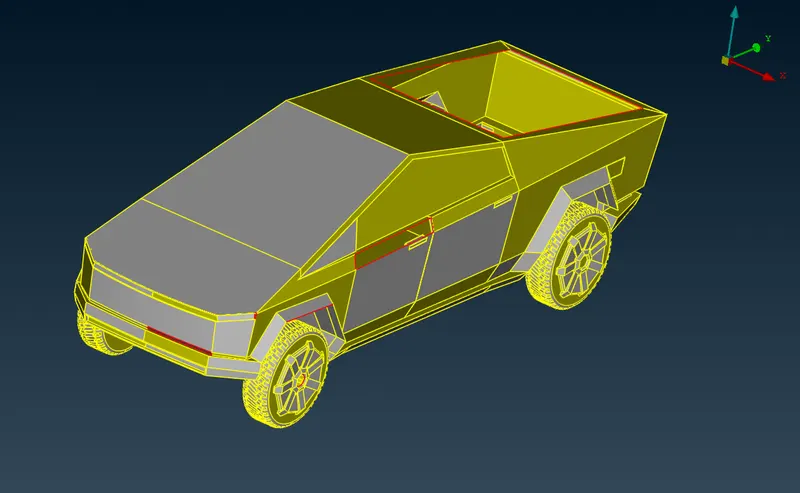
Hence,the model is having less errors, we can directly cleanup the whole geometry without doing symmetry.
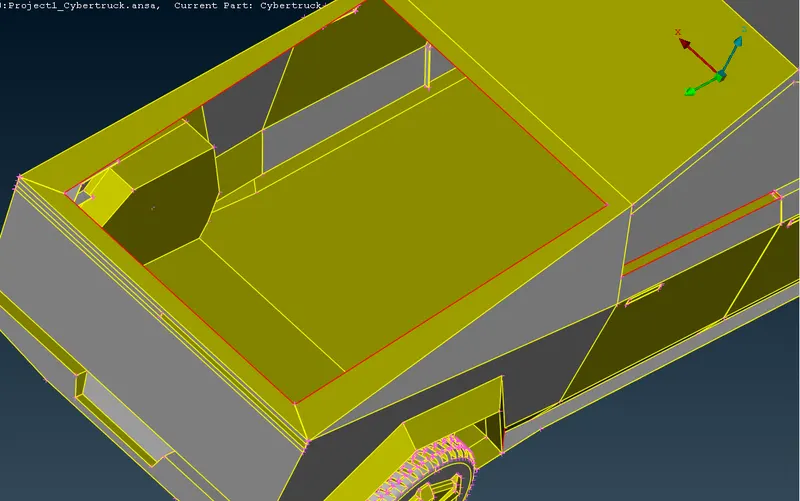
- In the model some of the geometry surfaces are missing.
- They can be filled ,by using NEW option.
- By clicking on the con's of newly wanted surfaces,we may the get appropriate surface .
The below image shows the body without surface,
And the below image shows the body with new surface.
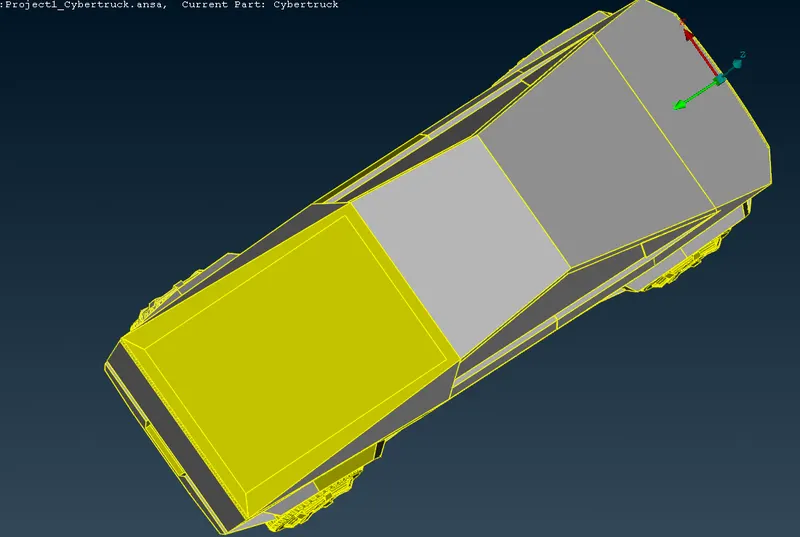
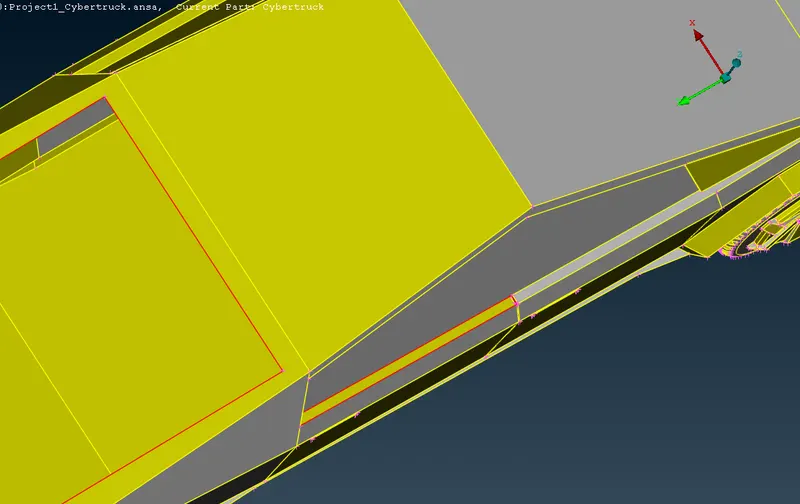
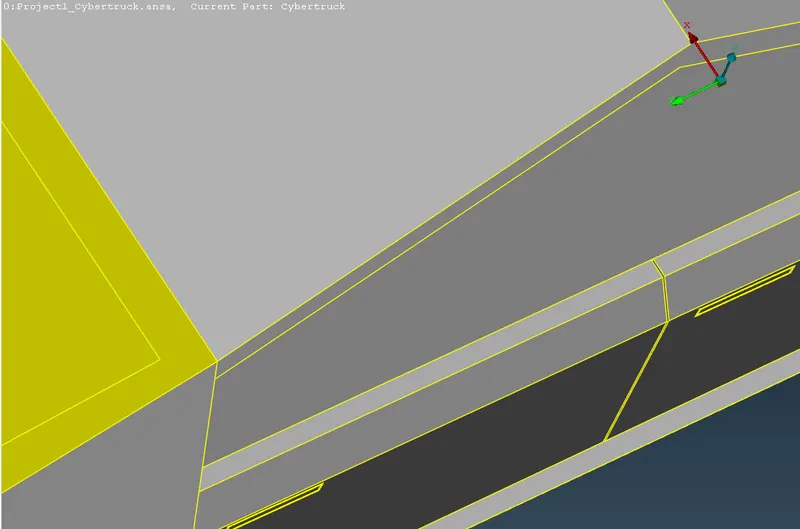
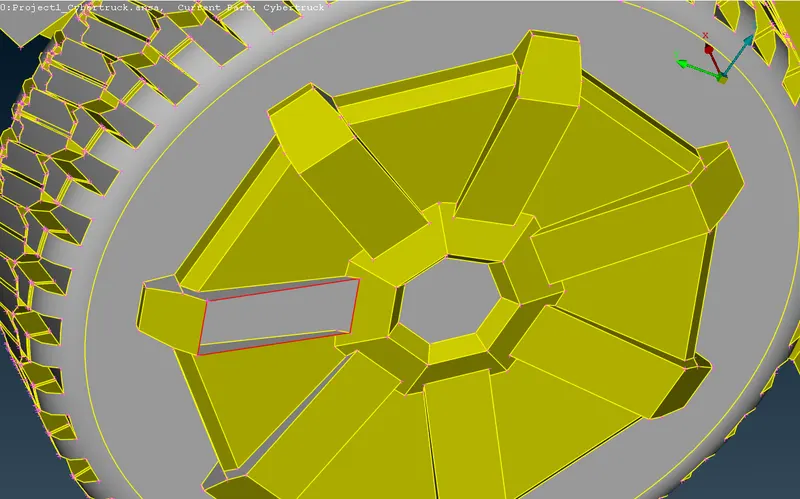
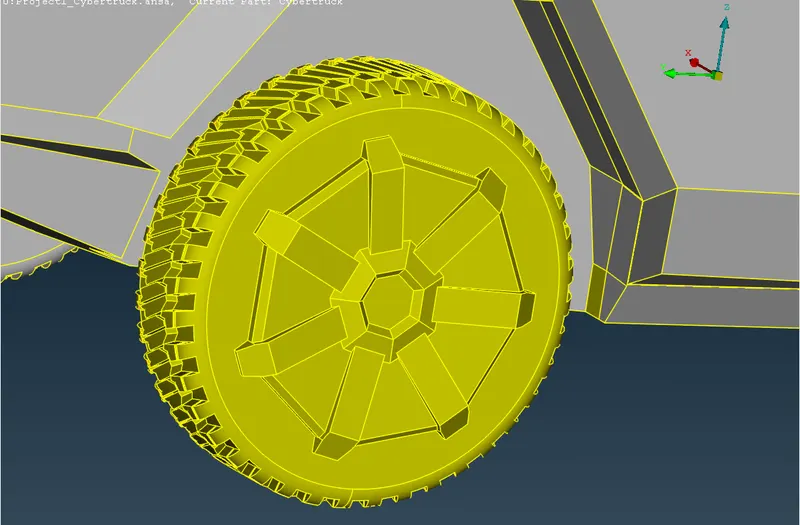
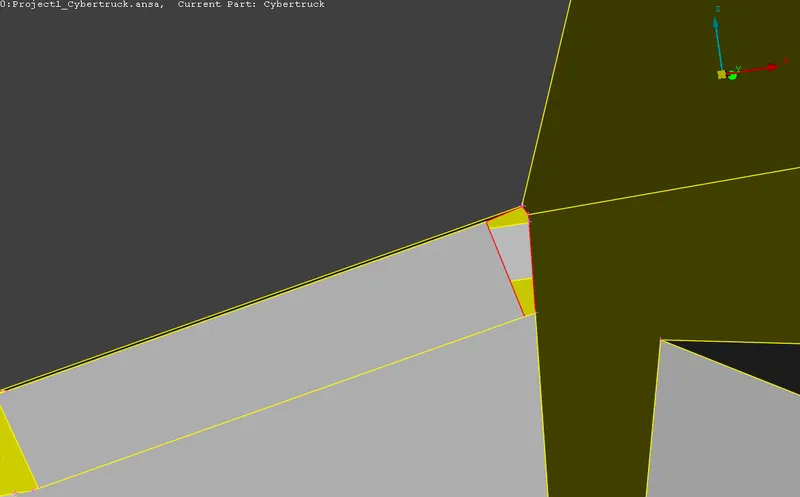
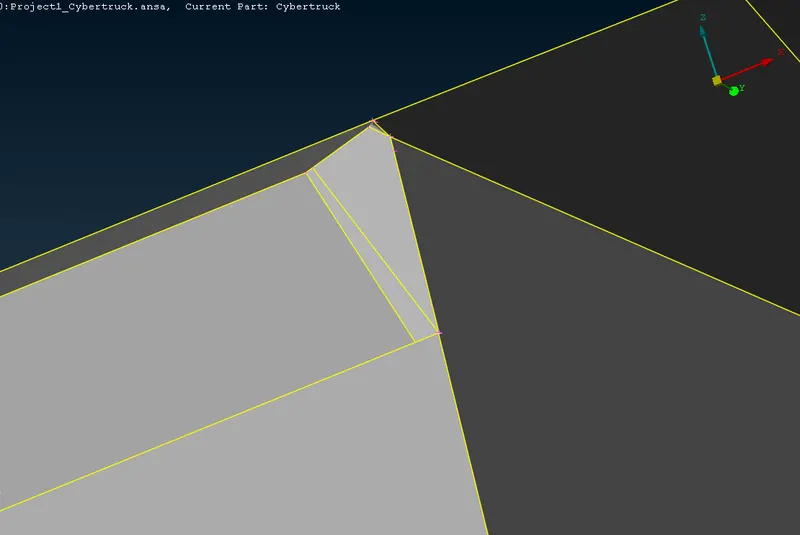
The above all the images shows ,with the new surfaces .After filling all the surfaces with the New option.
SOME MINNOR ERRORS IN THE BODY ATTACHED TO TYRES.
- And some of the minor surfaces are missing. we have to creat the surfaces accordingly.
- There is intersecting surfaces.
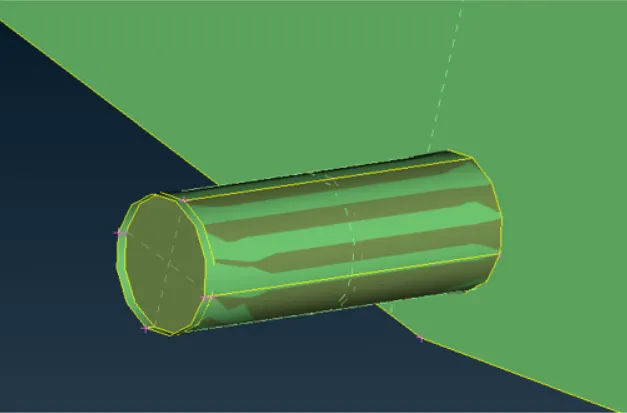
- This can be cleaned using UNIVERSAL DELETE option present in the ribbon.
- Before assinging the PID's once run ther check manager. The geometry should be with zero errors.
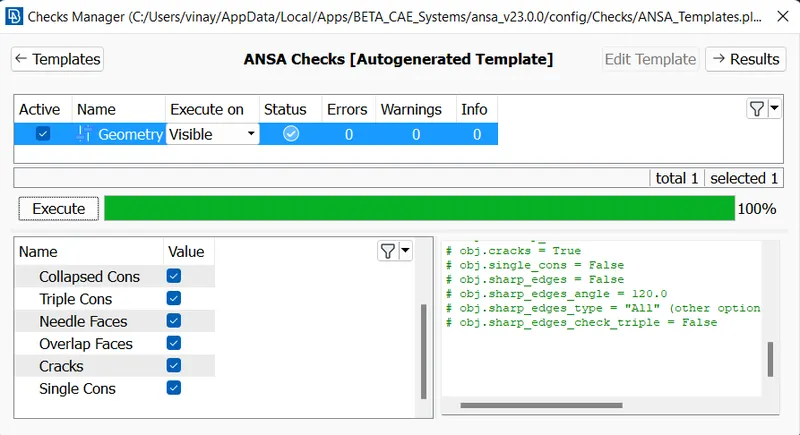
- Then the model is ready for meshing.
Assigning PIDs:
- Go the properties and creat new PID's. Assign the names and conform the parts by apply.
- Delete or compress the all unwanted PID's.
- The below are PID's of the tesla car.
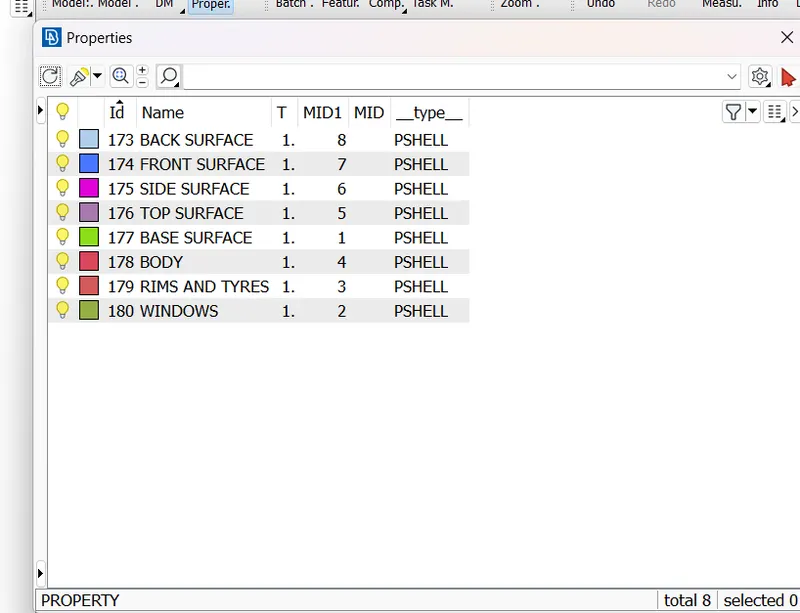
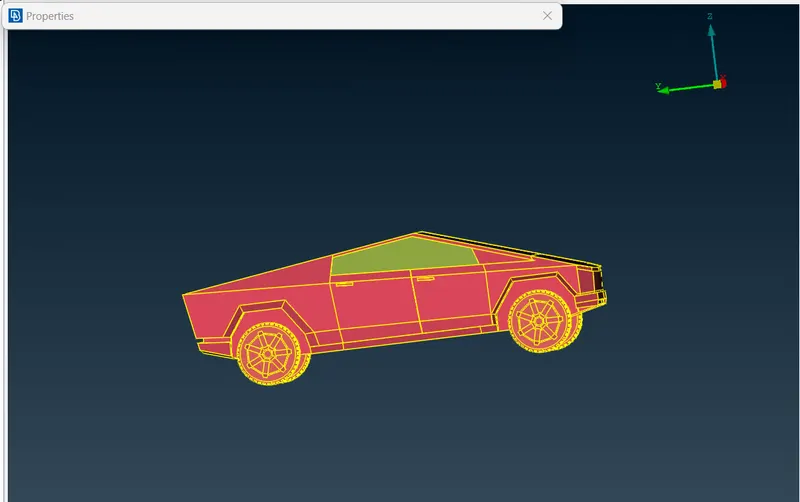
Meshing:
There should be zero off elements while meshing .
1. Meshing up the Windows:
- In order to assign quality criteria one must know the minimum and maximum length present in the geometry.
- Measure it using the measure tool.
- Target Lenght = 5mm.
- Minimum Lenght = 1 mm.
- Maximum Lenght = 9 mm.
- Quality criteria = 0.5.
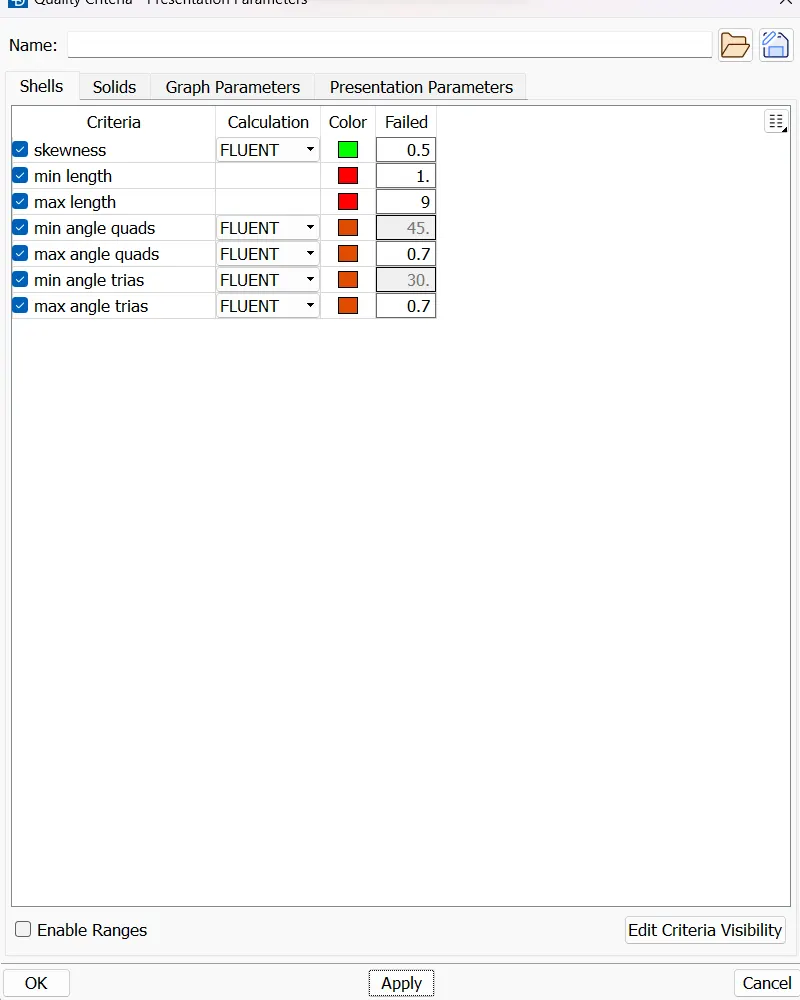
The above image shows the quality criteria of the windows.
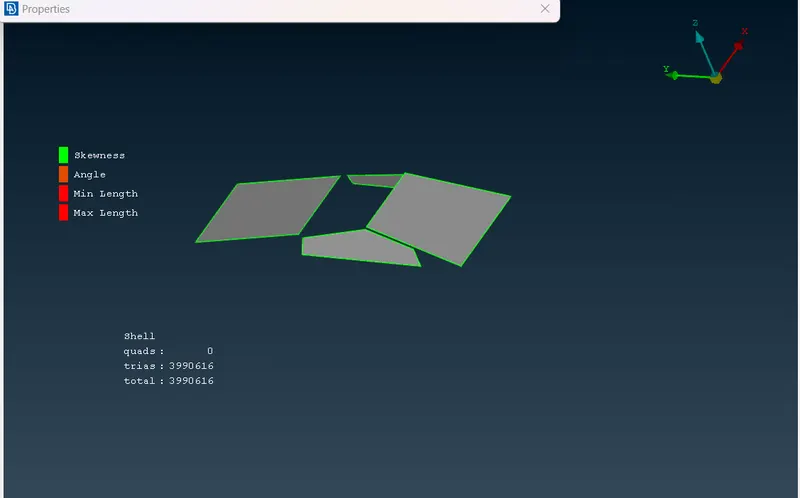
The meshed windows with the given target length and quality criteria.
2.Meshing up the Windows Rims and Tyres:
- In order to assign quality criteria one must know the minimum and maximum length present in the geometry.
- Measure it using the measure tool.
- Target Lenght = 3 mm.
- Minimum Lenght = 1 mm.
- Maximum Lenght = 5 mm.
- Quality criteria = 0.5.
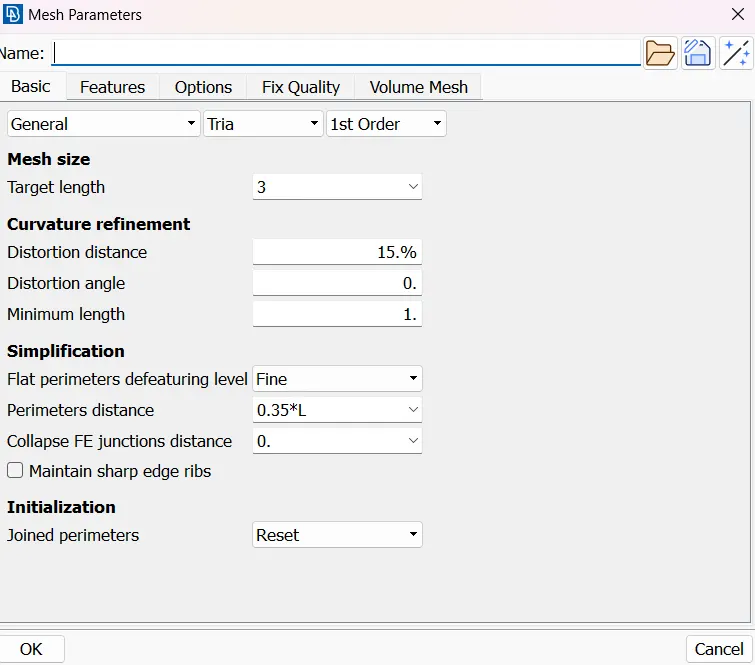
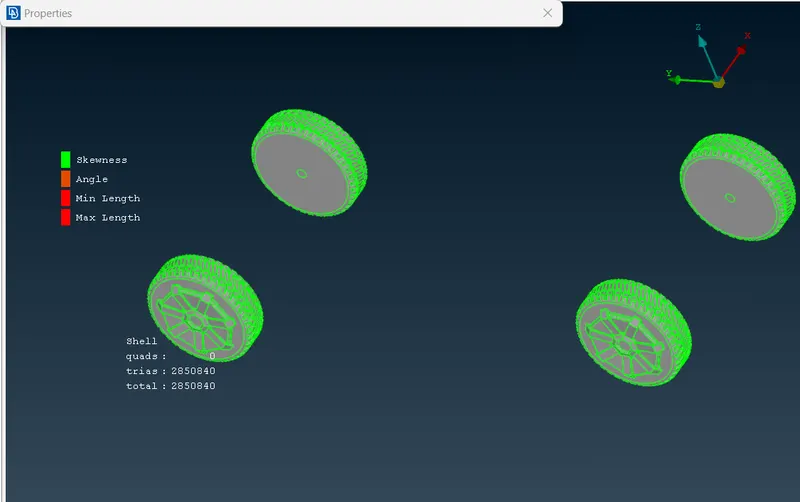
Tyres and Rims are meshed with the given quality criteria and target length.
3.Meshing up the Body:
- In order to assign quality criteria one must know the minimum and maximum length present in the geometry.
- Measure it using the measure tool.
- Target Lenght = 5 mm.
- Minimum Lenght = 1 mm.
- Maximum Lenght = 9 mm.
- Quality criteria = 0.5.
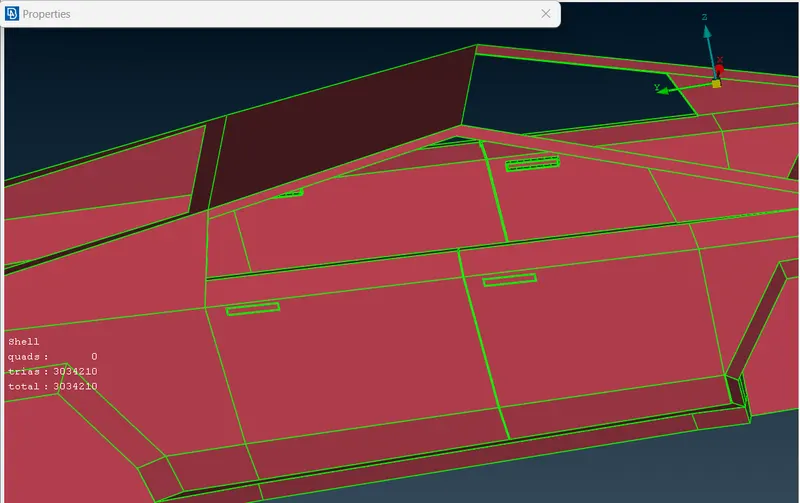
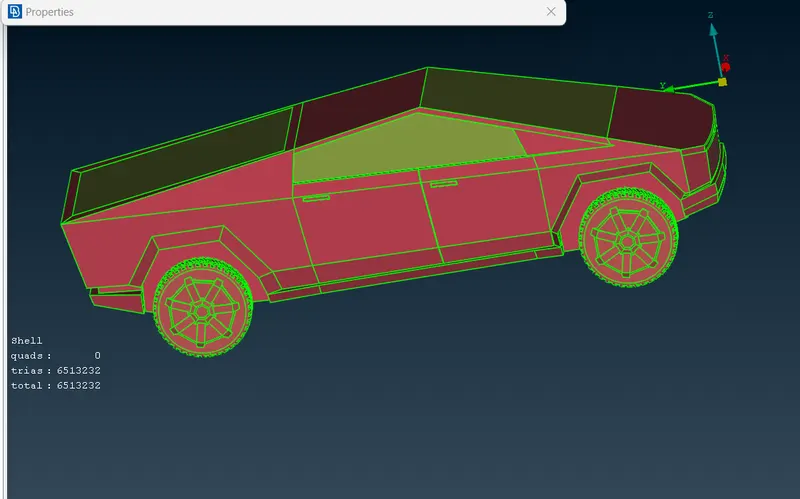
The body is meshed with the given quality criteria and target length.
Creating Wind Tunnel:
- There are few standards to be followed to make a wind tunnel.
RELATIVE option for tunnel generation :
STEPS FOR TUNNEL :
- This tool helps in creating a point relative to an already selected point in either x,y or z direction.
- Select RELATIVE option. Then a nodes option open create a node and then assign a value for the node and enter,then it creates a point.
- A point should be created below the car.
- With the similar approach we can create more points using RELATIVE option.Total length of the car = 5950.
- Front Point should be created at 4x distance from the starting point of the car + distance from center point to starting point of the car.
- Rear Point should be created at 6x distance from the rare end point of the car + distance from center point to rare end point of the car.
- Top Point should be created at 3x distance from the top point of the car + distance from mid point of the car to the side end of the car.
- Side Point should be created at 1x distance from the side points of the car.
Therefore,
- Total length of the car = 5950 mm.
- Front Point = 24720 mm.
- Rear Point = 40600 mm.
- Top Point = 19880 mm.
- Side Point = 5950 mm.
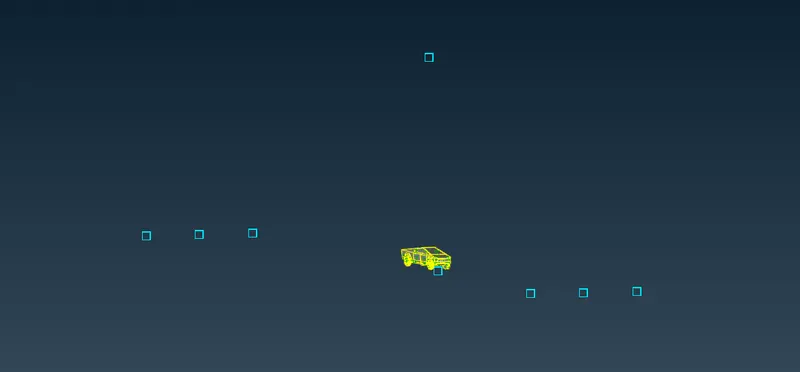
- These points can be used to create curves.
- Select CREATE option. [TOPO DECK -CURVEs- CREATE].
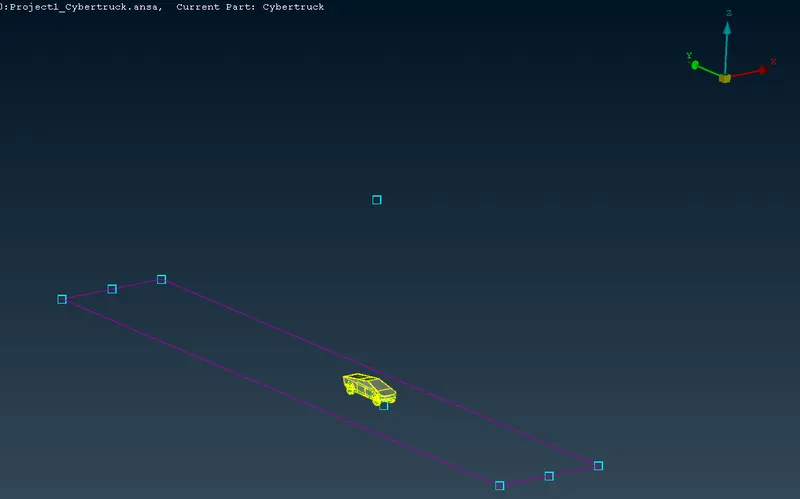
- Using this one can create surface/face.
OFFSET option:
- This tool helps in creating a surface/face offset from selected entity.
- Select OFFSET option. [TOPO DECK-FACES- OFFSET].
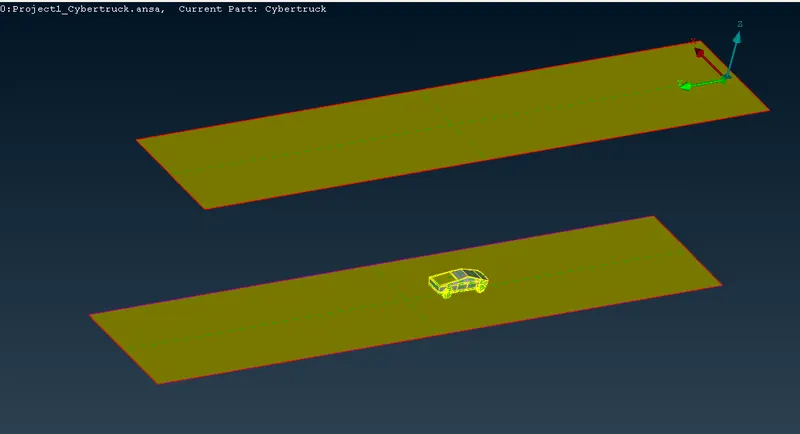
- Creat all the surfaces by taking the reference of top and base surfaces.
- And assign the PID's of the created surfaces.
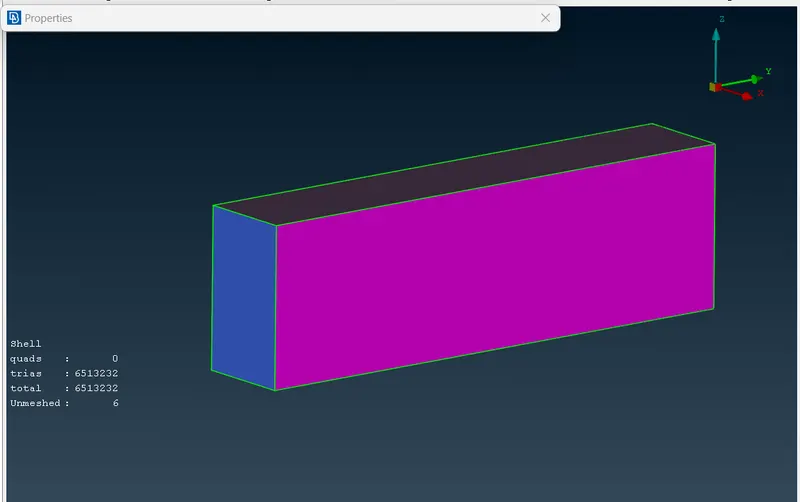
- Finally, the wind tunnel looks like this.
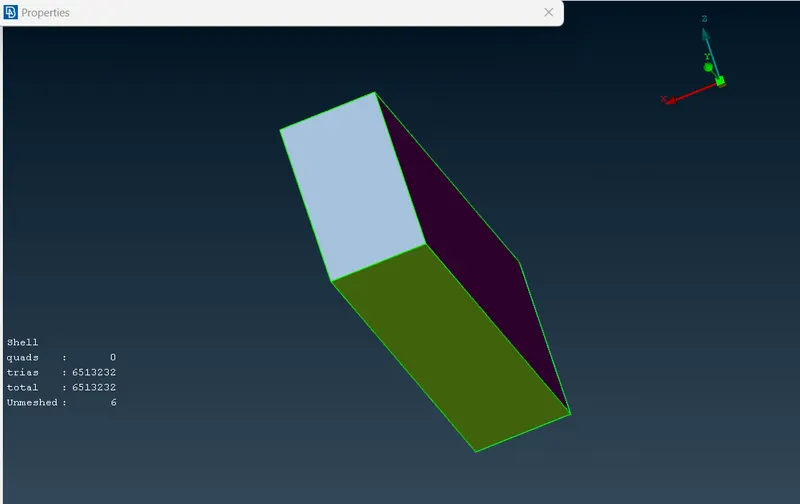
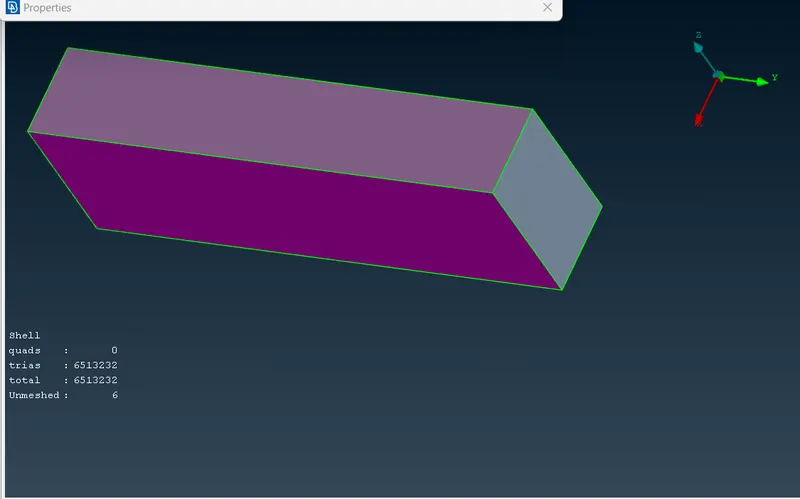
Meshing Wind Tunnel :
Mesh generation for the Tunnel is not supported by my PC,it is i3 processor .It is taking a lot time for running ,ansa is automatically shutting down .It's troubling my Pc .
So that's why ,mesh for the tunnel is not generated .
Conclusion:
- Topology clean up part by part with the help of different tools and creating the new surfaces.
- Assigning appropriate PIDs.Meshing the assigned PIDs .
- Deligating with off elements and it rectification using different tool approach.
- Creation of wind tunnel and meshing of it.
GOOGLE DRIVE LINK OF THE PROJECT [TESLA] :
https://drive.google.com/file/d/1k__QSXt8vqBlPGTmDHaaufMwD6wTPr--/view?usp=sharing