Project 1 : CFD Meshing for Tesla Cyber Truck
Notice: - After the volume define the size of the file is more, but in the challenge submission time it is not supported because its large so I am sharing the google drive link please download from the link.
Link:
https://drive.google.com/file/d/1qS_mmFj-__97G1OxwrMIcVUSXS4k4D3l/view?usp=drivesdk
Aim
Check and solve all geometrical errors of the tesla cyber truck model, and create and assign PIDs. Mesh the elements with a meshing length and check the quality criteria of meshing. Assign the wind tunnel and do the volumetric mesh of the wind tunnel.
Procedure
In the tesla cyber truck model, we found many errors like missing surface and the presence of single cons and triple cons. To remove the errors and mesh the truck we use 3 modules TOPO module, surface mesh module and volumetric mesh module. In the surface mesh operation, we use mesh properties and quality criteria for checking the quality of the surface mesh. After the meshing, we create the wind tunnel which is measured from the length of the truck.
Use of TOPO module
In the TOPO module, we first check the error like missing surface, presence of single cons and triple cones. In this module, we can create a new surface in place of the missing surface and remove the single cons. If there are any triple cons have to delete a surface which is extra after doing this operation we will get a perfect model.
After clearing all the errors we have to create and have to assign the PIDs, in this model we have to create 3 PIDs like body, window and rim & tyre after that we assign the PID as creation.
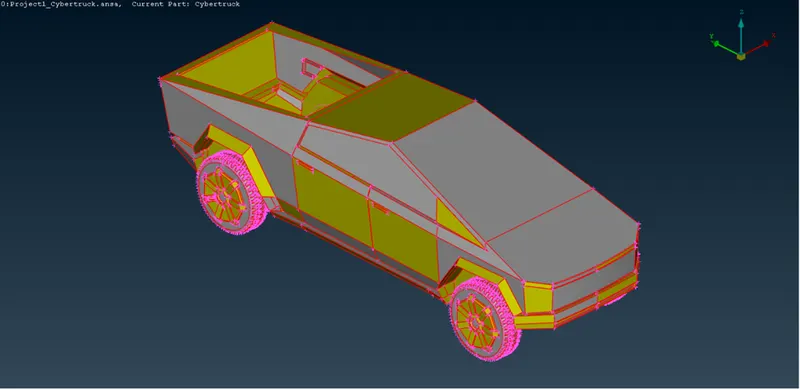
(Before fixing errors)
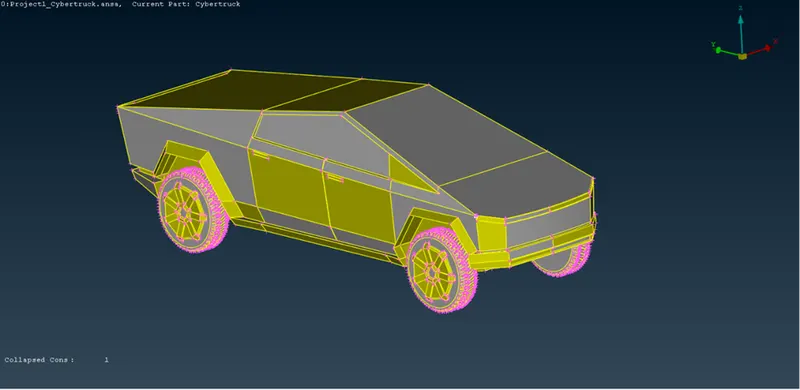
(After fixing errors)
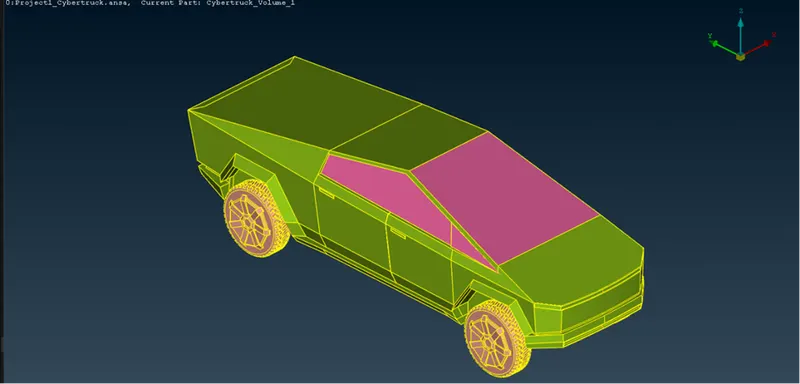
(After assigning PIDs)
Use of surface mesh module
After clearing all the errors, the most important things are to mesh with the perfect size element. The mesh element size is different for every PIDs, here we use two options to check the quality of the mesh first one is mesh properties and the second one is quality criteria. Mesh the PIDs as follows:
Windows: For the windows meshing use the element size is 4mm with minimum 3mm and maximum 5mm mesh length is used also perimeters and macros are take 4mm length
Rim & tyres: For the wheel meshing use mesh length of 3mm with minimum 2mm and maximum 4mm also perimeters and macros are taken as 3mm length.
Body: For the body meshing with mesh size is 5mm also taken minimum 3mm and maximum 7mm, here perimeter and macros are not taken because it has to merge with the windows perimeter mesh size
In all the 3 PIDs use as given the mesh element size and click the algorithm of CFD mesh and Advance front after the meshing we will get soe off elements which is not in perfect size so we have to improve the mesh or we can reconstruct the mesh which will reduce the off elements number, we can see in below.
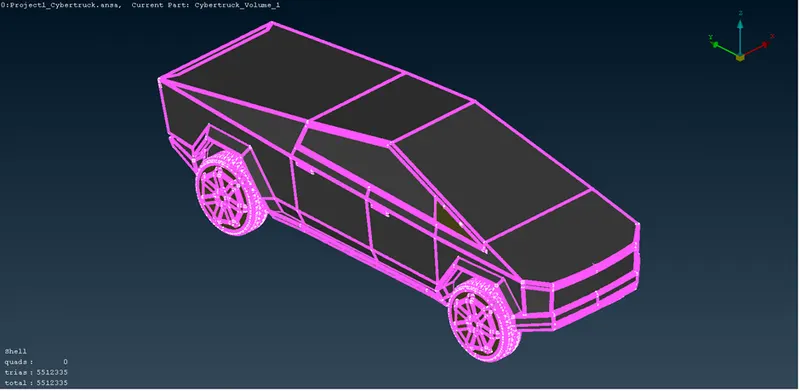
(Mesh with shadow mode)
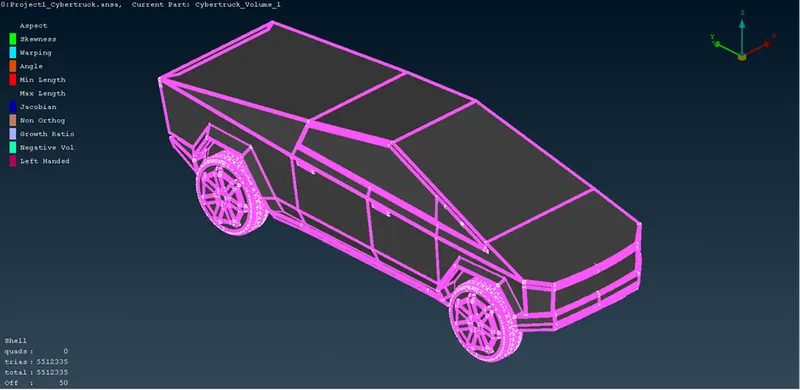
(Mesh with the hidden mode)
In the hidden mode of the PIDs shows the off-element number with the tetra element number which is reduced from higher.
After completing the meshing of the truck we move to the wind tunnel, for the construction of the wind tunnel we use some surfaces which are at some distance from the outer surface of the body. We have the truck length of 5900mm which is taken as X
- Front surface is 4*X distance from the front surface of the truck, that is 23600mm
- Back surface is 6*X distance from the back surface of the truck, that is 35400mm
- Top surface is 3*X distance from the top surface of the truck, that is 17700mm
- Side surfaces are X distance from the side surface of the truck, that is 5900mm
- Bottom surface s near to the wheels
After creating the surfaces we have to assign them as PIDs number and doing mesh in top surfaces as element size 800mm and bottom surface 100mm after doing upper and lower surfaces we use the algorithm of spacing for meshing the side surfaces of the wind tunnel.
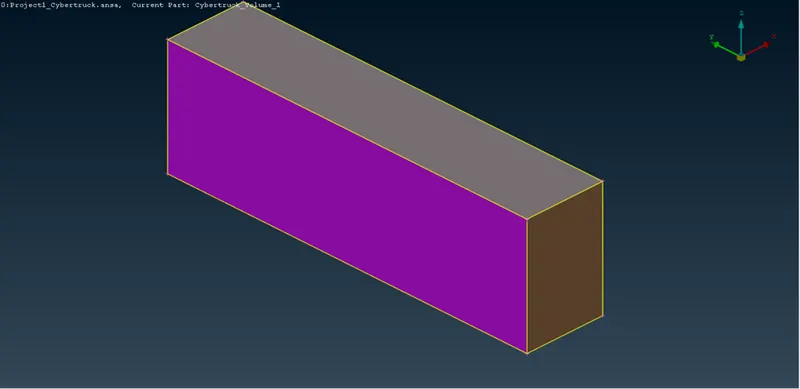
(Wind tunnel with PIDs assign)
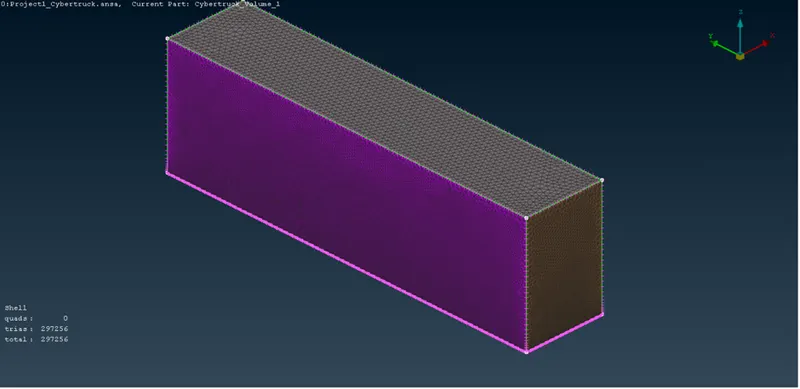
(Wind tunnel with meshing)
Use of volumetric mesh module
After doing surface mesh of the wind tunnel we use volumetric module for define the volumes. In the volumetric mesh we use define algorithm for auto detecting the volume present in the whole model.
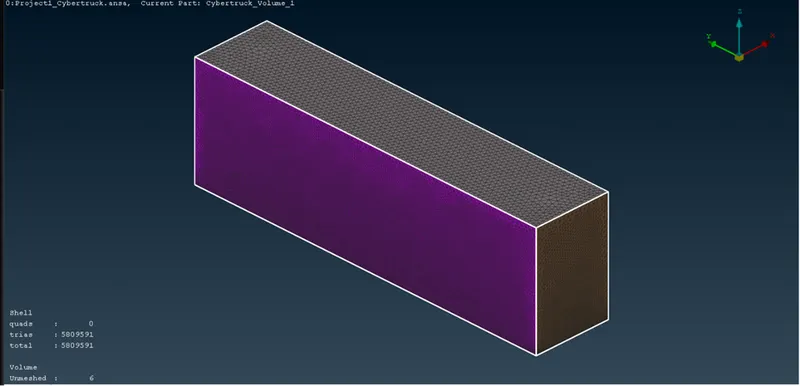
(Define volumes present in the model)
Result
After defining of the volumes, we will get all the volumes which are present in the model now we need only the wind tunnel so we will delete all the volumes except the wind tunnel which will help us to solve the problem of flows. I cannot do the volumetric mesh because my system is crashing due to the heavy mesh load of the other parts I have defined the volume of the wind tunnel shown below
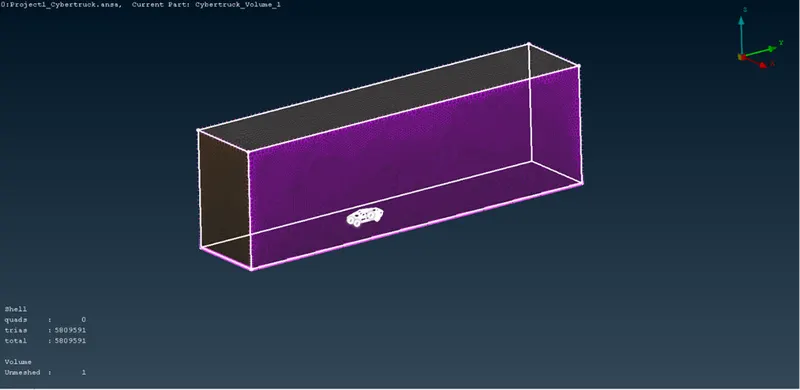
(Volume of the wind tunnel)
Conclusion
By this project tesla cyber truck wind tunnel volume define I have used many tools which I havelearnedn from the video lecture and from other sources which are made it easier for doing my project. The most important part of the analysis is meshing whichtakese an important part. The perfect meshing will give the accurate result of the problem.
Notice: - After the volume define the size of the file is more, but in the challenge submission time it is not supported because of its large so I am sharing the google drive link please download from the link.
Link:
https://drive.google.com/file/d/1qS_mmFj-__97G1OxwrMIcVUSXS4k4D3l/view?usp=drivesdk