Project 1 : CFD Meshing for Tesla Cyber Truck
Ansa file of cfd meshing of tesla cyber truck
https://drive.google.com/file/d/1K3ylPGCI41ID7IK0a0_tjVPFVwy4kVwG/view?usp=sharing
CFD Meshing for Tesla Cyber Truck
Aim
For the given model, check and solve all geometrical errors and Assign appropriate PIDs. Perform meshing with the suitable Target length and element Quality criteria.
Target lengths for the different parts of a model can be decided by your own. Finer mesh will give good results and will compromise with the longer processing time.
(Note: Kindly take reference of Week 4 videos for other common Quality Criterias)
All the 2D elements(Trias) in your model should clear the quality criteria (i.e. Off elements should be zero).
Procedure
we are importing the ansa file of tesla cyber truck. we can see the wire frame model of the cyber truck and we can on the shadow mode to see completely.
later we have to find the geometric error and we have clear all the geometric errors one by one. I have done one by one step.
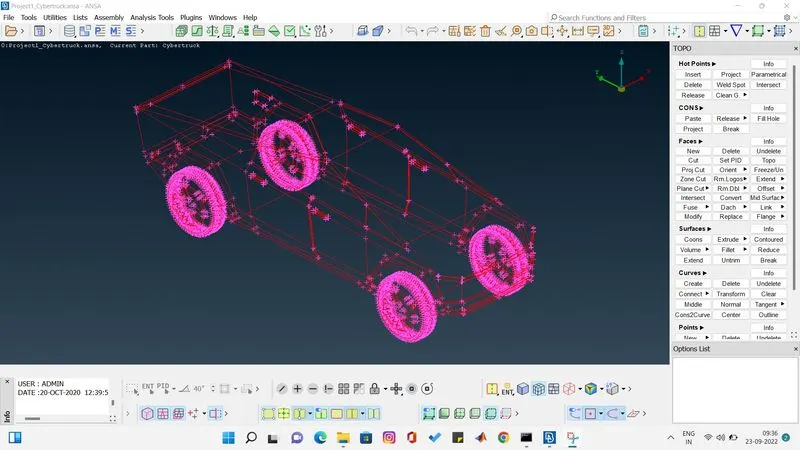
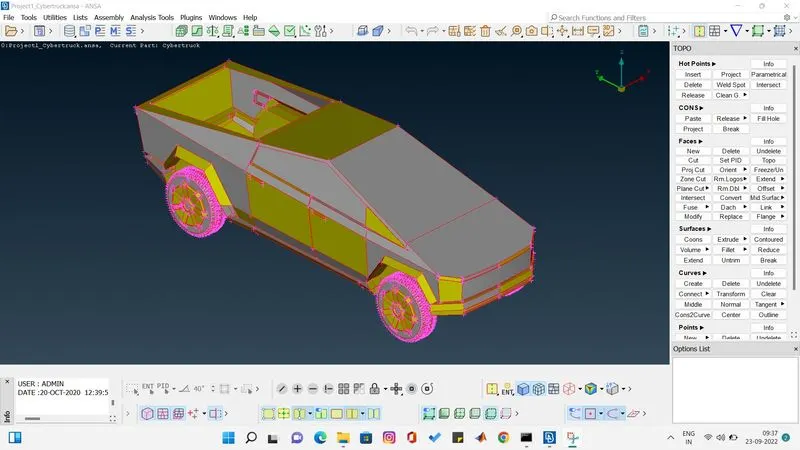
we are doing topo to reduce the error by ansa itself. after topo we start clearing the error one by one.
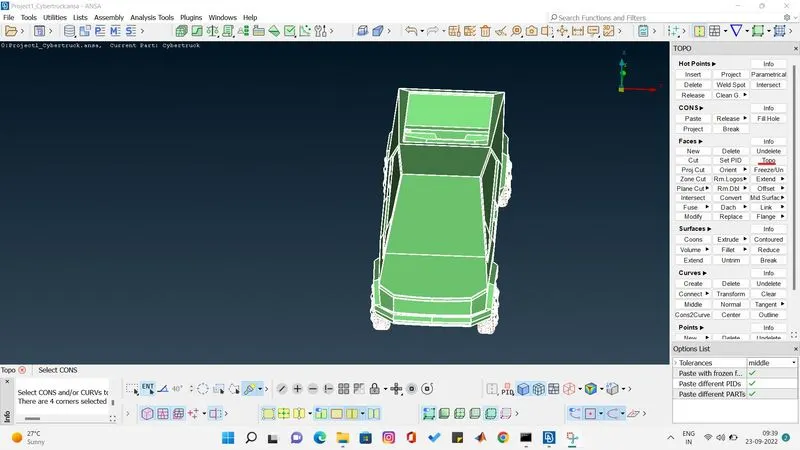
now we see the missing parts in many of the place in truck now create new face and create the surface to clear the red cons.
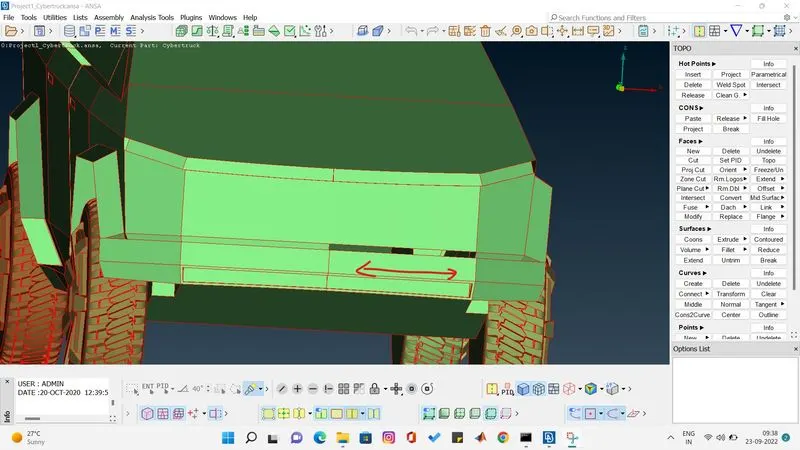
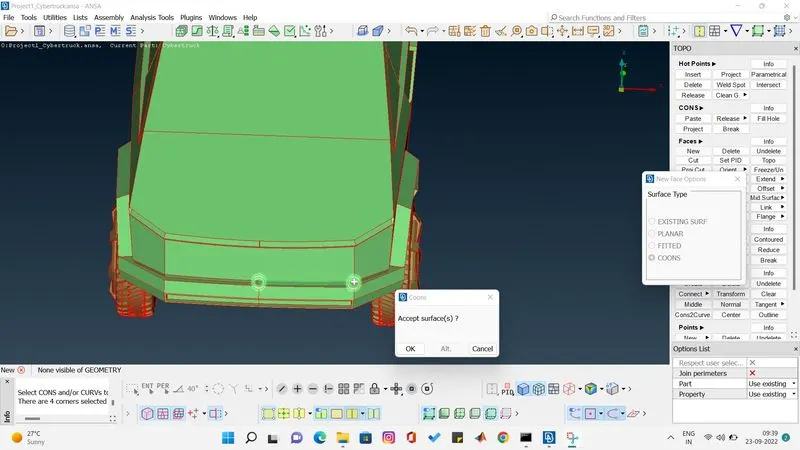
we see missing surface use face coons to create surface.
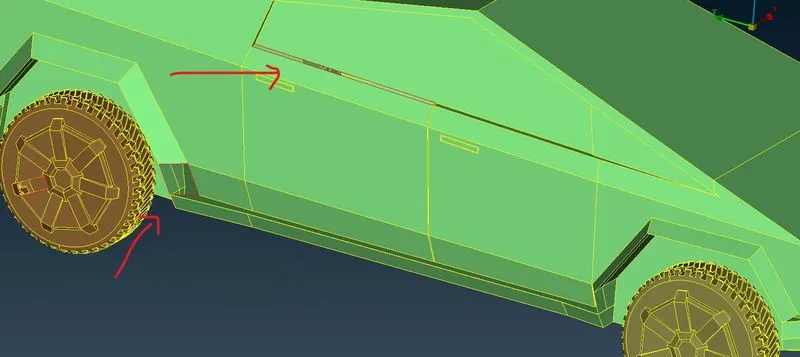
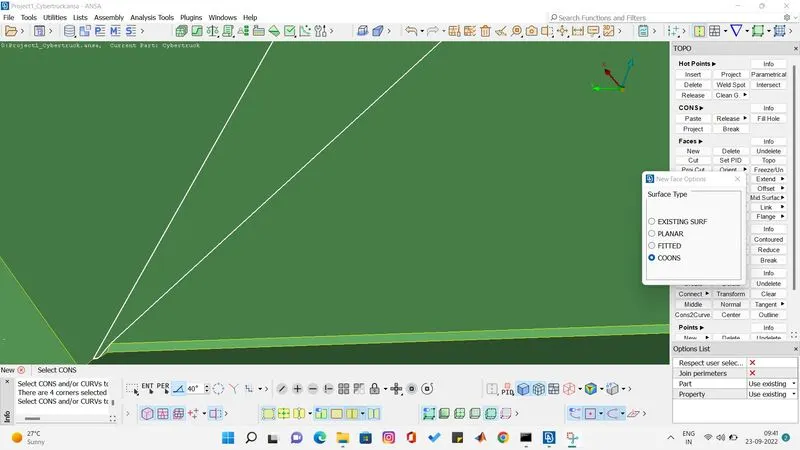
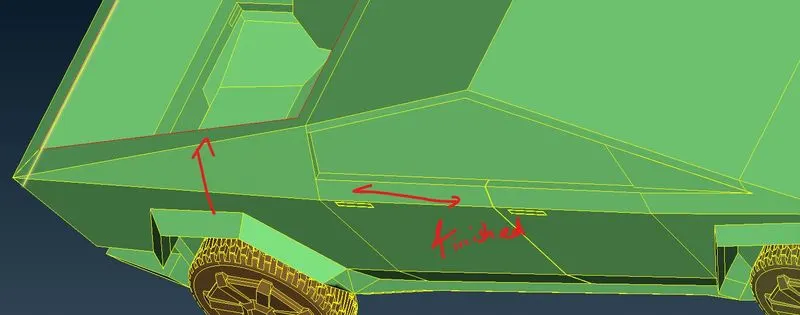
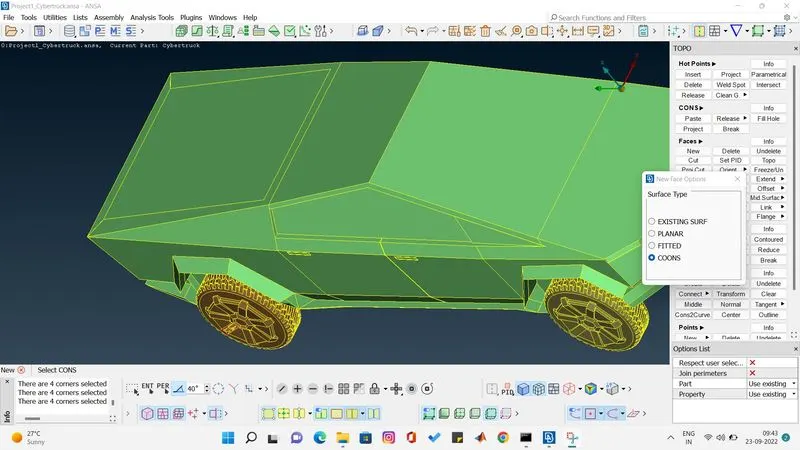
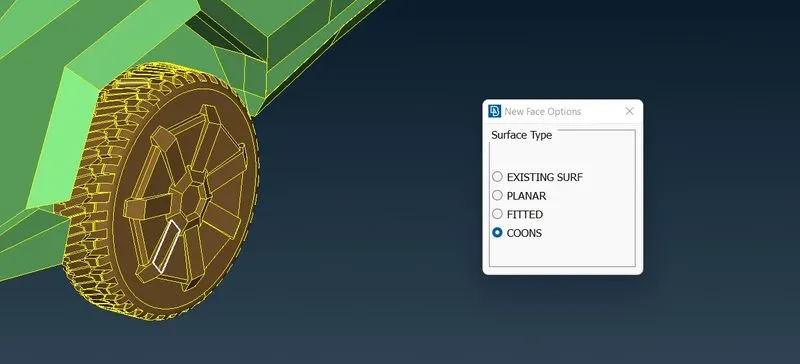
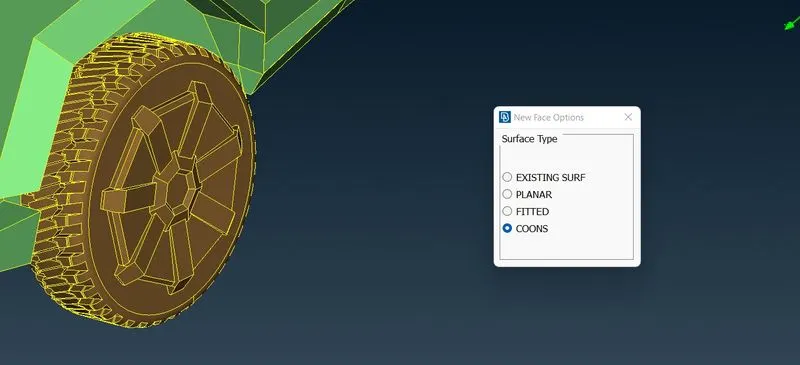
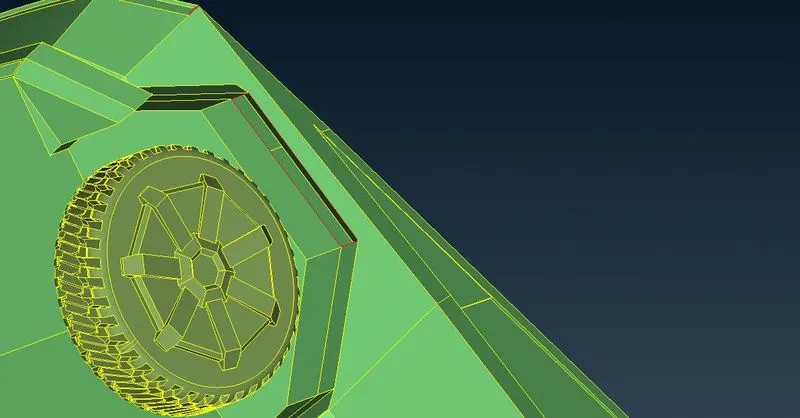
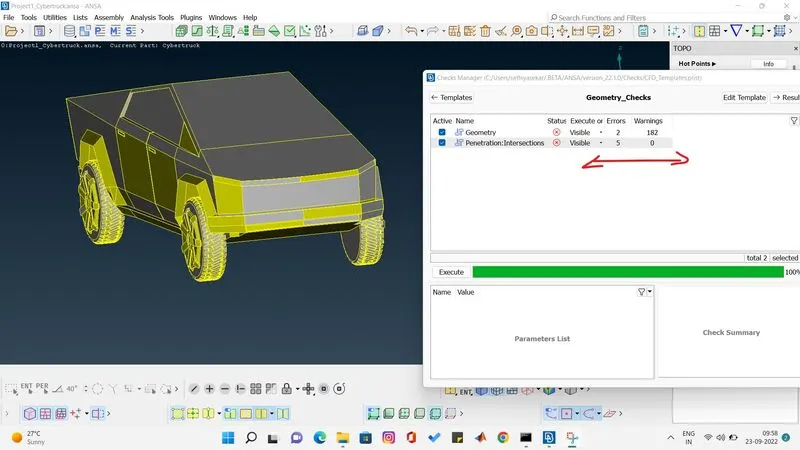
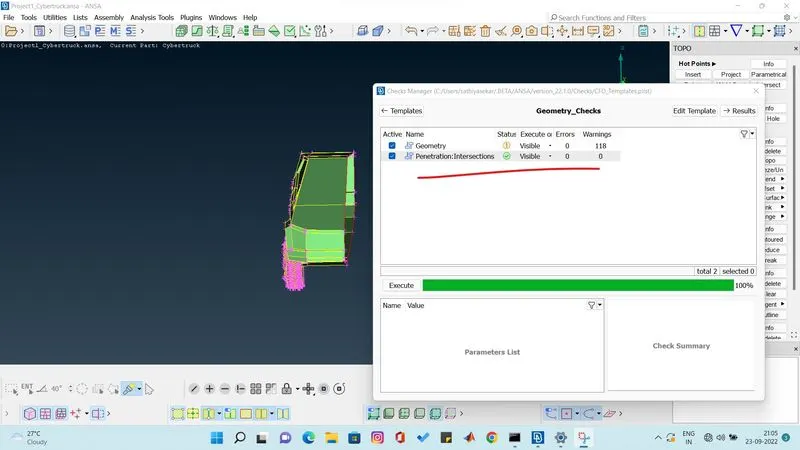
after clearing the visible coons let do check manager and find out geometric error and intersection errors. we found two geometric error which are small craks. and we fund 5 intersection error.
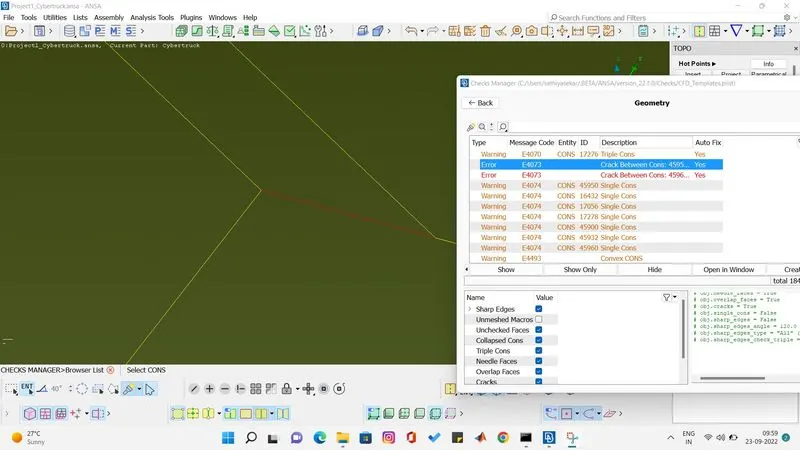
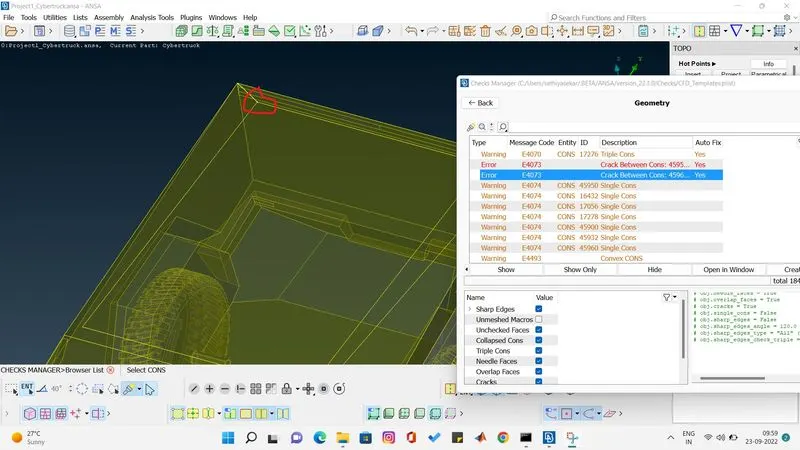
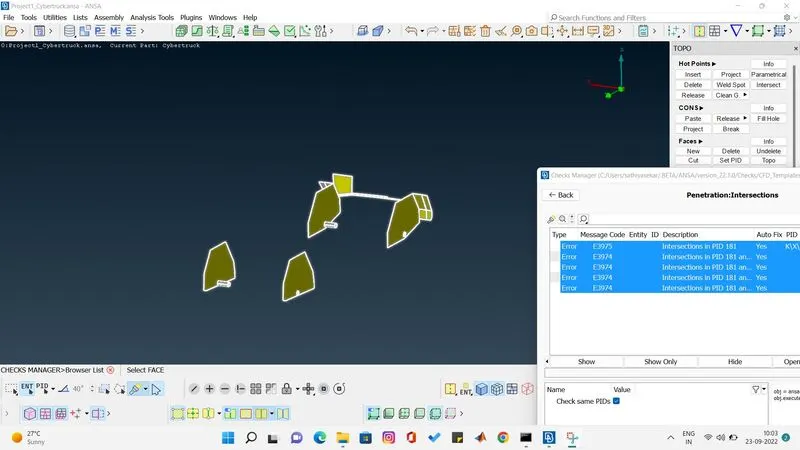
I have cleared the geometric error and started clearing the intersection error on the shaft of the body which is connecting to the wheel. i found intersection surface on the shafte i removed it and cleared the errors.
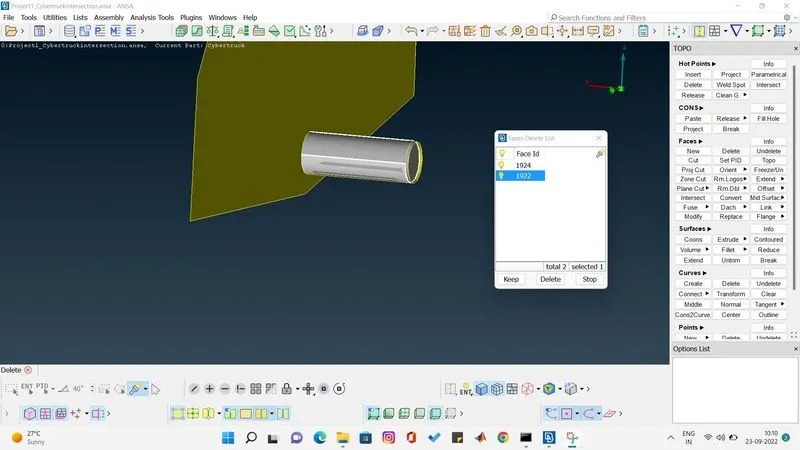
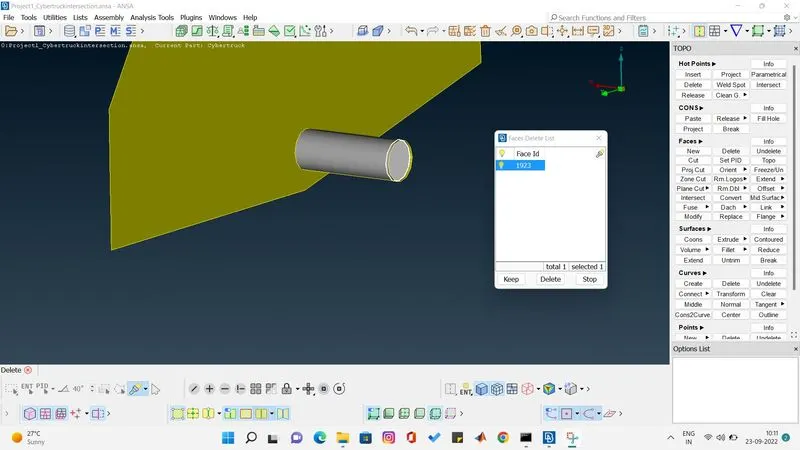
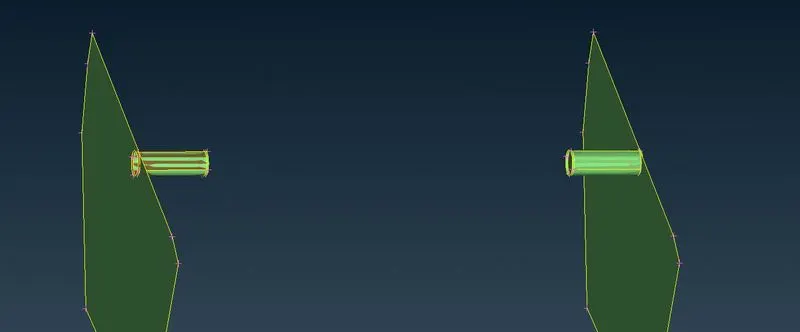
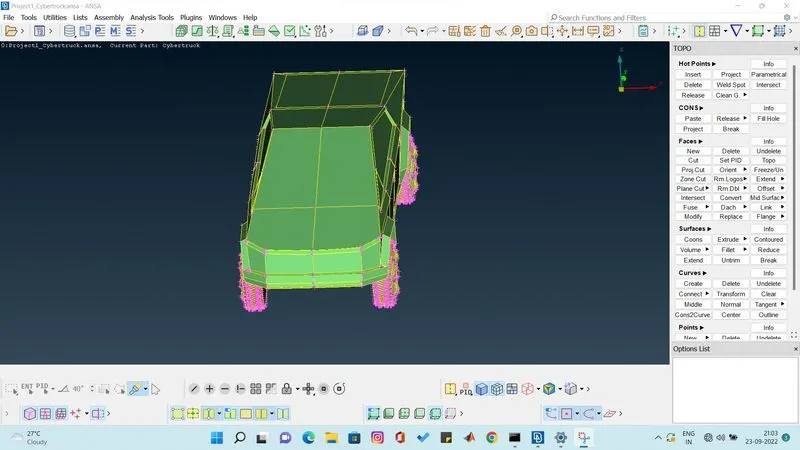
now i have removed all the intersection error in one side and i have cut the car into equal part using plane cut single option so that i can delete all the half portion which has intersection errors too.
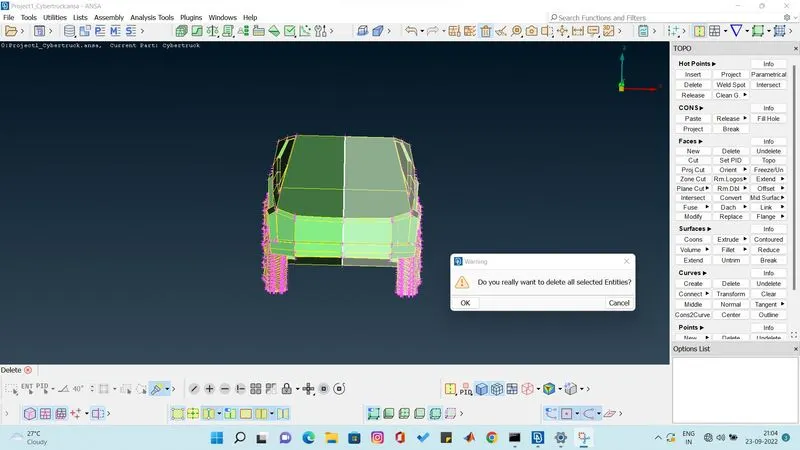
after deleteing the half portion check for intersection and geometric errors. i found no intersection error and geometric error in my model.
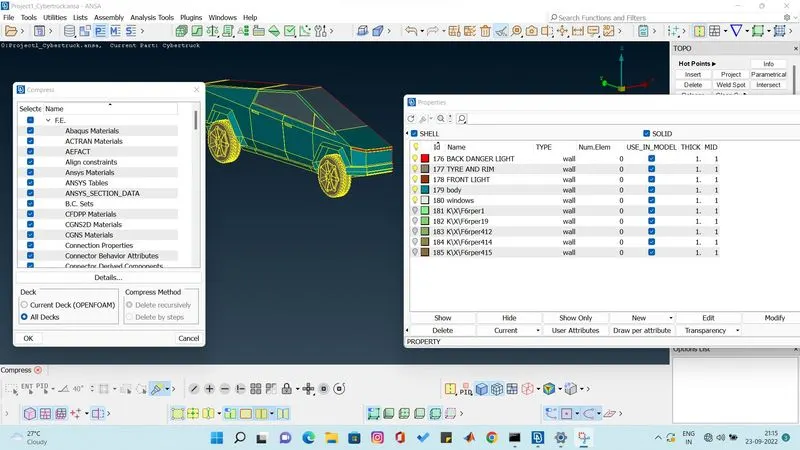
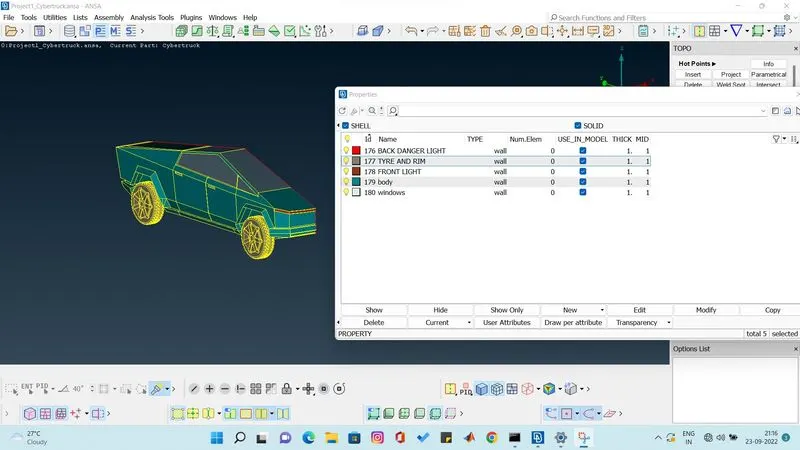
i have assigned pid for windows, body, type and rim and lights and i have given colors on my interest how the car should look.
then i have cleared the unassigned pid by using compress option.
MESHING
now we have assigned pid for the truck now lets start doing meshing for every pid based on there meshing creteria.
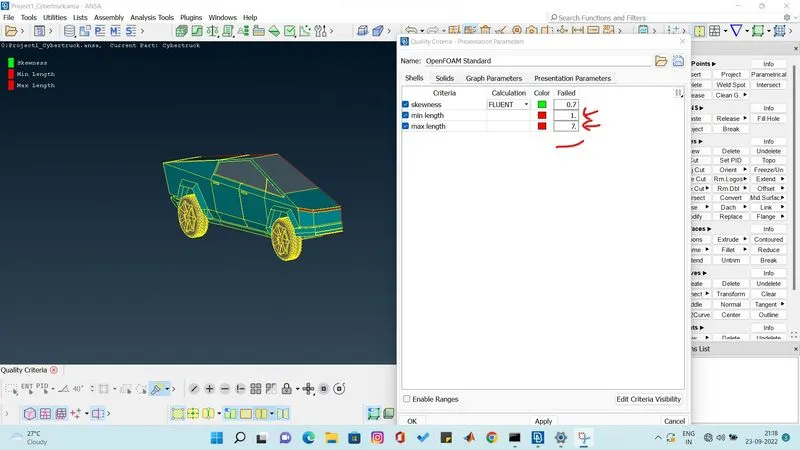
first quality creteria is assigned based on meshing creteria of the truck the min length of pid is 2mm and max is 4 mm so we are giving the quality creteria as 0.5 or 1 mm minimum and 7 mm maximum.
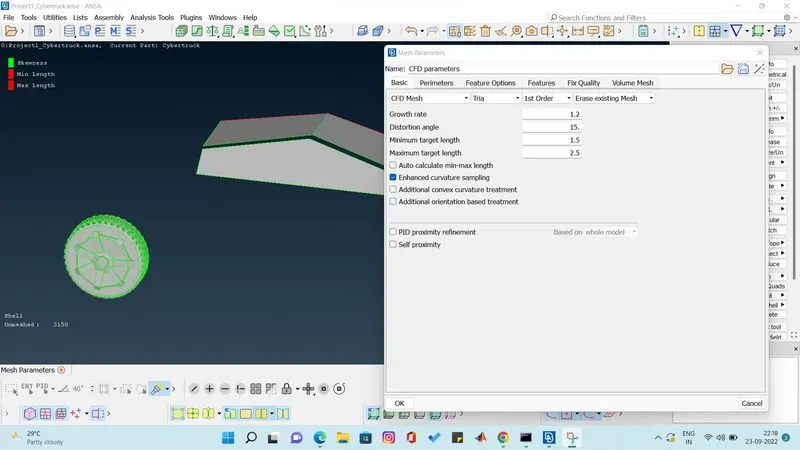
for windows and wheel the target length is 2 mm so we are assigning the meshing parameter as min 1.5 and max 2.5 mm.
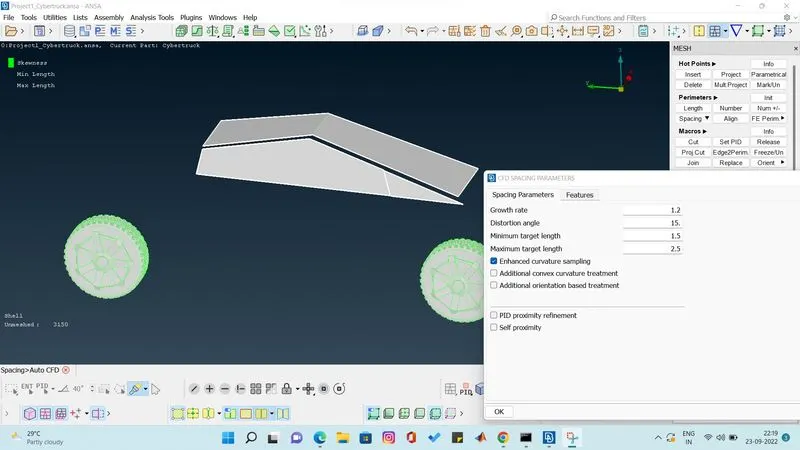
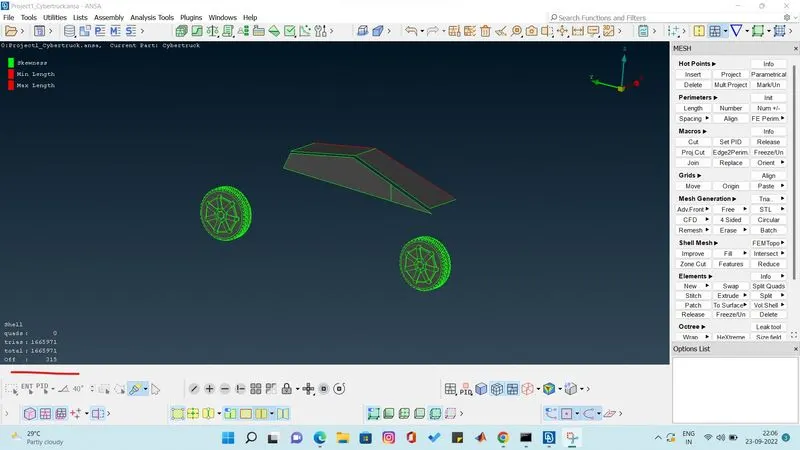
we found 315 off element after meshing. we can clear the off elements by improving the model using reconstruct or reshape or smooth function.
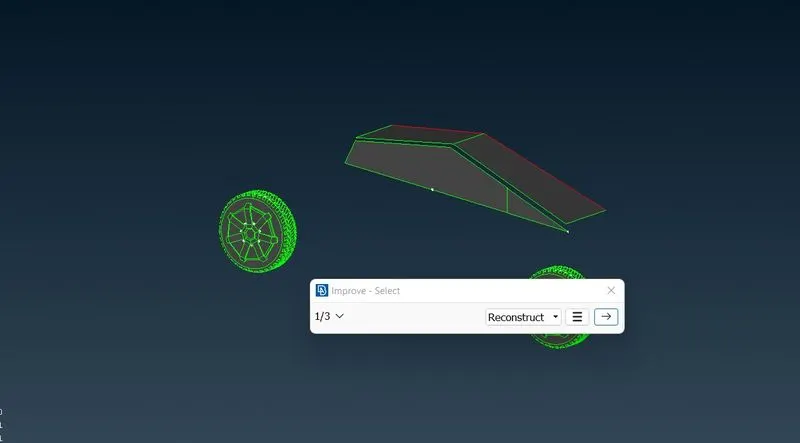
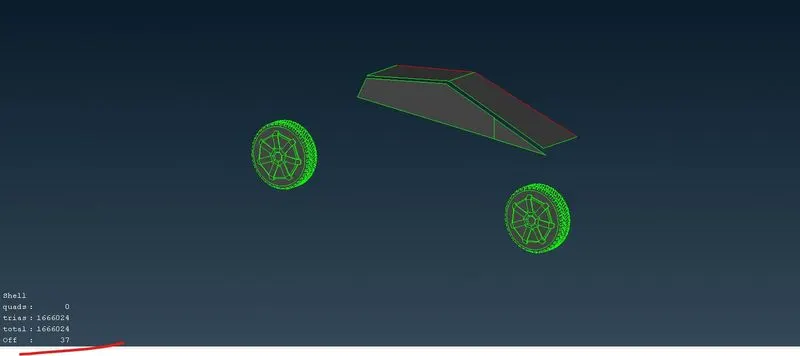
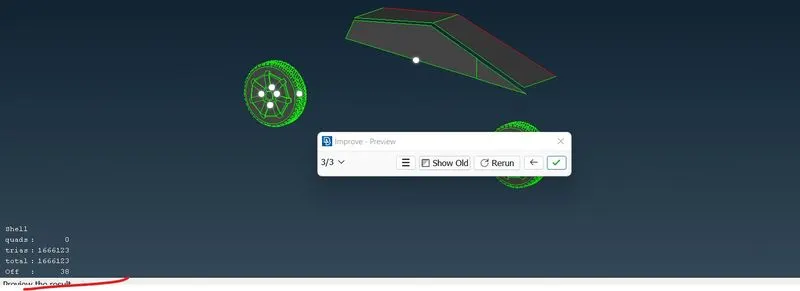
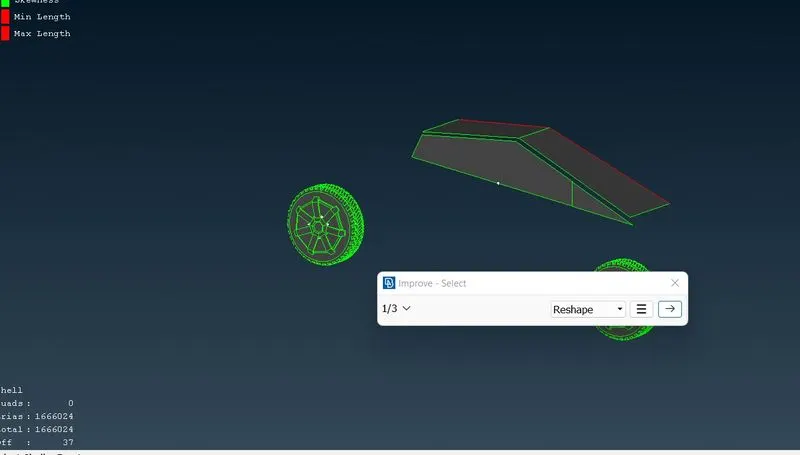
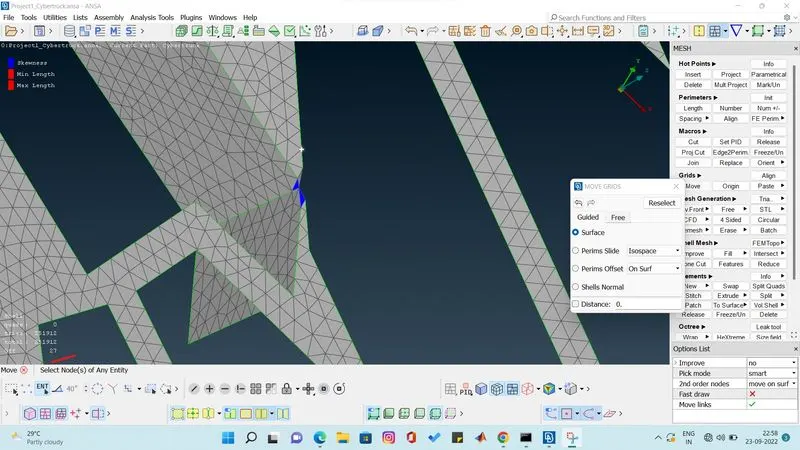
we found sqewness of 37 i have cleared one by one the n i have froozen the parts.
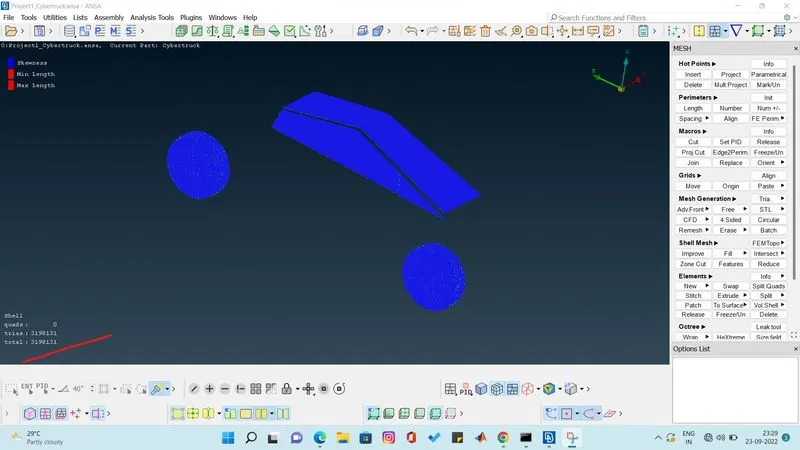
Meshing of front and back light.
target length is 4 mm. so we give meshing parameter min and max length as 3.5 to 4.5 range.
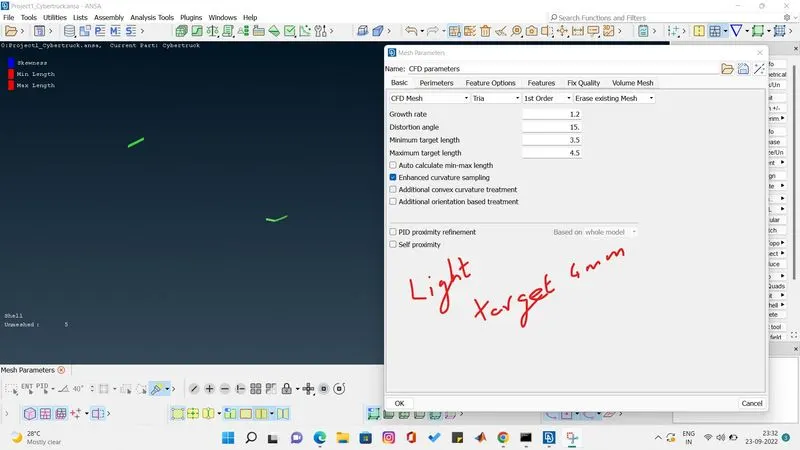
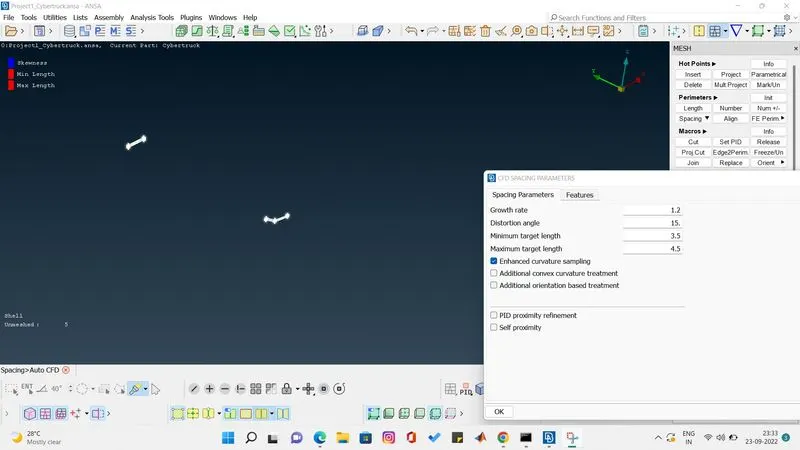
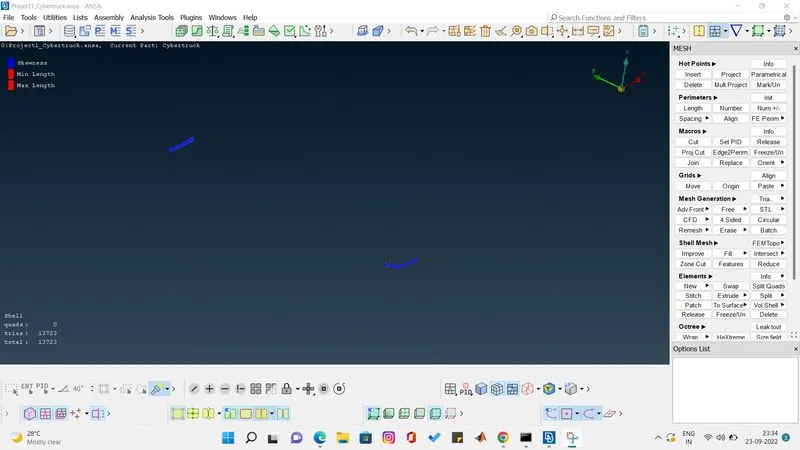
after meshing froozen it.
Meshing of body
target length is 3mm. so i had given the range as 2.5mm to 3.5mm and done cfd meshing visible to get the mesh properly.
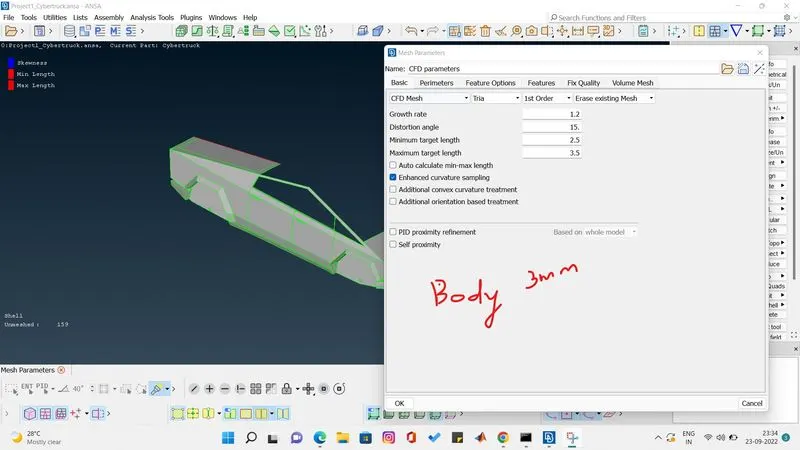
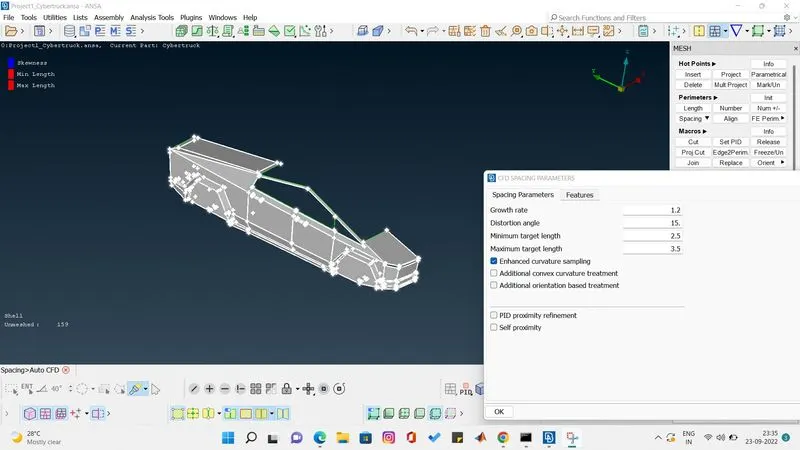
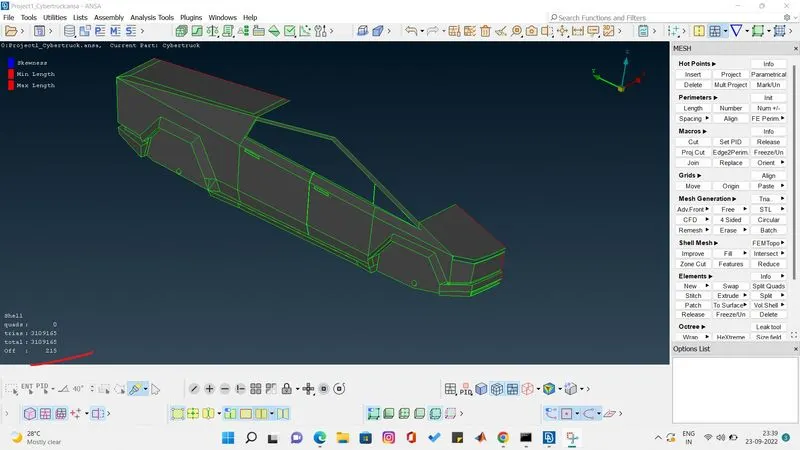
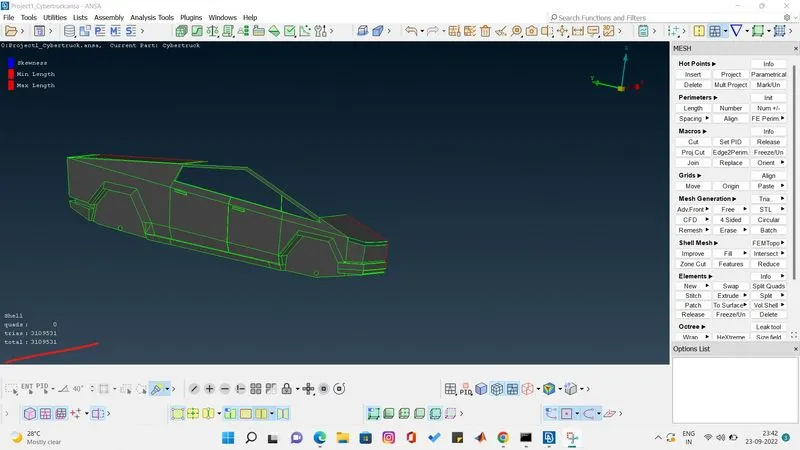
after the meshing done i have unfreezed the parts and found no off elements.
the surface meshing has been done successfully.
now we have to create windtunnel.
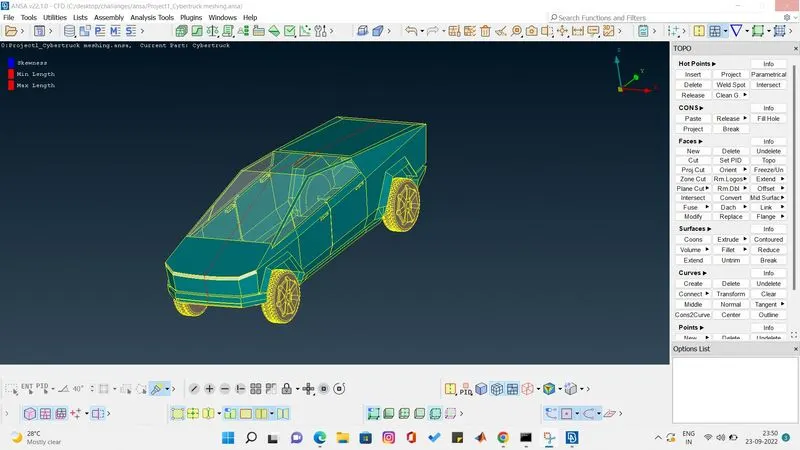
we are measureing the length of car as 5910 so we have to make the wind tunnel according to some creteria.
the front side should have 4 time the car length. lets take car length as x.
front side = 4*x 5910
back side = 6* x=6*5910
side = 1*x=5910
top =3*x=3*5910
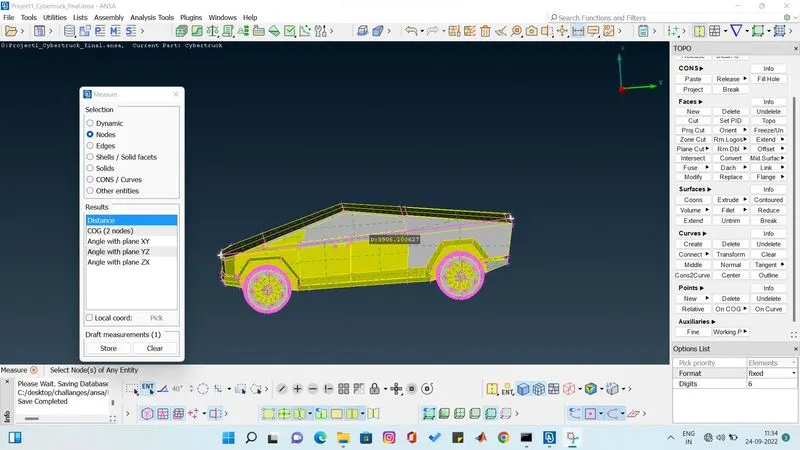
i have created a relavite point so that we can create the bottom windtunnel surface.
we use curve option to draw line between the relative point and we connect it.
now create a surface using face coons.
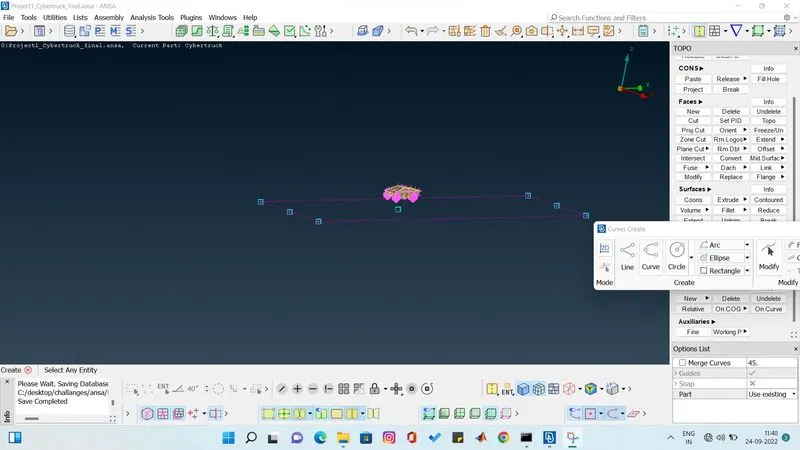
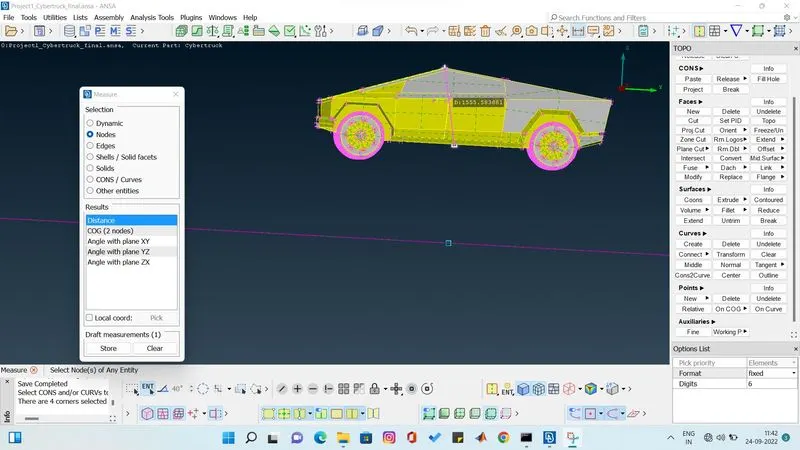
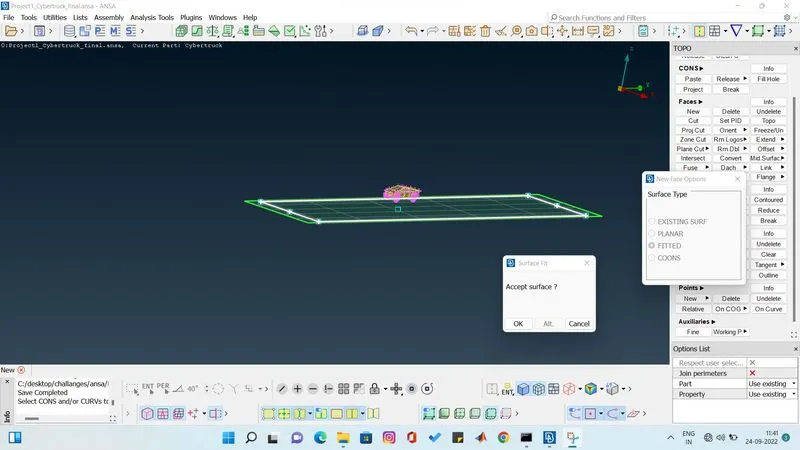
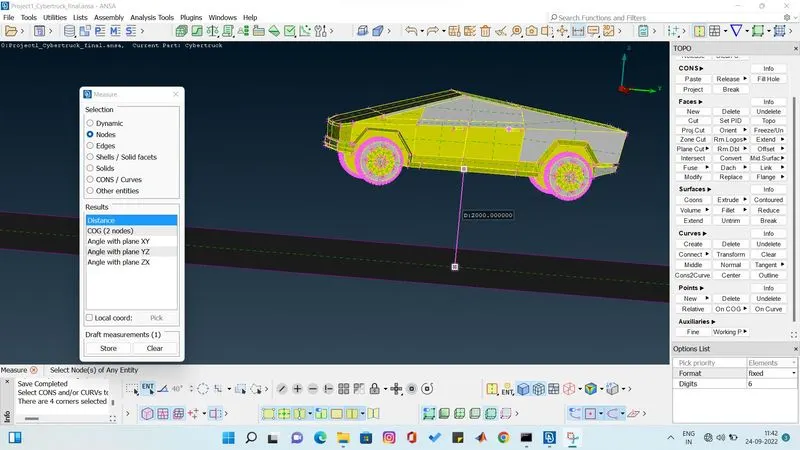
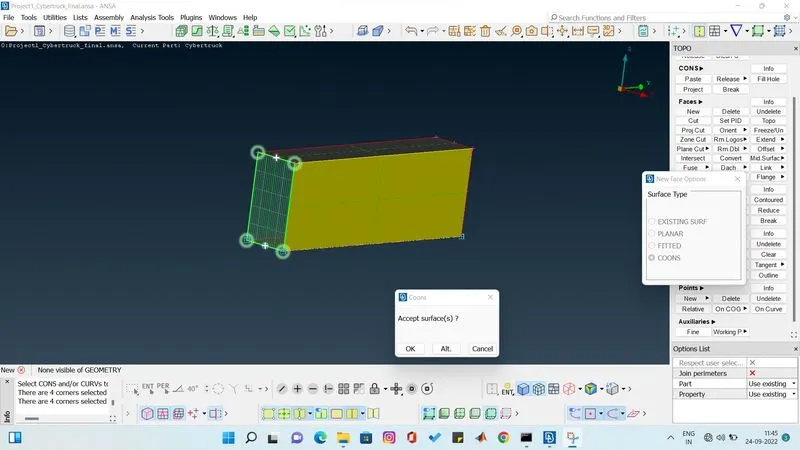
now we have to create th top surface using offset and its done.
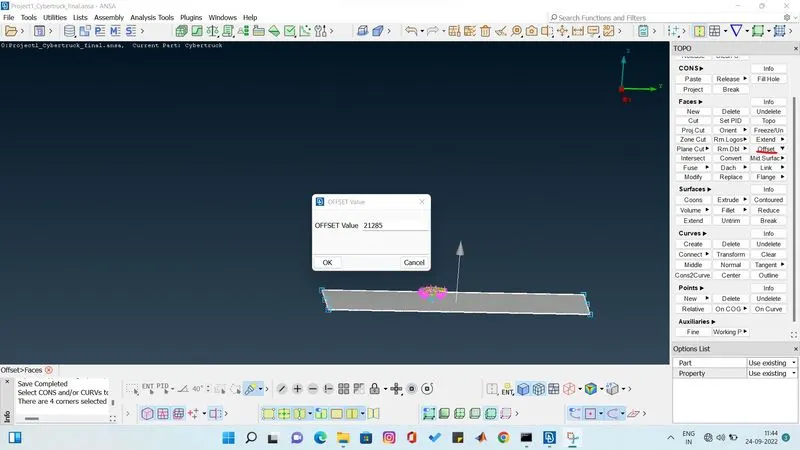
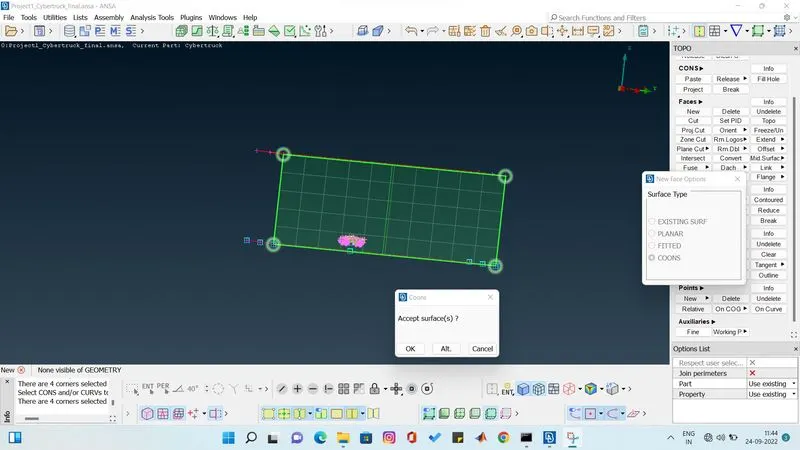
all the side are done .
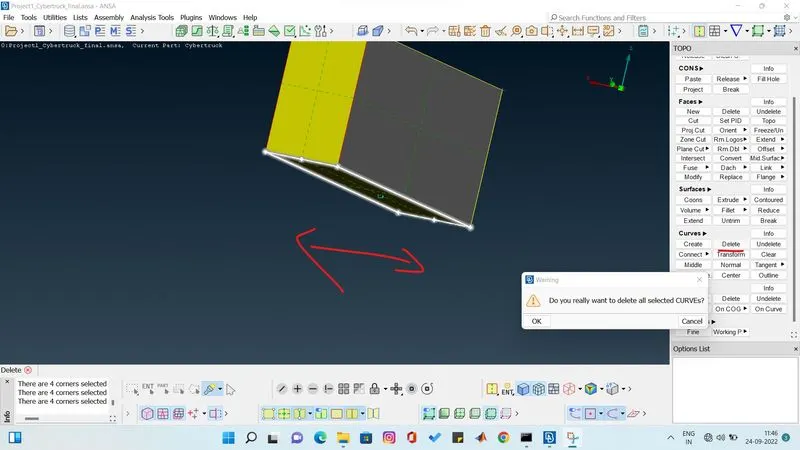
now delete the relative points and the curves.
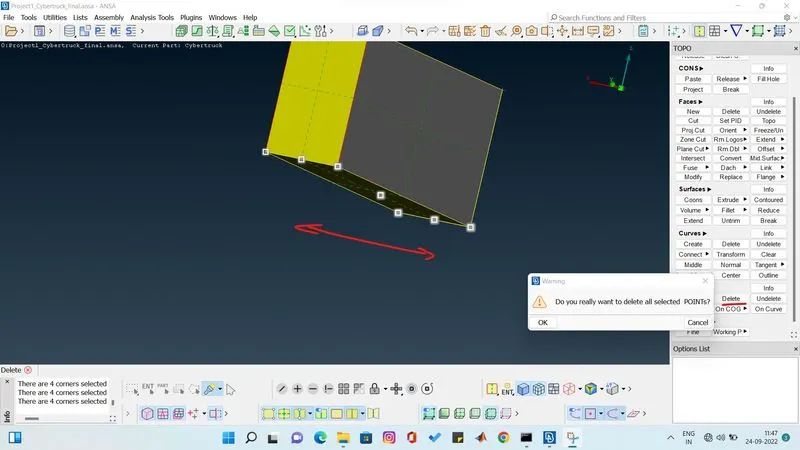
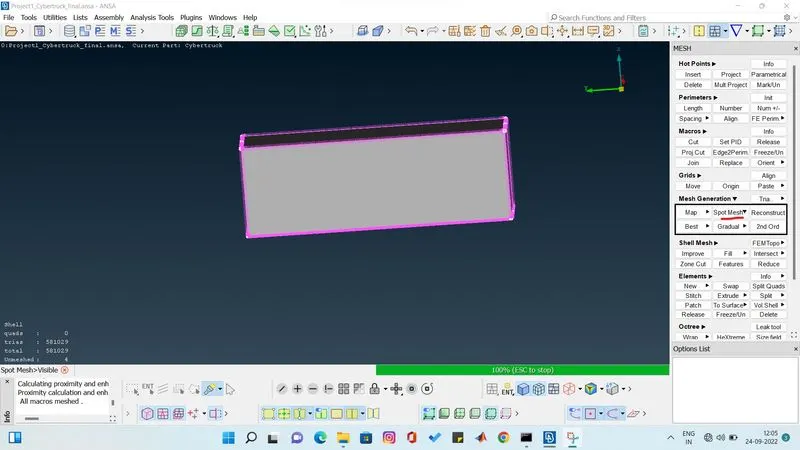
Meshing of bottom surface of windtunnel.
target length is 50mm
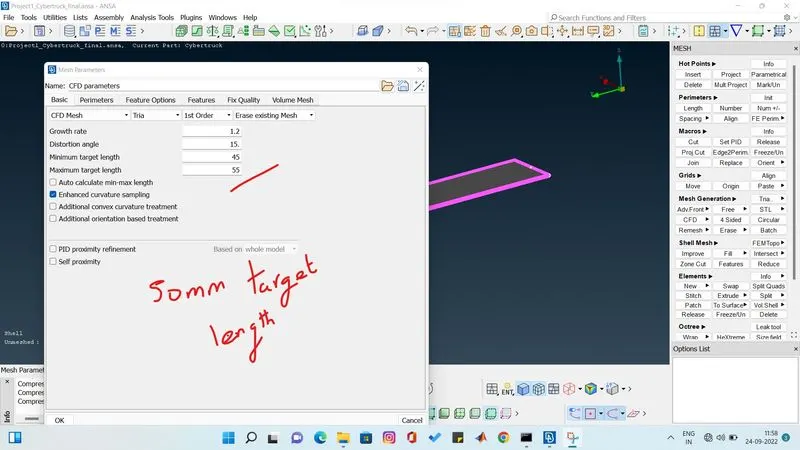
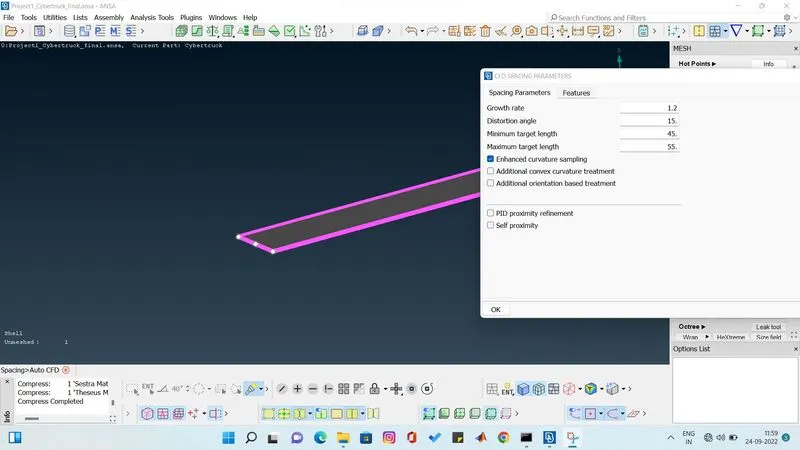
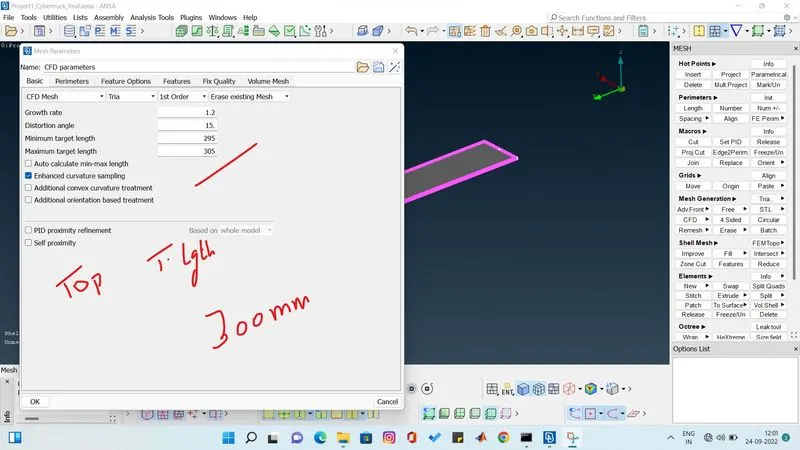
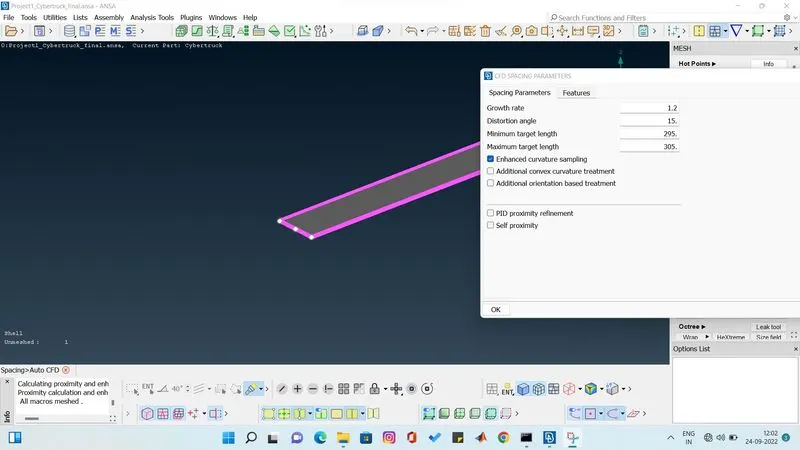
meshing of top surface of windtunnel
target length is 300mm
we gave range 295 to 305mm
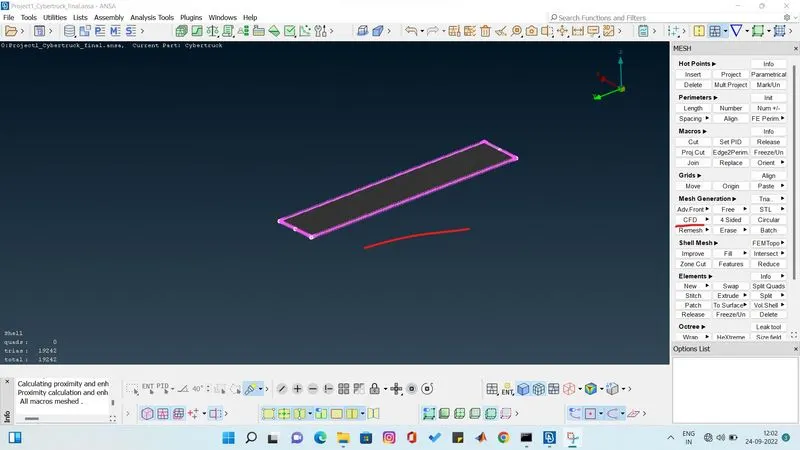
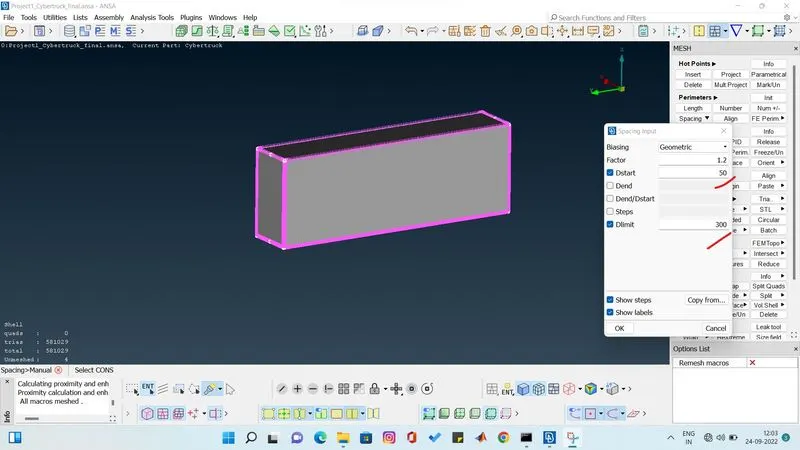
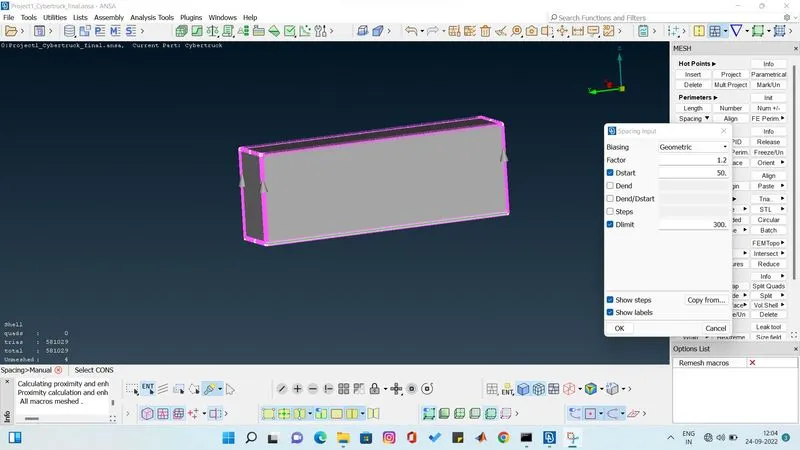
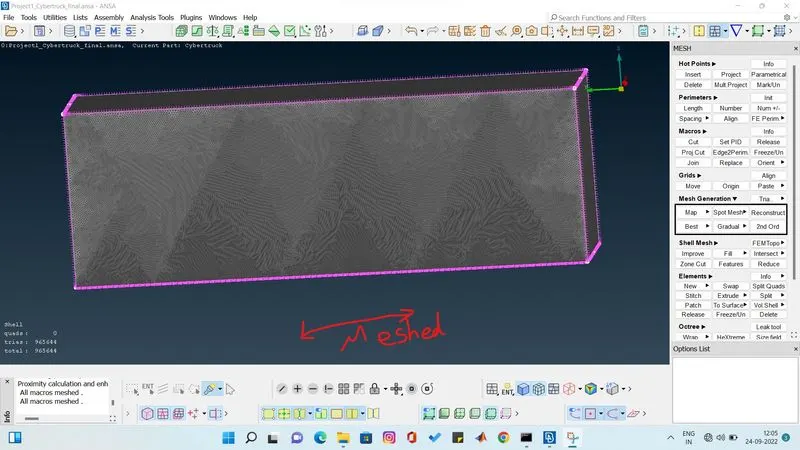
now we are going to mesh the side and front and back of windtunnel using spacing manual .we give dstart as 50 and dlimit as 300mm and select the edges from where to where the meshing start and end.
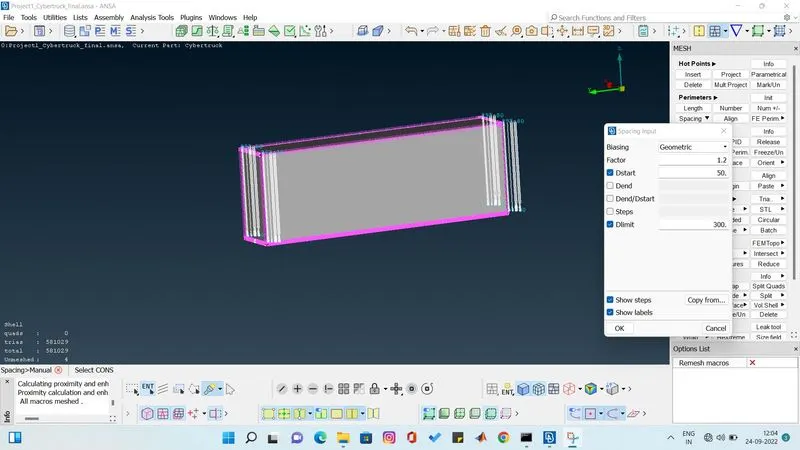
we can see arrow mark from bottom surface to top surface that means. we are gonna mesh from 50mm to 300mm at the growth rate of 1.2.
Result
now the wind tunnel is completly meshed according to the parameters we have given. i have snaped everything and shown the interior of the windtunnel too.
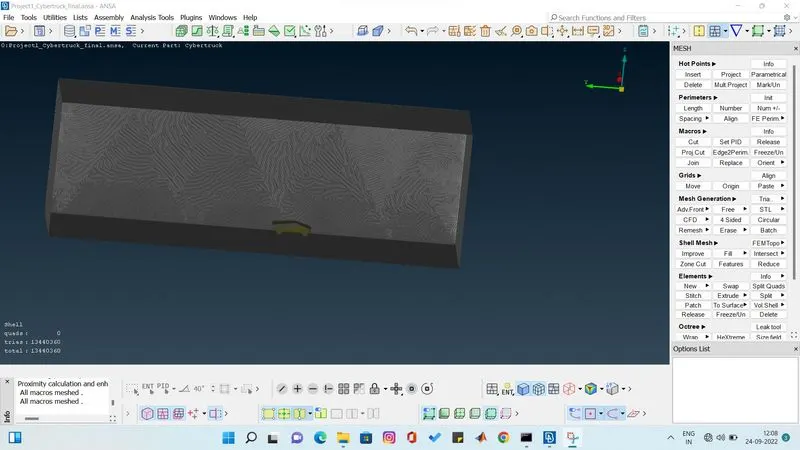
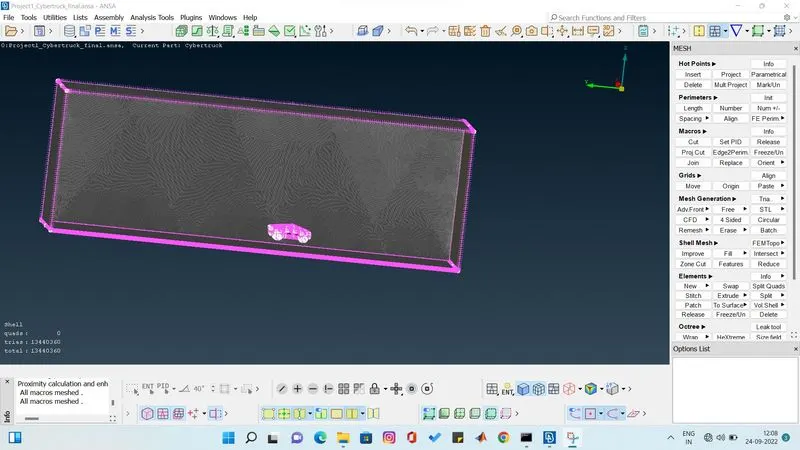
I have complete the project according to the parameters given.
Learning
how to clear all the errors and clear intersectional erros. I have learned to symmetry the parts by using the options.
I have learned to do surface meshing of given model and windtunnel.
I have attached the file below.
Ansa file of cfd meshing of tesla cyber truck
https://drive.google.com/file/d/1K3ylPGCI41ID7IK0a0_tjVPFVwy4kVwG/view?usp=sharing