Project 1 - 2D meshing on the instrumental Panel
PROJECT-1:2D meshing on the instrumental Panel (IP)
AIM:
To extract the mid surface and mesh the given component with given quality parameters and assign thickness respectively.
PROCEDURE:
- Open ANSA and Import the given model
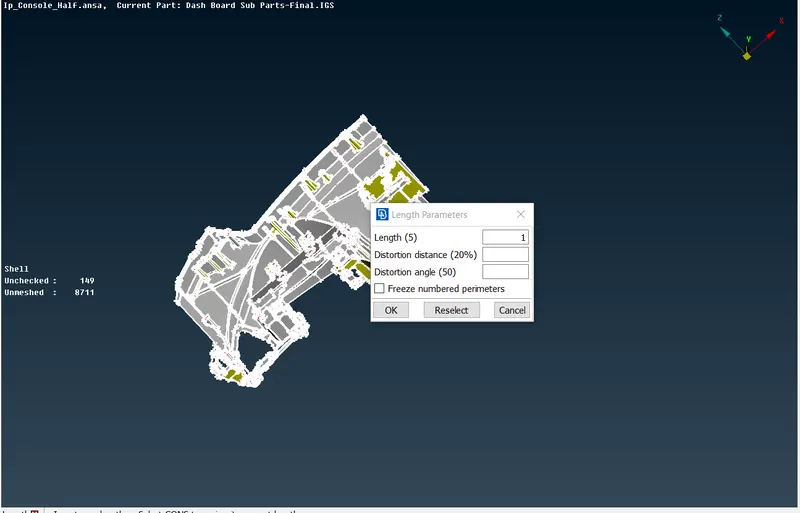
- Peform Cons resolution,Go to MESH module > Perimeters > length, Give length as 1
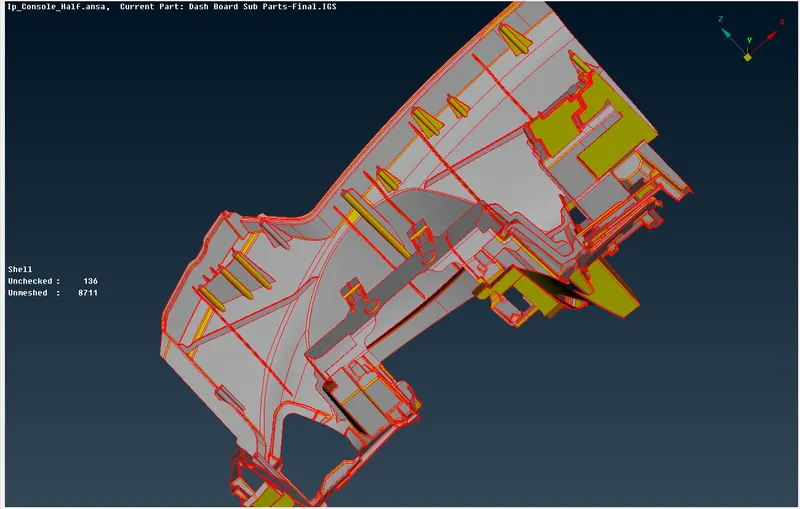
- Perform TOPO,Go to TOPO module > FACES > TOPO
a)Before TOPO b)After TOPO
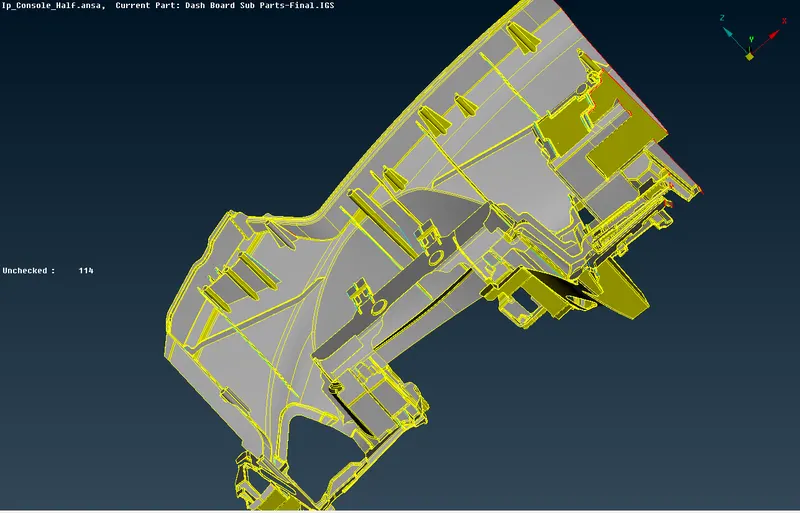
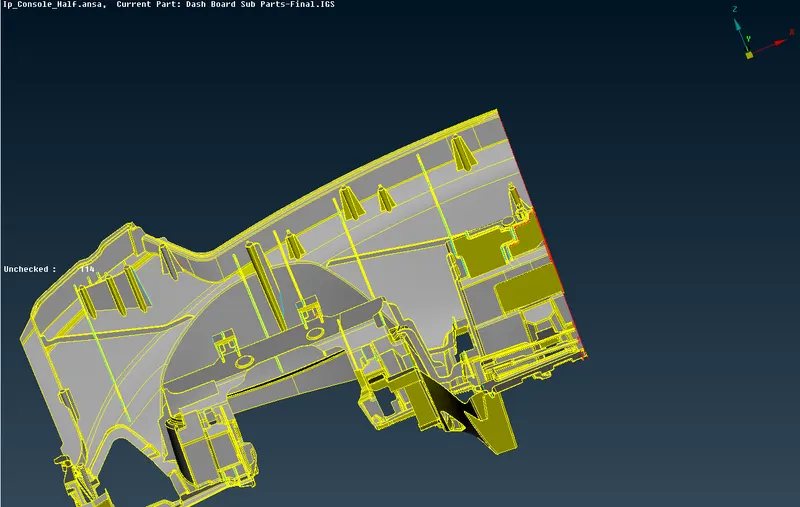
- Orient the surfaces,Go to TOPO module > FACES > ORIENT
a)Before Orient b)After Orient
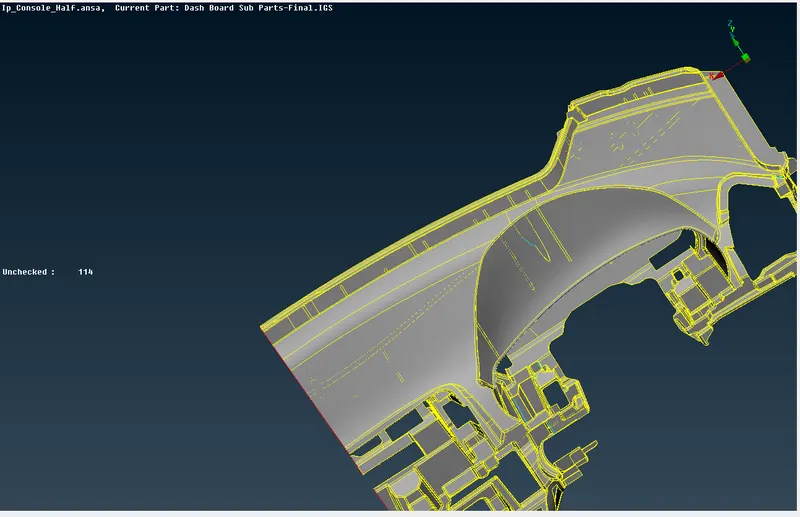
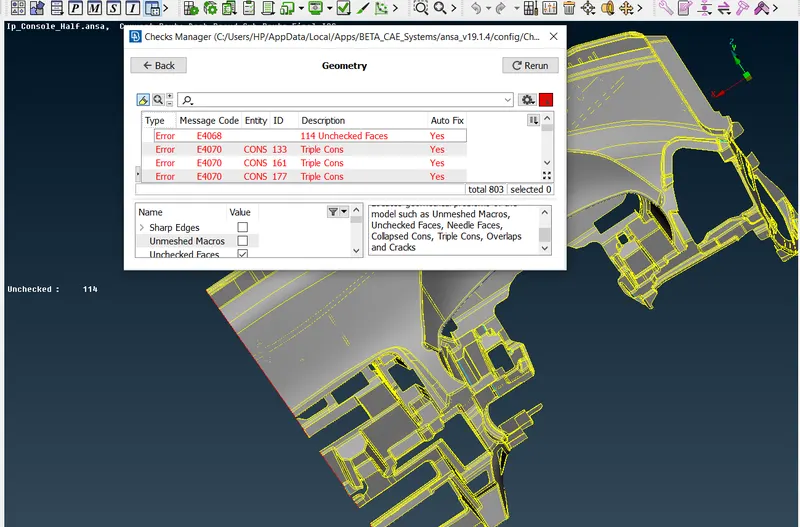
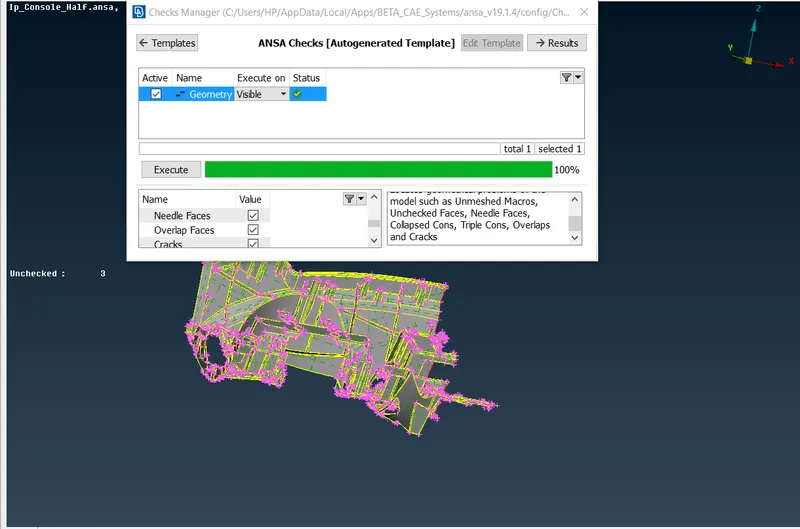
- Check for the geometrical errors,Go to > Checks> Geometry
- Chwck and clear the geometrical errors
a)Before Geometrical checks b)After Geometrical checks
- Measure the thickness and store
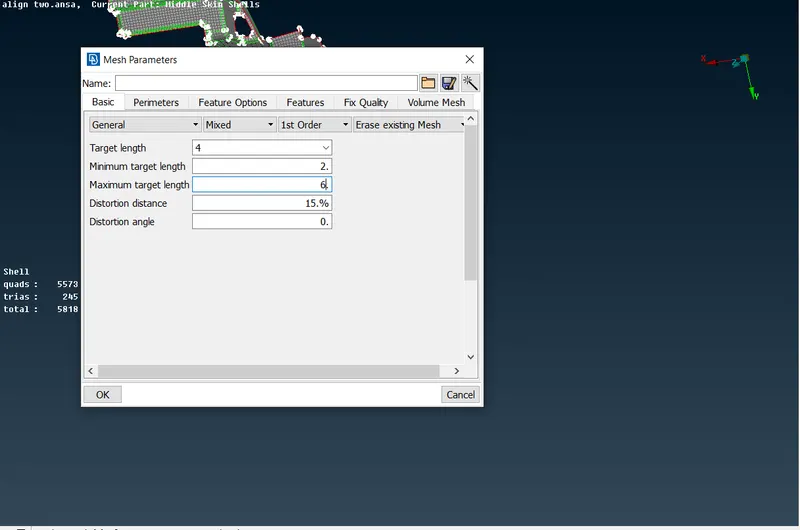
- Give mesh parameters ,target length and the given quality criterias
a)Mesh parameters b)Quality parameters
- Use Casting method to take Mid surface and 2D Meshing
- Since casting is an automatic mid surface mesh generator,there may be chances for ANSA to crash
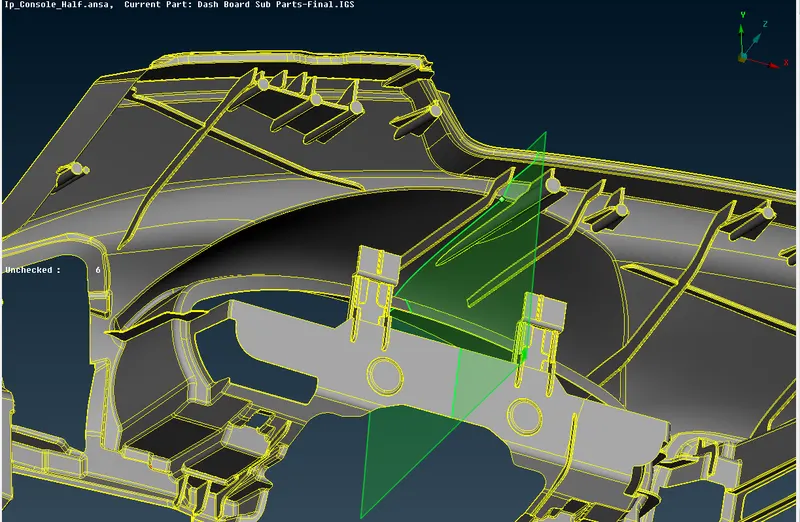
- Inorder to avoid crashing , dissect the model into parts
- Use PLANE CUT option to split the model
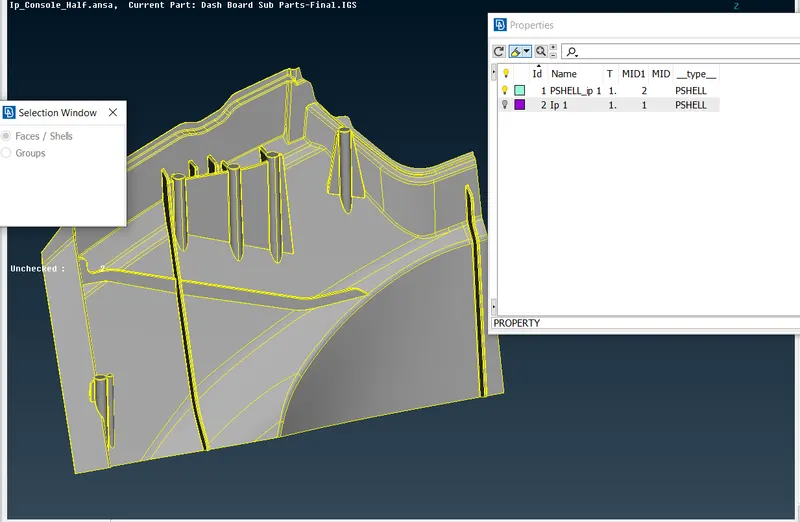
- Set new property ID using SET PID option
- Goto TOPO module>faces>Midsurfce>Casting
- Give minimum thickness and target element length
- uncheck the option, stop at geometrical errors
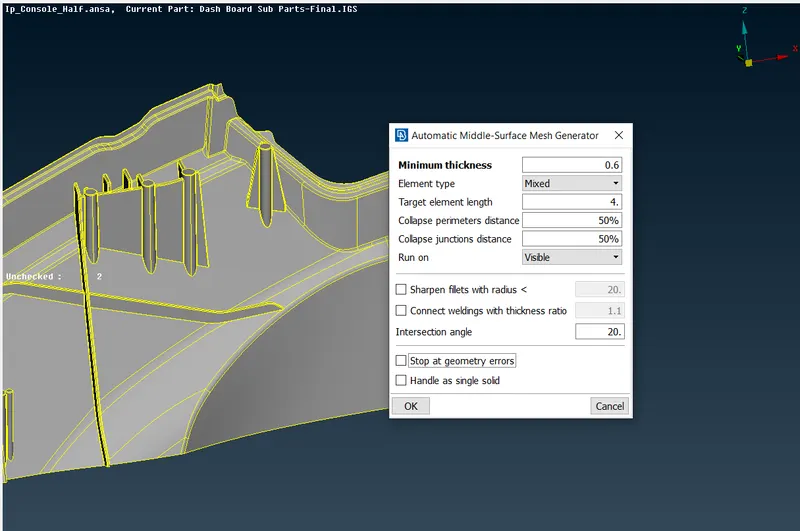
- Since casting is an automatic mid surface mesh generator,it will automatically mesh the mid surface
- Check the mesh flow and features
- Check for off elements and clear if any
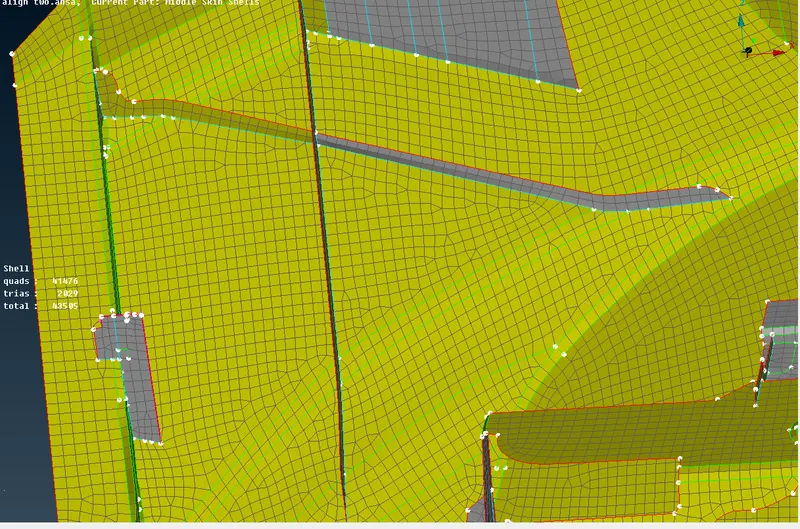
- Follow the same procedure for the other splitted parts
- While using casting method, it will not capture dog houses properly
- To correct these problems,use ALIGN MANAGER option
- Go to TOPO module > Faces > midsurface >Align Manager>perimeters
- Select perimeters to align and select the points,ie start point and end point
- click finish
a)Before aligning base a)After aligning base
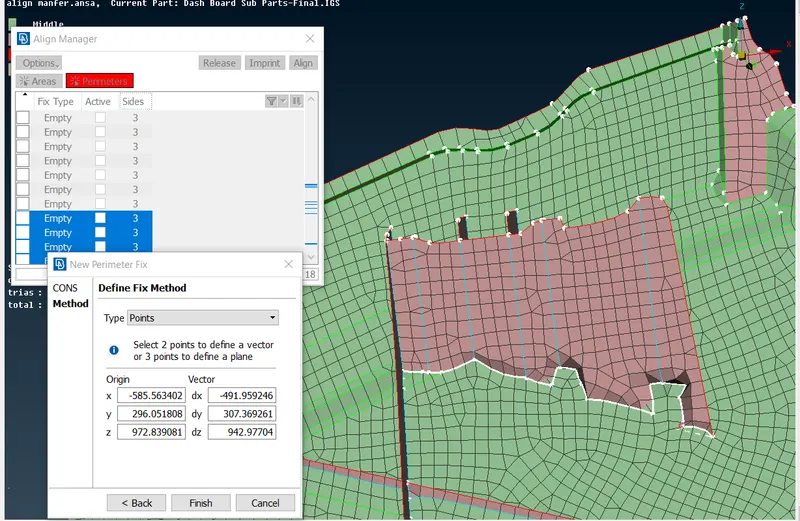
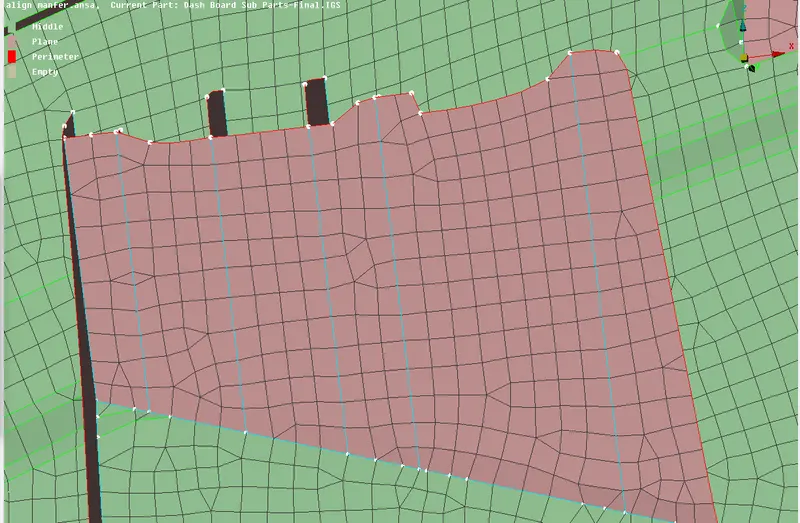
- Similarly define perimeters for each sides of the dog houses respectively
a)Before defining perimeters b)After defining perimeters
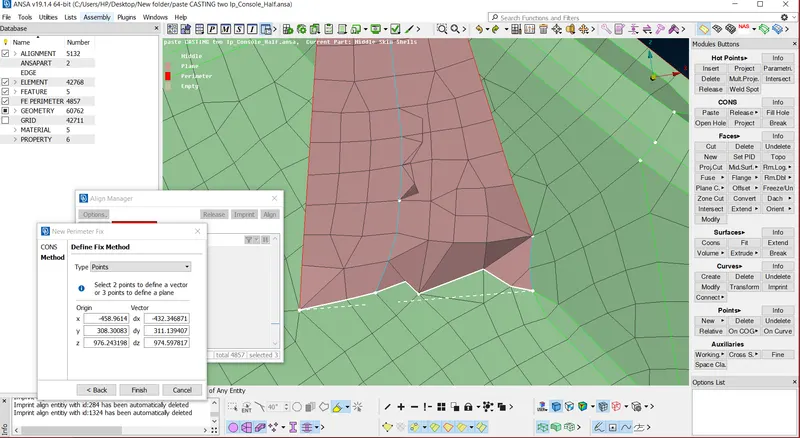
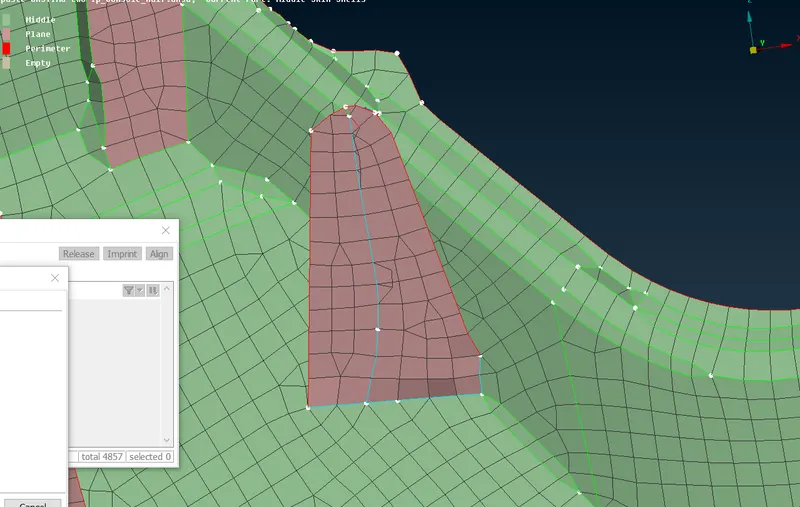
- Follow these steps for other dog houses
- For defining areas
- Go to TOPO module > Faces > midsurface >Align Manager> Areas
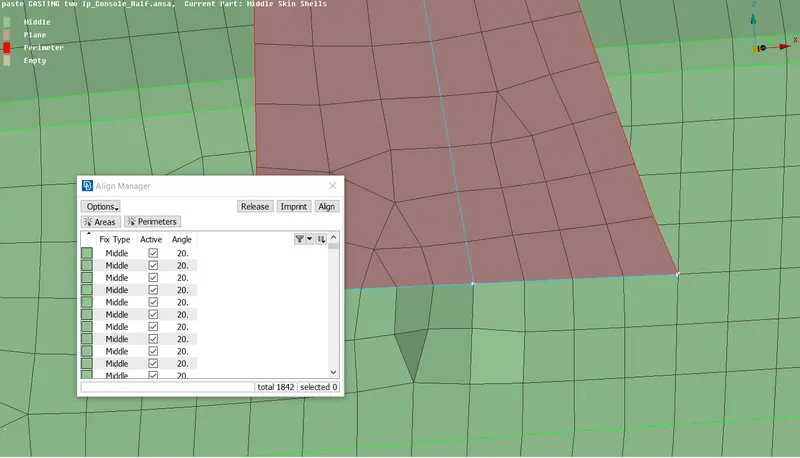
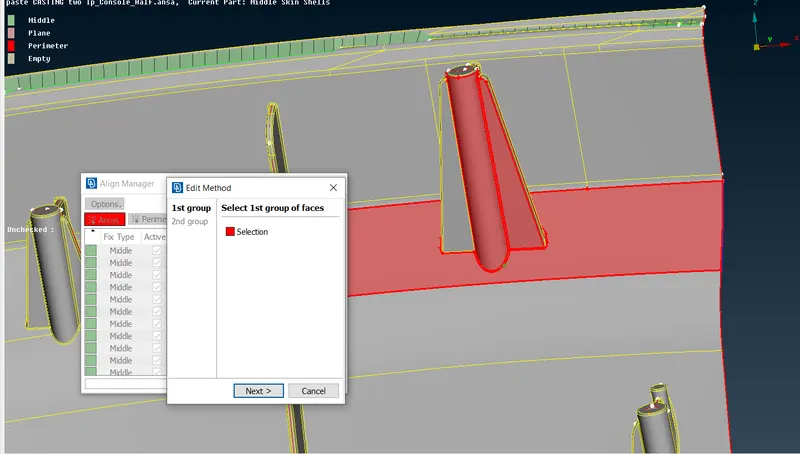
- Select the group of faces to align as shown below
a)First group b)second group
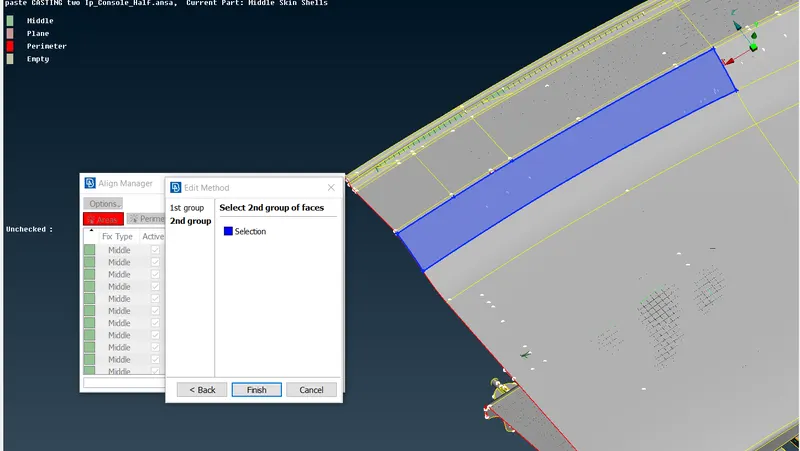
- The elements are aligned as shown below
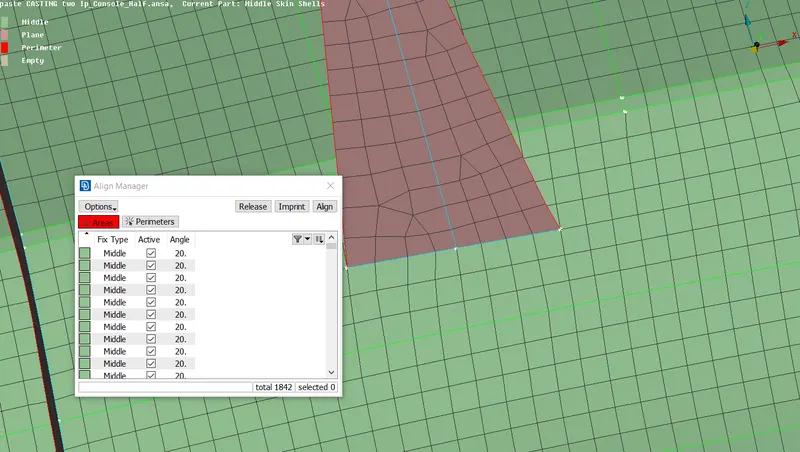
- To join the dissected parts,use Paste option
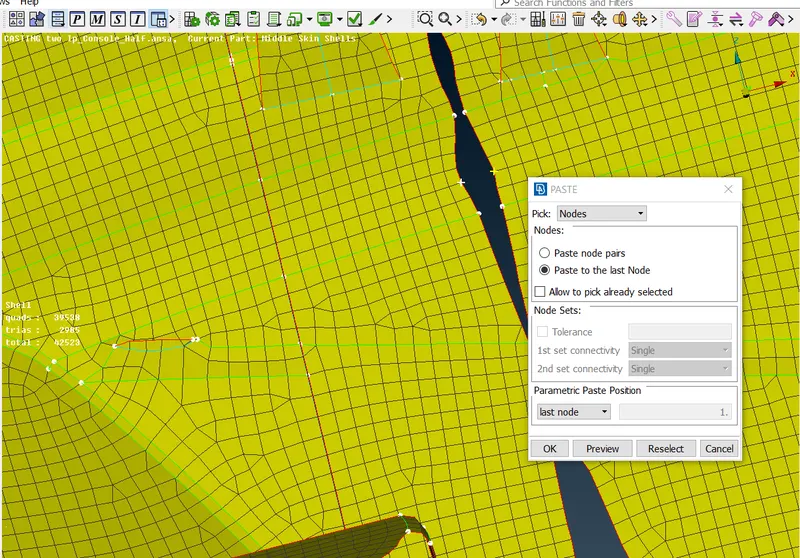
- Similarly joint the parts and make it into a single PID
- Check mesh flow and off elements
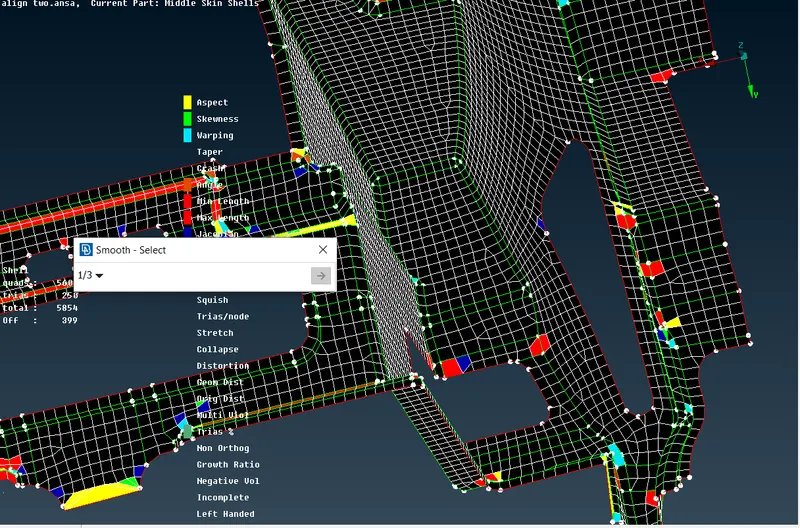
- Use reconstruct,split and smooth option for better mesh flow and to avoid quality element failures
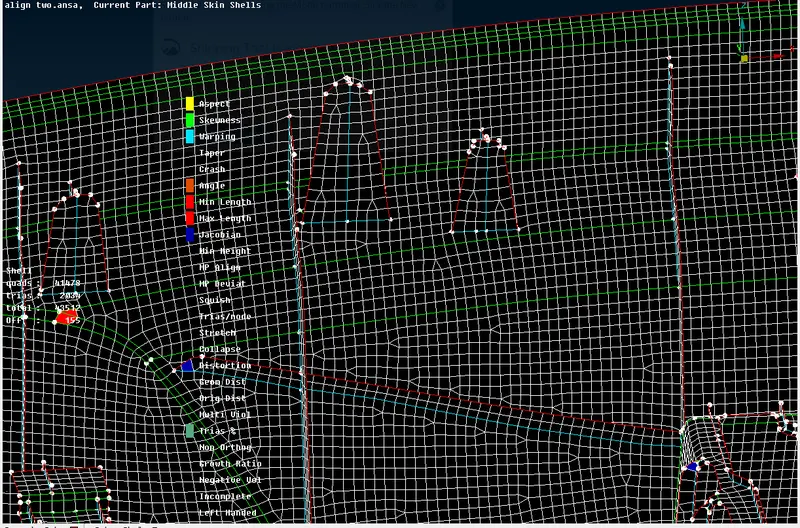
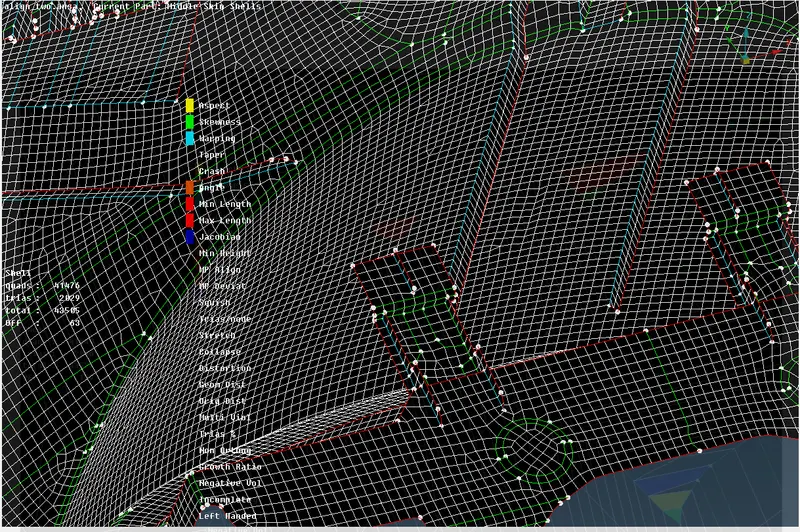
- Check for quality fails and clear them
- Finally assign thickness to the FEA model
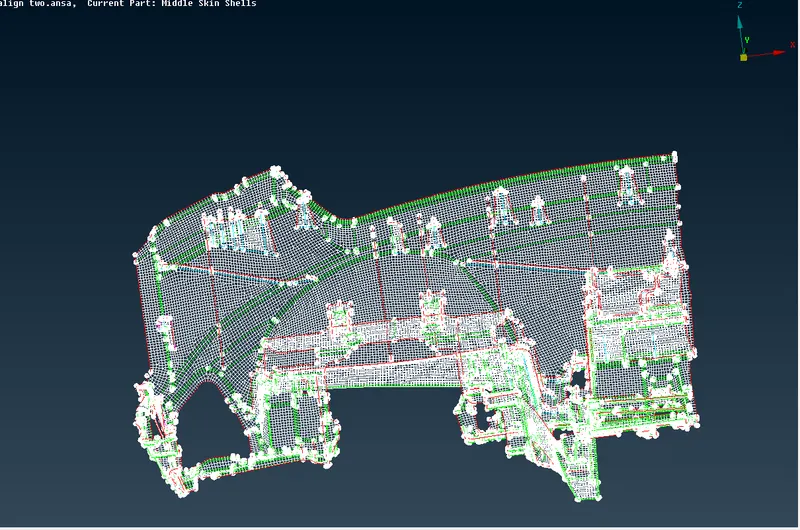
Note:
- For some areas like smaller areas or elements near to triple cons , the elements fail for quality
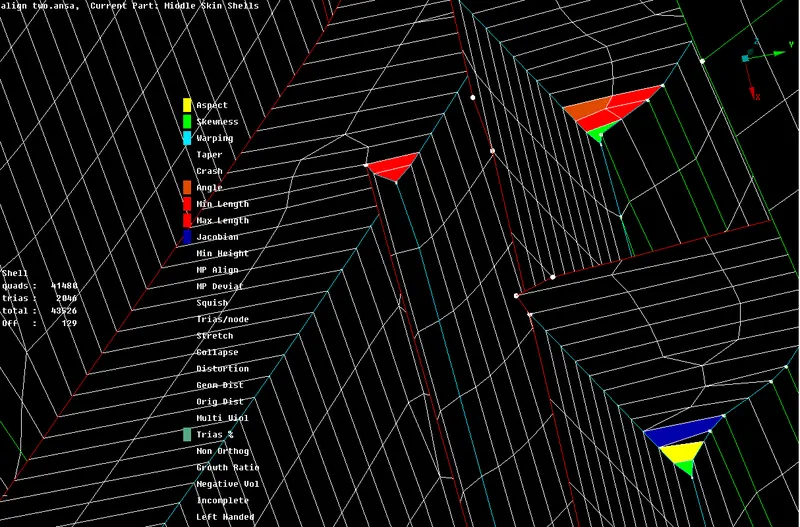
Learning outcomes:
- Able to generate midsurface using casting method
- understood about how to use Align manager
- Understood all the concepts regarding mid surface generation
- Understood about mehing ,how to improve mesh flow and what are the techniques to be used to achieve it
- Able to capture Ribs and Dog houses properly
Conclusion;
The midsurface of the given IP model is successfully generated using Casting method ,Used Smooth and Re-construct options for better mesh flow and the meshing was performed with the given mesh and quality parametrs