Week- 5 - Solid meshing
AIM
To check for the geometrical errors and mesh the Surfaces with the given 2D element Quality criterias and check for Tet collapse errors and solve it for volume meshed elements
PROCEDURE
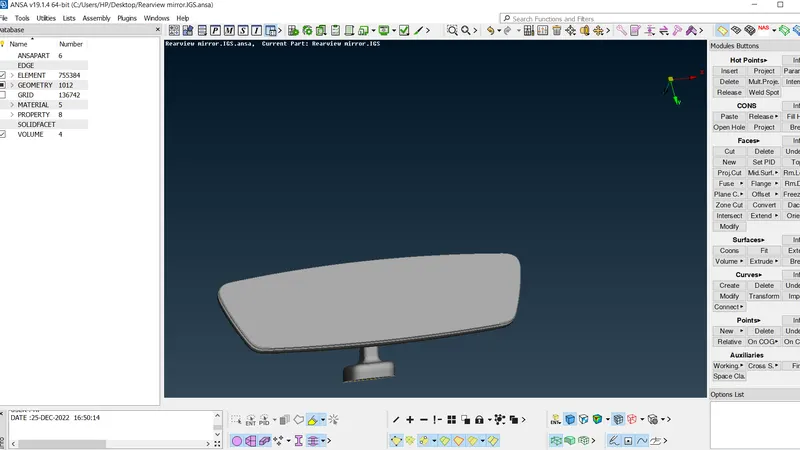
- Import the model
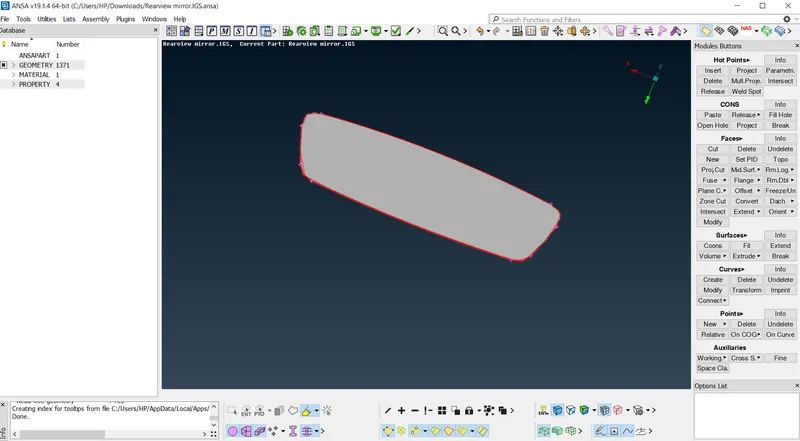
- Do CONS resolution,length=1, Refer (a)&(b)
(a) Before CONS resolution (b) After CONS resolution
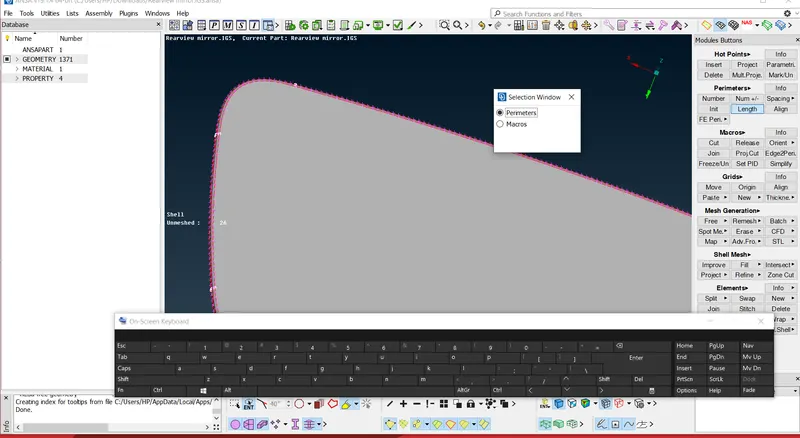
- Perform TOPO for connections,Refer (c)&(d)
a) Before TOPO b) After TOPO
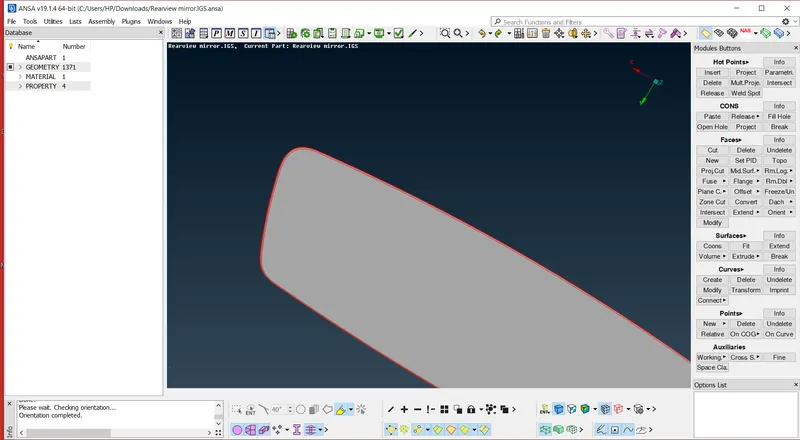
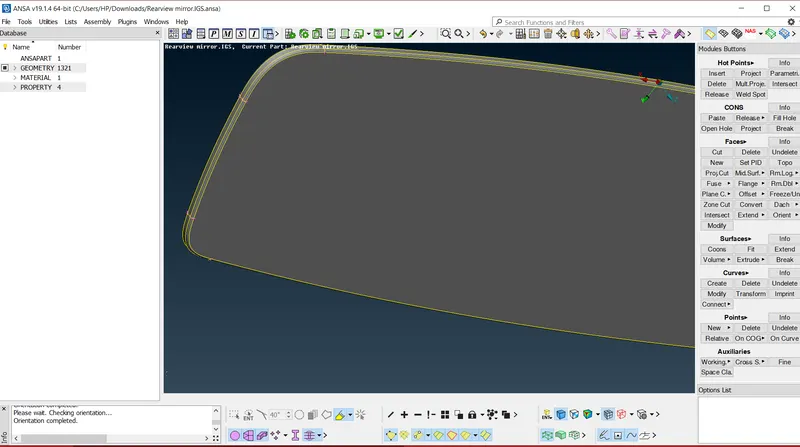
- Perform ORIENT ,to make all the surfaces normal towards one direction
- Go to checks>Geometry>Execute, refer below
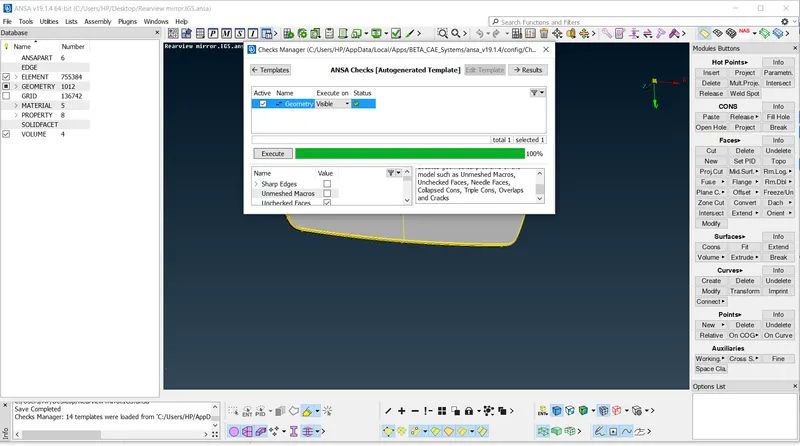
- Apply target elemental length ,min and max length and cange elements to tria
- Apply quality parameters as given
- provide lengh in mesh module
- generate mesh by best operation
a)For flat surfaces use elements tria b)For curved surfaces use elements orthotri
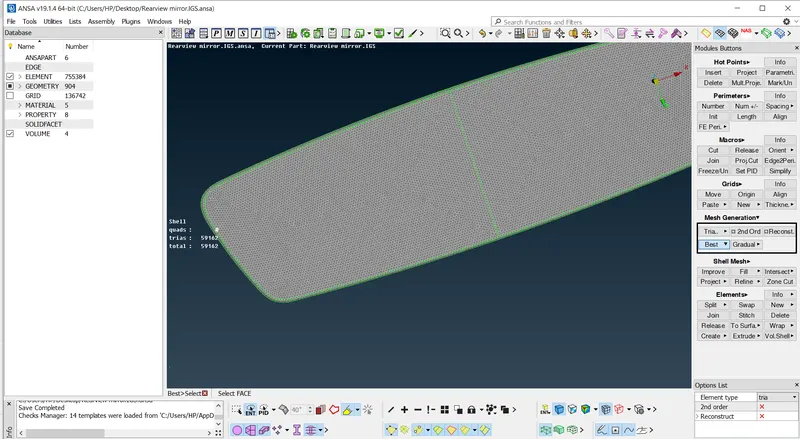
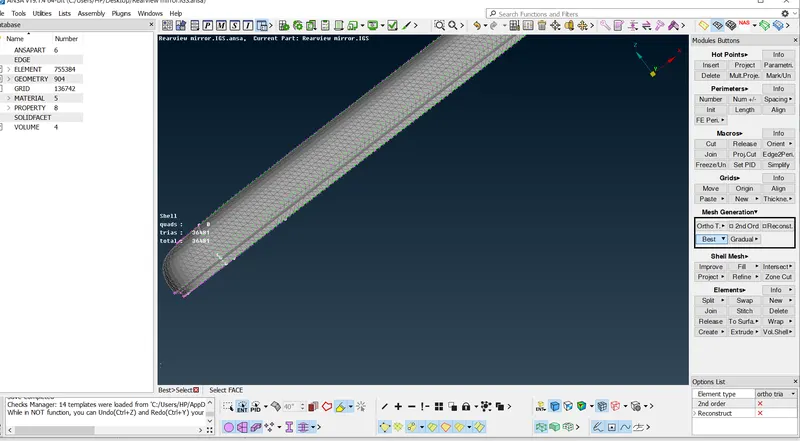
- check for quality failure ,if any perform reconstruct and smooth operation
- after meshing check for geometrical errors
- Go to volume mesh module
- Define the volume , use DEFINE option and make visible
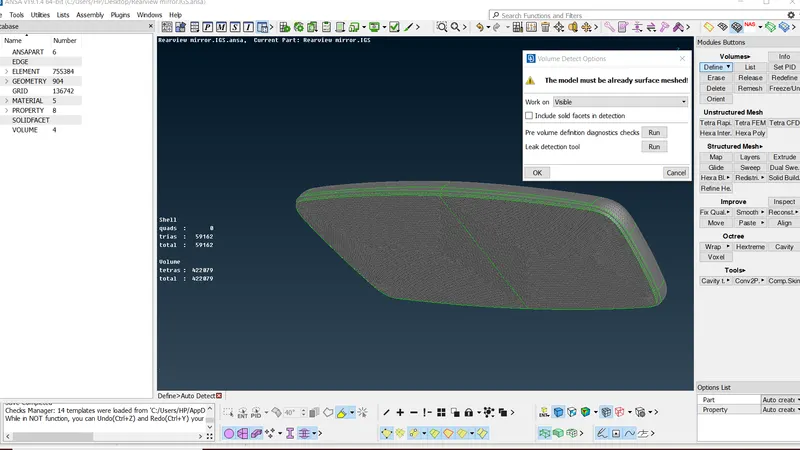
- Use TETRARAPID option to perform 3D mesh on the defined volume
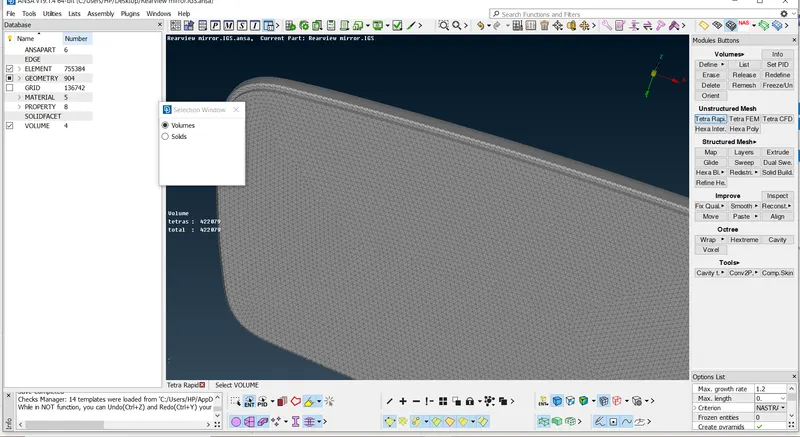
- After volume meshing,check for penetration and intersectional errors
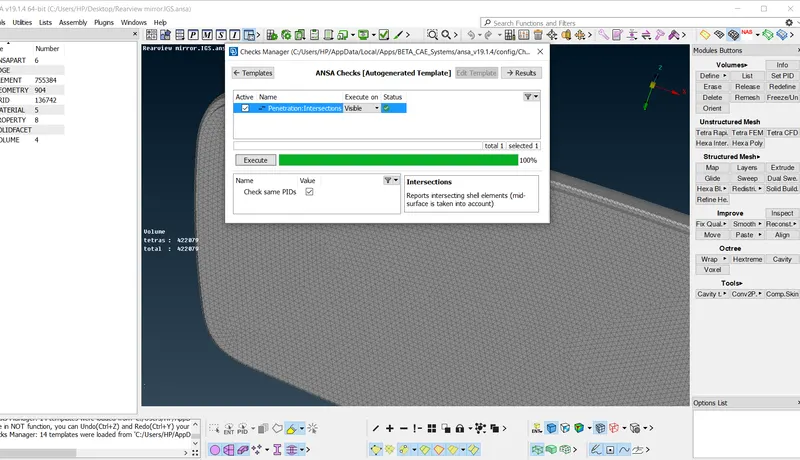
- After penetration check,Below model is thus reated by volume meshing