Project 1 - 2D meshing on the instrumental Panel
Aim-For the given component, check for the geometrical errors and mesh with the given element Quality criteria. After meshing the component thickness has to be assigned.
Objective-For given quality parameter genarating the mesh on the model.
Below is the quality parameter,
|
S.No |
Quality Criteria |
Value |
|
1 |
Target/Average length |
4 |
|
2 |
Minimum Length |
2 |
|
3 |
Maximum Length |
6 |
|
4 |
Aspect |
3 |
|
5 |
Warpage |
15 |
|
6 |
Skewness |
45 |
|
7 |
Jacobian |
0.7 |
|
8 |
Minimum Quad Angle |
45 |
|
9 |
Maximum Quad Angle |
135 |
|
10 |
Minimum Tria Angle |
30 |
|
11 |
Maximum Tria Angle |
120 |
|
10 |
Tria Percentage |
15 |
Procedure-
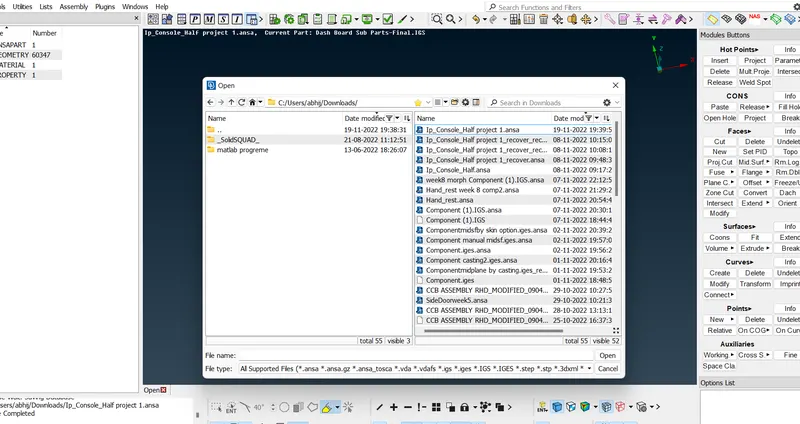
1.Import the model- In the left corner go to open and import the model.
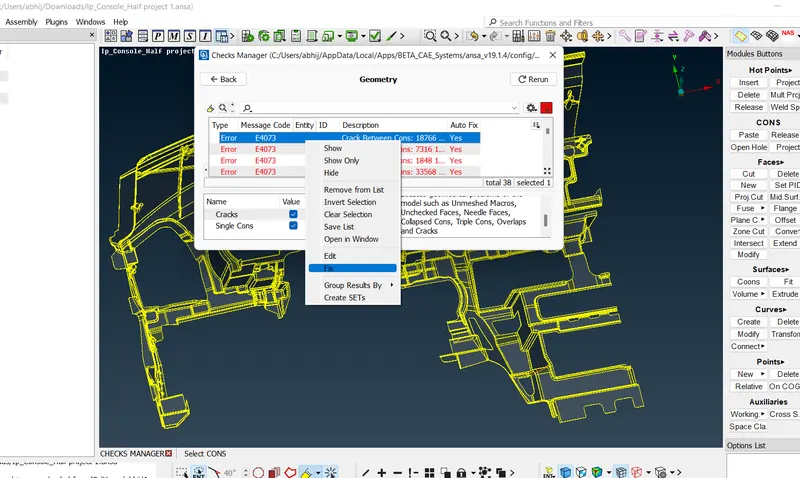
2.Geometry clean up-After importing the model go for geometry clean up in tool box there is check manager in that geometry and execute that after that it will shows the error then select all right click fix it or go manually also.
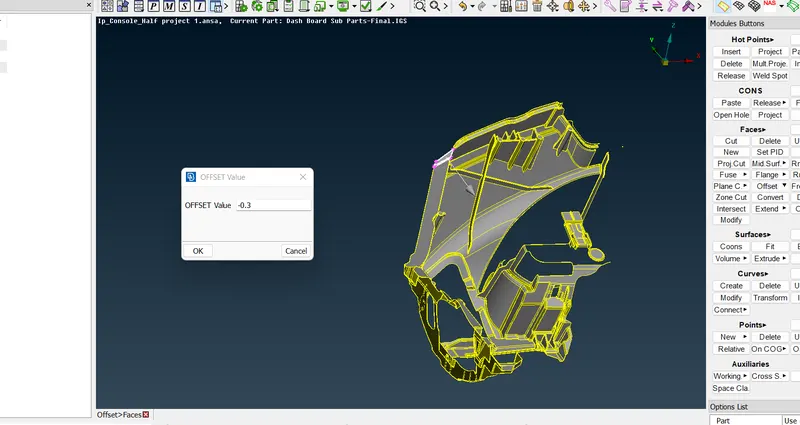
3.Midsurface- After separating the parts go for midsurface in faces option select offset option give the value half the thickness of model.
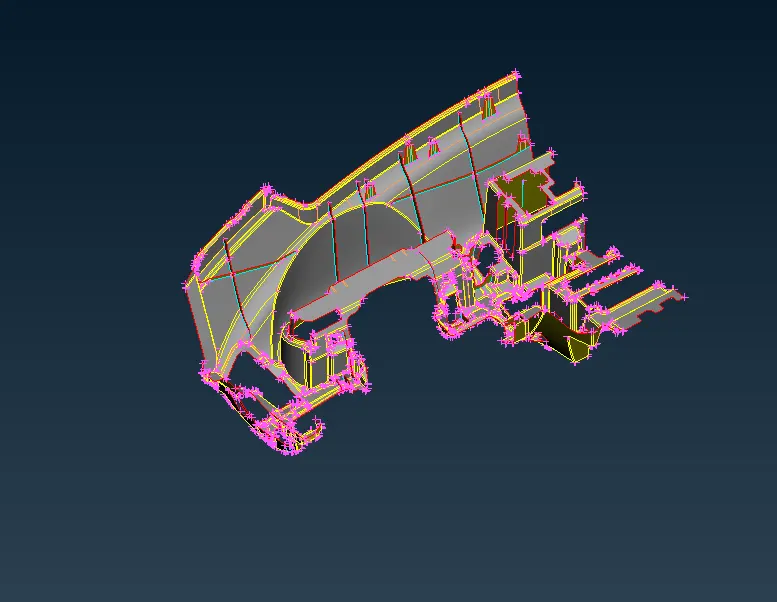
completed midsurface-
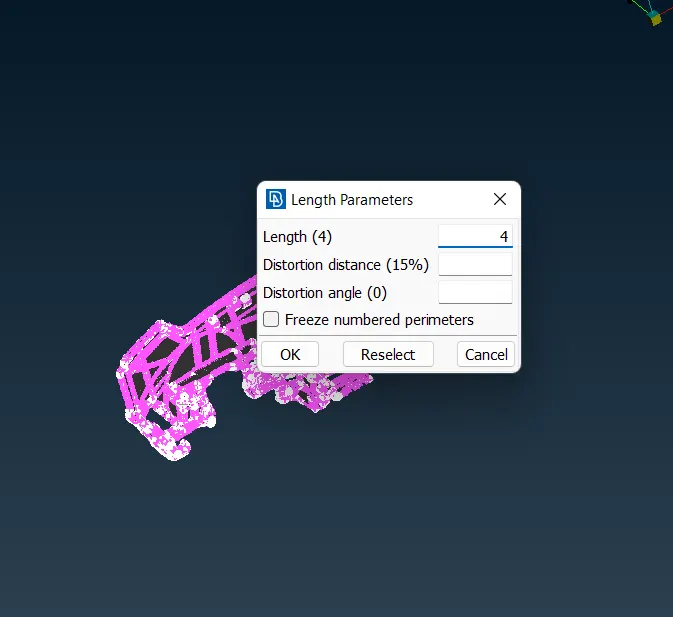
4.Assign the length for mesh nodes -In the mesh in perimeters select length and select the part and assign length which is 4.
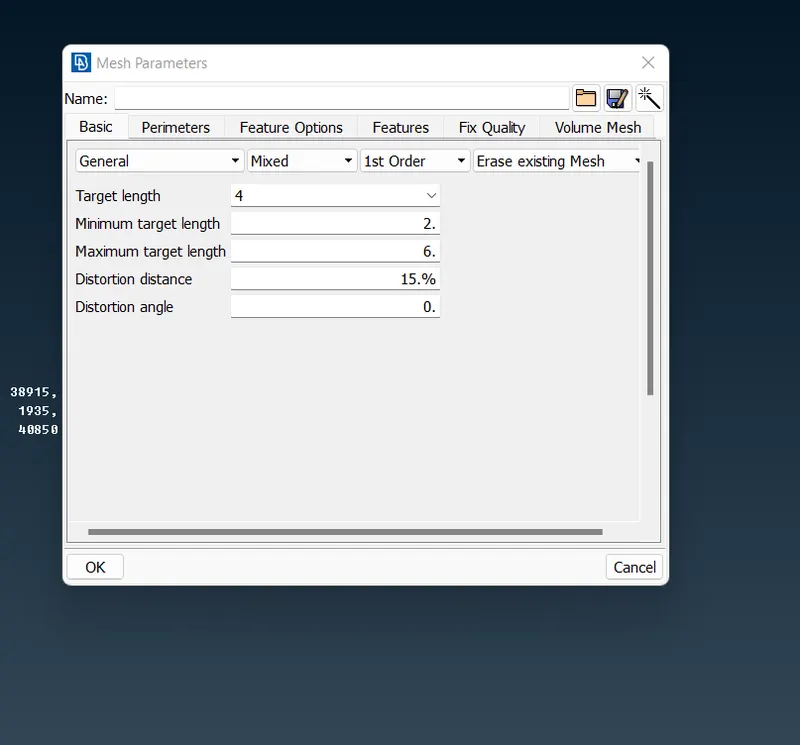
5.Mesh parameters -After that give the mesh parameters i.e max length ,min length and average value.
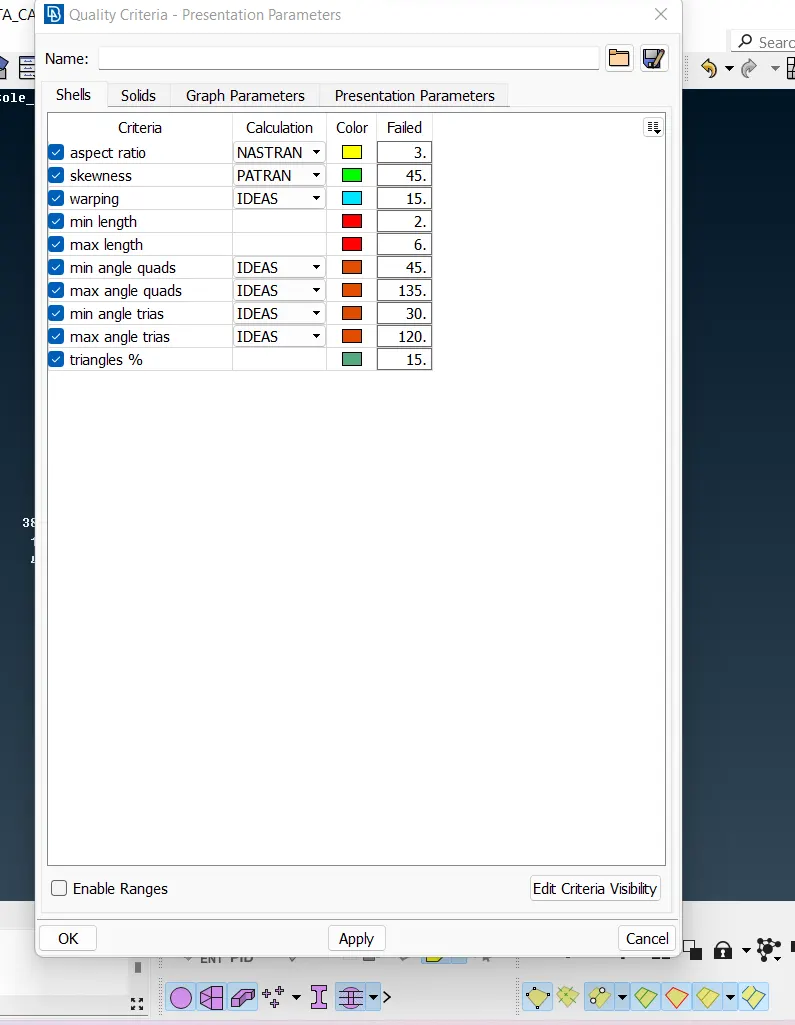
6.Quality parameter-Then give Quality parameter as per given.
7.Mesh-In the mesh generation there is option called best select and select the part for better mesh go partwise divide them. After go for reconstruct the mesh and smooth the mesh.
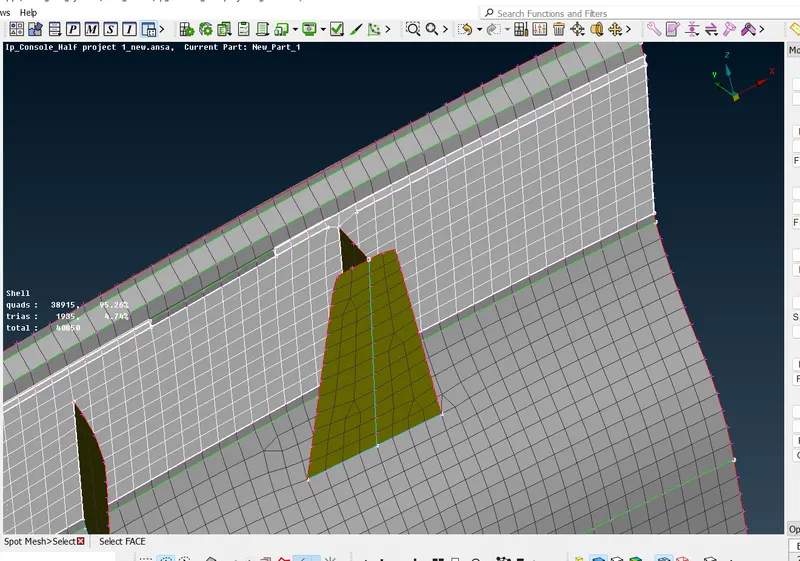
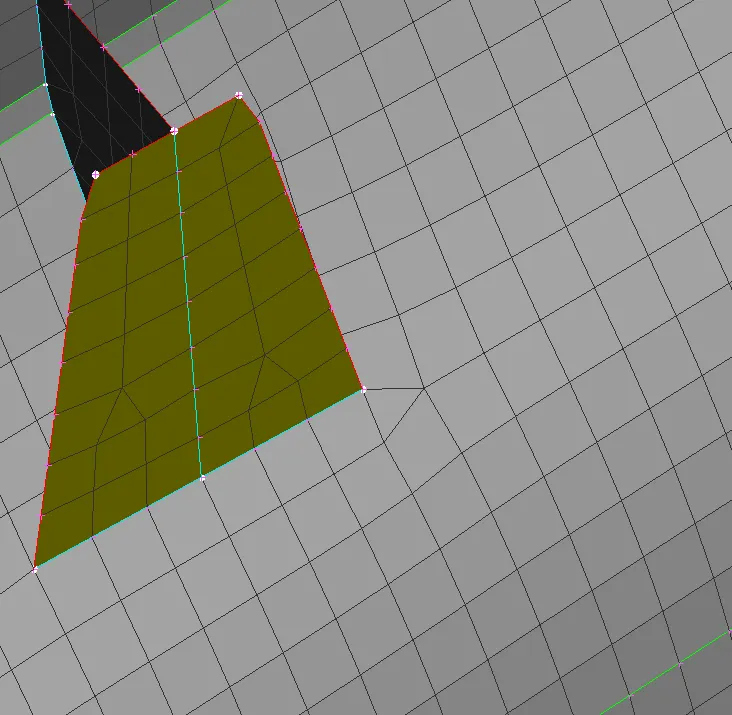
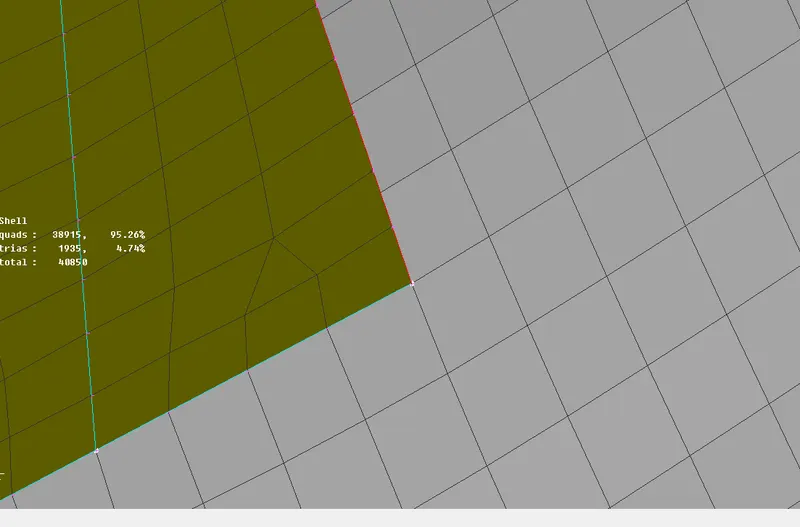
Remove the trias which are opposite to each other by paste option in grid-
a.Before-
b.After-
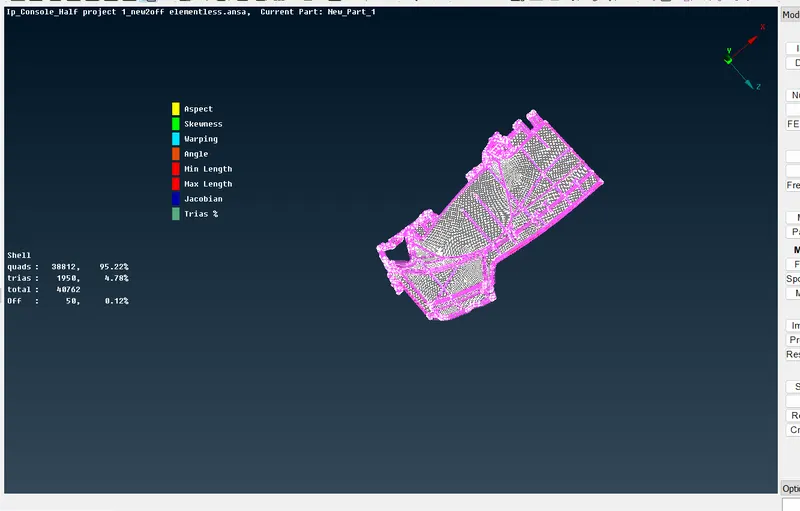
Completed mesh-
Outcomes-Learned about meshing in critical area and midsurfacing.