Project 1 - 2D meshing on the instrumental Panel
AIM: The aim of this week challenge is to create a mid surface for the instrument panel and mesh the model so that it passes the given quality criteria.
OBJECTIVES: -
• Introduction to shell meshing or 2 D meshing.
• Topological errors and geometry errors clean-up.
• Extracting mid surface with a different method.
• Meshing the geometry within quality parameters.
• Rectifying quality errors i. e. solving off elements and improving mesh flow pattern.
PROCEDURE:
Step 1: Import the cad madel into ANSA.
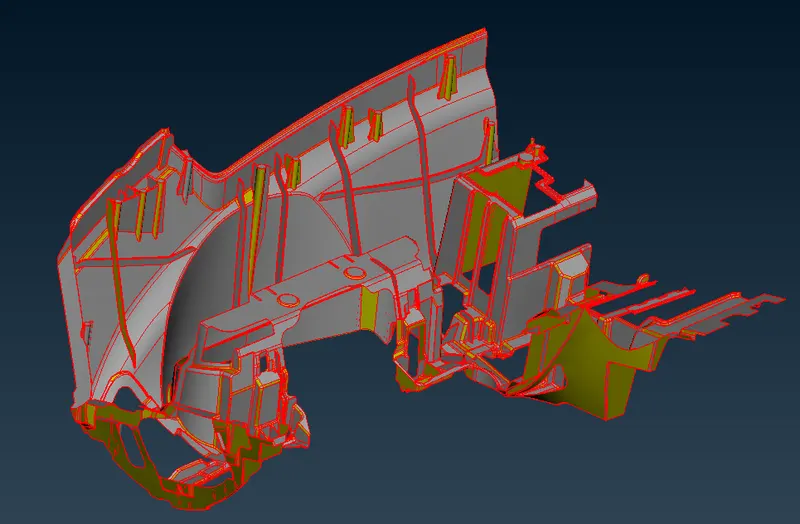
Step 2: So in order to start midsurface first all the components should be connected so use topo option under face tab to connect the surfaces.
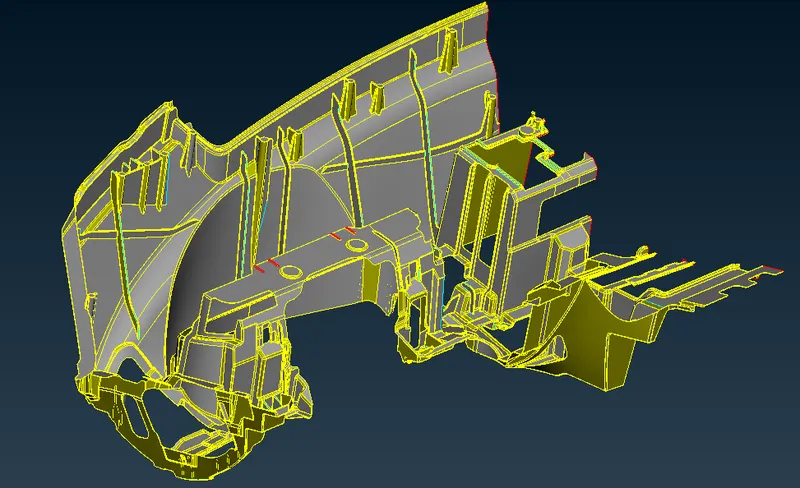
step 3: After connecting the surface, the surfaces should be oriented.
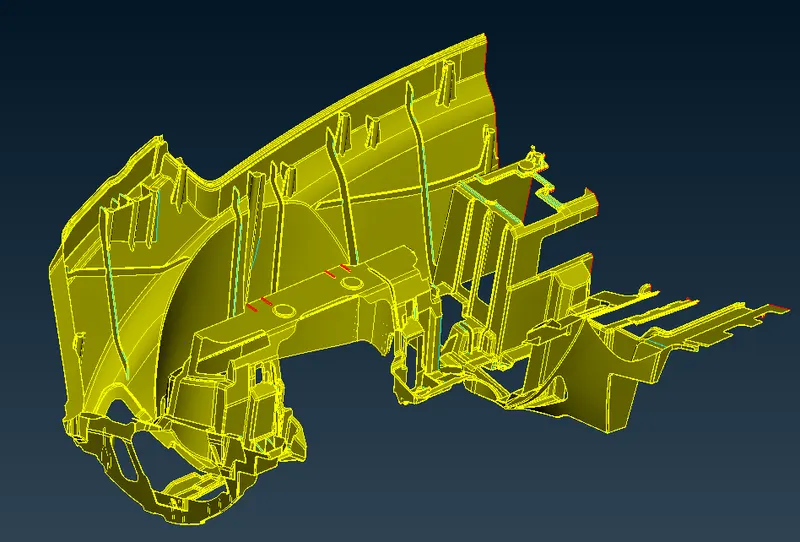
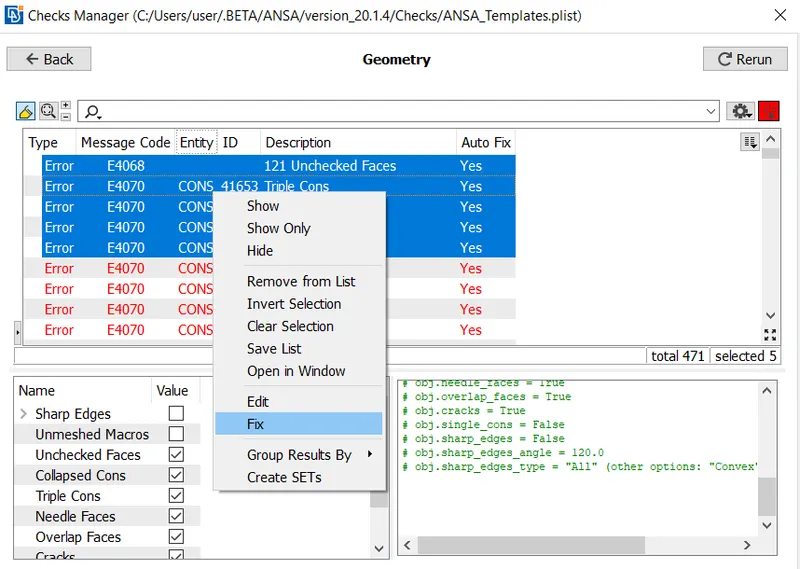
step 5: Now before midsurfacing, you need to clean the geomentry. a geometry check and cleanup need to be carried out and ANSA has a tool that takes care of that. The checks tool can be accessed from the upper toolbar: Checks > Geometry. With all components visible, the checks can be 'executed'. The geometric discrepancies will be highlighted by the tool and they can all be selected, right clicked and fixed by clicking 'fix'.
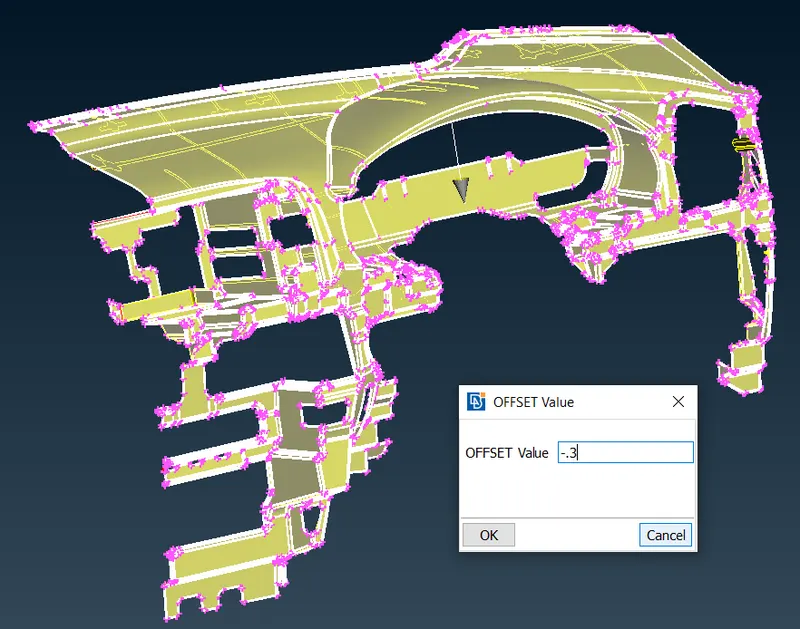
Step 4: Now you can extract the midsurface for the components. First you need to offset the outer surface to a distace of .3mm
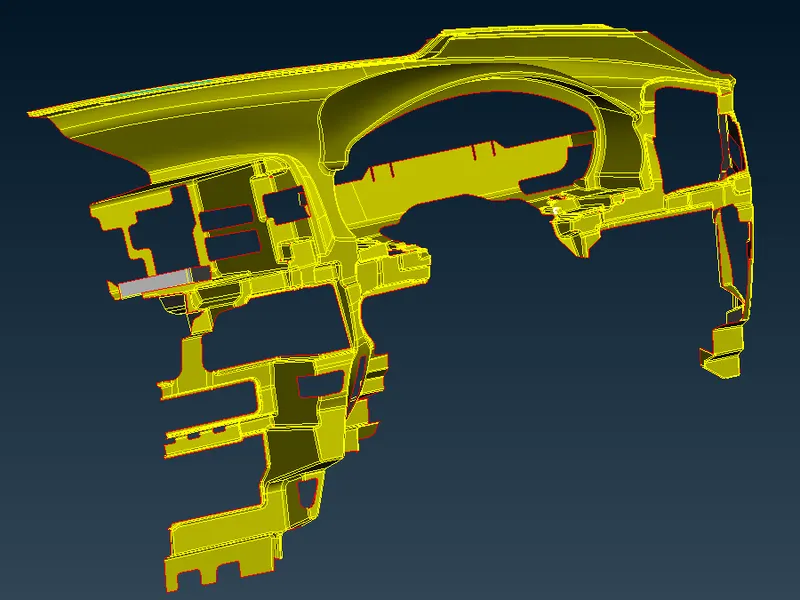
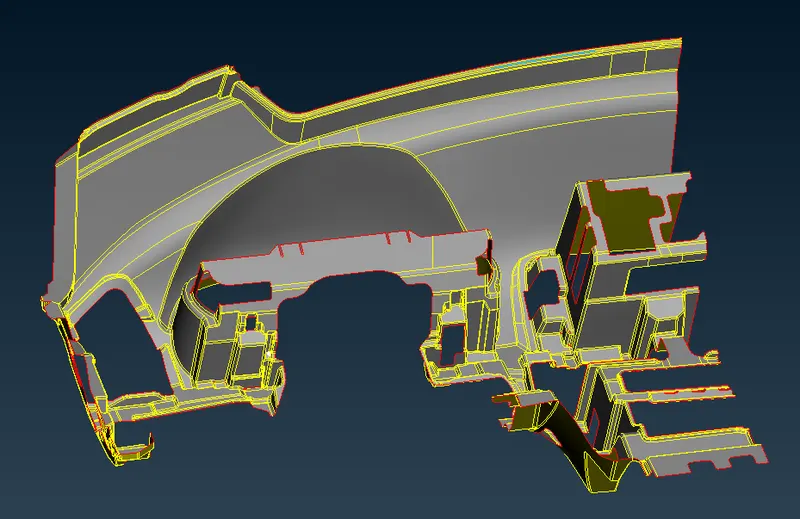
Step 5: On the inner surface now you need to model the dog house and ribs seperately and attach it to the offset surface.
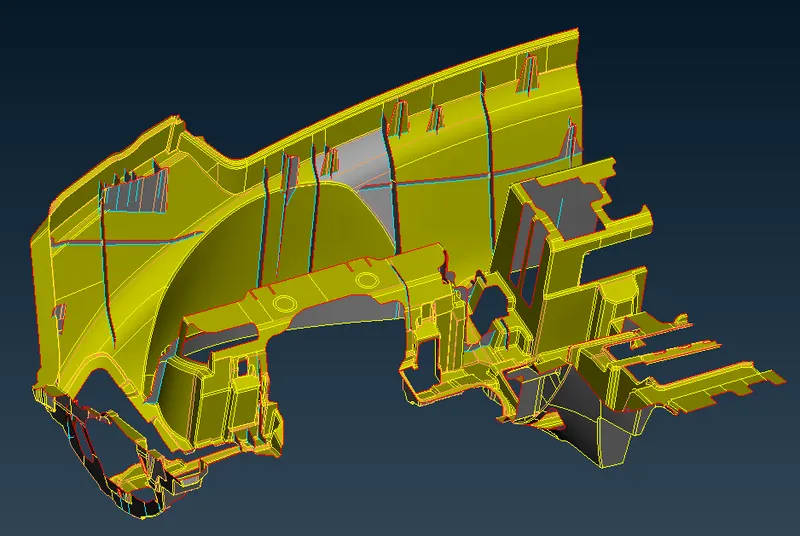
Step 6: After doing the midsurface you can do a batch meshing on the component so that during the batch mesh the defeaturing will be done automatically and then you can erase the mesh and redo the mesh to the component.The orange line represents the defeatred lines.
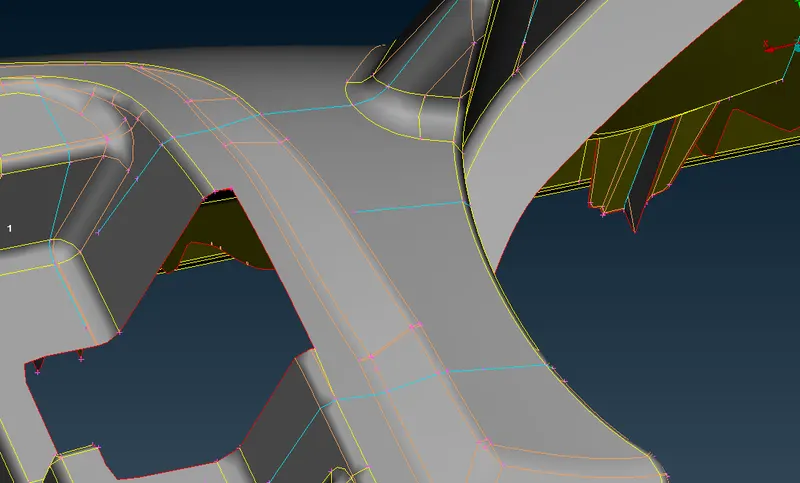
step 7: Now you can start meshing the component induvidually and also enter the mesh quality parameters as given in the questions.
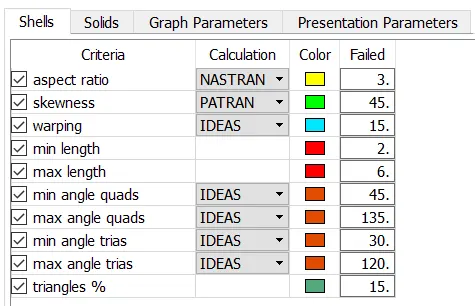
step 8: We can then start meshing the entire component (using Mesh Generation > Best from the Mesh module) starting from one region and spreading out. It is ideal to start from a region with more single cons surrounding it. One of the outer ribs, for example. Since most surfaces have straight cuts, the mesh is less likely to have a large number of trias.Nevertheless, we can make use of the reconstruct tool (Shell Mesh > Reconstruct) to generate a better mesh if the initial mesh is not satisfactory.
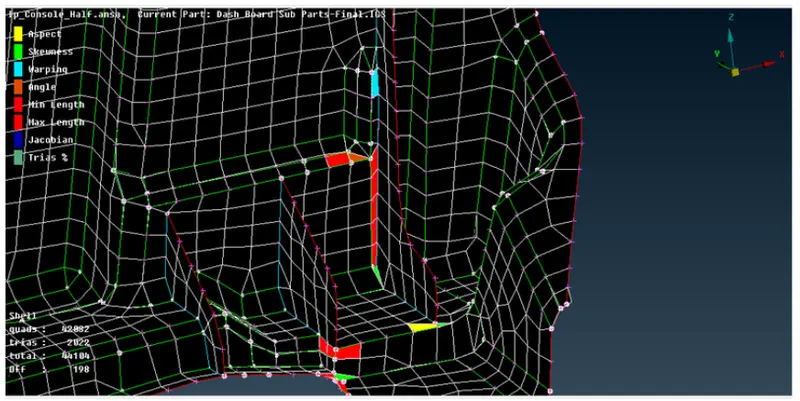
Most of the quality issues will be seen in the areas of ribs and features. We will Reconstruct the Macroregion or rearrange the construction line in such areas. The other areas where there will be quality issues will be the area where triple cons intersect, or triple cons are present near the double cons.
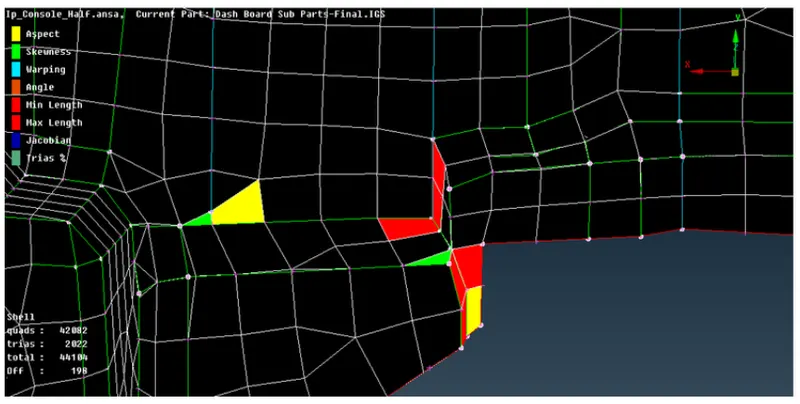
There are many areas where the quality errors cannot be removed due to the minimum length or geometric constraints, those are the region we will leave and proceed with the mesh correction step. The step involves removing the opposite trias or removing the trias element from the perimeter as much as possible. Another trias element that needs addressing is back-to-back trias, but we will remove the one which is possible to remove because the errors such as jacobian or skewness in many areas are removed by splitting the element in two. In such areas, the back- to-back trias will remain. We will try to refine the mesh to get a better mesh result.
OUTPUT:
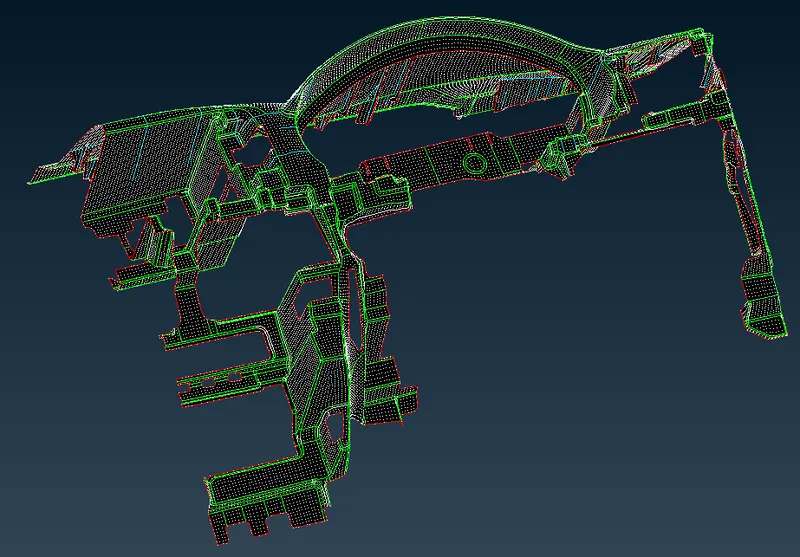
CONCLUSION:
The panel had been captured quite a well-using shell mesh. The total element 41661 out of which 1700 are Tria element and 39961 are Quads which makes 4.08% which is a decent percentage of Tria element. Most of the areas of fillets are captured using dach options and defeaturing is done in areas where construction lines are too close. The mesh flow is smooth nearer to the target length of 4 mm and within the quality parameter.