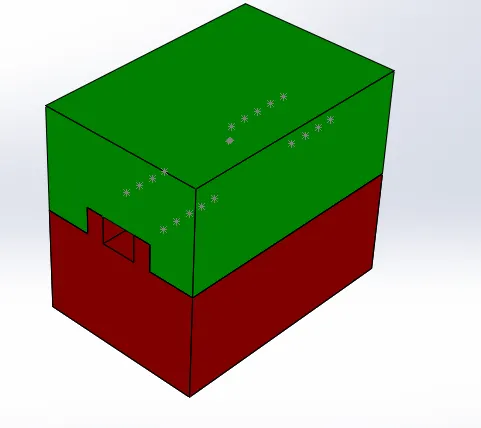
Project 1
TABLE FAN ASSEMBLY
COMPONENTS:
1.TABLE FAN
2.CORE PART
3.cavity part
4.SLIDER
5.WASHERS
These are the components that we are going to built in solidworks .After we finished parts of table fanthen we work on a assembly area .
Let’s discuss about solidworks tools we used
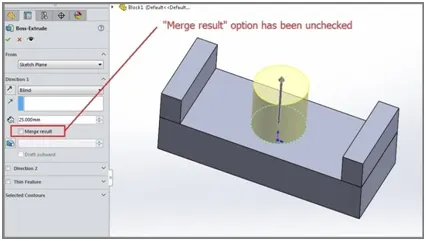
1.extrude boss:
It is most used component in the solidworks it can extrude a sketch along straight line path. After finishing the sketch, use the feature command and go to extrude boss base command. TheProperty Manager for the Extruded Boss allows you to control starting location, extrude depth and draft for the feature, among
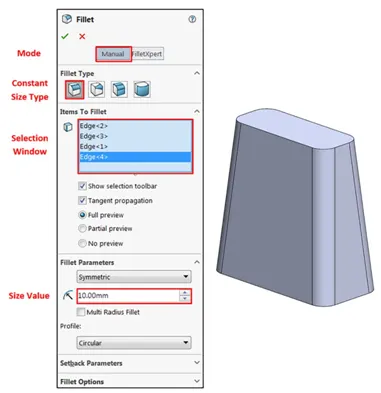
- fillets:
It is used to clear the edges and corners by applyinf and removing some material. It should be noted that fillets of different sizes must be created as separate features. Typically, it is best practice to create the largest fillets first and follow with smaller fillets.
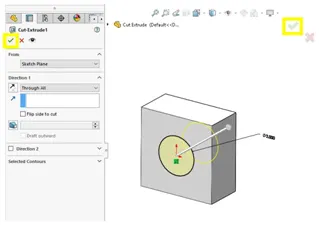
- Extrude Cut:
Similar to the extrude boss feature this feature needs a sketch on the solid body which needs to be cut and the desired shape is then cut off.
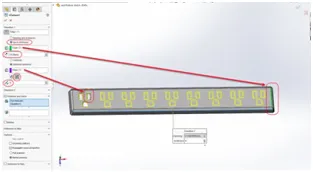
4. Linear Pattern:
It can be used for multiple instances in one or more direction. .Pattern instances inherit the visual properties of the original feature when you select Propagate Visual Properties in the Property Manager
5.Mirror:
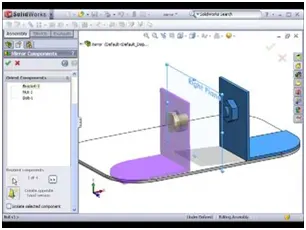
It can be mirrored about a face or plane. : Select a body in a single model or multibody part to create a mirror entity.Multibody parts: Apply features to one or more multibody parts by selecting Geometry Pattern and using Feature Scope to choose which bodies should include the feature.
6.Reference Geometry:
Reference geometry defines the shape or form of a surface or a solid. Reference geometry includes items such as planes, axes, coordinate systems, and points. You can use reference geometry in the creation of several kinds of feature
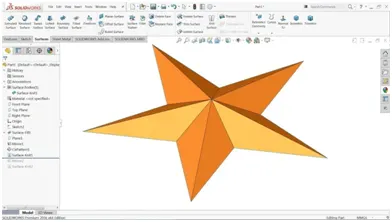
7.Surface knit
Use the Knit Surface tool to combine two or more faces and surfaces into one. Create a solid body when the knit surfaces form a closed volume, or leave as a surface body. Select Merge entities to merge faces with the same underlying geometry.
8.Surface trim
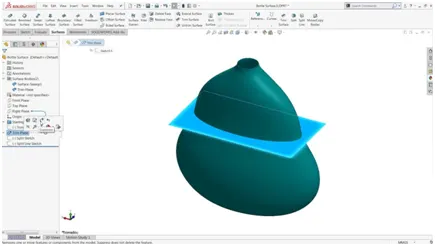
Primarily used to cut away material from a surface, and provides two modes: Standard and Mutual. In Standard mode, a single selection is defined as a Trim Tool, and target surfaces are trimmed accordingly. In Mutual mode, multiple surfaces are trimmed with respect to each other.
9.Offset surface:
Select surface or faces in the graphics area for surface or faces to offset.
Set a value for offset distance. You can create an offset surface with a distance of zero.
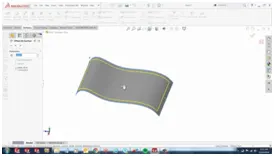
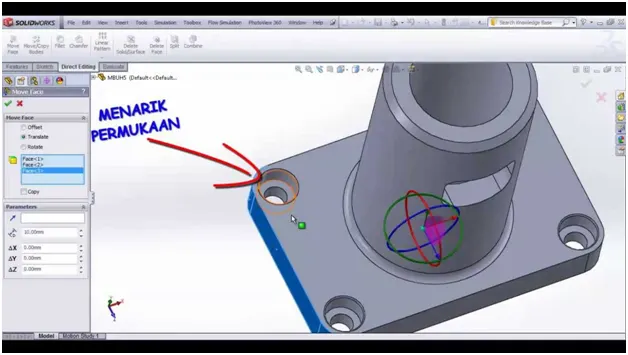
10.Move face:
The Move face command in SOLIDWORKS allows the manipulation of geometry by faces. It is a perfect tool for working with imported geometries.
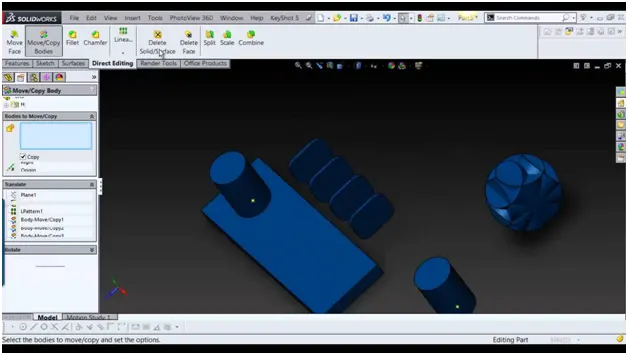
Move/copy:
Specify parameters to move, copy, or rotate bodies. Apply mates between bodies. Click Translate/Rotate or Constraints at the bottom of the PropertyManager (if necessary) to switch to the page you want.
aflets discuss about the components we used:
Table fan assembly:
In this component we are creating the slider for two undercuts. Very firstly, components were given in sldprt or parasolid form. Scale has been given by shrinkage 0.6%. parting line has been created for separting core and cavity. shut off surface has been created close hole
By using surface knit we create core and cavity. Then open the assembly file to create separate parts core, cavity, sliders, washers.
we create core and cavity block in the separate part file. After creating the separate part file sliders is created to give the undercut. By using core and cavity block slider has been created. Modify the slider according to the undercut they provided. The core block has been modified according the slider with respect to the cavity block also filleted the slider edges and core and cavity edges also the same procedure has been repeated for the next slider. Washers has been created on the guide rails changes has been modified according to the core and cavity block.