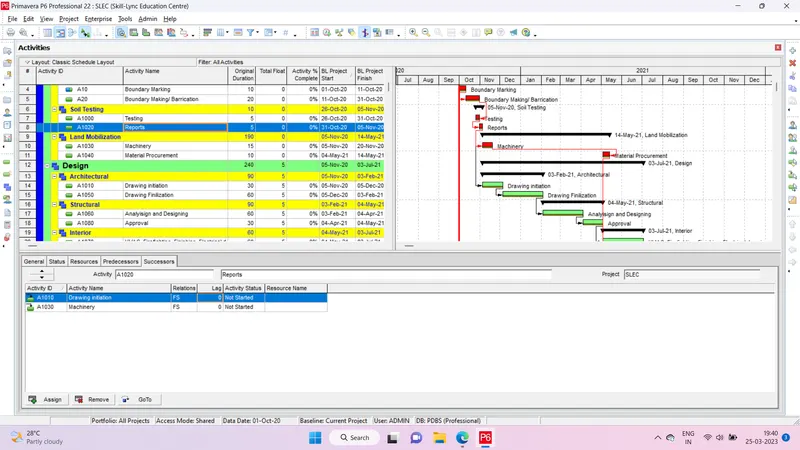
Project 1
Answer-
Step 1- Add New EPS from Enterprise menu bar > Enterprise Project structure >Add
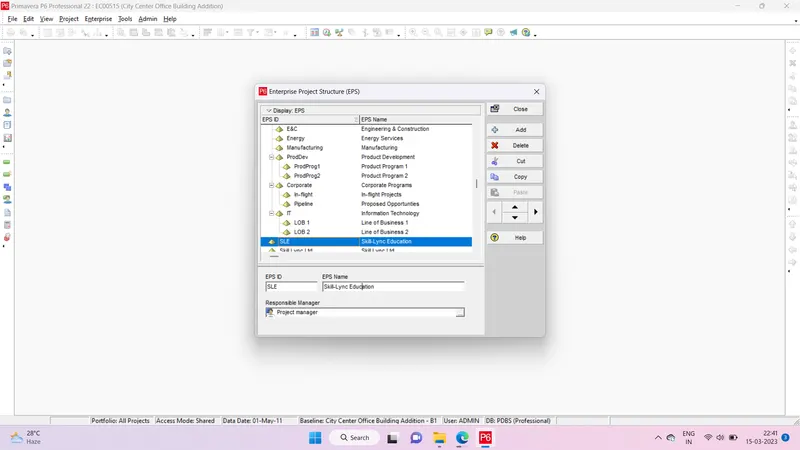
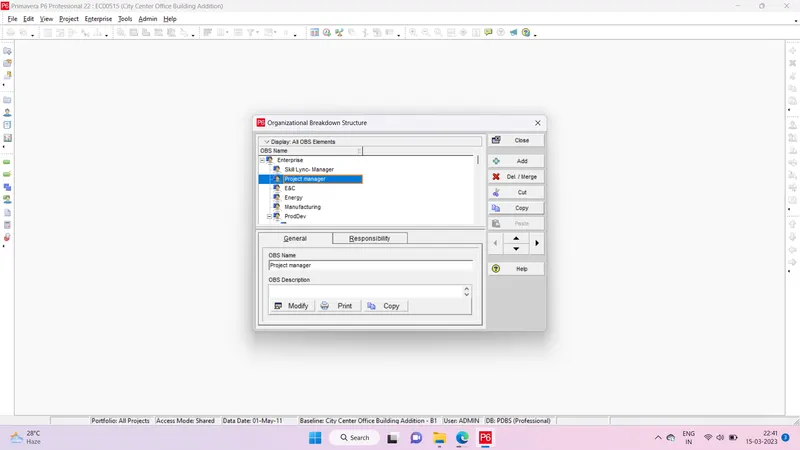
Step 2- Open P6 software > Go to enterprise menu bar > In OBS > Add new OBS as per requirement
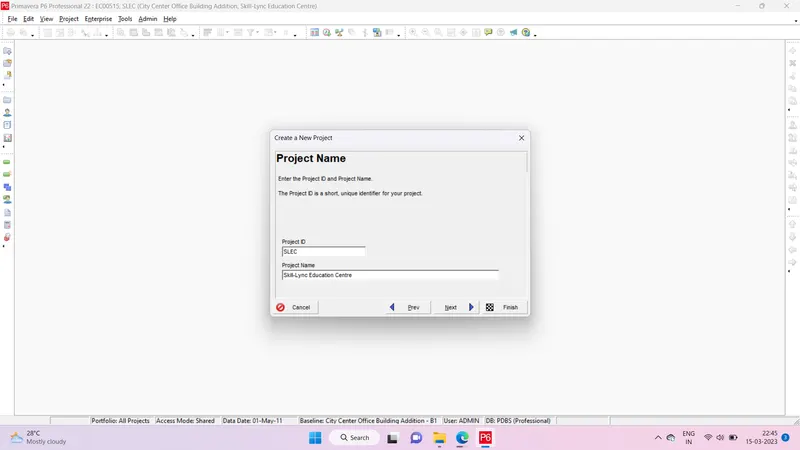
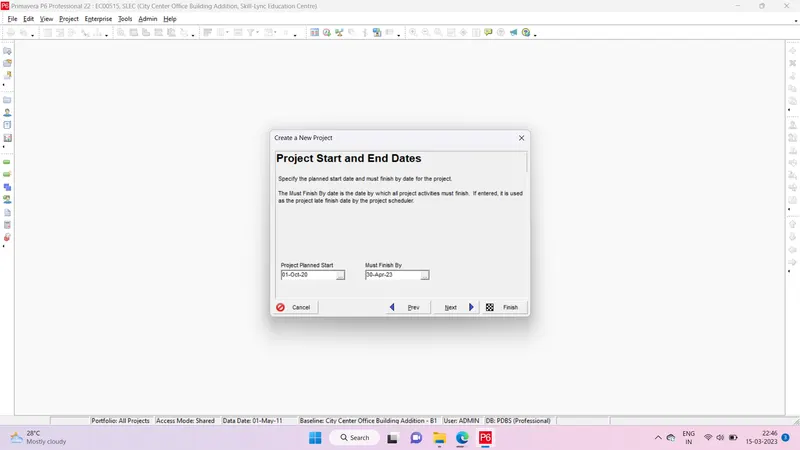
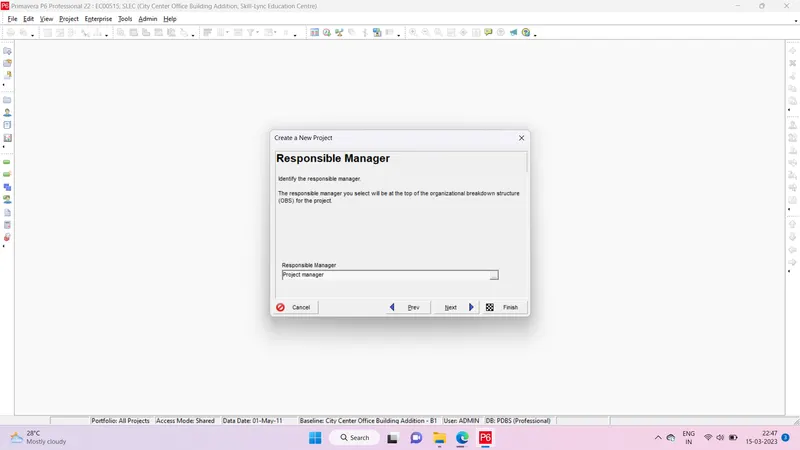
Step 3- Go to Projects > Select EPS > Project Name > Project Start and End Dates > Responsible Manager
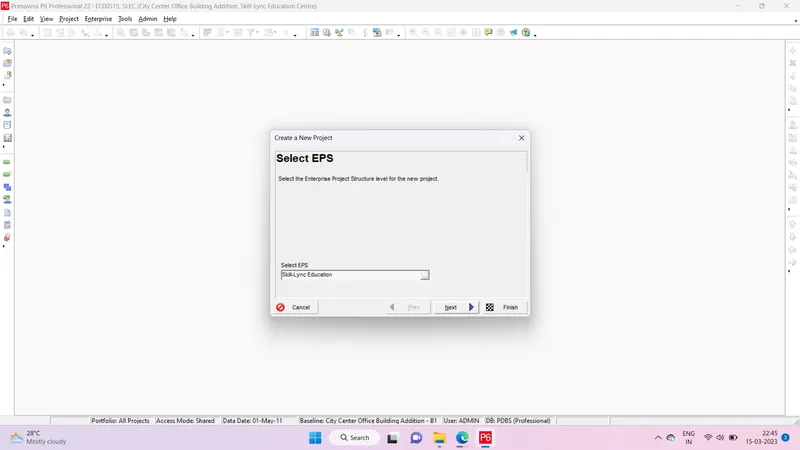
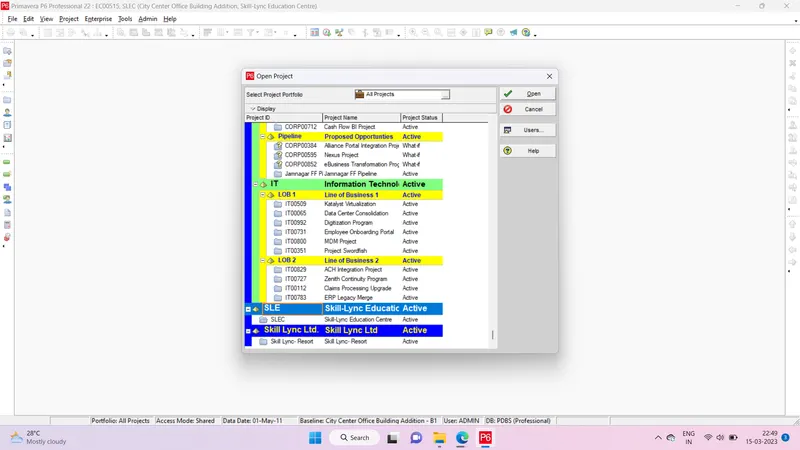
Step 4- Open project > Select the Skill-Lync Education Centre Project > Open
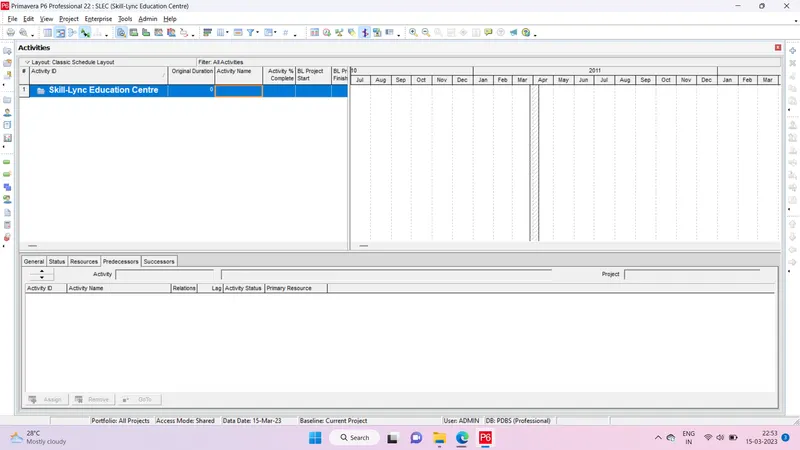
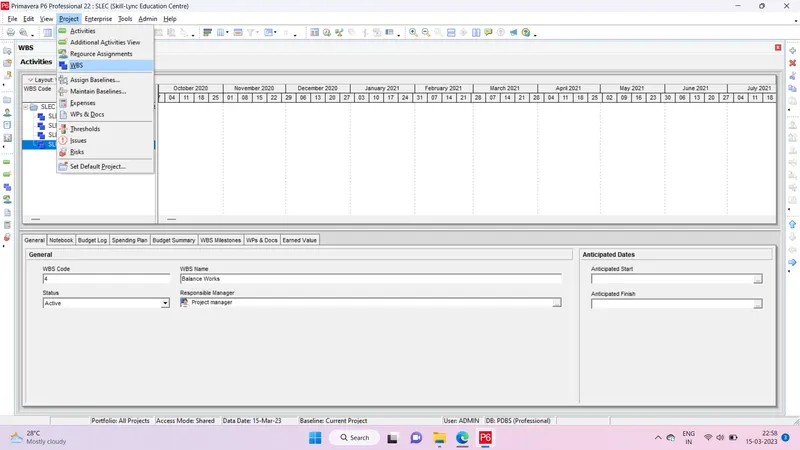
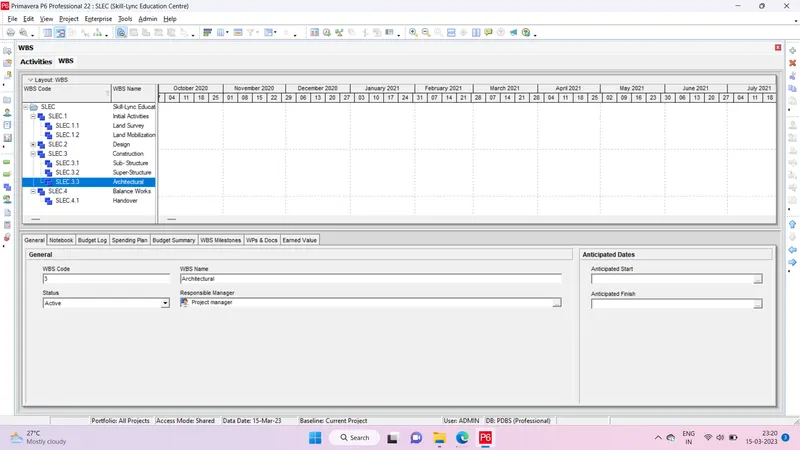
Step 5- Select Projects > WBS > Add Different WBS as per requirement
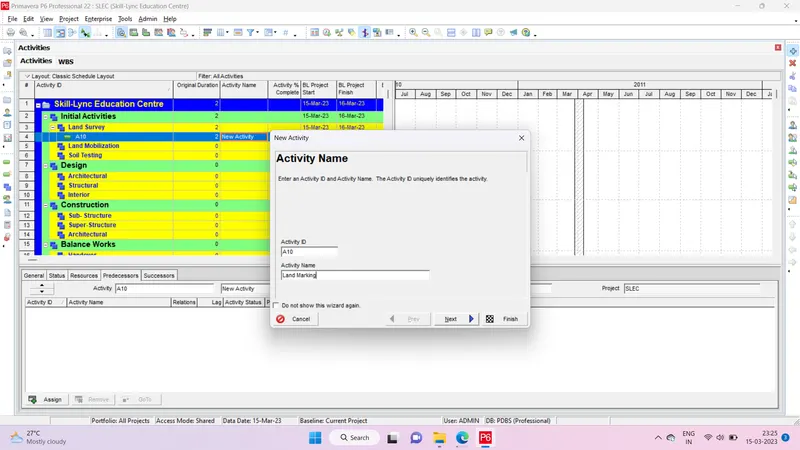
Step 6- Adding the different activity
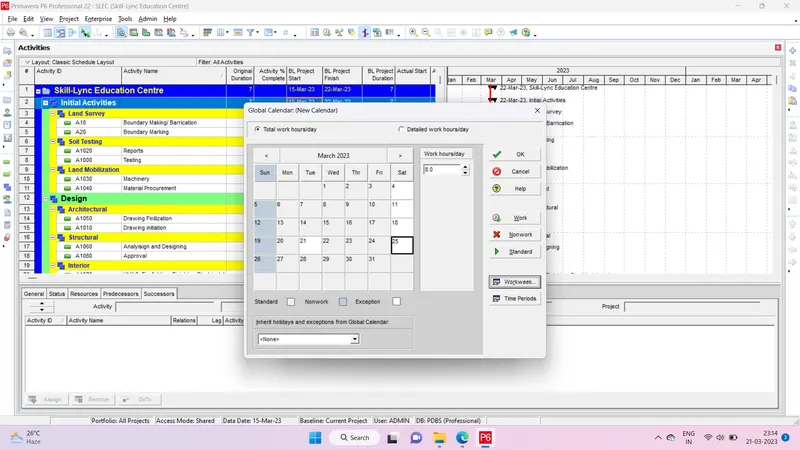
Step Setting up the calender
Step Filtering the critical activity
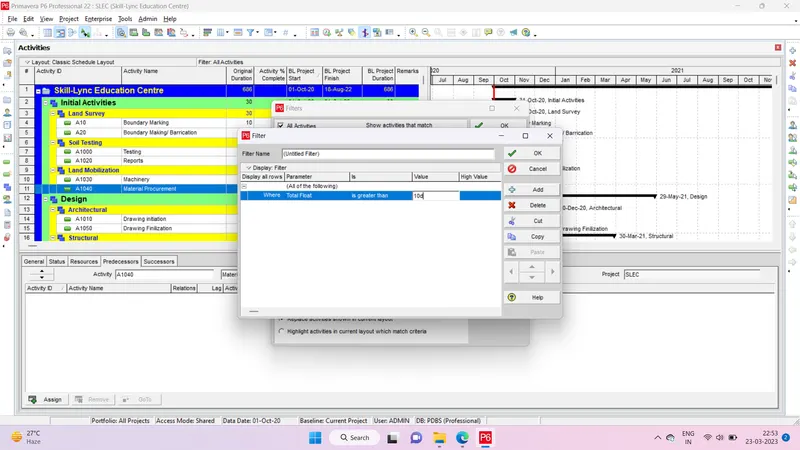
Step no activity are more than 35 days float