Preparing Schedule & Cost Estimation for a building using REVIT
1) Use the shortcut keys in Revit discussed in class to complete the following tasks and list them below
a. Using 3D model create a section box is BX
b. To create similar doors and windows in a floor plan layout is CS
c. To reduce the thickness of lines visible in plan views Is TL
d. To apply override settings to a floor in the model section view Is VG
e. To increase the range of visibility in a plan view VR
f. To select the previously selected items ctrl+<
g. To add annotations to the model views Dl
h. To bring the model elements in line AL
i. To rotate the model elements RO
j. To move an object to another location MO
k. To copy a model element CO
l. To mirror an element about an axis MM
m. To create an array of model elements AR
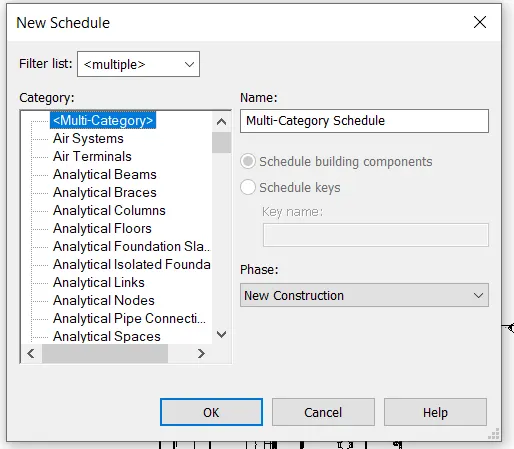
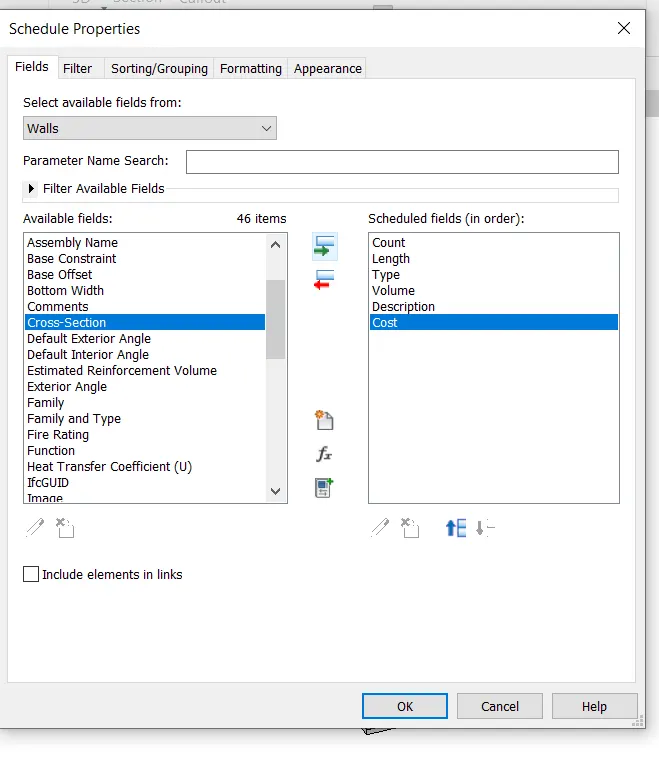
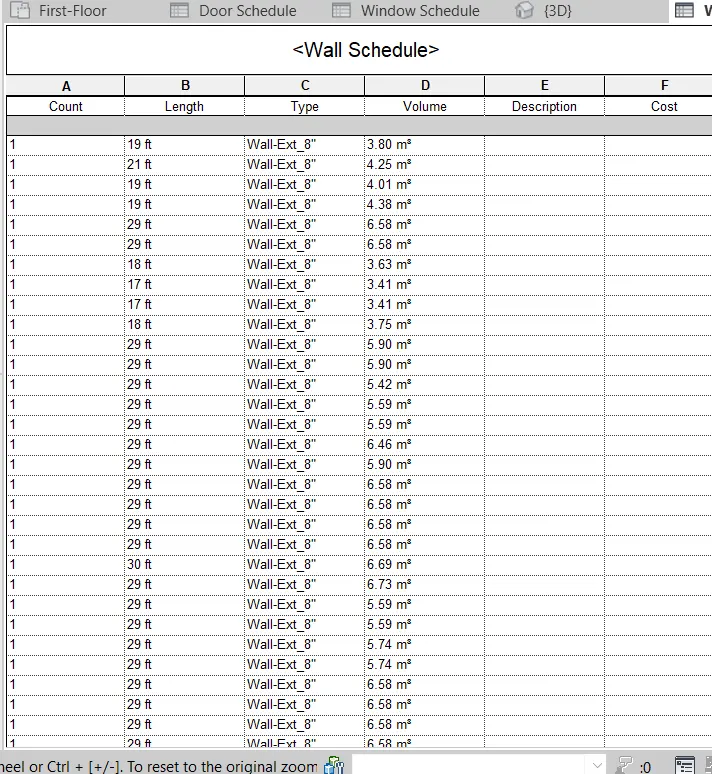
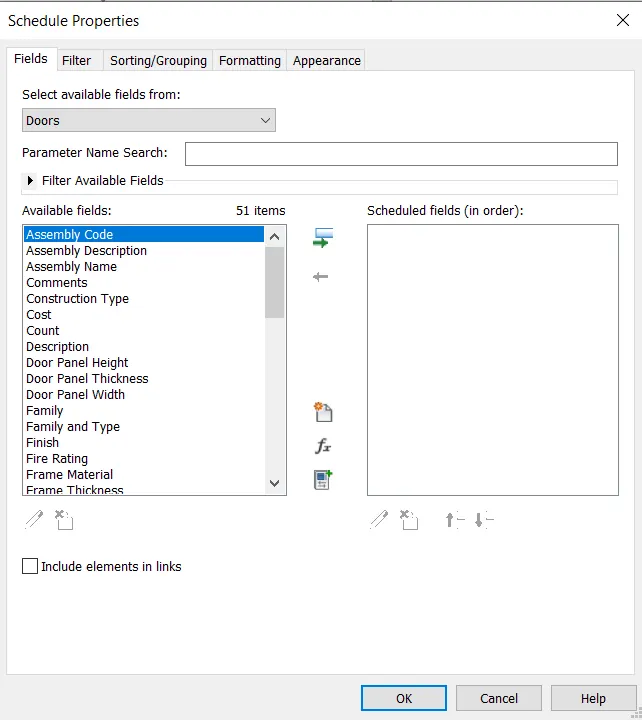
2) Using Revit and the project used from week 6 to 8 prepare a schedule for the following
a. Walls
b. Doors
c. Windows
d. Material – Concrete/Wood
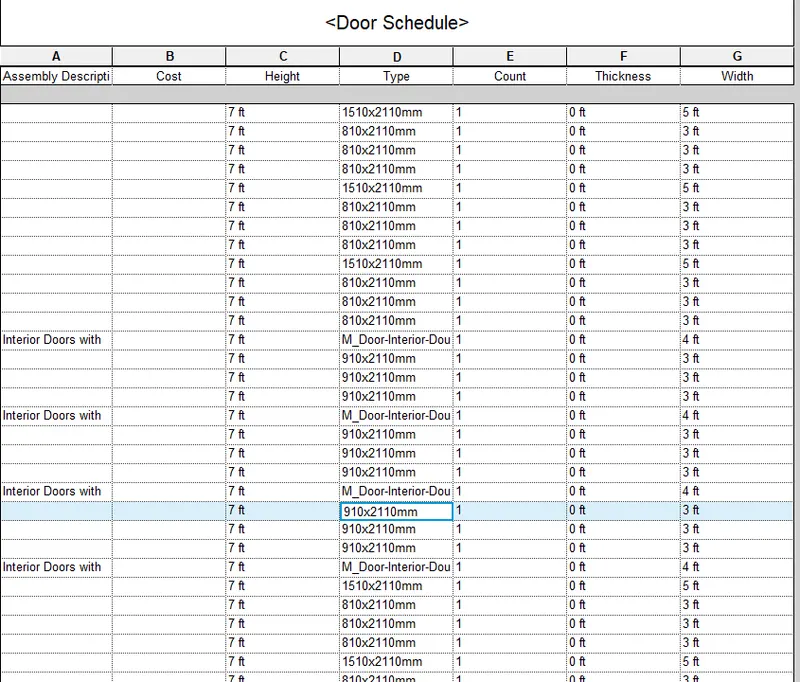
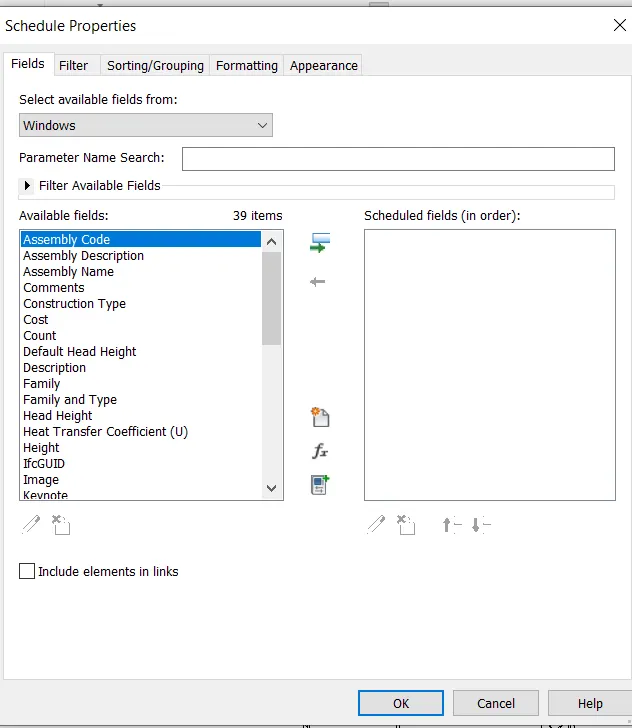
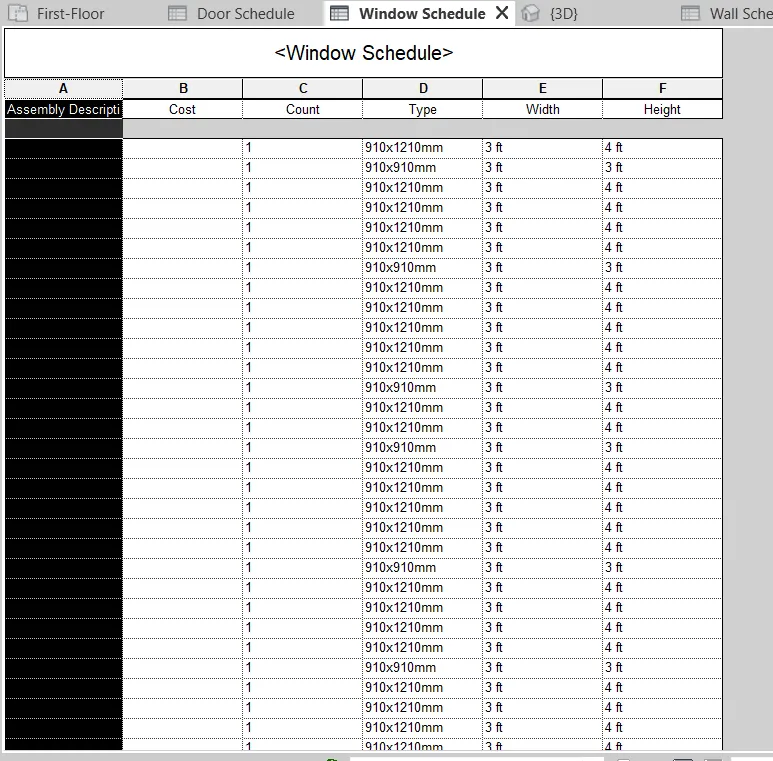
3) Using Revit Calculate area and volume of each room in the model with appropriate room tags applied to each room. Prepare a schedule report for area and volume of each room:
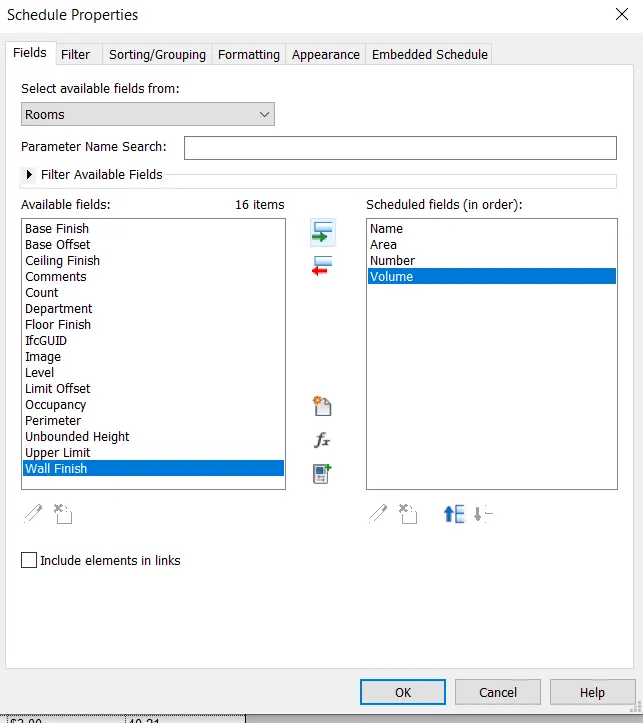
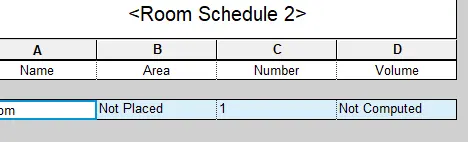
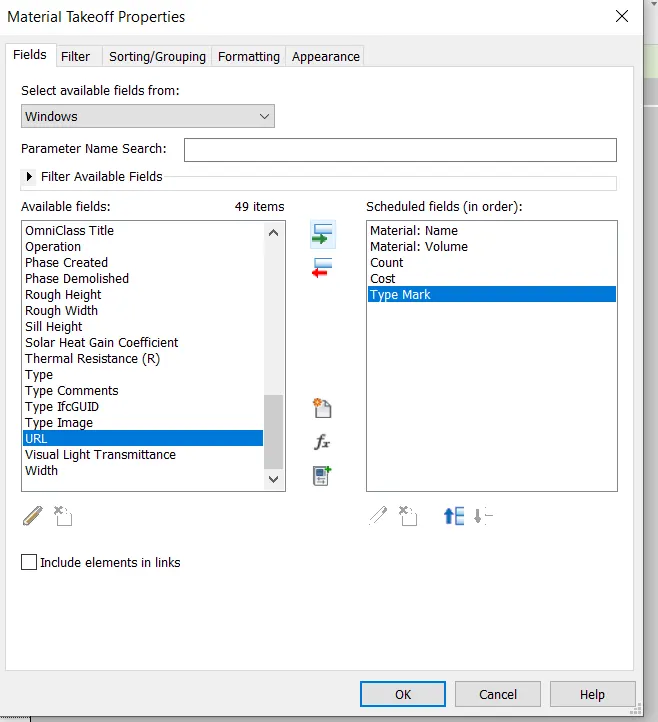
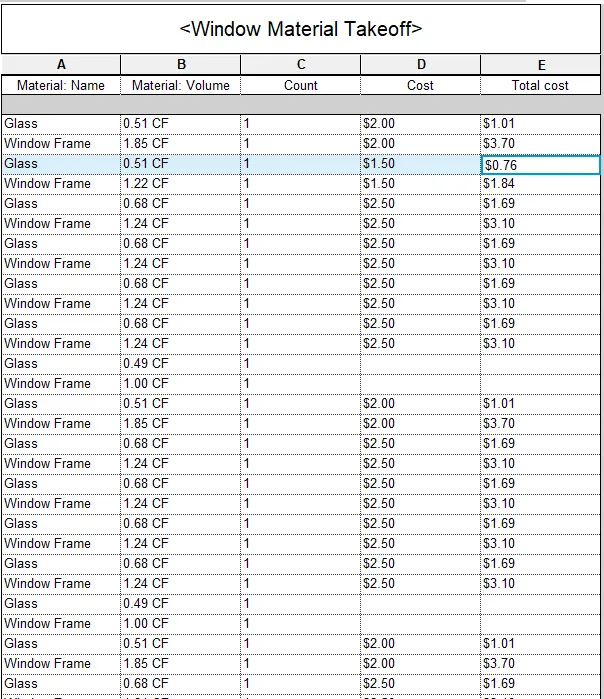
4) Using the same schedule using the unit cost rate for materials available in the internet, prepare total cost of materials used in the project
a. Total Cost of Materials
b. Individual Material Take off
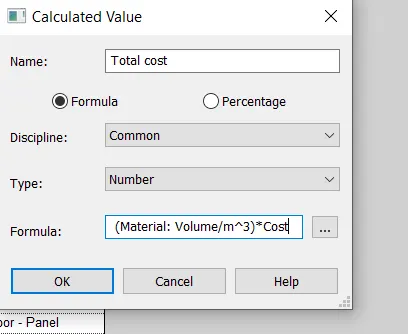
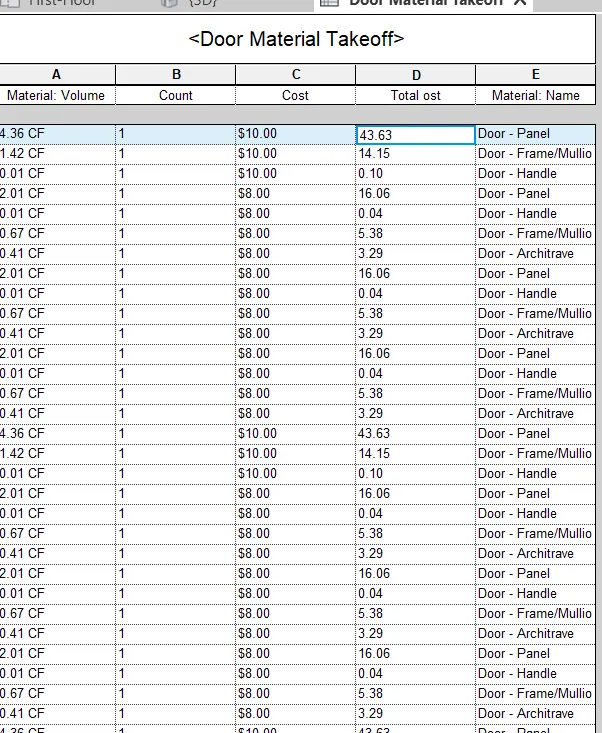
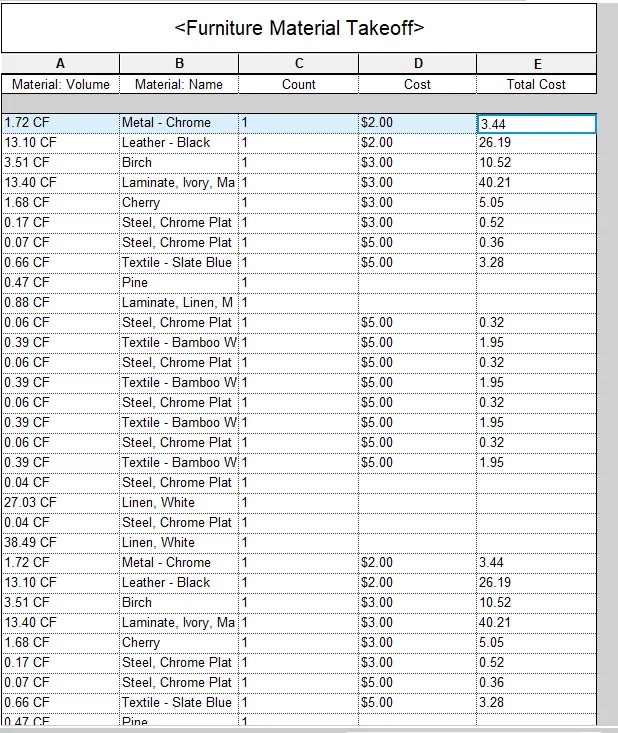
6) List the parameters associated with each model element
a. Wall
b. Floor
c. Door
d. Window
e. Table
f. Building
Wall:
Wall type
Wall Thickness
Wall length
wall description
wall height
wall location
wall material
material cost
Floor
Floor type
Floor thickness
Floor length
Floor width
Floor description
Floor material
Material cost
Door:
Door type
Door width
Door height
Door material
material cost
Window:
Window type
Window width
Window height
Window material
materialcost
Table:
Table type
Table width
Table height
Table length
Table Weight
Table material
material cost
Building
Building type
Building height
Building area
Building volume
Building material
Building location
Building parameter
site value