Photo Realistic Rendering
Assembly of Chopper Model
Objective:
- To plan individual pieces of the chopper with completely characterized draws and suitable appearances.
- To gather every one of the singular pieces of the chopper model by allocating reasonable limitations.
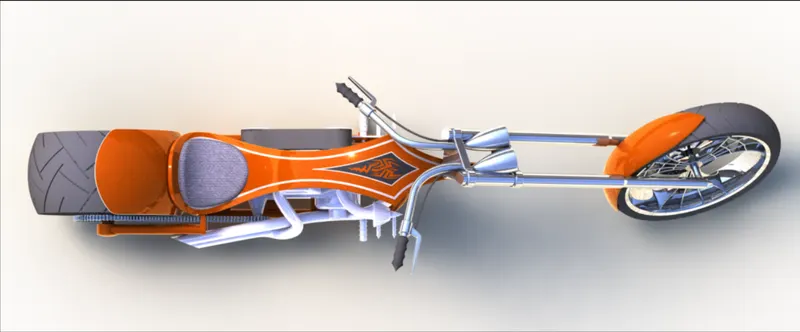
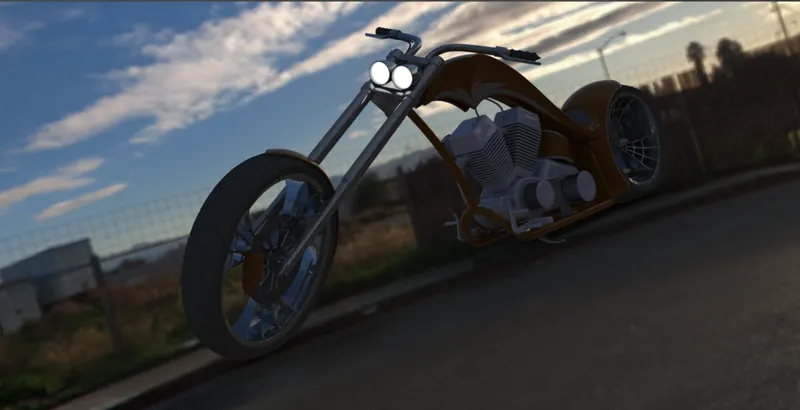
- To deliver the chopper model by adding appearances, decals, lights, cameras, and foundation scenes.
Introduction:
Solidworks: Solidworks is a result of Dassault frameworks organization. It is a product utilized for designing, assembling and real time rendering of the continuous models. Any sort of convoluted and touchy plans can be handily demonstrated utilizing the devices and point of interaction of this product.
Chopper model: Chopper is an altered bicycle which has a high exact shapes and edges. The essential parts in the chopper are body, motor, front wheel, front bumper, back tire, back bumper, oil tank, fuel tank, front fork, chain part, pedal, transmission belt and kick stand.
Design Methodology:
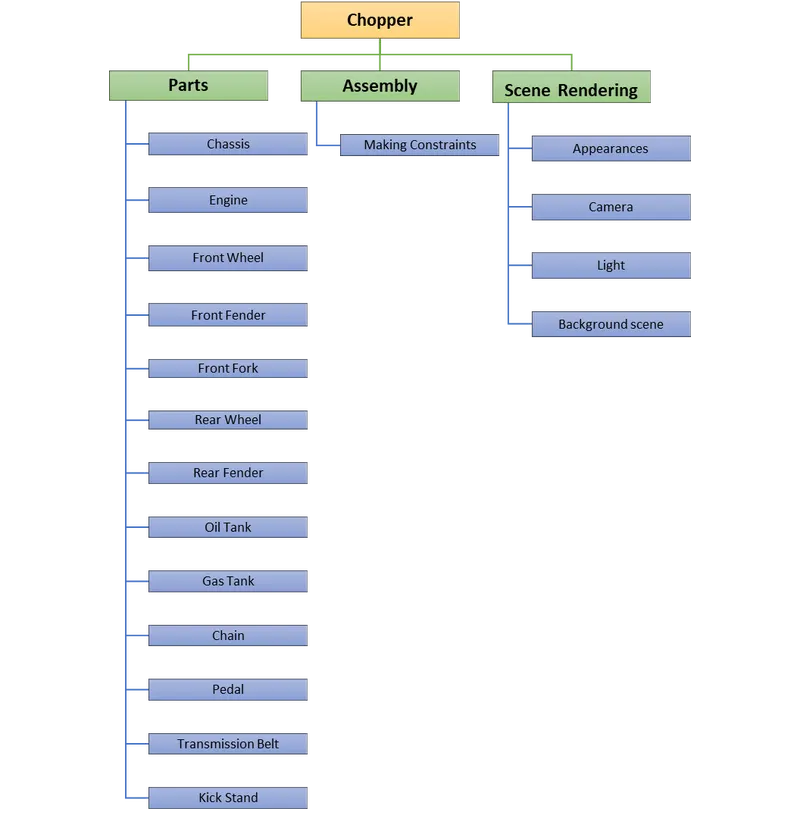
Description:
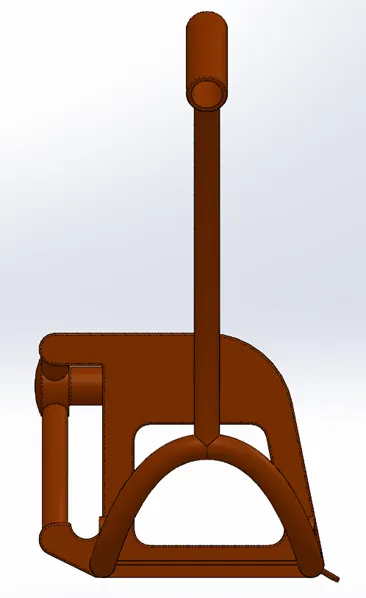
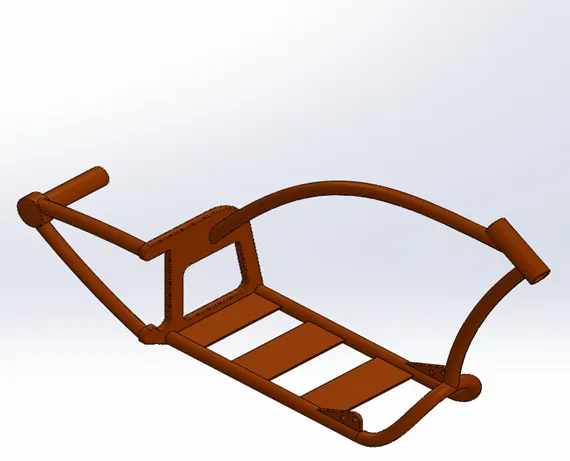
Chassis:
Front View:
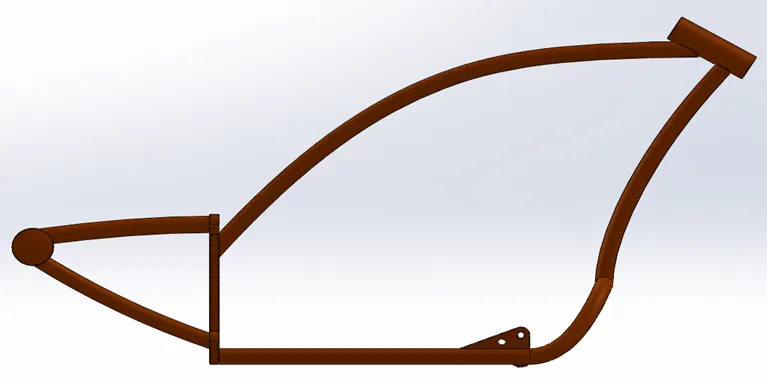
Side View:
Isometric View:
Tools & Features used:
Sketch picture: To insert pictures for reference
Sketch: To create required sketches
Line: To drawing lines and construction lines
Circle: To draw circles
Spline: To draw curves through interpolation of points
Intersection curve: To get an intersection curve obtained from projection of two curves
Boss-sweep: To obtain a solid body along the profile path
Boss-Extrude: To obtain 3d solid from 2d sketch
Cut-Extrude: To subtract a solid portion from a solid using 2d sketch
Reference plane: To construct a reference plane if existed references are not suitable or far away
Mirror: To mirror features or sketches along the selected reference
Split: To separate or split solid bodies
Combine: To combine or merge solid bodies
Dome: To create dome surfaces on flat surfaces
Fillet: To convert sharp internal or external edges into smooth or round edges
Chamfer: To convert sharp edges into bevel edges
Smart dimensions: To add or edit dimensions of sketches
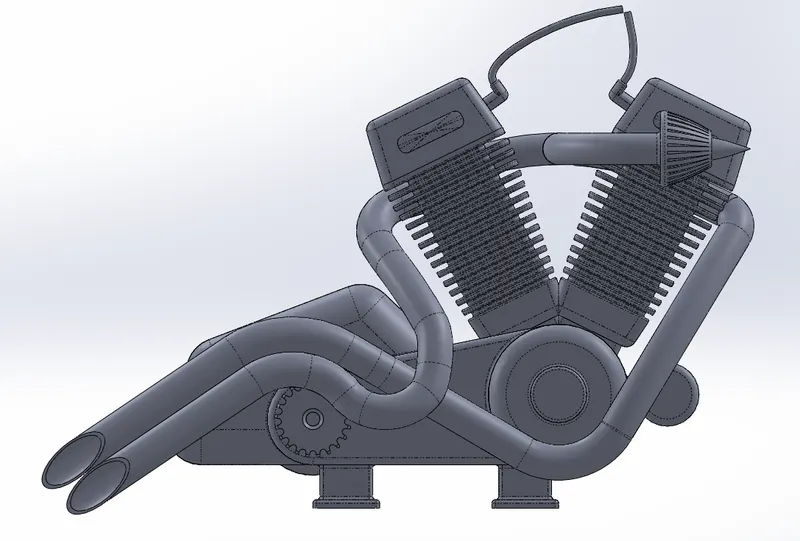
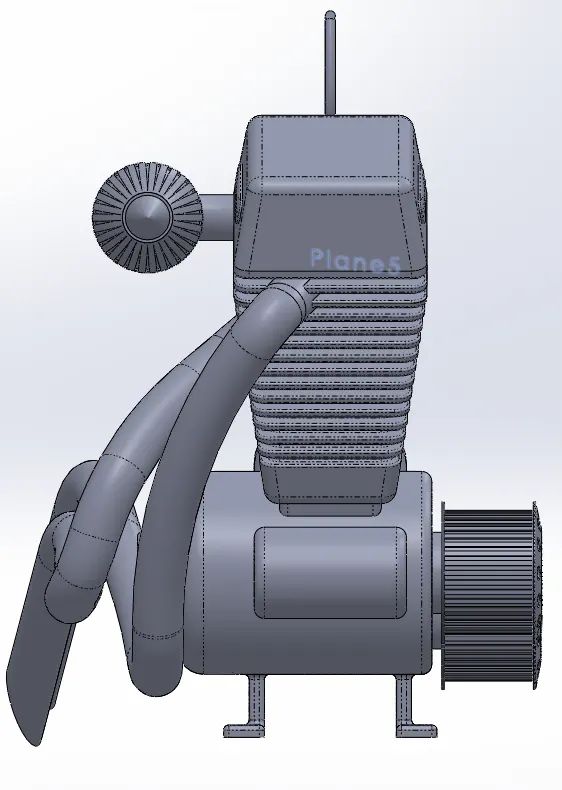
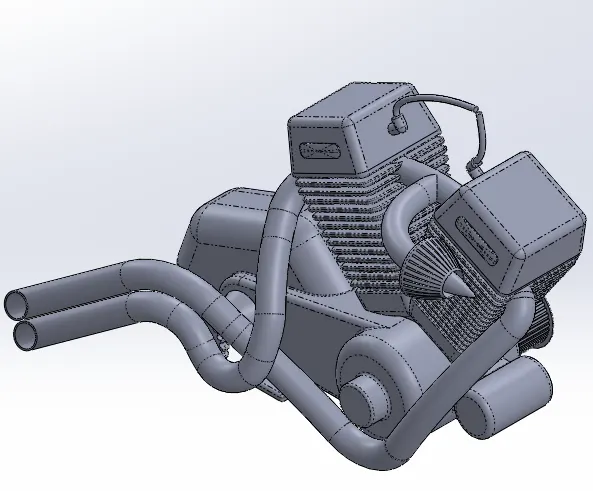
Engine:
Front View:
Side View:
Isometric View:
Tools & Features used:
Sketch picture: To insert pictures for reference
Sketch: To create required sketches
Line: To drawing lines and construction lines
Circle: To draw circle
Arc: To draw arc
Spline: To draw curves through interpolation of points
Convert Entities: To convert edges or curves into lines
Intersection curve: To get an intersection curve obtained from projection of two curves
Boss-sweep: To obtain a solid body along the profile path
Boss-Extrude: To obtain 3d solid from 2d sketch
Boss-Revolve: To revolve 2d sketch along the reference to obtain solid body
Cut-Extrude: To subtract a solid portion from a solid using 2d sketch
Reference plane: To construct a reference plane if existed references are not suitable or far away
Mirror: To mirror features or sketches along the selected reference
Split: To separate or split solid bodies
Combine: To combine or merge solid bodies
Dome: To create dome surfaces on flat surfaces
Fillet: To convert sharp internal or external edges into smooth or round edges
Chamfer: To convert sharp edges into bevel edges
Circular pattern: To create a pattern of feature or body along a circular reference
Linear Pattern: To create a pattern of feature or body along a linear reference
Composite curve: To obtain combined composite curve from two or more curves
Smart dimensions: To add or edit dimensions of sketches
Front Wheel:
Front View:
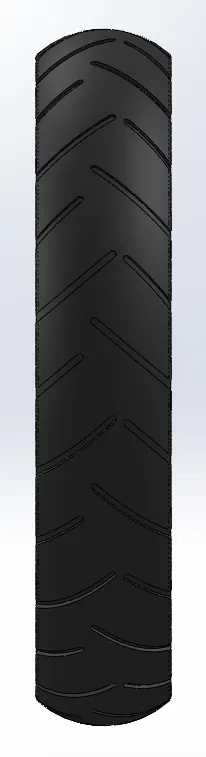
Side View:
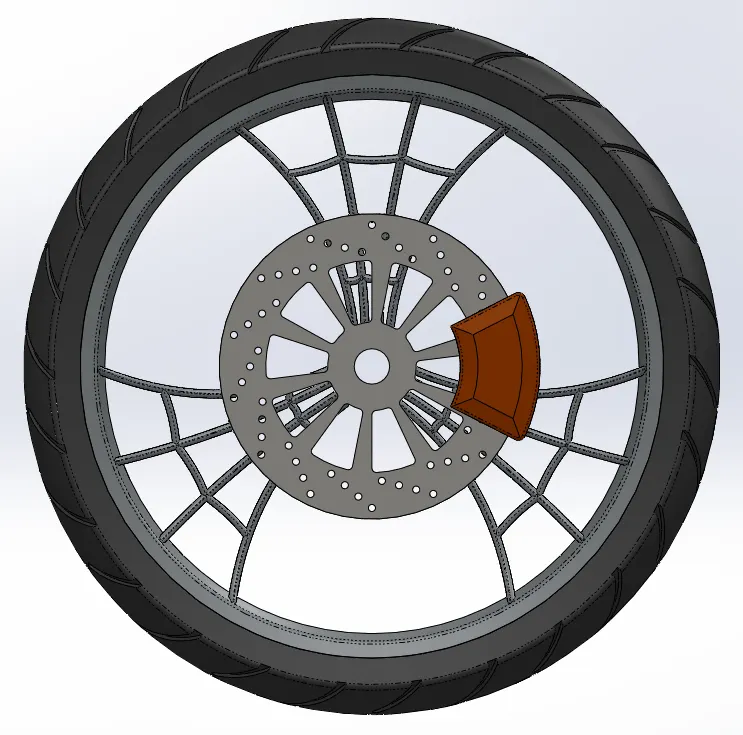
Isometric view:
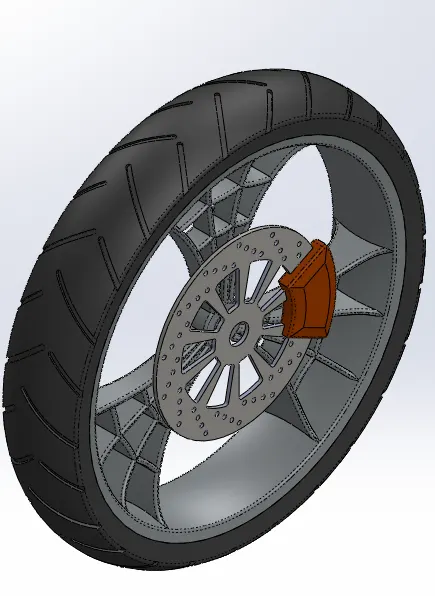
Tools & Features used:
Sketch: To create required sketches
Line: To drawing lines and construction lines
Circle: To draw circles
Arc: To draw arc
Spline: To draw curves through interpolation of points
Convert Entities: To convert edges or curves into lines
Offset Entities: To offset edges or lines to duplicate the edges
Boss-Extrude: To obtain 3d solid from 2d sketch
Boss-Revolve: To revolve 2d sketch along the reference to obtain solid body
Cut-Extrude: To subtract a solid portion from a solid using 2d sketch extrusion
Cut-Revolve: To subtract a solid portion from a solid using 2d sketch revolve
Combine: To combine or merge solid bodies
Fillet: To convert sharp internal or external edges into smooth or round edges
Chamfer: To convert sharp edges into bevel edges
Circular pattern: To create a pattern of feature or body along a circular reference
Linear Pattern: To create a pattern of feature or body along a linear reference
Smart dimensions: To add or edit dimensions of sketches
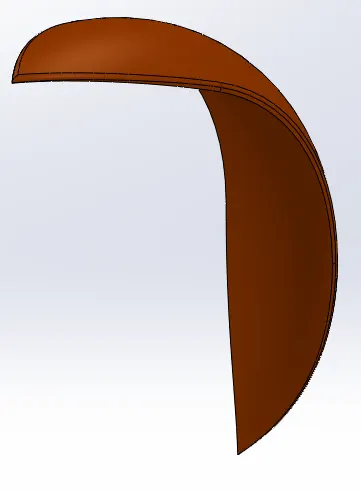
Front Fender:
Front View:
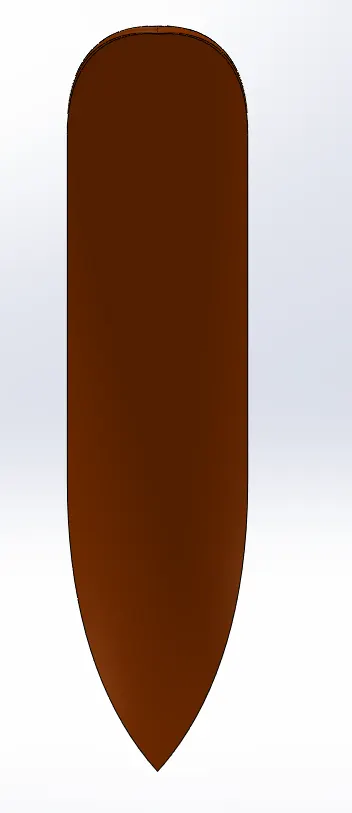
Side View:
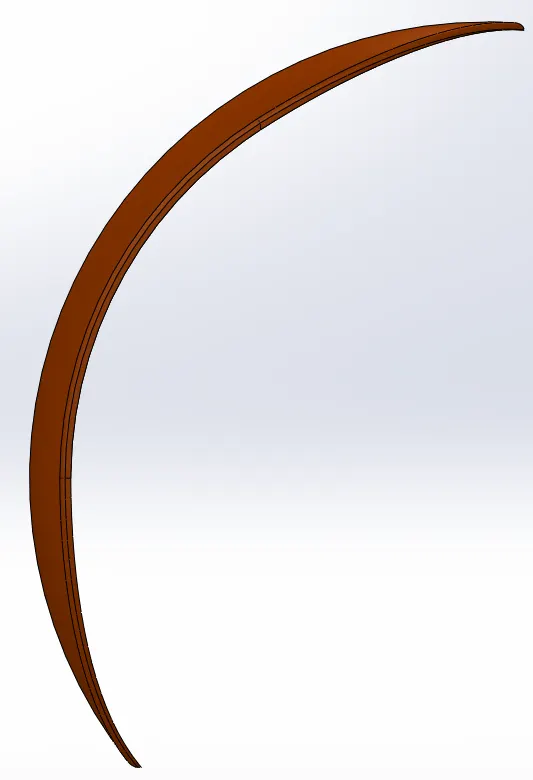
Isometric View:
Tools & Features used:
Sketch: To create required sketches
Line: To drawing lines and construction lines
Spline: To draw curves through interpolation of points
Split: To separate or split solid bodies
Fillet: To convert sharp internal or external edges into smooth or round edges
Boss-Revolve: To revolve 2d sketch along the reference to obtain solid body
Smart dimensions: To add or edit dimensions of sketches
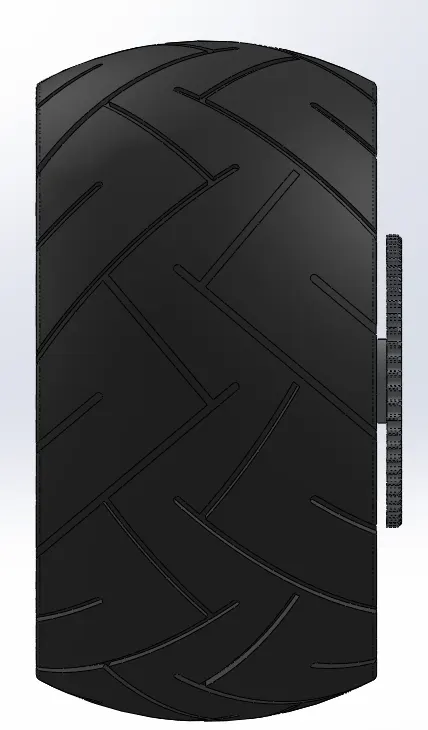
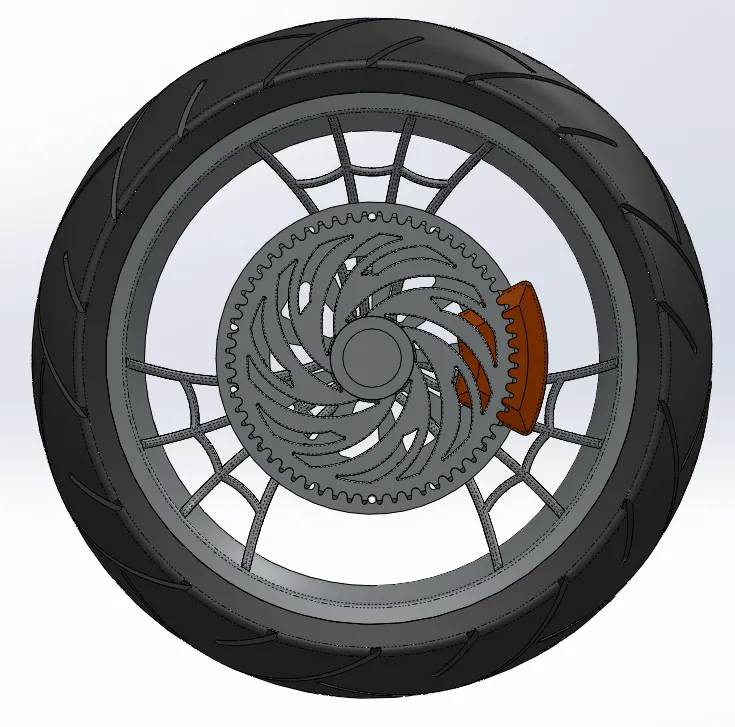
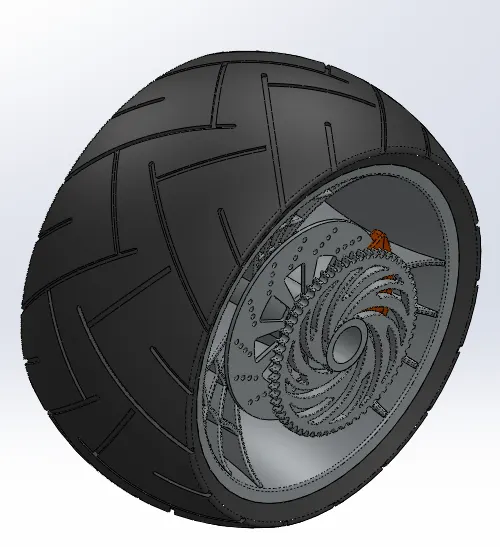
Rear Wheel:
Front View:
Side View:
Isometric View:
Tools & Features used:
Sketch: To create required sketches
Line: To drawing lines and construction lines
Spline: To draw curves through interpolation of points
Convert Entities: To convert edges or curves into lines
Offset Entities: To offset edges or lines to duplicate the edges
Boss-Extrude: To obtain 3d solid from 2d sketch
Boss-Revolve: To revolve 2d sketch along the reference to obtain solid body
Cut-Extrude: To subtract a solid portion from a solid using 2d sketch extrusion
Cut-Revolve: To subtract a solid portion from a solid using 2d sketch revolve
Combine: To combine or merge solid bodies
Fillet: To convert sharp internal or external edges into smooth or round edges
Chamfer: To convert sharp edges into bevel edges
Circular pattern: To create a pattern of feature or body along a circular reference
Linear Pattern: To create a pattern of feature or body along a linear reference
Smart dimensions: To add or edit dimensions of sketches
Rear Fender:
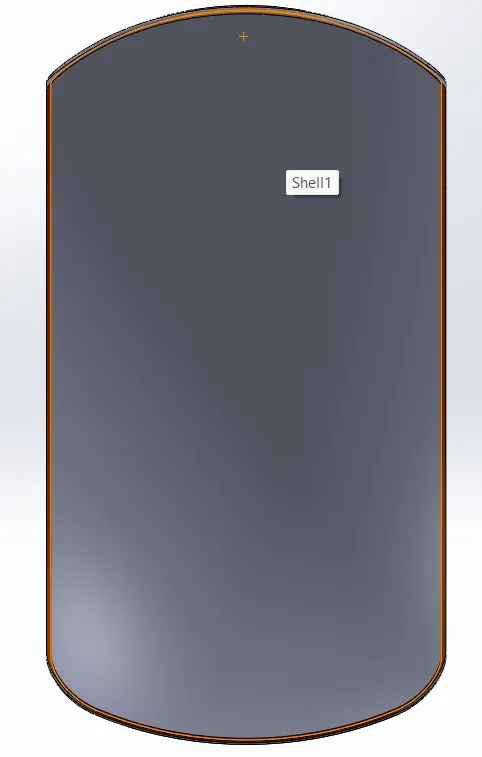
Front View:
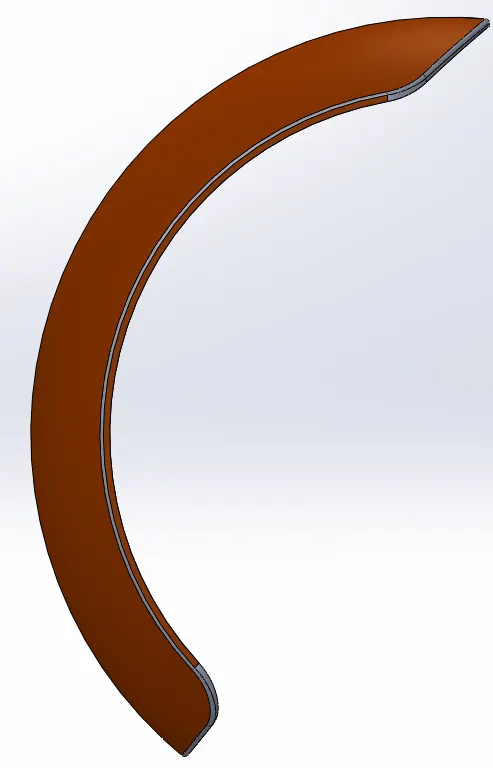
Side View:
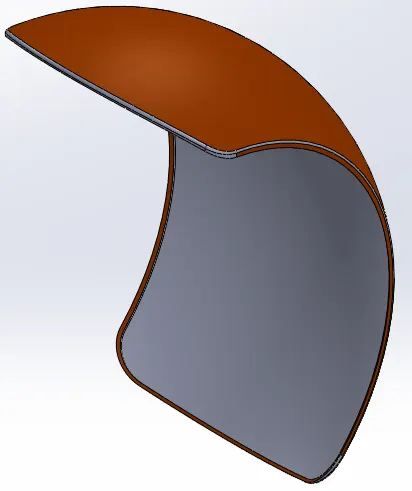
Isometric View:
Tools & Features used:
Sketch: To create required sketches
Line: To drawing lines and construction lines
Spline: To draw curves through interpolation of points
Split: To separate or split solid bodies
Fillet: To convert sharp internal or external edges into smooth or round edges
Boss-Revolve: To revolve 2d sketch along the reference to obtain solid body
Smart dimensions: To add or edit dimensions of sketches
Oil Tank:
Front View:
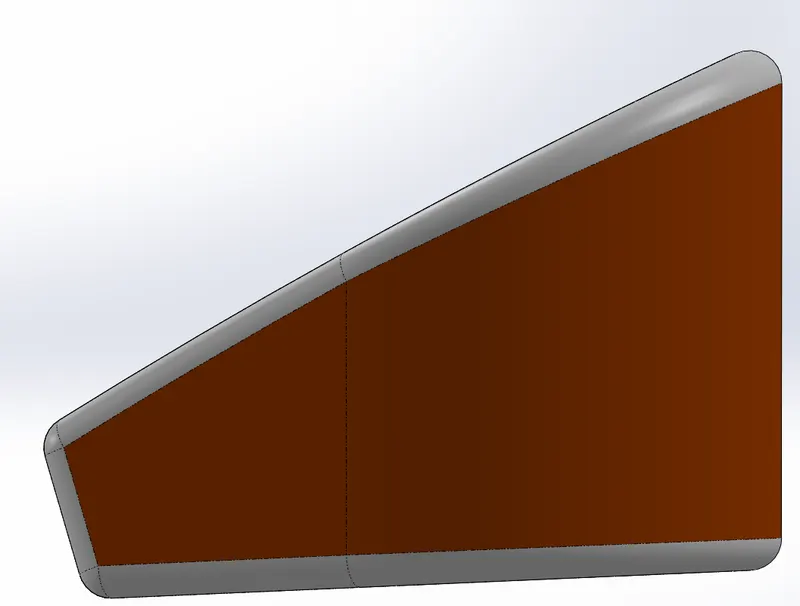
Side View:
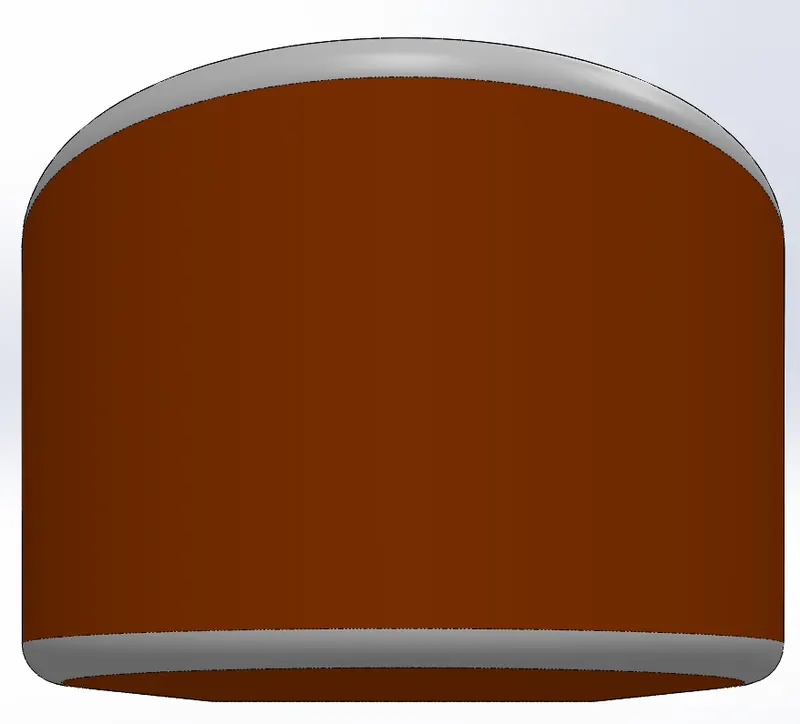
Isometric View:
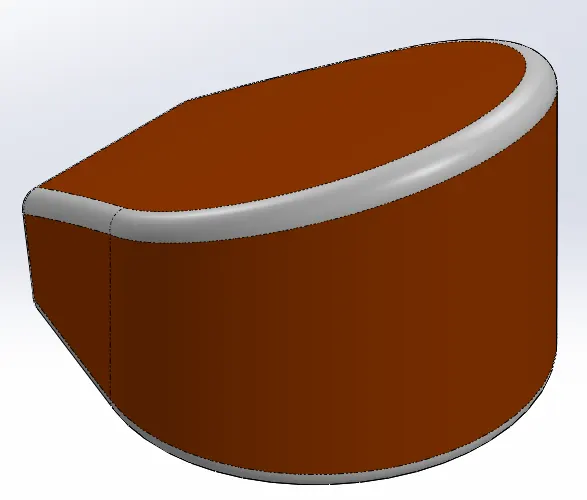
Tools & Features used:
Sketch: To create required sketches
Line: To drawing lines and construction lines
Spline: To draw curves through interpolation of points
Split: To separate or split solid bodies
Fillet: To convert sharp internal or external edges into smooth or round edges
Boss-Extrude: To obtain 3d solid from 2d sketch
Combine: To combine or merge solid bodies
Shell: To convert solid bodies into shell
Smart dimensions: To add or edit dimensions of sketches
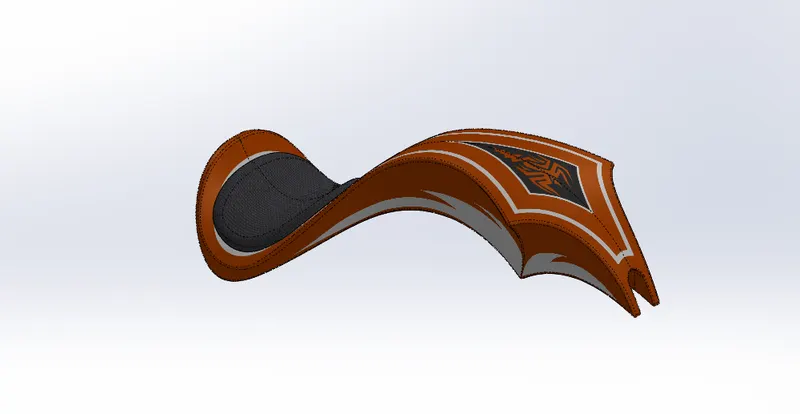
Gas Tank:
Front View
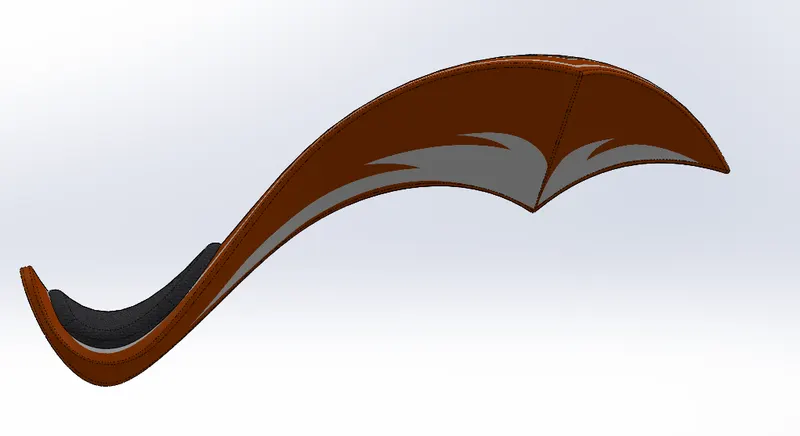
Side View
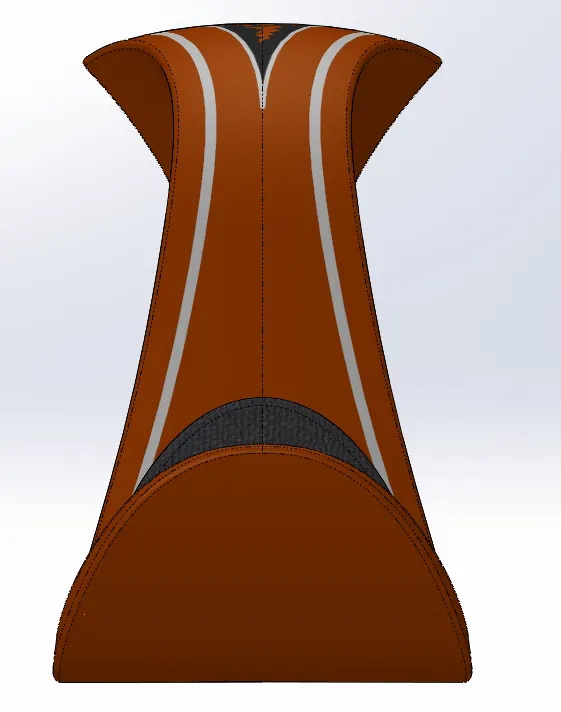
Isometric View
Tools & Features used:
Sketch picture: To insert pictures for reference
Sketch: To create required sketches
Line: To drawing lines and construction lines
Spline: To draw curves through interpolation of points
Split: To separate or split solid bodies
Fillet: To convert sharp internal or external edges into smooth or round edges
Boss-Extrude: To obtain 3d solid from 2d sketch
Reference plane: To construct a reference plane if existed references are not suitable or far away
Surface-loft: To create surface along the profiles
Surface-knit: To combine adjacent non intersecting features
Surface-sweep: To sweep along the sketch to obtain surface
Boundary-surface: To create surface from closed profile
Cut-sweep: To cut the surface along the profile through sweep along the reference
Shell: To convert solid bodies into shells
Mirror: To mirror features or sketches along the selected reference
Smart dimensions: To add or edit dimensions of sketches
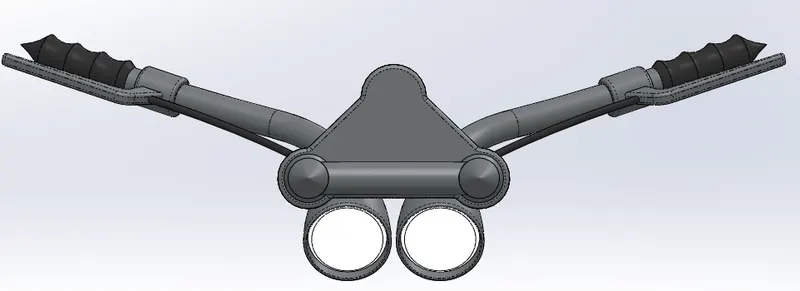
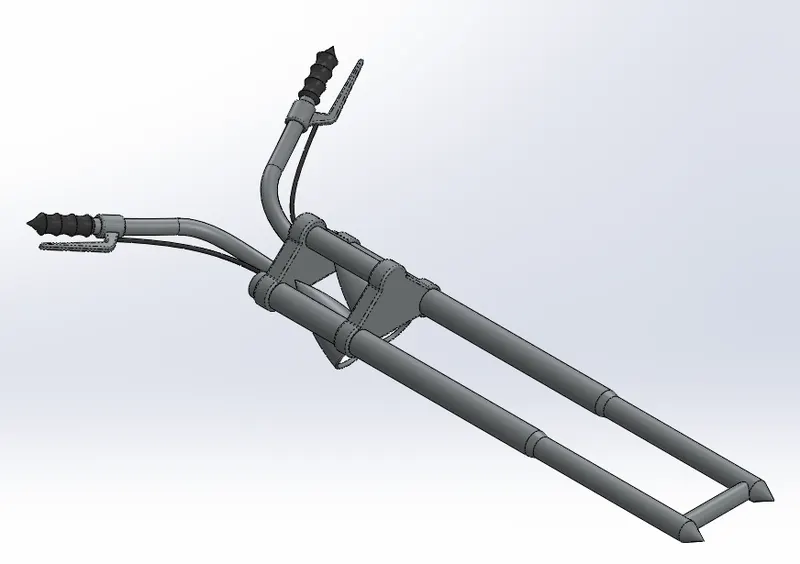
Front Fork:
Front View:
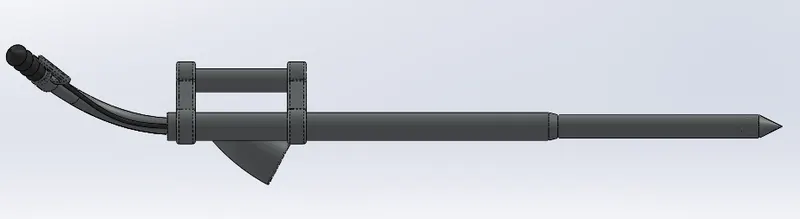
Side View:
Isometric View:
Tools & Features used:
Sketch: To create required sketches
Line: To drawing lines and construction lines
Circle: To draw circle
Arc: To draw arc
Spline: To draw curves through interpolation of points
Convert Entities: To convert edges or curves into lines
Intersection curve: To get an intersection curve obtained from projection of two curves
Boss-sweep: To obtain a solid body along the profile path
Boss-Extrude: To obtain 3d solid from 2d sketch
Boss-Revolve: To revolve 2d sketch along the reference to obtain solid body
Cut-Extrude: To subtract a solid portion from a solid using 2d sketch
Reference plane: To construct a reference plane if existed references are not suitable or far away
Mirror: To mirror features or sketches along the selected reference
Combine: To combine or merge solid bodies
Dome: To create dome surfaces on flat surfaces
Fillet: To convert sharp internal or external edges into smooth or round edges
Linear Pattern: To create a pattern of feature or body along a linear reference
Smart dimensions: To add or edit dimensions of sketches
Chain:
Front View
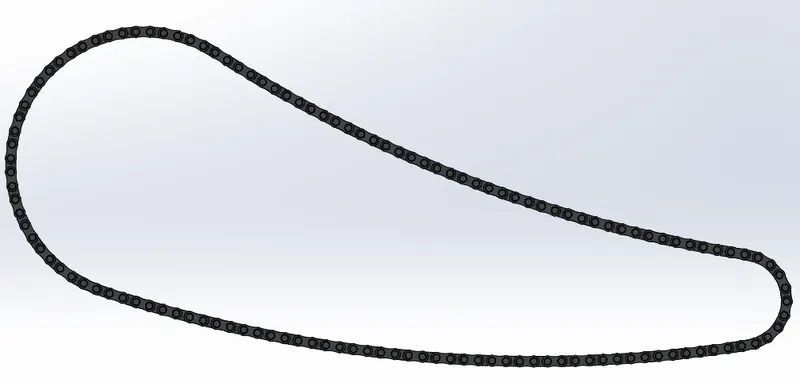
Side View

Isometric View
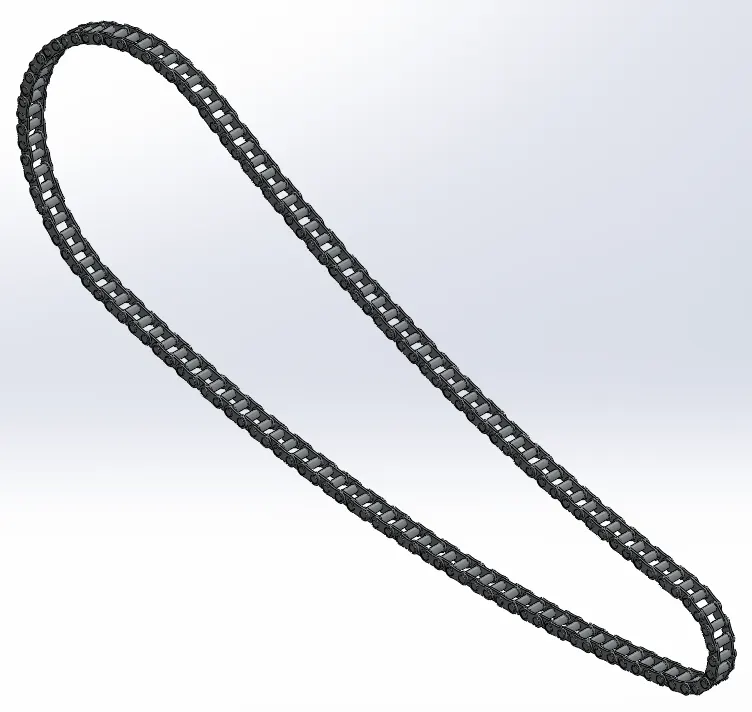
Tools & Features used:
Sketch: To create required sketches
Line: To drawing lines and construction lines
Circle: To draw circle
Arc: To draw arc
Spline: To draw curves through interpolation of points
Block: To create separate and save sketch from the existing sketch
Boss-Extrude: To obtain 3d solid from 2d sketch
Mirror: To mirror features or sketches along the selected reference
Combine: To combine or merge solid bodies
Fillet: To convert sharp internal or external edges into smooth or round edges
Curve Pattern: To create a pattern of feature or body along a curved reference
Smart dimensions: To add or edit dimensions of sketches
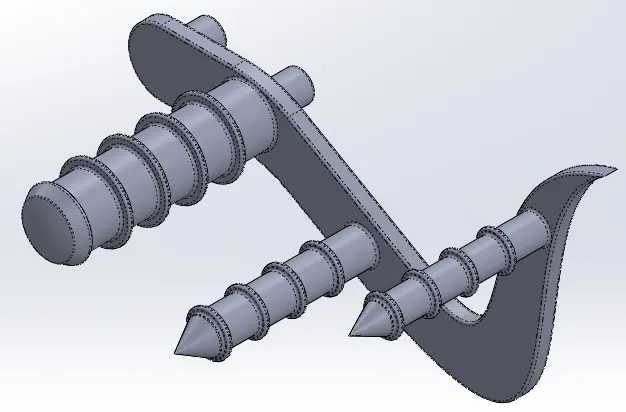
Pedal:
Front View
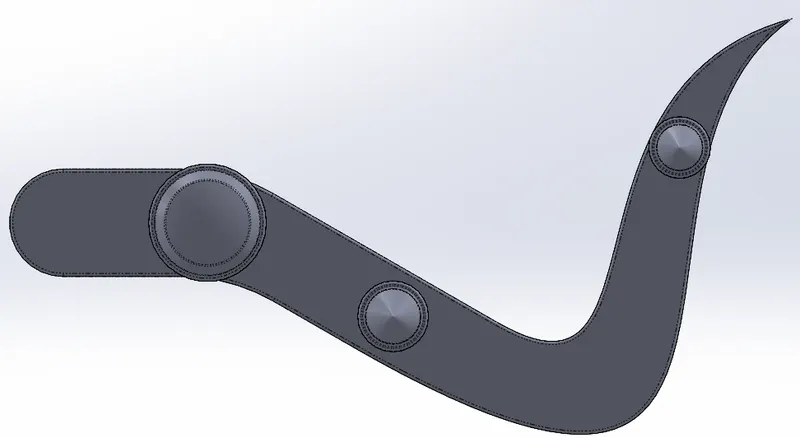
Side View
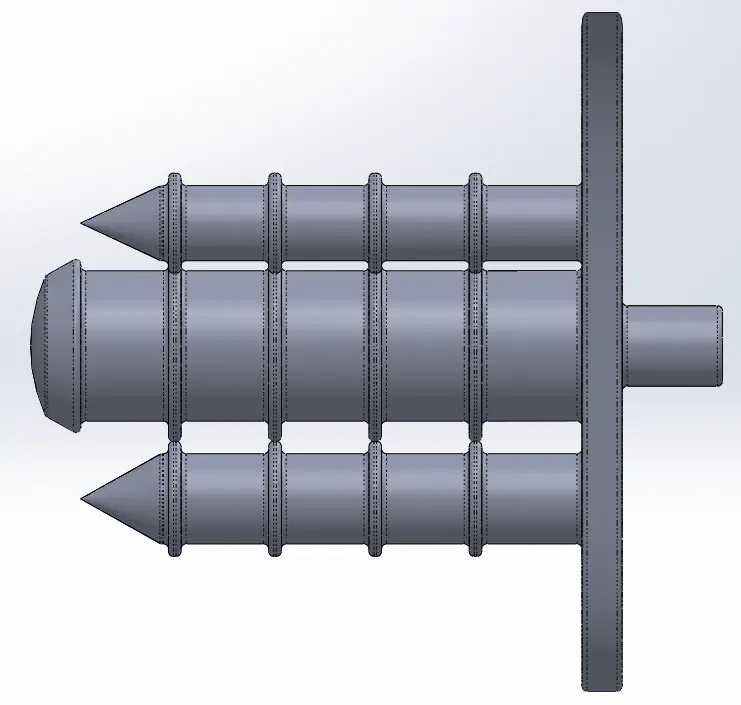
Isometric View
Tools & Features used:
Sketch: To create required sketches
Line: To drawing lines and construction lines
Circle: To draw circle
Arc: To draw arc
Spline: To draw curves through interpolation of points
Boss-Extrude: To obtain 3d solid from 2d sketch
Boss-Revolve: To revolve 2d sketch along the reference to obtain solid body
Combine: To combine or merge solid bodies
Dome: To create dome surfaces on flat surfaces
Fillet: To convert sharp internal or external edges into smooth or round edges
Chamfer: To convert sharp edges into bevel edges
Linear Pattern: To create a pattern of feature or body along a linear reference
Smart dimensions: To add or edit dimensions of sketches
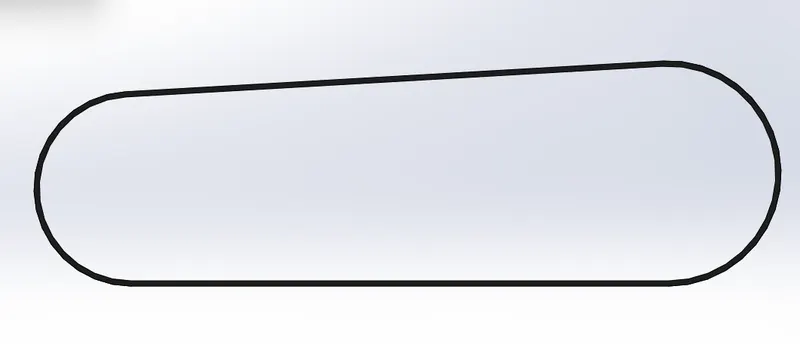
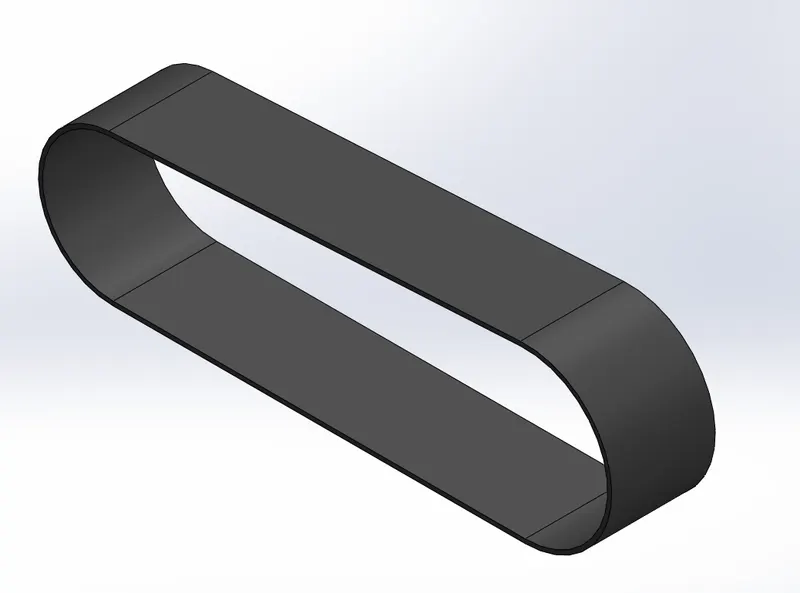
Transmission Belt:
Front View
Side View
Isometric view
Tools & Features used:
Sketch: To create required sketches
Line: To drawing lines and construction lines
Arc: To draw arc
Boss-Extrude: To obtain 3d solid from 2d sketch
Fillet: To convert sharp internal or external edges into smooth or round edges
Smart dimensions: To add or edit dimensions of sketches
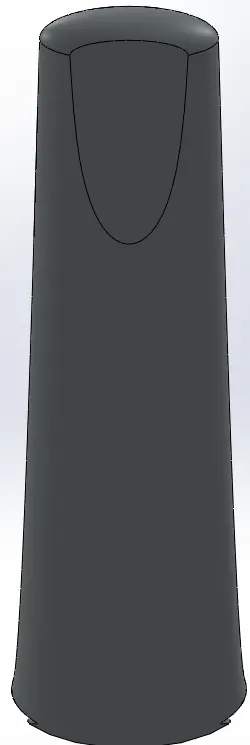
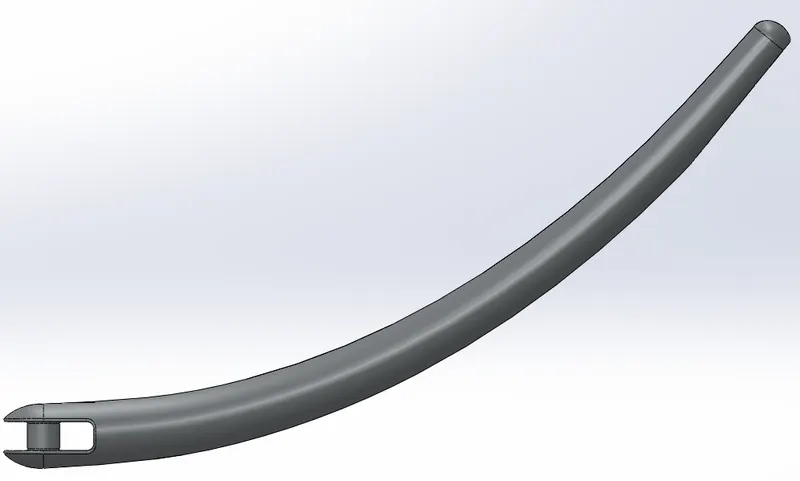
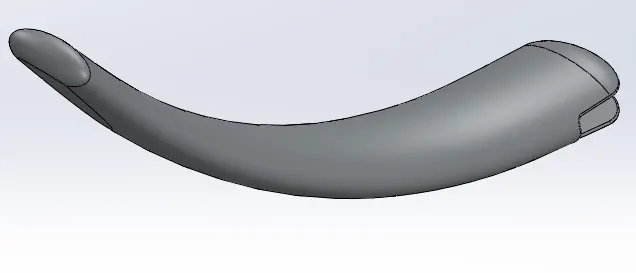
Kick Stand:
Front View
Side View
Isometric View
Tools & Features used:
Sketch: To create required sketches
Line: To drawing lines and construction lines
Arc: To draw arc
Boss-Extrude: To obtain 3d solid from 2d sketch
Dome: To create dome surfaces on flat surfaces
Cut-Extrude: To subtract a solid portion from a solid using 2d sketch
Loft: To create surface along the profiles
Split: To separate or split solid bodies
Fillet: To convert sharp internal or external edges into smooth or round edges
Smart dimensions: To add or edit dimensions of sketches
Chopper Assembly:
Front view
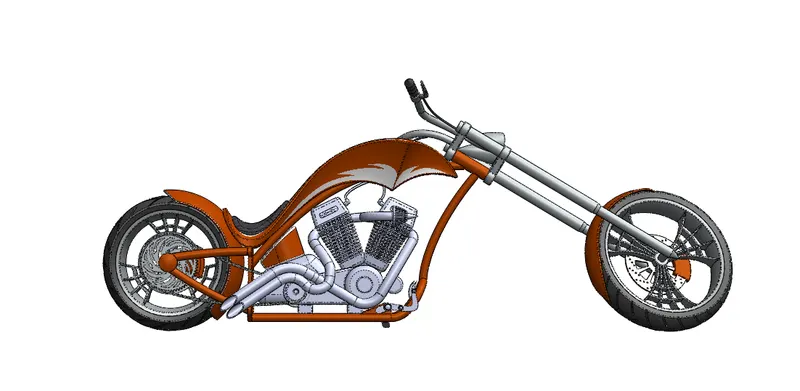
Side View
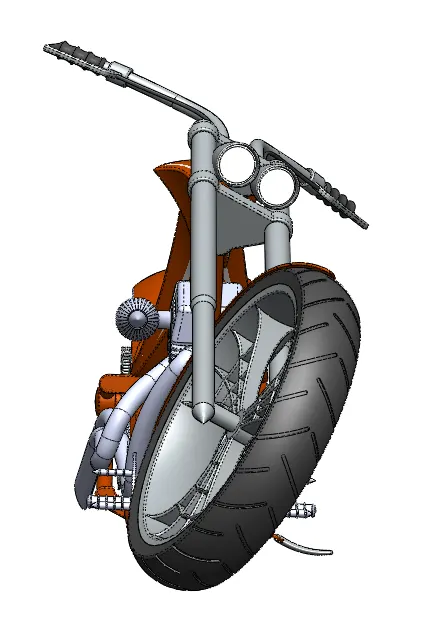
Isometric View
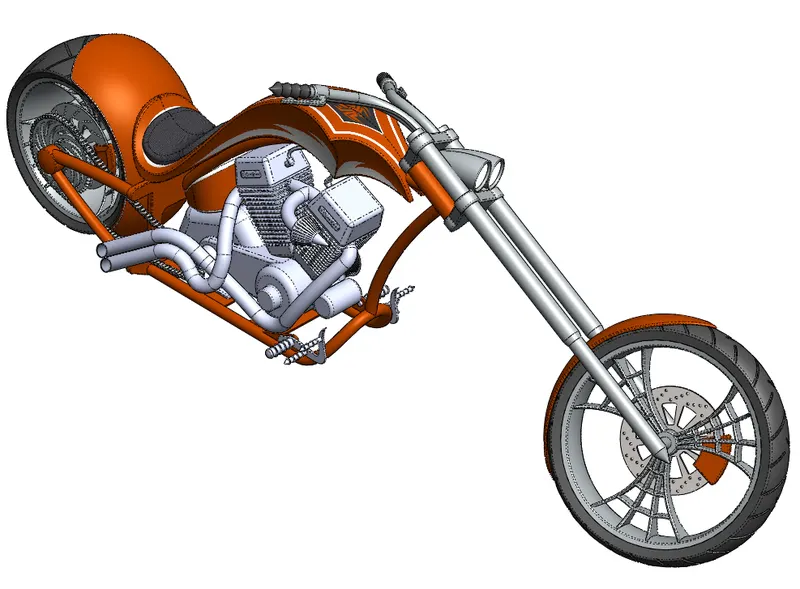
Tools & Features used:
Mates: To create constraints between surfaces
Rendering:
Front View
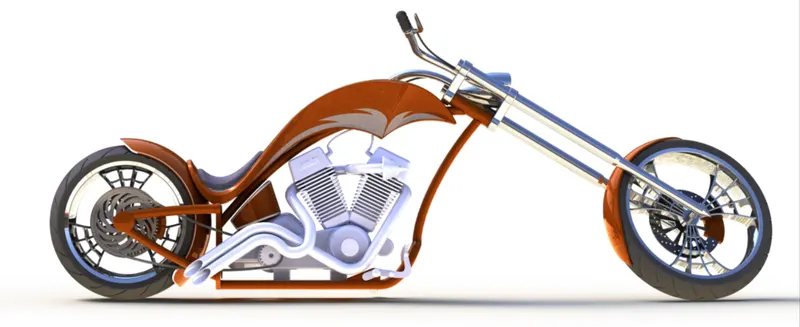
Side View
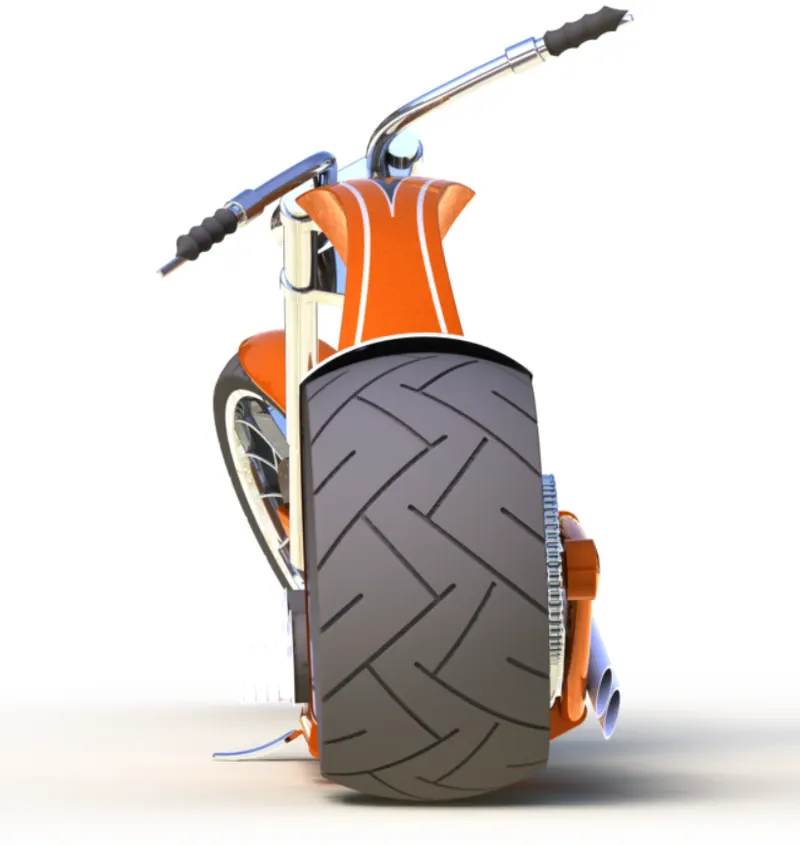
Isometric View
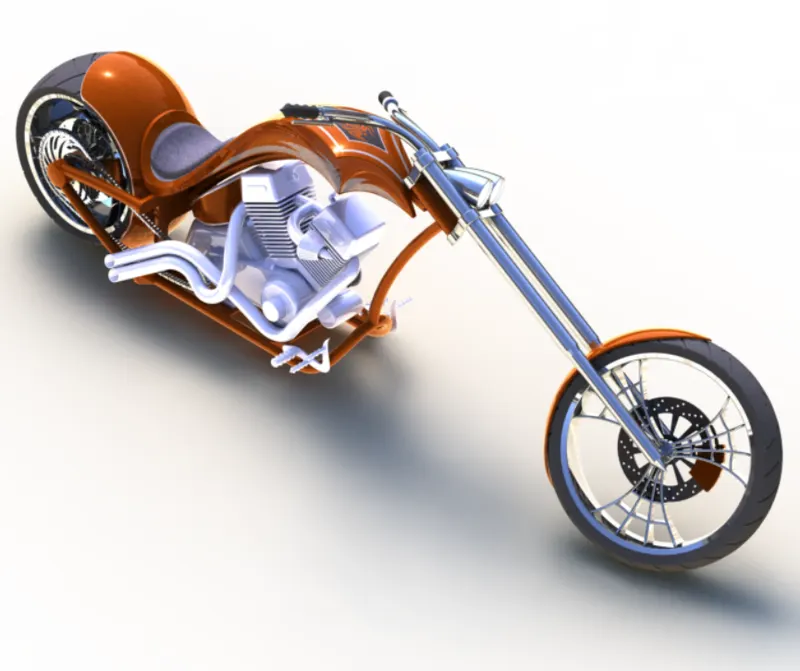
Camera View
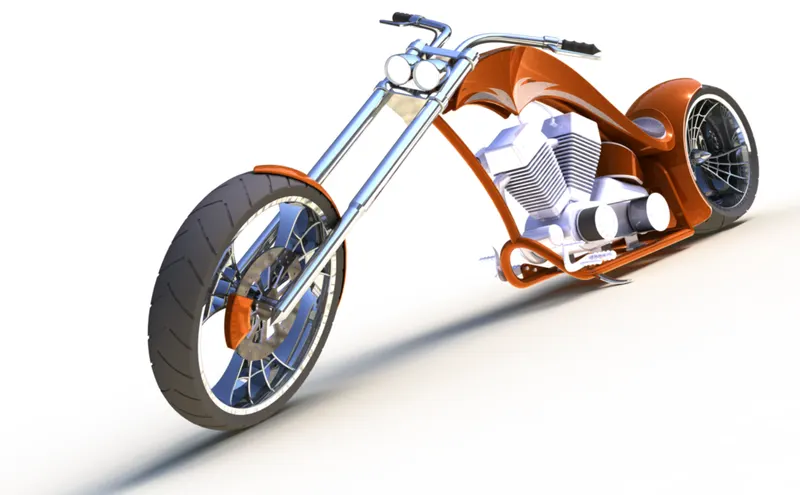
Top View
Rendering with Environment
Tools & Features used:
Decals: Graphics or designs used on chopper bodies
Lights and camera: To adjust lighting and camera angles
Render Preview: To preview the final render before rendering
Render: To render in required quality and sizes
Conclusion:
Thus the chopper model is modelled, assembled and rendered using solid works software
Link for Part files, assembly files and rendering files : Chandan Assembly_Chopper