Introduction to REVIT concepts
Aim & Introduction: Completion of week one challenge for Revit BIM drive.
Procedure: Shall be explained alongside each question.
Q.1)
Solution,
- Starting Revit 2021.
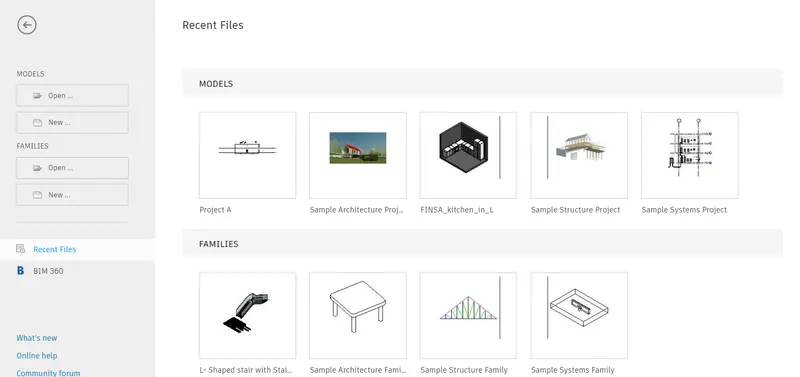
2.) Go to new file and from drop down menu choose" Imperial Architecture"
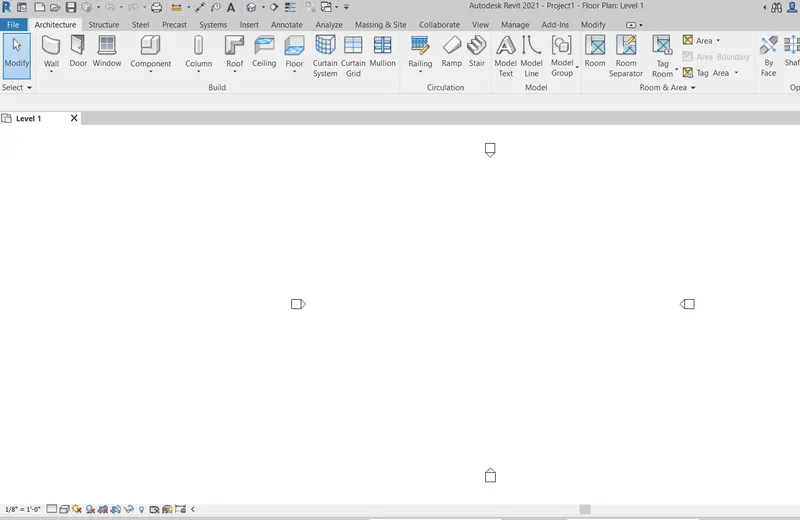
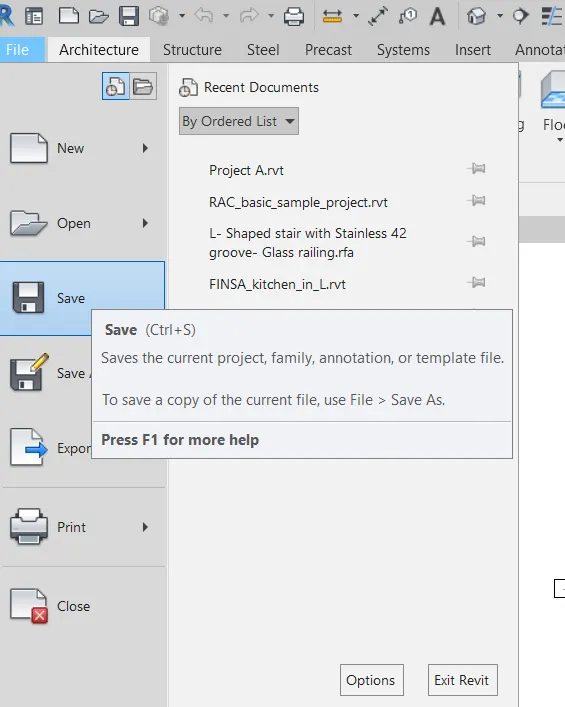
3.) From file menu chose save.
4.)Name it and save it.
done.
Q.2)
Solution,
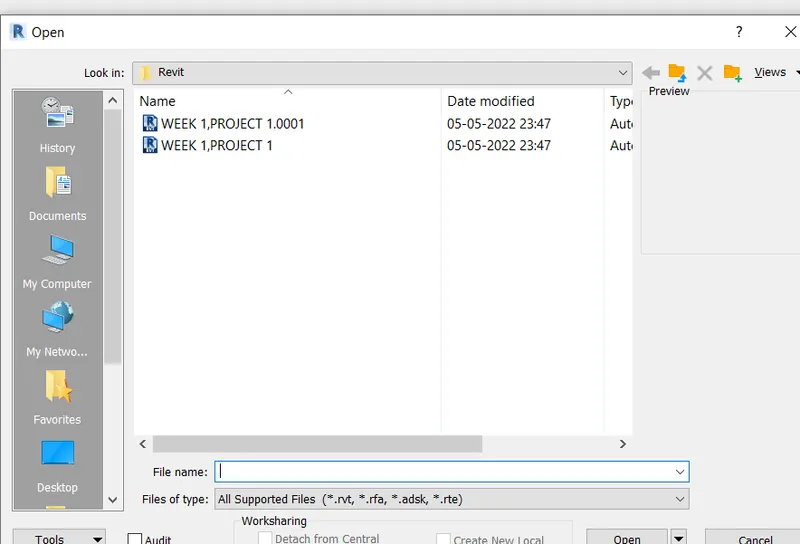
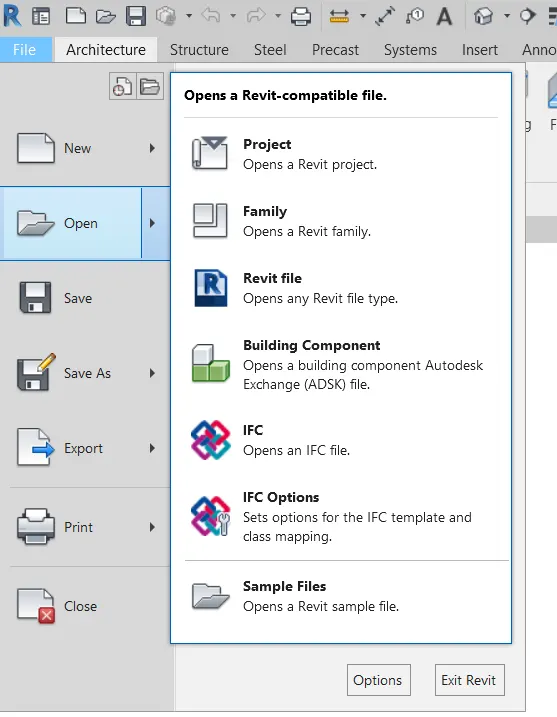
Hit file and press open.
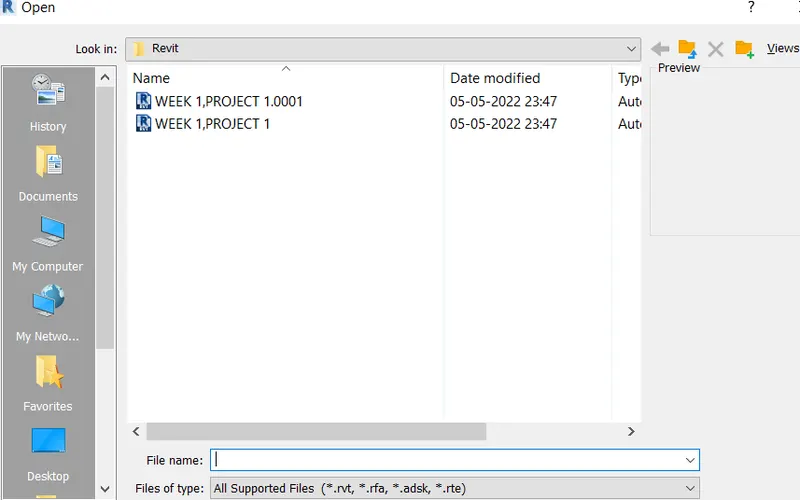
open week1, project 1.
Q.3)
Solution,
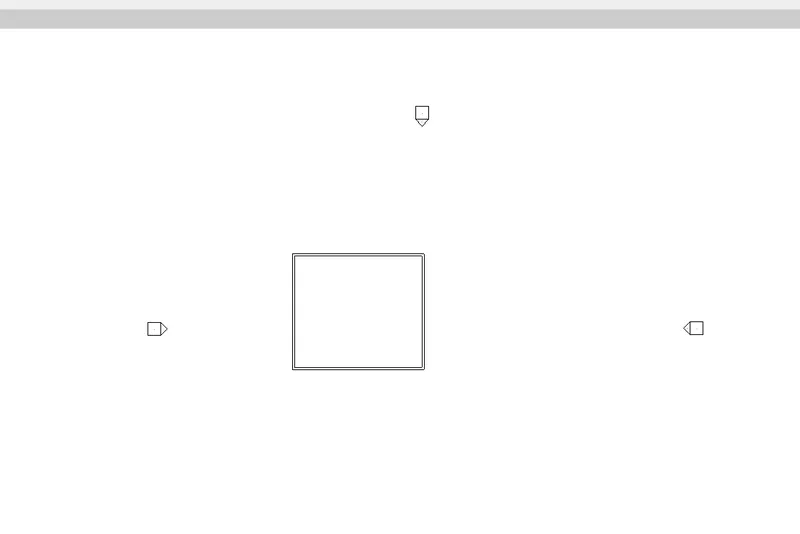
For this we will choose a Architectural wall.
Q.4)
Solution,
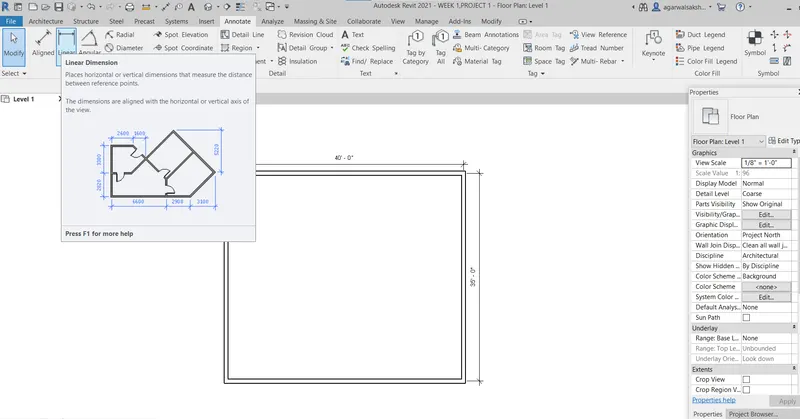
For this we will choose a Architectural wall.
Q.5)
Solution,
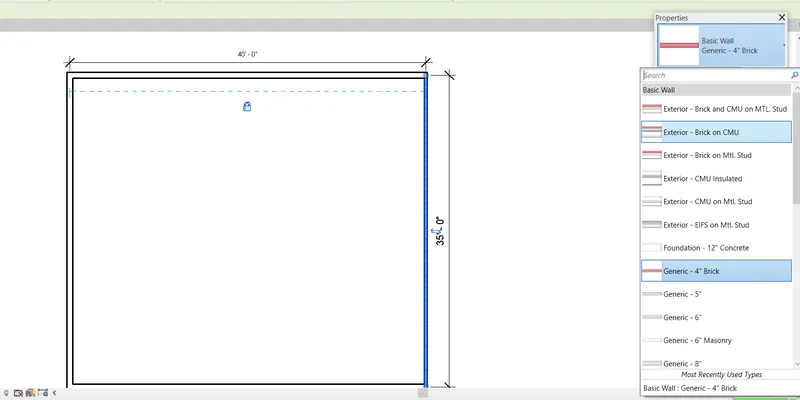
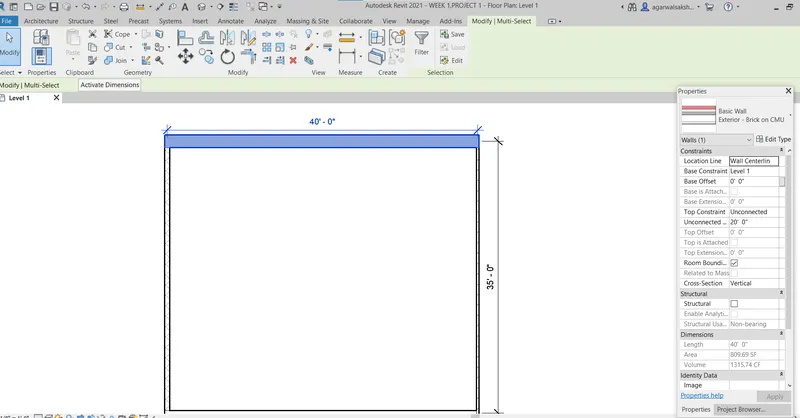
Q.6)
Solution,
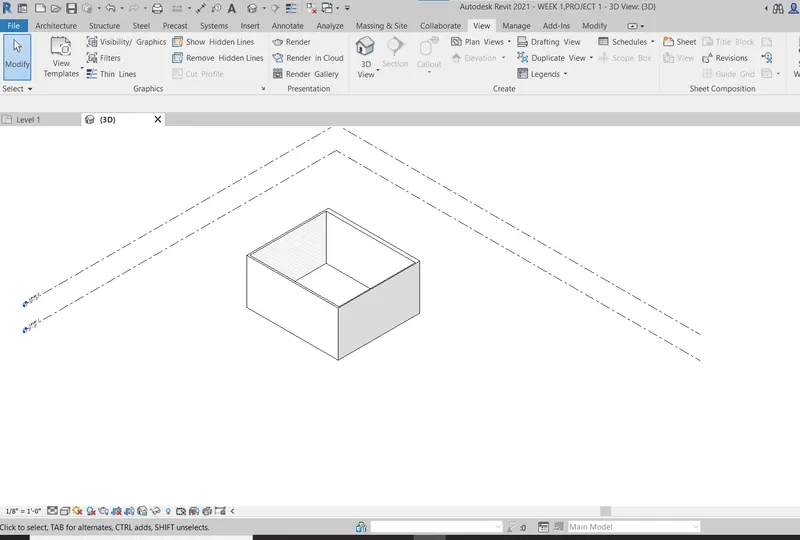
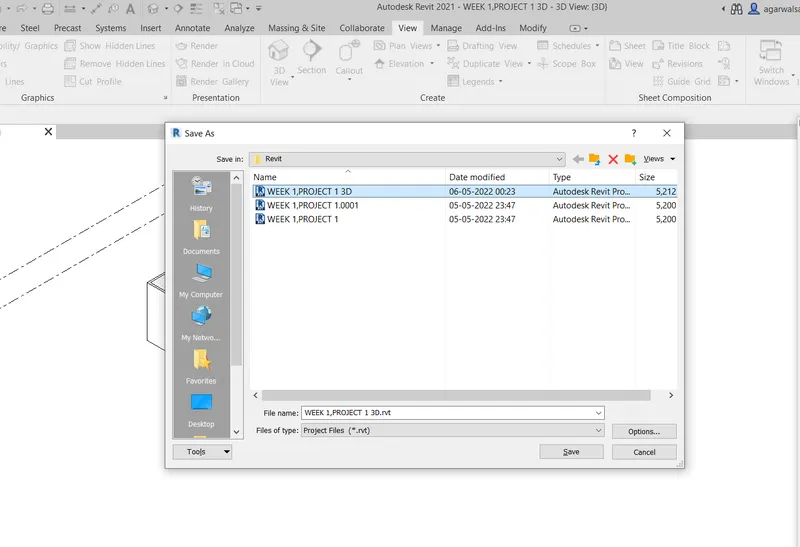
Go to file>>Save as>>week 1 3d
Q.7)
Solution,
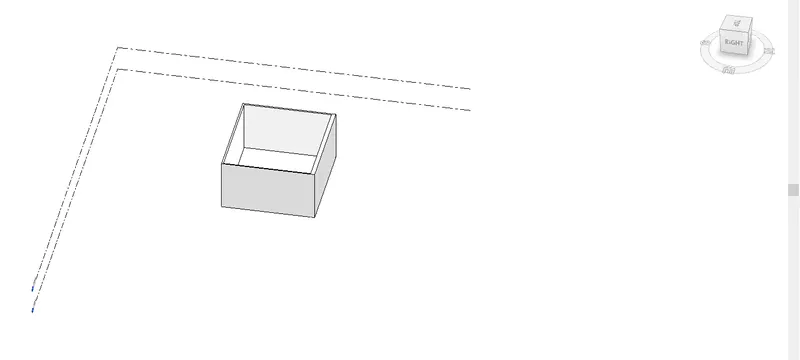
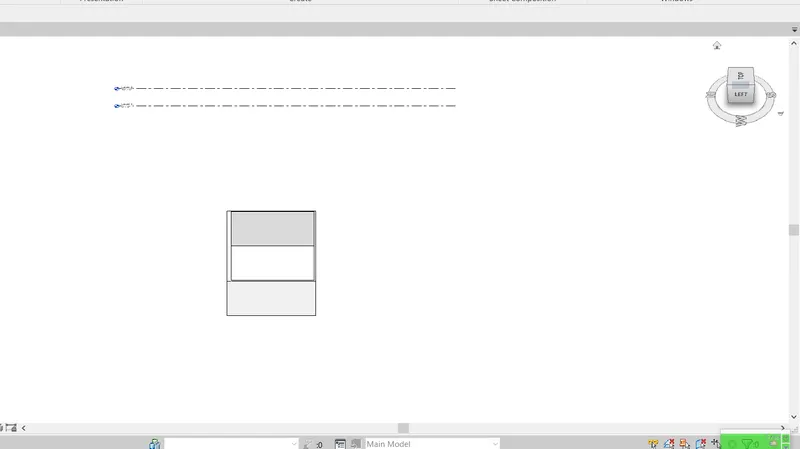
Q.8)
Solution,
Press second cube.
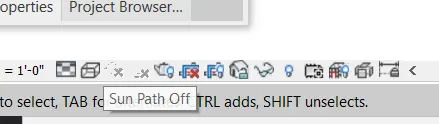
step 2.)
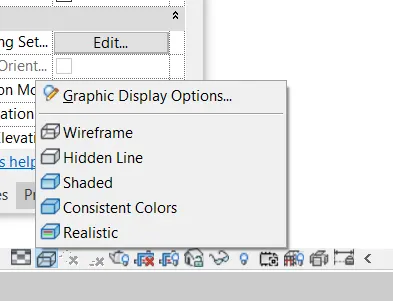
in Shaded.
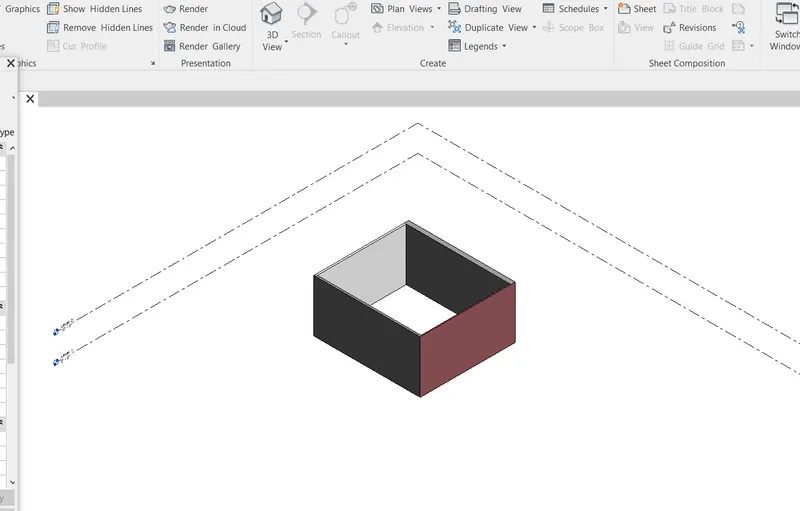
In realistic,
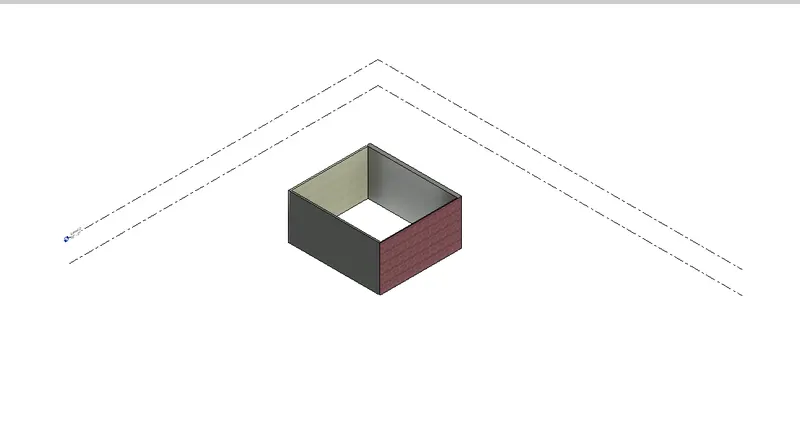
In Hidden,
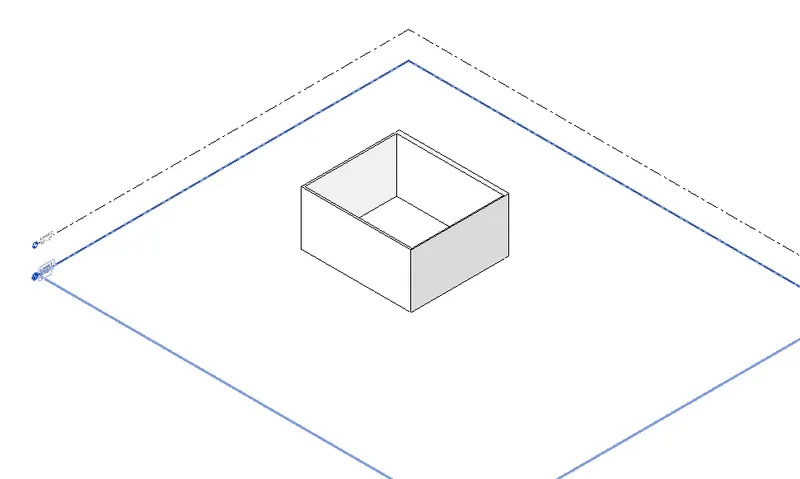
Q.9)
Solution,
Press second cube.
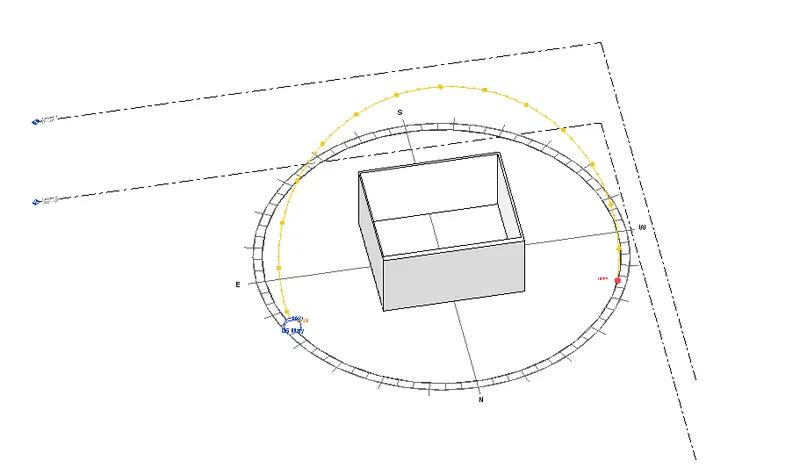
Another example,
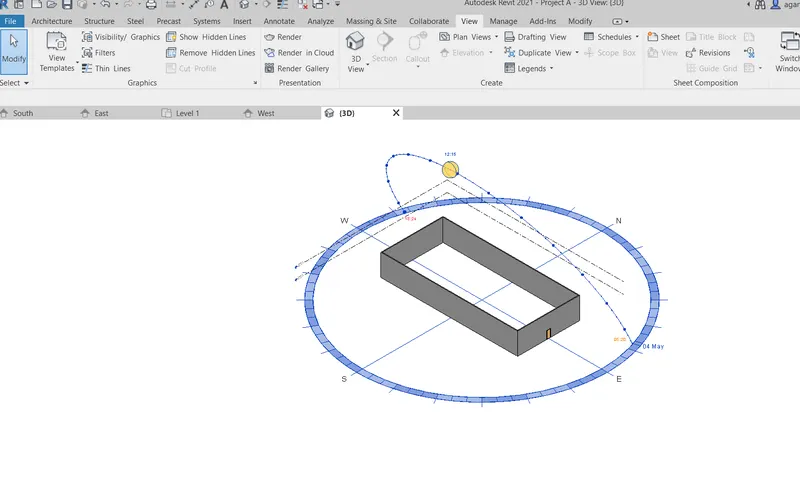
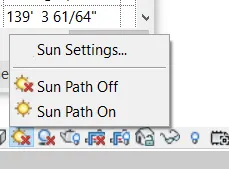
Q.10)
Solution,
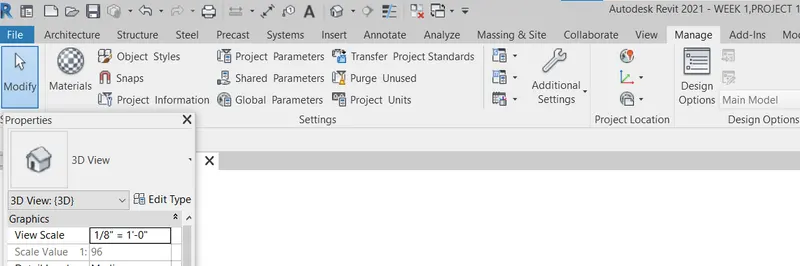
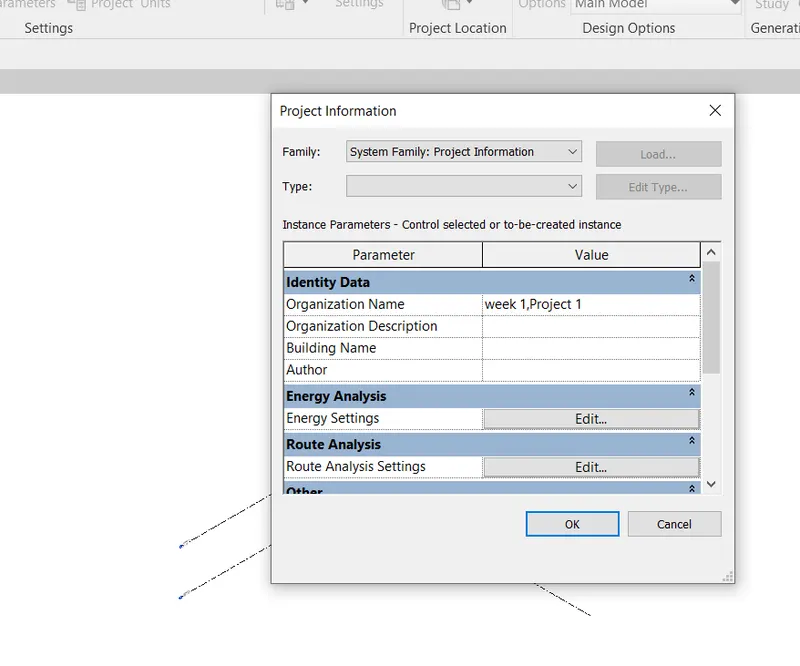
Go to "Project Information"
Q.11)
Solution,
Q.12)
Solution,
Revit can support dwg files, DXF, DGN and SAT files.
Revit can create DWF or DWFx.
Q.13)
Solution,
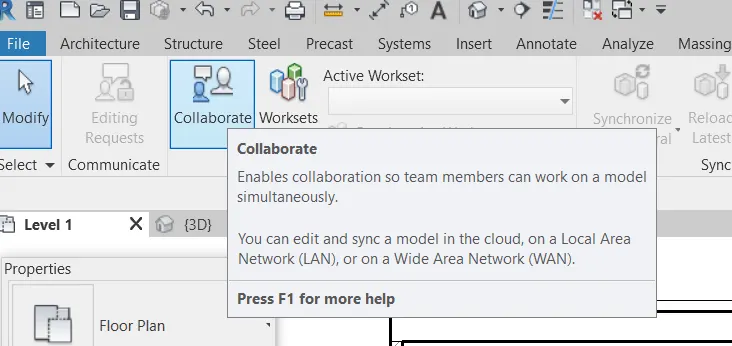
Different ways to work with team members on Revit.