Foundation Design using SAFE
Foundation Design using SAFE
Jagadeep.M.M
1. Model the isolated footing provided in week 11 challenge on SAFE. Analyze and design it to verify the size,depth and steel provided as per calculations.
AIM:
To model the isolated foting provided in week 11 challenge using the safe.Analyze & design it to verify the size, depth & steel provided as per calculations.
PROCEDURE :
Unfactored load = 2000/1.5 = 1333.33 KN
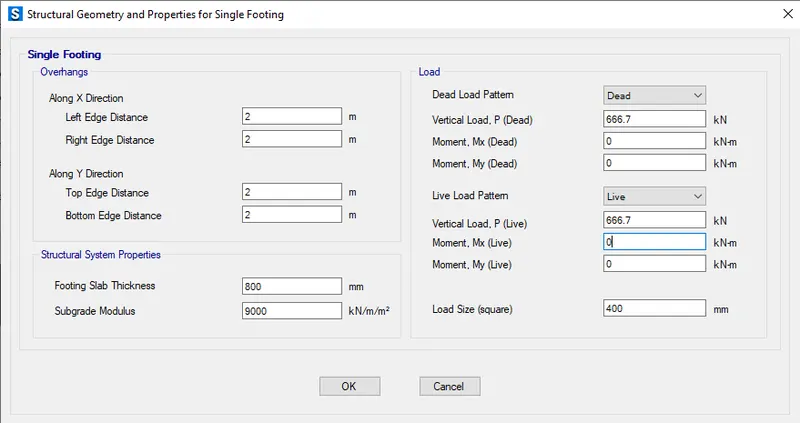
Dead load breakup = 1333.33/2 = 666.7 KN
Live load breakup = 1333.33/2 = 666.7 KN
Subgrade modulus of soil = Safe bearing capacity x factor to ultimate / maximum settlement
Subgrade modulus of soil = 150 x 3 / 0.05 = k = 9000 KN/cum
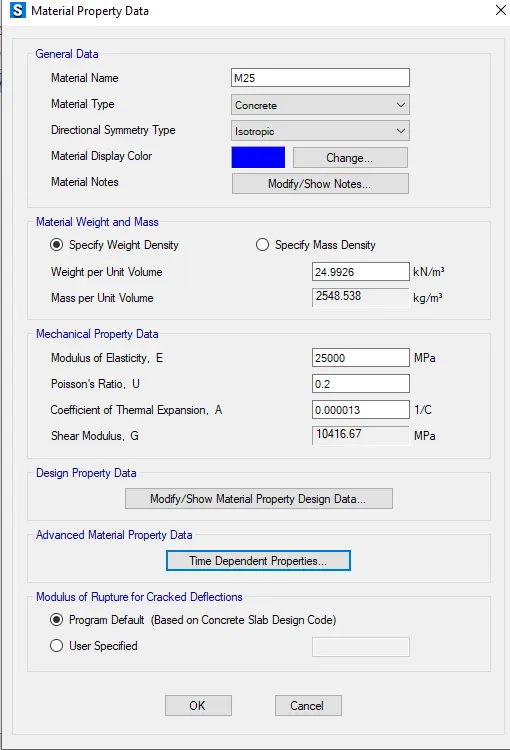
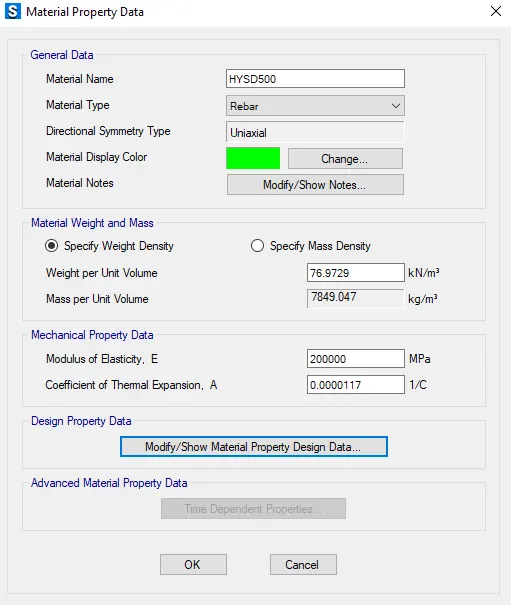
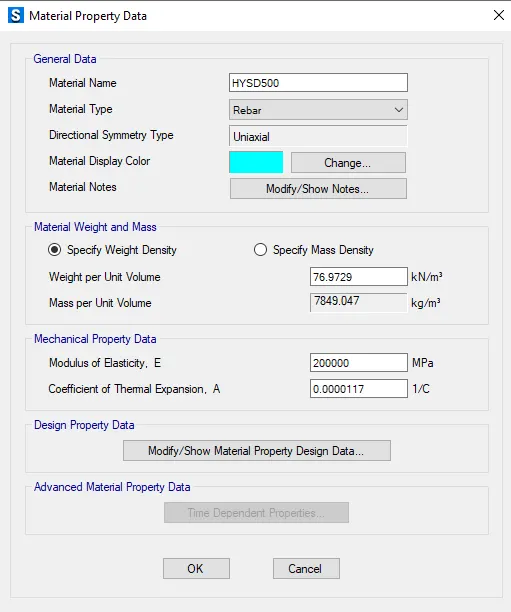
Rebar yield strength (Fy) = 500 N/mmsq
Rebar ultimate strength (Fu) =575 N/mmsq
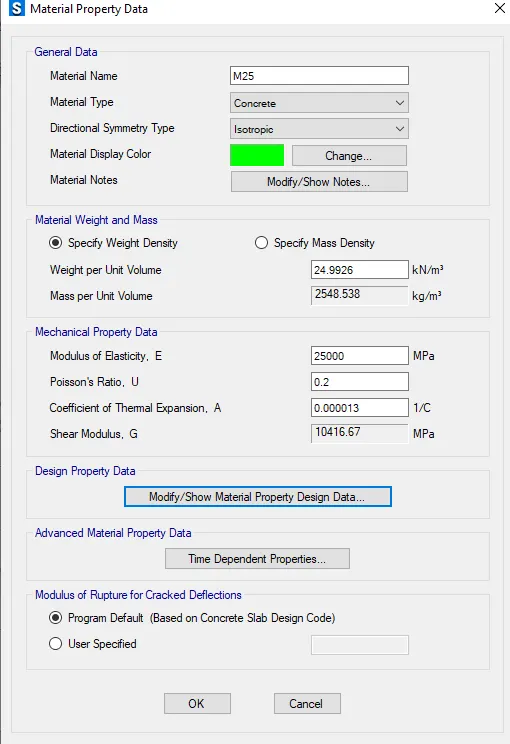
Elastic modulus of M25 concrete = 25000 N/mmsq
Thickness of concrete footing = 800mm
- Download the safe software from Csi website.
- Complete the installation.
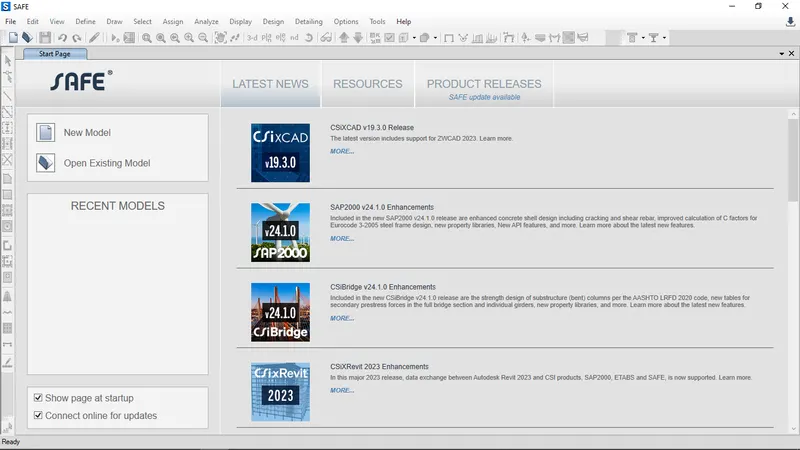
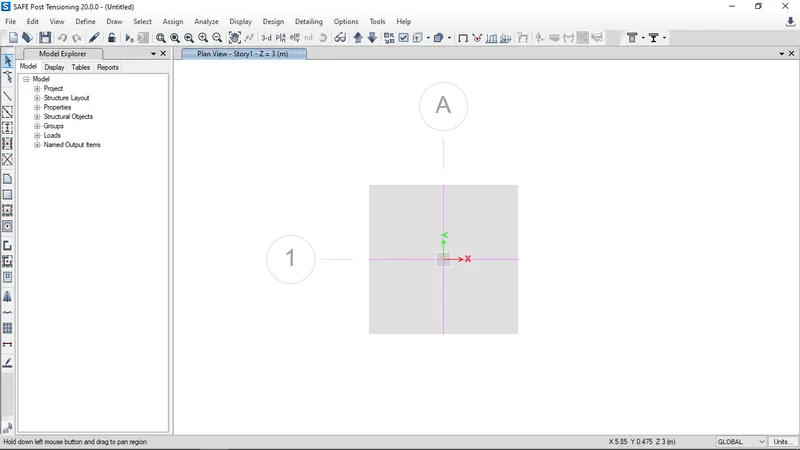
- Open the New model

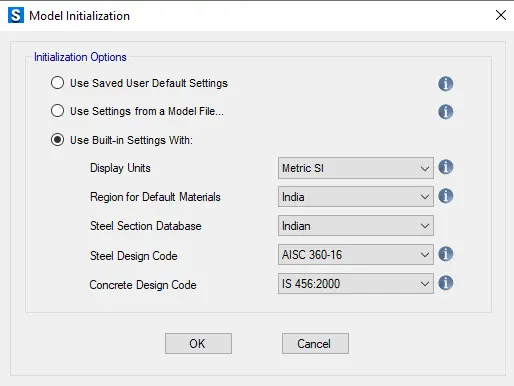
- Model Initialization will appear,edit it & press ok.
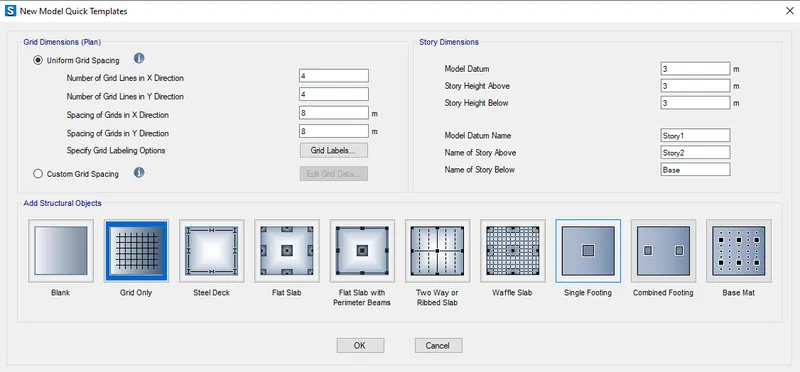
- Quick templete will appear select the single footing,press ok.
- Edit the structural geometry & properties of single footing to enter the required data.press ok
Material Property
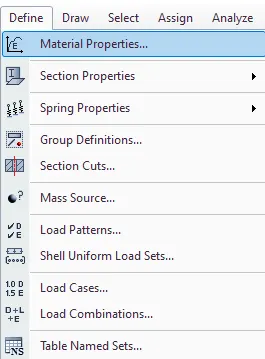
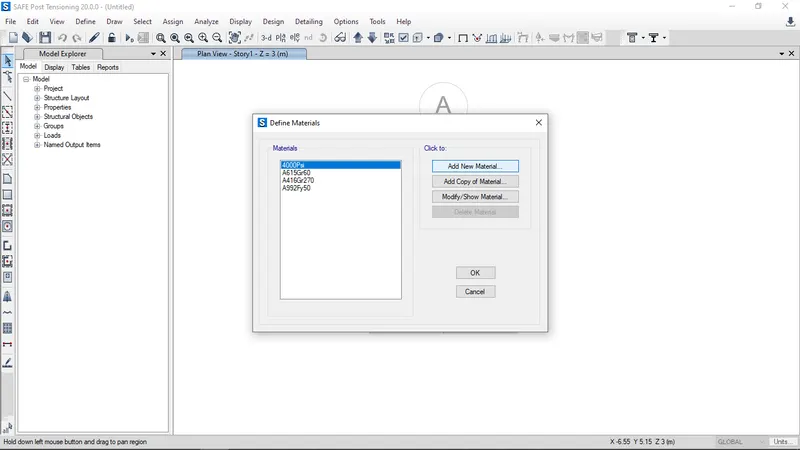
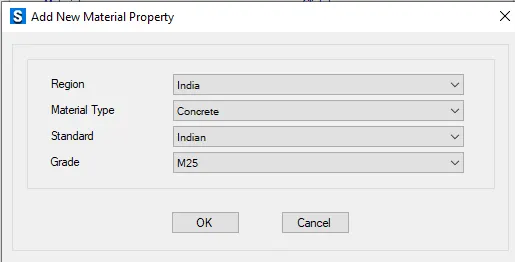
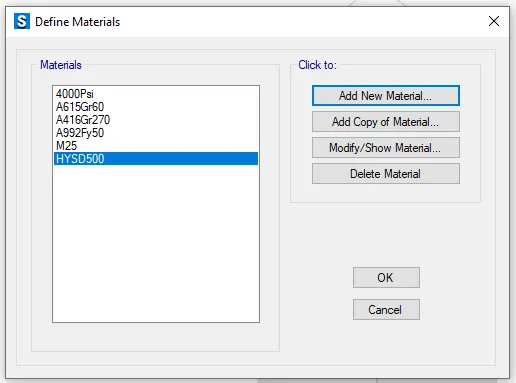
- Click the Define tab & select the Material properties,Add new materials, press ok.
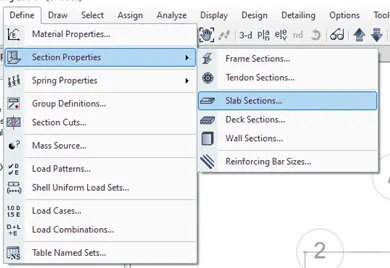
- Click the Define tab & select the section properties>Slab section.
- Add new matrials.
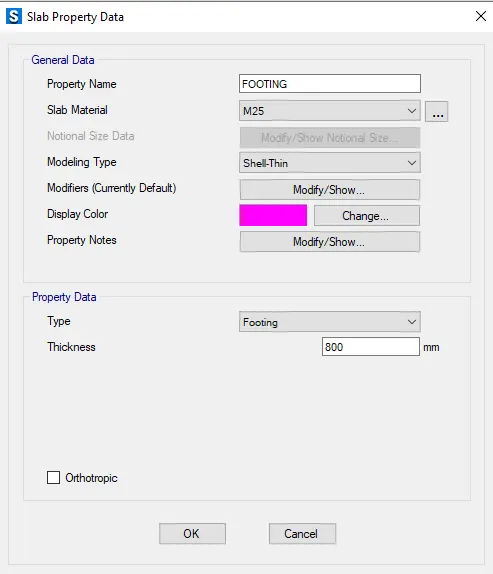
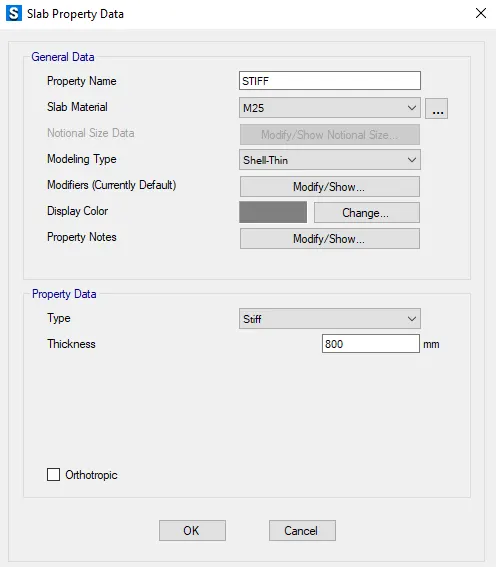
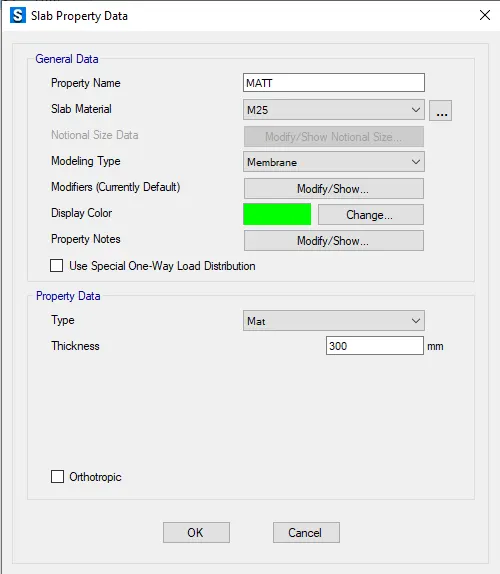
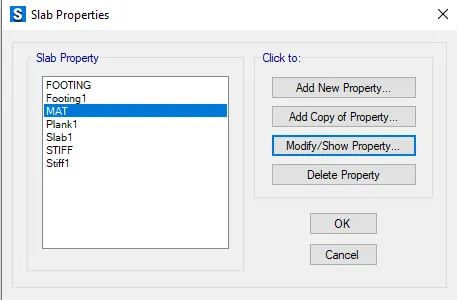
- Click the Define tab & select the Spring properties>area springs, add new property
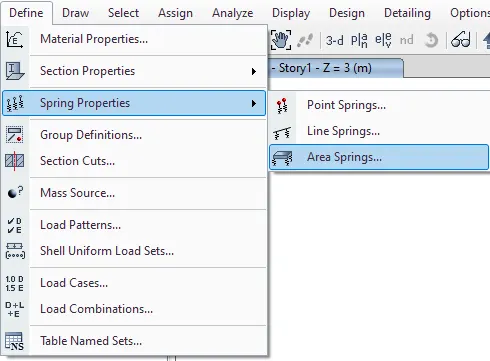
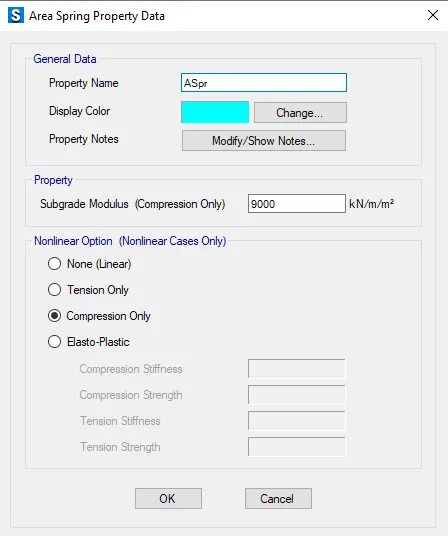
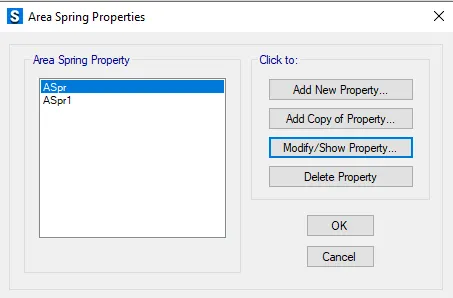
- Assign the spring load to the slab
- Go to assign tab select the shell in that select area spring and assign the area spring load to the slab.
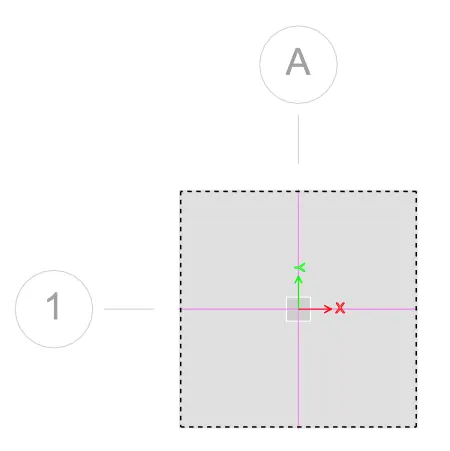
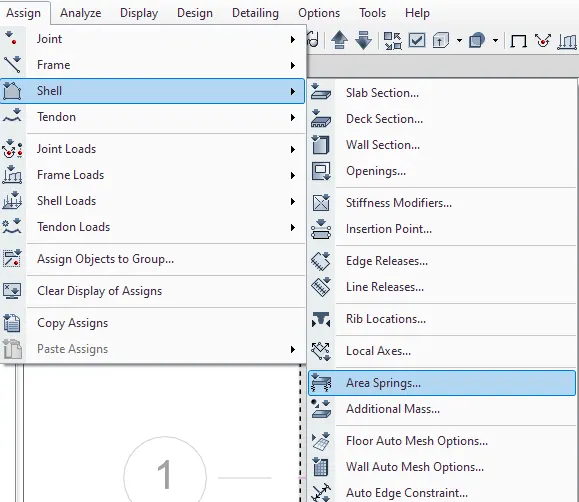
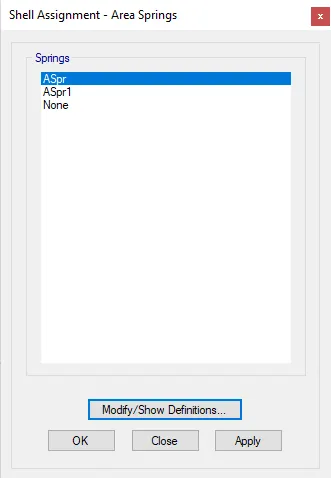
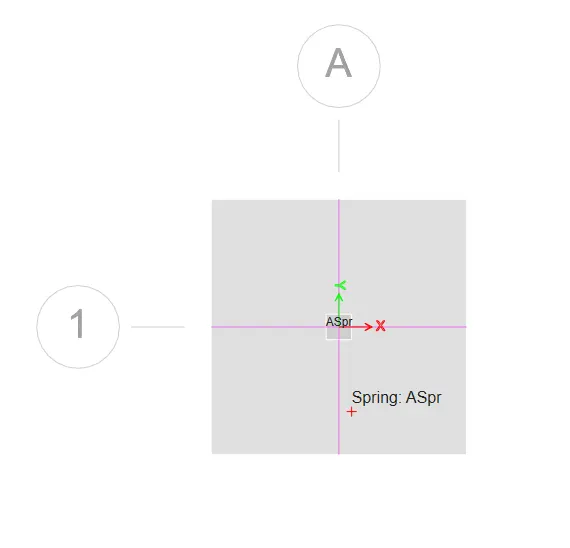
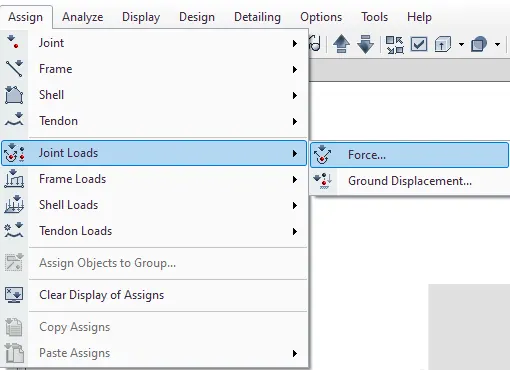
- To assign the load click the assign tab select joint load>force.
- Add dead load & live load.
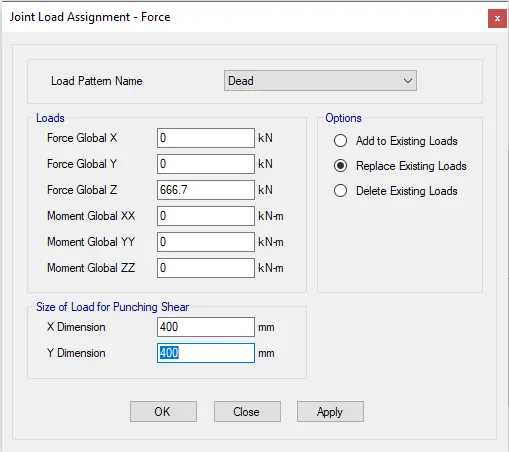
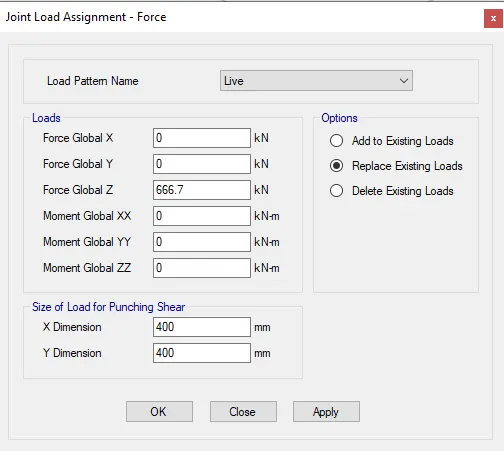
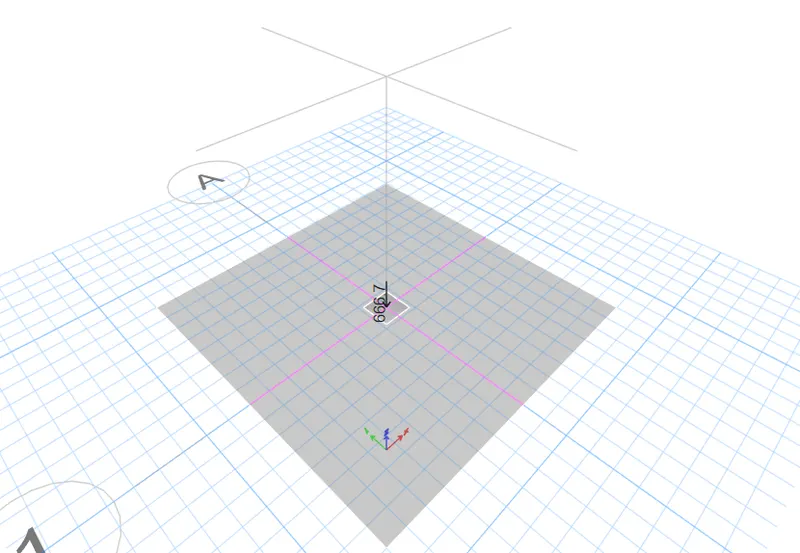
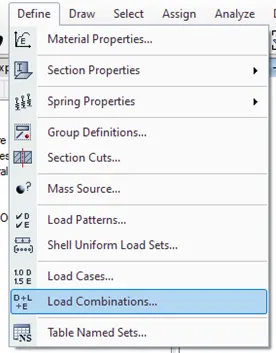
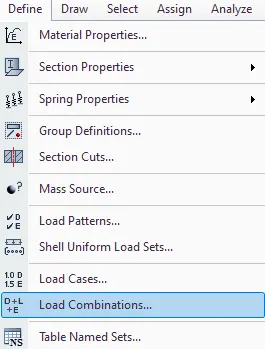
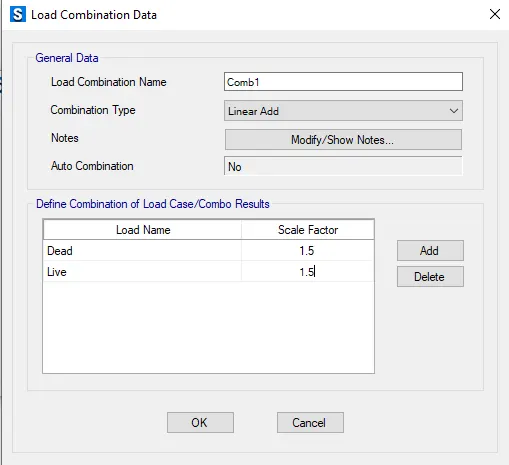
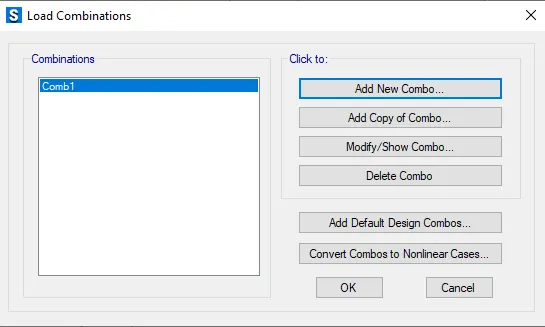
- Go to Define tab & click the load combinations & add load combination data.
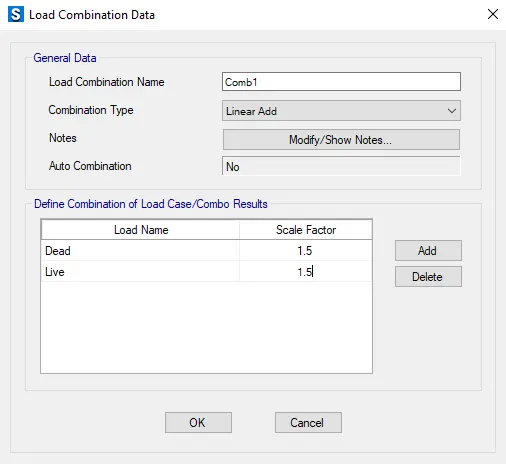
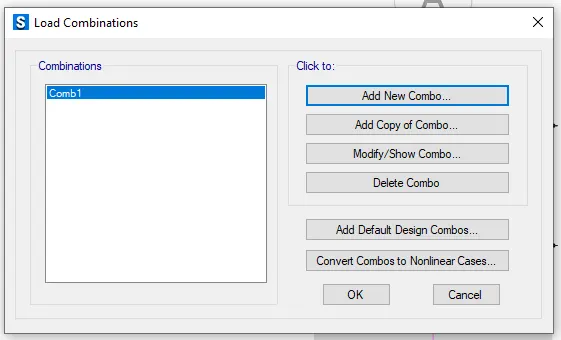
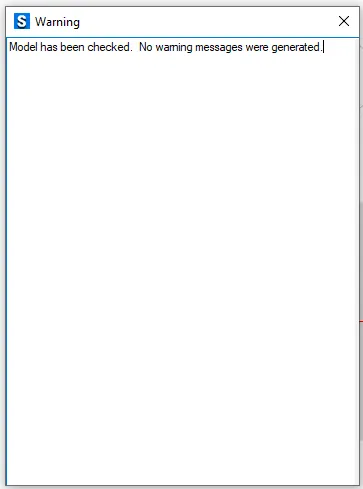
- Click the analyze tab & check the model for error.
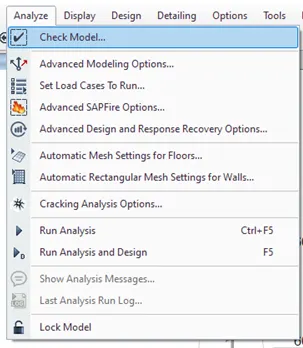
- Run Analysis.
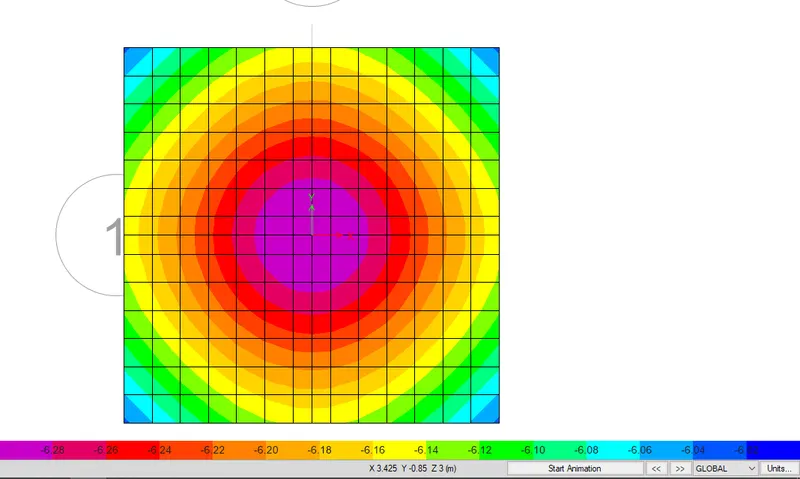
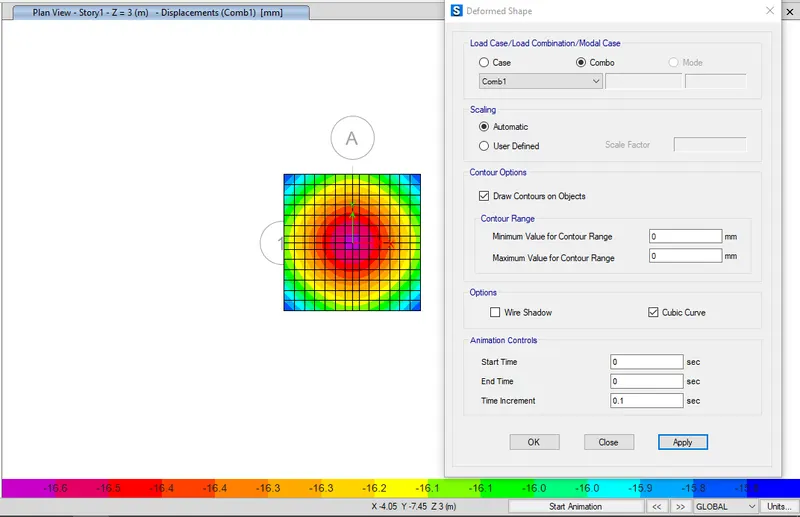
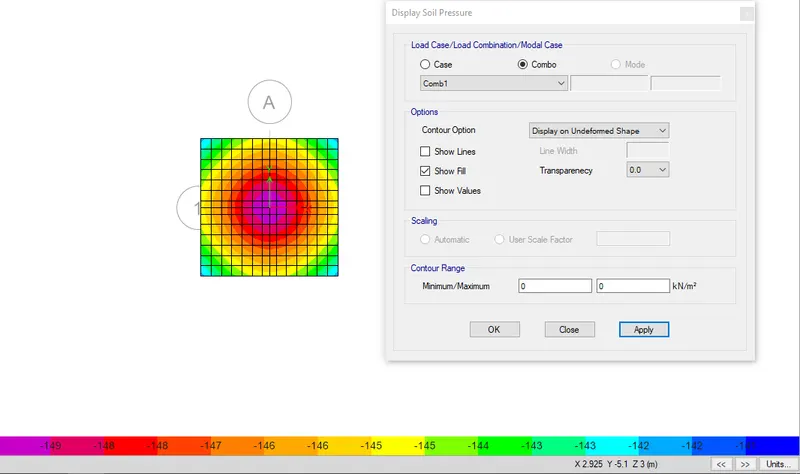
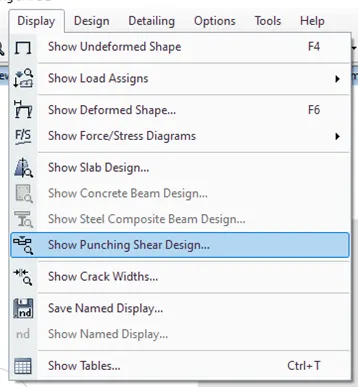
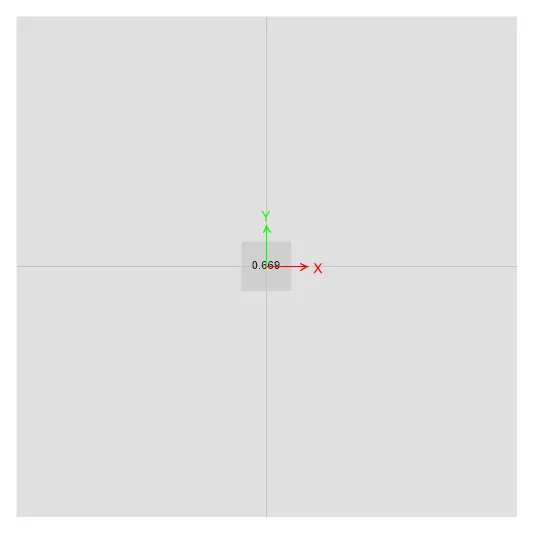
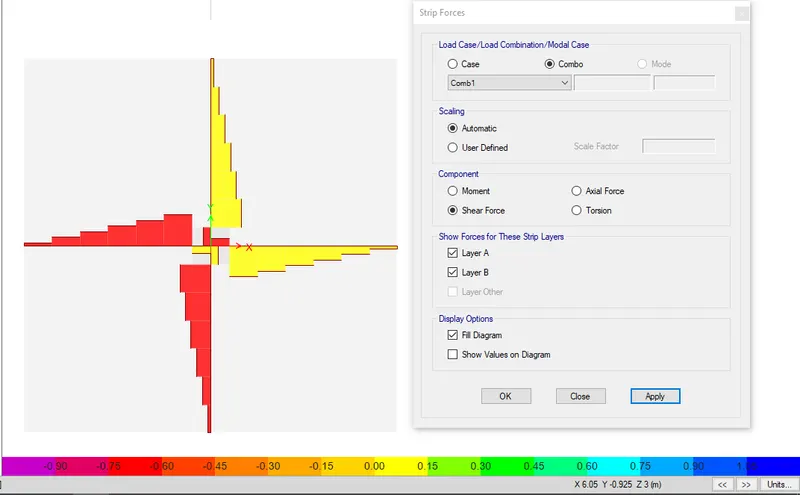
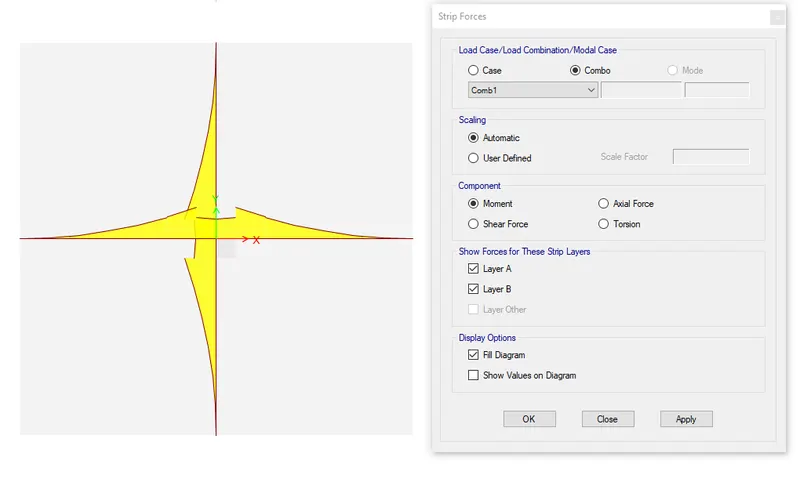
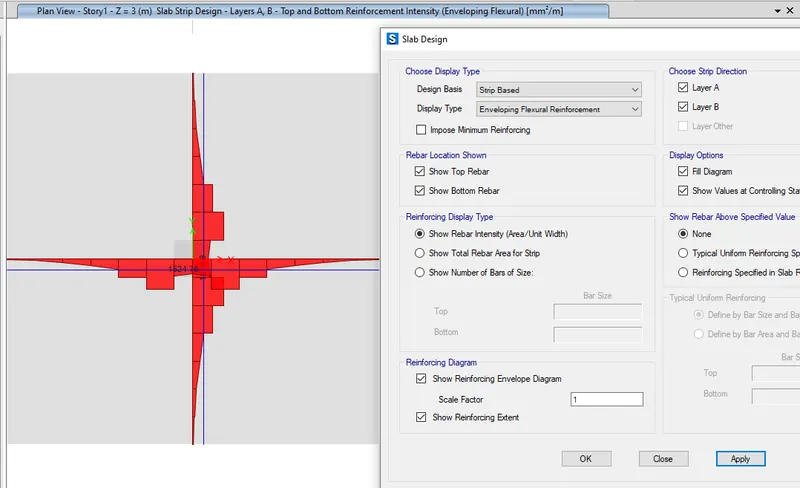
Results:
Isolated footing is designed using safe software.
2. A column of size 600x600 carrying an unfactored gravity load (DL+LL) of 1175 KN is to be supported on pile cap, which ultimately transfers load to the piles underneath. Piles of 16 metres length and 500 mm diameter are to be used. Each pile has a load carrying capacity of 200 KN. Model, analyse and design the pile cap on SAFE to evaluate the following:
- Pile group to be used
- Depth of pile cap
- Longitudinal steel on top and bottom face in both directions
AIM:
To design a pile foundation with given criteria and to know the general procedure of pile foundation with SAFE software.
PROCEDURE:
Given data :
Column Size = 600 x 600 mm
Unfactored load = 1175 KN
Pile length = 16 m
Pile diameter = 500 mm
Load carrying capacity = 200KN
Number of pillars = 1175/200 = 5.87 = 6 Nos.
Spring constant = (EA)/L
Where E = 25000 N/mmsq
Area, A = π /4 = π /4 = 196349 mmsq
Pile length, L = 16000 mm
Spring constant = (EA)/L = (25000 x 196349)/16000 = 306795 N/mm
Edge spacing is taken as 300mm
- Open the SAFE software and select new model.
- Click the grid only & provide required data,press ok.
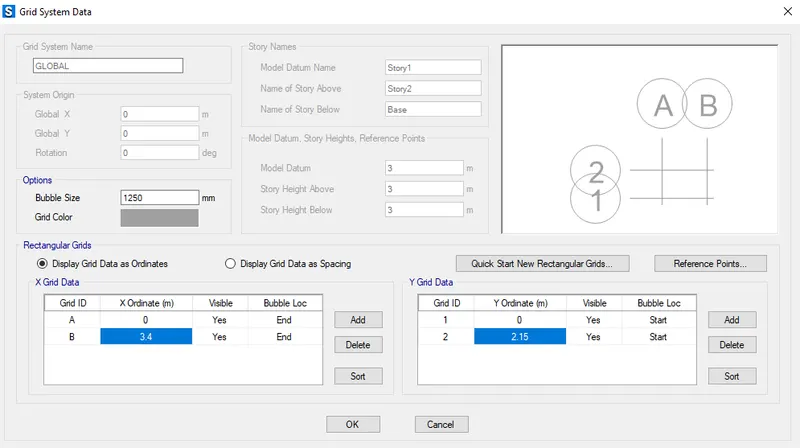
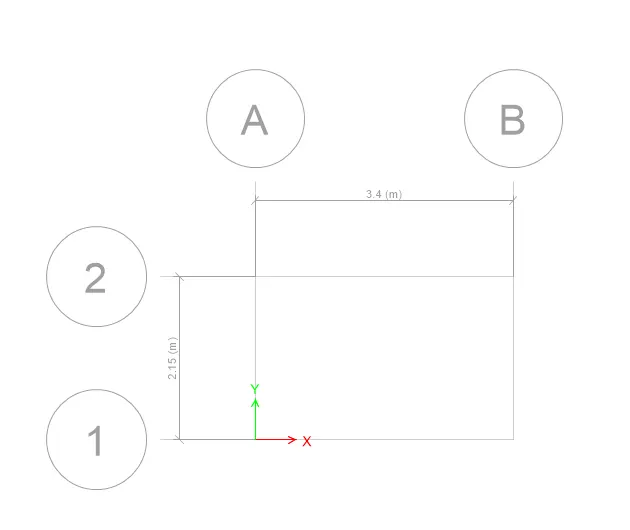
- Click the Define tab & select the Material properties,Add new materials, press ok.
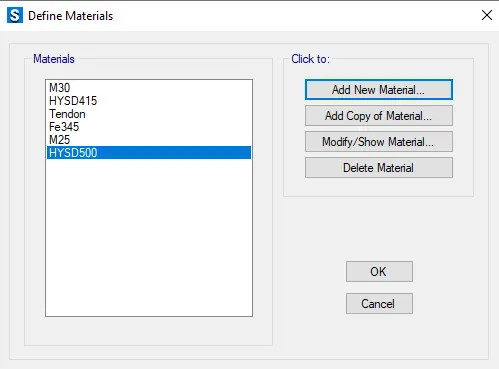
- Click the Define tab & select the section properties>Slab section.
- Add new matrials.
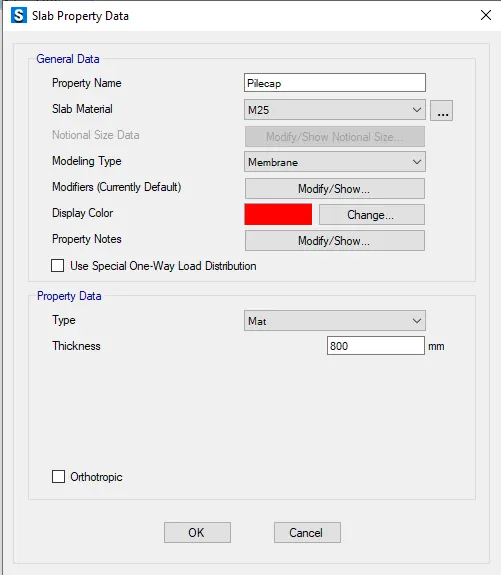
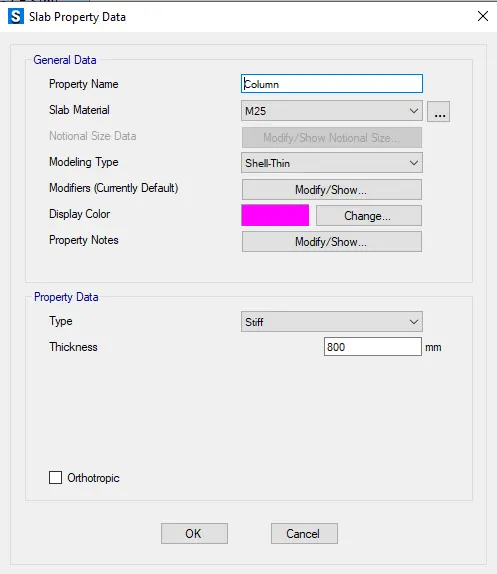
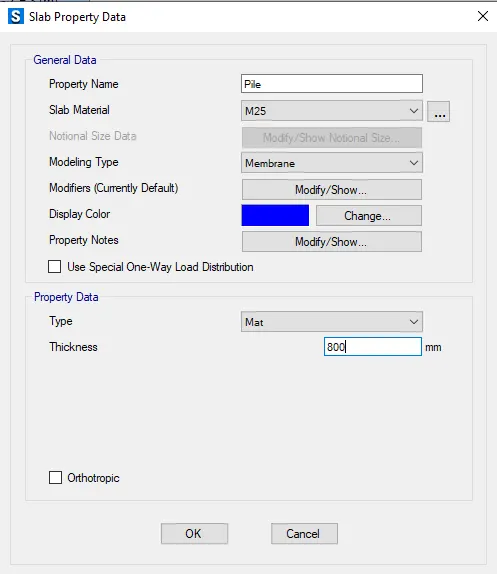
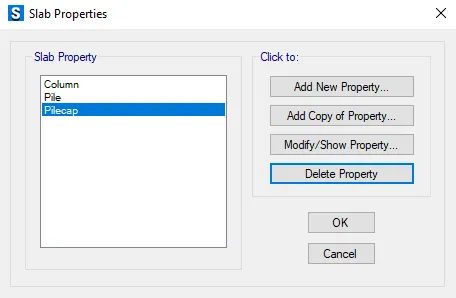
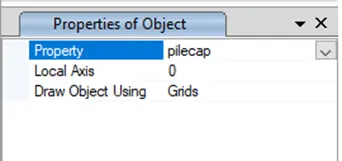
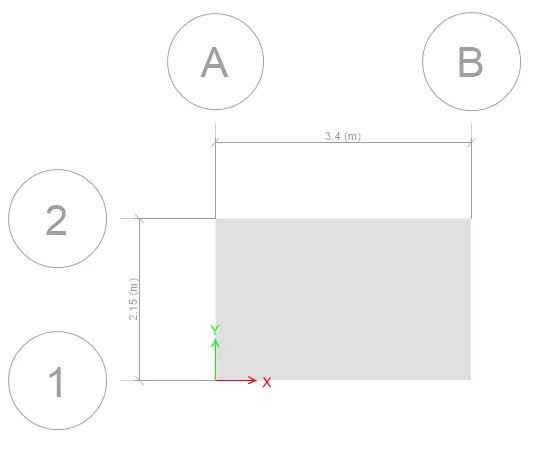
- Draw the slab using quick draw slab.
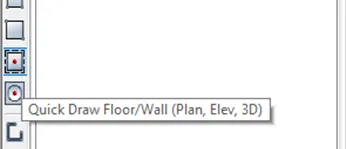
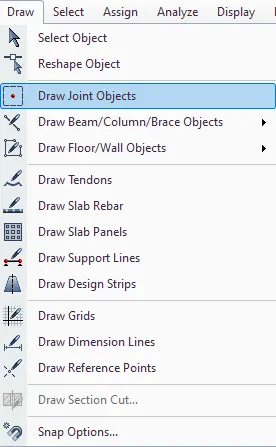
- Click the Draw tab & select the Draw joint onjects.
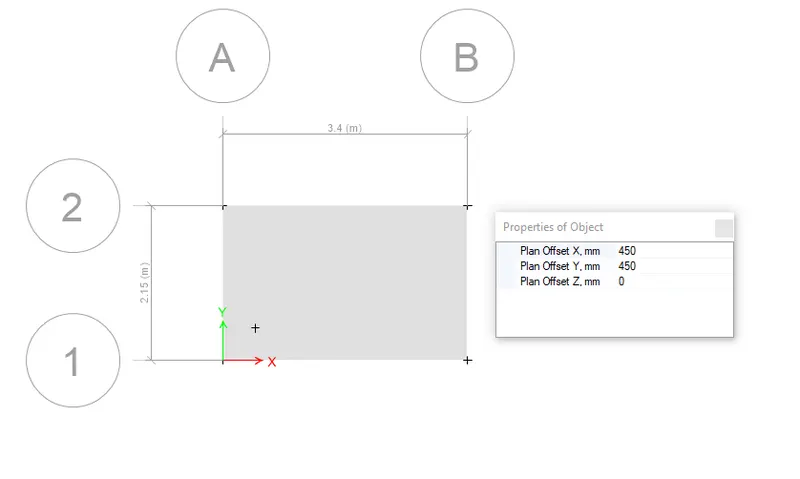
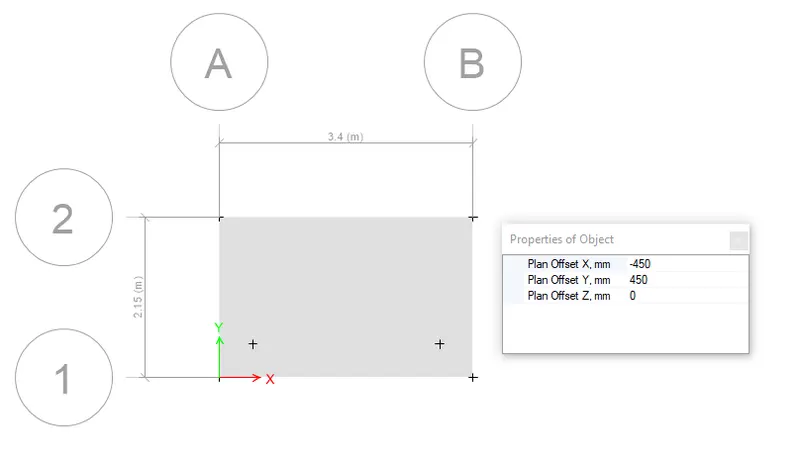
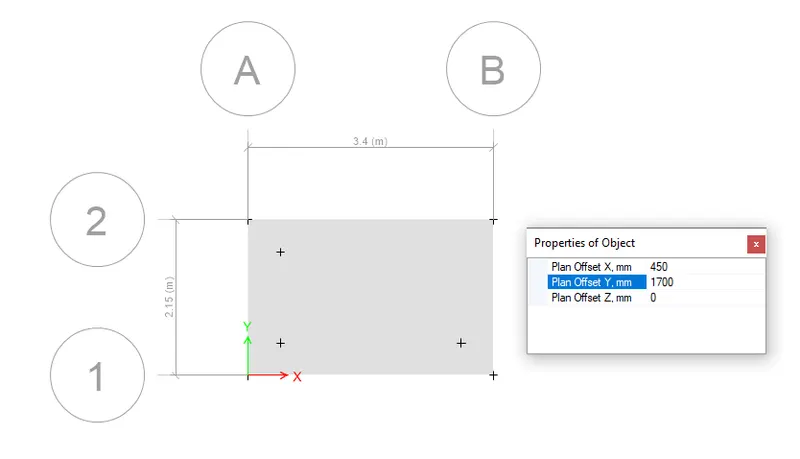
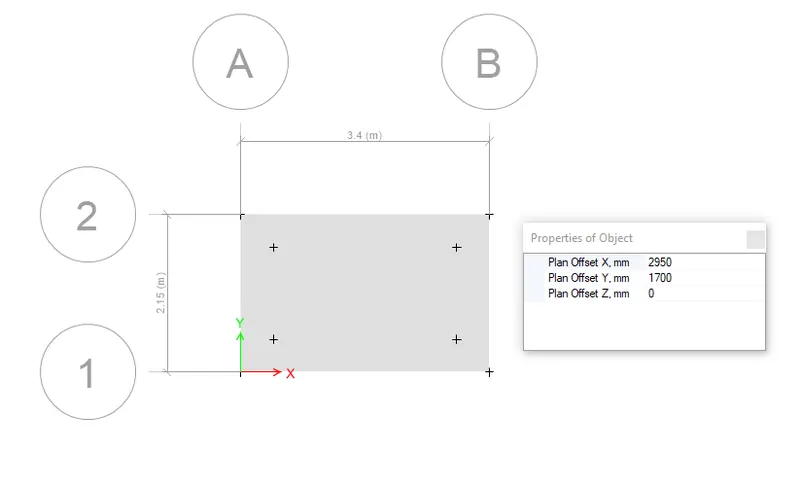
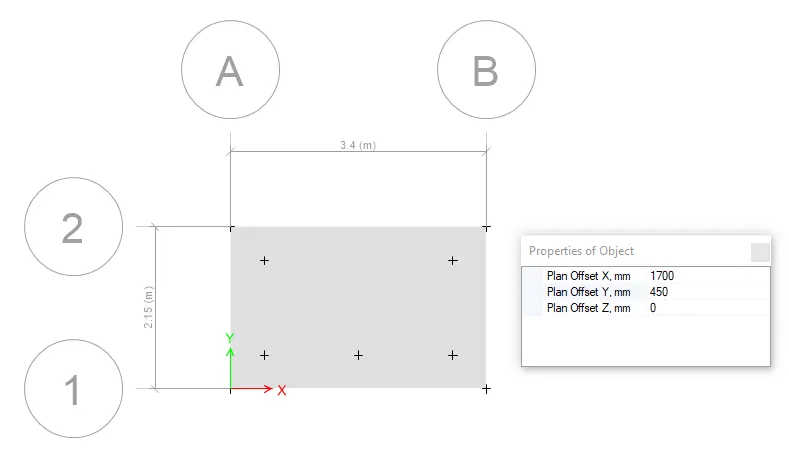
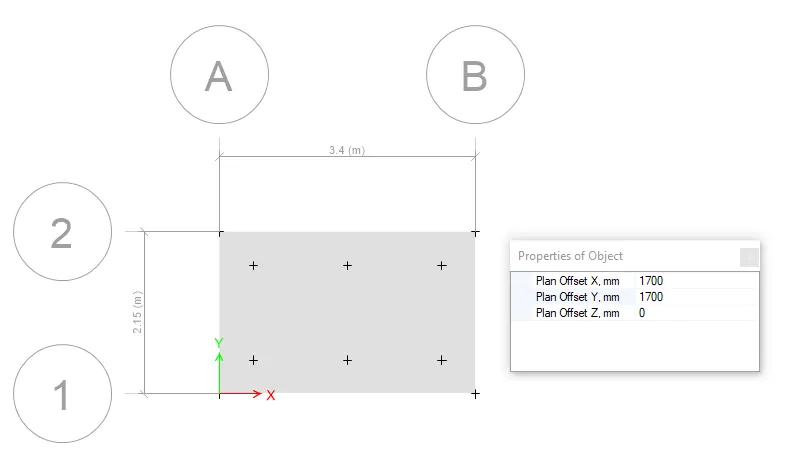
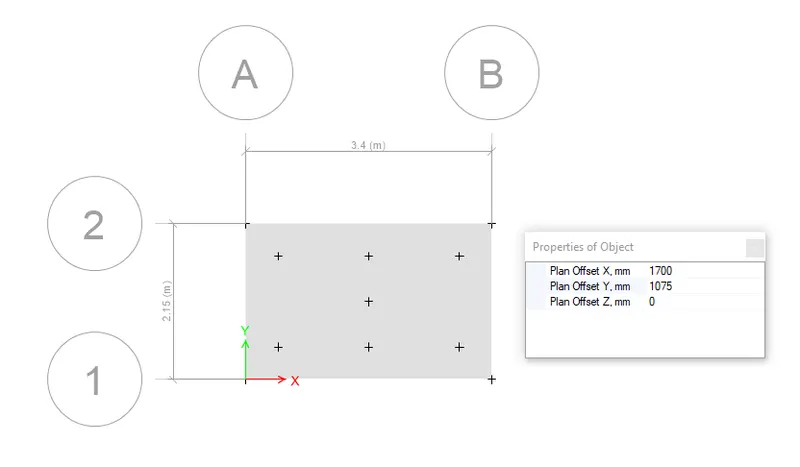
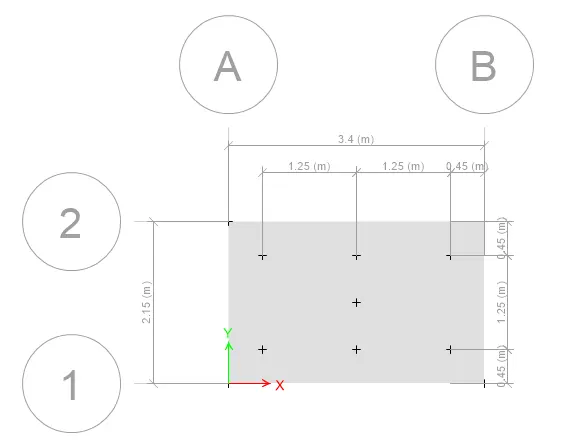
- Draw the pile using Quick Draw area around point.
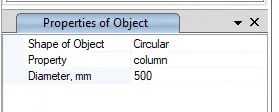
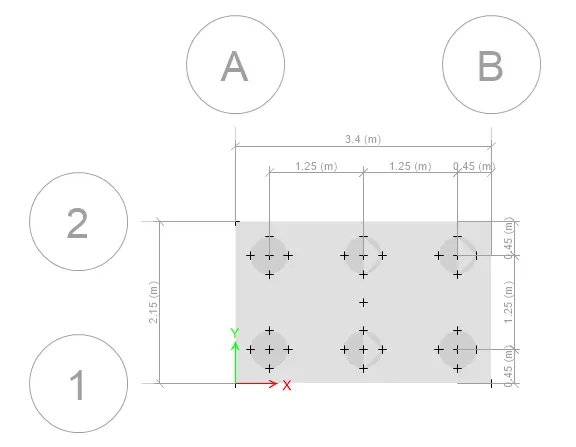
- To draw a rectangular column draw the point at the middle and draw the column of size 600 x 600mm
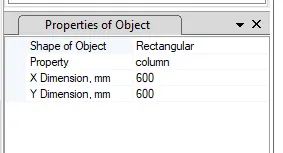
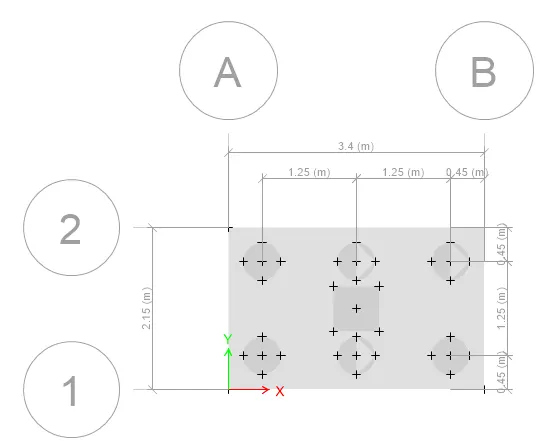
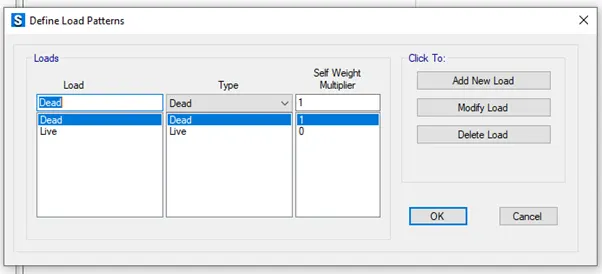
- Click the Define tab & select the spring properties>point springs.
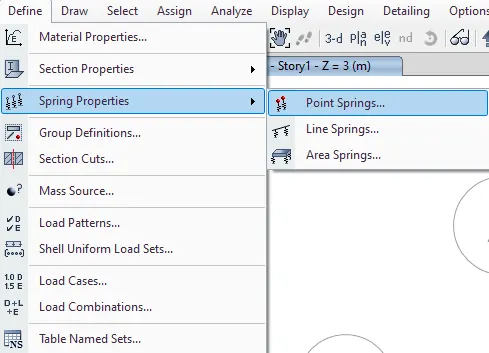
Spring constant = (EA)/L = (25000 x 196349)/16000 = 306795 N/mm = 306.795KN/mm.
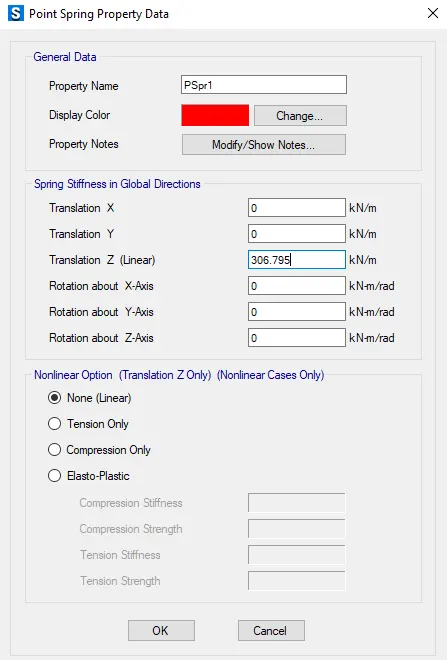
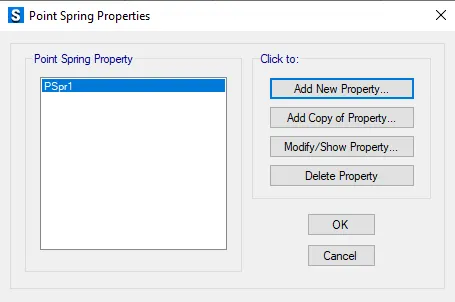
- Assign the spring load to the pile
- Select all the piles.
- Click the assign tab select the joints in that select point and assign the point spring load to the pile selected.
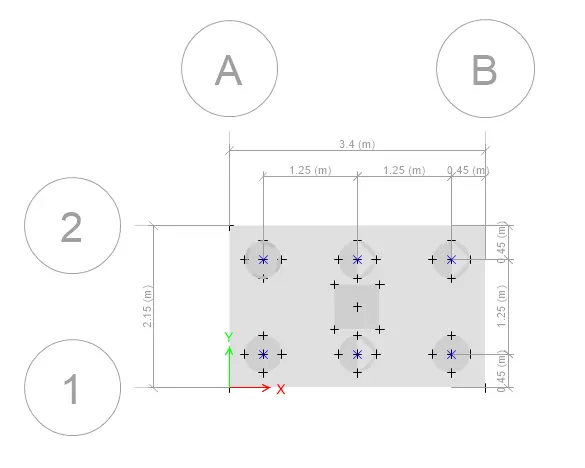
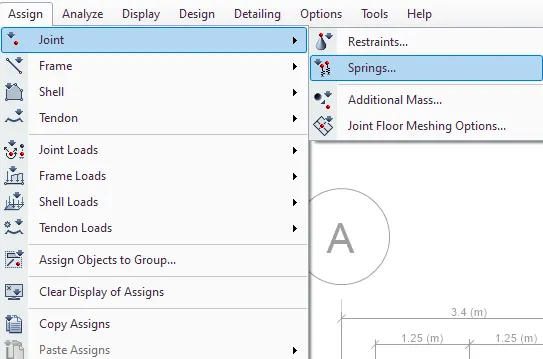
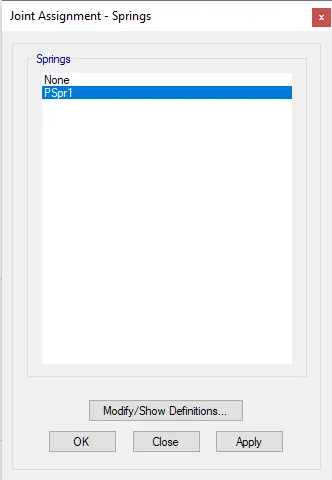
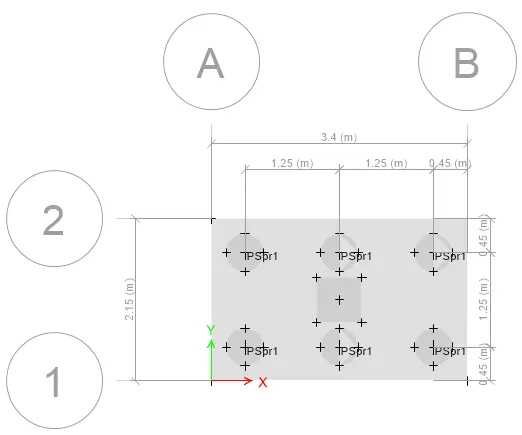
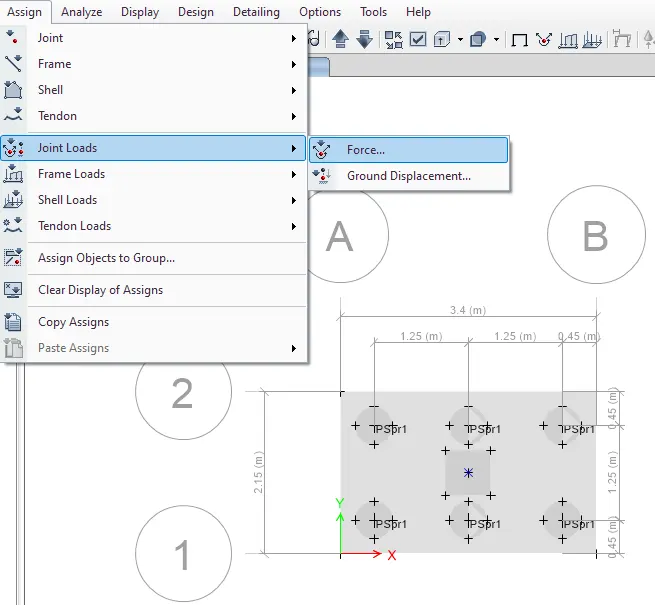
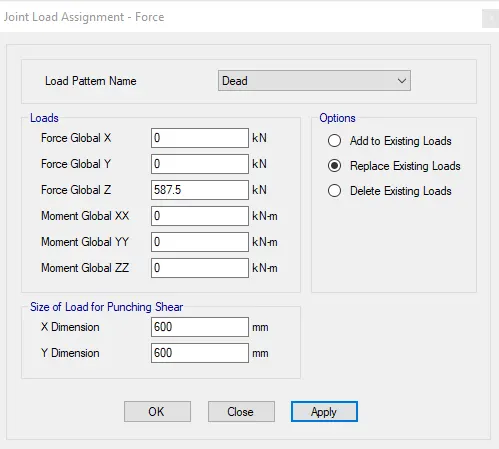
- To assign the column load go to assign & select joint load their select force.
- add live load & dead load 587.5.
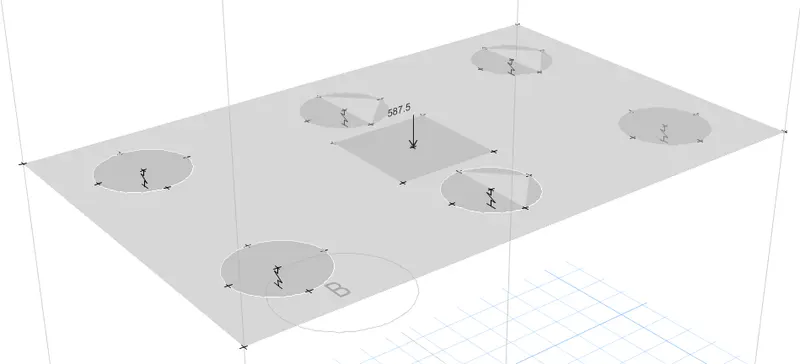
- Click the Define tab & select the Load combinations,add the load.
- Click the analyze tab & check the model for error.
- Run analysis.
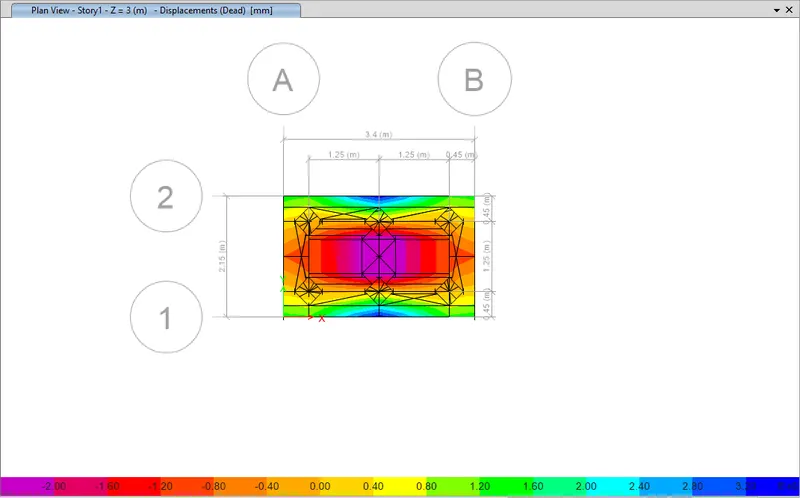
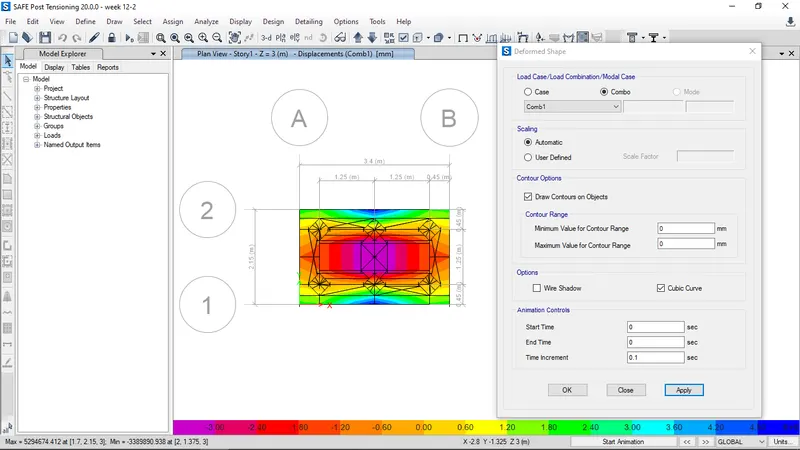
- deformed shape at load combination 1
- Display support spring.
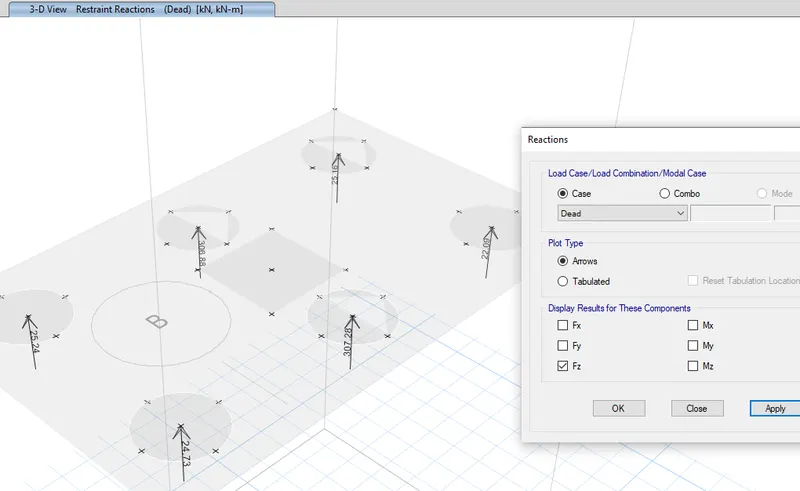
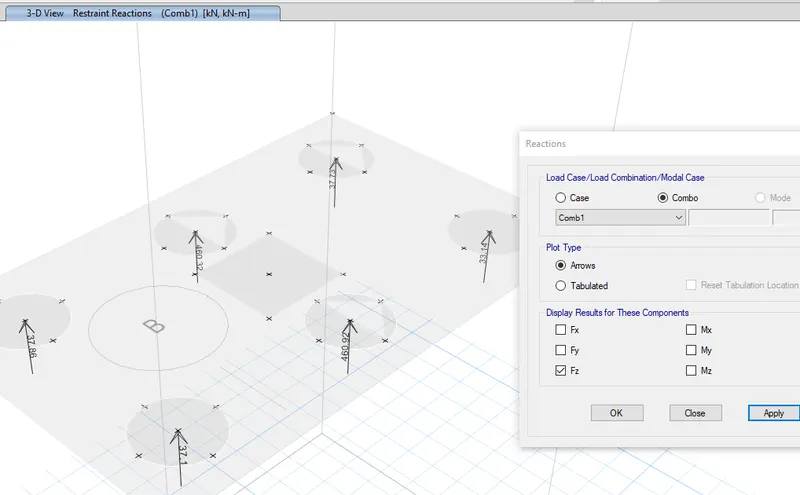
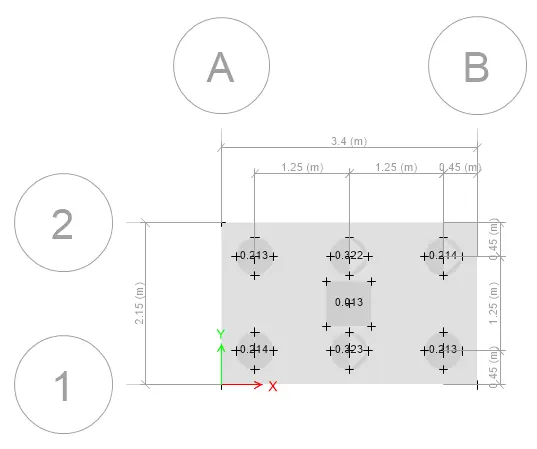
Results:
Pile cap design is done by safe software.