FINAL INDEPENDENT PROJECT
Design and Simulation of four cylinder Engine
Aim :
To create the four cylinder engine each single parts and assemble them and simulate the model using solidworks software.
Objective :
- To design the saperate parts by using minimum sketch tools and features in solidworks CAD software.
- Assemble all parts in assembly section.
- Rendering the each parts and assembly by using the photo 360 view tool.
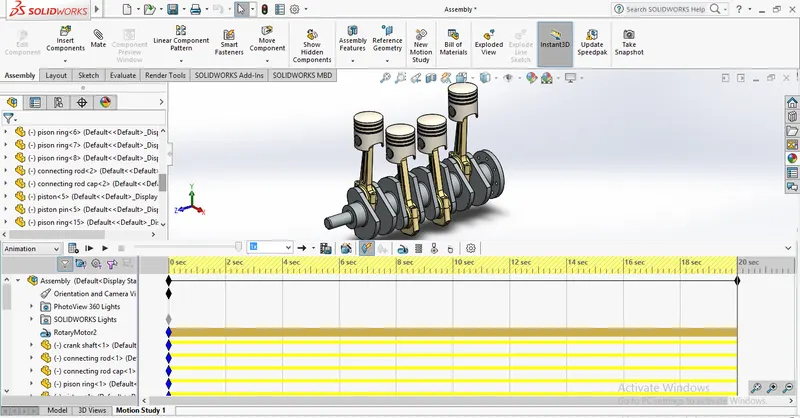
- Simulate the four cylinder engine by using motion study in solidwork.
Introduction :
Solidworks :
Solidworks is a solid modeler, and utilizes a parametric feature-based approach which was initially developed by PTC (Creo/Pro-Engineer) to create models and assemblies. The software is written on parasolid-kernel. Solidworks is a solid modeler, and utilizes a parametric feature-bassed approach and assemblies. The software is written on parasolid-kernel.
Four cylider Engine :
A straight four engine is a four-cylinder piston engine where cylinders are arranged in a line along a common crankshaft. The vast majority of automotive four-cylinder engines use a straight four layout and the layout is also very common in motorcycles and other machinery. Therefore the term four cylinder engine is usually synonymous with straight-four engines. Most examples use liquid coolant to manage heat accumulation while air-cooled examples are also manufactured.
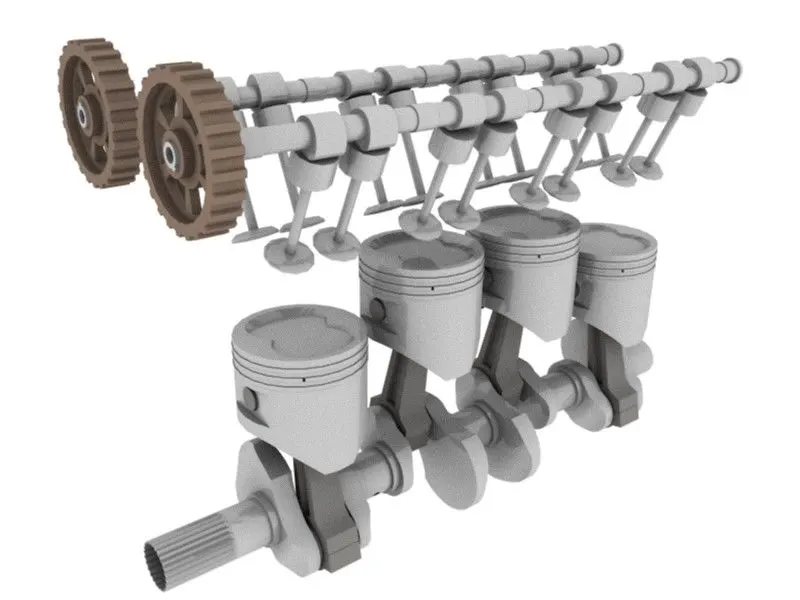
Between 2005 and 2008, the proportion of new vehicles sold in the United states with four-cylinder engine rose from 30% to 47%. By the 2020 model year, the share for light-duty vehicles had risen to 59%.
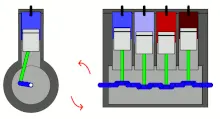
A four stroke straight four engine always has a cylinder on its power stroke, unlike engines with fewer cylinders where there is no power stroke occurring at certain times. Compared with a V4 engine or a flat four engine, a straight four engine only has one cylinder head, which reduces complexity and production cost.
Design approach :
For this design of four cylinder engine the 2D sketch by using the sketch tools are used mainly and the part solid features such as Extrude, Cut-extrude, Revolve, cut-revolve, Fillet, Chamfer, combine, sketch tools, Patterns, Dome, plane Mirror etc.., used from the solidworks software.
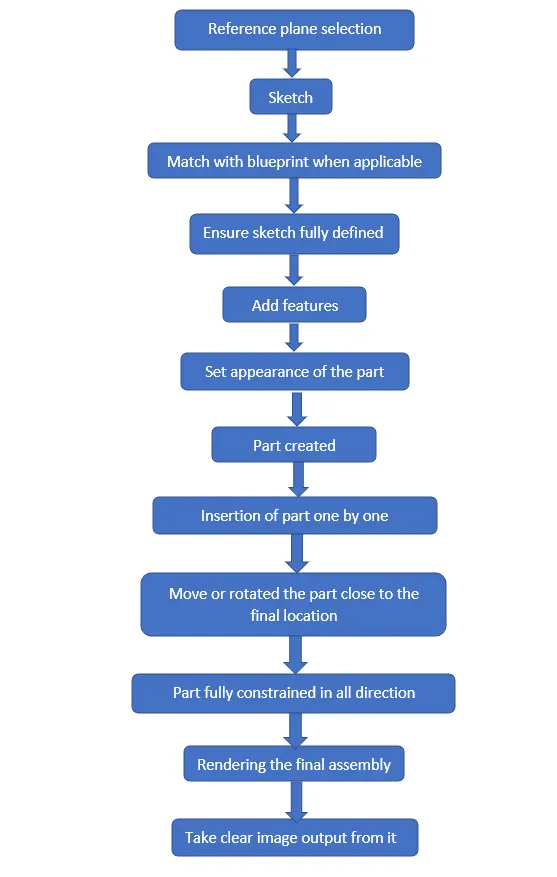
Four cylinder Engine Parts :
- Piston
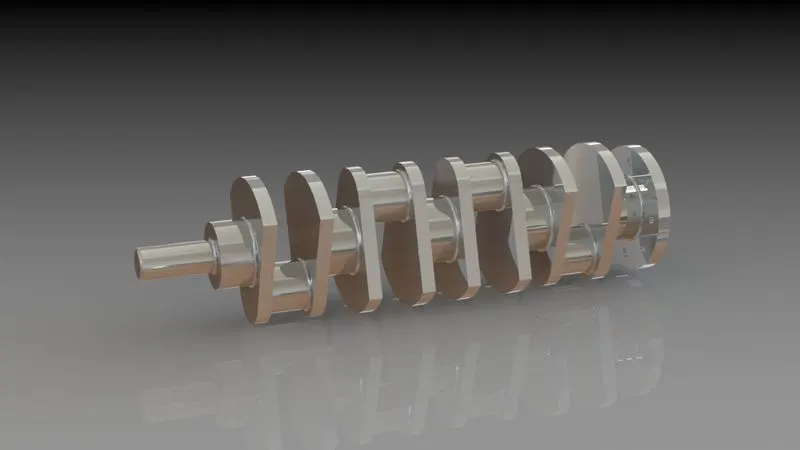
- Crank shaft
- connecting rod
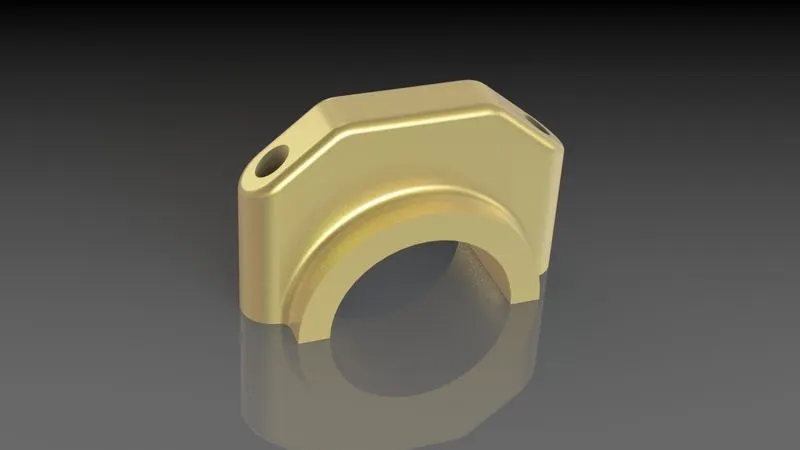
- connecting rod bottom
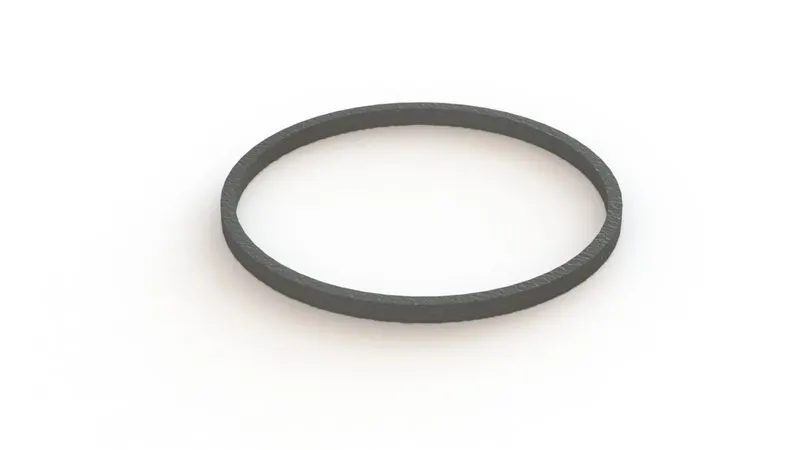
- piston ring
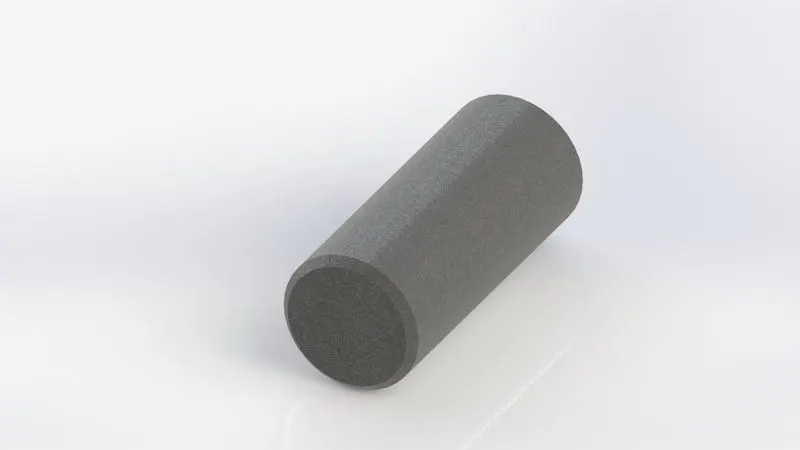
- piston pin
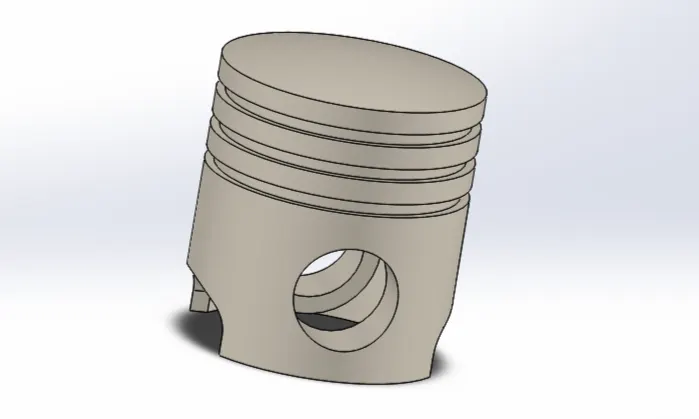
Piston - 3D model :
Feature tree :
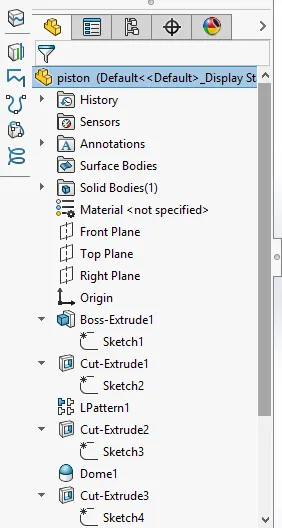
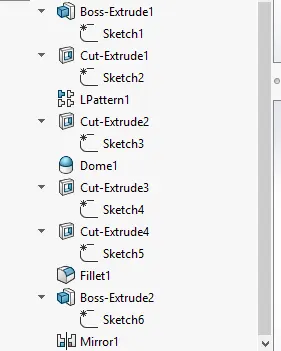
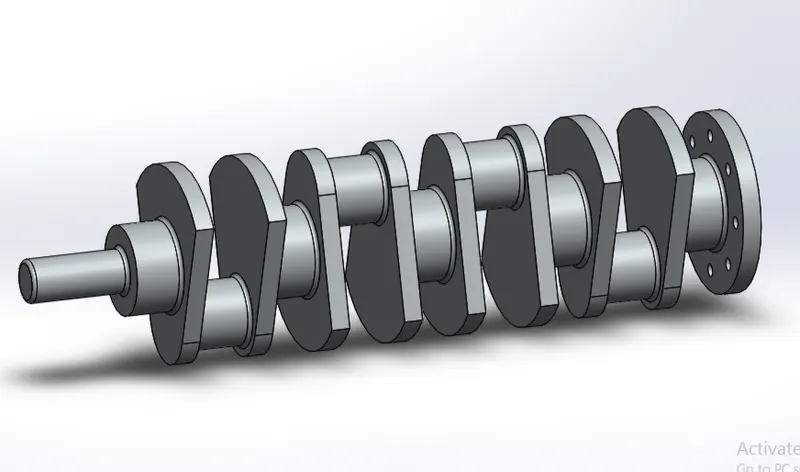
Crank shaft - 3D model :
Feature tree :
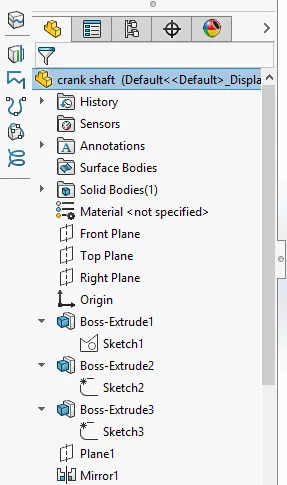
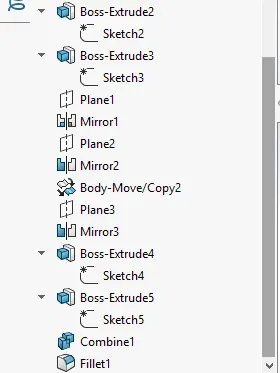
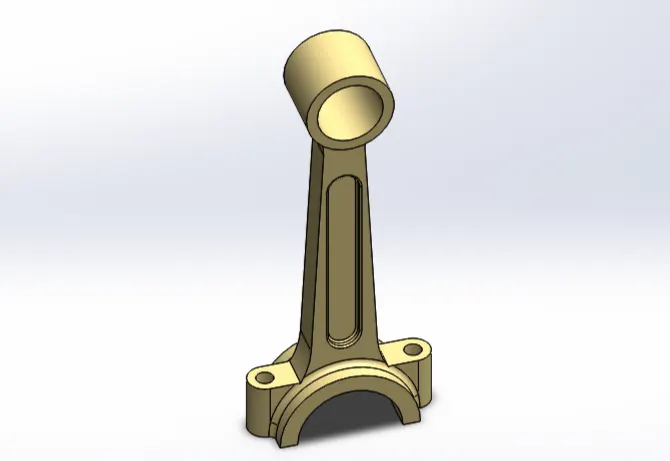
Connecting Rod- 3D model :
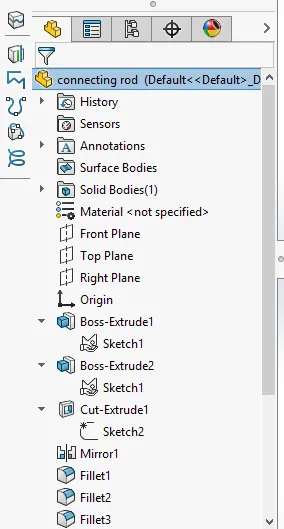
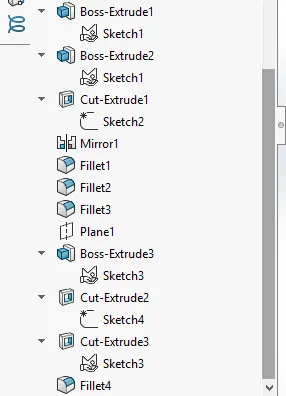
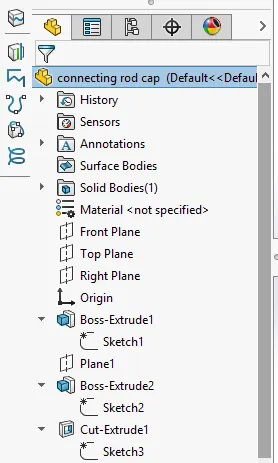
Feature tree :
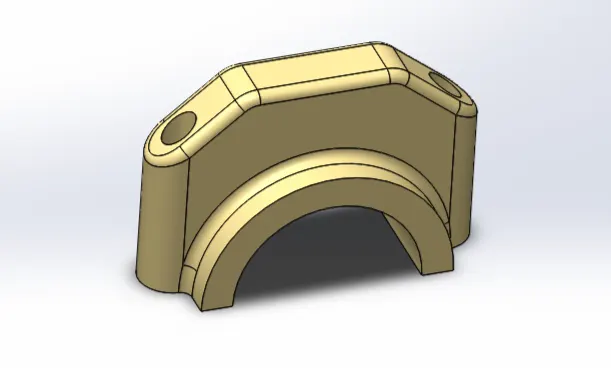
Connecting rod bottom- 3D model :
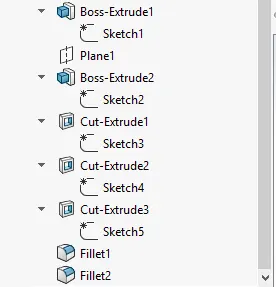
Feature tree :
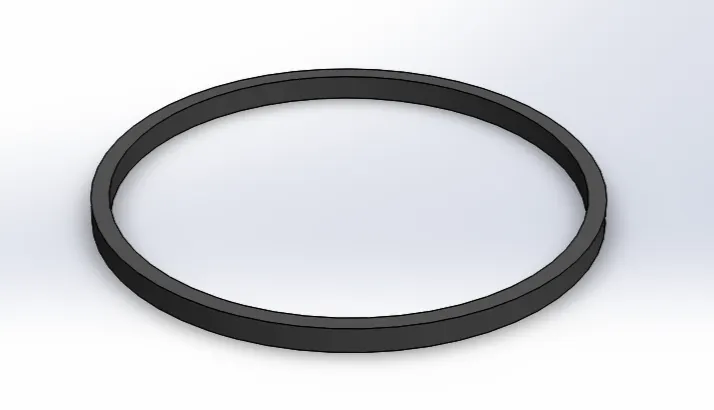
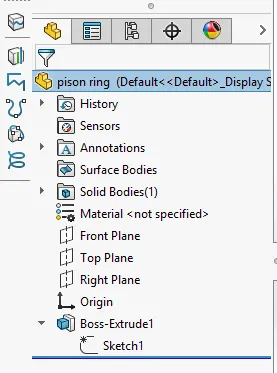
piston ring- 3D model :
Feature tree :
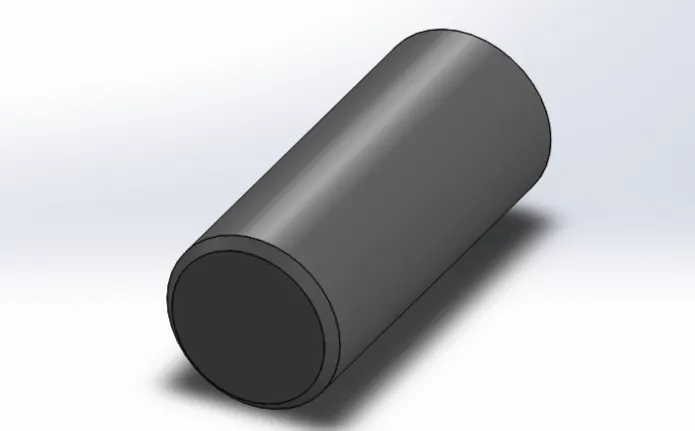
Piston pin- 3D model :
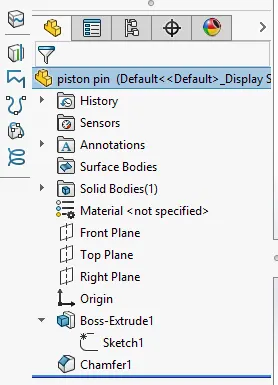
Feature tree :
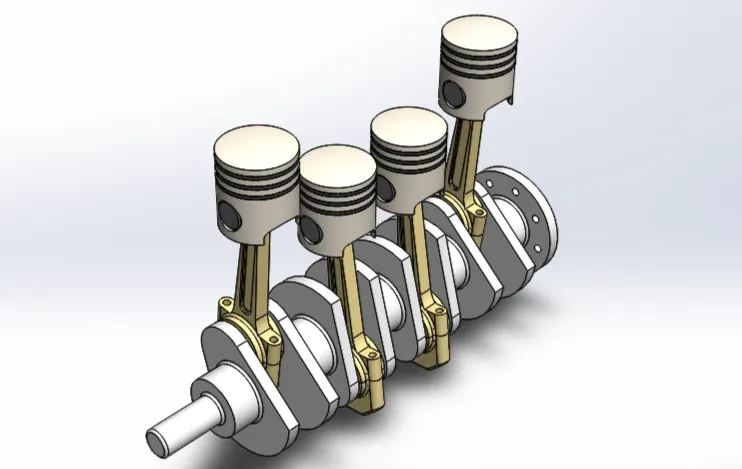
Assembly :
Feature tree :
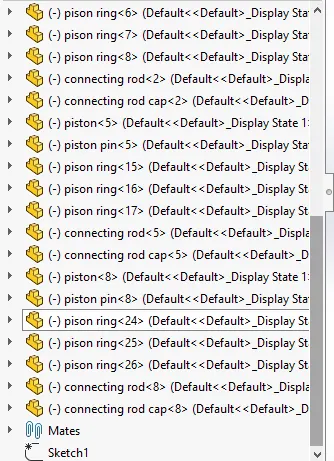
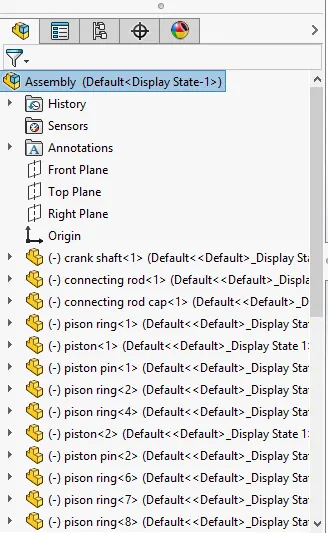
Photo Rendering :
Rendering or image sythesis is the process of generating a photorealistic or non-photorealistic image from a 2D or 3D model by means of a computer program. The resulting image is referred to as the render. Multiple models can be defined in a scene file containing objects in a strictly defined language or data structure. Rendered images has a nice graphics compared with normal assembly.
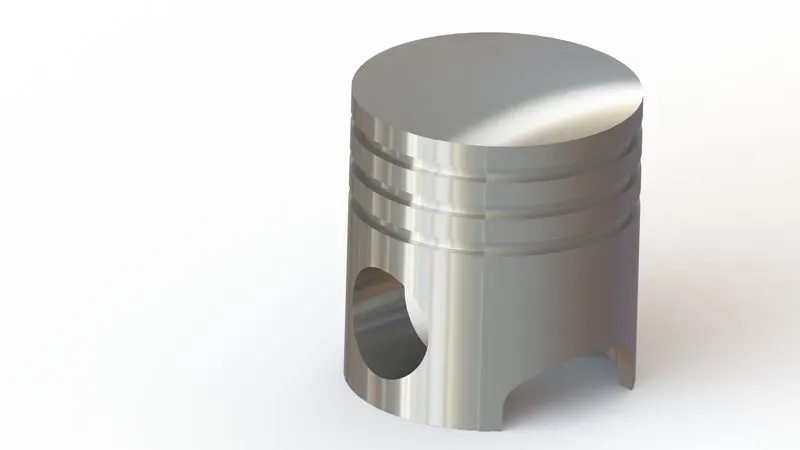
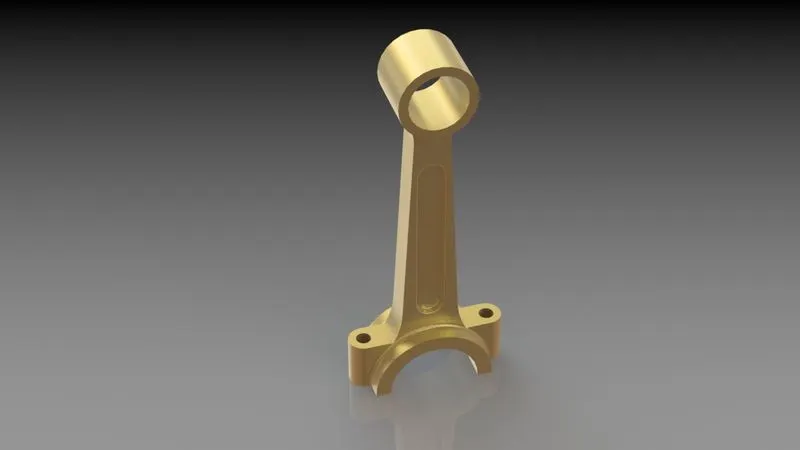
Rendering image of Parts :
Piston , Connecting rod :
Crank shaft :
Connecting rod bottom :
Piston ring , piston pin :
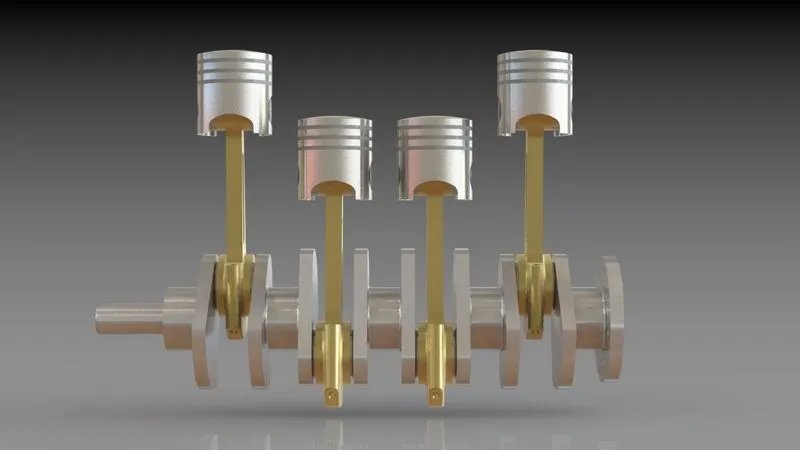
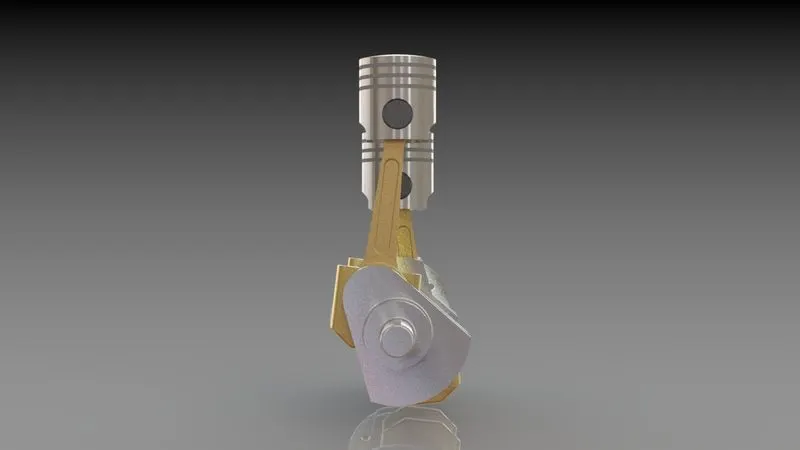
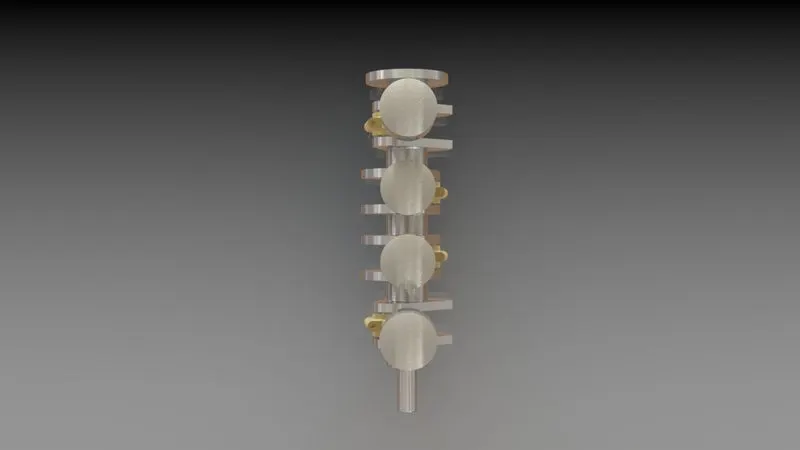
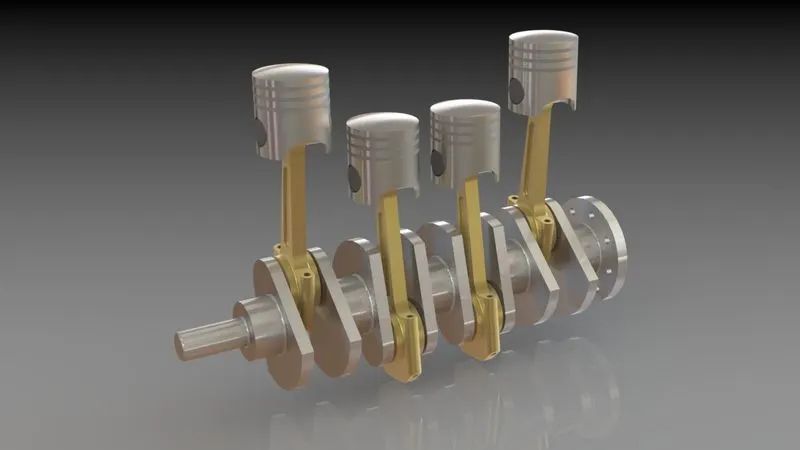
Assembly Rndering views :
Front view :
Side view :
Top view :
Camera View :
Simulation :
Simulation is also done in the solidworks software using the motion study tool in the software and in that edit the time duriation and give the motor to rotate the crank in the constant speed and this video is saved in the hard disk as shown in image.
Final Simulation video :
Conclusion :
In this project four cylinder engine design and simulation we create the different parts of the engine by using the solidworks sketch and features. And then assemble them in the assembly tools and rendering also done by using the photo 360 view tools. And finally we simulate the four cylinder engine by using the motion study tools in the solidworks CAD software successfully.
References :
- https://en.wikipedia.org/wiki/Straight-four_engine
- https://www.kbb.com/what-is/4-cylinder-engine/
- https://byjus.com/physics/four-stroke-engine/
- https://help.solidworks.com/2020/English/SolidWorks/motionstudies/c_Introduction_to_Motion_Studies.htm
- https://grabcad.com/tutorials/how-to-make-a-rendering-with-solidworks#:~:text=How%20to%20make%20a%20rendering%20with%20SolidWorks%201,poryect%20...%205%20Step%205%3A%20Final%20step%20