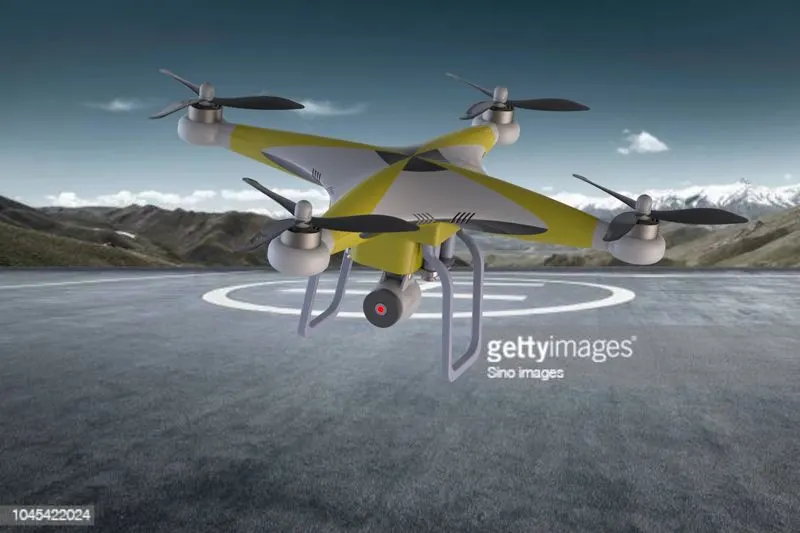
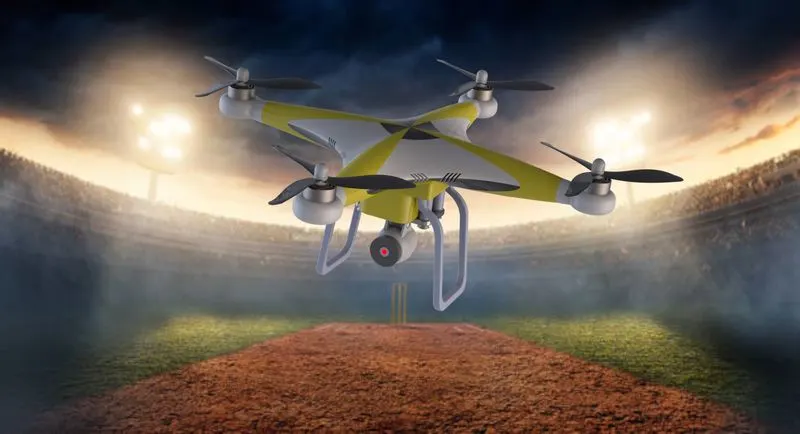
FINAL INDEPENDENT PROJECT
Design, Assembly and rendering of a Quadcopter (Drone) using solidworks and solidworks visualise
Objectives:
- design the parts of drone (Phantom-3) in solidworks
- and assemble the all parts in solidworks
- render a high quality image using photoview 360 and solidworks visualise.
Software used:
solidworks 2020-2021 student edition
- solidworks is a modeling software used to design models in industries such as automobile,aerospace,etc.
Motivation of project:
i would like to design a drone, because in my childwood i have like drive a remote control toys which make me inspired to design drone. since i got to learn about this course i thought to design a drone in solidworks.
Engineering significance:
-
Farmers use drones to monitor livestock on vast spreads of land.
- Fire departments can use drones to track and map wild fires.
-
Private companies can use drones to monitor their infrastructure such as pipelines, buildings, and so on.
-
Using drones to inspect power lines, towers, tall structures like chimneys and roofs would save businesses vast amounts of money and would reduce liability exposure from having humans in harm’s way.
- Drones are also used in video and filmmaking, which help to reduce the cost associated with gathering action or aerial footage that up until now would require expensive equipment like booms and dollies or even helicopters or other manned aircraft.
- drones can be extremely useful devices for a plethora of applications ranging from agriculture to national security.
Tools and features used:
- sketch: used to make a sketch on plane and flat surface.
- line: used to draw a lines on selected planes.
- 3D sketch: used to make a sketch without selection of plane or flat surface.
- circle: used to draw a circle on selected planes.
- rectangle: used to draw a rectangle on selected planes.
- Extrude bose: used to making solid bodies.
- Extrude cut: used to making a holes and cut in solid body.
- swept bose: used to making solid bodies along the curve or line.
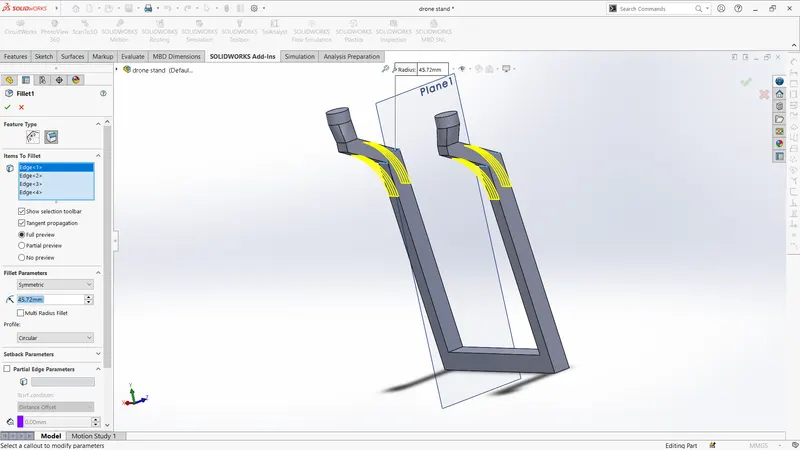
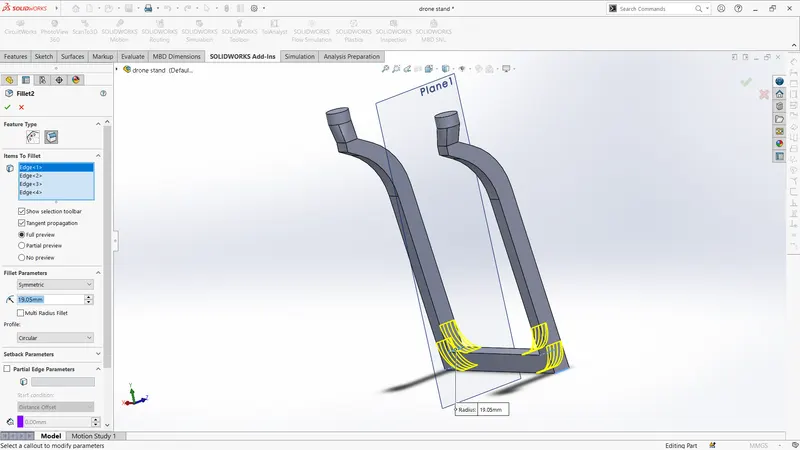
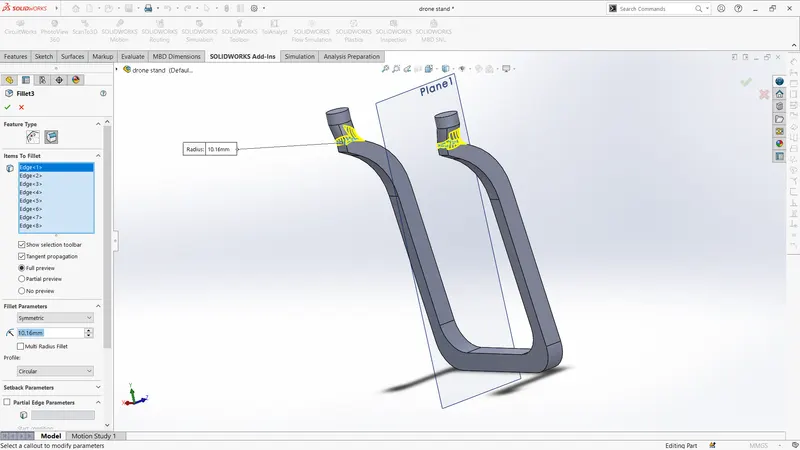
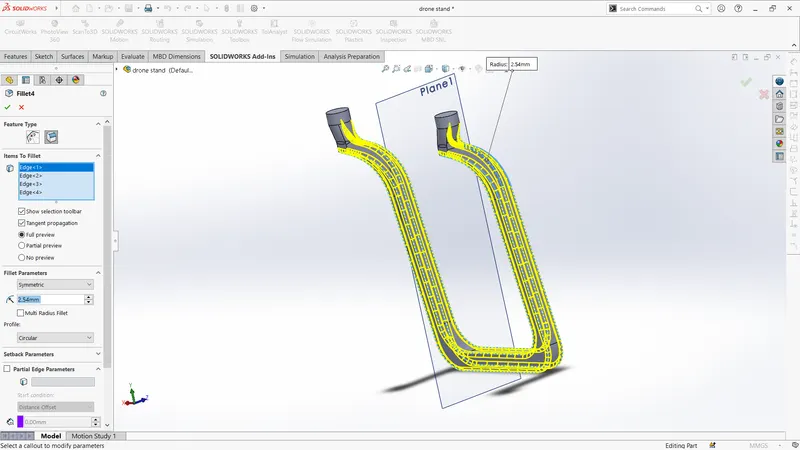
- fillet: used to making a corner edge to round.
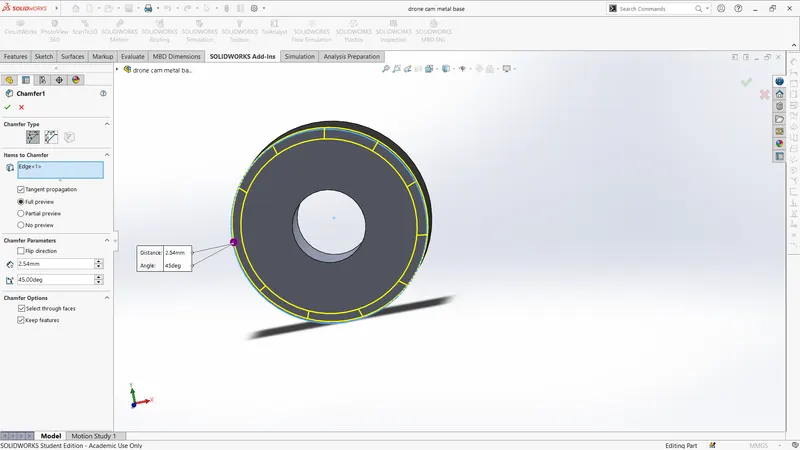
- chamfer: used to making a corner edge to inclined.
- trim: used to remove unwanted sketch.
Parts modeled:
1.drone body:
used tools:
- sketch
- line
- rectangle
- circle
- Extrude bose
- Extrude cut
- fillet
- chamfer
- trim

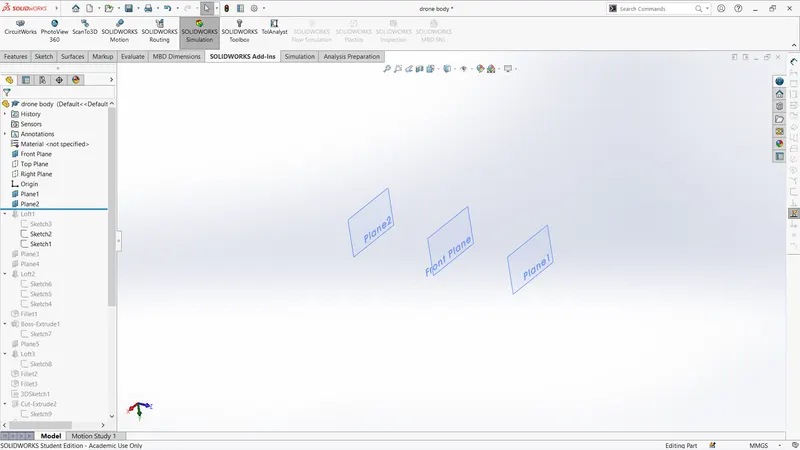
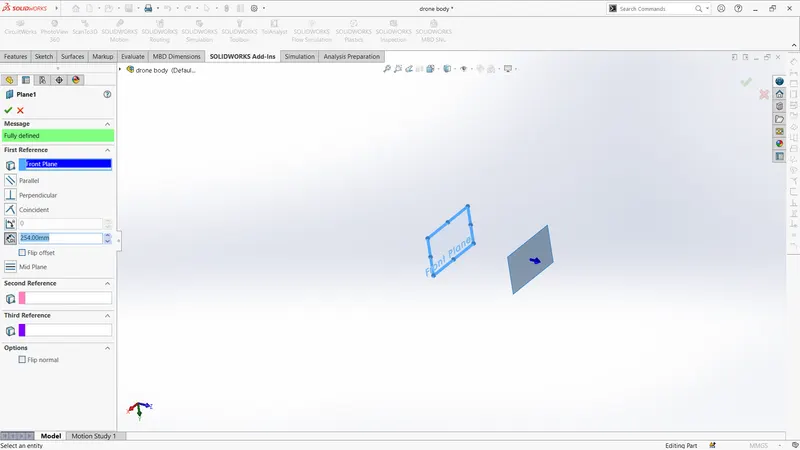
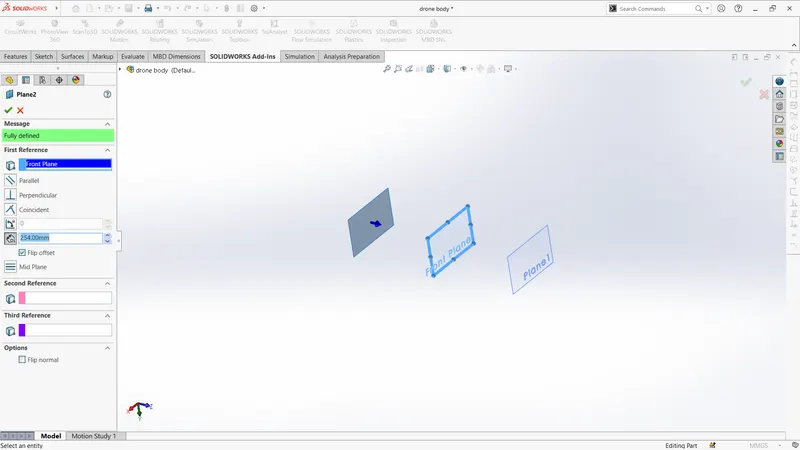
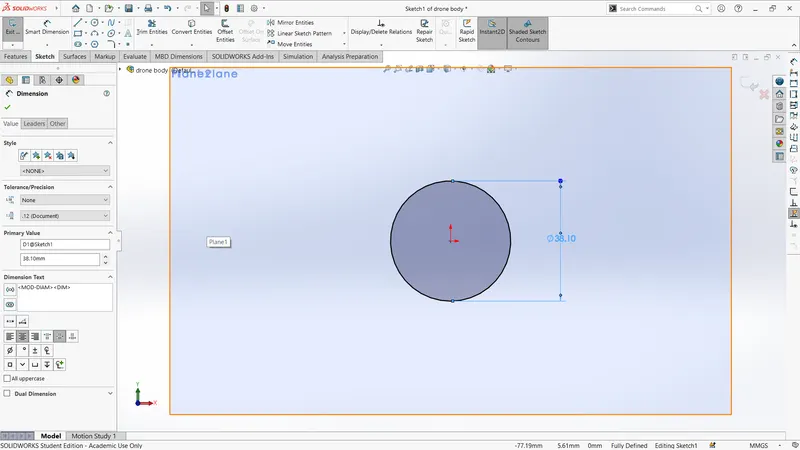
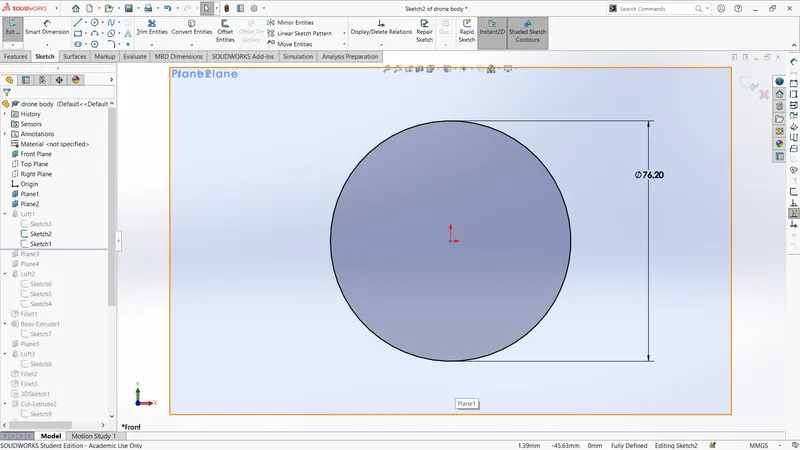
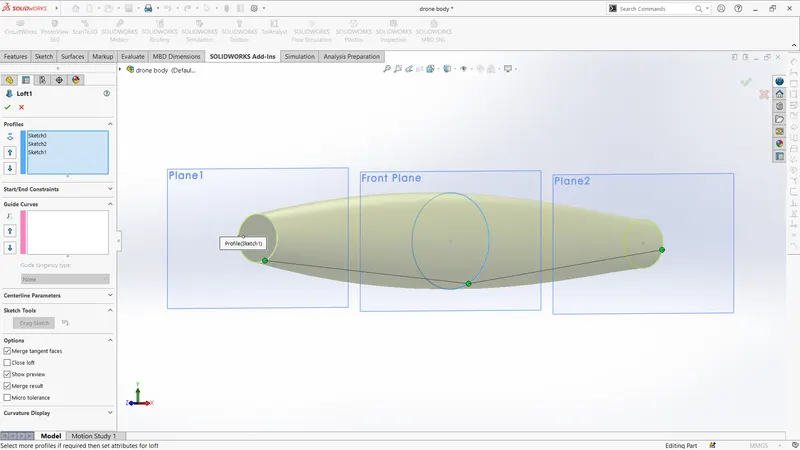
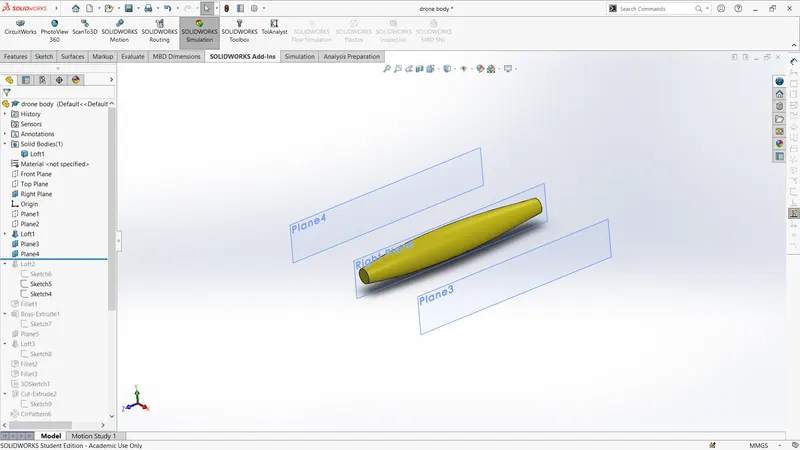
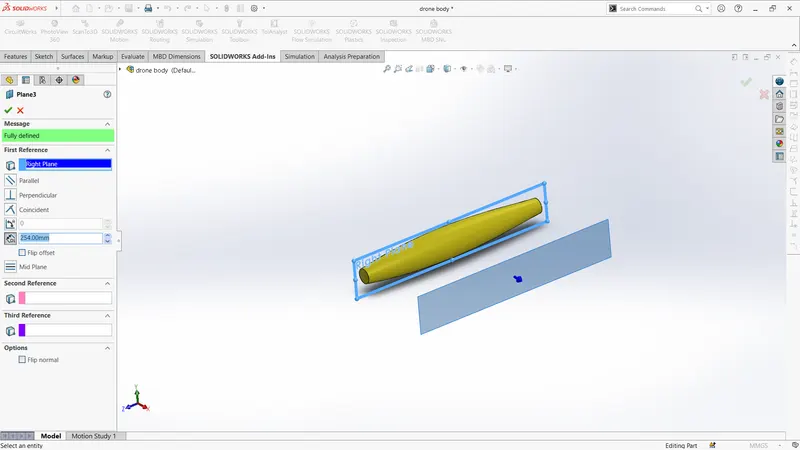
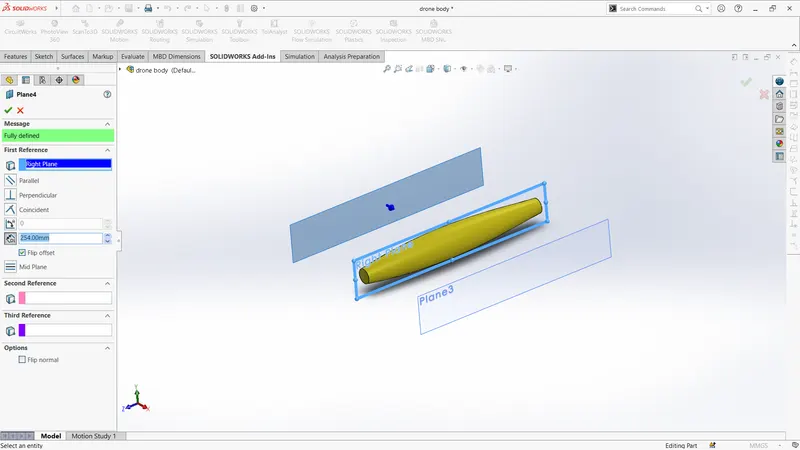
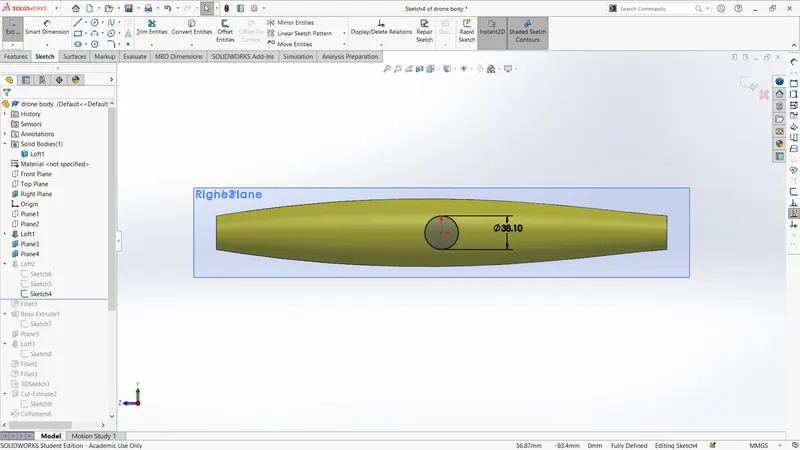
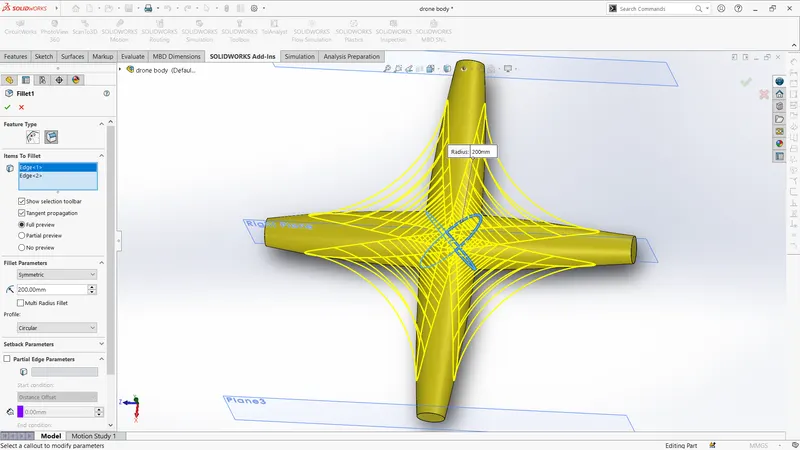
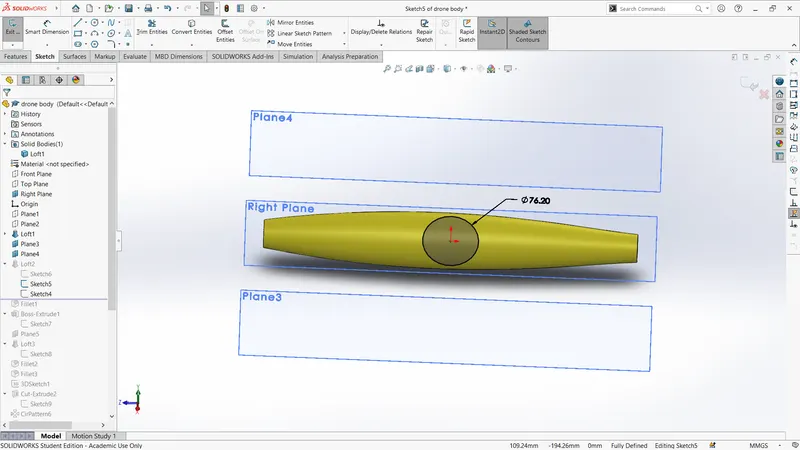
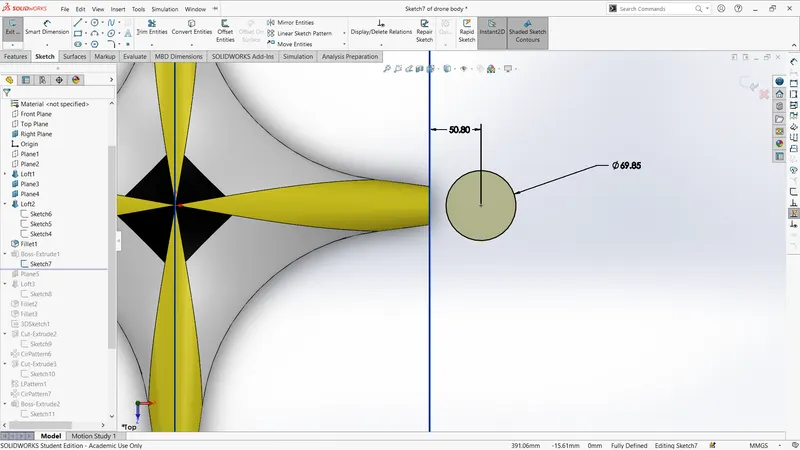
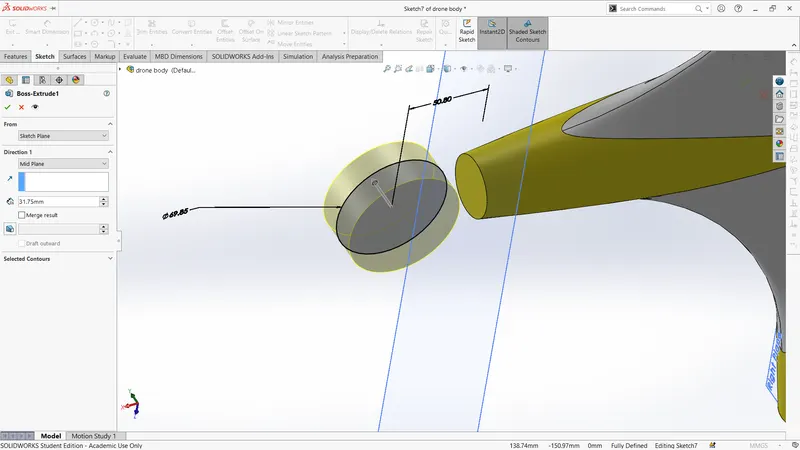
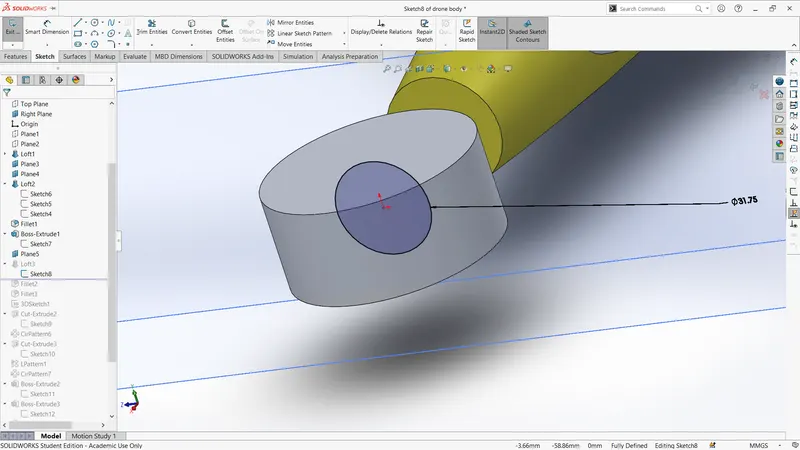
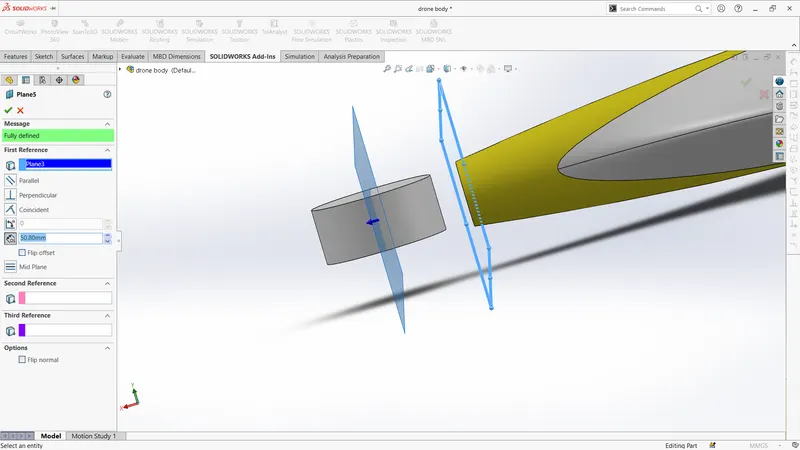
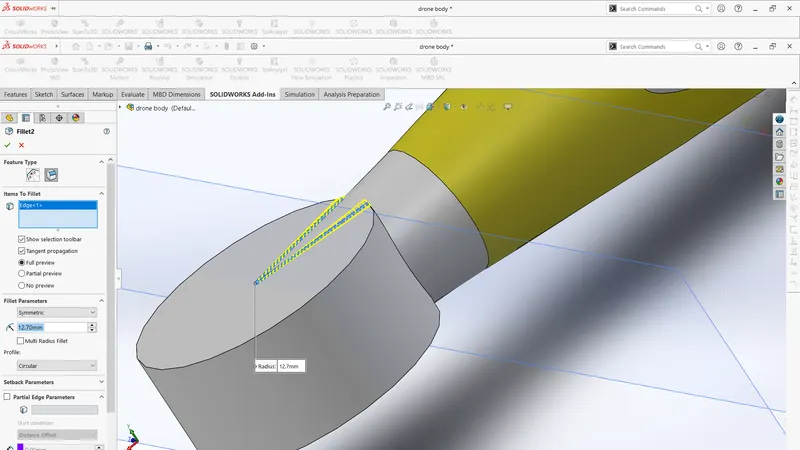
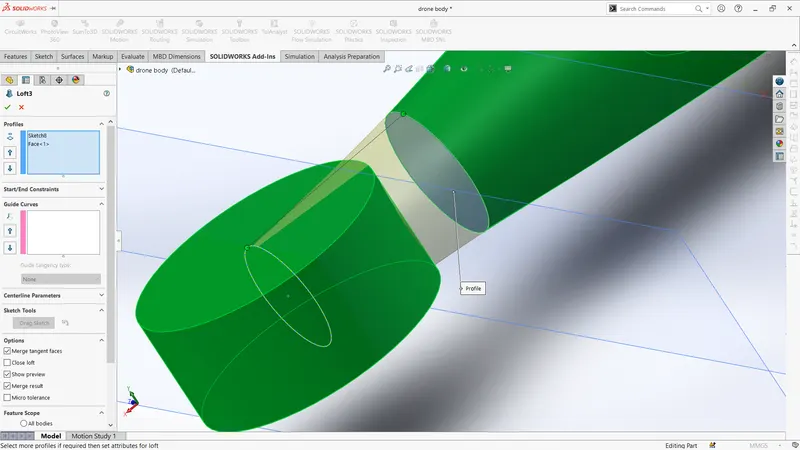
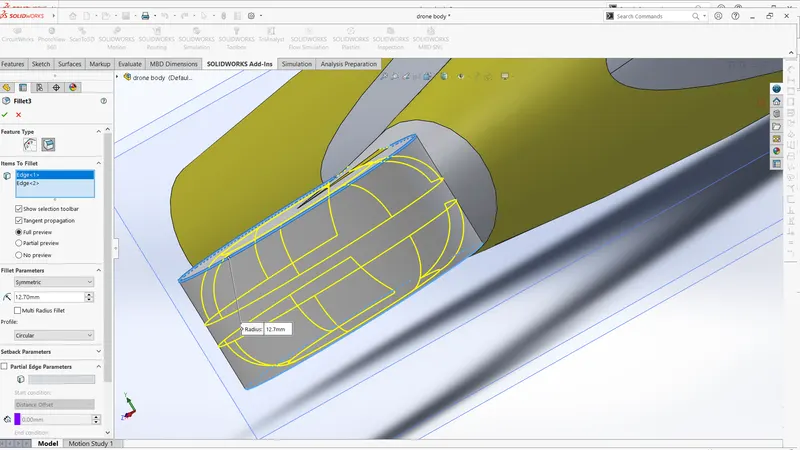
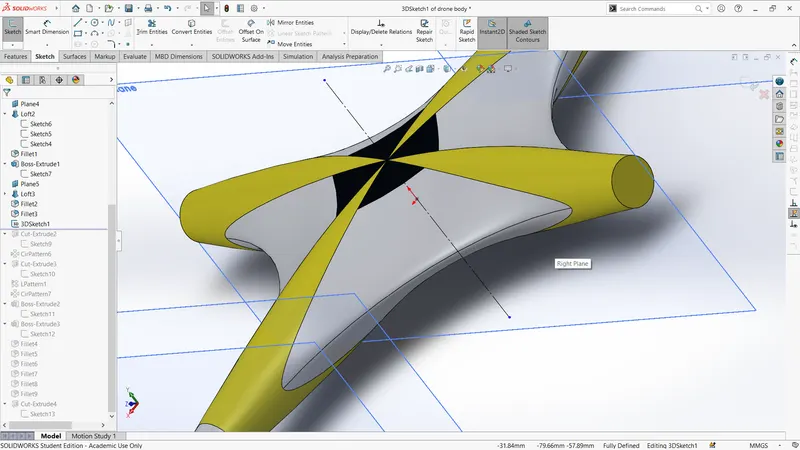
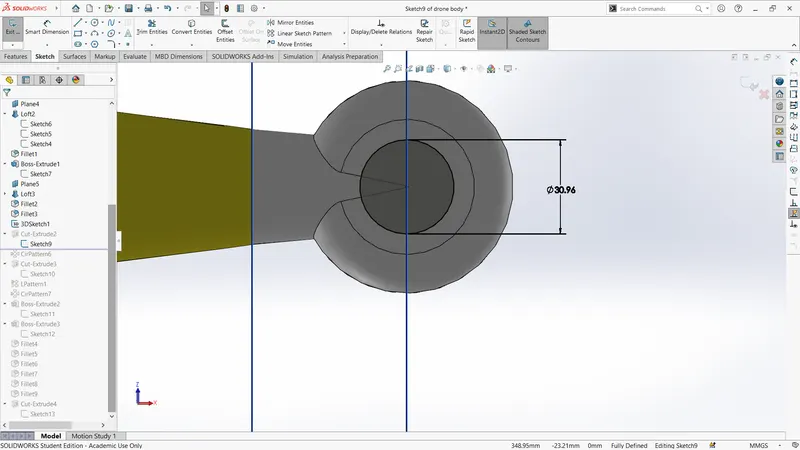
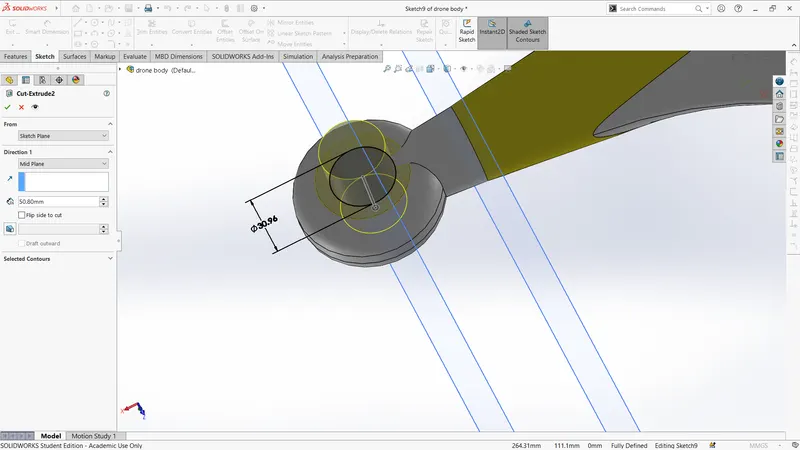
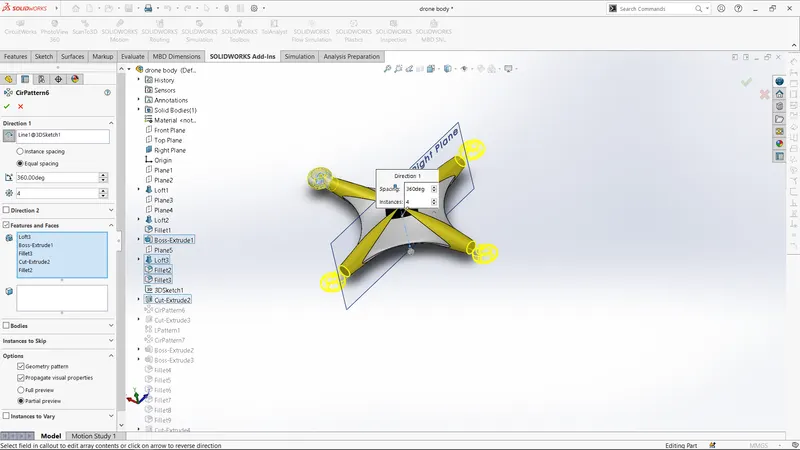
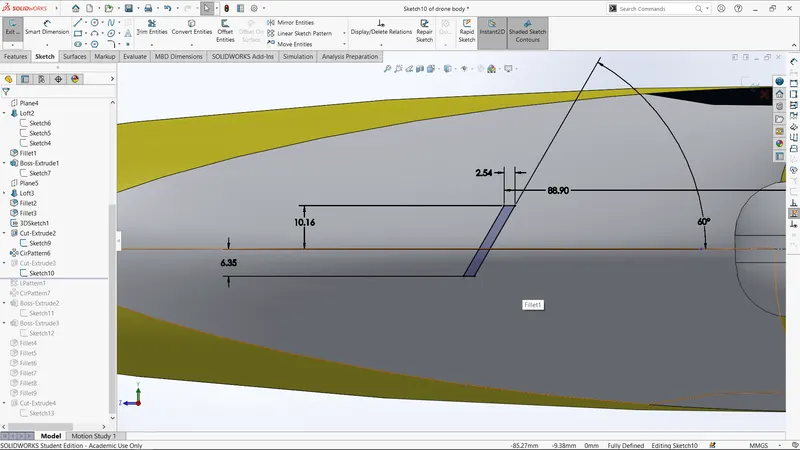
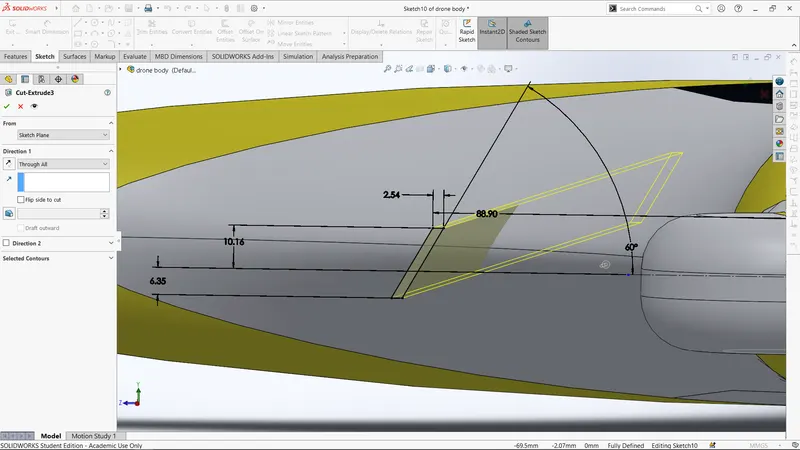
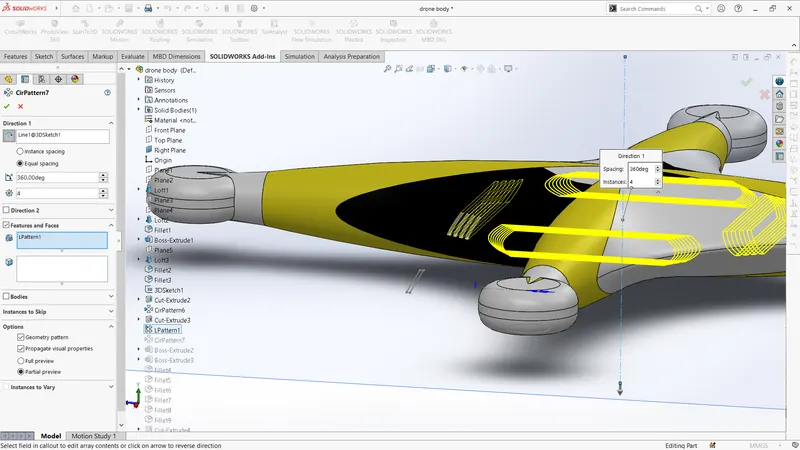
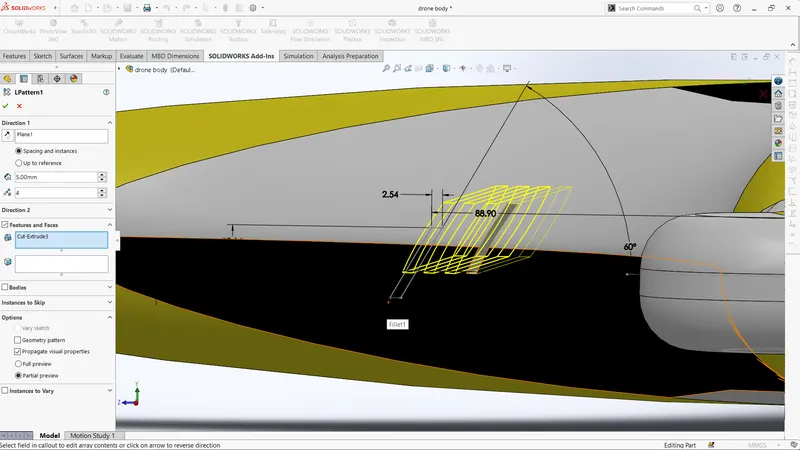
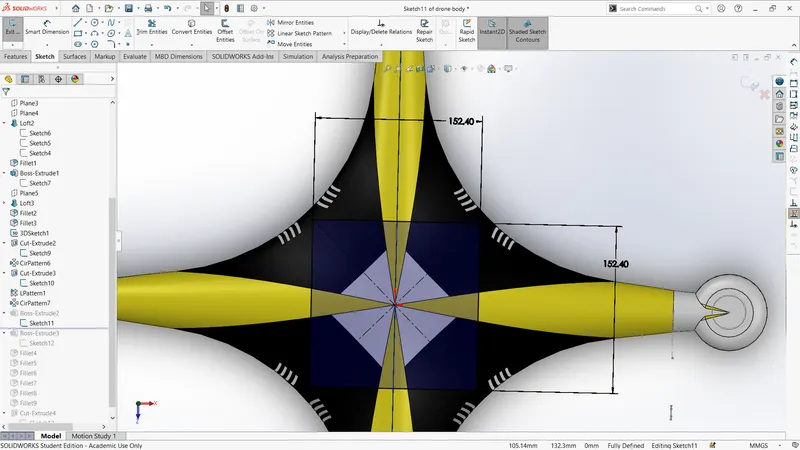
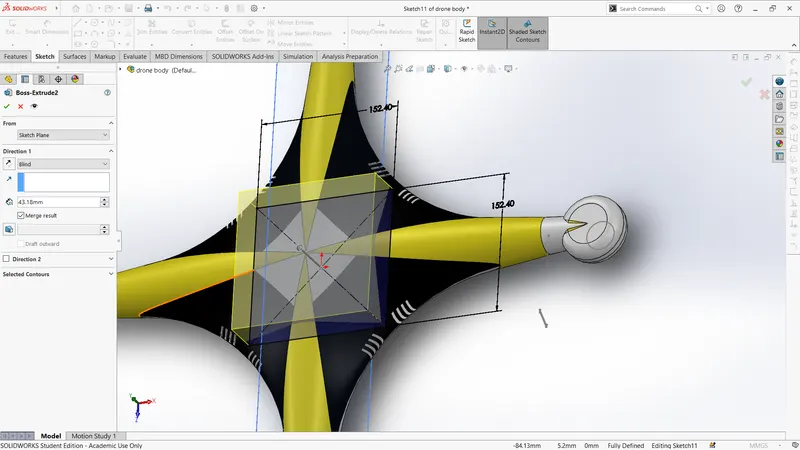
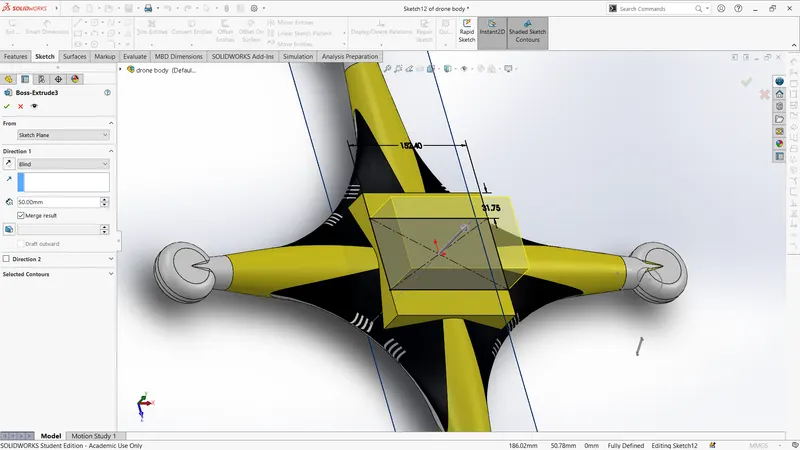
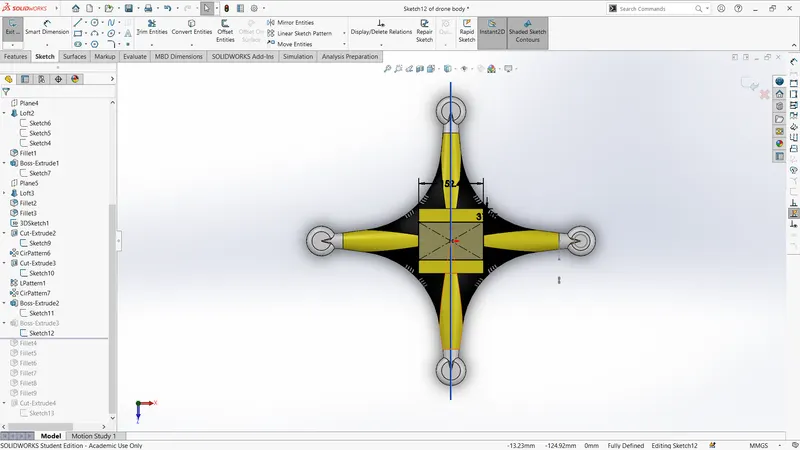
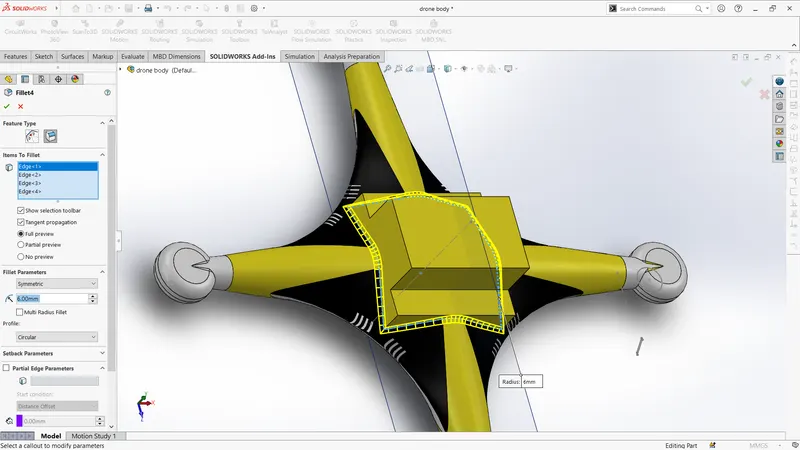
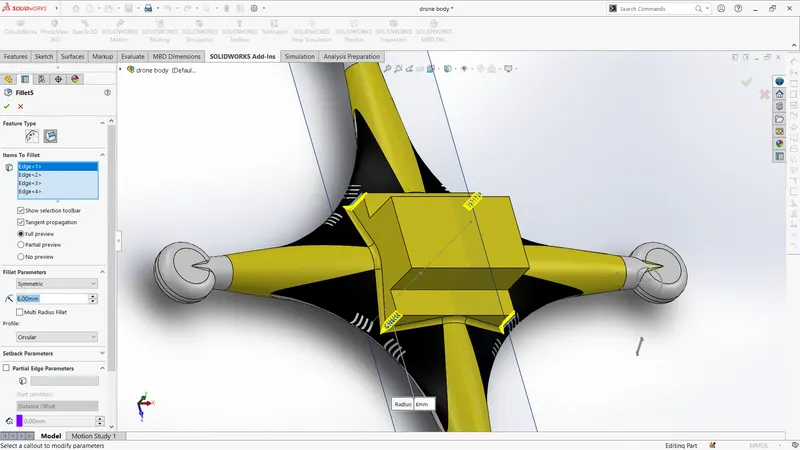
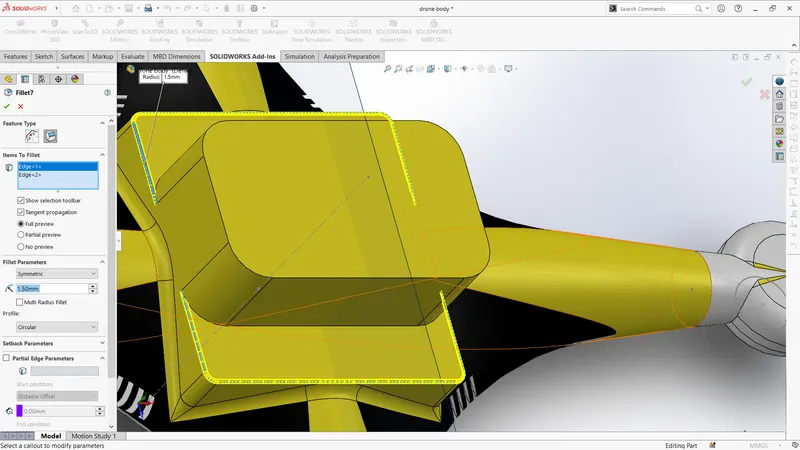
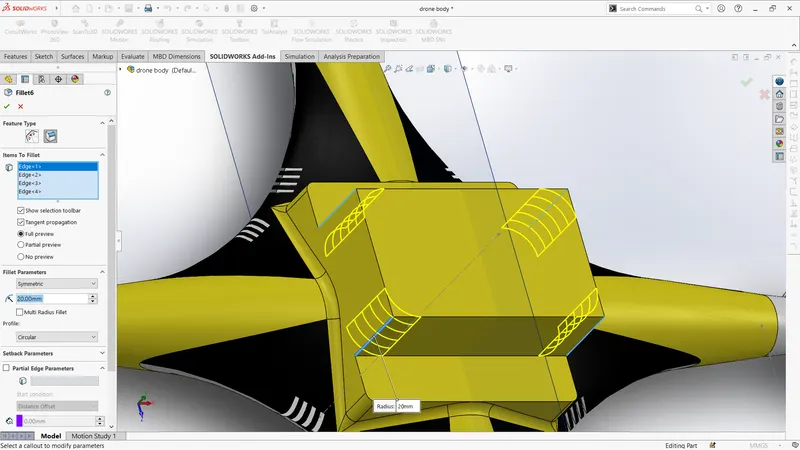
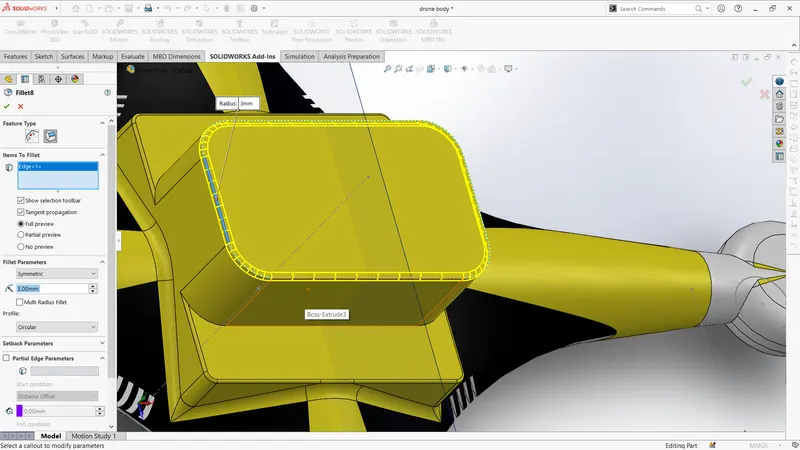
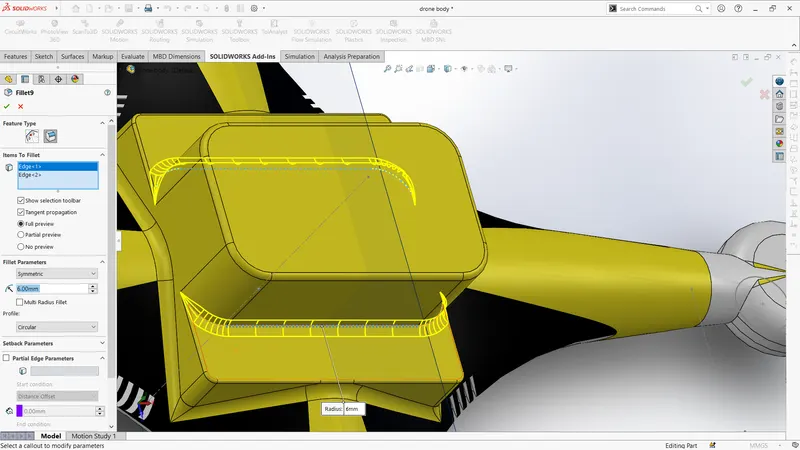
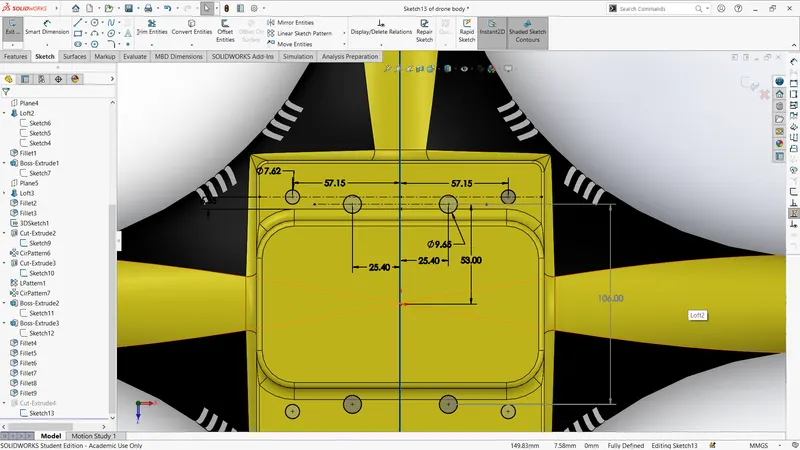
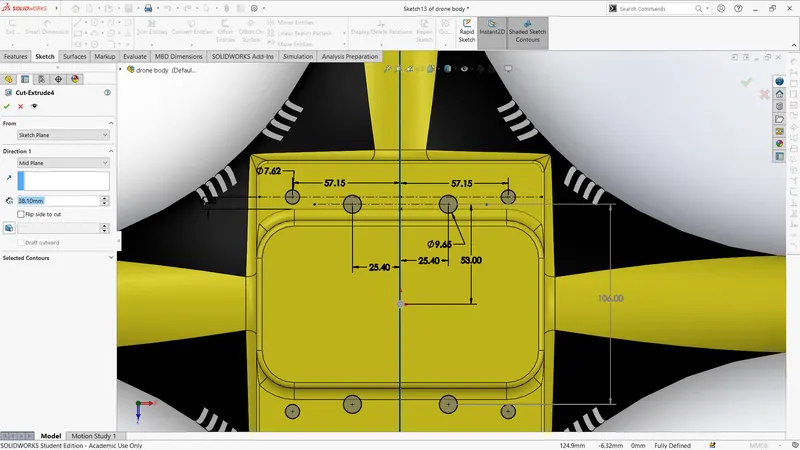
Front view
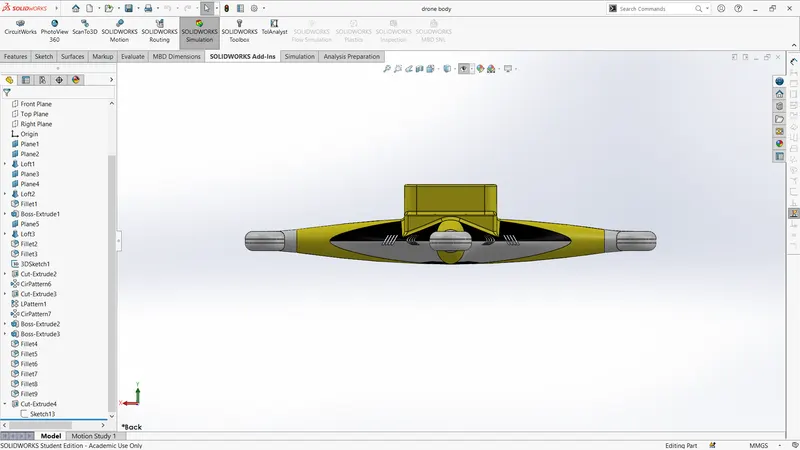
top view
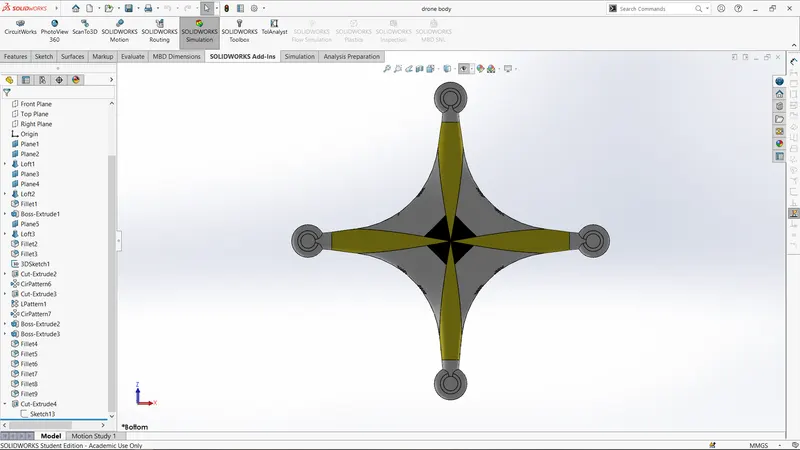
iso-view
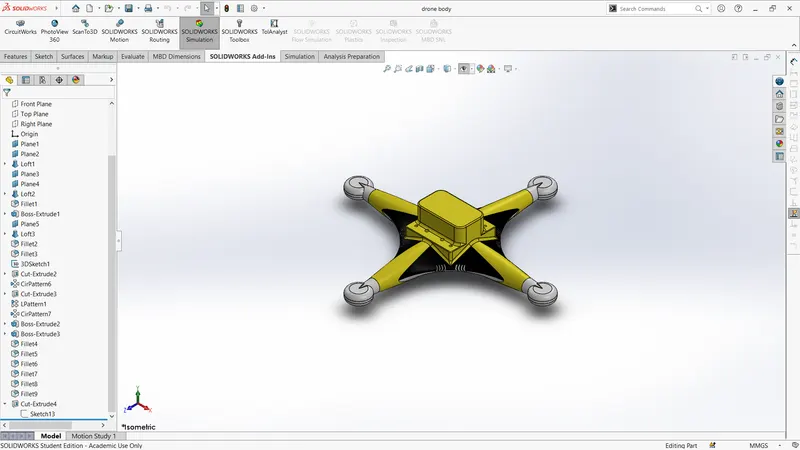
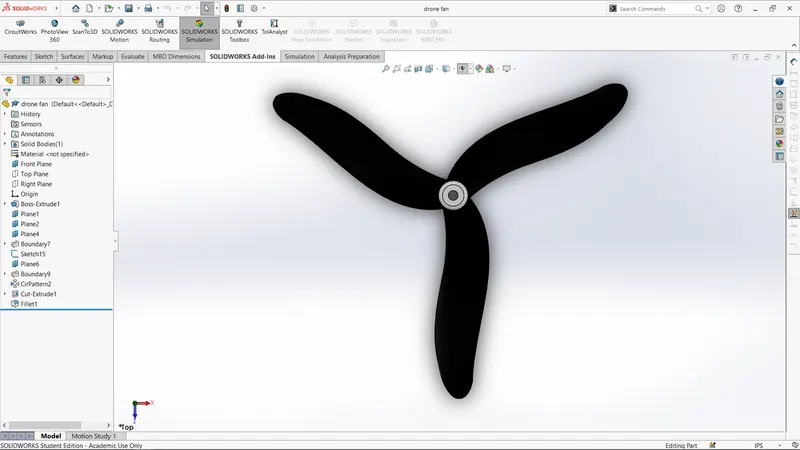
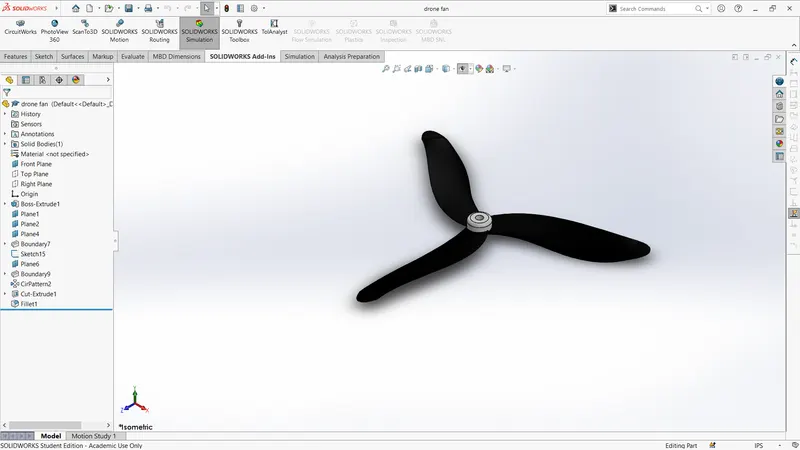
2.drone fan
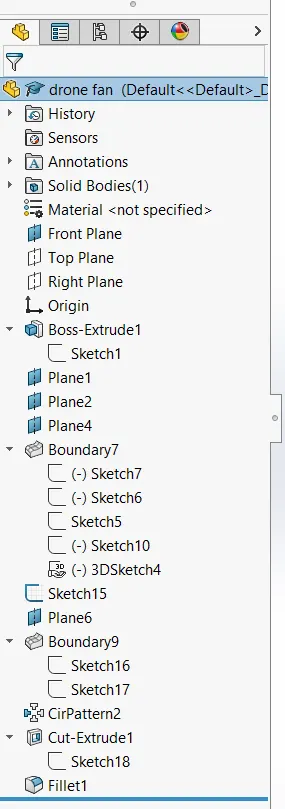
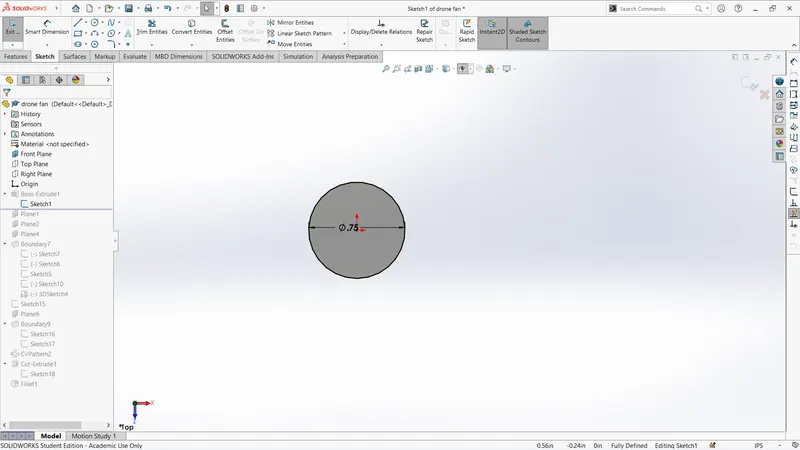
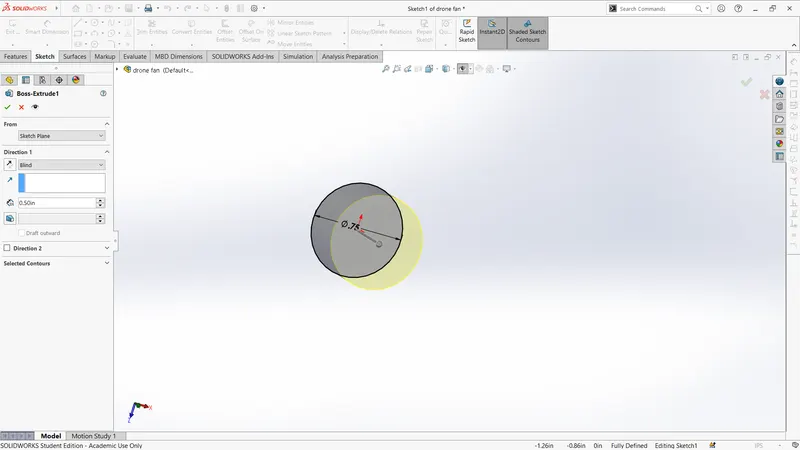
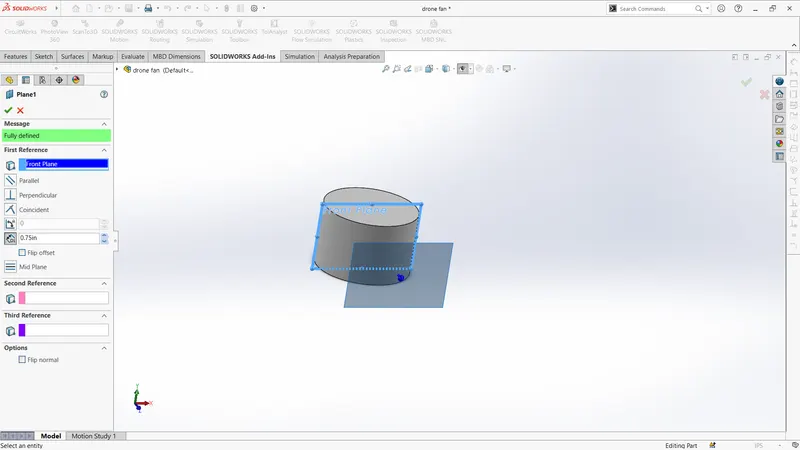
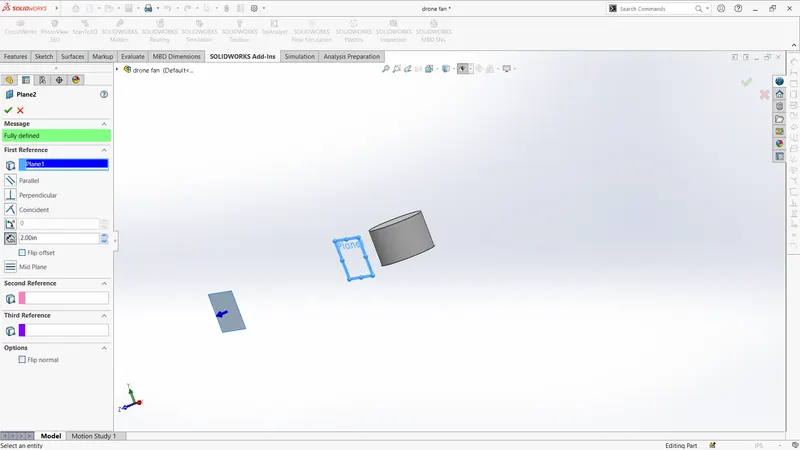
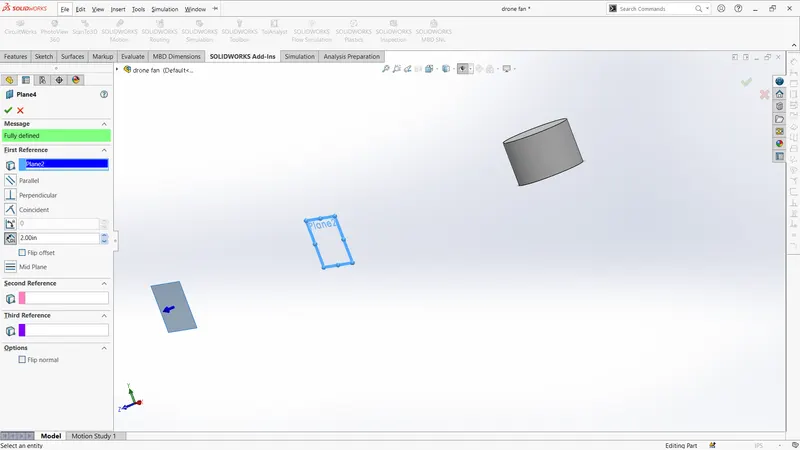
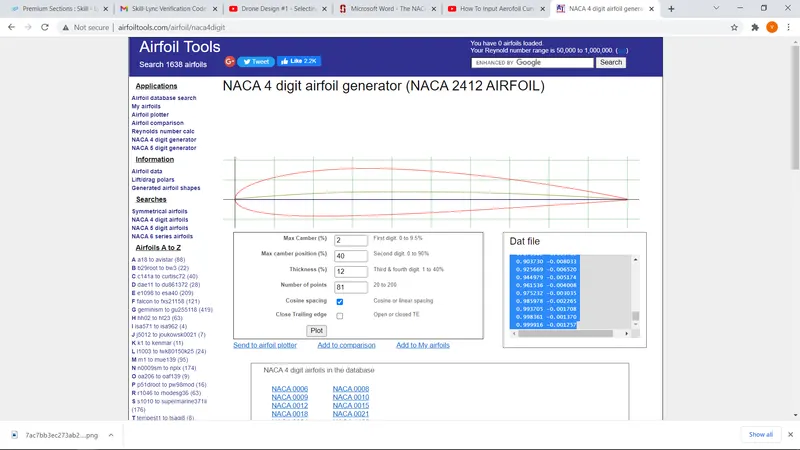
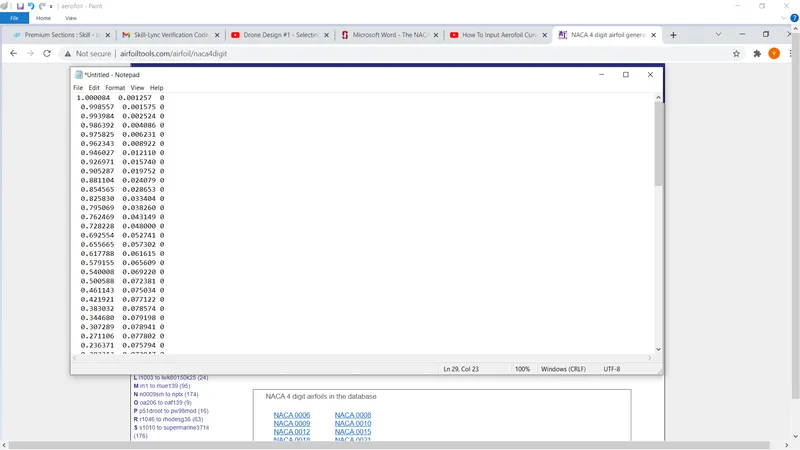
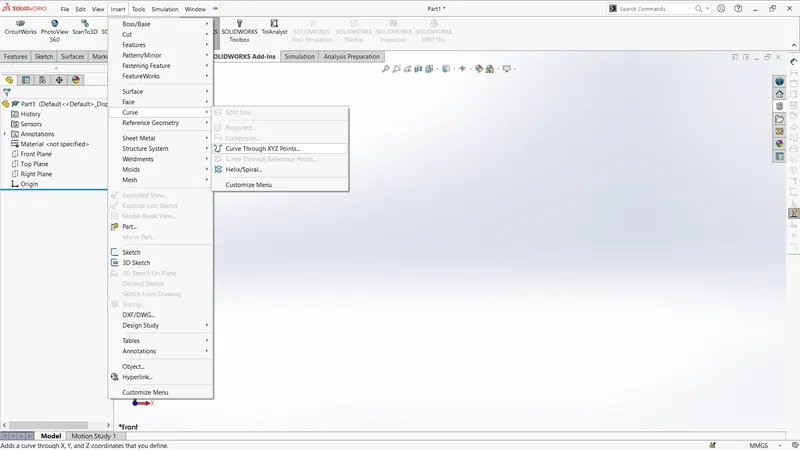
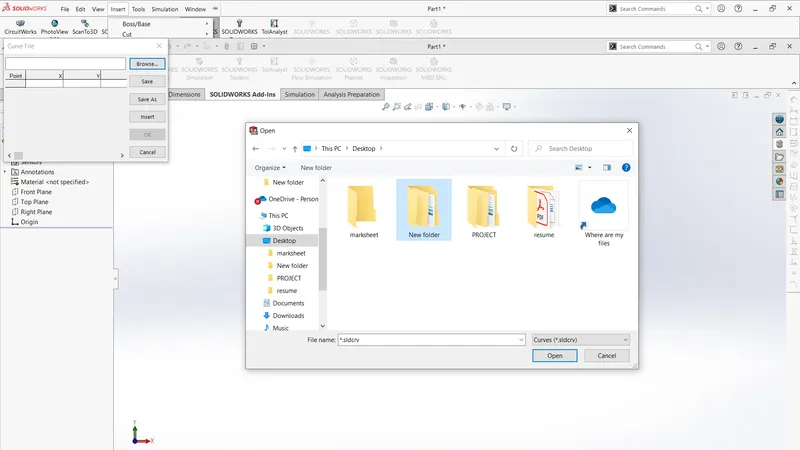
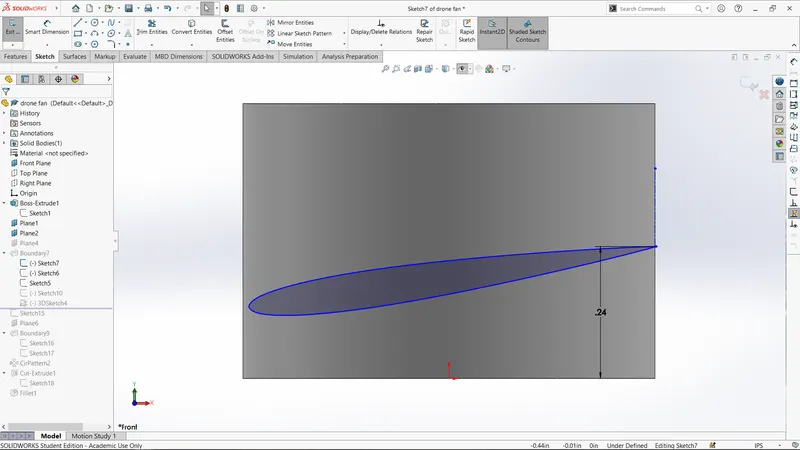
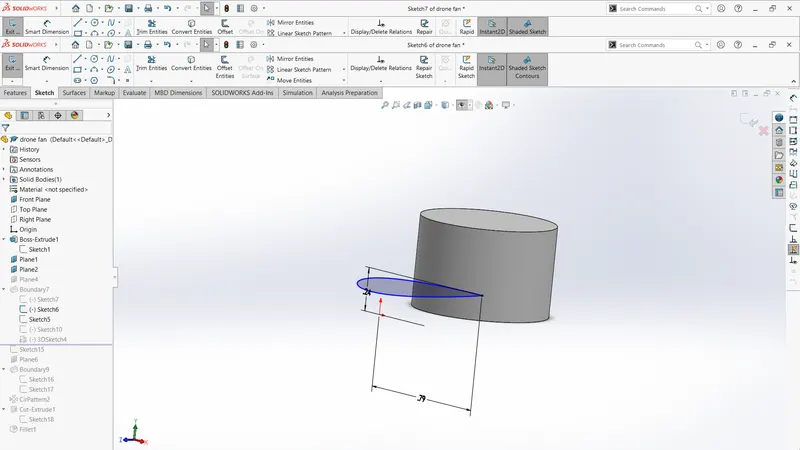
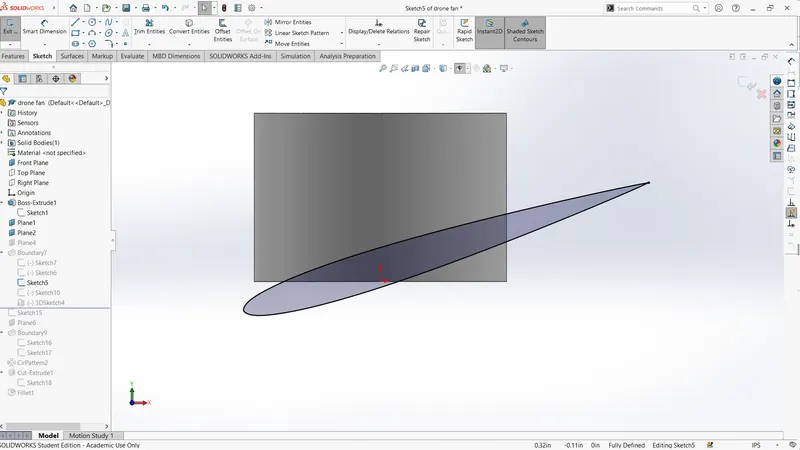
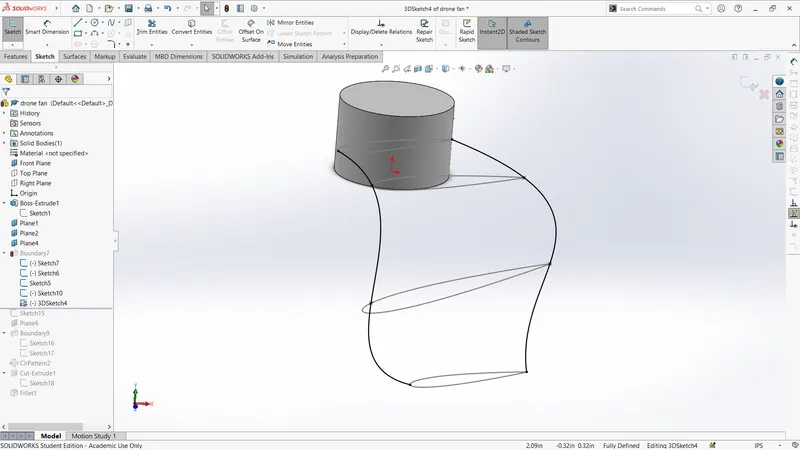
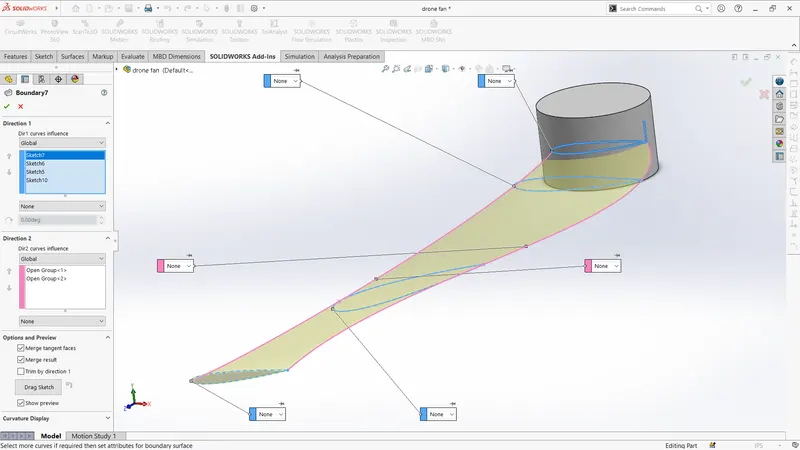
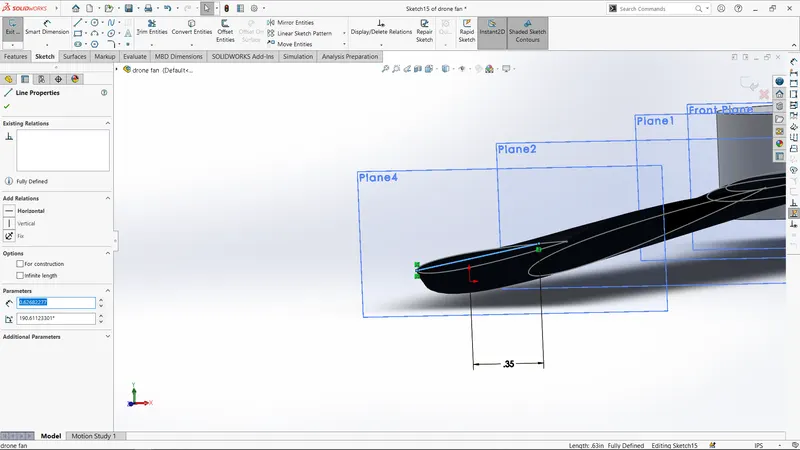
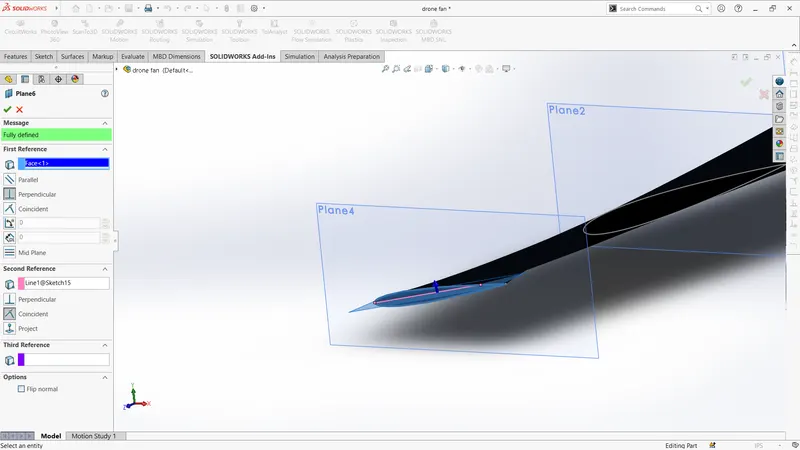
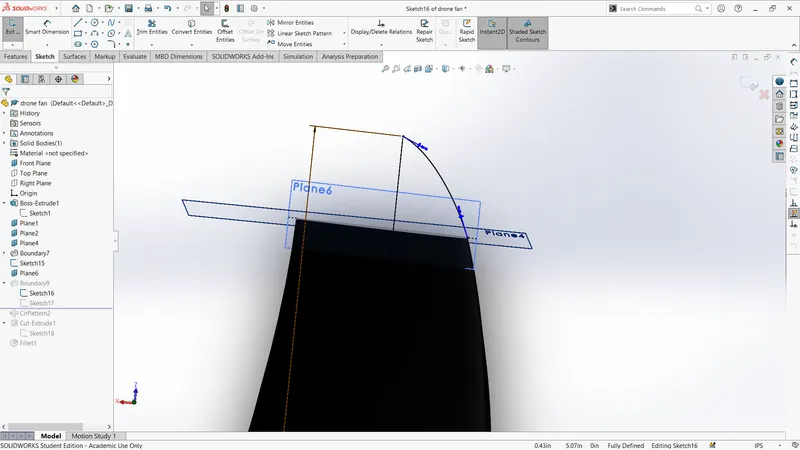
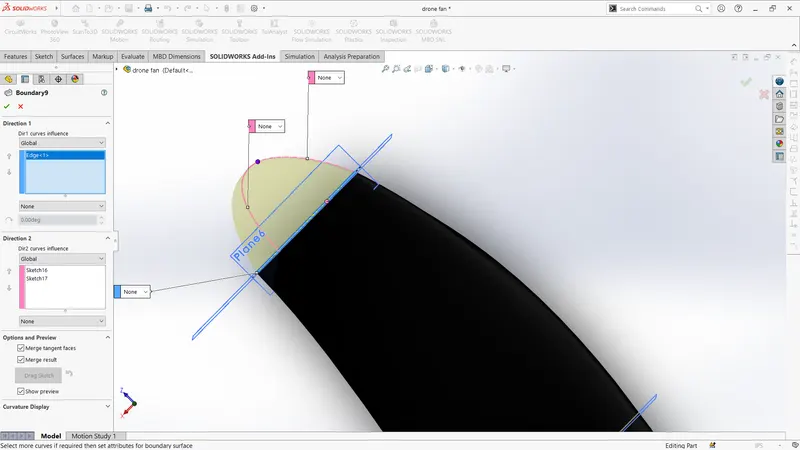
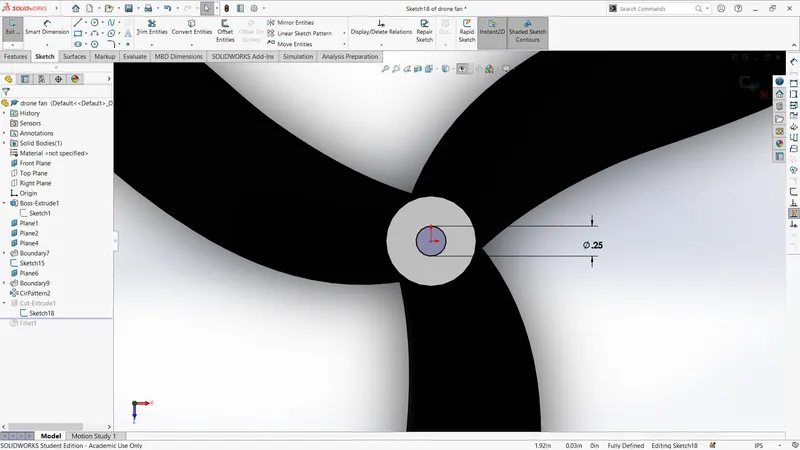
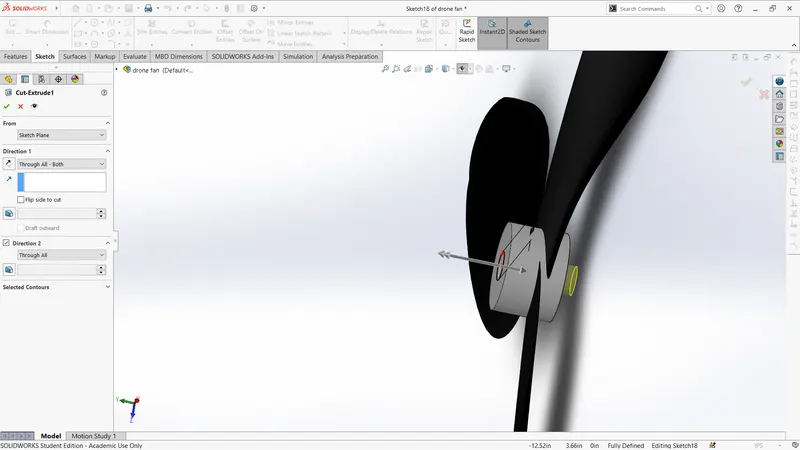
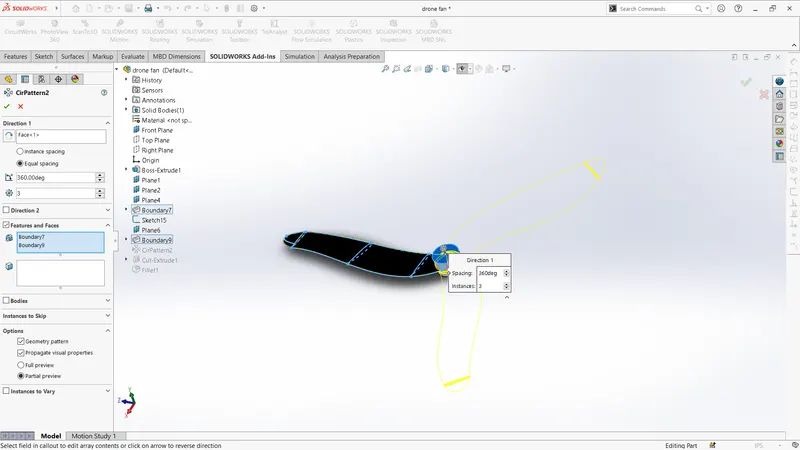
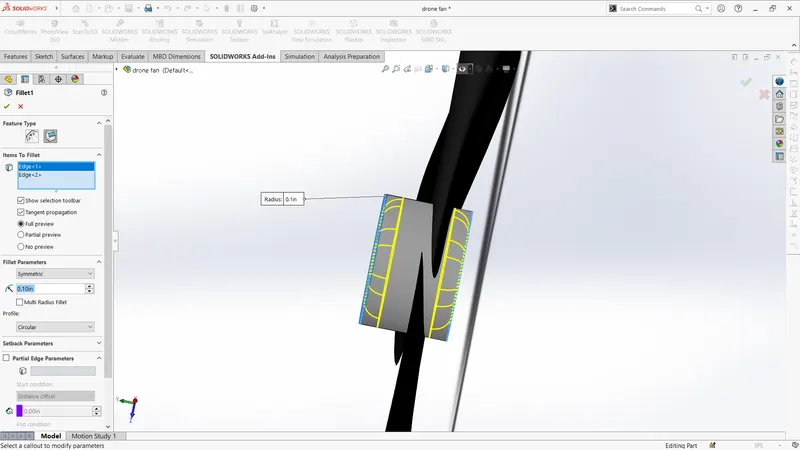
front view
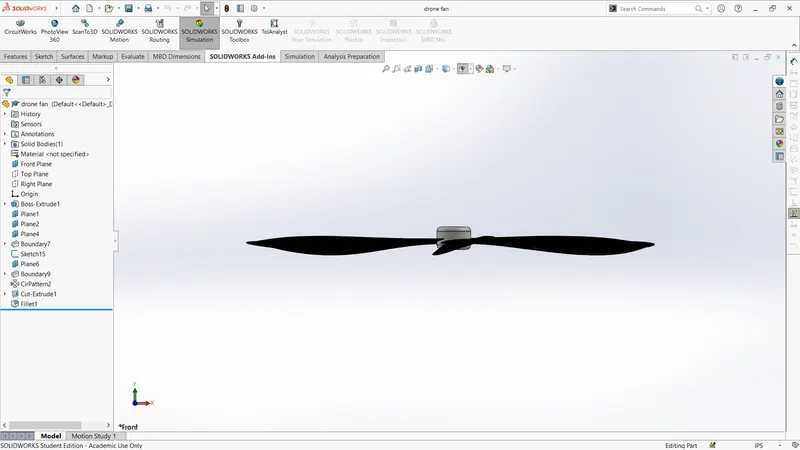
top view
iso-view
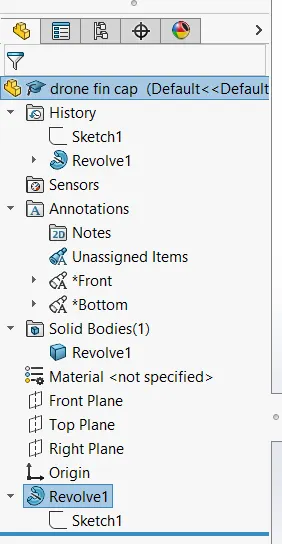
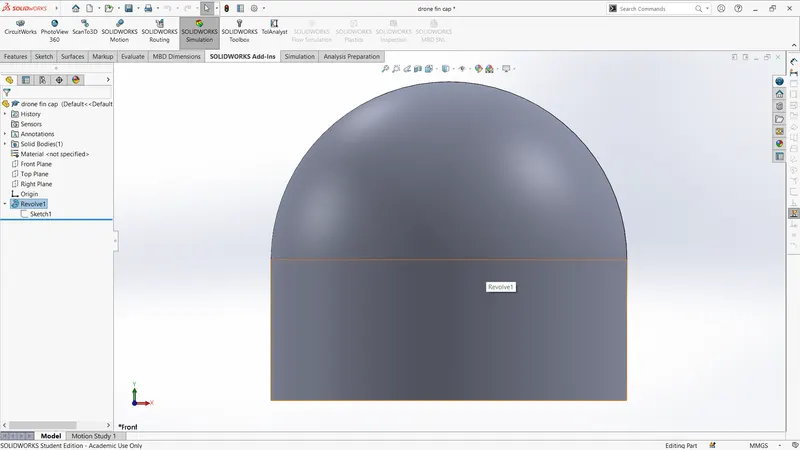
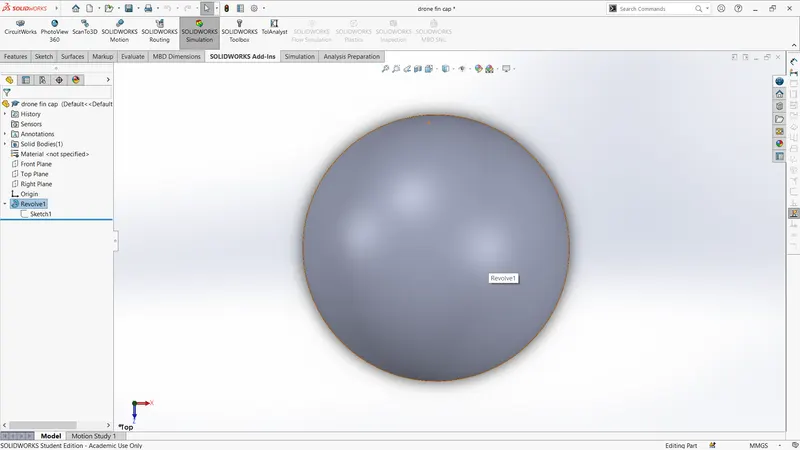
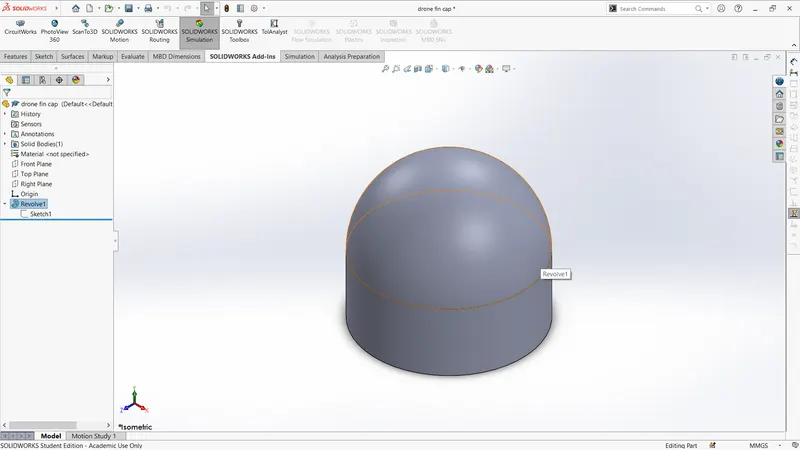
3.fan cap
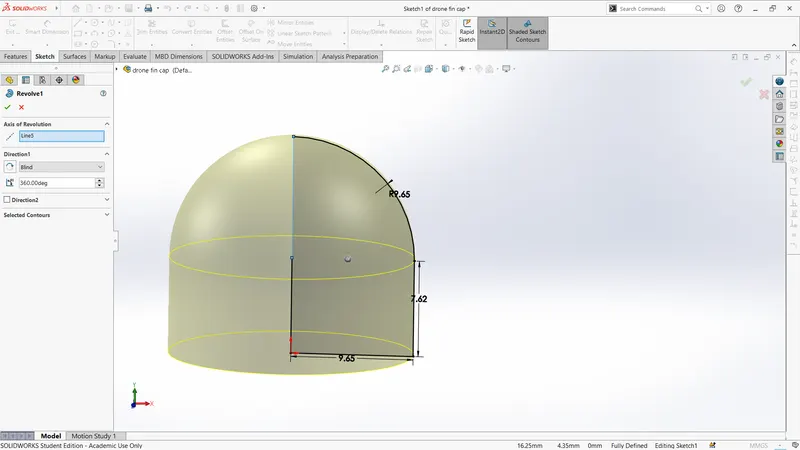
front view
top view
iso-view
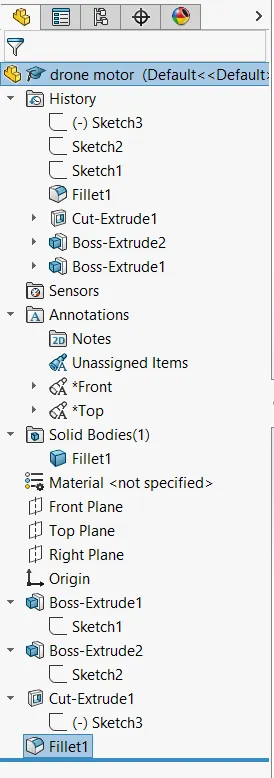
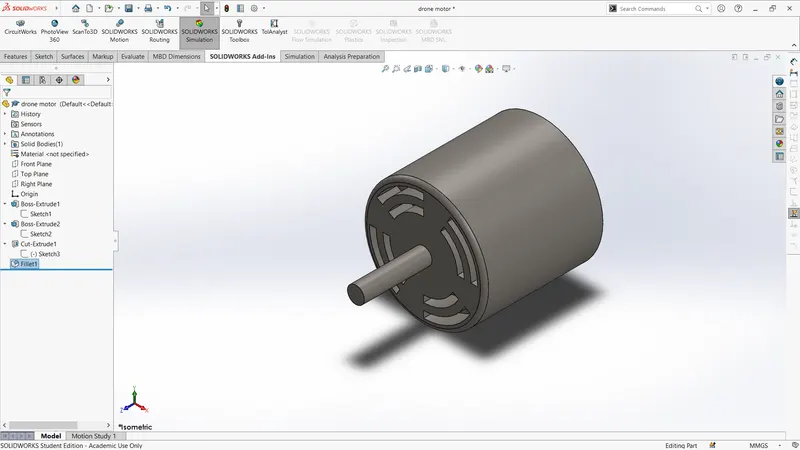
4.motor
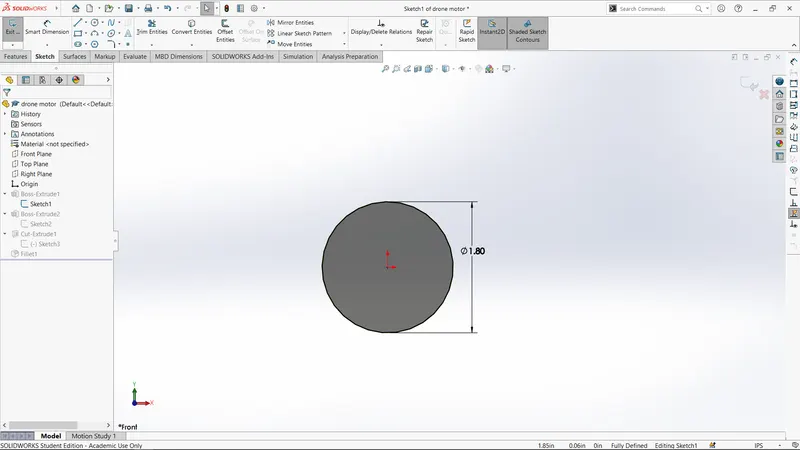
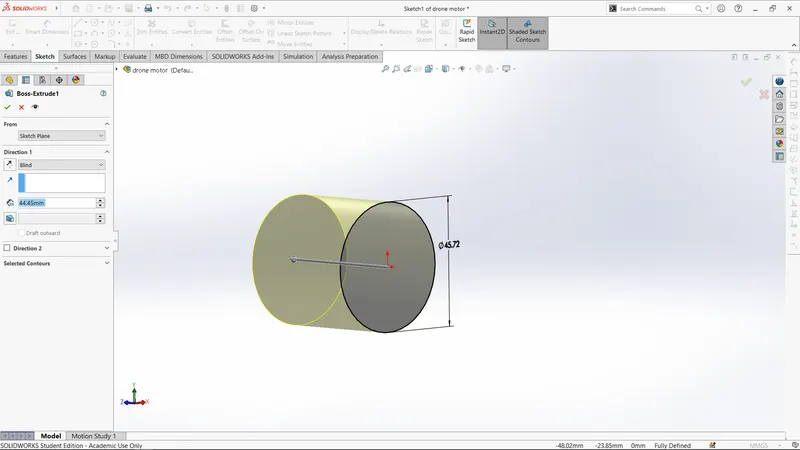
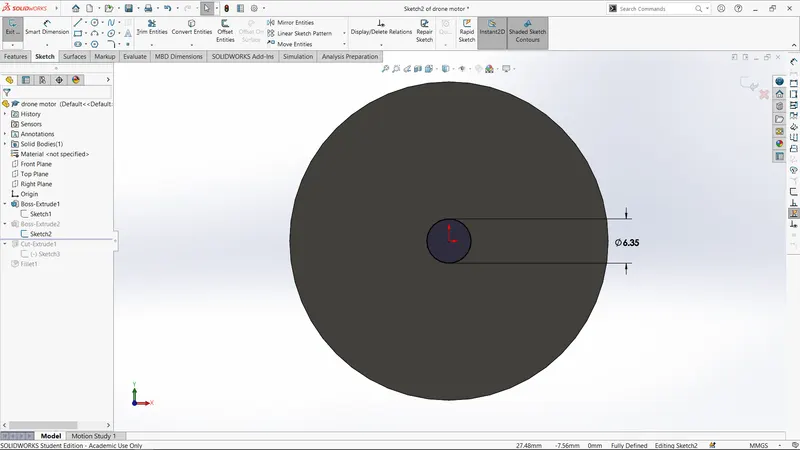
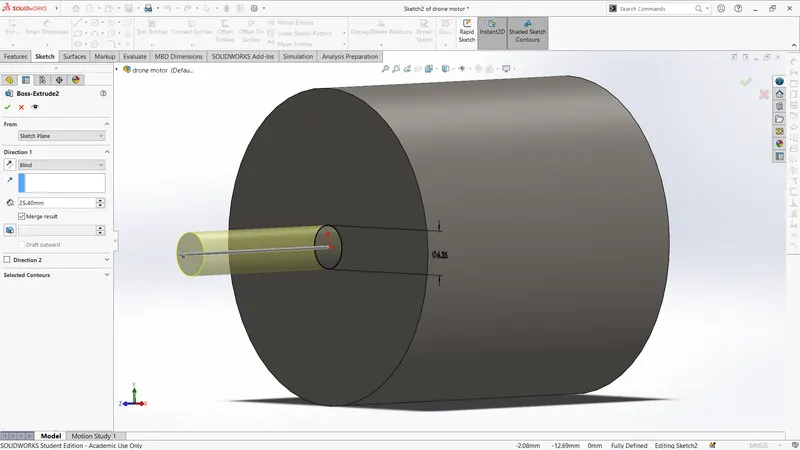
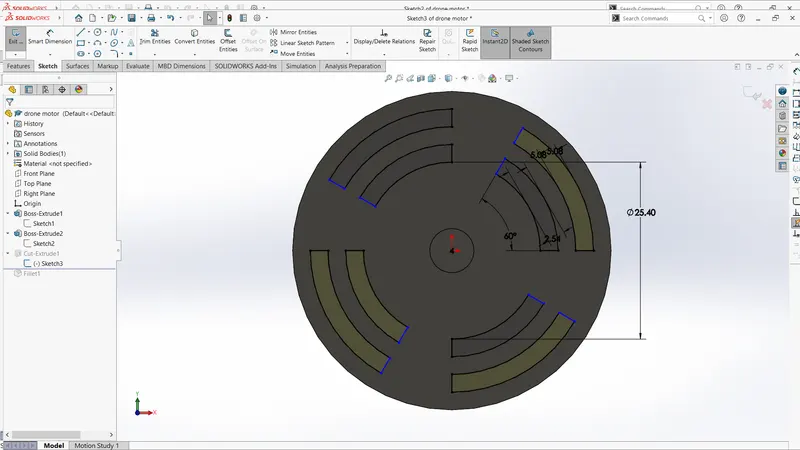
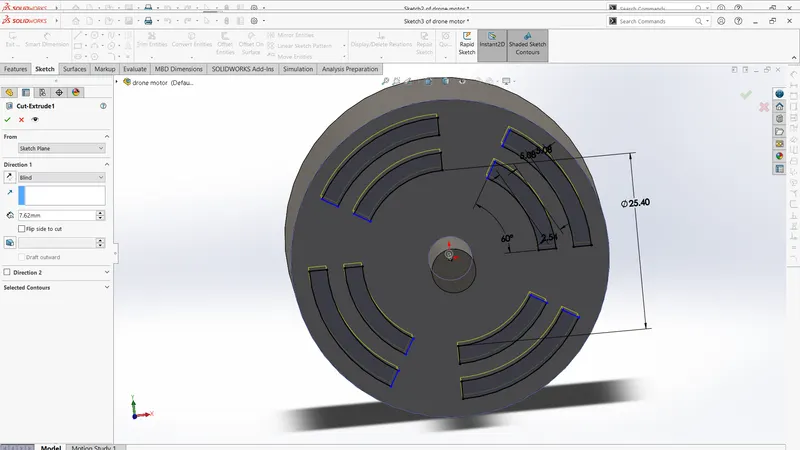
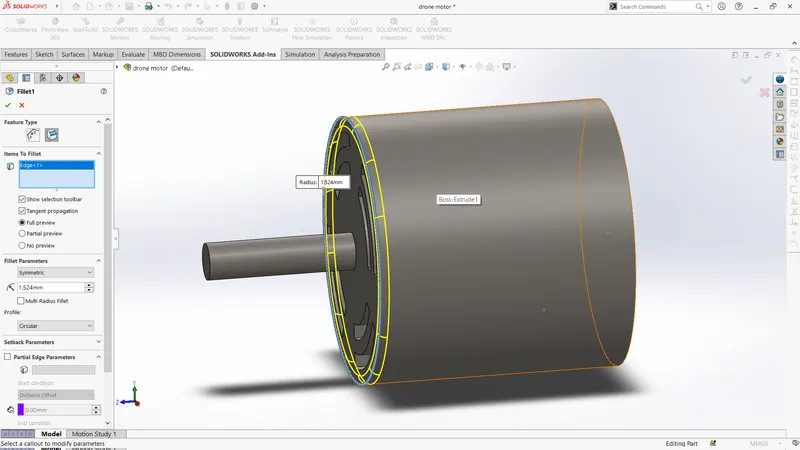
front view
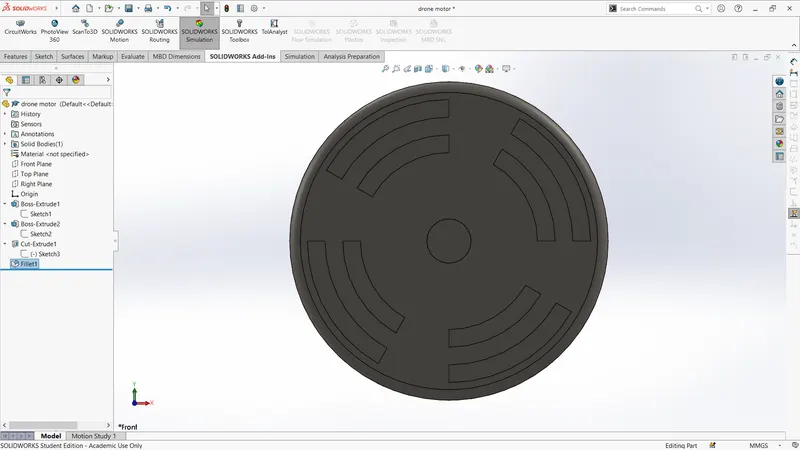
top view
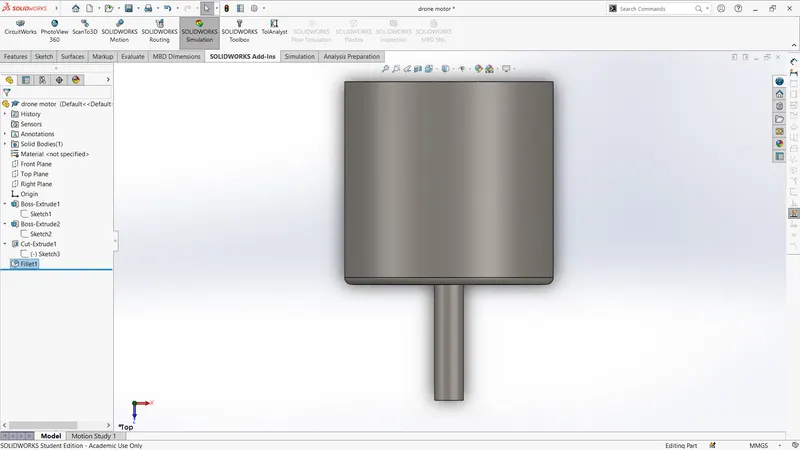
iso-view
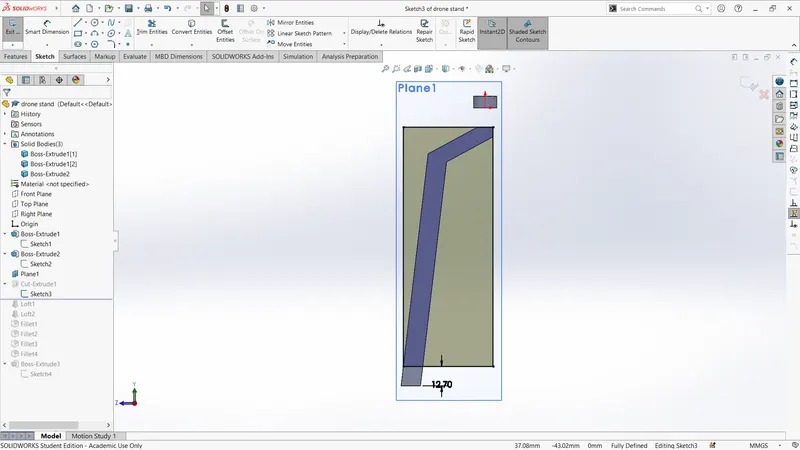
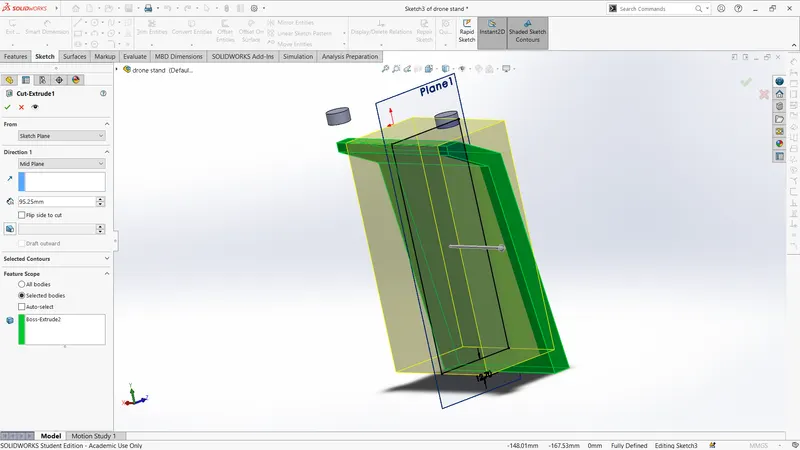
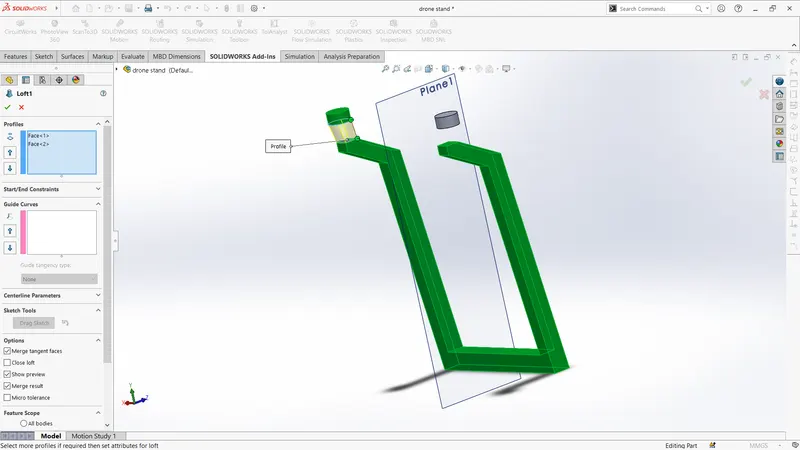
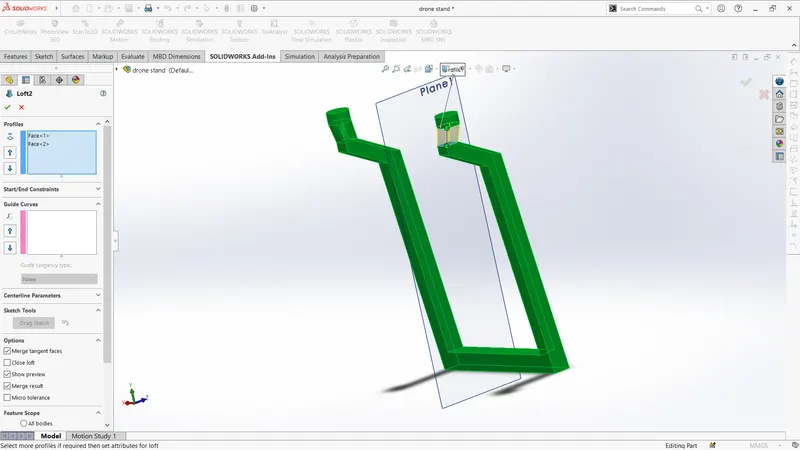
5.cam stand
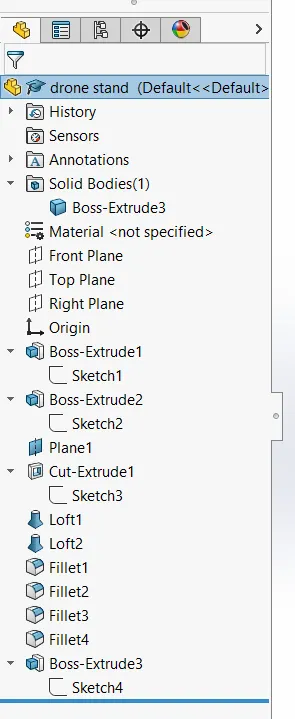
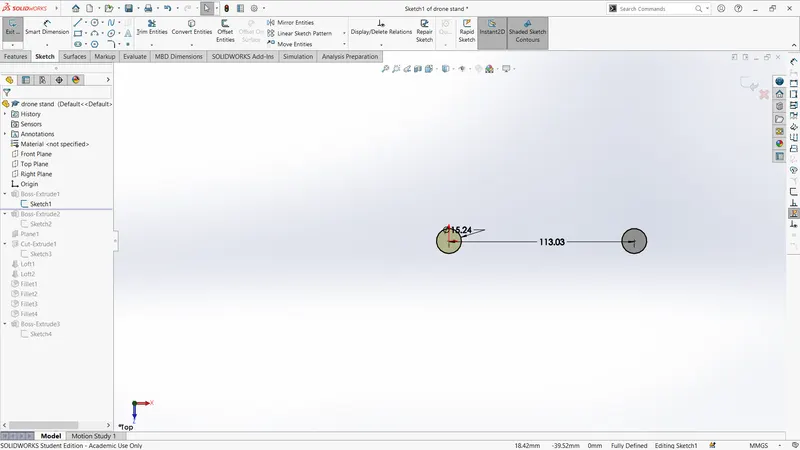
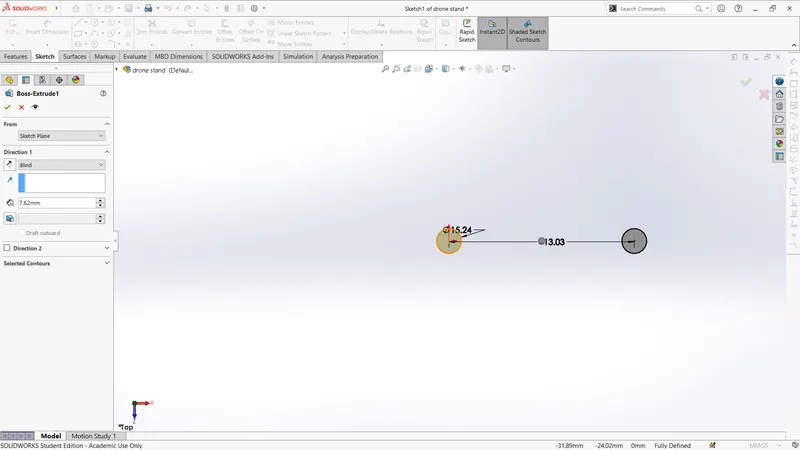
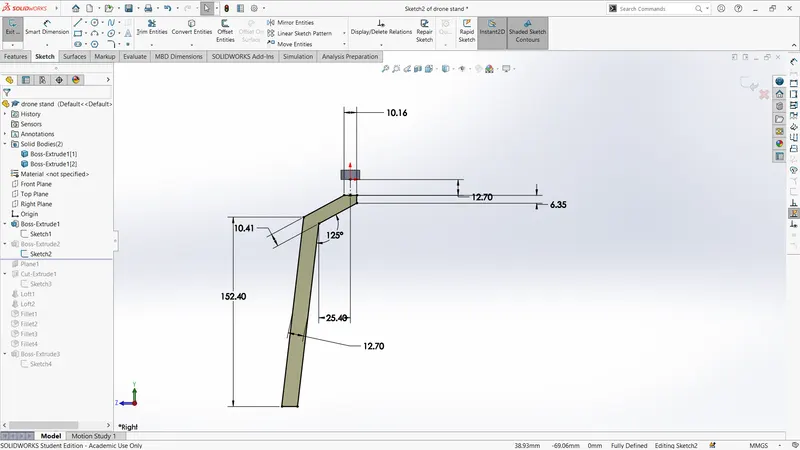
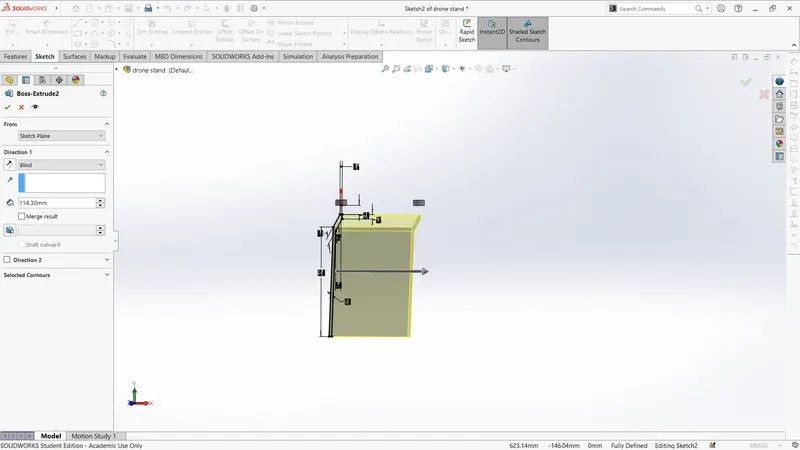
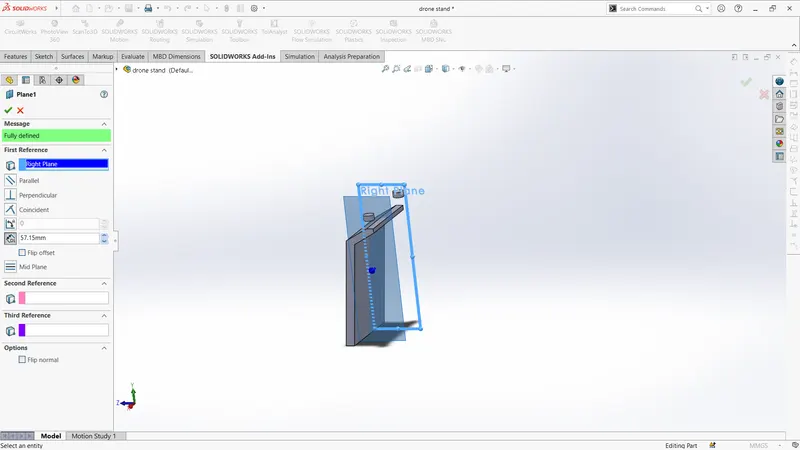
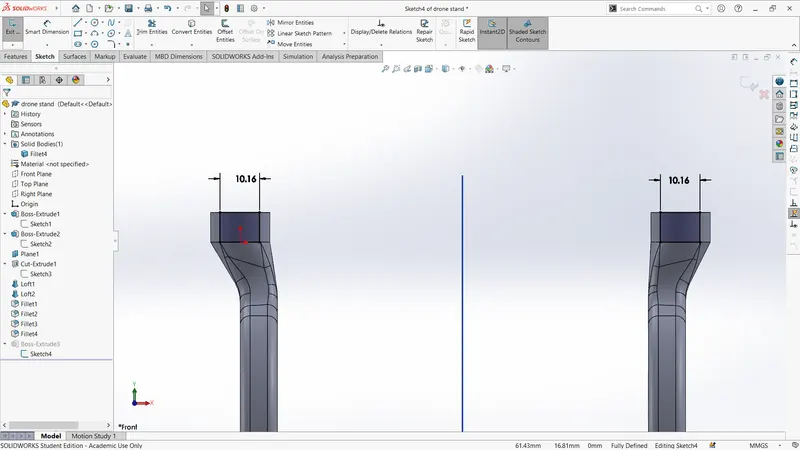
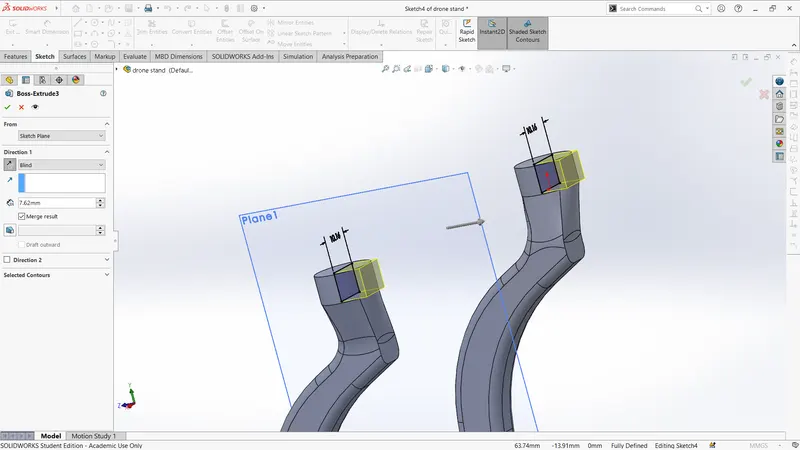
front view
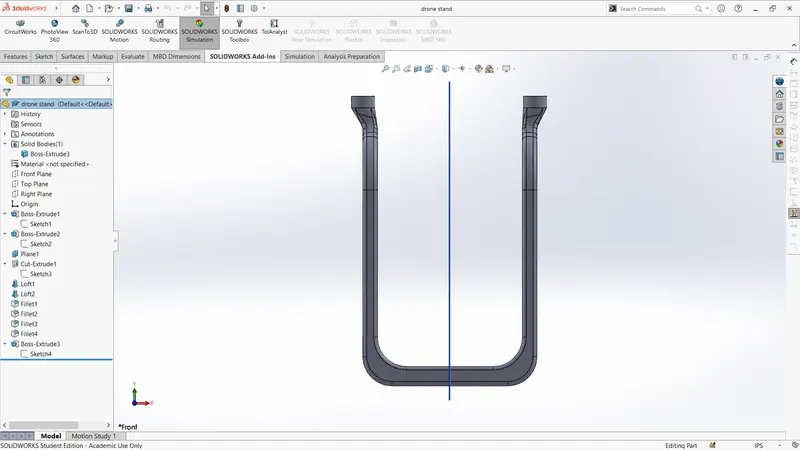
top view
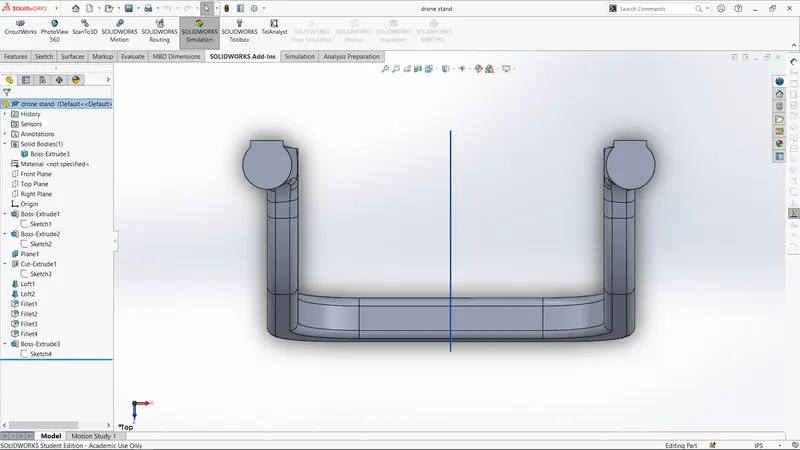
iso-view
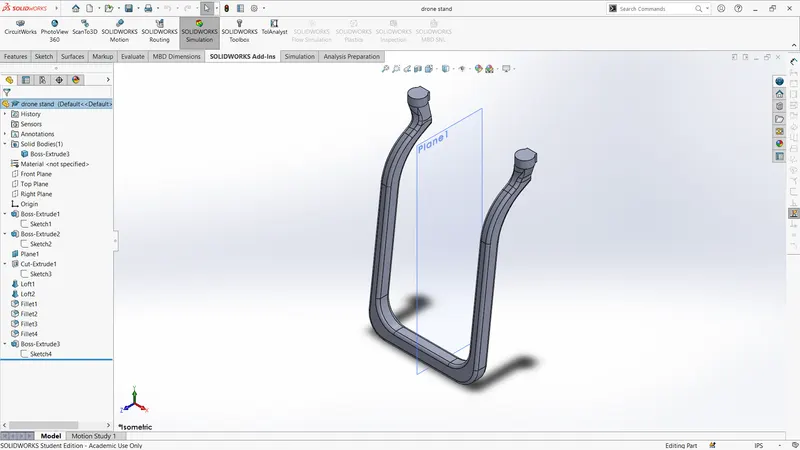
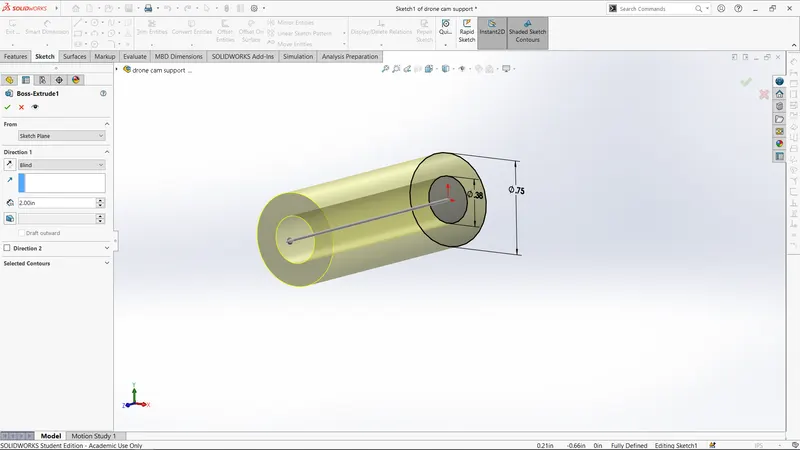
6. cam support
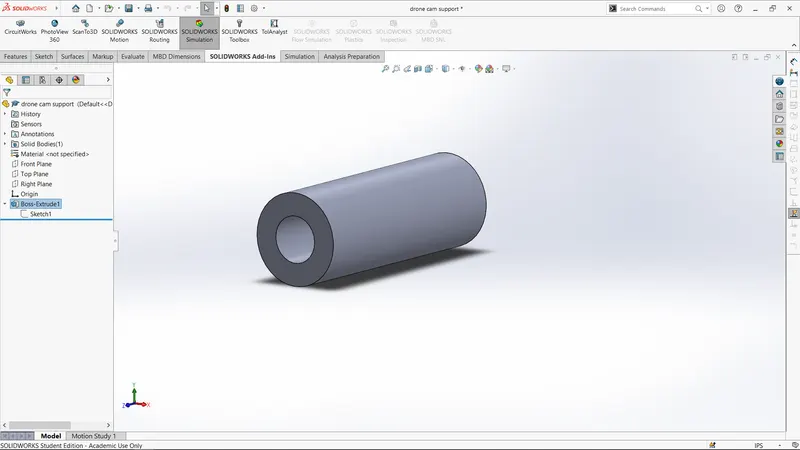
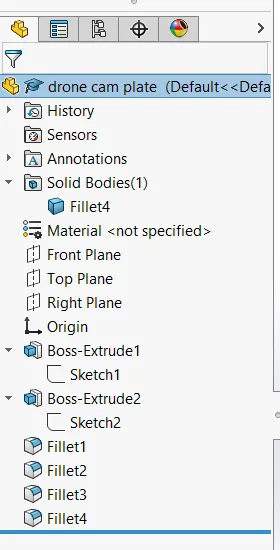
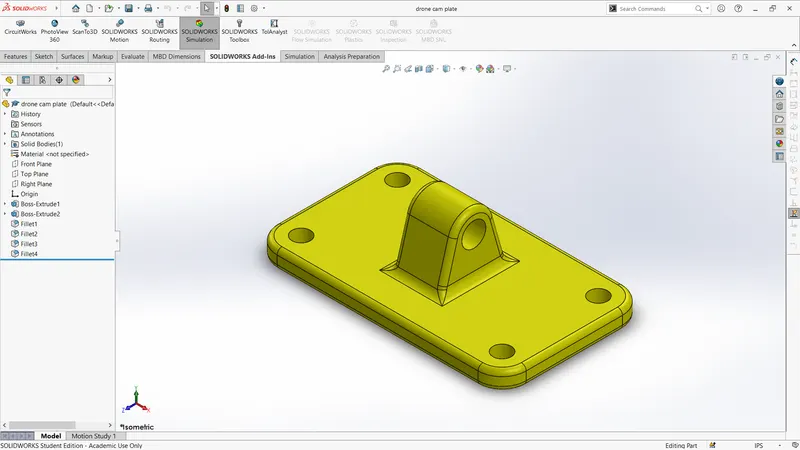
7.cam plate
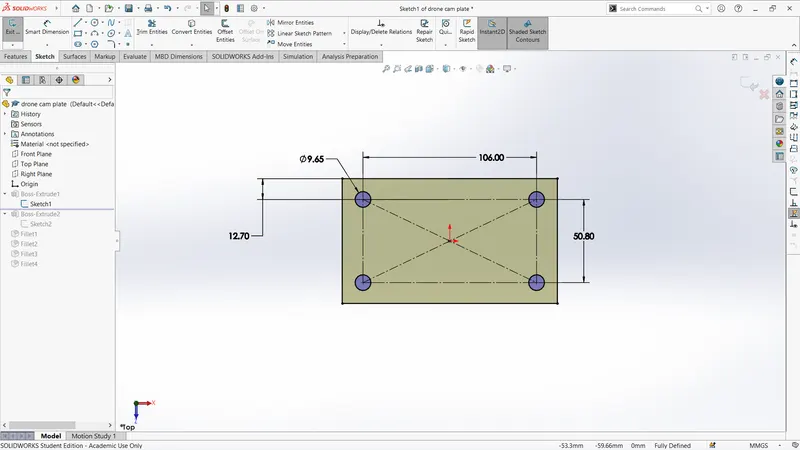
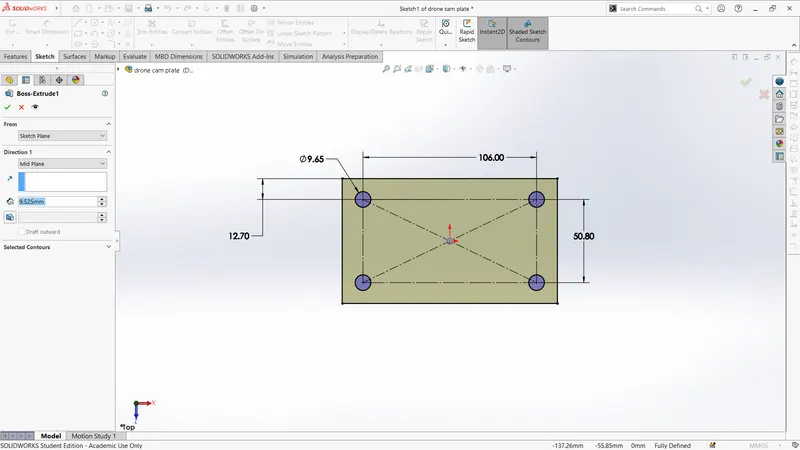
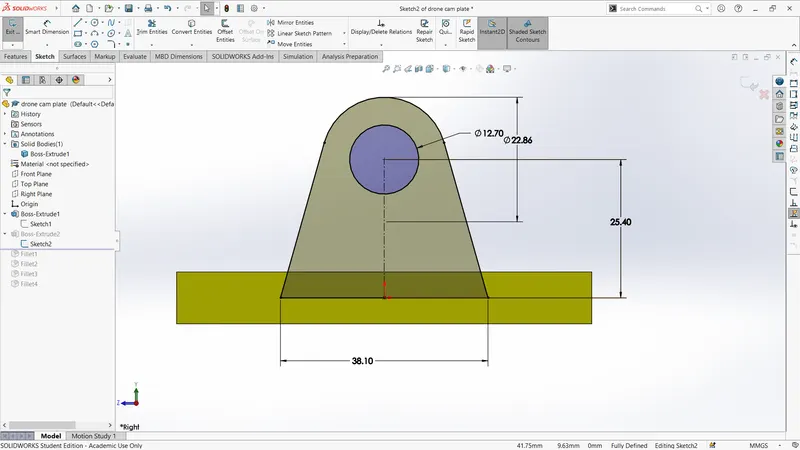
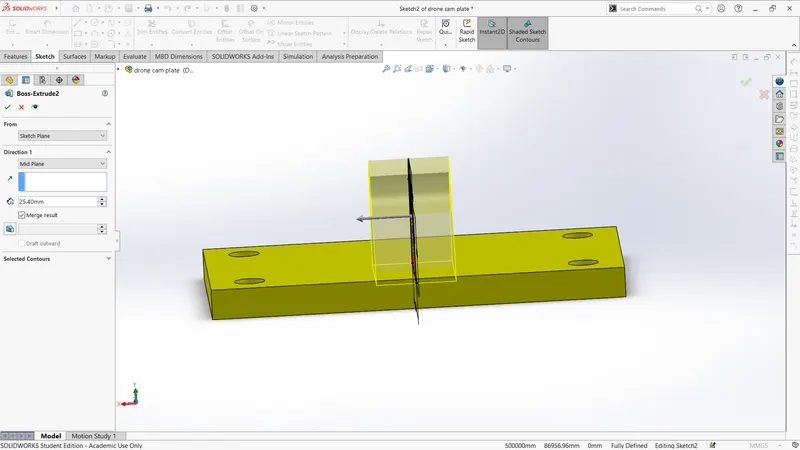
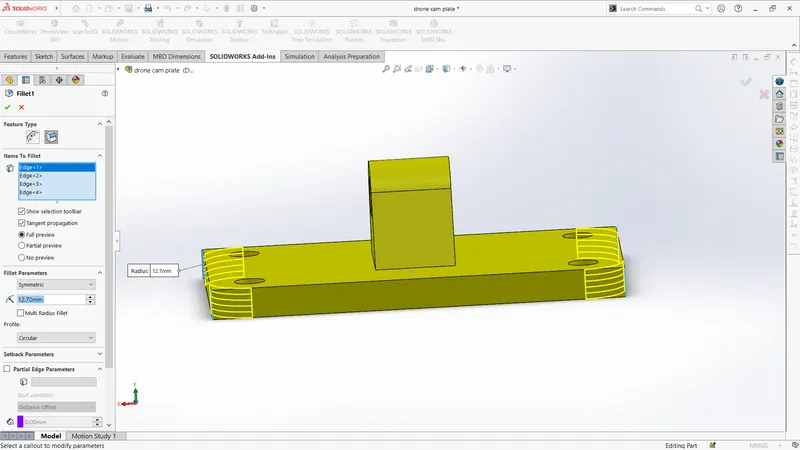
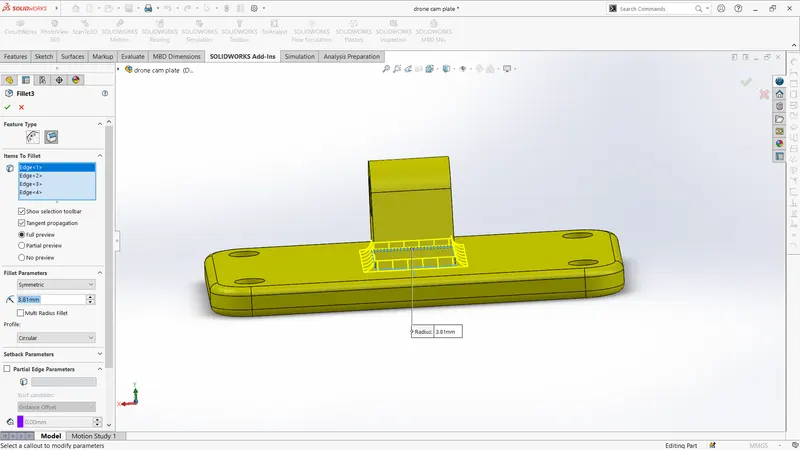
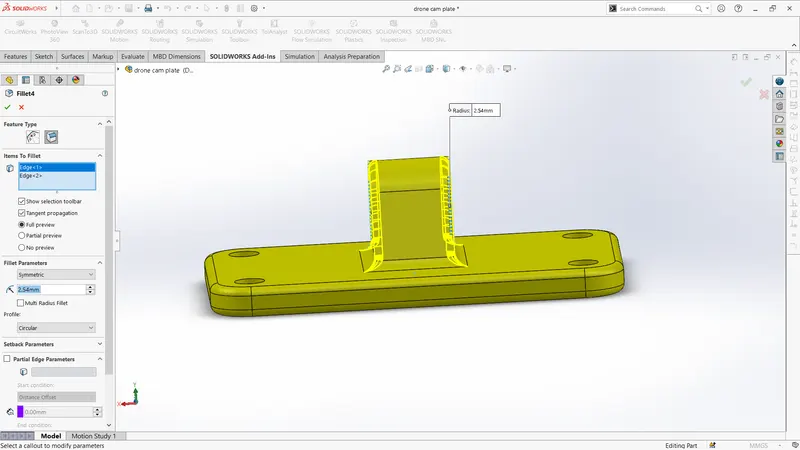
front view
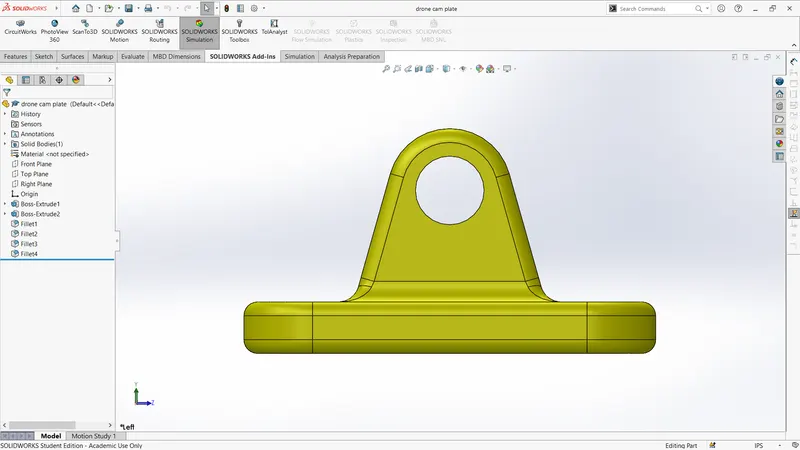
top view
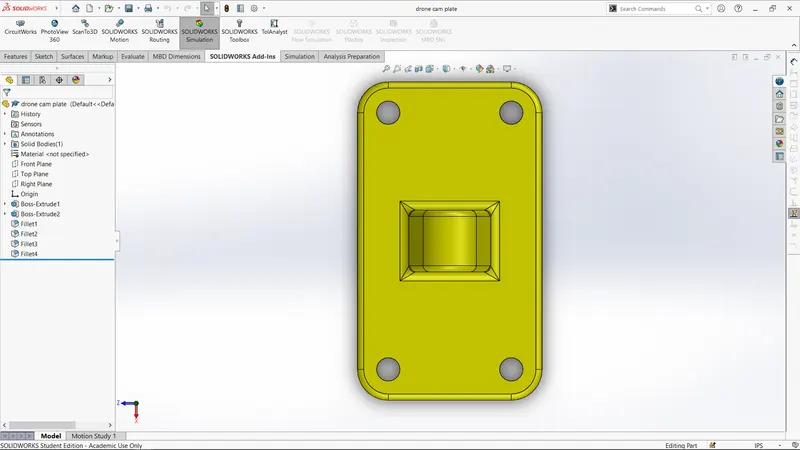
iso-view
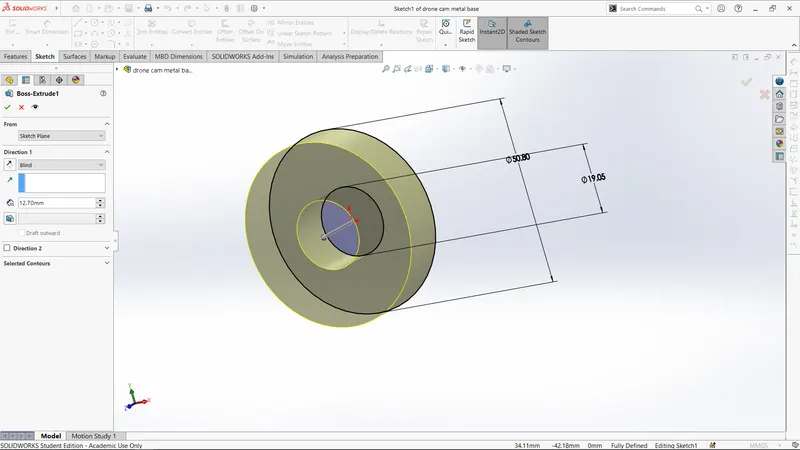
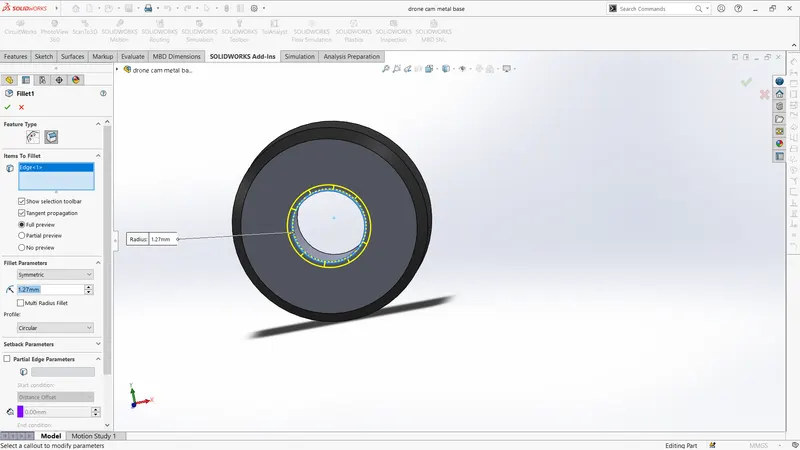
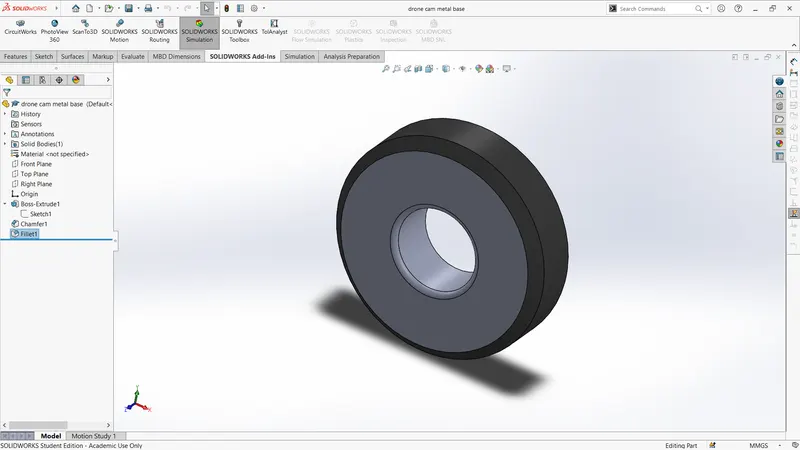
8.cam metal base
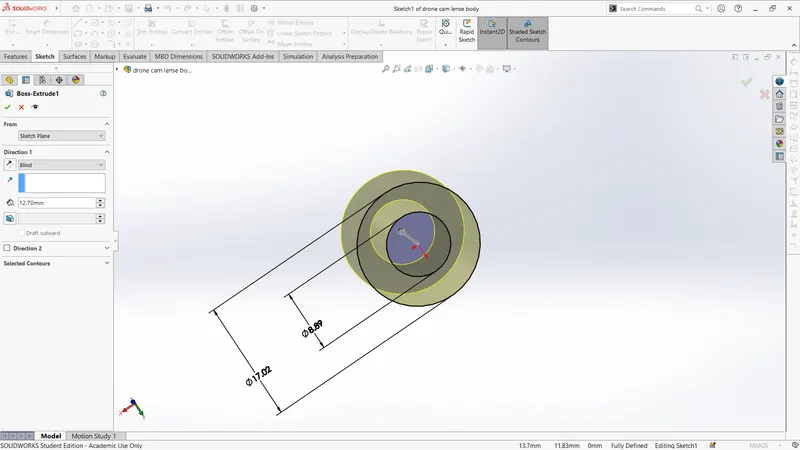
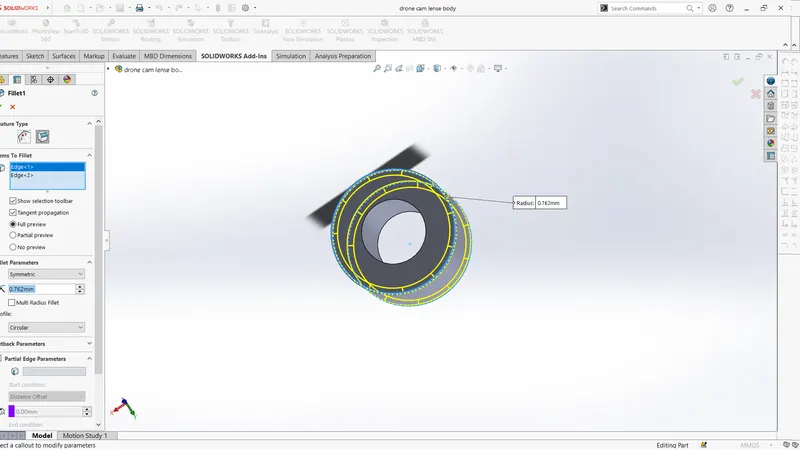
9.cam lense body
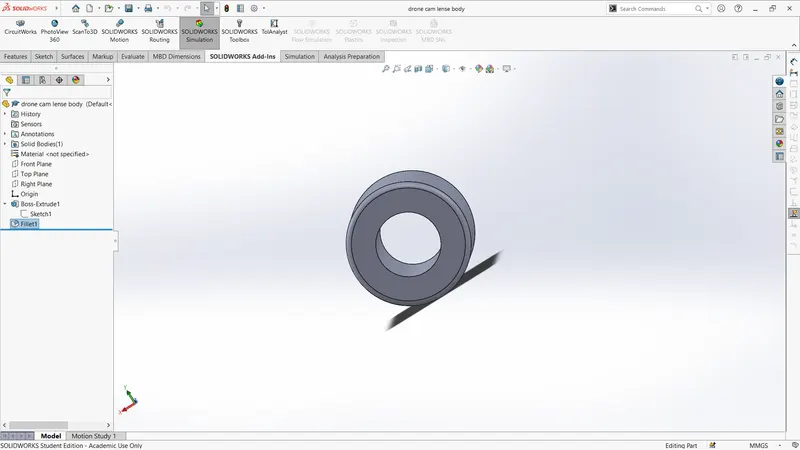
10.drone cam lense
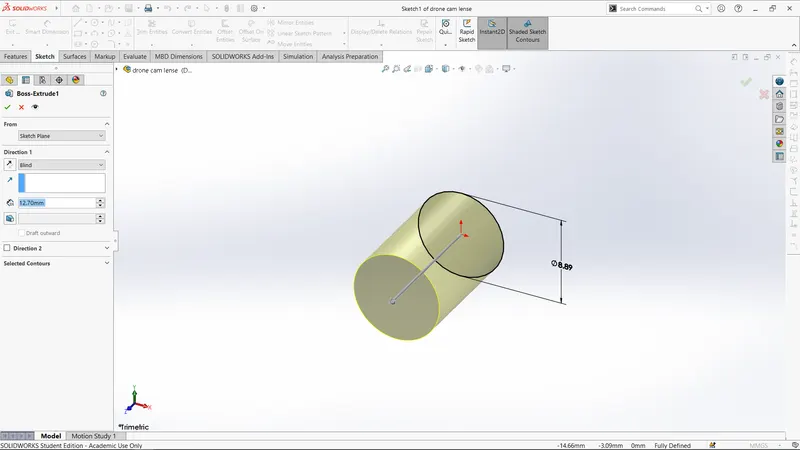
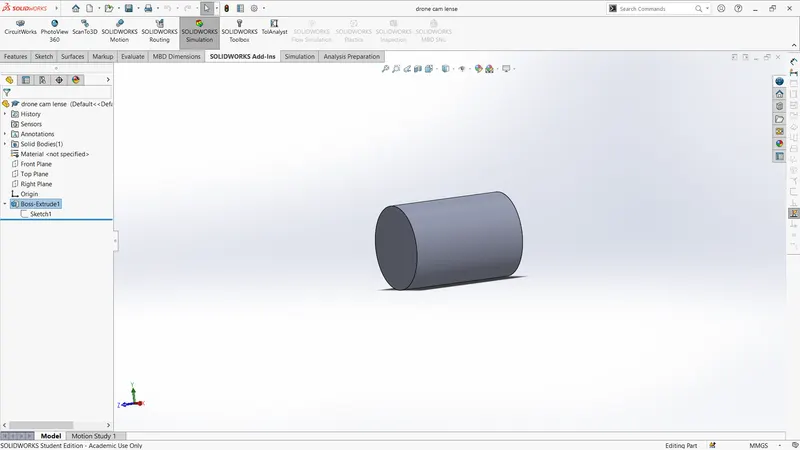
11.drone cam
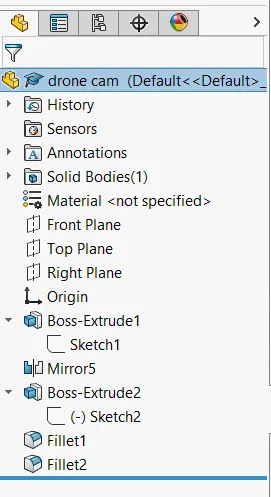
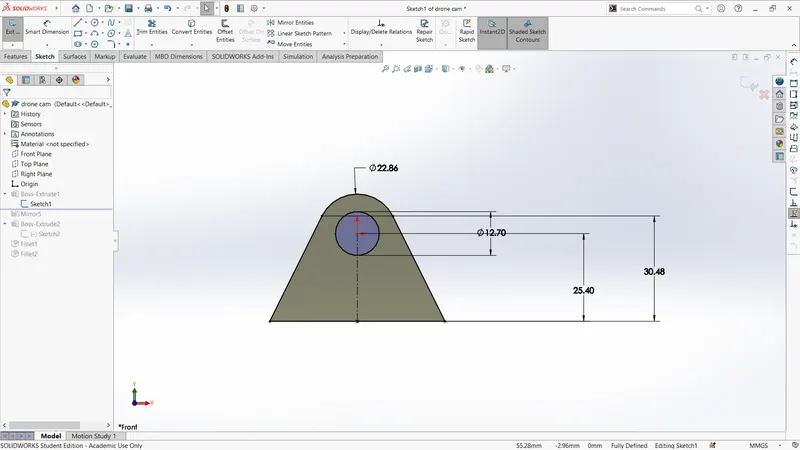
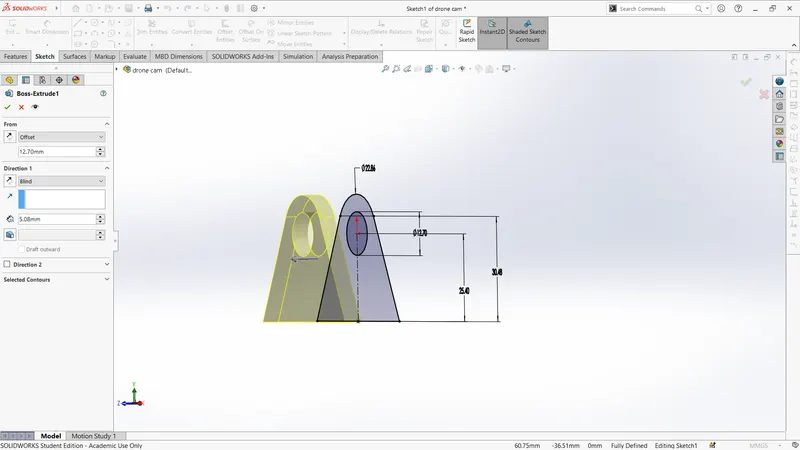
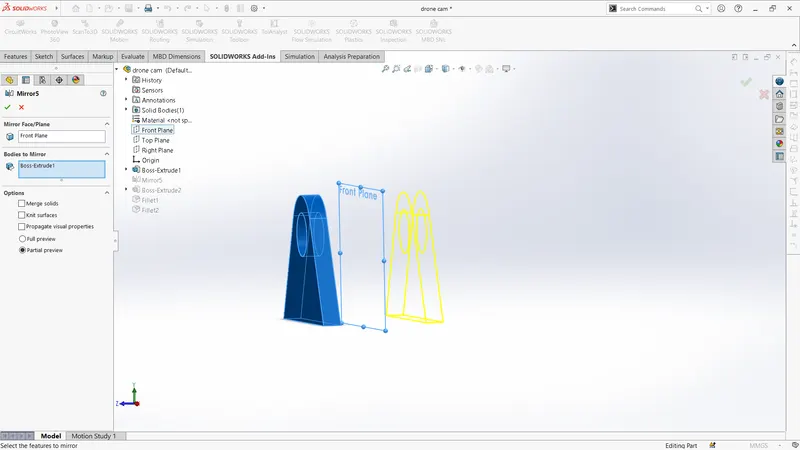
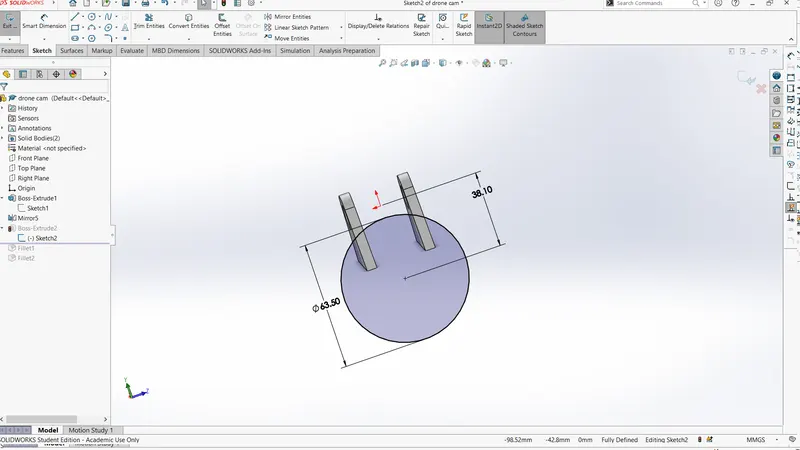
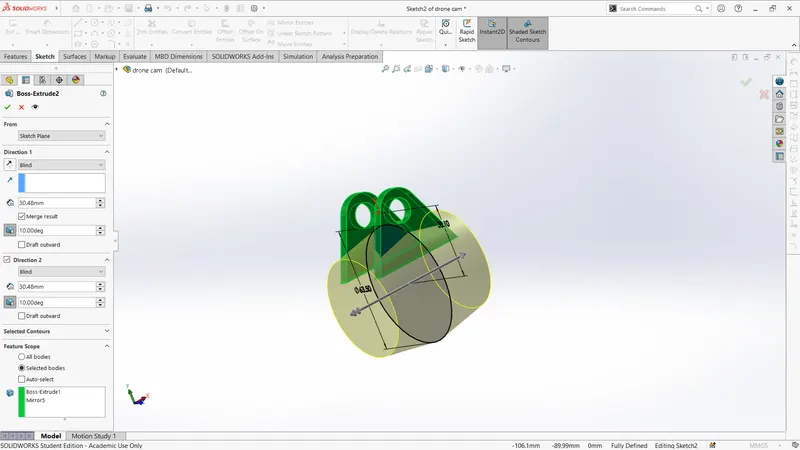
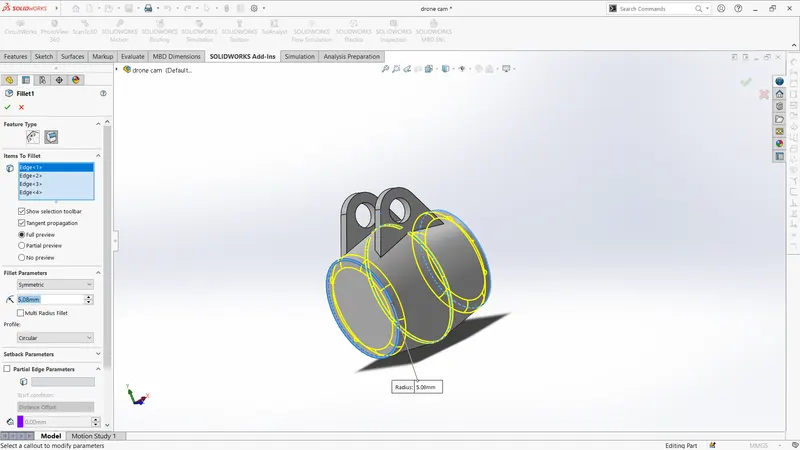
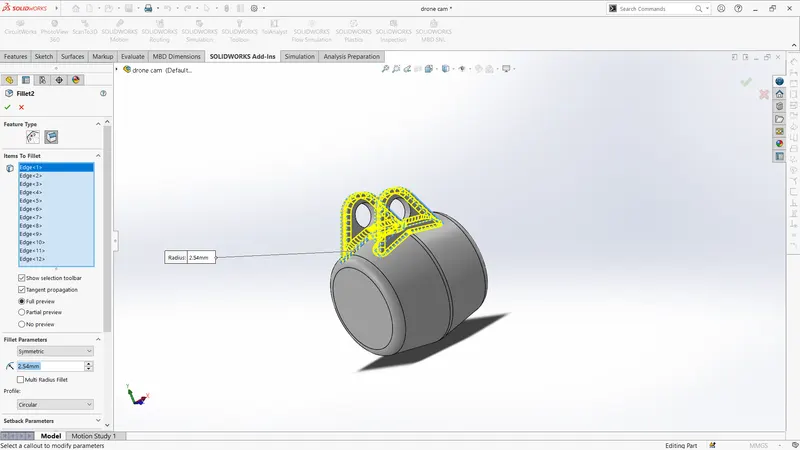
front view
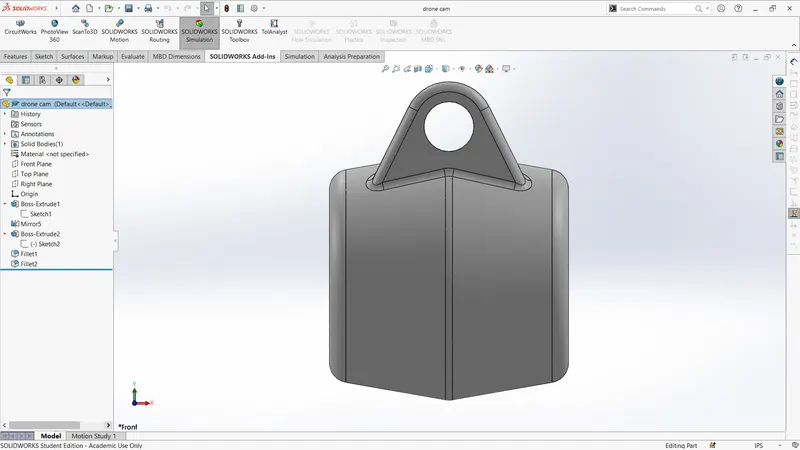
top view
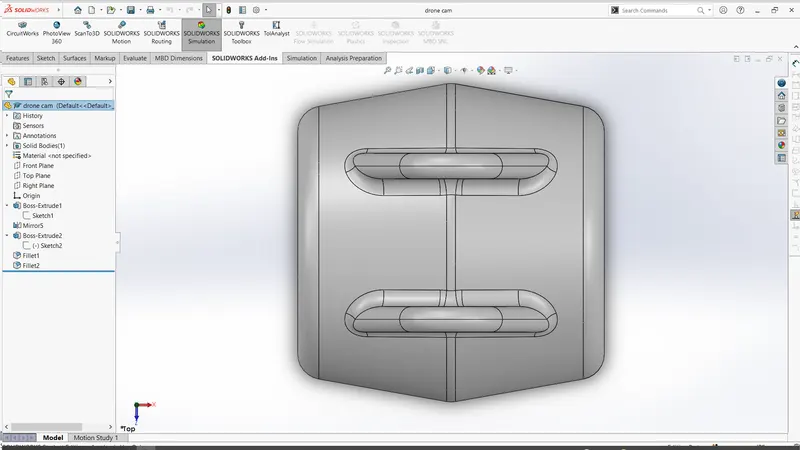
iso-view
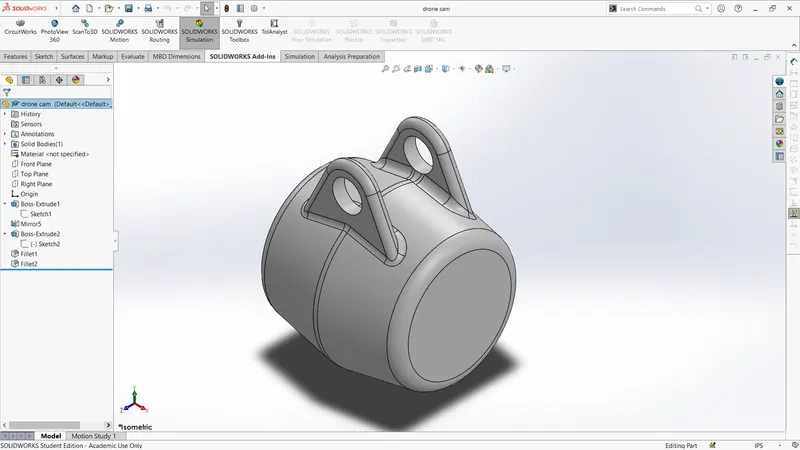
Assembly of drone
mates used:
- concentric
- width
- distance
- coincident
- parallel
- perpenticular
- distance limit
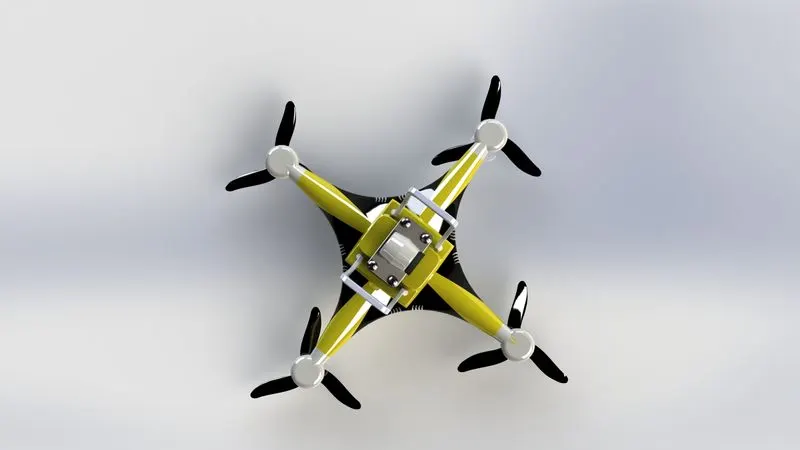
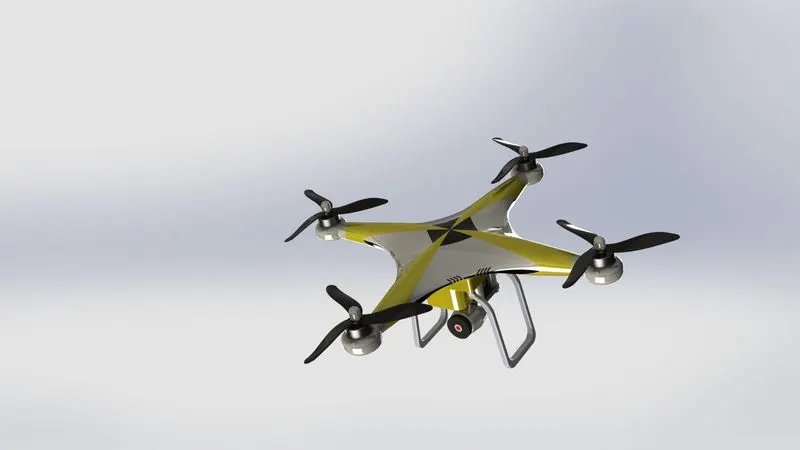
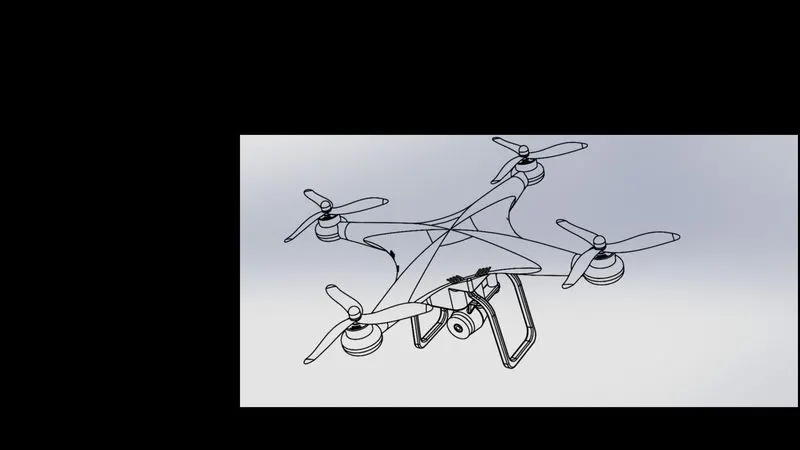
images of assembly:
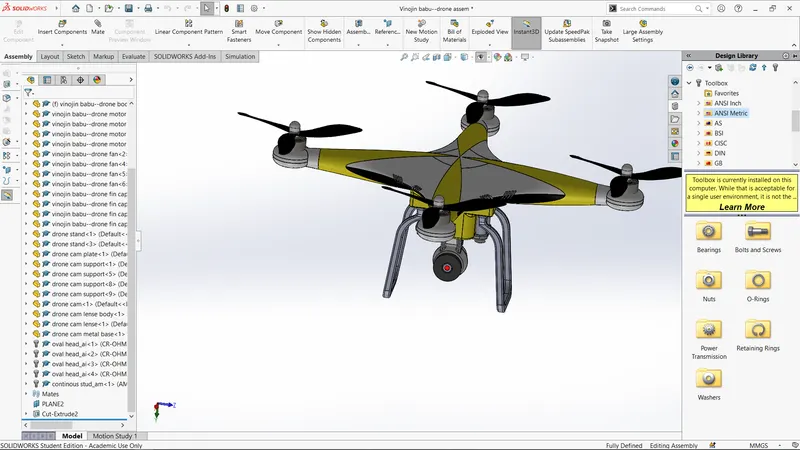
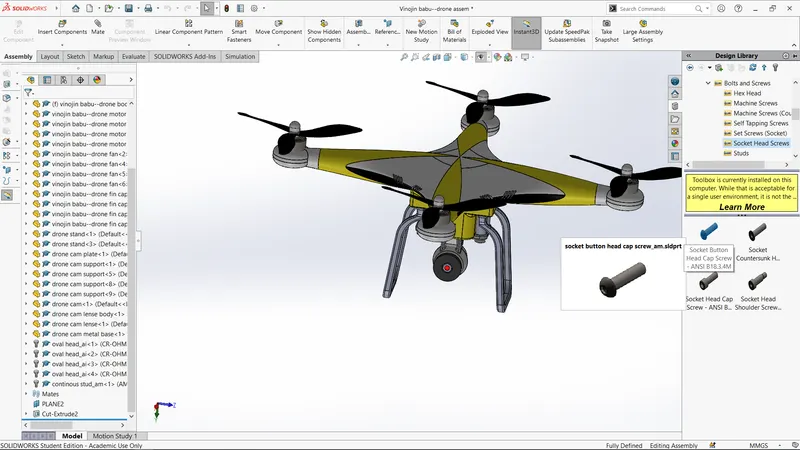
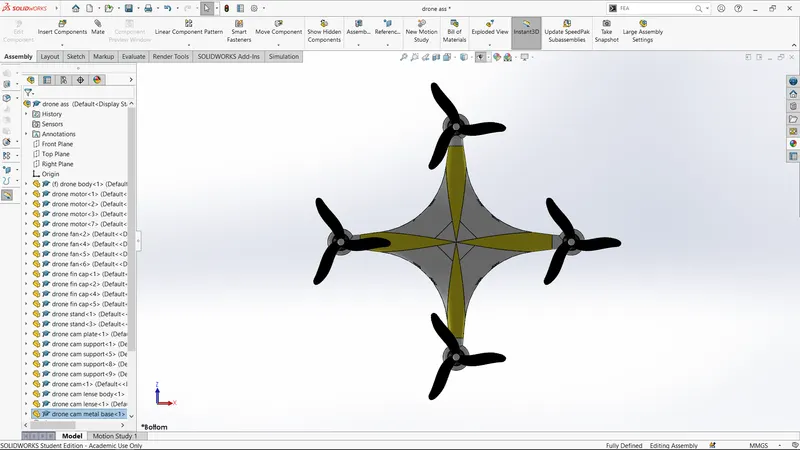
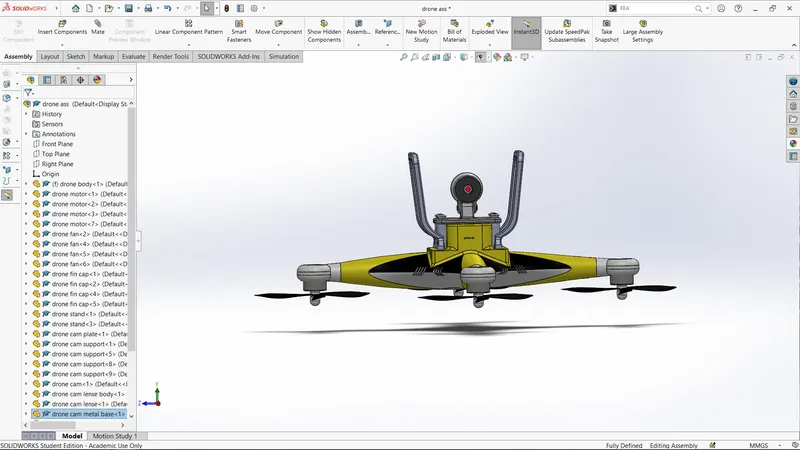
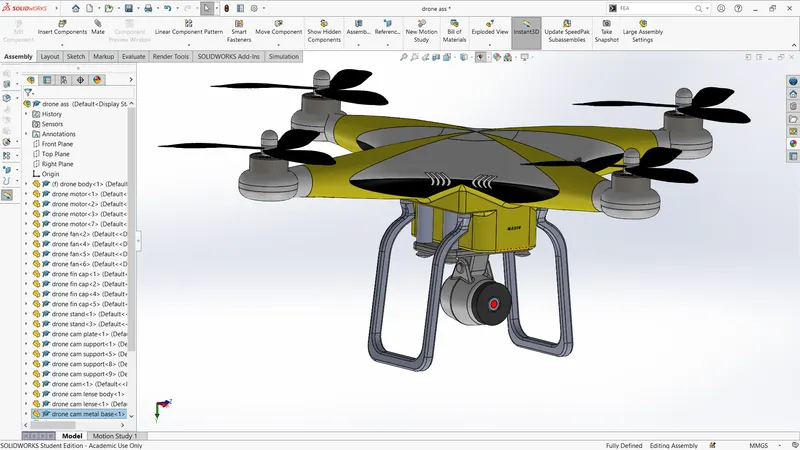
rendering photo realistic image by photoview 360
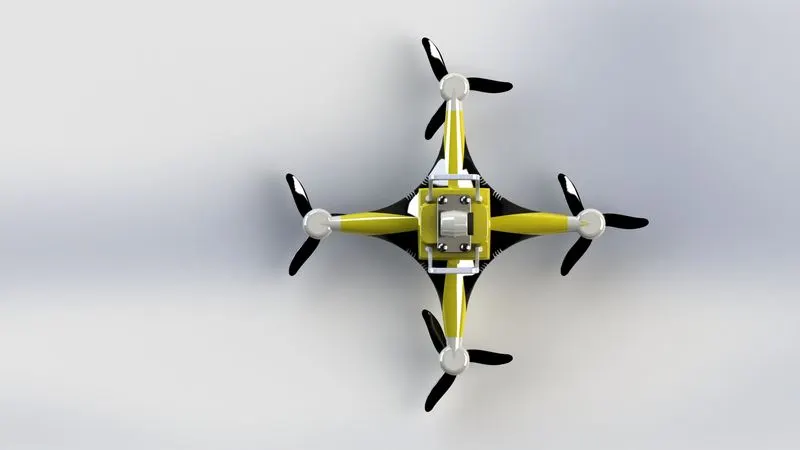
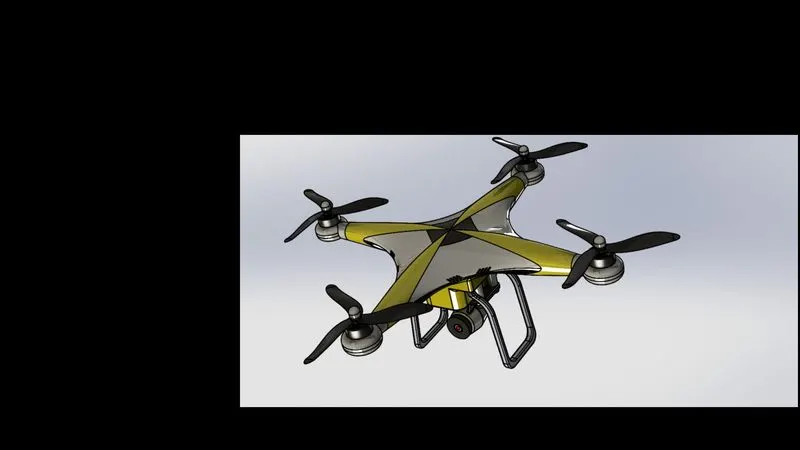
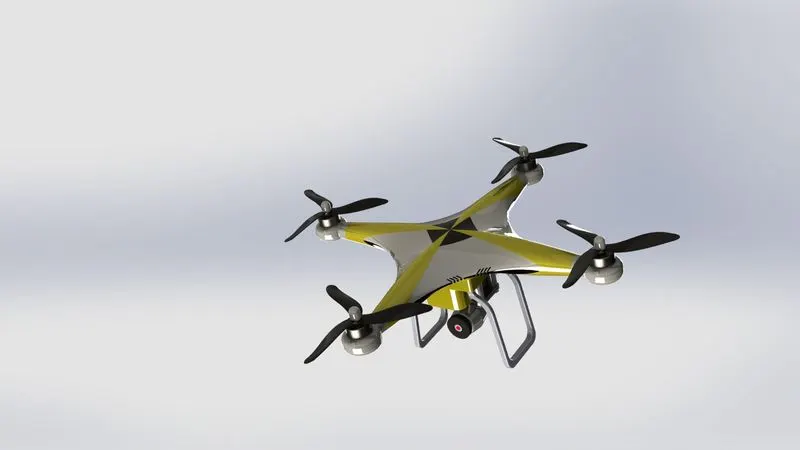
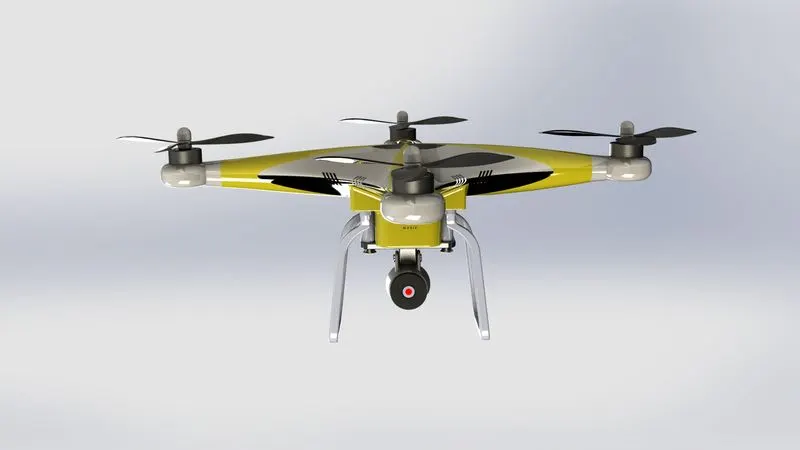
Rendering using by solidworks visualise