Fender Design Challenge
Automotive Fender Design Challenge
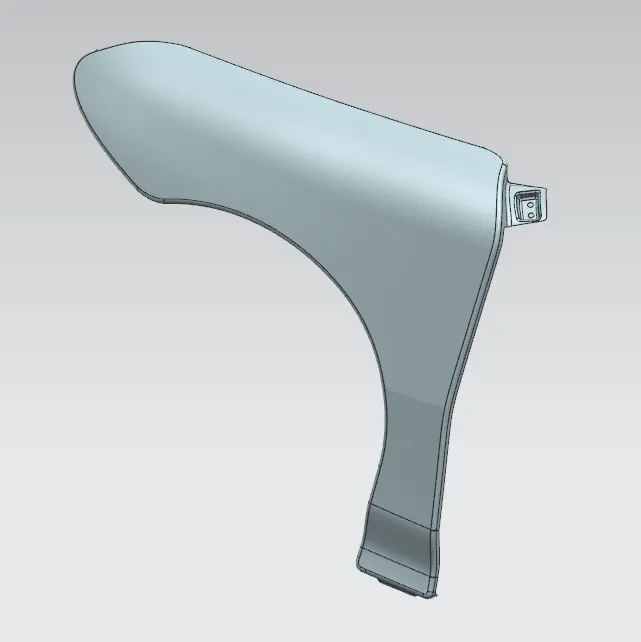
Fender
Primary function of fender is to prevent sand, mud, rocks, liquids & other road spray from being thrown into the air by the rotating tyre.
When vehicle is moving, tire pick up stones and other and hurl them in all directions. Fenders basically present to prevent any injuries to pedestrians and contain the motion of these particles.
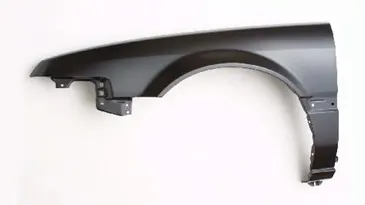
Types of Fender
1.Full Bumper type
2.Half Bumper type
1.Full Bumper type fender
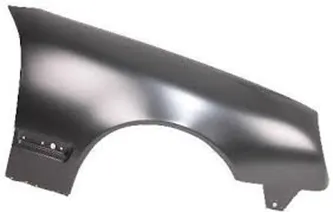
Full bumper is type of bumper which completely made of metal without adding any other material, in manufacturing process there is considerable amount of wastage.
2.Half Bumper type
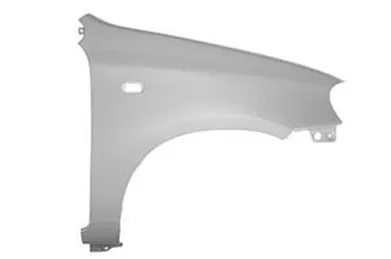
Half bumper is bumper made of sheet metal and part of it is made of plastic component, in manufacturing process wastage is less compared to Full Bumper type and it also helps reducing weight.
Master Section
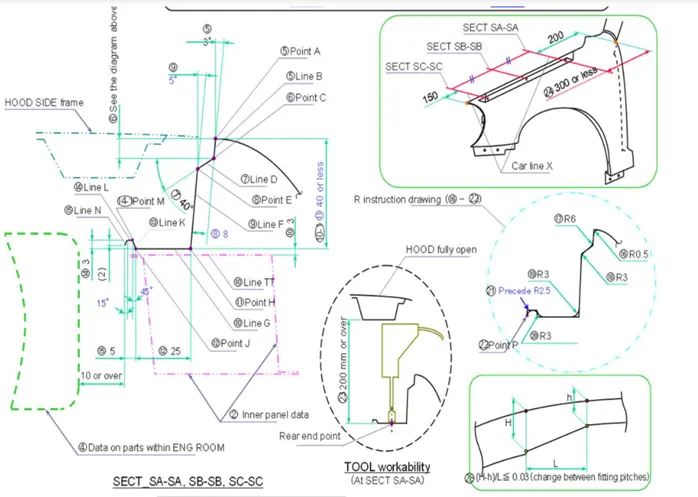
In designing any Automotive part skin Data is very important data which is provided by styling team.
Fender Manufacturing Process
Manufacturing Process of Automotive Fender Begins with Blank, Blank is a workpiece usually a sheet metal of required shape, then it undergoes processes like Stamping, Cutting and Bending as per the design and shape requirement.
Fender Design
As we already have skin Data, we need create the mounting point which listed below.
1.Drip Area
2.Sill Mounting Area
3.Bumper Mounting Area
4.A Pillar Mounting Area
1.Drip Area Mounting
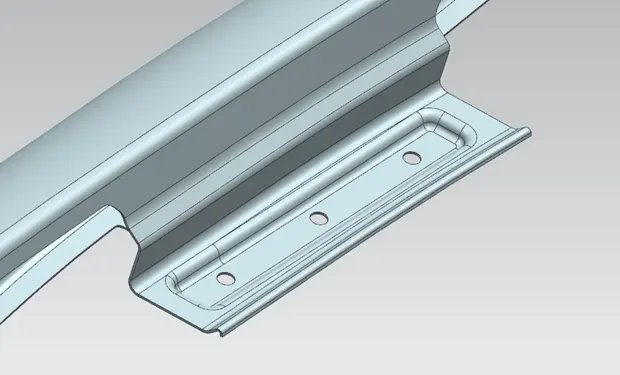
By using curve on face command, create the required shape, then by using trim option trim-out the unwanted material, by using law extension give the required shape as shown in above image, create required emboss and provide circular cut-out for bolting.
2.Sill Mounting Area
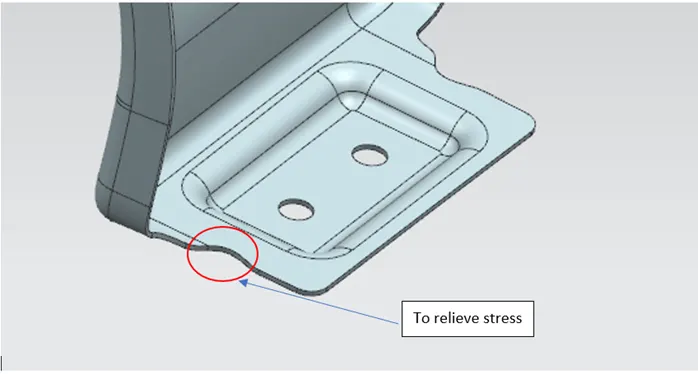
Using command curve on surface create the desired shape which is required and trim-out unnecessary material, using sketch command create sketch, use emboss command create the same, give circular cut-out along vector for bolting (Mounting).
3.Bumper Mounting Area
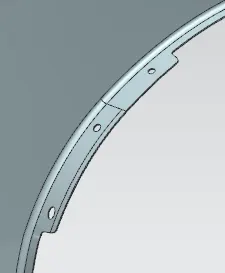
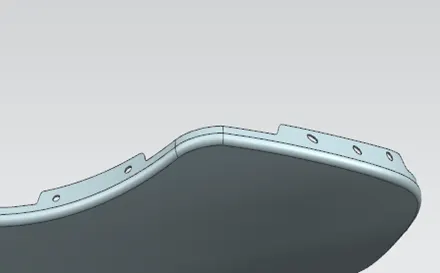
Using command curve on surface create the desired shape which is required and trim-out unnecessary material, give circular cut-out along vector for bolting (Mounting).
4.A Pillar Mounting
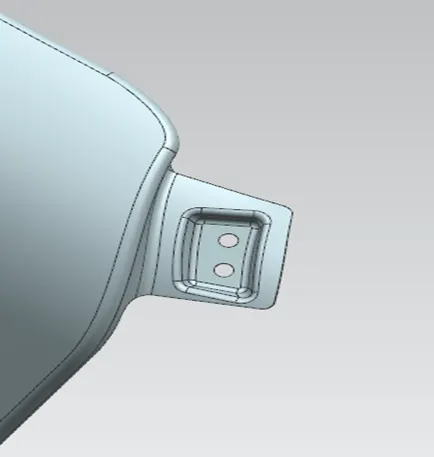
Using command curve on surface create the desired shape which is required and trim-out unnecessary material, using sketch command create sketch, use emboss command create the same, give circular cut-out along vector for bolting (Mounting).
Conclusion
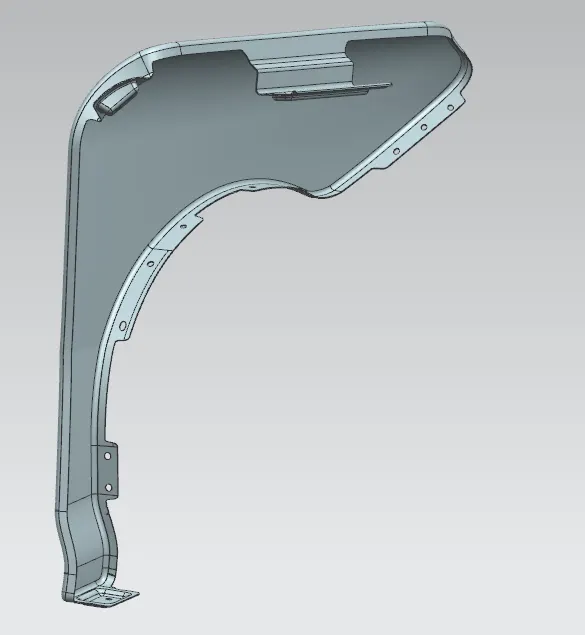
Thus, by using skin Data and NX-CAD workbench Fender Mountings created.