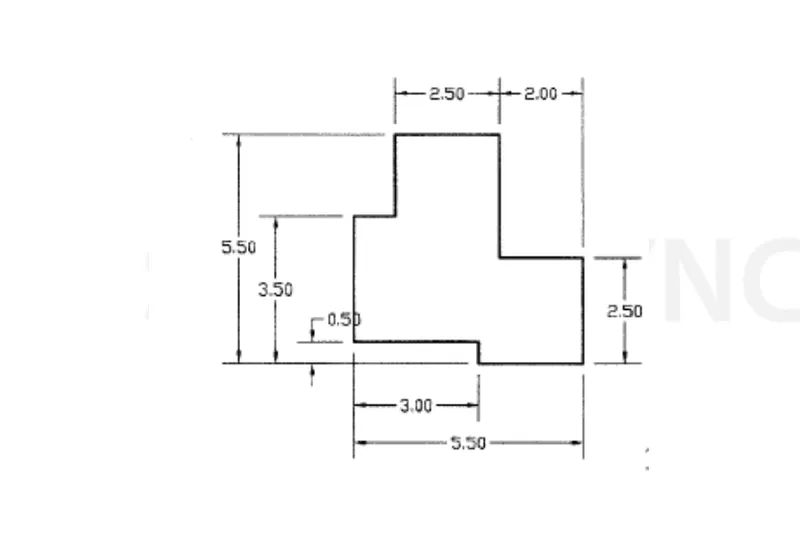
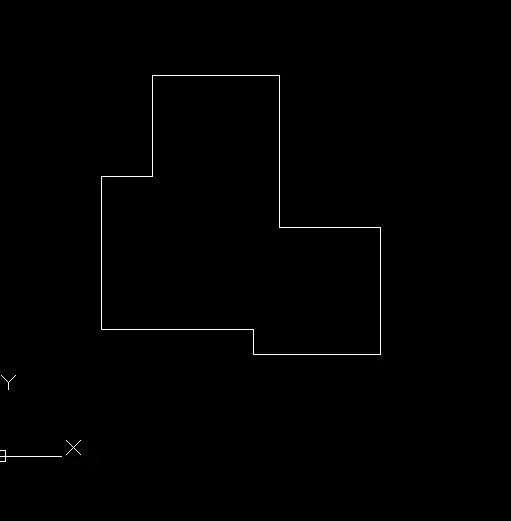
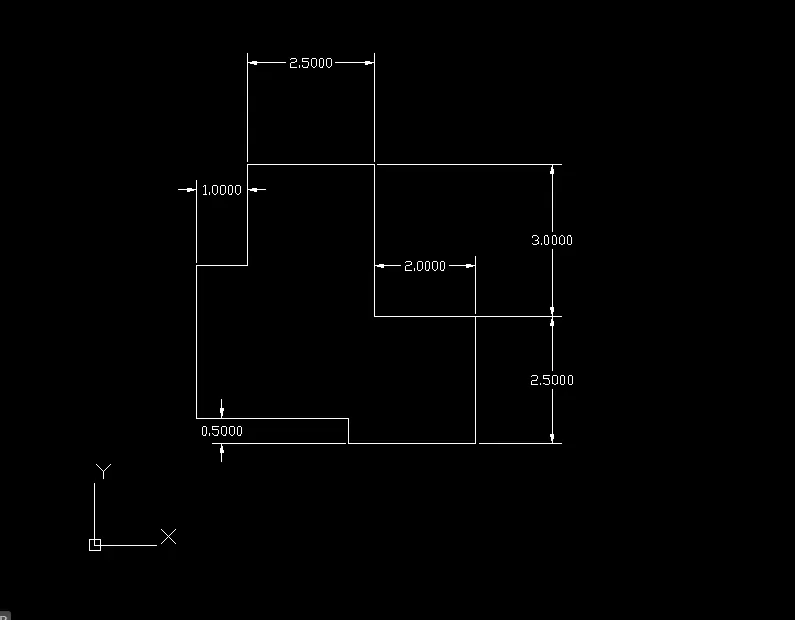
Drafting of various geometries using Chamfer, Fillet tool in AutoCad
Q1
AIM: TO DRAW THE GIVEN DRAWING ITHE ATTACHMENT ON AUTOCADD SOFTWARE
PROCEDURE:
open autocadd
in the command type QNEW
click on imperial tempelate, dvnced setup ,decimal
in the command type UNITS
decimal precision=0.00, angle= decimal angle
in the command type ds
snap spacing x& y =0.5
grid spacing x& y= 0.5
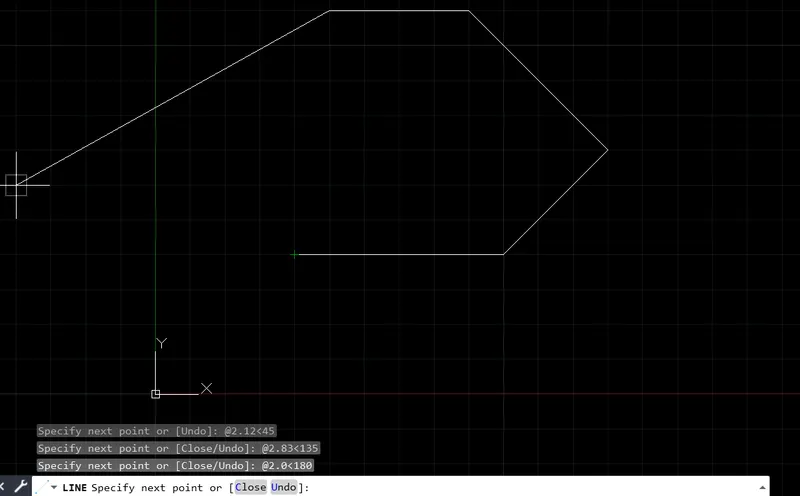
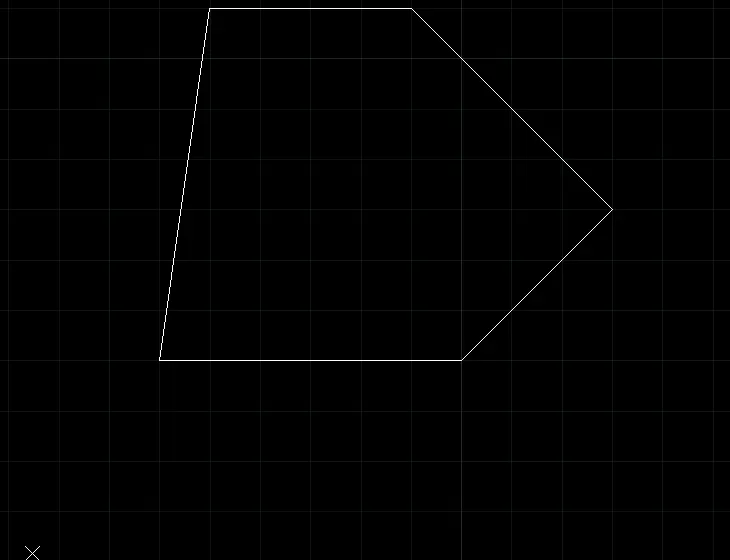
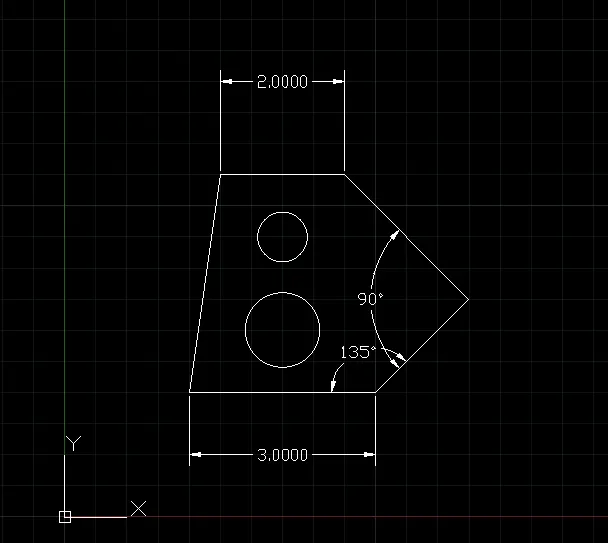
in the command type LINE
rectangular polar coordinate method
specify first point 2,2
......
....
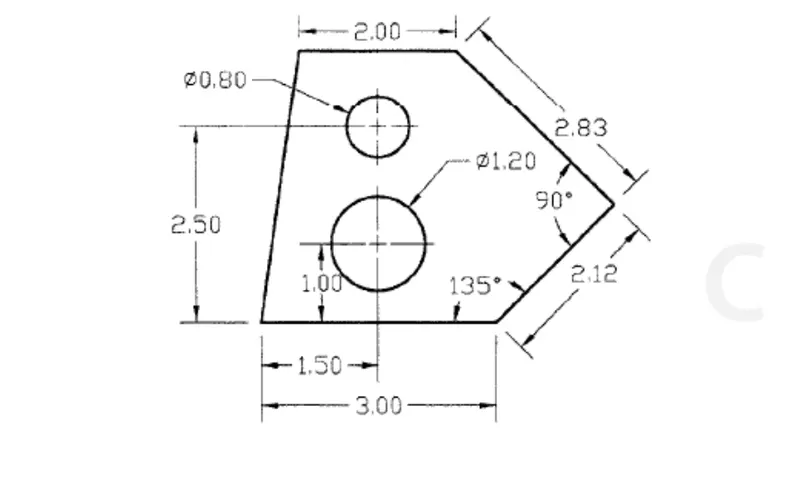
for circle
center [email protected],300 Enter
specify dia 1.20
command circle
center point 3.50,4.50
specify diameter .80
Q2
PROCEDURE:
open autocadd
in the command type QNEW
click on imperial tempelate, dvnced setup ,decimal
in the command type UNITS
decimal precision=0.00, angle= decimal angle
in the command type ds
snap spacing x& y =0.5
grid spacing x& y= 0.5
in the command type LINE
rectangular polar coordinate method
specify first point 2,2
command :chamfer
command circle
Q2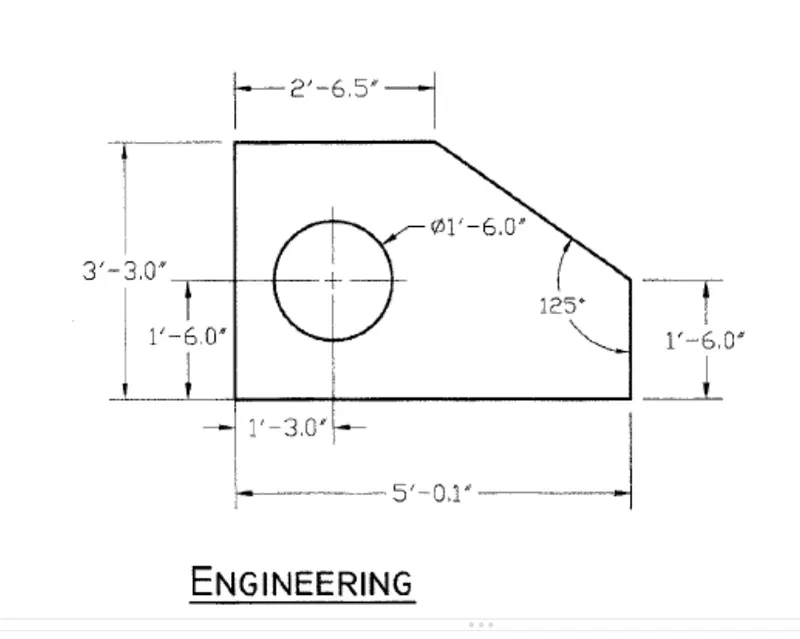
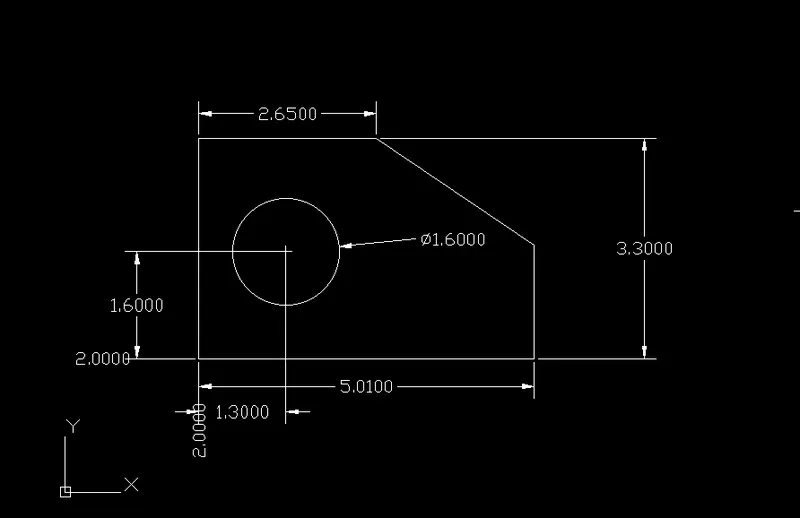
Q4
PROCEDURE:
open autocadd
in the command type QNEW
click on imperial tempelate, dvnced setup ,decimal
in the command type UNITS
decimal precision=0.00, angle= decimal angle
in the command type ds
snap spacing x& y =0.5
grid spacing x& y= 0.5
in the command type LINE
rectangular polar coordinate method
specify first point 2,2
used command circle
command erase
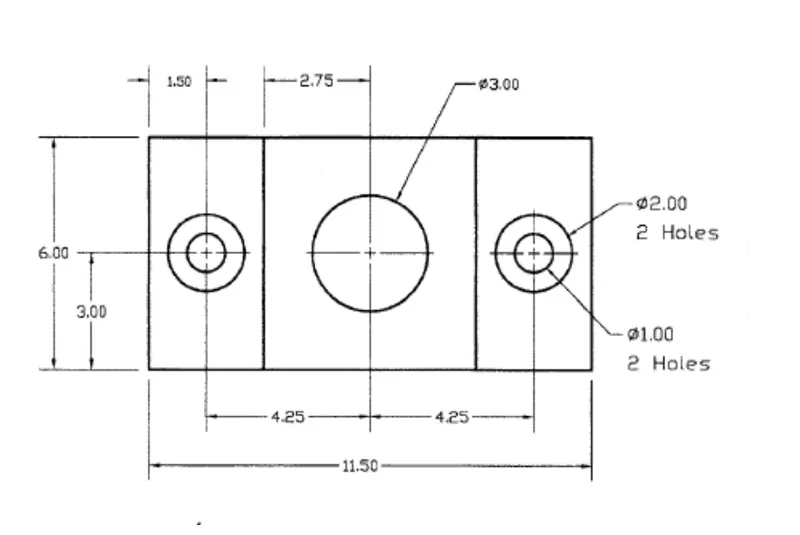
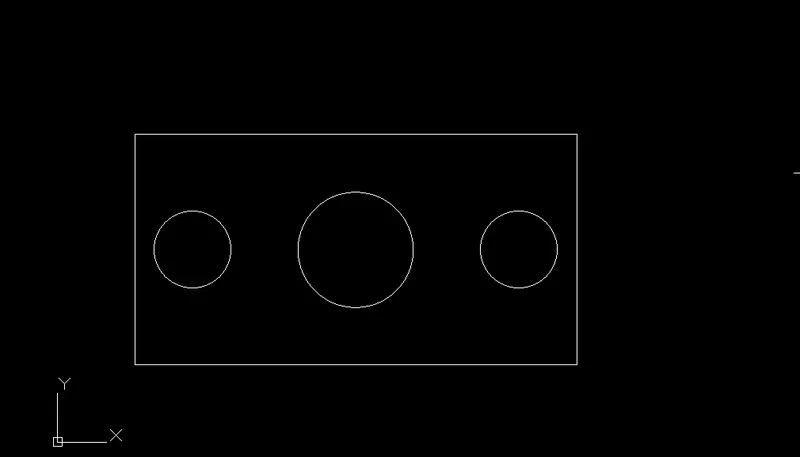
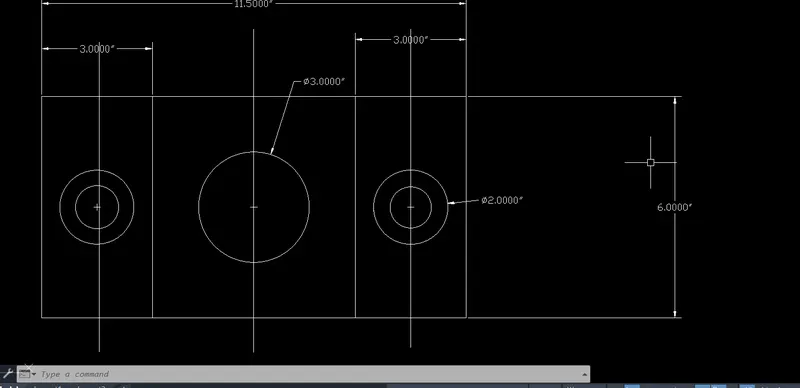
Q5
PROCEDURE:
open autocadd
in the command type QNEW
click on imperial tempelate, dvnced setup ,decimal
in the command type UNITS
decimal precision=0.00, angle= decimal angle
in the command type ds
snap spacing x& y =0.5
grid spacing x& y= 0.5
used command type LINE
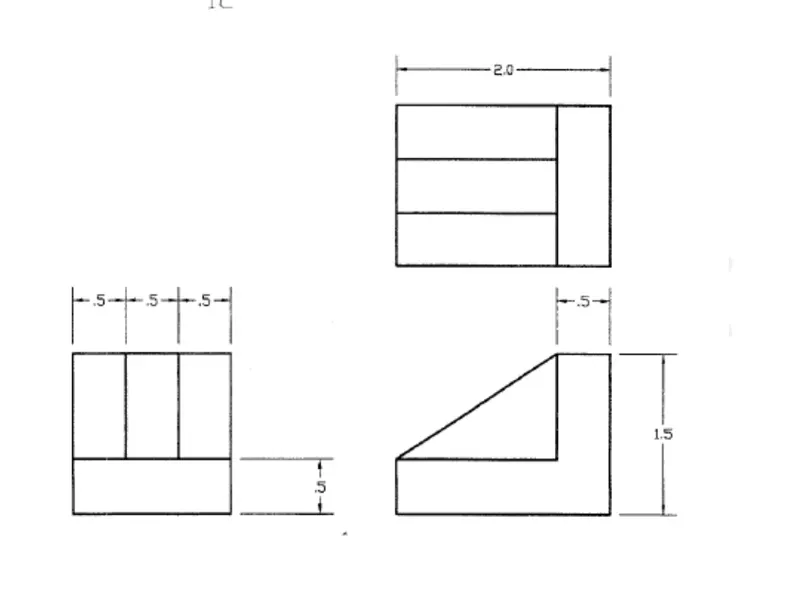
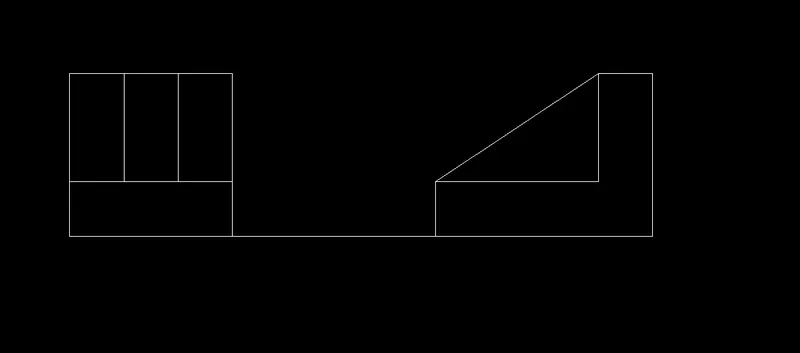
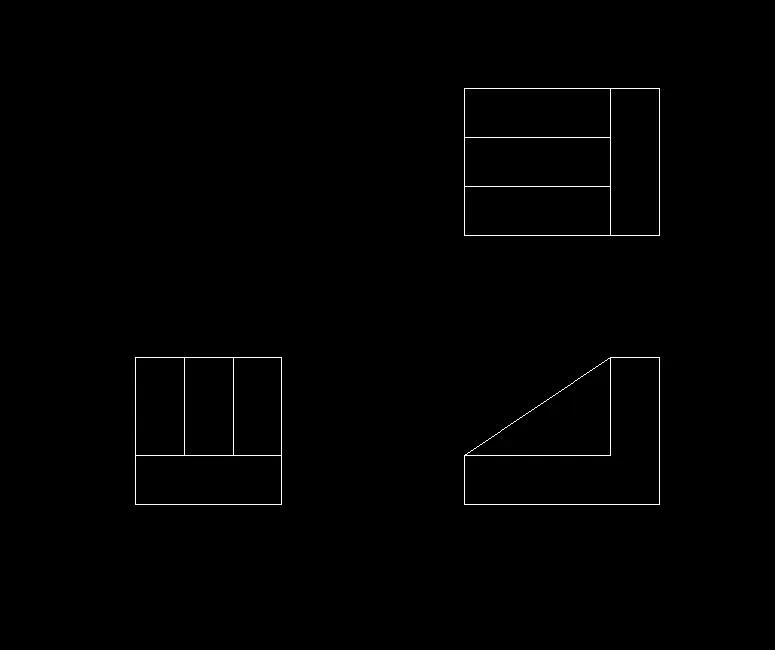
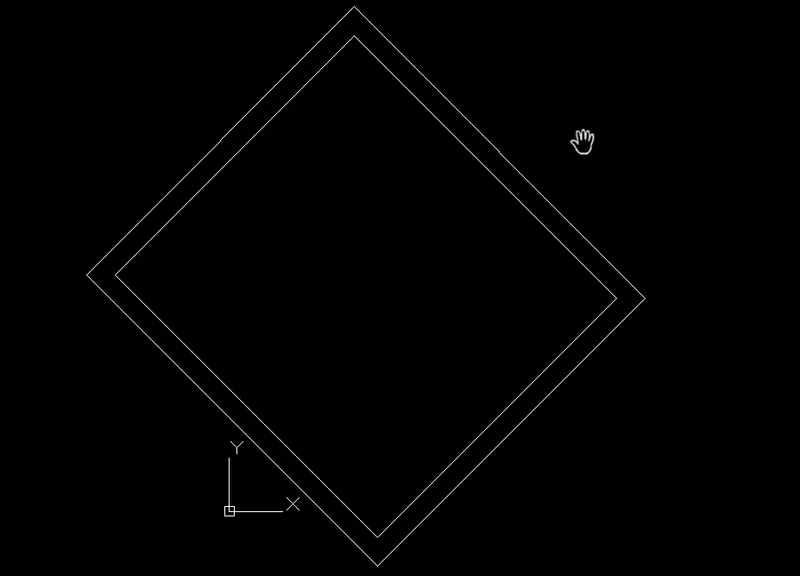
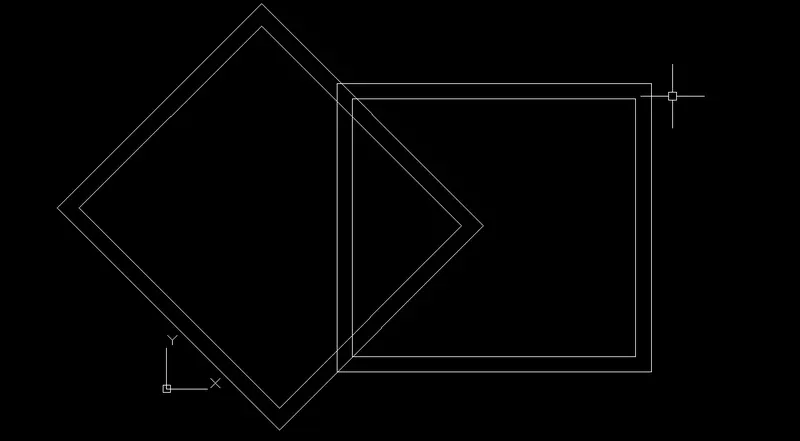
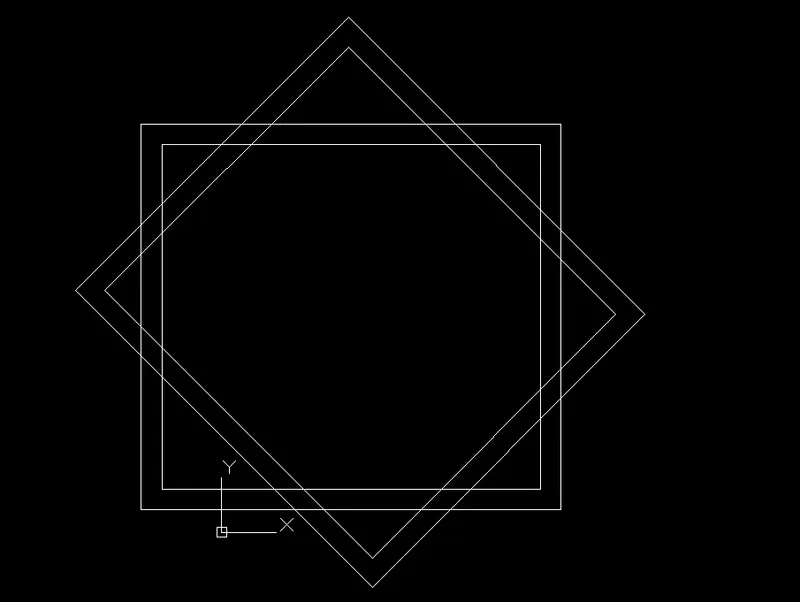
command :offset
Q6.
PROCEDURE:
open autocadd
in the command type QNEW
click on imperial tempelate, dvnced setup ,decimal
in the command type UNITS
decimal precision=0.00, angle= decimal angle
in the command type ds
snap spacing x& y =0.5
grid spacing x& y= 0.5
used command type LINE
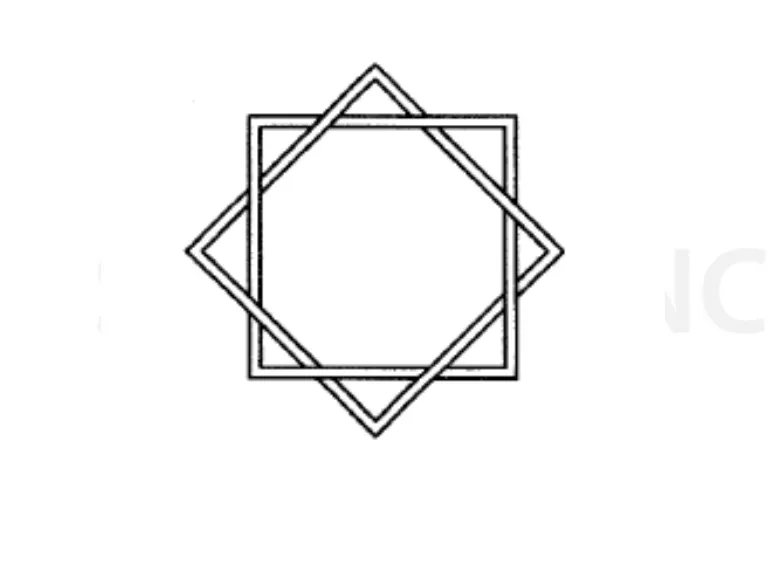
command :scale
command move
command copy
Q8
PROCEDURE:
open autocadd
in the command type QNEW
click on imperial tempelate, dvnced setup ,decimal
in the command type UNITS
decimal precision=0.00, angle= decimal angle
in the command type ds
snap spacing x& y =0.5
grid spacing x& y= 0.5
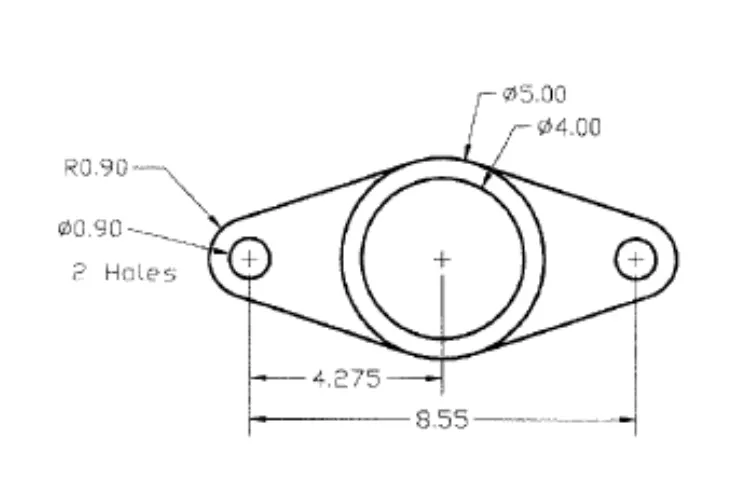
command :circle
command erase
not success
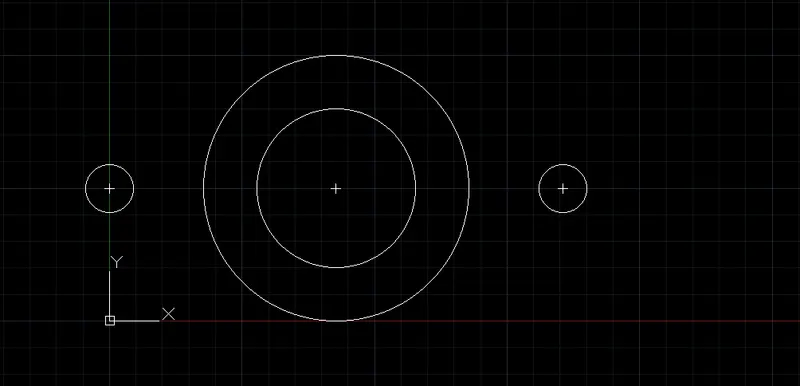
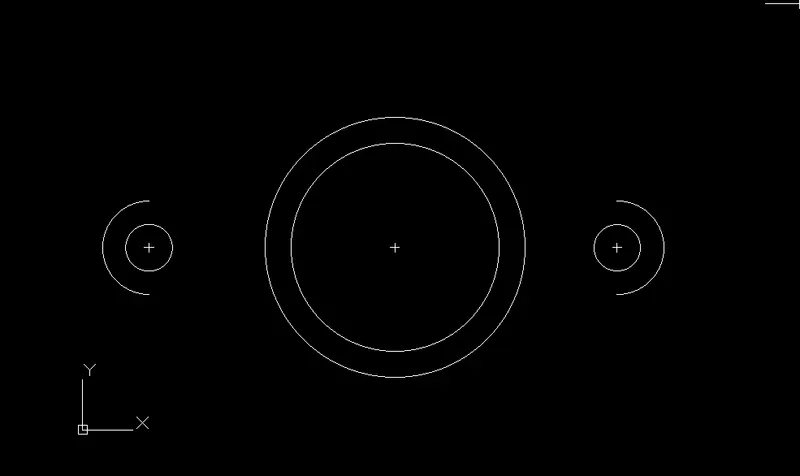
Q8
PROCEDURE:
open autocadd
in the command type QNEW
click on imperial tempelate, dvnced setup ,decimal
in the command type UNITS
decimal precision=0.00, angle= decimal angle
in the command type ds
snap spacing x& y =0.5
grid spacing x& y= 0.5
in the command type POLYLINE
command fillet
command circle
comand rectangle
command move
command copy
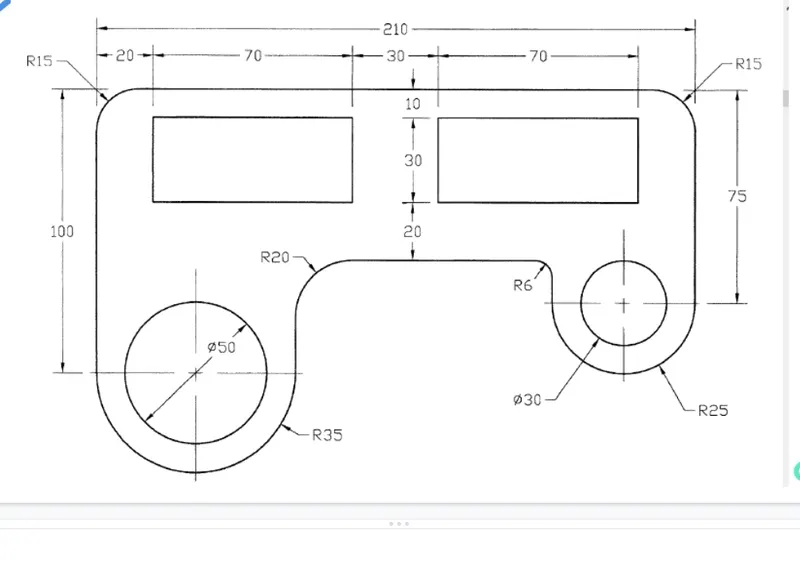



Q9
PROCEDURE:
open autocadd
in the command type QNEW
click on imperial tempelate, dvnced setup ,decimal
in the command type UNITS
decimal precision=0.00, angle= decimal angle
in the command type ds
snap spacing x& y =0.5
grid spacing x& y= 0.5
in the command type LINe
specify first point 2,2
2nd point 5.50<0
3rd point 5.50<90
command offset
select offset line
offset distance .5 enter
.........
.......
........
in x and y direction both side
command trim
select trim and cut unused lines