Drafting of various geometries using Chamfer, Fillet tool in AutoCad
AIM: Main aim of this callenge is to use chamfer and fillet tool to make some drawings ehich are given in the tasks
INTRODUCTION: In this, i am gonna use the tools called chamfer and fillet to make corners curved or inclined.
PROCEDURE:
1)
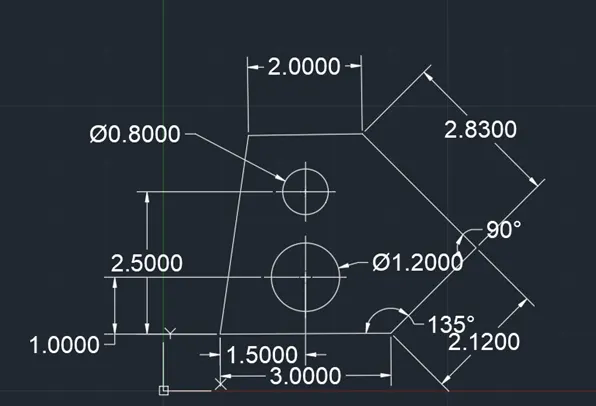
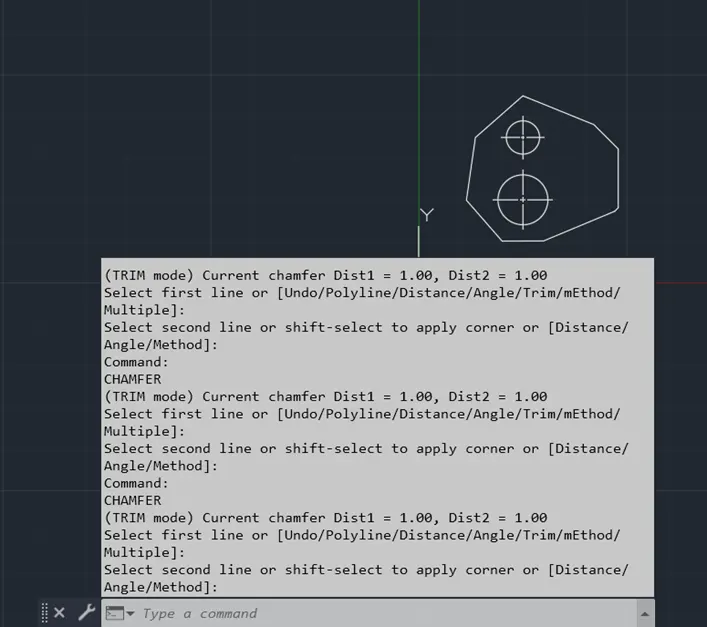
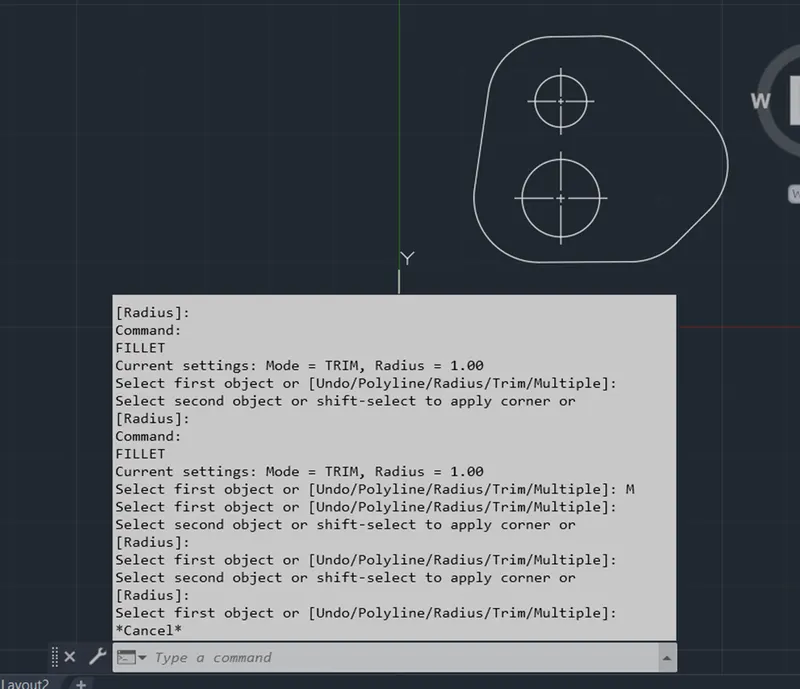
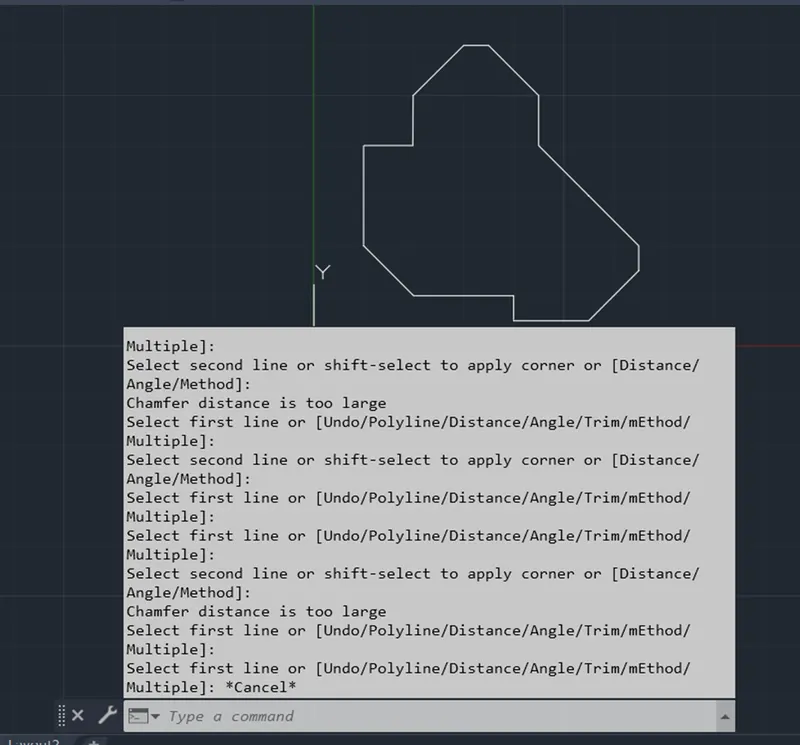
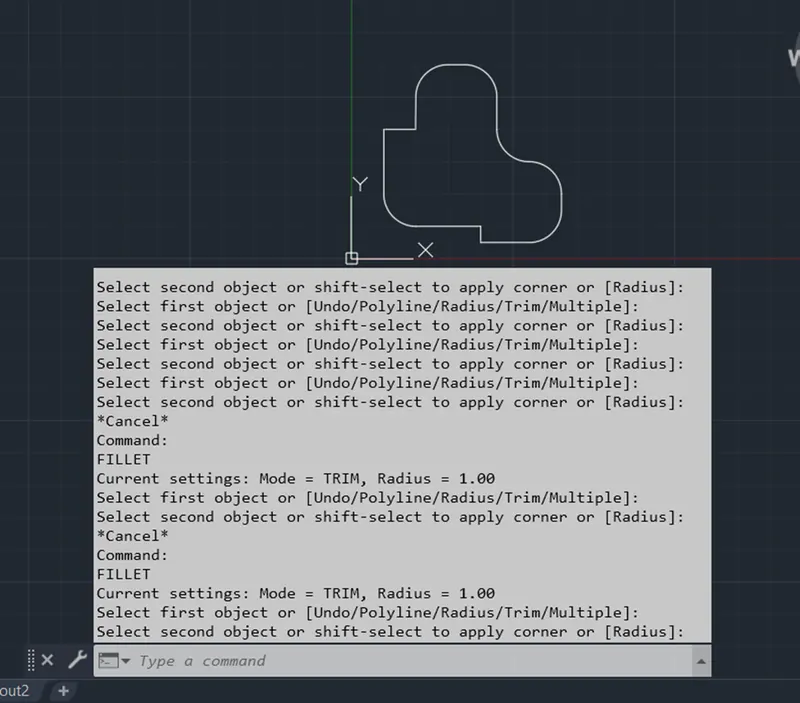
start->new->units should be in decimals for given figure->using the line command, i drew the entire figure and used circle command to draw the circles -> finally used the dimensions tool to mention the dim ensions and the chamfer is used with x=1 and y=1 and also fillet is used with radius of 1
2)
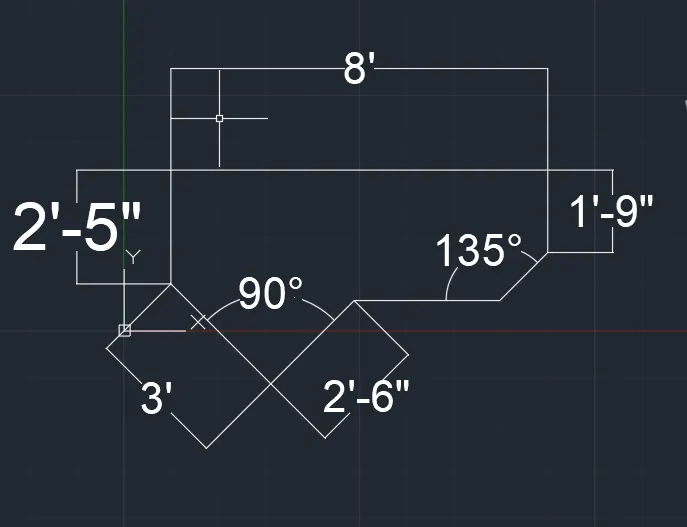
the procedure for the given figure is as follows
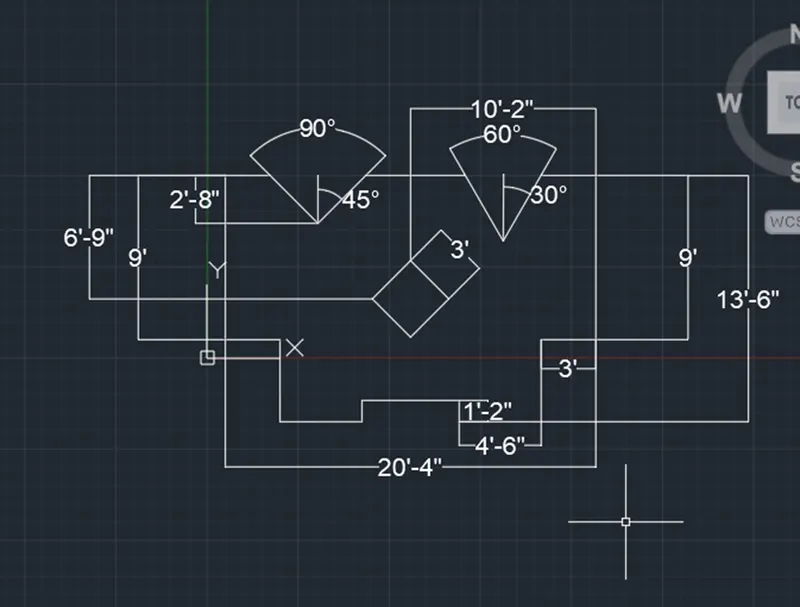
start->new->keep the units in architectural and precision as 0'-0"->taking the line tool to draw linear drawings ->keep dynamic input on and make polar tracking to 45,90,135,..->again using line tool to complete the entire drawing and finally used dim tool to denote the dimensions.if chamfer and fillet is used then that might be same as above problems.
3)
the procedure for the given figure is as follows
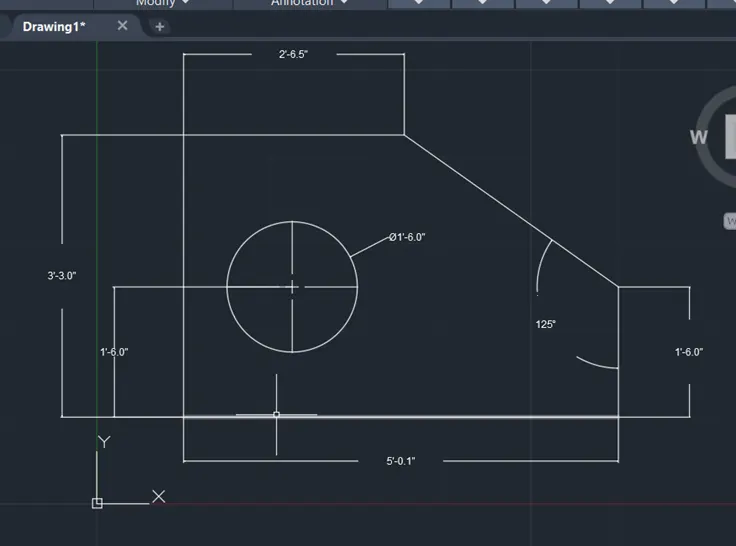
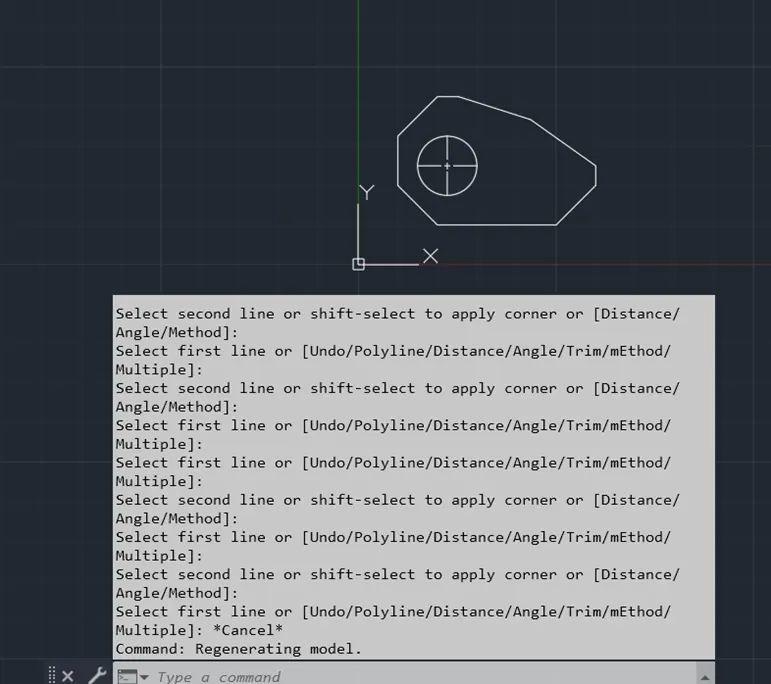
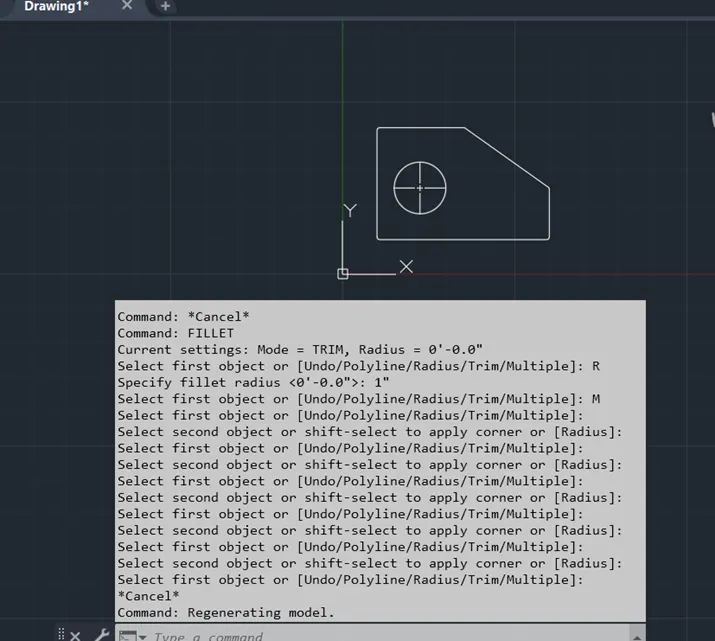
start->new->units should be in engineering for given figure->using the line command, i drew the entire figure and used circle command to draw the circles -> finally used the dimensions tool to mention the dim ensions and the chamfer is used with x=1 and y=1 and also fillet is used with radius of 1
4)
the procedure for the given figure is as follows
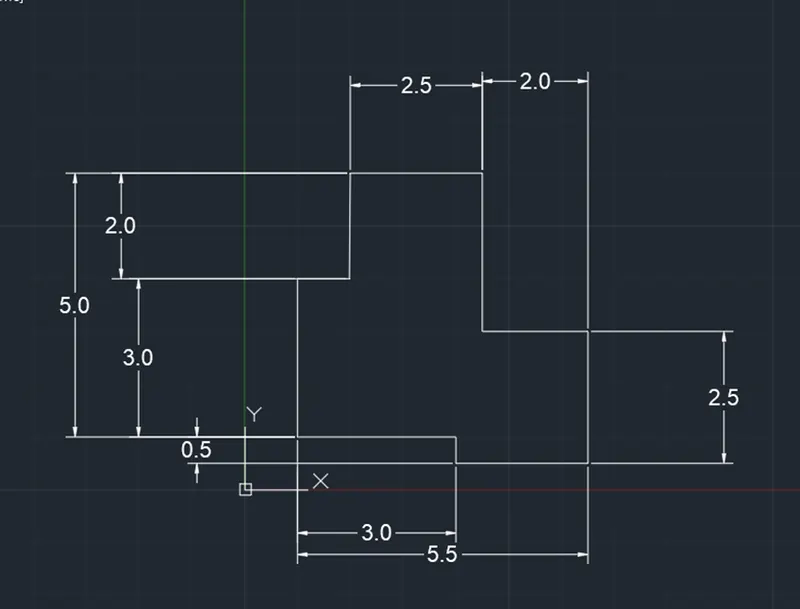
start->new->units should be in decimals for given figure->using the line command, i drew the entire figure and used circle command to draw the circles -> finally used the dimensions tool to mention the dim ensions and the chamfer is used with x=1 and y=1 and also fillet is used with radius of 1
5)
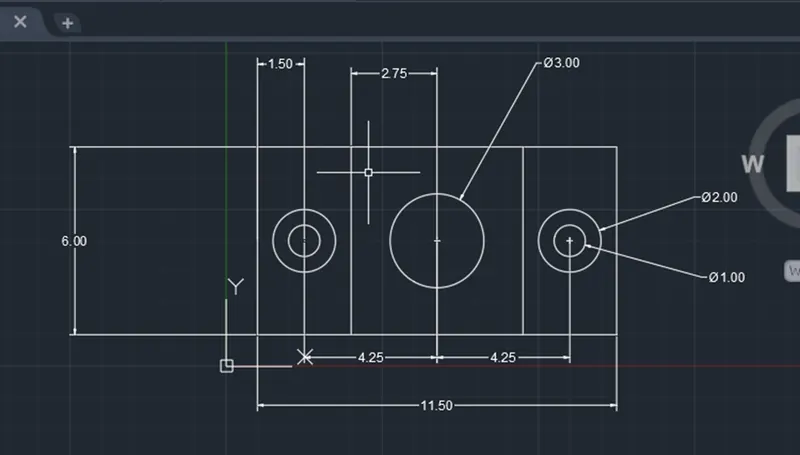
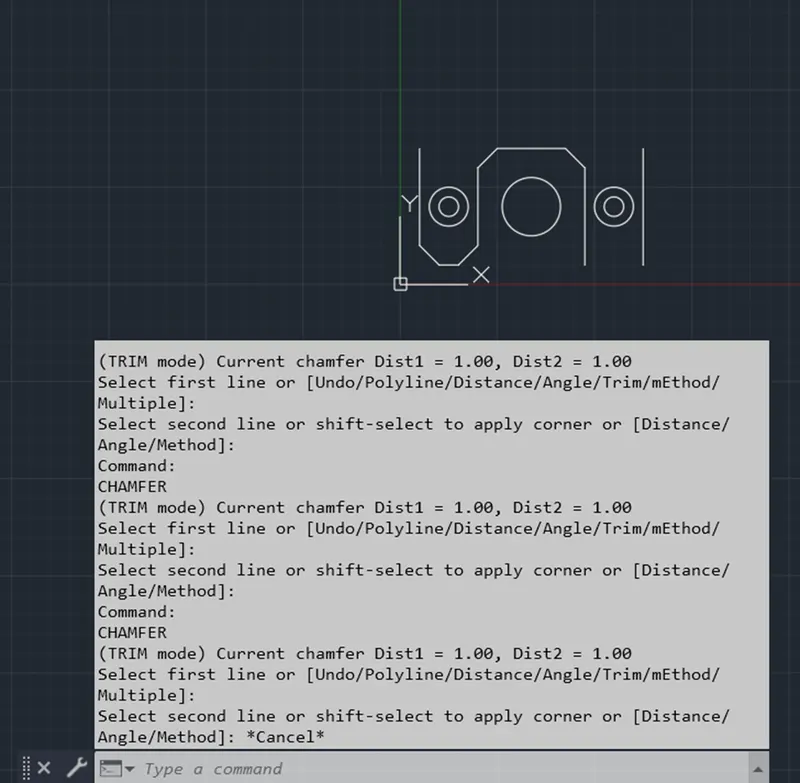
the procure for the given figure is as follows
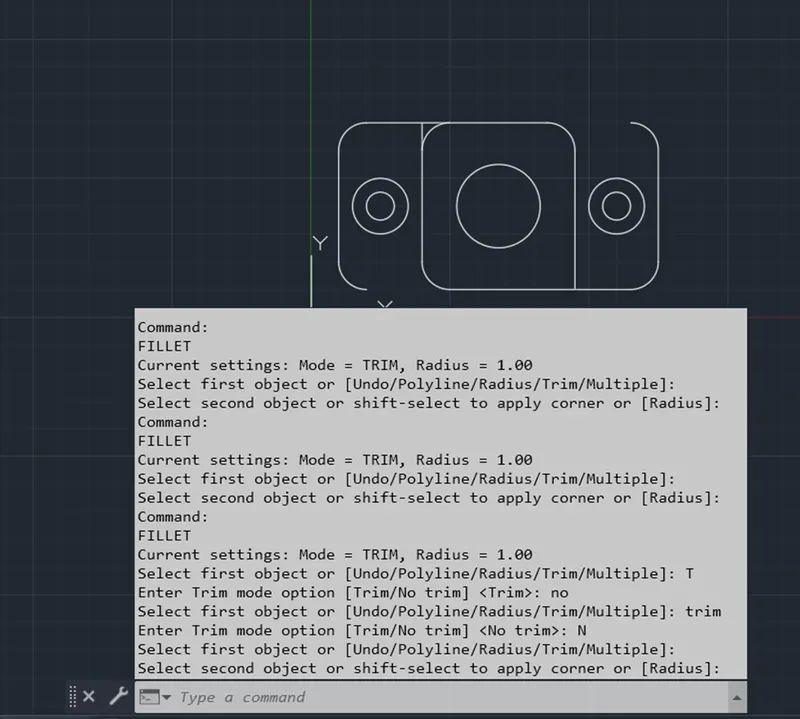
start->new->units should be in decimals for given figure->using the line command, i drew the entire figure and used circle command to draw the circles -> finally used the dimensions tool to mention the dim ensions and the chamfer is used with x=1 and y=1 and also fillet is used with radius of 1
6)
the procudure for the given figure is as follows
start->new->units should be in decimals for given figure->using the line command, i drew the entire figure and used circle command to draw the circles -> finally used the dimensions tool to mention the dim ensions and the chamfer is used with x=1 and y=1 and also fillet is used with radius of 1
7)
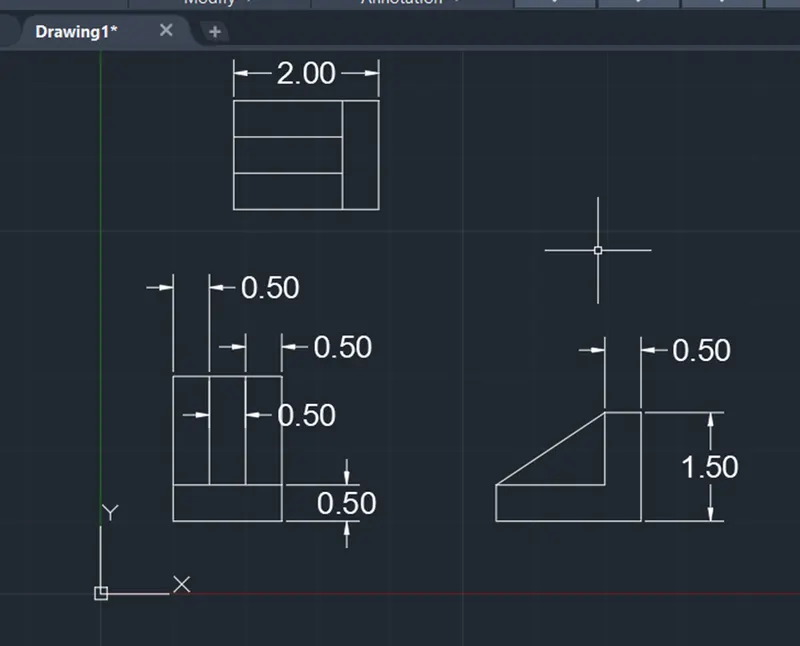
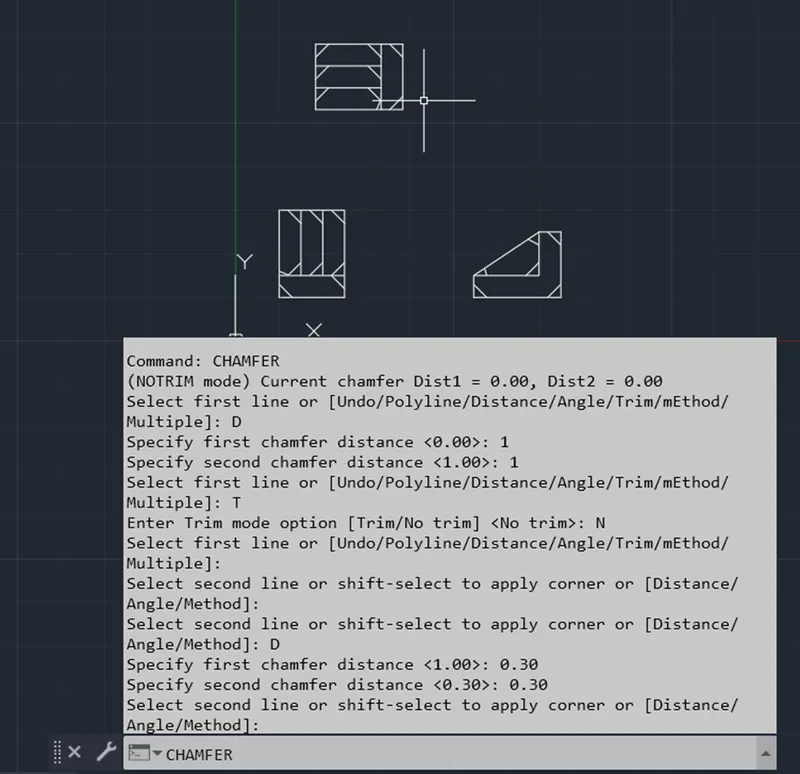
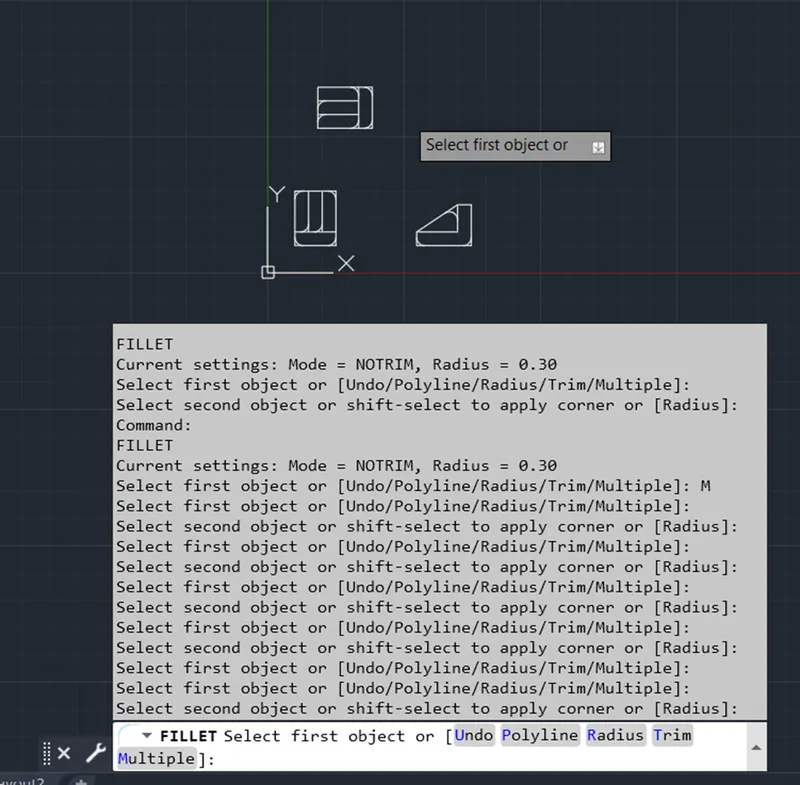
the procure for the given figure is as follows
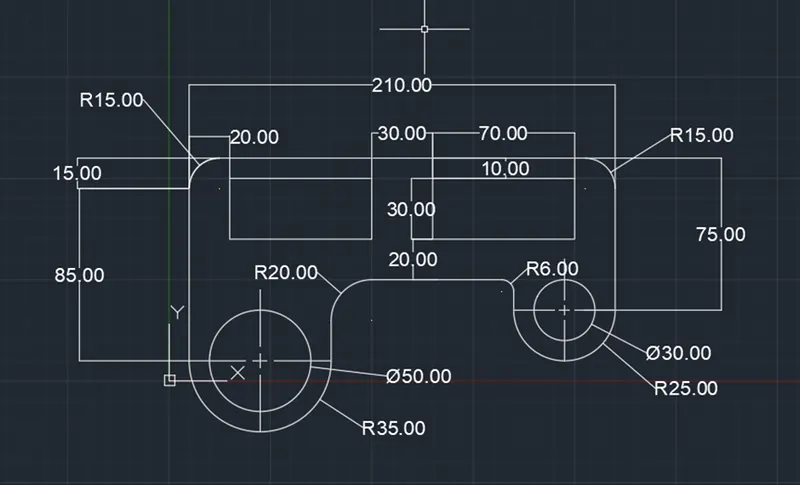
start->new->kept dimensions in decimals with grid size 10 ->using line command, i drew entire drawing and made corners and endges as curved using the fillet tool as shown below and dimension tool is used to denote the dimensions as shown below
8)
the procedure for the following the figure is as follows
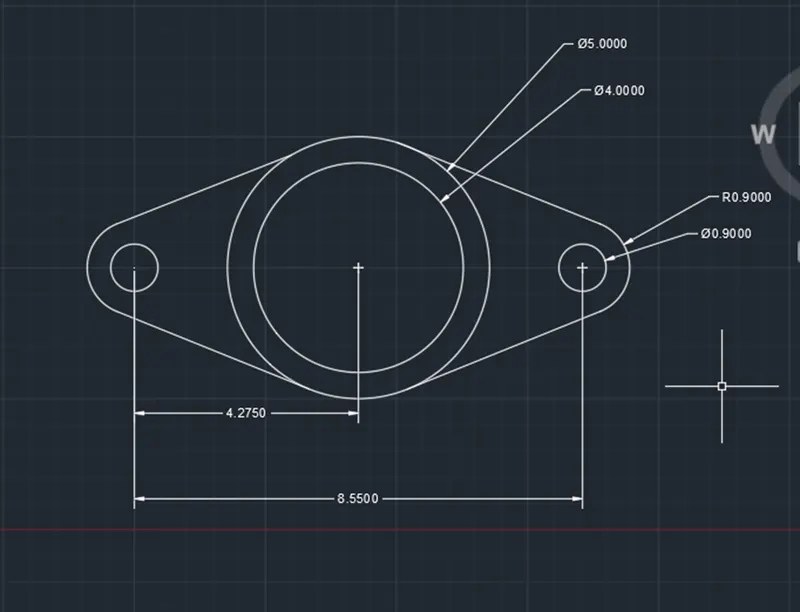
start->new->keep units in decimals->first take the line tool and make a reference line and by using the circle tool, i drew the all circles mention below ->make tangent on object snap->use line tool to complete the entire diagram and using trim tool, cut all un necessary lines->finally use the dim tool to denote dimensions.
9)
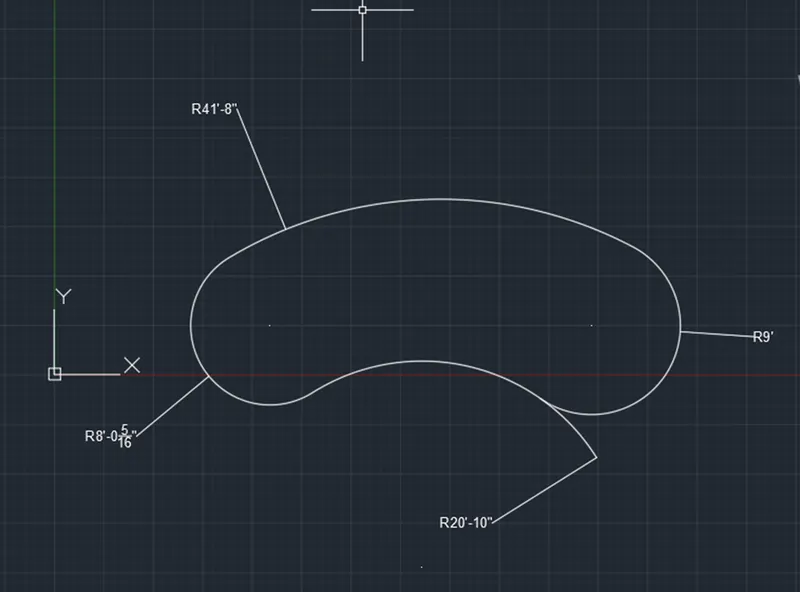
start->new->make units as engineering ->use circle tool to draw circles and make tangent point should be visible after the using circle tool only complete the entire diagram with tangents and trim unnecessary lines as shown below
10)
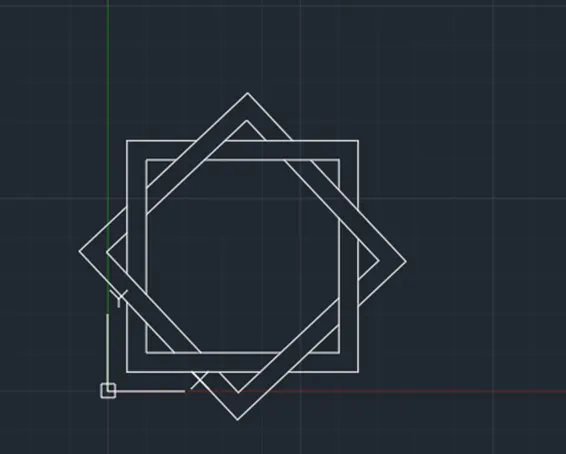
start->new->take the units in decimals ->taking rectangle tool and make a rectangle and taking offset of 0.5 then rotate the rectangle in rhombus shape again make a rectangle in first position to get the exact shape and using trim command cut all unnecessary lines as mentioned in the given problem.
11)
start->new->make the units as engineering with precision of 0'-0"-> using line tool, i drew the entire drawing by taking some of the duplicate llines as reference as shown below.
RESULT:
the given tasks are completed. some of the figures are drawn using the chamfer and fillet tool as shown above.