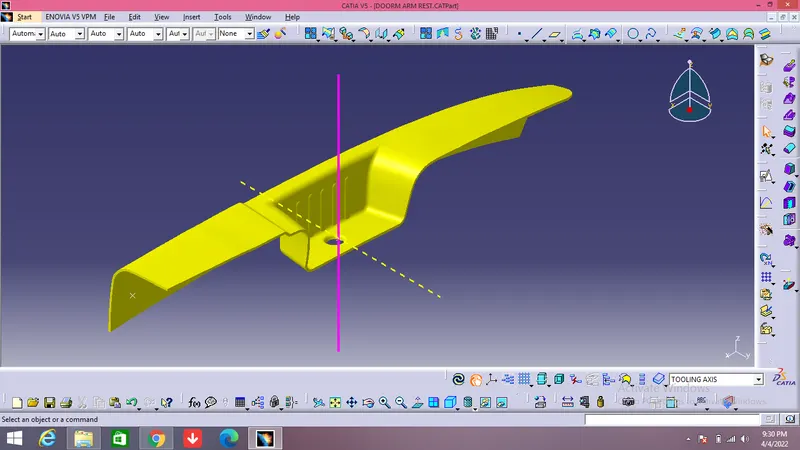
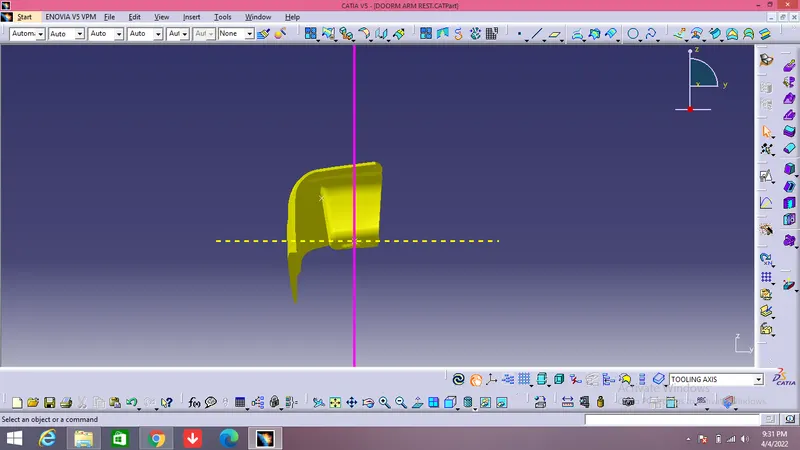
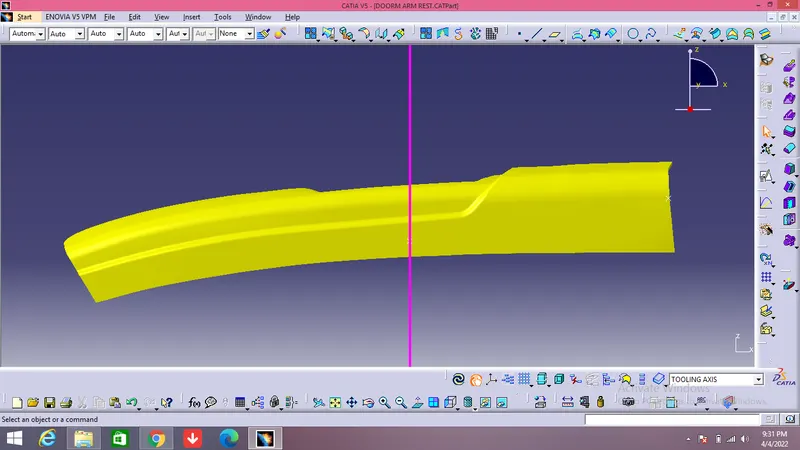
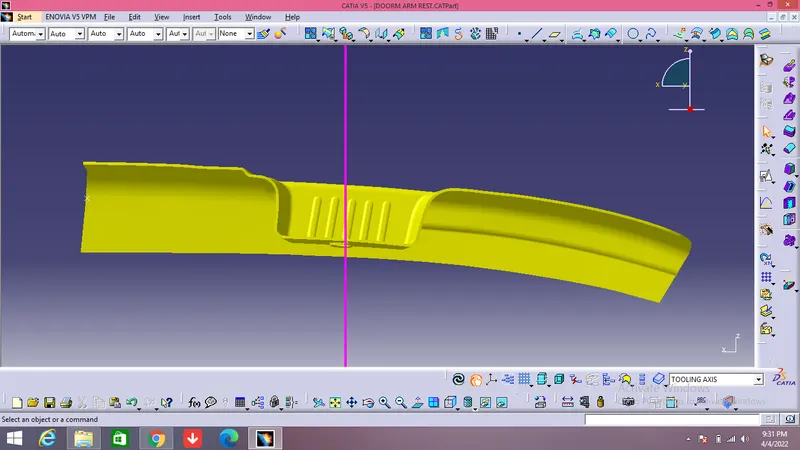
Door Arm Rest Week 8 Challenge
DOOR ARM REST
OBJECTIVES:
- Analysing the class A and performing necessary modification to obtain the modified class A.
- Creating the tooling axis .
- Creating the Side core tolling axis.
- Performing draft analysis of class A surface.
- Creating the class C surface .
- Trimmimg the CLASS A,B AND C Surface for obtaining the final trim.
- Creating the closed body.
- Performing the vigrous draft analysis and make sure all parts are clearing with positive and required draft.
- Final submission.
- ANALYSING CLASS A
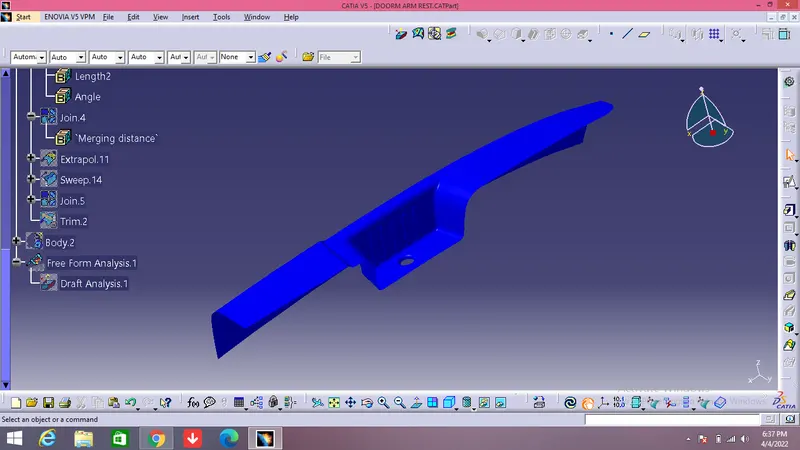
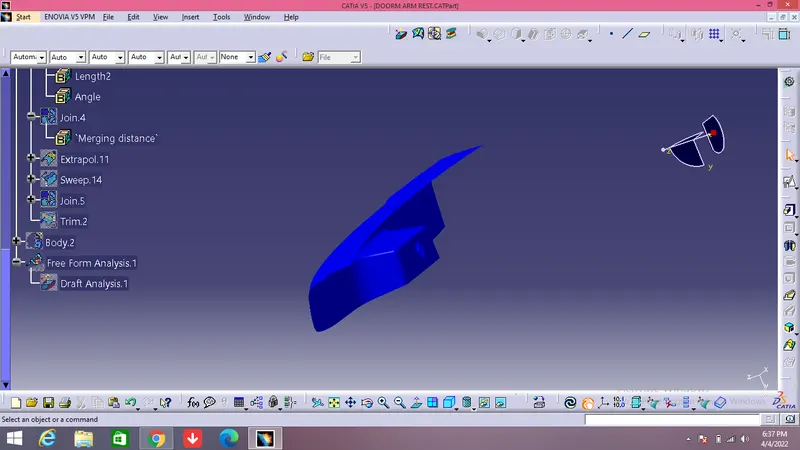
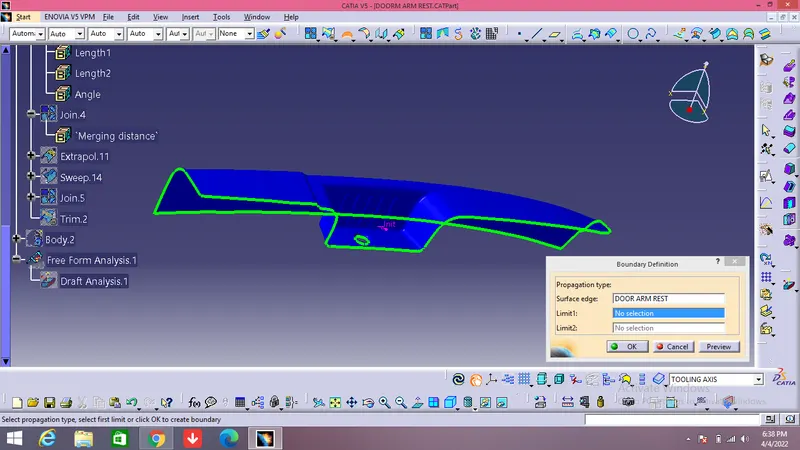
Since, there only one boundary for the given class A so its sure that the boundary is closed and we can further move to the next step of creating the tooling axis.
2. TOOLING AXIS CREATION
- Tooling axis plays important role in plastic product manufacturing and designing, this axis decides the direction in which mould is going to work while production of the component.
- The main focus while deciding the tooling axis is clearing the component in the moulding in the same axis with the minimum use of the side core for producing the component, the side core usually adds up to the cost of the component.
- For the particular component X,Y and Z can be the possible direction for the tooling axis.
- You must specify the axis system by creating the point on the surface.
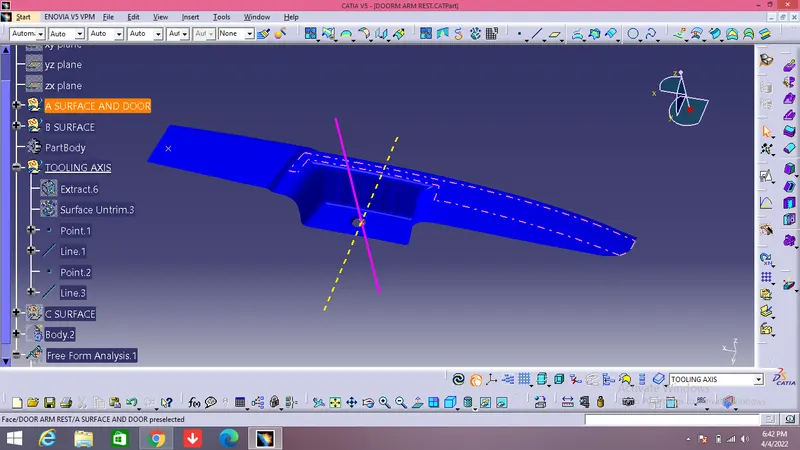
- With the help of the intersect in the YZ plane create the tooling axis in YZ plane .
- With the help of the intersect in the ZX plane create the tooling axis in ZX plane.
- The last step is to bisect the two tooling axis to obtain the main tooling axis of the class A surface.
4.CREATING THE B SURFACE
- The B surface is the surface where all the necessary attachments and supports are made for the component.
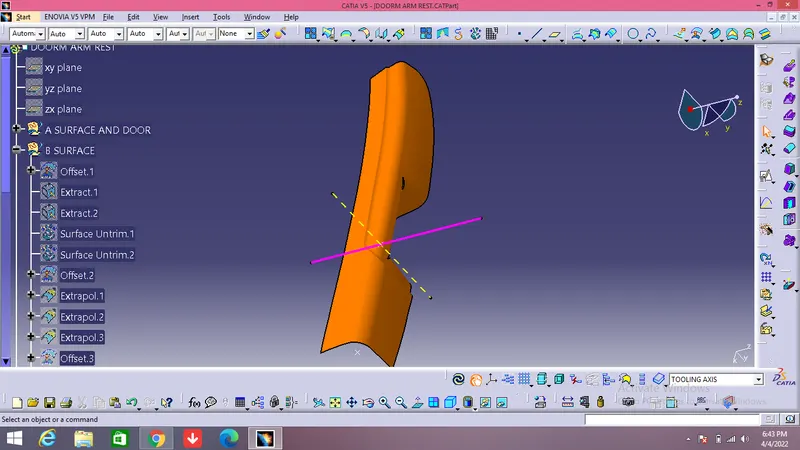
- The B surface is created using the class A as reference and extracting the major surfaces without the edge fillets.
- The extracted surfaces are then extrapolated to get the better view for trim,then offset these surfaces to the thickness of the component and then trimming the surfaces to get the B surface.
- The necessary trimmed surface must contain the edge fillets as class A surface.
- The edge fillets provided to B surface must be given properly to maintin the constant thickness throughout the component so as to avoid the flow line defects.
5)CREATING THE C SURFACE
- The C surface is the surface which is responsible for providing the thickness to the component.
- The C surface is the intermediate between the class A and class B surfaces.
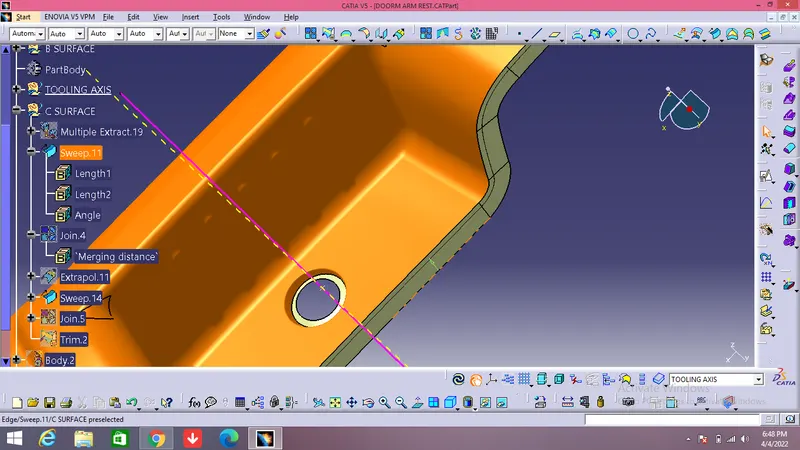
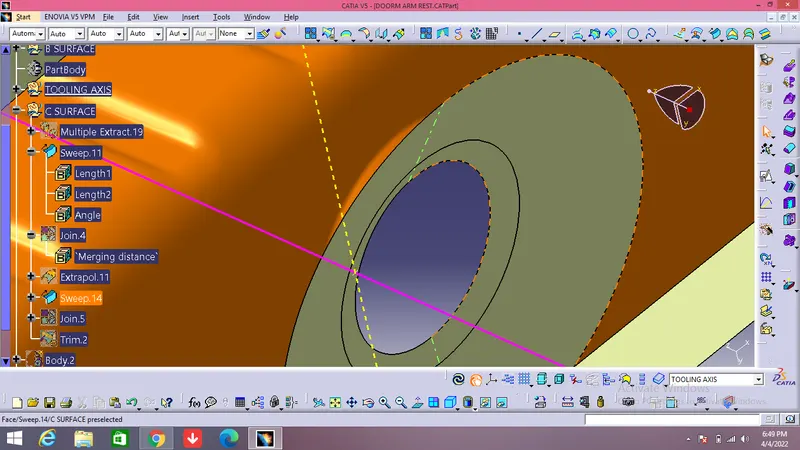
- The C surface is created by extracting the class a with two boundaries .
- Each boundary is then used as guiding curve for sweep command in draft direction subtype.
- The direction of the sweep is same as the tooling axis.
- The draft of 3 degree is given to both the sweeps.
- Complete the surface by extrapolating and trimming.
- Use the smooth curve to ensure the proper surfaces, you can smoothen the surfaces prior to join command.
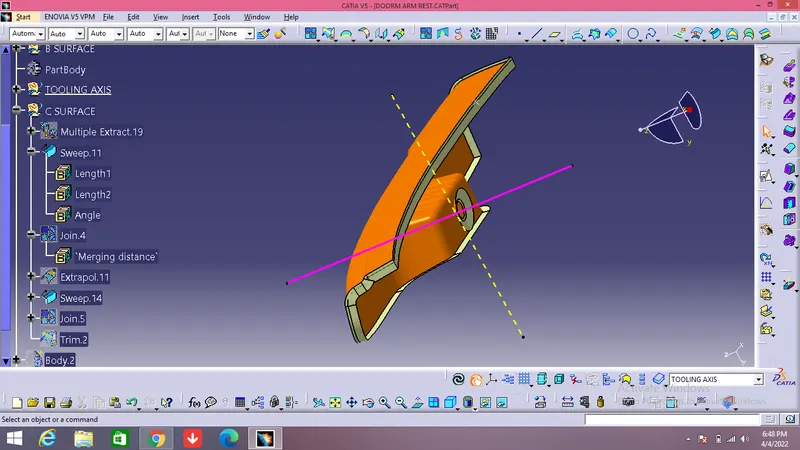
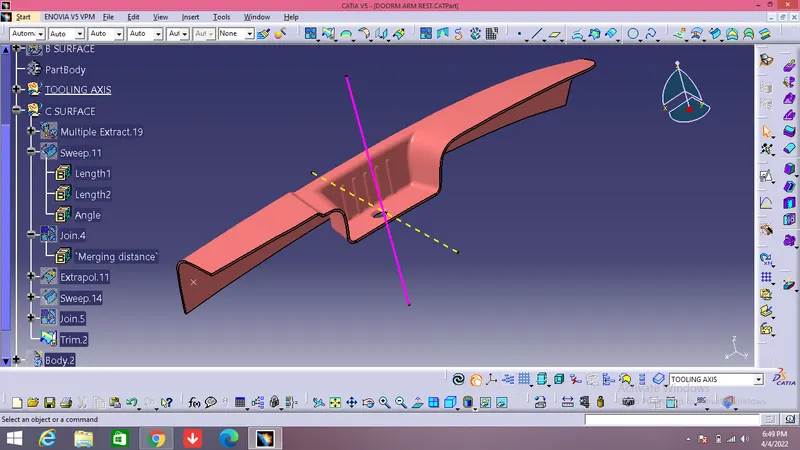
- Join the class A surface with the class C and then trim the join with the class B to obtain the final thickness component, here the thickness is 2.5 mm.
- Use the boundary command to ensure surface is closed and there is no multiple boundaries , you can alter if any by increasing the merging distance till 3 microns.
6)CREATING THE CLOSED BODY AND ASSIGNING IT AS MAIN BODY
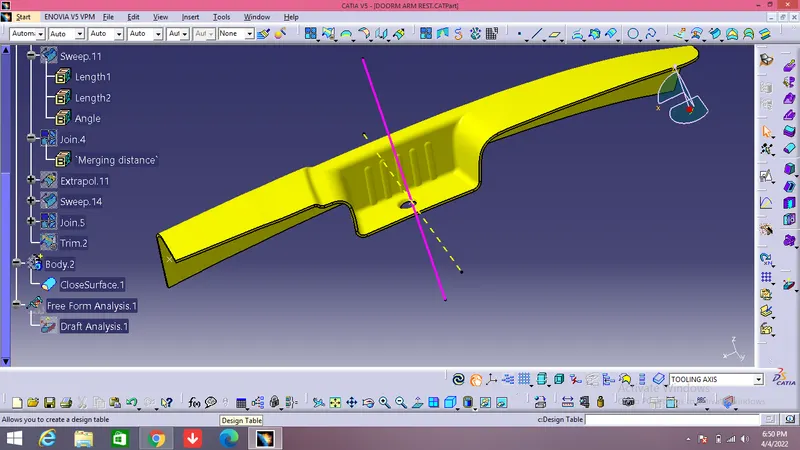
- Move to the part window and with the help of surface based feature close the surface to get the closed part body.
8)DRAFT ANALYSIS
- The draft analysis is done to ensure that the draft in permeasible with the design consideration.
- The draft analysis is done by changing the visualization mode to customize and select shading as material.
- The draft based feature enables us to visualize and examine the draft.
- The draft window is has two tables one is for examining the draft and other one is the colour code.
- The draft value is set in the colour code window with each colour having their own significance.
- The red colour indicates the positive draft less than minimum draft where as the green colour indicates the minimum draft.
- The blue colour indicates the negative draft.
- For visualizing the draft the compass is aligned with the tool axis direction and the cursor is then made clicked upon the surface for viewing the draft.
- The quick view in display window enables to examine the draft value throughout the surface.
- Here both class A and closed body are given the minimum draft as 3 degrees.
SIDE CORE FOR THE CLEARANCE OF THE FRONT
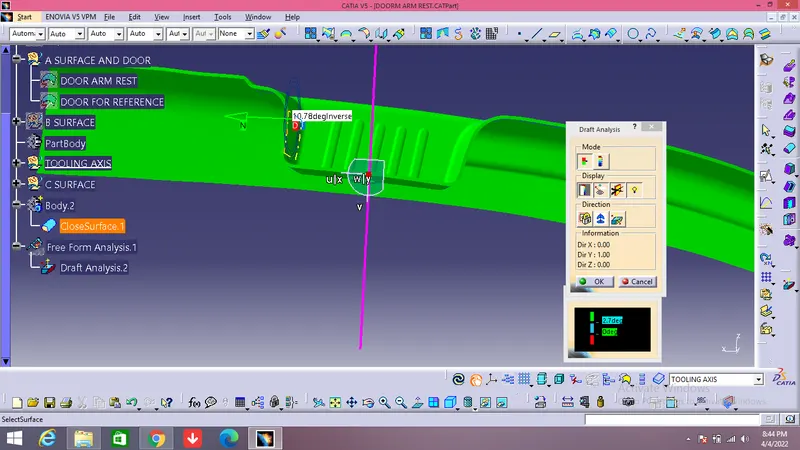
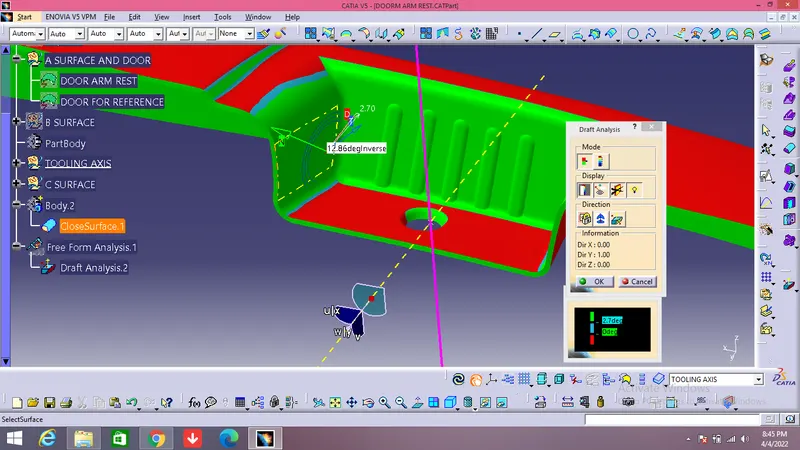
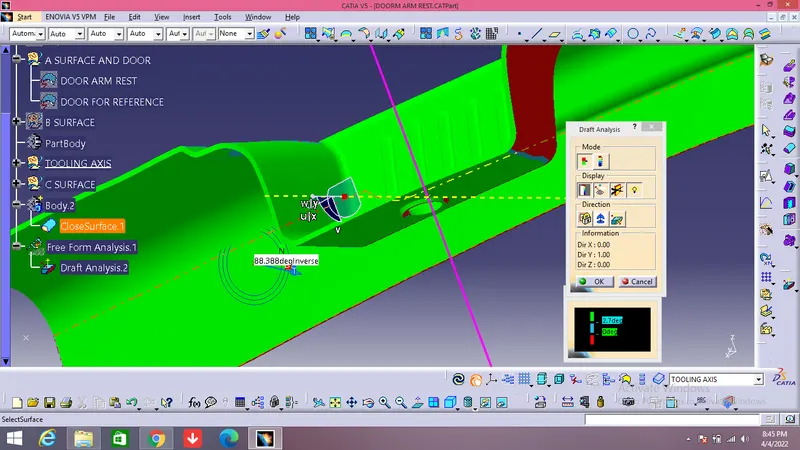
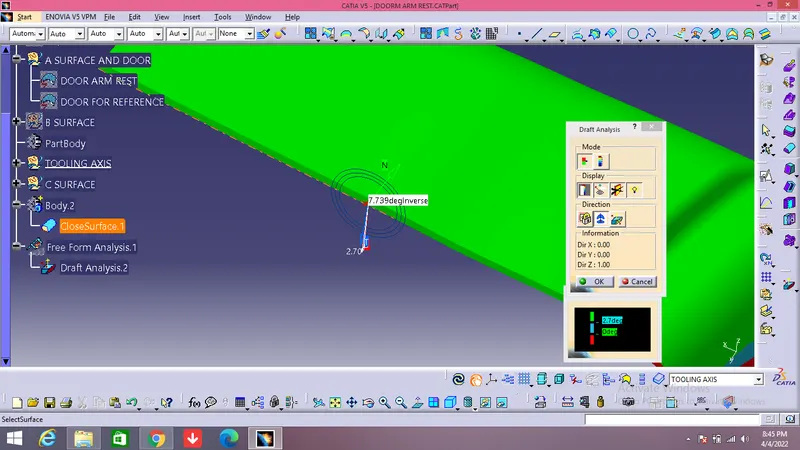
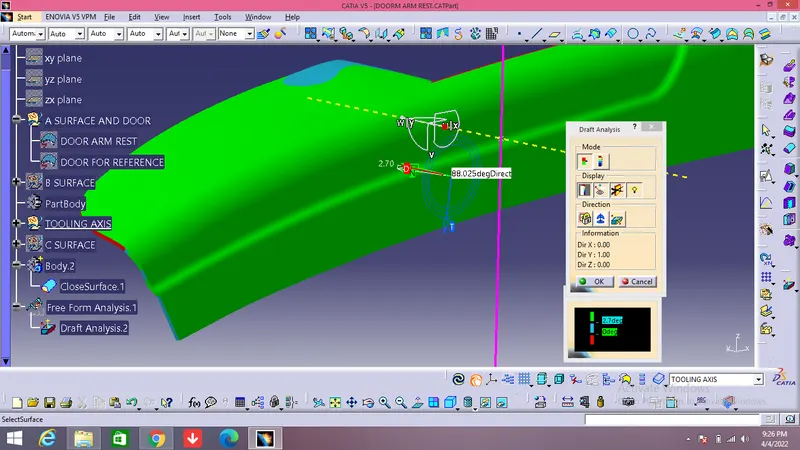
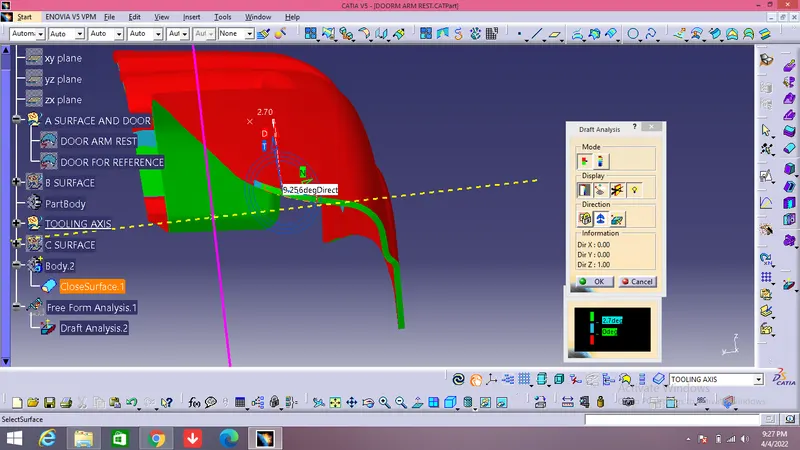
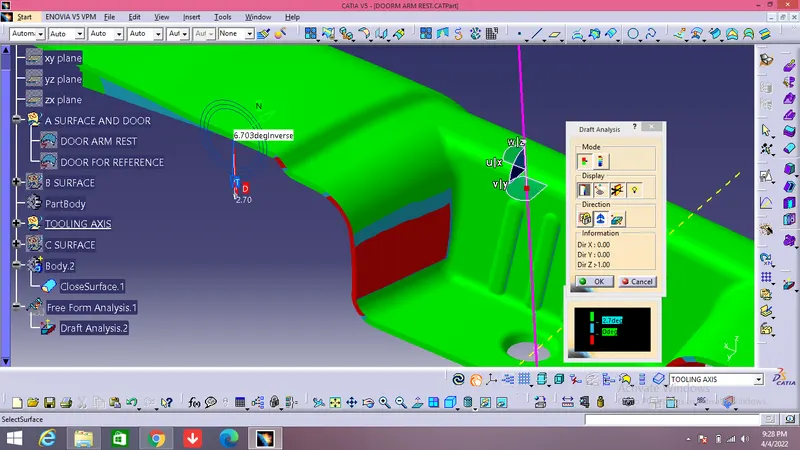
HERE WE HAVE TWO TOOLING AXIS FOR THE CLERANCE OF THE COMPONENT.
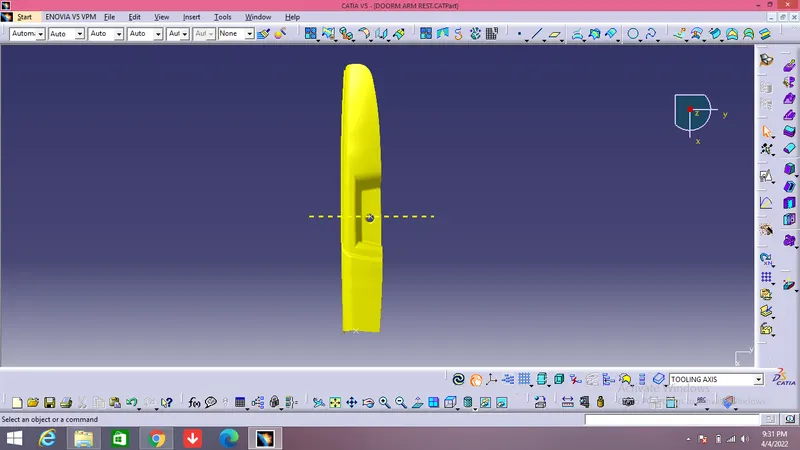
VIEWS OF THE COMPONENT