Door Arm Rest Week 8 Challenge
Creation of Door Arm Rest
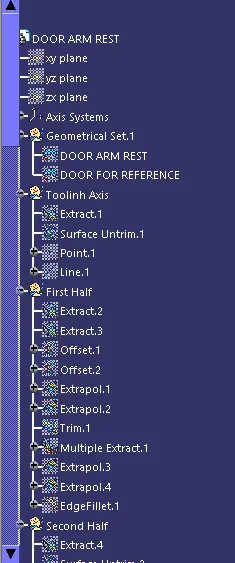
We will Import Class A surface.
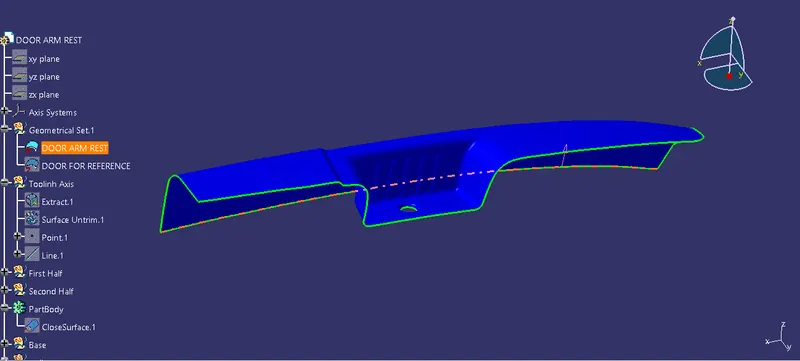
Now we will create tooling axis.
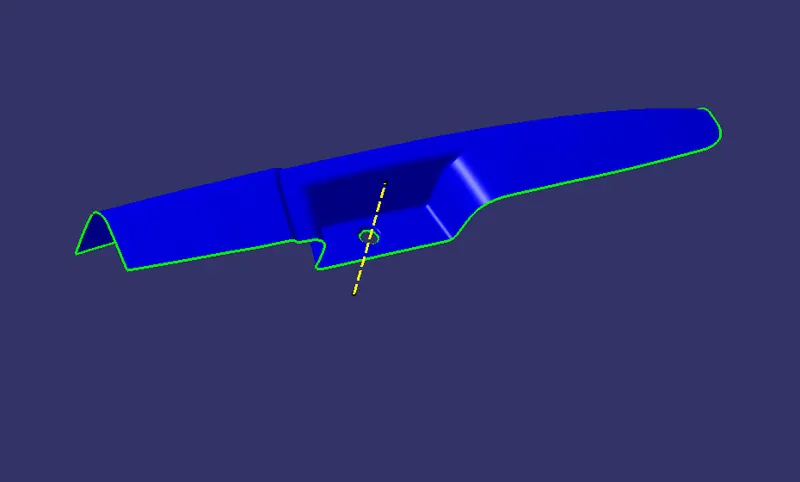
We will create B surface
First, we will dive B surface into three parts
- First half
- Second Half
- Base and walls
Creating first half
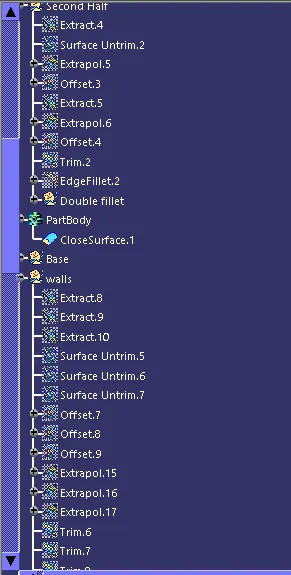
We will extract the surface from Class A then untrim it and extrapolate it then trim them together to get first half.
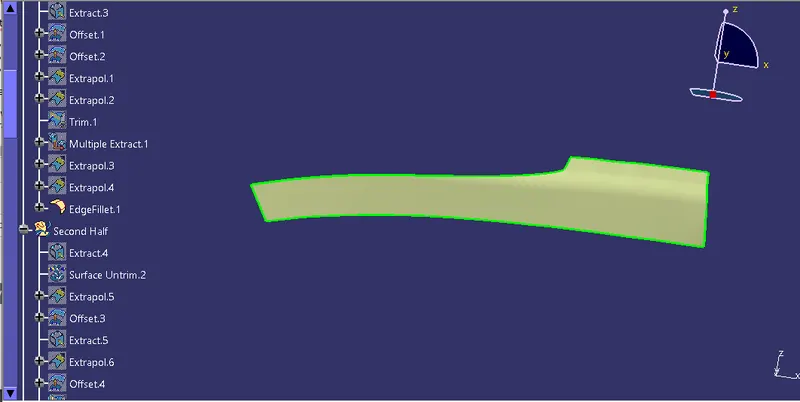
Then we will create second half by performing extract, untrim then trimimg them together to get second half.
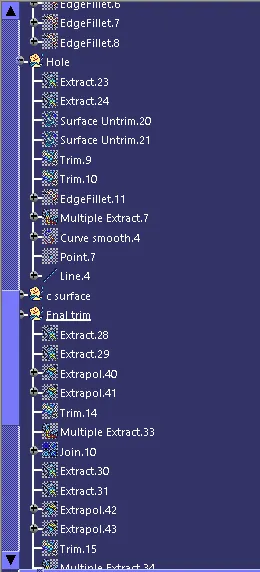
To give fillet value, we will extract the curve fillet surface from class A and untrim it then we will measure its radius and will give the same to b surface.
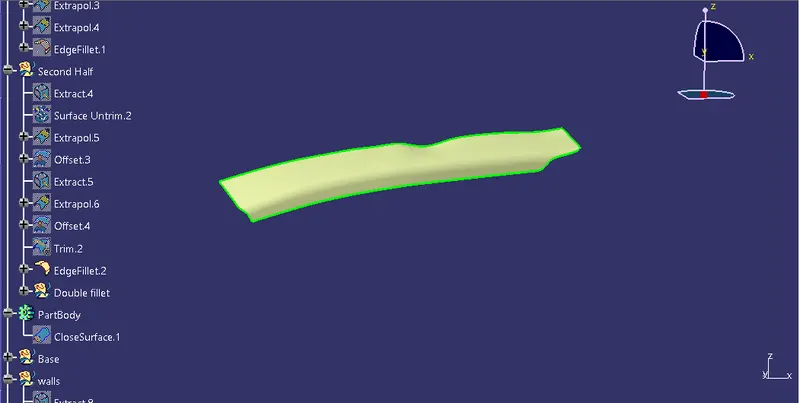
Then we will create base and four walls and trim them together to get final B surface.
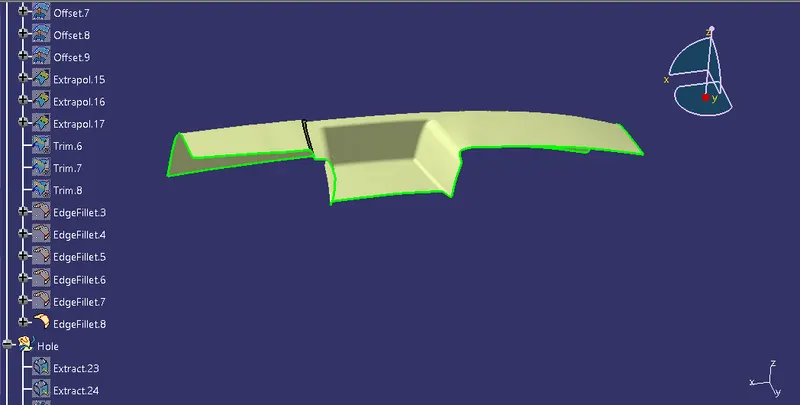
Now we will create C surface with the help of a sweep and multi-section command and join it with A surface.
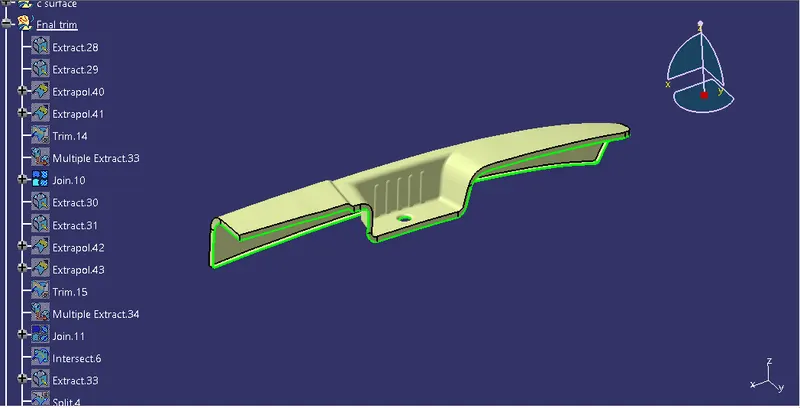
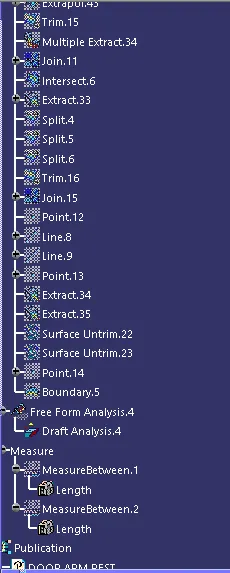
Now we will trim B surface with A&C surface to get final output.
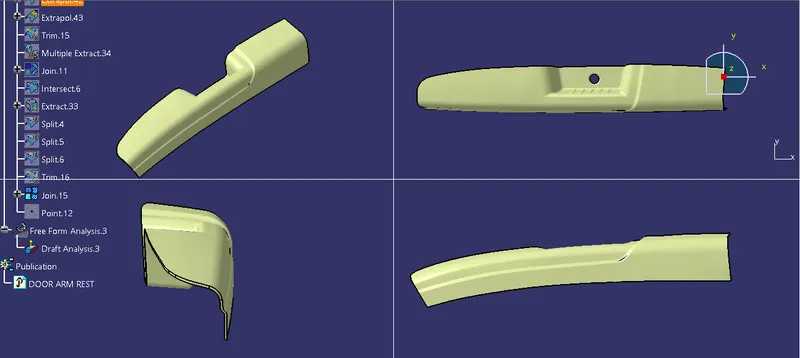
Now we will go to part design and convert the closed surface into solid.
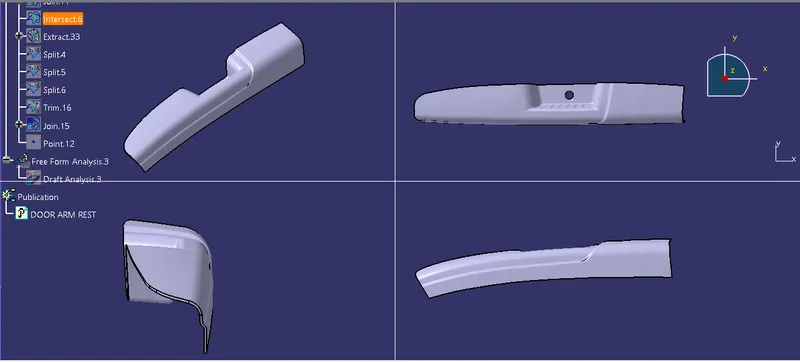
Draft Analysis
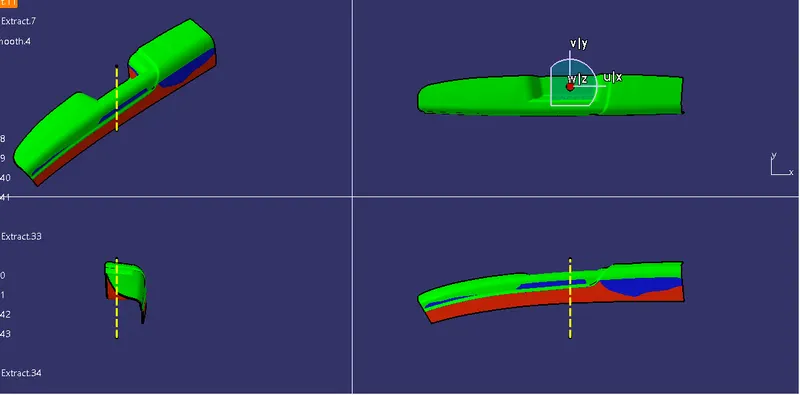
Yellow dotted line is main tooling axis in z direction. Green zone give maximum draft angle which is 3 and red shows least draft angle and blue represents zero.
Tree Structure