Door Arm Rest Week 8 Challenge
Creation of Door Arm rest and add thickness to it
The final output of the Door arm rest plastic component.
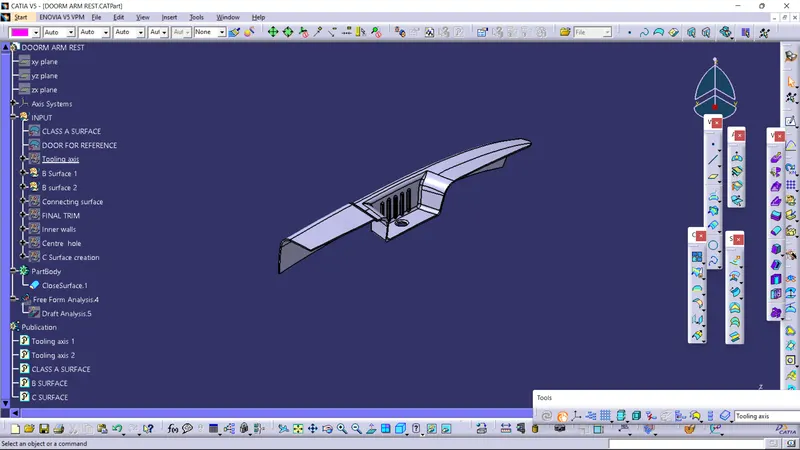
REPORT:
DRAFT ANALYSIS
Class A Surface contains the asthetic surface with no mechanical parts or engineering features attached to it,it will be created using Alias software.The Class A Surface of the door arm rest given contains few errors which leads to some error in the final component so in order to get the errors cleared we need to work on the Class A Surface which as per industry rules a plastic product designer is not allowed.Therefore this issue needs to be cleared by the Class A surface engineer.
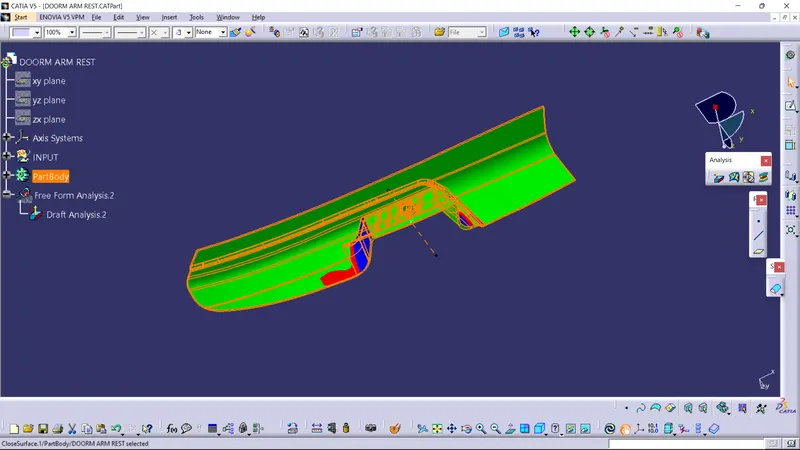
Draft analysis is done on the component by choosing Part body design->Analysis on the analysis dialog box.
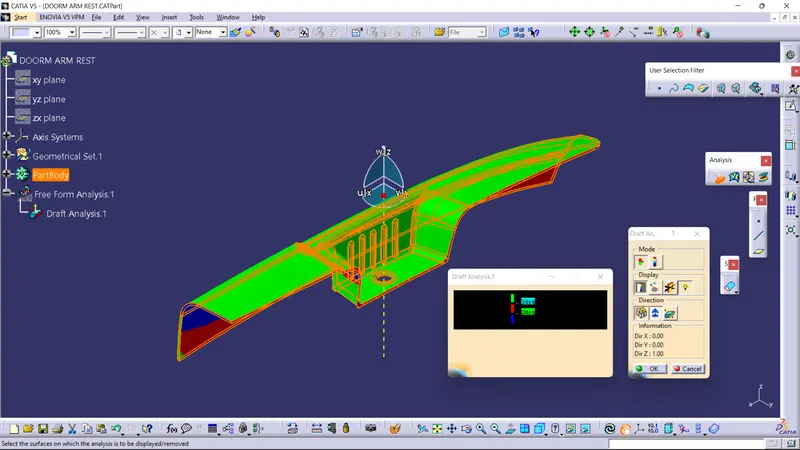
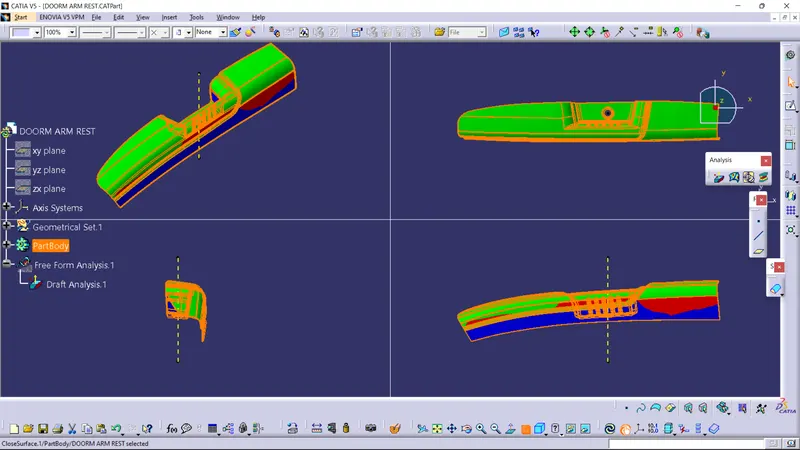
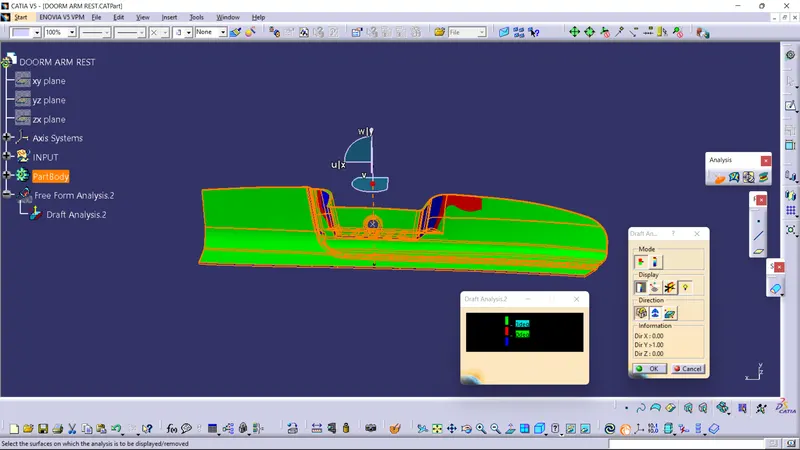
We have created two tooling axis in order to get the component draft analysis cleared,this is because of the multiple faces that are present on the Class A Surface.Tooling axis 1 (Along Z axis) clears the component on the upper face and the side face of the component and Tooling axis 2 (Along Y axis) cleares the lower face of the component
Draft analysis of the Class A Surface using Tooling axis 2
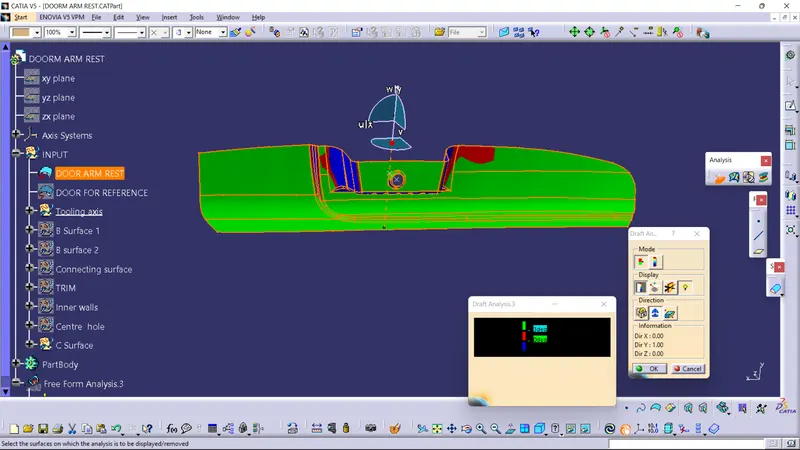
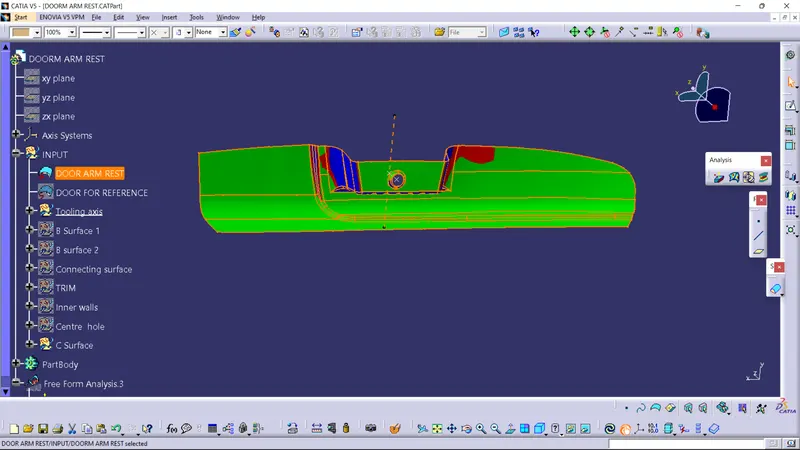
Draft analysis of the Class A Surface using Tooling axis 1
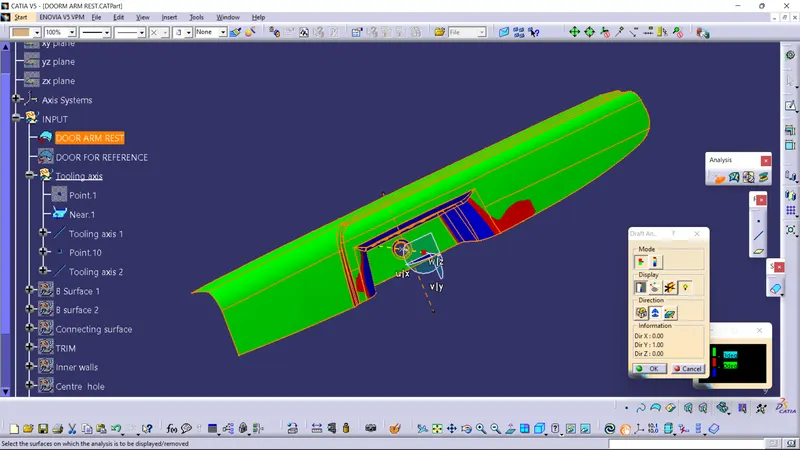
DRAFT ANALYSIS on Closesurface of the Door Arm Rest component Upper face(Cleared with Tooling axis 1)
Screenshot of the component in various orientations
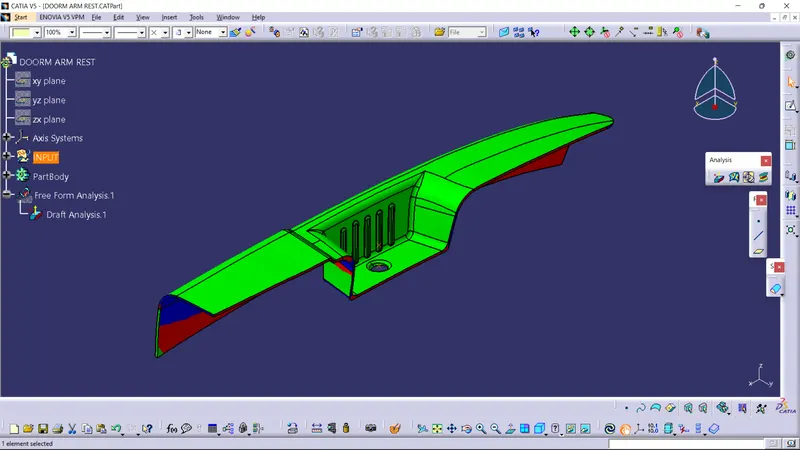
DRAFT ANALYSIS for the Door Arm Rest component lower face(Cleared with Tooling axis 2)
- Thickness on the component is 2.5mm
NOTE:The CATpart file of the above Door arm rest is attached below in Zip file format.
THANKYOU.