Door Arm Rest Week 8 Challenge
Aim- Creation of Door Arm rest and add thickness to it .
procedure -
Tooling axis and Draft Analysis -
- before starting to work on the part we have ti see the connectivity of class A (the give input is closed or not )(use join).
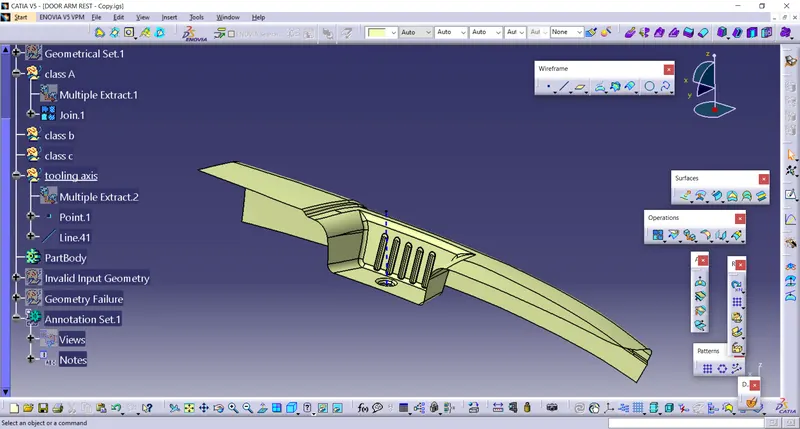
- in order to creat a tooling axis we have to creat lines in x-direction and y-direction and we have to bisect them to get the tooling axis .
- we have to take the axis system at the center of the surface (calss A) and we have to intersect them with xz directon of the planes . so that we get wire frame in the desired
direction in which we have to creat lines and bisect them . so the lines we get after the bisection it is known as tooling axis .
we have to do this for the other direction (or )plane also . - after getting the tooling axis we need to publish them . (tools - publication - select on the requid elements).
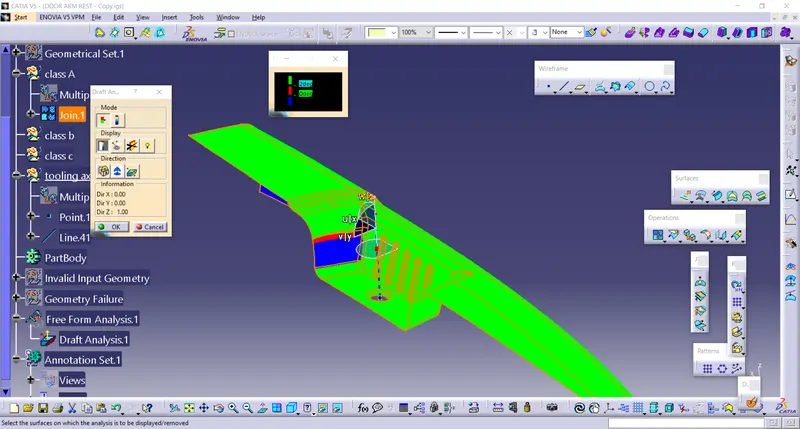
- in order to do the draft analysis we need to change the material , which is present in . view tool bar . (view tool bar - cylinder - click the last cylinder) .
a window will open ,click on material then ok . - to open draft analysis , go to (insert - analyis - draft analysis )
After opeaning the draft analysis tool
we have to click on the compass which is oresent in draft analysis table and find the compass , drag it towards the tooling axis and design them .
click on the lock box then ("x") thhis symbol will arise , go to the object and click on them .
we can measure the angle of object by clicking on the eye symbol which is present on the display .
we can get the result by clicking options which are present on the model .
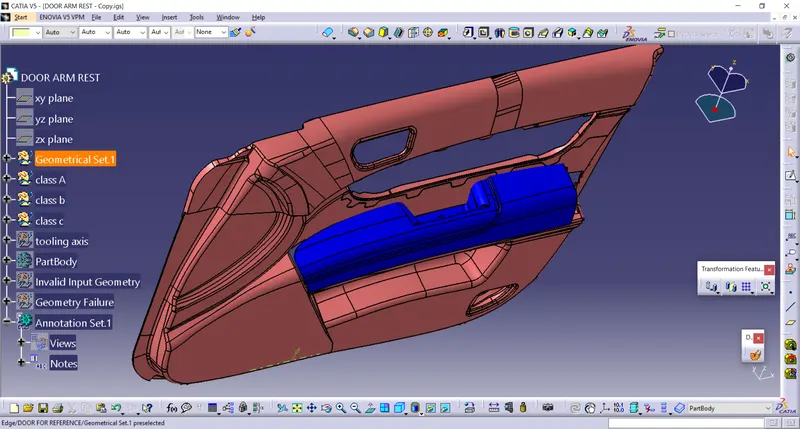
input class A surface
tooling axis
Class A
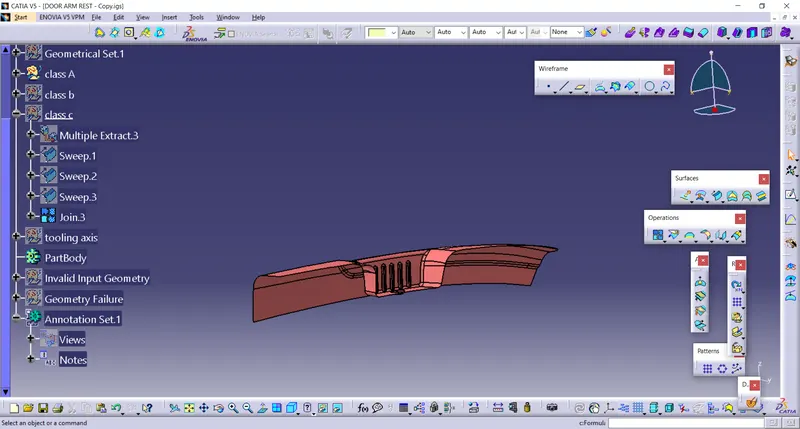
Class B
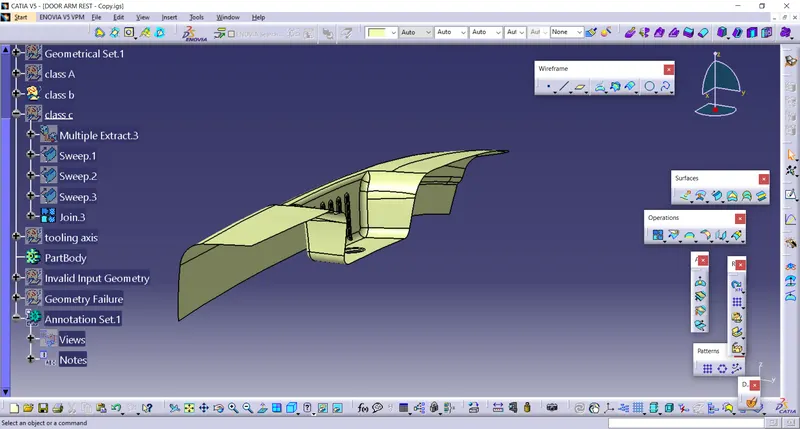
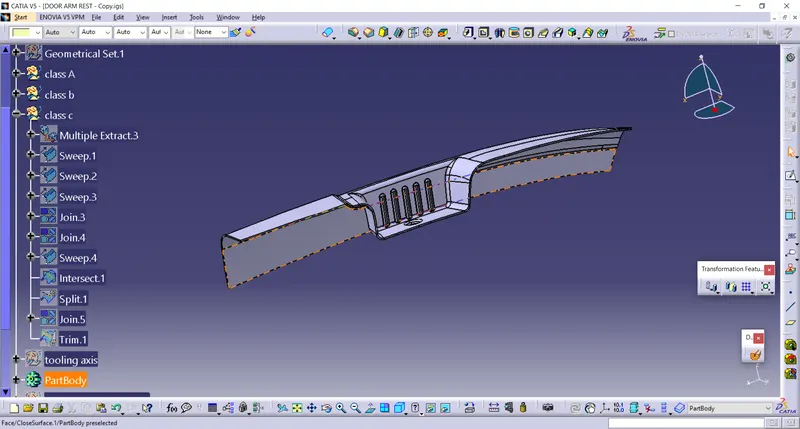
class C
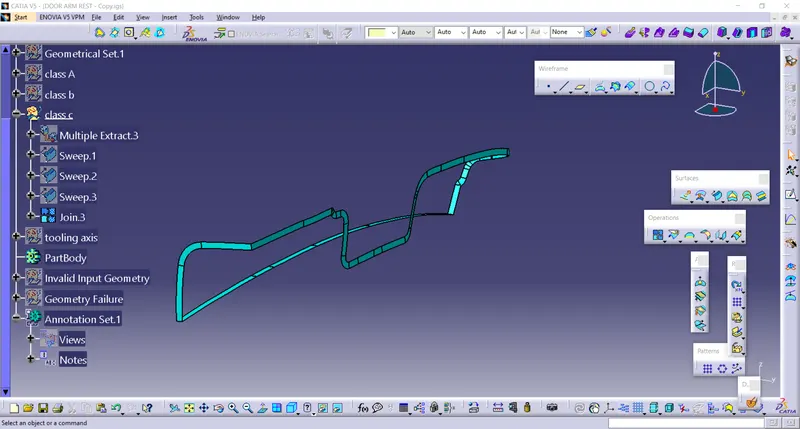
ABC combined
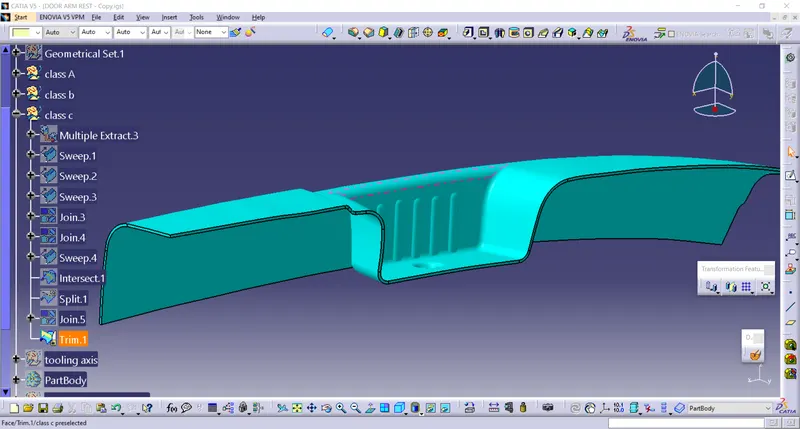
solid part