Creation of Multiple viewports, Scaling the drawing and setting in Template in AutoCad
1.
AIm:- To prepare the given challenge by using Auto CAD software.
Procedure:-
a) By creating model view and create the given shape and insert the plan which is preiously creted in challenge 7.
b) was set the scale as per given scale.
c) was inset the model layout m.arch as per given in challenge.
d) By using the attribute edits i created and completed the given challenge.
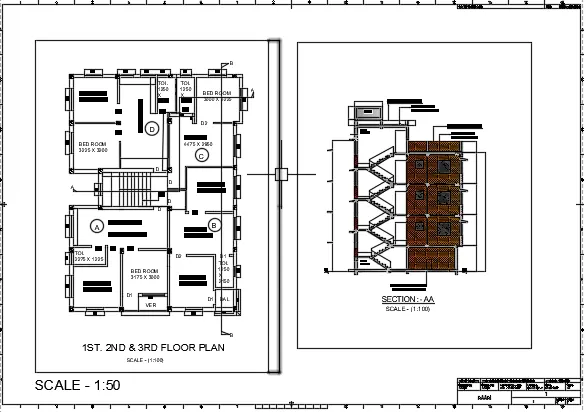
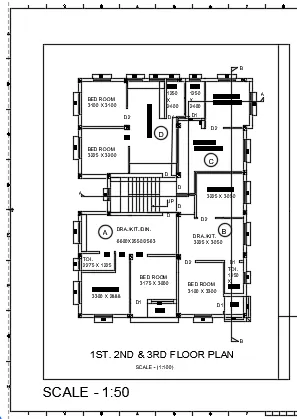
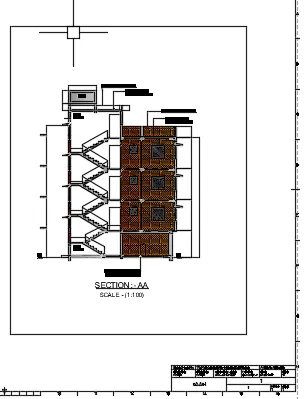
Result:- Finally i created given challenge by using Auto CAD software.By using commands like (viewports,modelview,view,paperspace,modelspace) etc..
2.
AIm:- To prepare the given challenge by using Auto CAD software.
Procedure:-
a) With the reference of challenge 9 i created the given model view as given in excercise.
b) I was set the drawing as per given scale
c) By using model space paper space and view commands and all i created the given excercise.
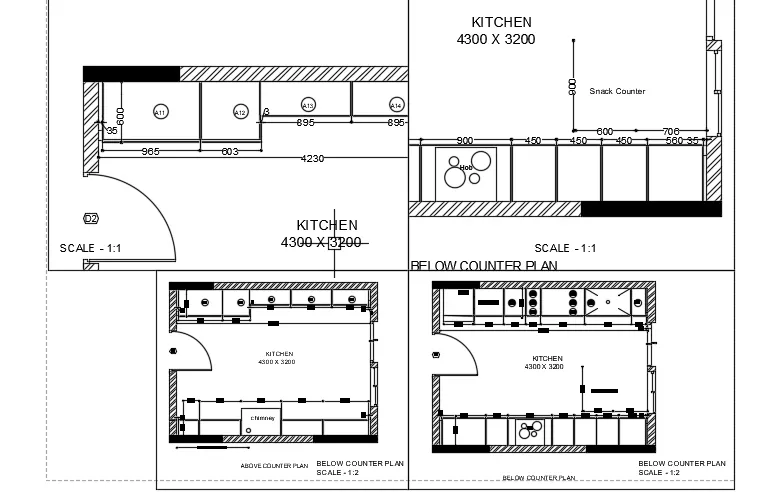
Reult:- Finally i created the given challenge by using Auto CAD.
3.
AIm:- To prepare the given challenge by using Auto CAD software.
Procedure:-
a) By the reference of challenge 9 i cretaed the given excercise.
b) By using model view and by using suitable scale which has given in challenge.
c) By using model space paper space and view commands and all i created the given excercise.
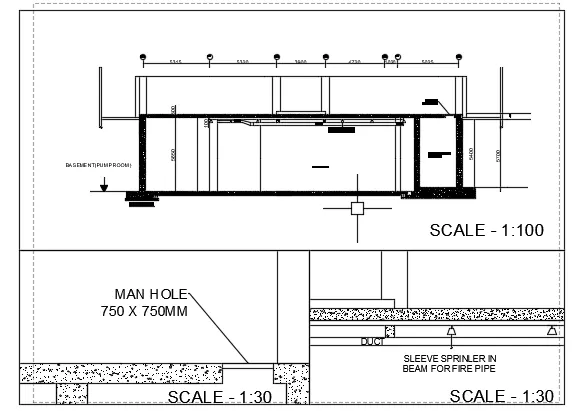
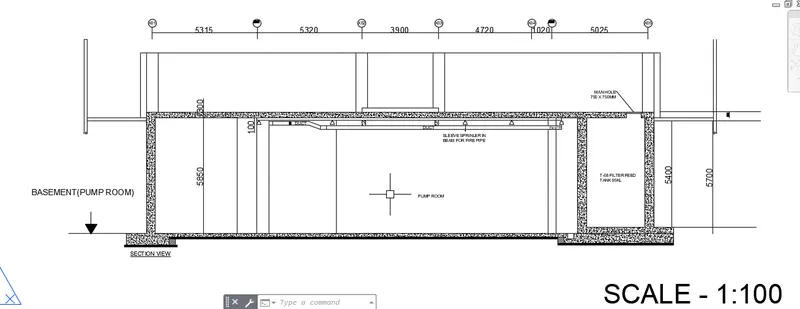
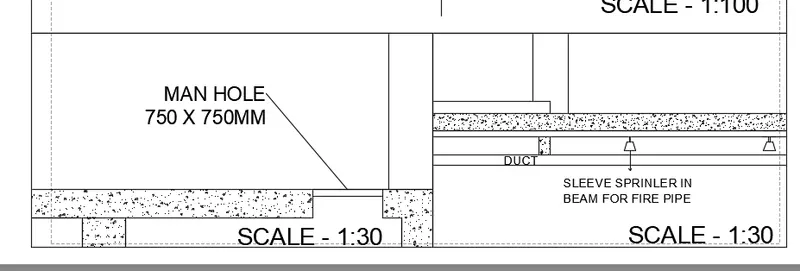
Result:- The given challenge is created by using Auto CAD software.