Creation of Multiple viewports, Scaling the drawing and setting in Template in AutoCad
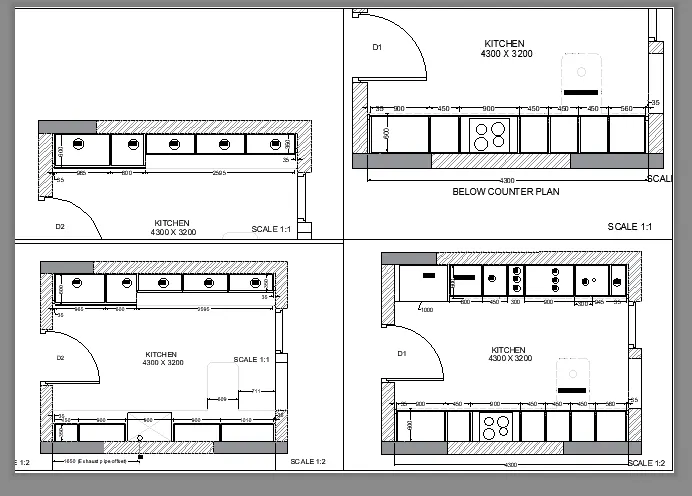
AIM:Create a layout of the Kitchen drawn
INTRODUCTION: A layout is a 2D working space for creating drawing sheets. The area within a layout is called paper space, where you can add a title block, display scaled views of model space within layout viewports, and create tables, schedules, notes, and dimensions for your drawing.
PROCEDURE:
- after drafting layout of kitchen,click on layout option display which is present in left bottom or in view panel.
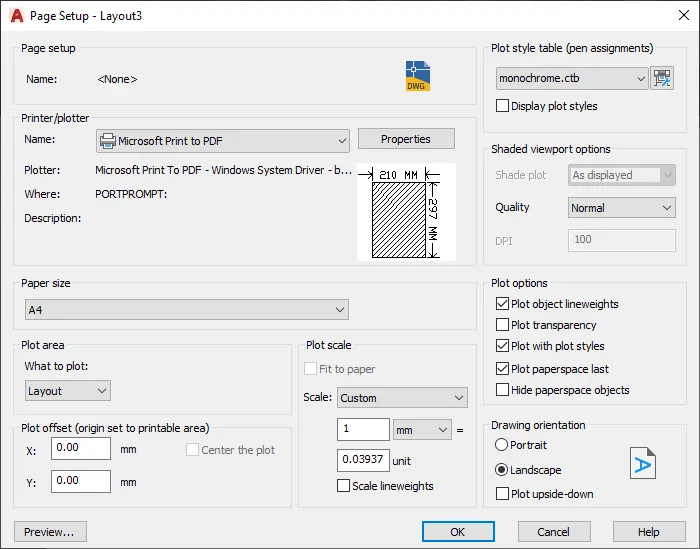
- right click on layout-select page setup manager to set the page for A4.
- select plot style as monochromatic.
- use ms-model space command to set the model.
- divide the layout into 4 equal part using rectangle .
- insert the view to be dispalyed into the rectangle.
- go to model area.
- go to view command,select view-enter the name.
- select window,specify the view portion and enter.
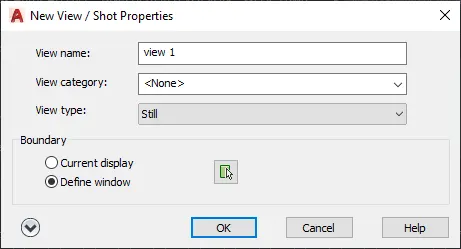
- similalry for other 3 portion also.
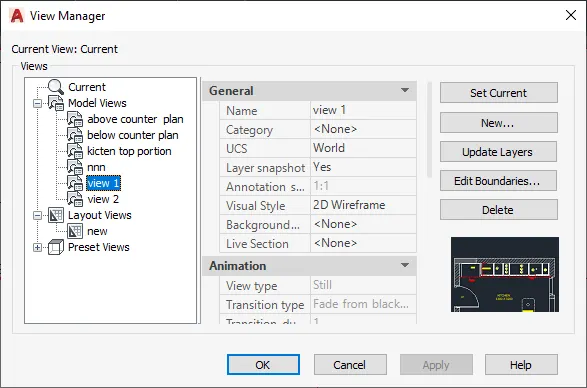
- now to go layout select the first rectangle-go to view maneger.
- select the view to be displayed-set current.
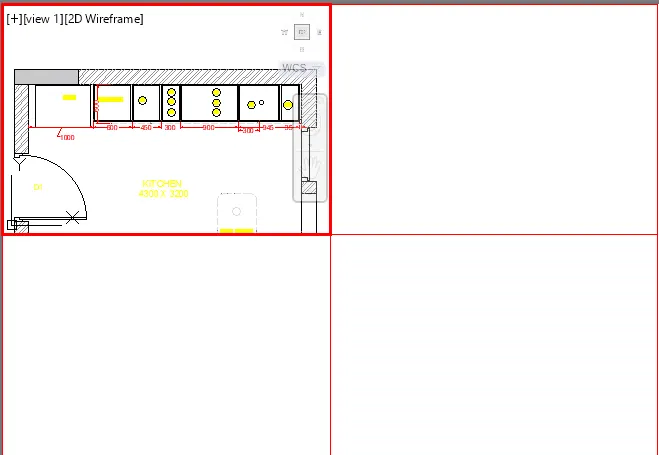
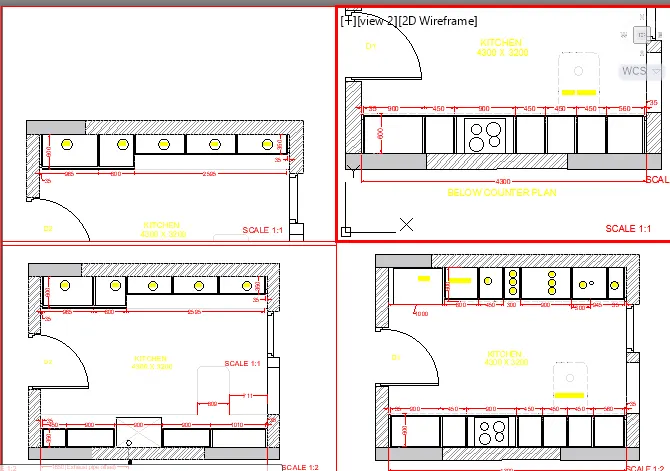
- use text command to enter the scale factor,data etc.
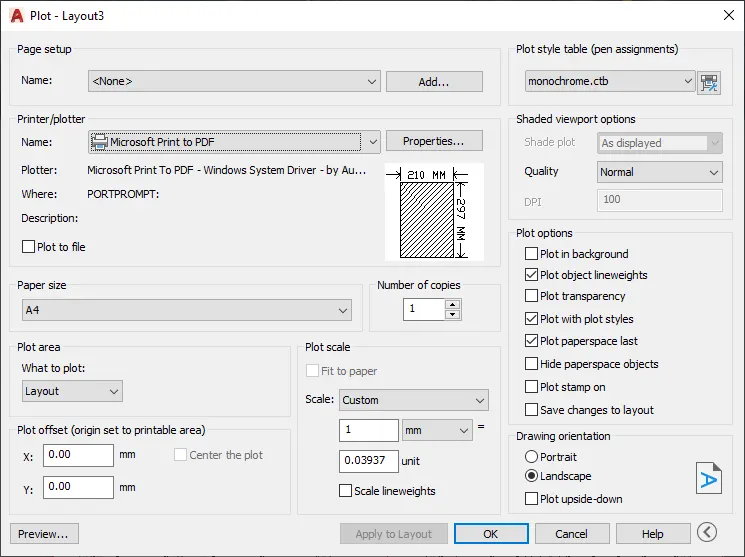
- enter plot-set the type as pdf,screen as layout-preview.
RESULT:
AIM:Create a layout of the Plan and Section A of the project in Challenges 7, using the template Tutorial-mArch
INTRDOUCTION: A drawing template file is a drawing file that has been saved with a .dwt file extension, and it specifies the styles, settings, and layouts in a drawing, including title blocksThe default drawing template files are provided as samples.
PROCEDURE:
- go out layout,right click-page setting manager.
- set the page to pdf-page size- ISO A1.
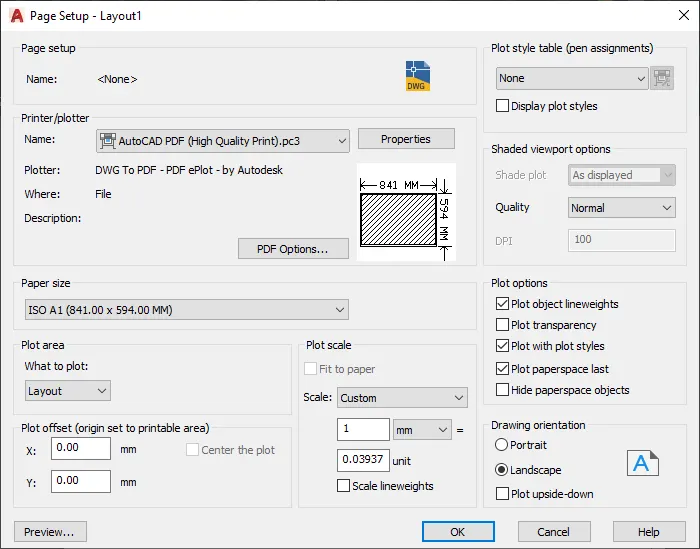
- right click on layout-format template.
- select template-mARCH-ISO A1 layout-enter.
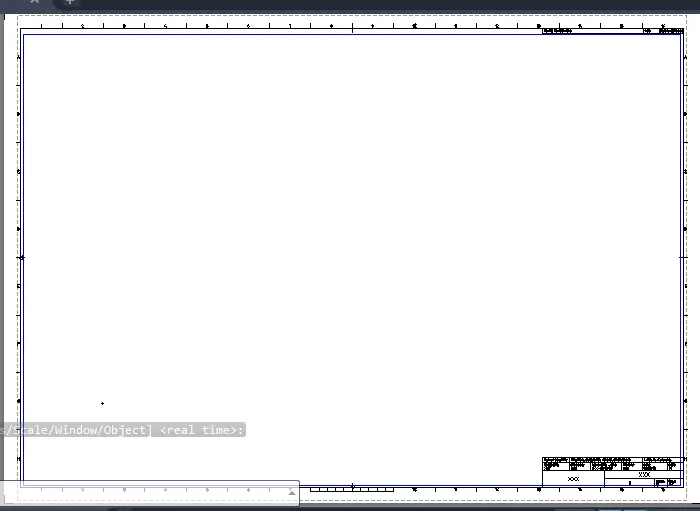
- draw rectangle of size 400x445 and 375x445.
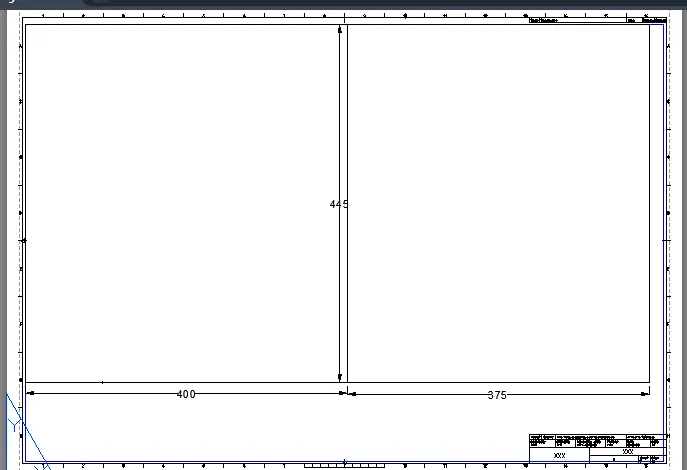
- enter MV commad,select boundry -enter.
- use MS -model space command to adjust the scale.
- set the scale as 1:50.
- use text command for data enter.
- click on template(block)-attritube edit/enter ATTEDIT.
- a dialog box appear on screen,enter the data required.
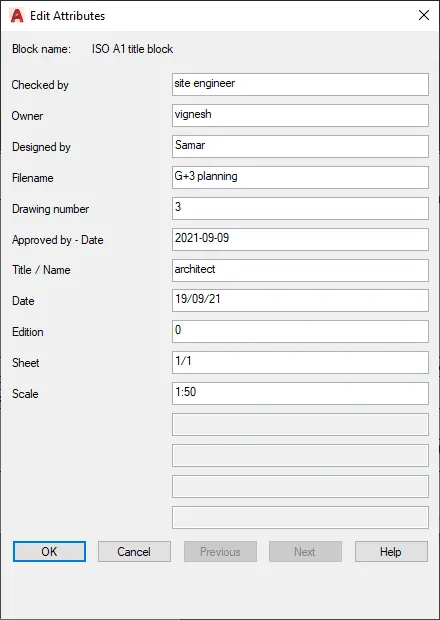
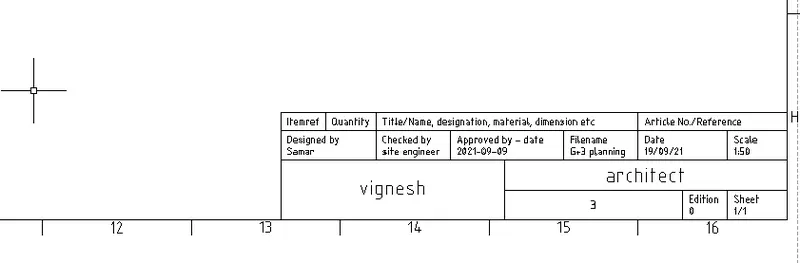
- for plot,set the page and select screena s layout-preview.
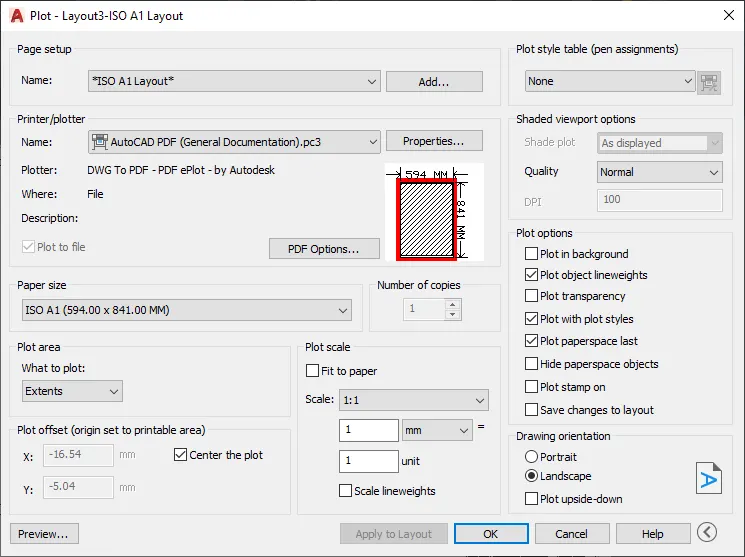
RESULT:
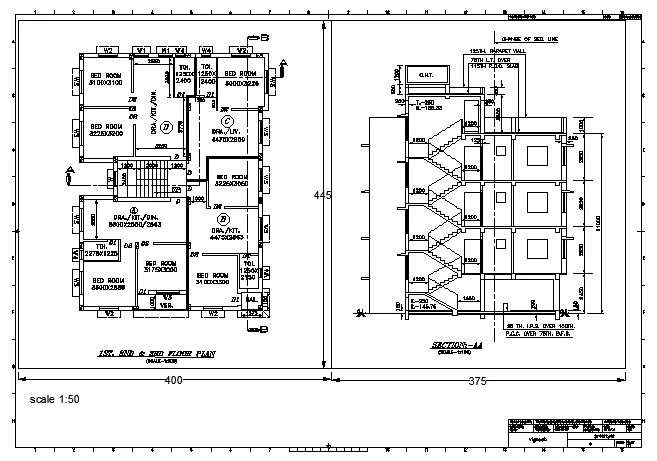
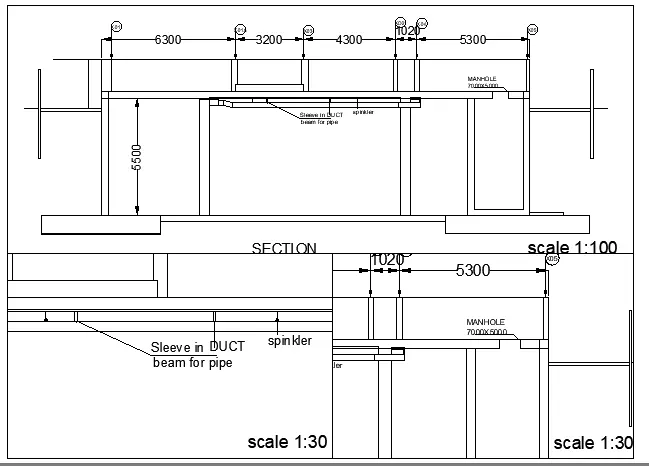
AIM:Create a layout of the section created in Challenges 9.
PROCEDURE:
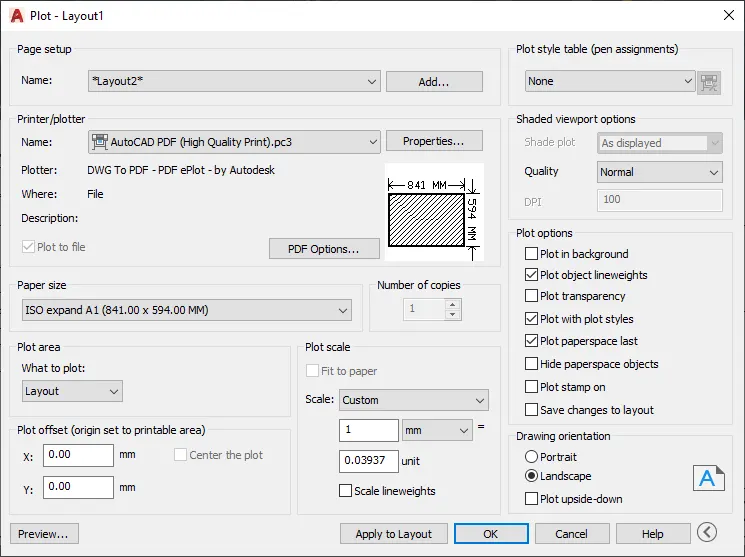
- go out layout,right click-page setting manager.
- set the page to pdf-page size- ISO A1.
- enter mv and define boundry and enter.
- similalry for other two alyout also.
- use MS command to adjust the screen.
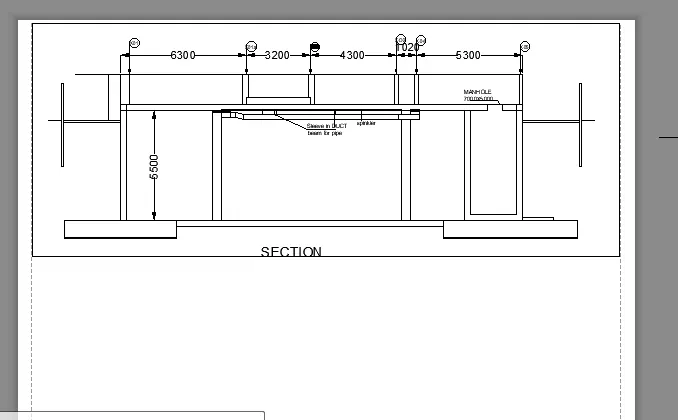
- set above layout scale as 1:100.
- below layout scake as 1:30.
- use text command to enetr scale name.
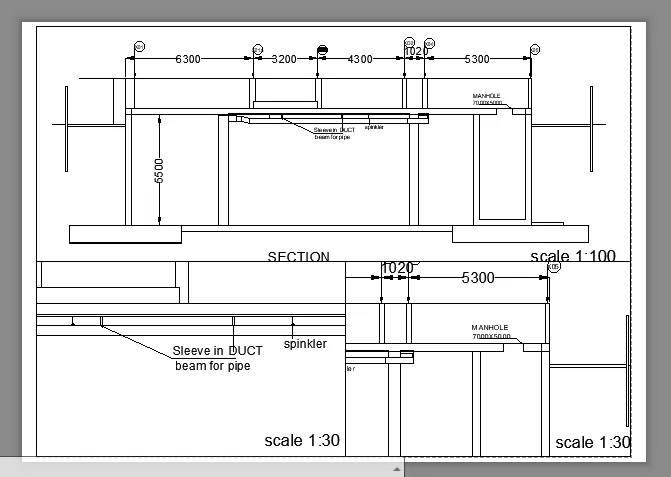
- enter plot-set the type as pdf,screen as layout-preview.
RESULT: