Creation of Multiple viewports, Scaling the drawing and setting in Template in AutoCad
Aim:
To create the multiple viewports, scaling of drawing and setting in template using AutoCADD.
Introduction:
The multiple viewports, scaling of drawing and setting in template are to be performed by using AutoCADD software.
Procedure:
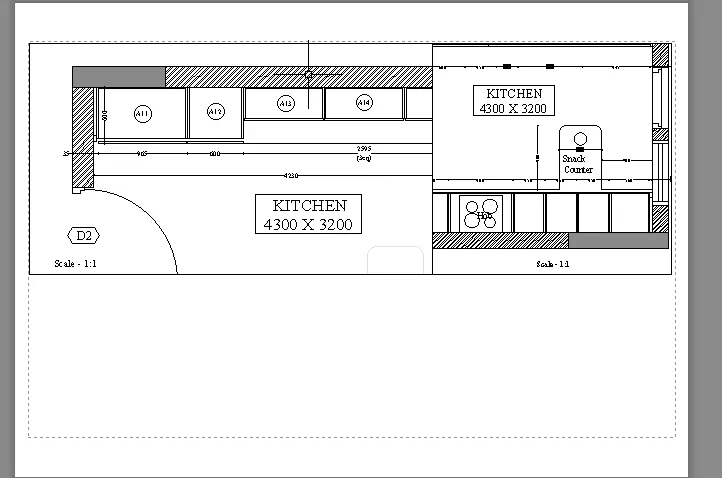
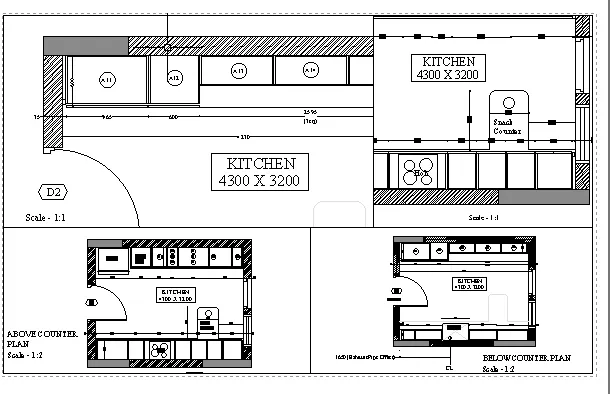
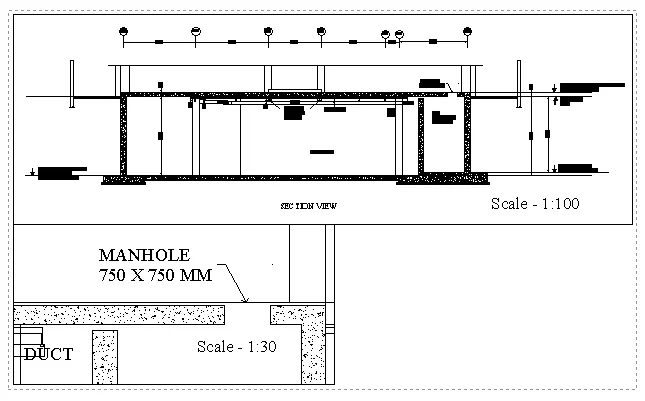
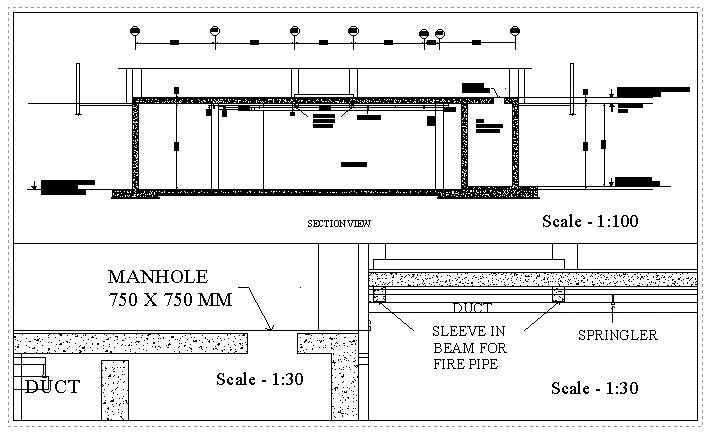
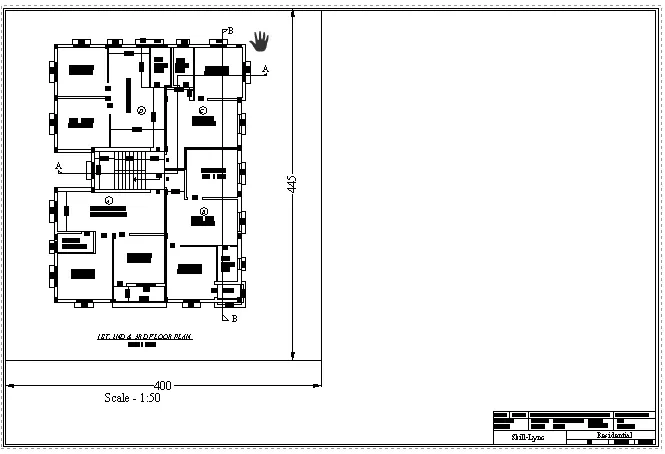
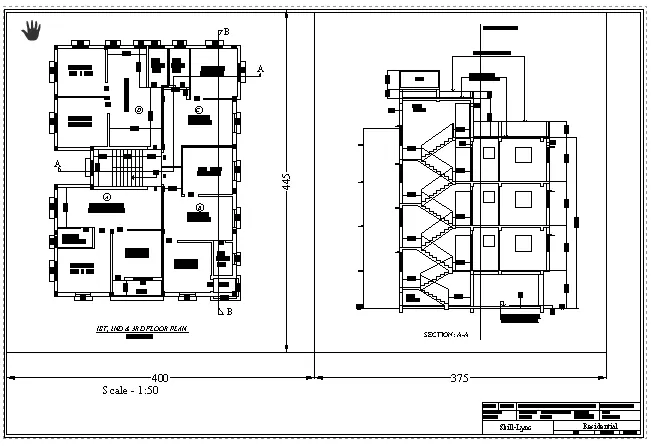
Open AutoCADD software and go to layout page. Layout tab appears on the menu bar from that go to page setup and set the paper size of the plot which you need and adjust the scaling options accordingly. The following images explains the step by step procedure of how the above mentioned tasks are created.
Commands Used:
1.Field(FI)
2.Strech(S)
3.Scale(S)
4.Dimension Linear(DIMLIN)
5.Insert(I)
6.Dimension Style(D)
Result:
Thus the multiple viewports, scaling of drawing and setting in template are performed by using AutoCADD software.